 Mars0hod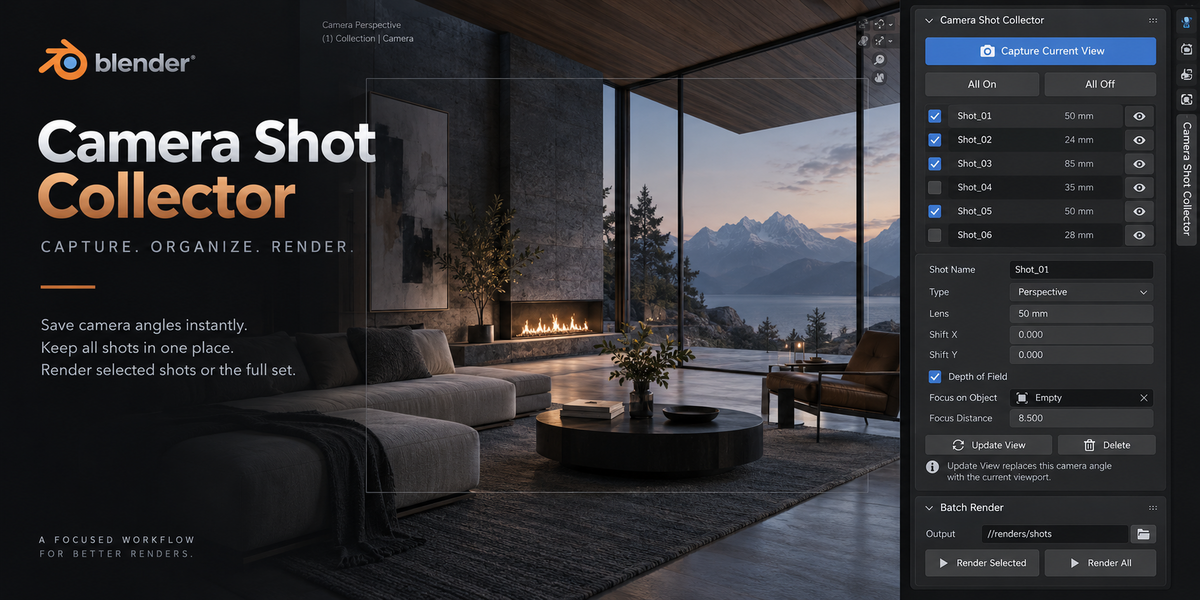
Camera Shot Collector — Documentation
Camera Shot Collector is a lightweight Blender add-on for quickly saving viewport angles as cameras and batch rendering them later.
Installation
- Open Blender.
- Go to Edit → Preferences → Get Extensions.
- Choose Install from Disk.
- Select the Camera Shot Collector ZIP file.
- Enable the extension if required.
- Open the 3D Viewport and press N.
- Open the Camera Shot Collector tab.
Basic Workflow
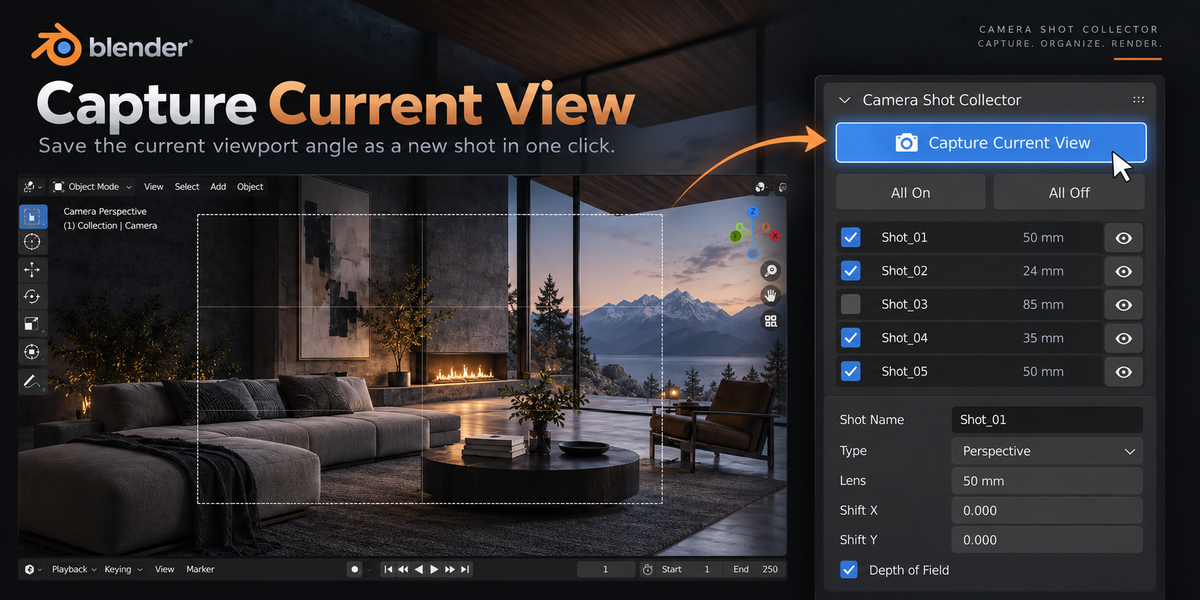
- Navigate in the 3D Viewport and find the desired camera angle.
- Click Capture Current View.
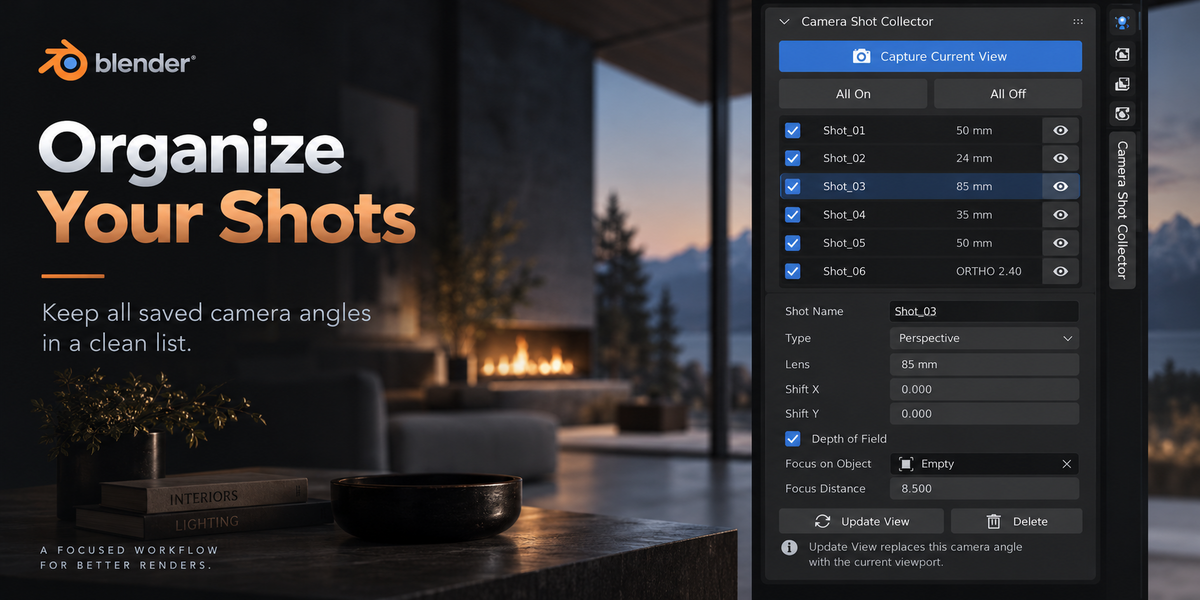
- A new camera is created and added to the shot list.
- Move to another angle and repeat the process.
- Use the eye button in the shot list to return to any saved camera.
- Enable or disable individual shots for rendering.
- Choose an output folder.
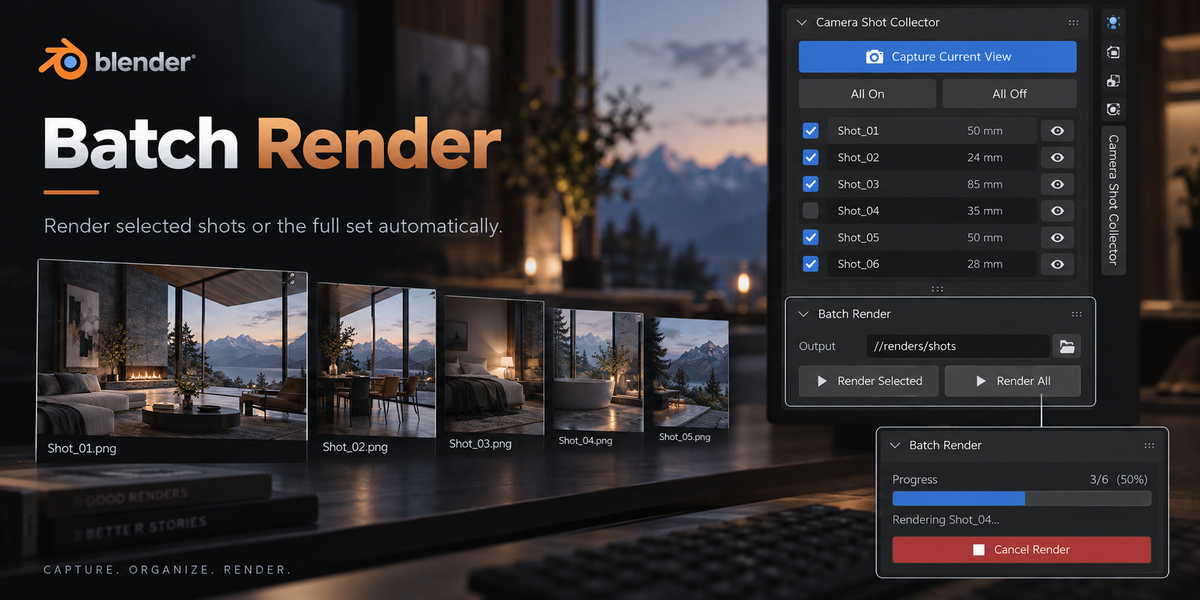
- Click Render Selected or Render All.
Camera Settings
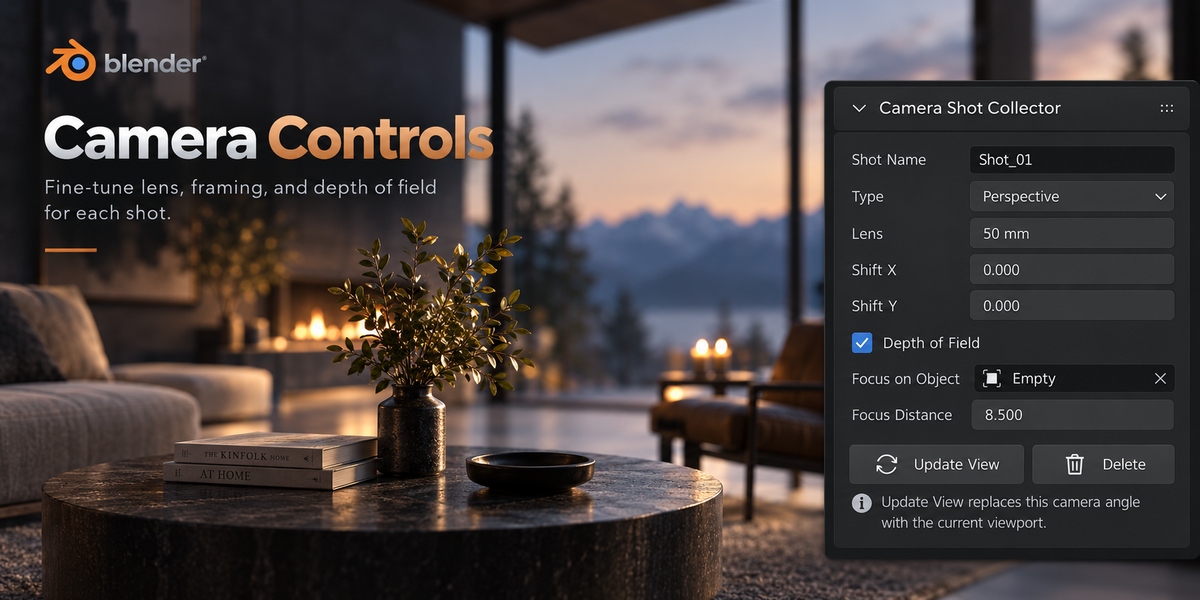
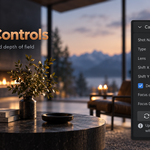
Each saved shot is a real Blender camera and can be adjusted directly from the add-on panel.
- Shot Name — rename the camera.
- Type — Perspective or Orthographic camera.
- Lens — adjust focal length.
- Shift X / Shift Y — adjust framing.
- Depth of Field — enable or disable DOF.
- Focus on Object — assign an object as the focus target.
- Focus Distance — manually control focus distance.
New perspective cameras inherit the focal length of the previously active camera.
Update View
Update View replaces the selected camera's position and angle with the current viewport view.
Camera parameters such as Lens, Depth of Field, Focus Object and Focus Distance are applied directly and do not require pressing Update View.
Batch Rendering
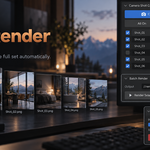
Render Selected renders only shots enabled in the list.
Render All renders every camera stored in Camera Shot Collector.
During rendering, the add-on displays progress and provides a Cancel Render button.
Output Files
Rendered images are saved automatically to the selected output folder using the current time and camera name.
Example:
14-32-18_Shot_03.png
The image format, resolution, render engine and other render settings are taken from the current Blender scene.
Compatibility
Designed and tested for Blender 5.2+.
Compatible with Blender's standard rendering workflow, including Cycles and Eevee.
Have questions about this product?
Login to message
| Blender Extension Compatible | Yes |
| Published | 7 days ago |
| Blender Version | 5.2 |
| Extension Type | Add-on |
| Render Engine Used | Cycles, Eevee |
| License | GPL |

Discover more products like this
automation rendering camera Visualization productivity batch render Render Camera Management architecture Workflow