 ZEG



Installation
In Blender open Edit, Preferences, Get Extensions, then use Install from Disk (the arrow menu at the top right) and pick the tent_generator zip. Enable it if it is not enabled.
Making a tent
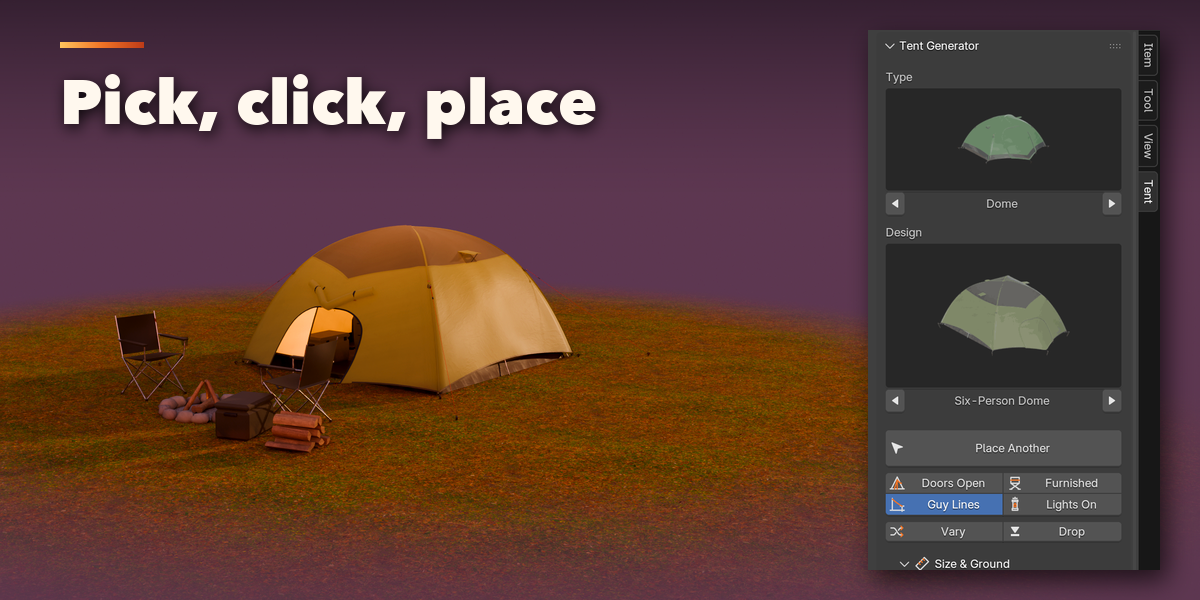
- In the 3D Viewport press N to open the sidebar and select the Tent tab.
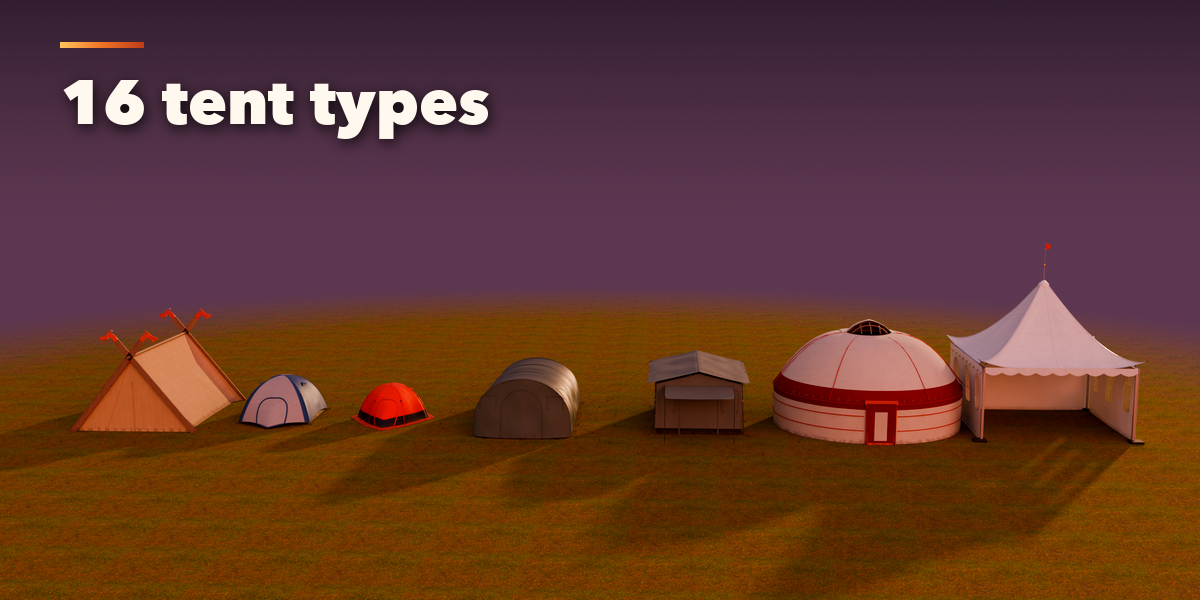
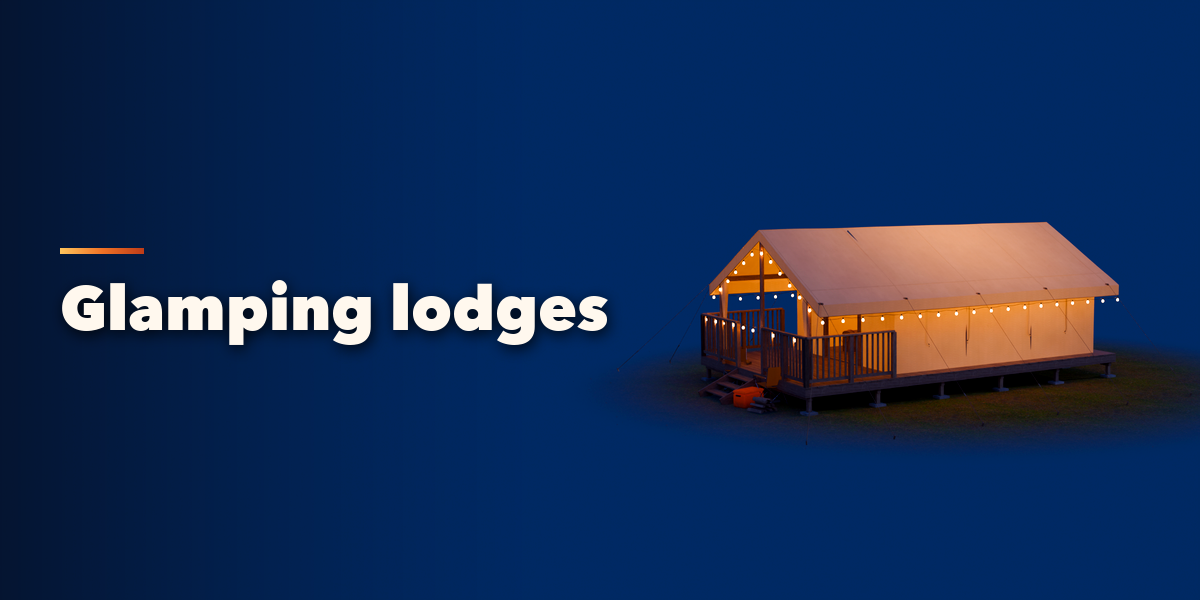
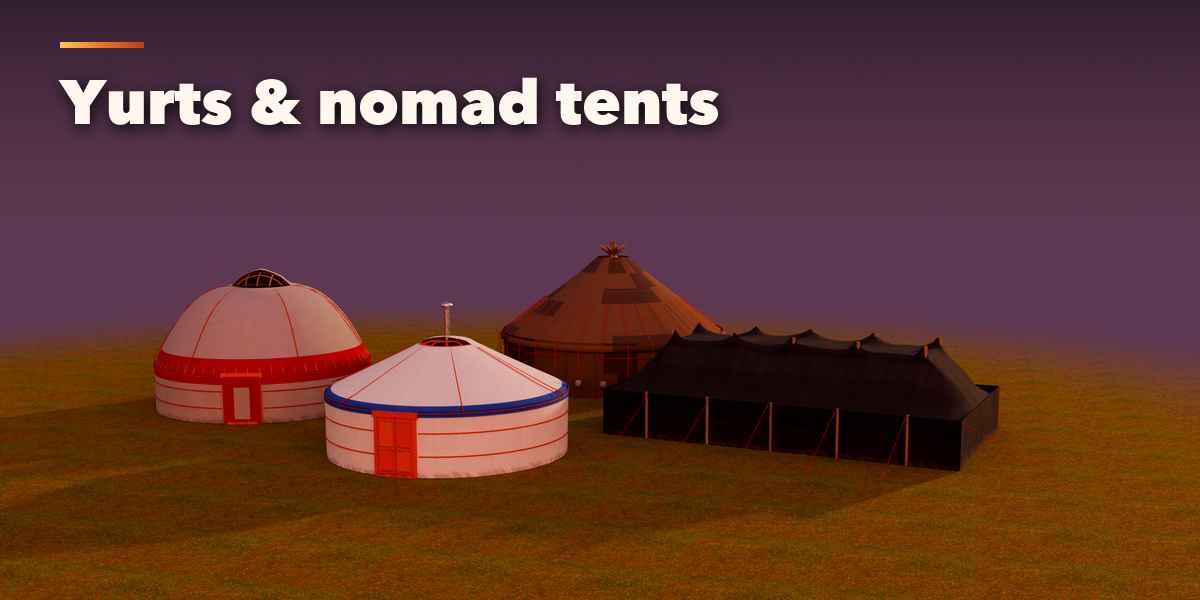
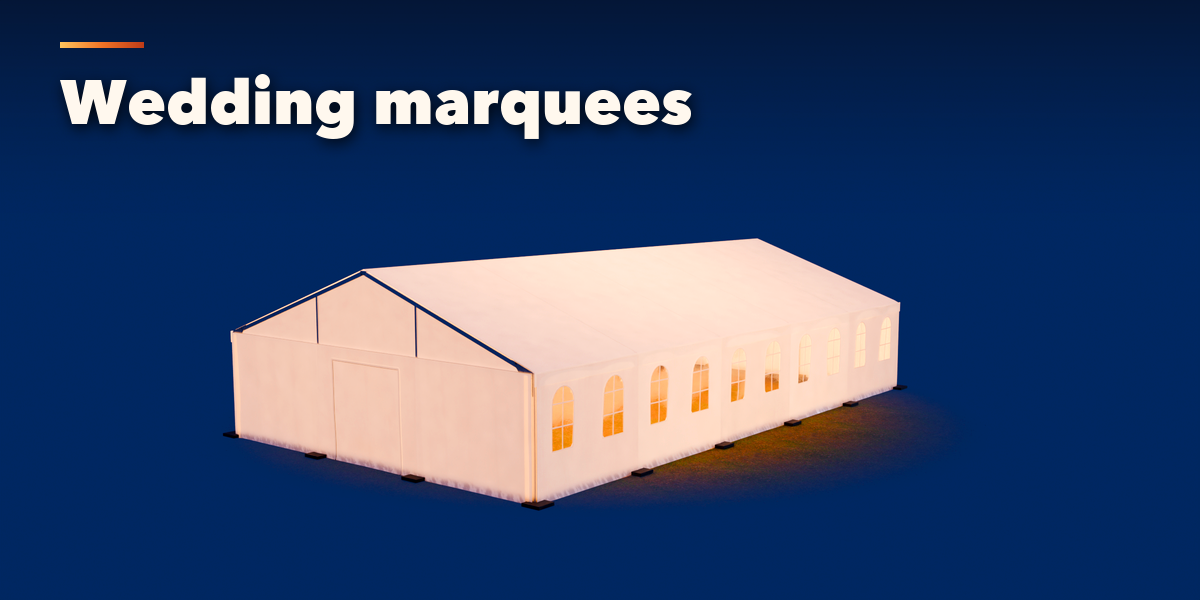
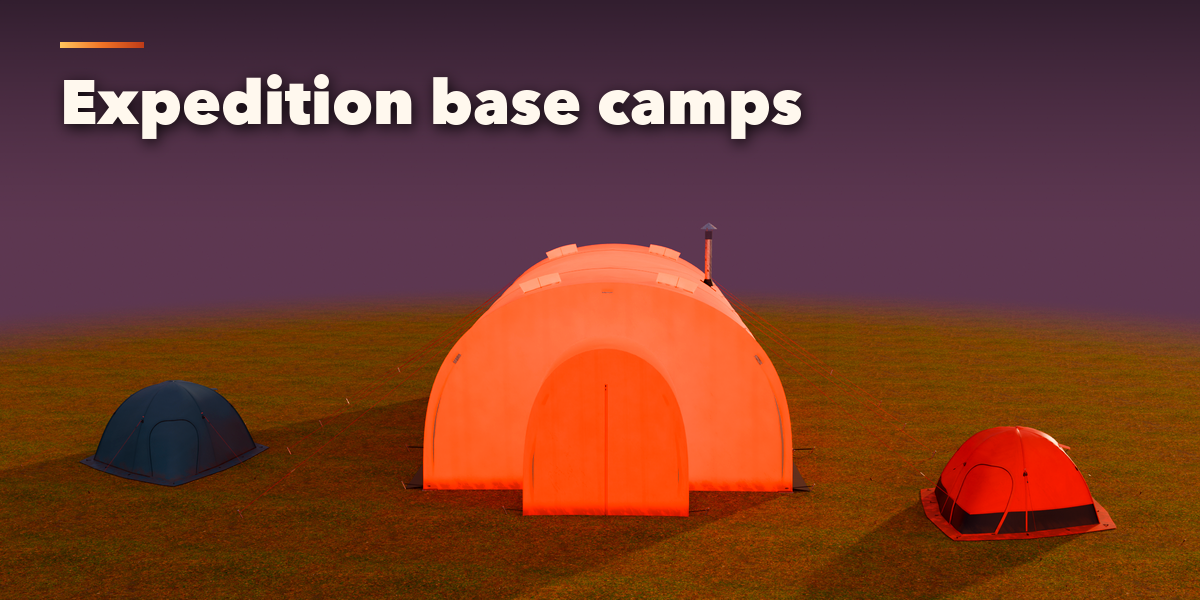
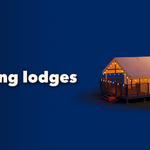
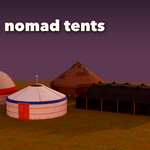
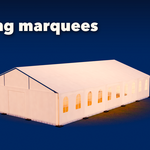
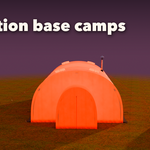
- Pick a tent type and a design from the picture grids.
- Click Place Tent: the tent follows the surface under the mouse, the mouse wheel turns it, Q and E change the design, and a click places it. Or use Add, Tent to put one at the 3D cursor.
- Use the quick toggles (Doors Open, Guy Lines, Furnished, Lights On) and the panels below (Size & Ground, Structure, Fabric, Doors, Rigging, Interior, Look) to change anything. The tent rebuilds live.
- In Detail & Output choose Low, Medium or High detail, and use Convert to Mesh to get a plain mesh for export to a game engine.
Have questions about this product?
Login to message
| Blender Extension Compatible | Yes |
| Published | 2 days ago |
| Blender Version | 4.2 - 5.2 |
| Extension Type | Add-on |
| Render Engine Used | Cycles, Eevee |
| License | GPL |

Discover more products like this
marquee glamping Generator game assets camp camping tent outdoor PBR yurt procedural tent-generator