Candle Gen
 echosphinx3d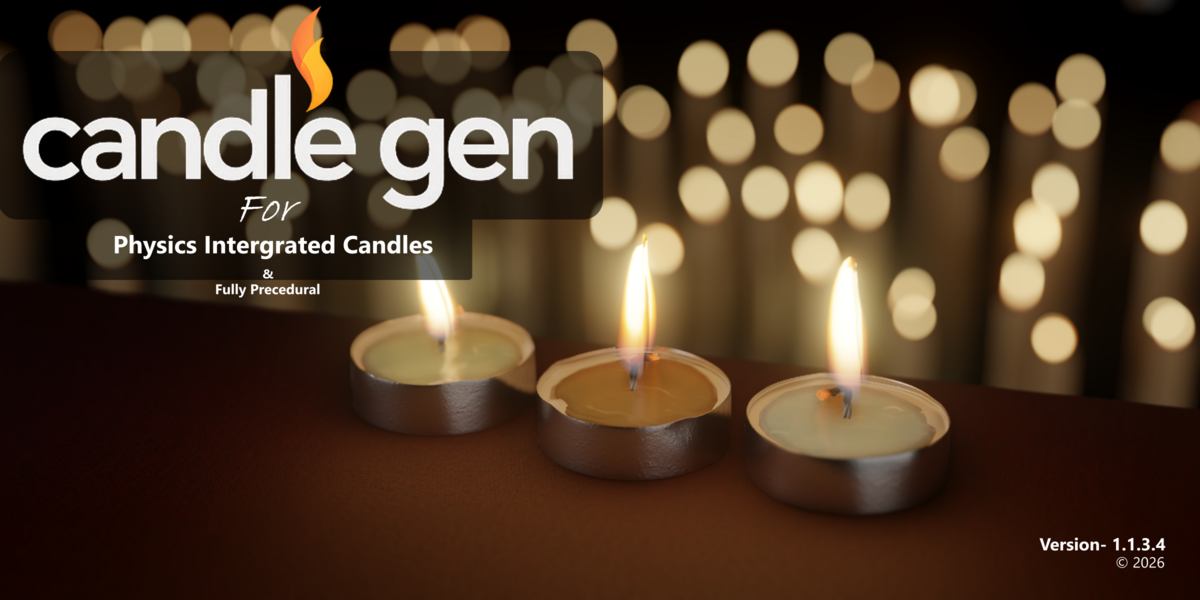






V1.1.3.5 Release log published on (21ˢᵗSeptember,2026)
-Supports Upto Blender Version 5.2 currently Latest.
-Fixed Reporting issues When Adding Single Candles.
-Simple UI Operation for refering to documentation more easily.
-Control bloom strength straight from UI N_Panel.
Q: Can I upgrade from the Lite version to the Pro version later?
A: Yes, absolutely! If you purchase Candle Gen Lite,you can upgrade to ProCandle Gen later by paying only the difference. This allows you to try the basics first and unlock all advanced features when you're ready.
How do I install the addon?
Go to Edit > Preferences > Add-ons > Install. Choose the Zip file> Enable the checkbox, once installed. The Candle Gen panel will appear in the N-panel (right side)
What’s the difference between the Free and Pro versions?
The Free version includes basic candle generation, procedural setup, and 3 default materials.
The Pro version adds:
10+ premium materials, Drip and flame control,U V unwrapping , Force-field interaction, Simulation baking
and more advanced features
Can I use Candle Gen for commercial projects?
Yes! You’re free to use the candles you create with Candle Gen in both personal and commercial projects.
Do I need coding or Geometry Nodes experience to use Candle Gen?
Not at all! Candle Gen is designed for ease of use, with one-click generation and an intuitive UI. All the complexity of Geometry Nodes is handled behind the scenes.
What version of Blender is Candle Gen compatible with?
Candle Gen works seamlessly with Blender 3.4 and above.
-
$39
Full version of the addon to Create complex candles
-
$1
Suitable for artists to make simple candles.
Have questions about this product?
Login to message
| Sales | 40+ |
| Dev Fund Contributor | |
| Published | over 1 year ago |
| Blender Version | 3.4 - 5.2 |
| Render Engine Used | Cycles, Eevee |
| License | Royalty Free |
Discover more products like this
#Candle Gen candle generator candle addon flame simulation procedural candle realistic candle geometry nodes blender generator candle-flame candle blender candle wax drips