 Mamba CG


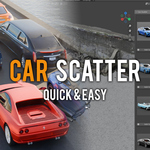
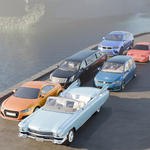

How to Use Car Scatter Addon
Installation:
1. Download the ZIP file after purchasing the addon.
2. Open Blender and go to Edit > Preferences > Add-ons.
3. Click Install, select the downloaded ZIP file, and click Install Add-on.
4. Enable the addon by checking the box next to Car Scatter.
Setting Up:
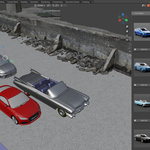
1. Access the panel by opening the Sidebar (press N in the 3D Viewport).
2. Navigate to the Car Scatter tab to view the addon interface.
3. The panel displays car models in two columns, each with a preview image and an Add Car button.
4. Click the Add Car button below the desired car image to add that car to your scene.
Placement & Adjustment:
1. Cars are added at the current position of the 3D Cursor.
2. Use G (Grab) in Blender to move cars within the scene.
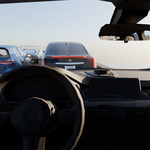
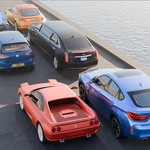
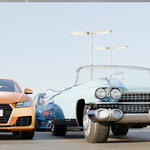
Now you're ready to quickly populate your Blender scenes with realistic car models using Car Scatter!
Have questions about this product?
Login to message
| Blender Extension Compatible | Yes |
| Sales | 20+ |
| Published | over 1 year ago |
| Blender Version | 3.0 - 5.0 |
| Extension Type | Add-on |
| License | GPL |
Discover more products like this
vehicle placement quick car placement car scatter scene population 3d car models realistic vehicles