 ZEG



Installation
In Blender open Edit, Preferences, Get Extensions, then use Install from Disk and pick the car_generator zip.
Usage
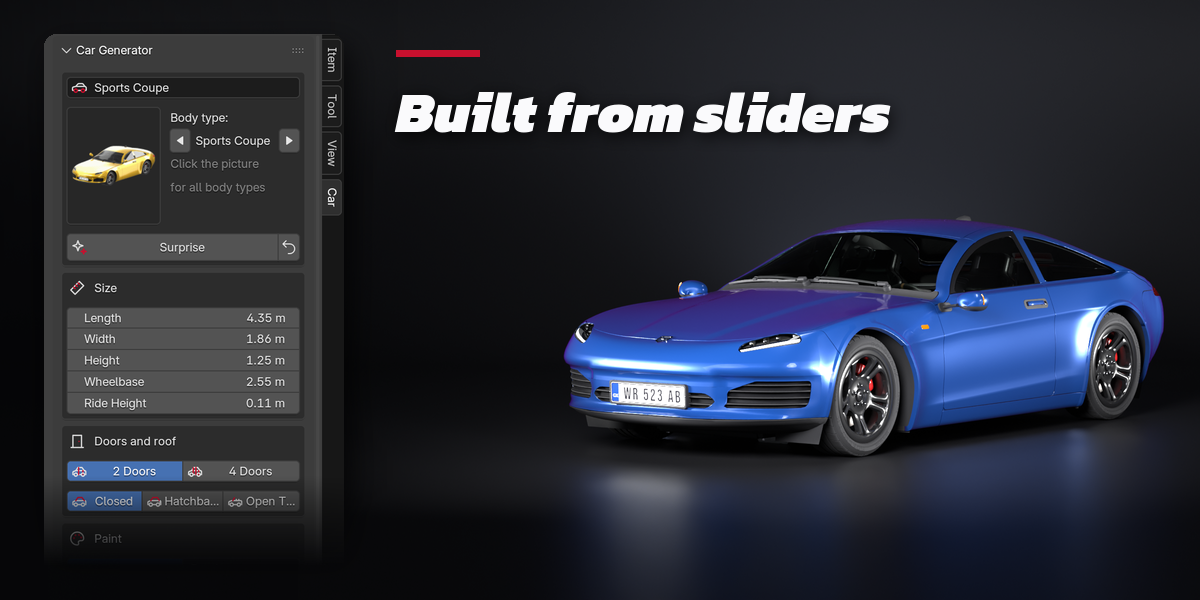
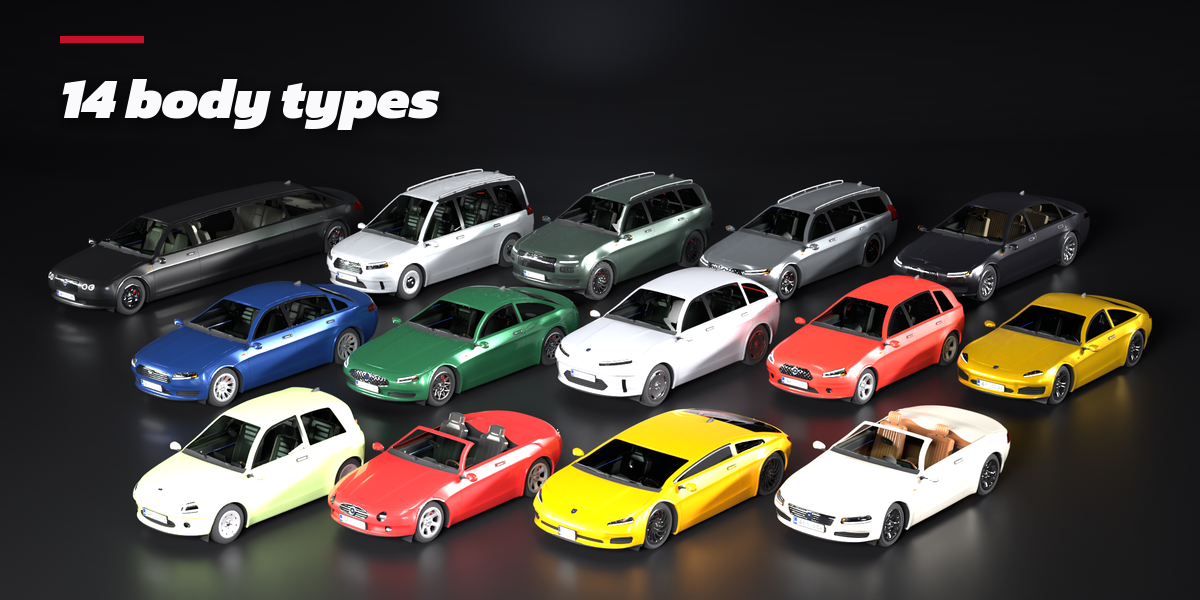
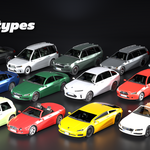
- Open the Car tab in the 3D viewport sidebar (N). With no car selected it shows the body types: click a picture to add that car at the 3D cursor, or press Surprise Me.
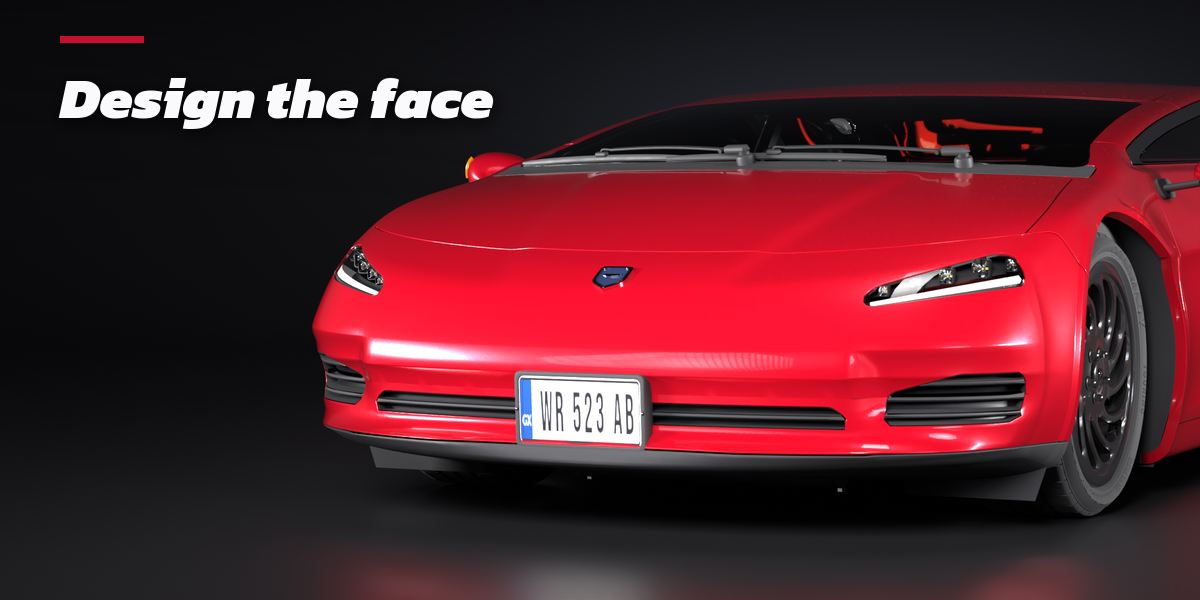
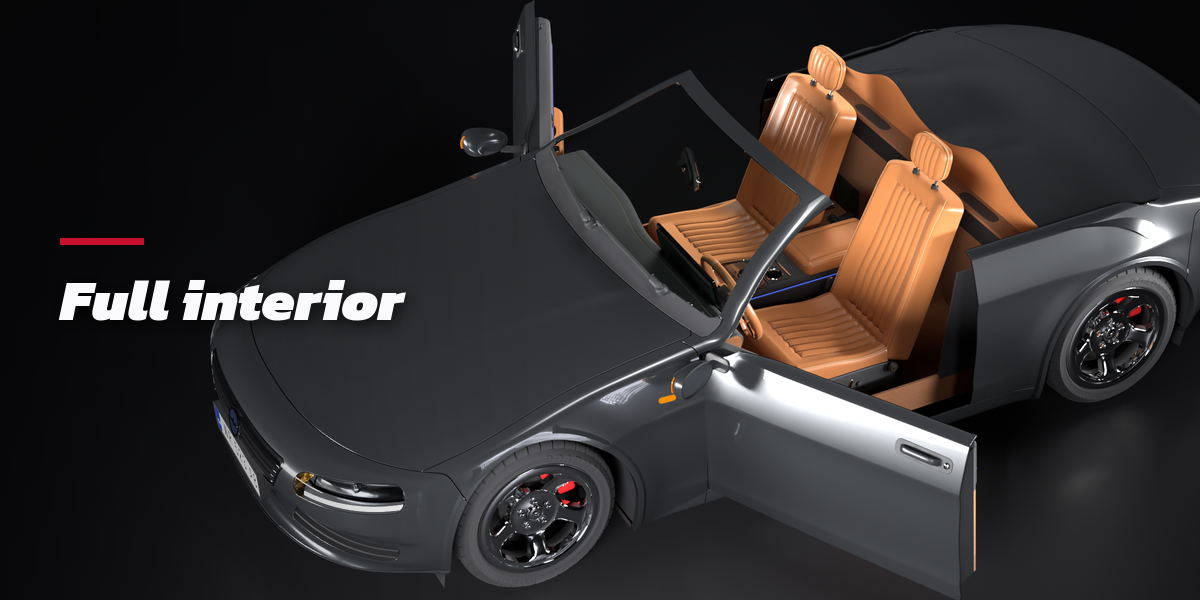
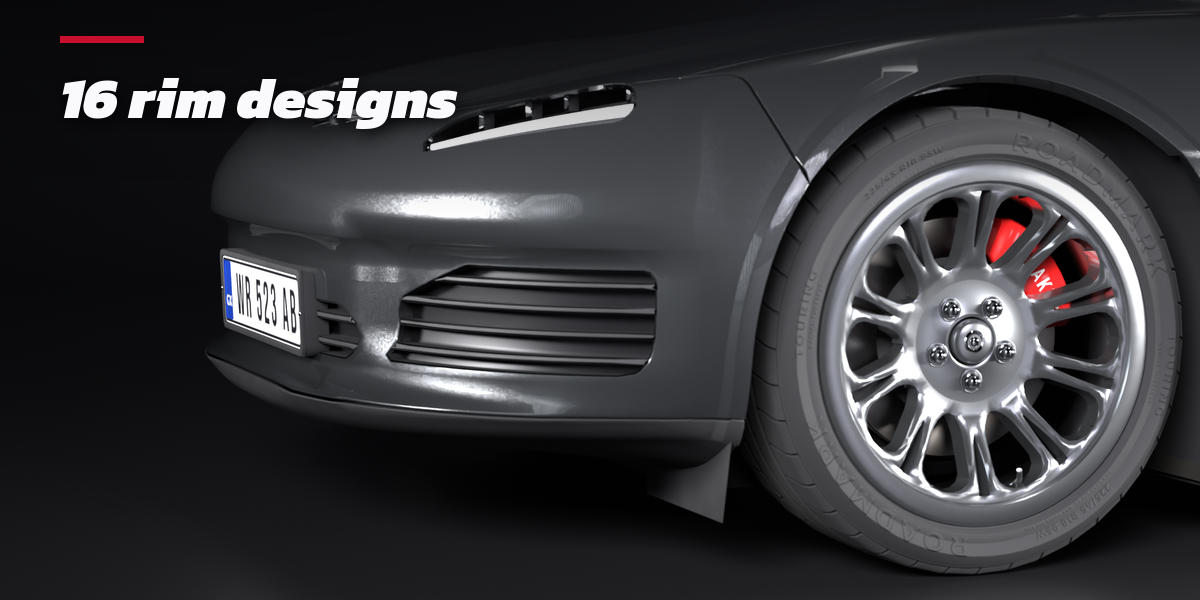
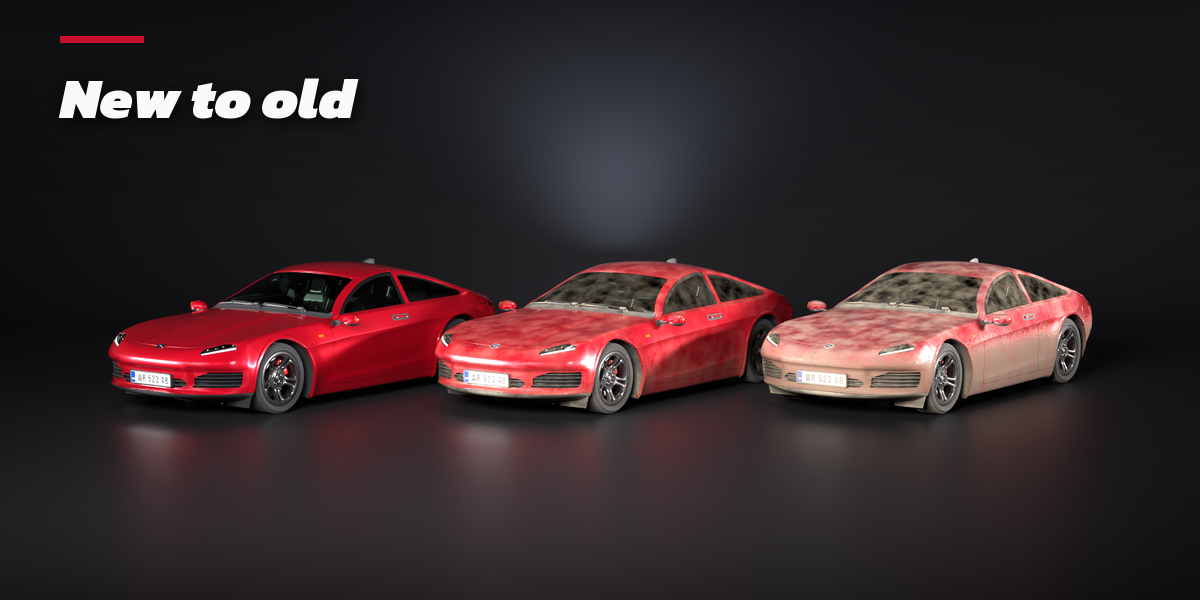
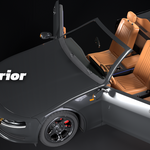
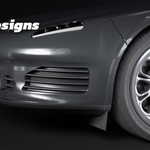
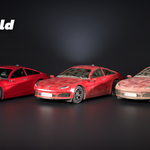
- Select any part of a car to edit it. The first screen has the body type, size, doors, roof, paint, condition, interior colour and rims. The panels below hold the detailed sliders for the front, cabin, rear, sides, details, interior and wheels.
- Every change rebuilds the car in about two seconds. Quality switches between a draft, normal and fine surface grid.
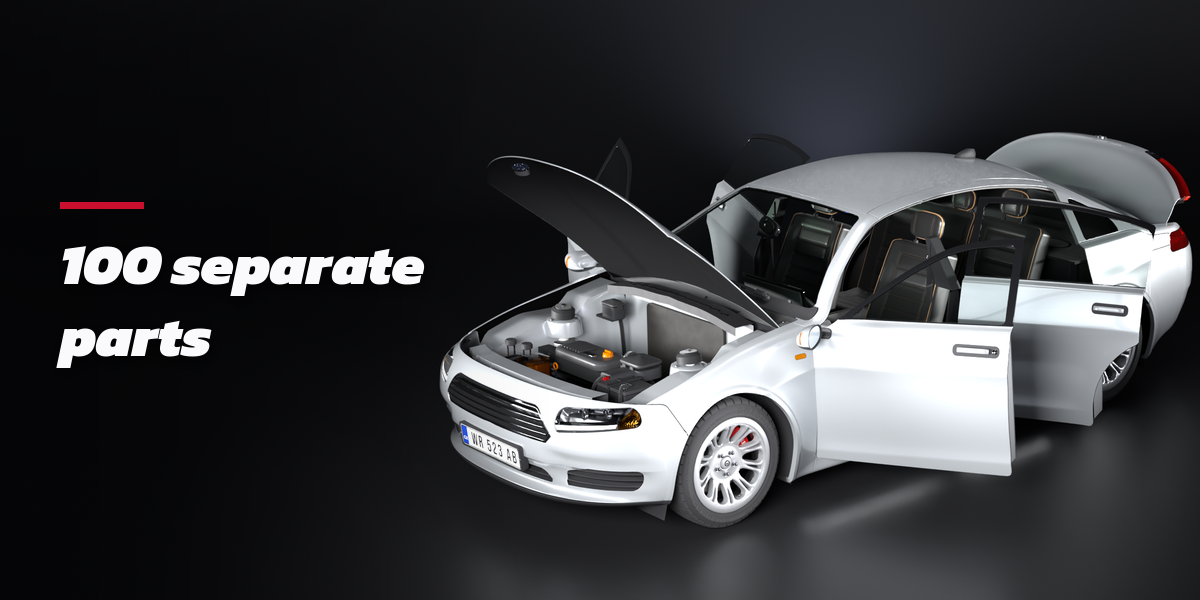
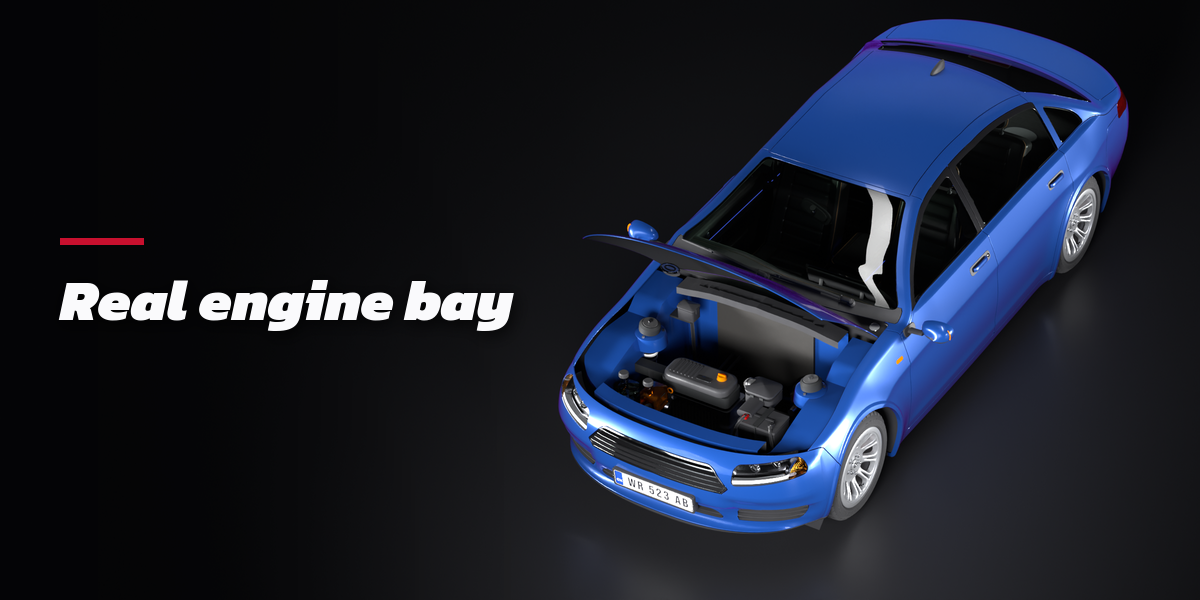
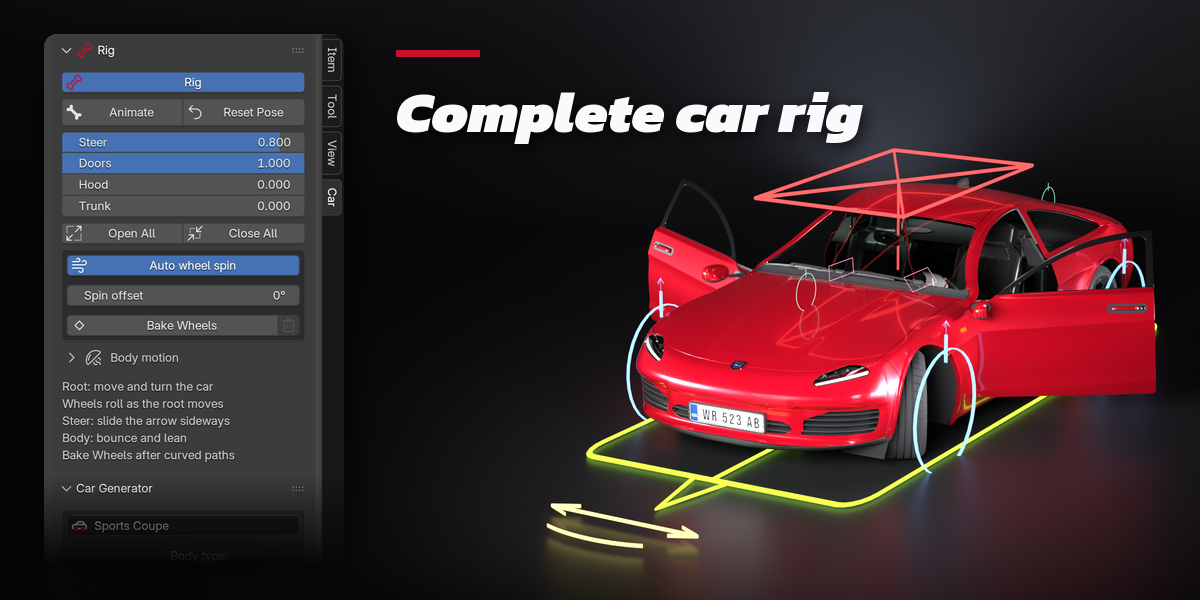
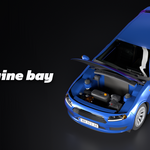
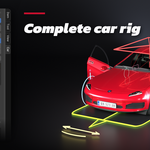
- The Rig panel opens doors, hood and trunk, steers and bakes wheel rotation along the path of the root control. Reset Pose returns everything to rest.
- All parts are normal mesh objects parented to one root, so they export to game engines as separate pieces.
Have questions about this product?
Login to message
| Blender Extension Compatible | Yes |
| Published | about 5 hours ago |
| Blender Version | 4.2 - 5.2 |
| Extension Type | Add-on |
| Render Engine Used | Cycles, Eevee |
| License | GPL |

Discover more products like this
procedural wheels automotive Generator Interior vehicle car suv car rig Sports car sedan limousine