 sphere.obj
The Ultimate Motion Graphics Add-on for Blender.
Your Blender. Supercharged with Catflow_1.6
Unleashed Blender Motion Graphics. Everything You Need to Make Things Move.
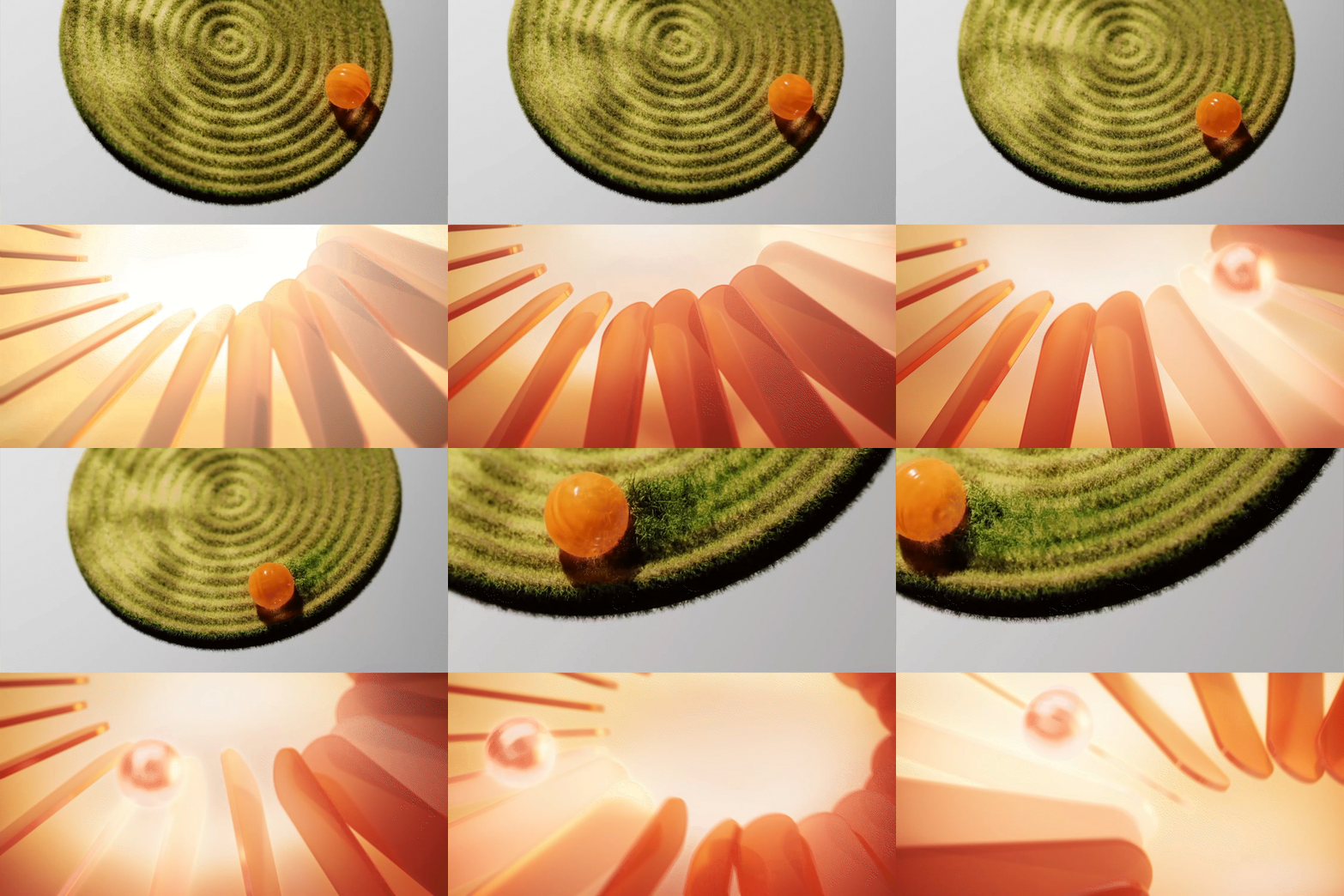
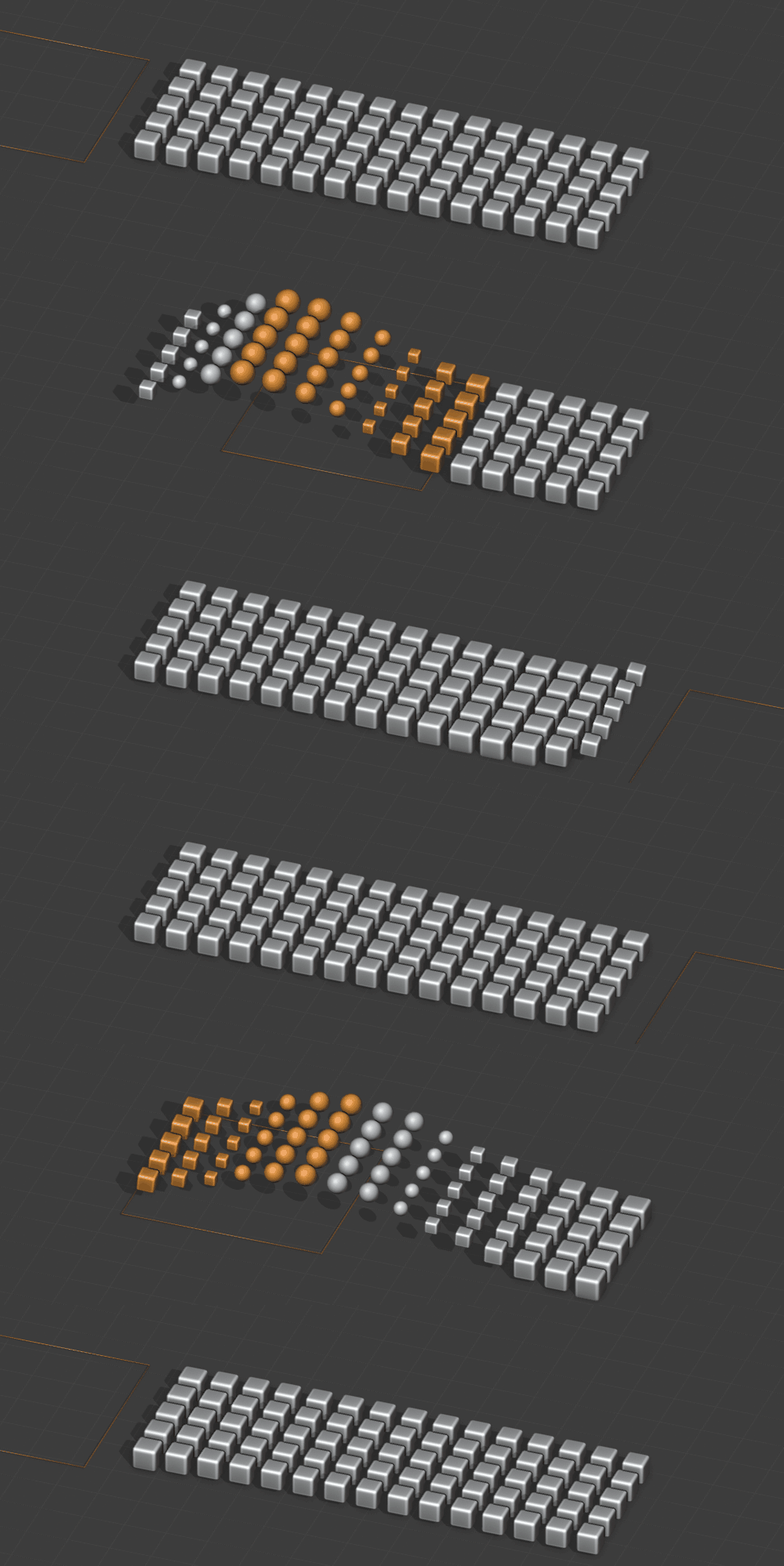



01 / CATFLOW
Procedural creation
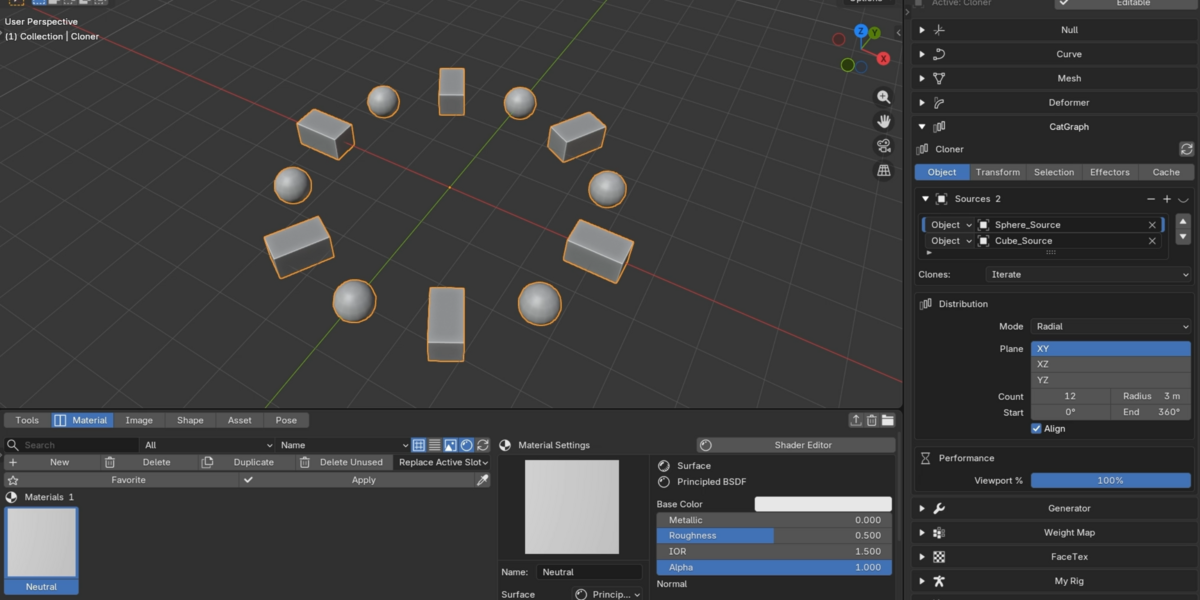
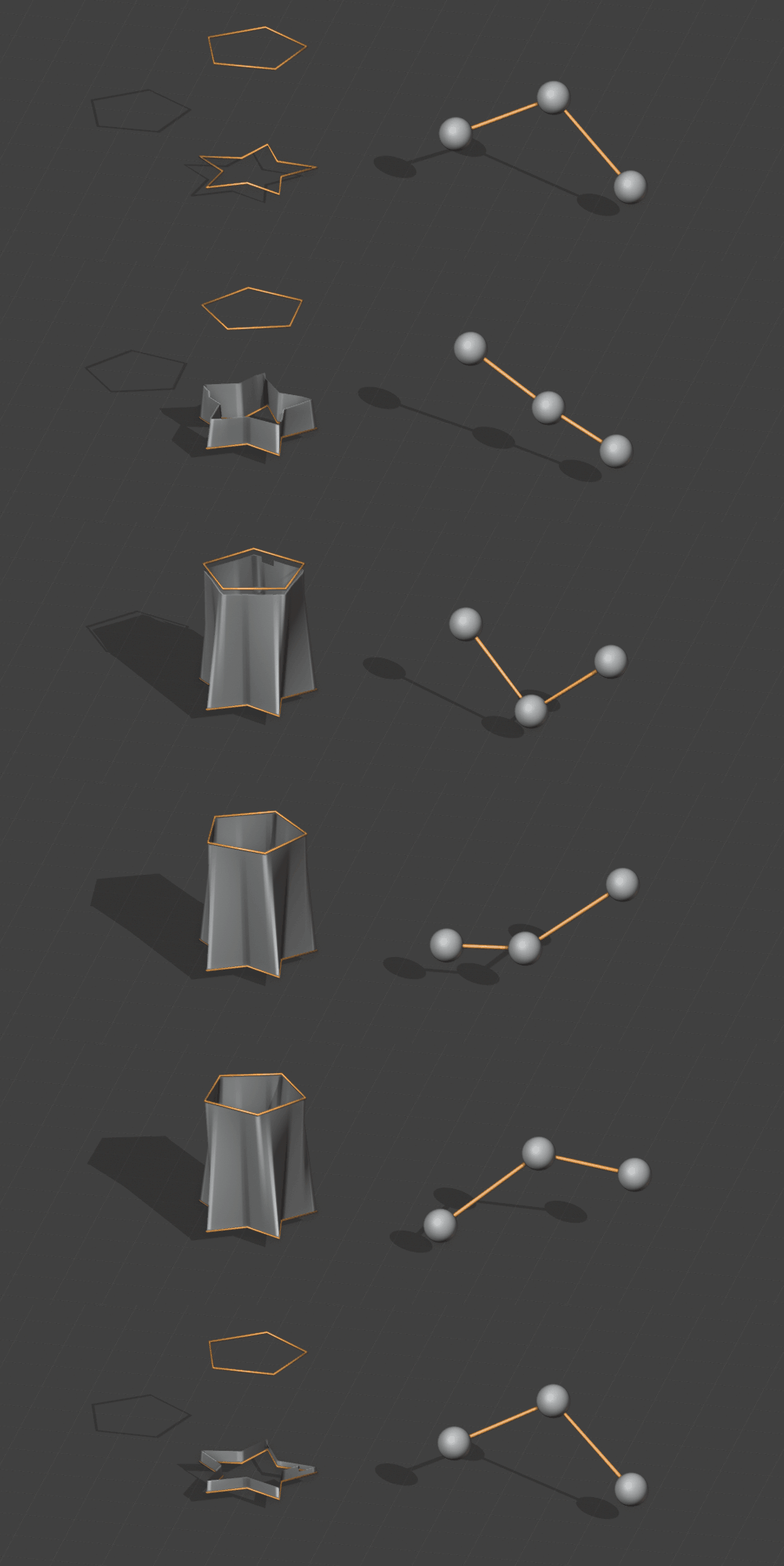
CatGraph — Cloner, Matrix, Fracture, Voronoi Fracture, MeshFX and CatExtrude for procedural layouts and motion graphics.
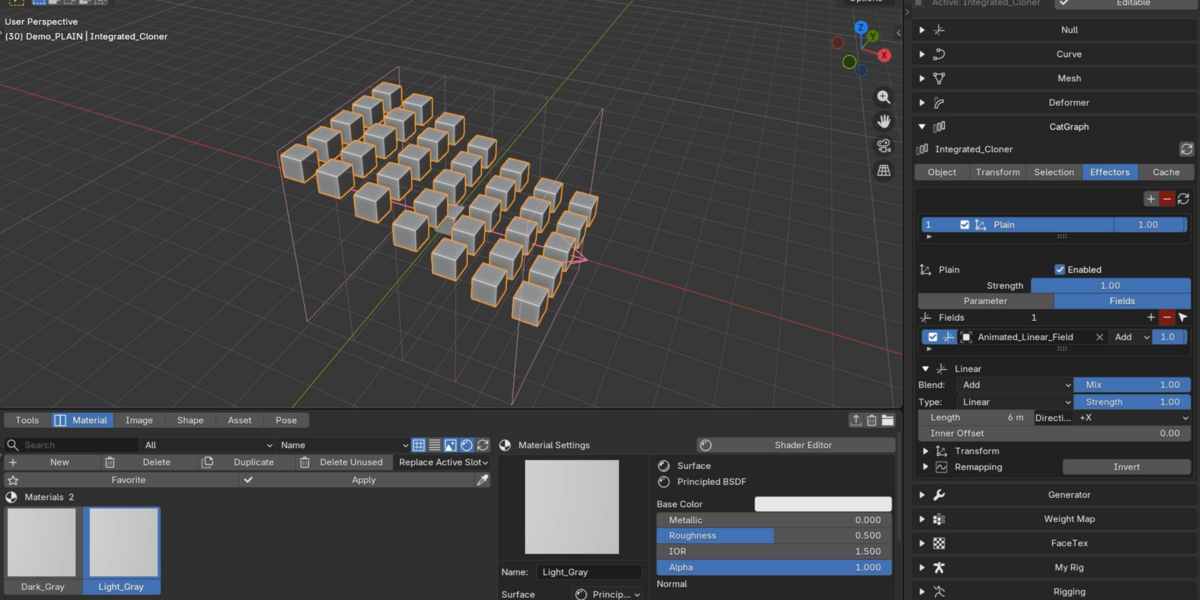
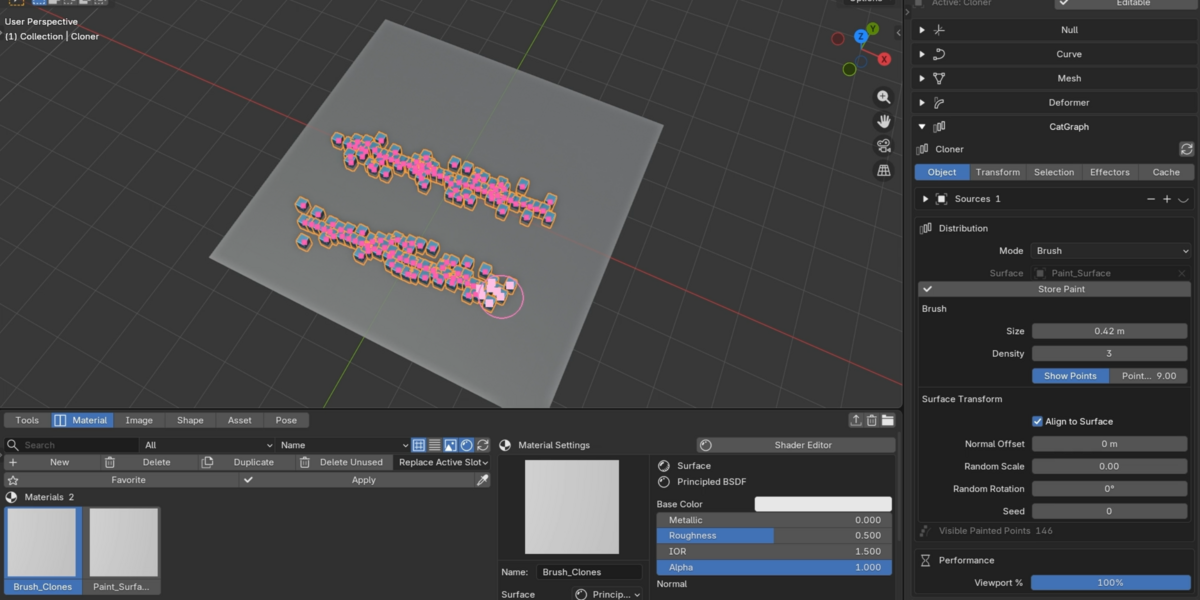
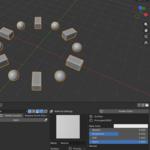
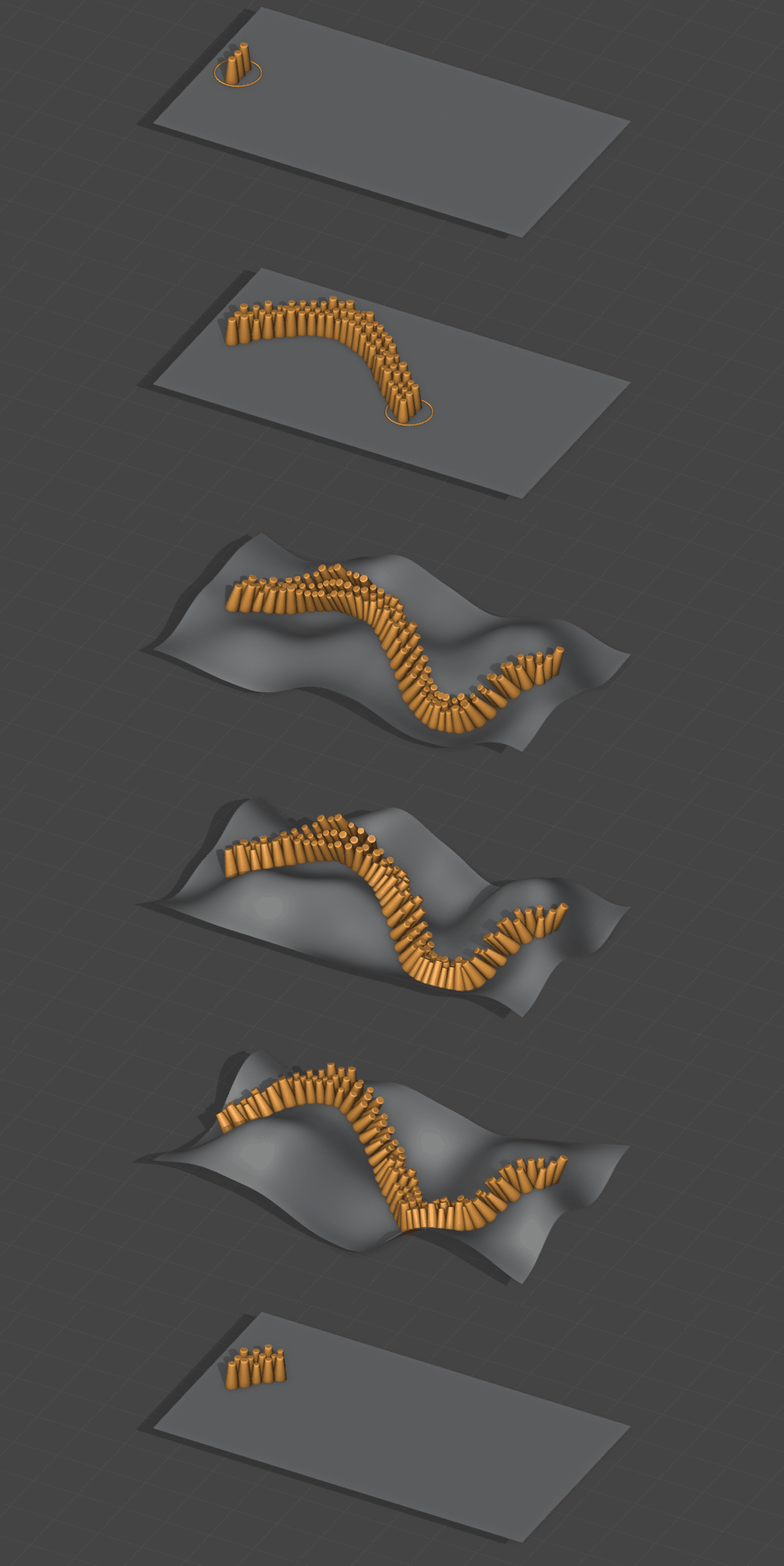
Cloner — Linear, Radial, Grid, Honeycomb, Object, Curve, Surface, Volume and Brush distributions.
Effectors — Plain, Random, Step, Inheritance, Morph, Source Swap, Material Swap, Target, Delay, Wave and Push Apart.
Fields — Object, Sphere, Linear, Box, Cylinder, Radial, Cone, Torus, Noise, Sound and Shader.
Clone Selection — Select, store and hide clones for localized control.
Curve & Mesh Primitives — Parametric curves and meshes with editable dimensions and resolution.
Generators — CatText, Loft, Sweep, Tracer, Atom Array and Volume Catcher.
Null, Parent & Group — Create Nulls, parent controls and shared groups.
02 / CATFLOW
Shape & deformation
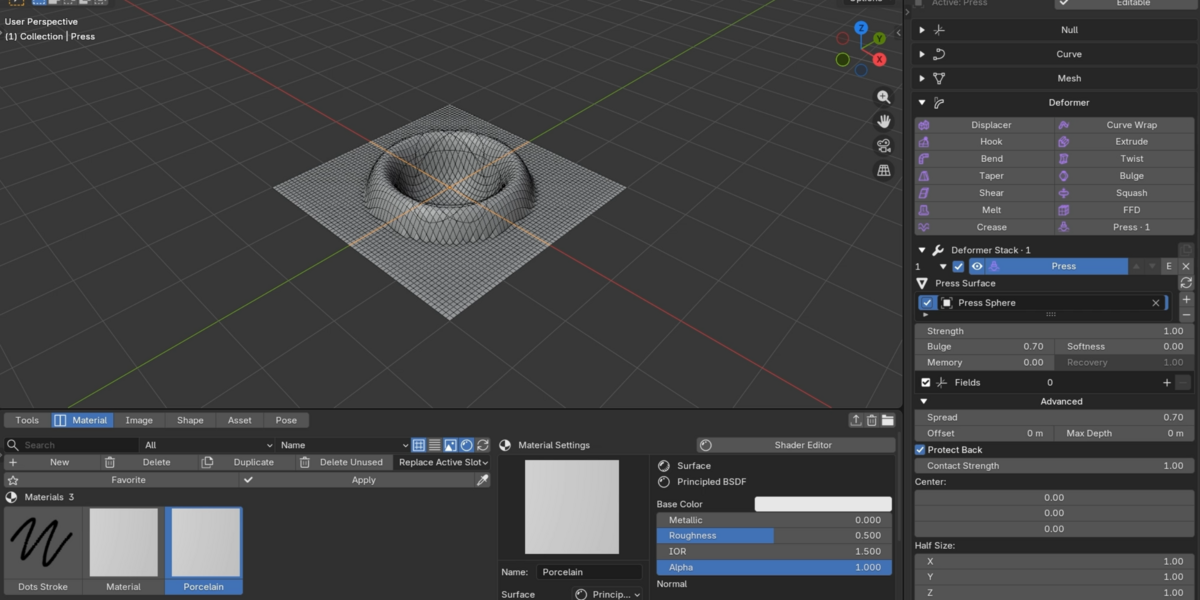
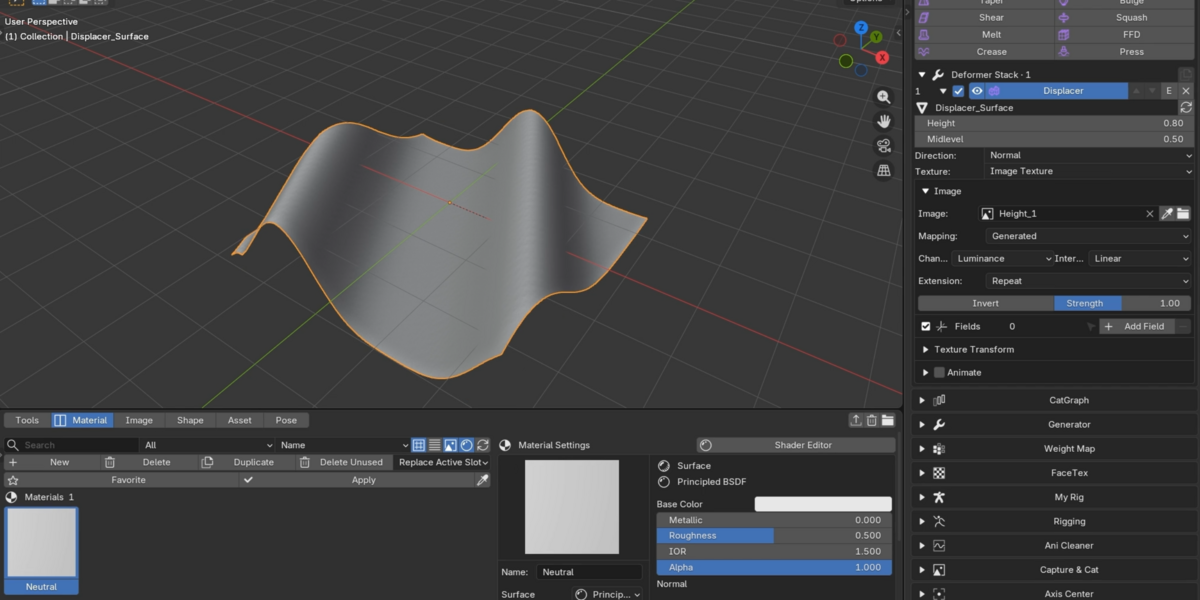
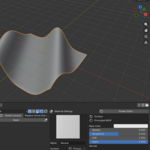
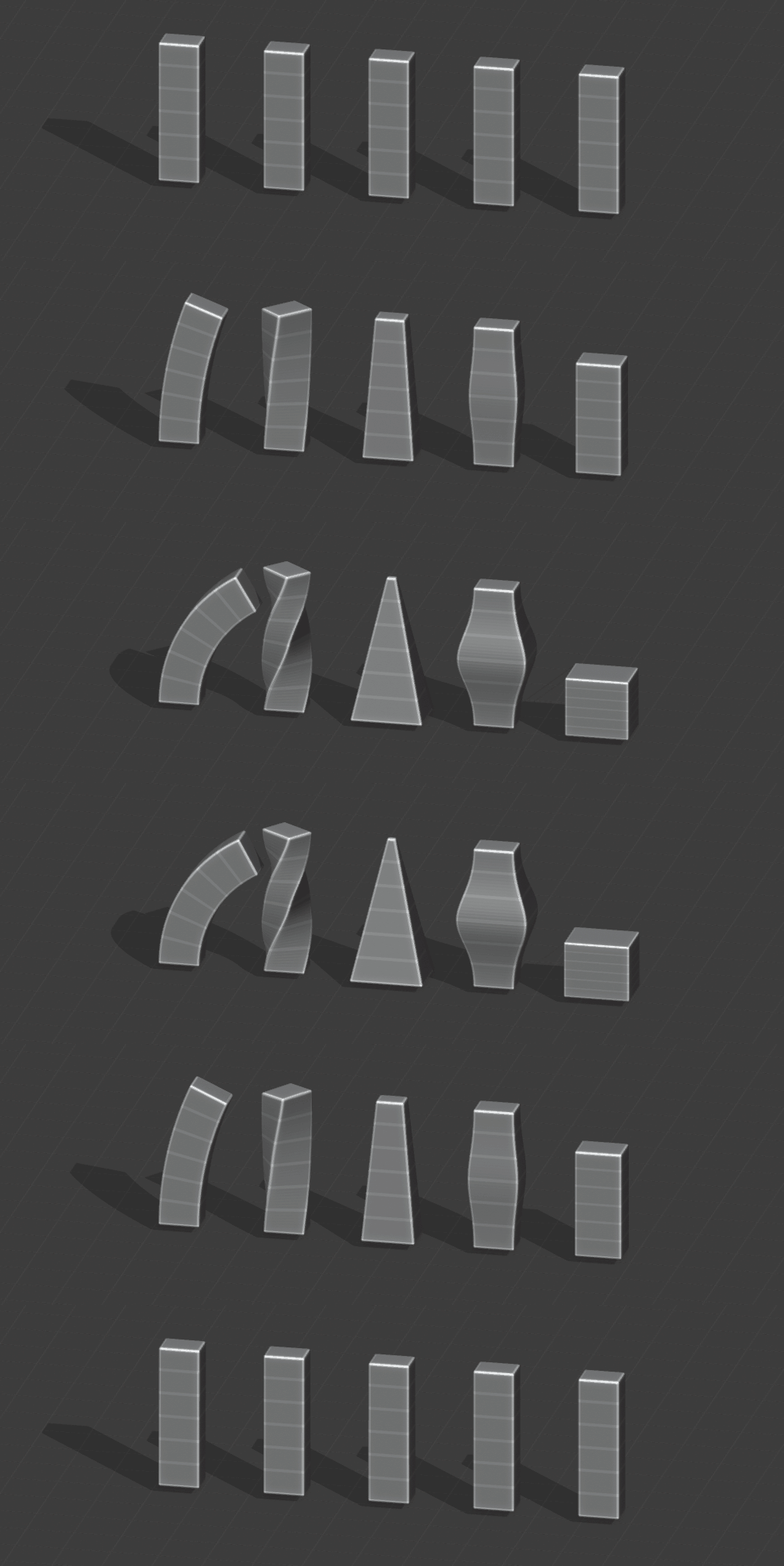
Deformers — Bend, Twist, Taper, Bulge, Shear, Squash, Melt, FFD, Displacer, Curve Wrap, Hook, Extrude, Crease and Press.
Deformer Stack — Stack, reorder, fit and finalize deformers. Control influence with Fields and Weight Maps.
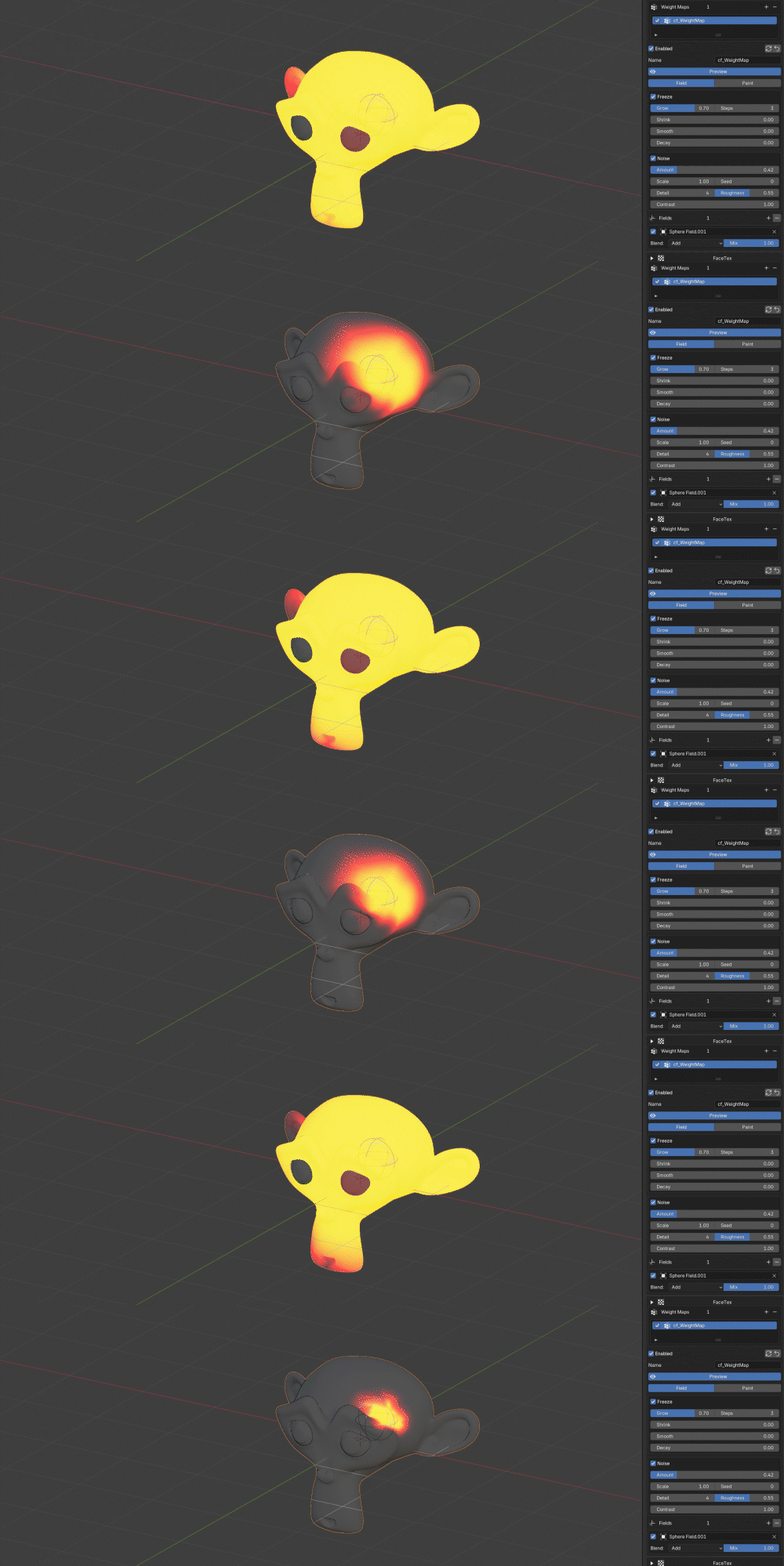
Weight Map & Vertex Map — Paint or generate masks with Fields, Grow/Shrink, Smooth, Noise, Freeze and Decay. Reuse multiple maps.
Shape Browser — Browse, edit and sculpt frame-based corrections with automatic recording. Copy, retime and mirror shapes, or work with Blender shape keys.
03 / CATFLOW
Motion & dynamics
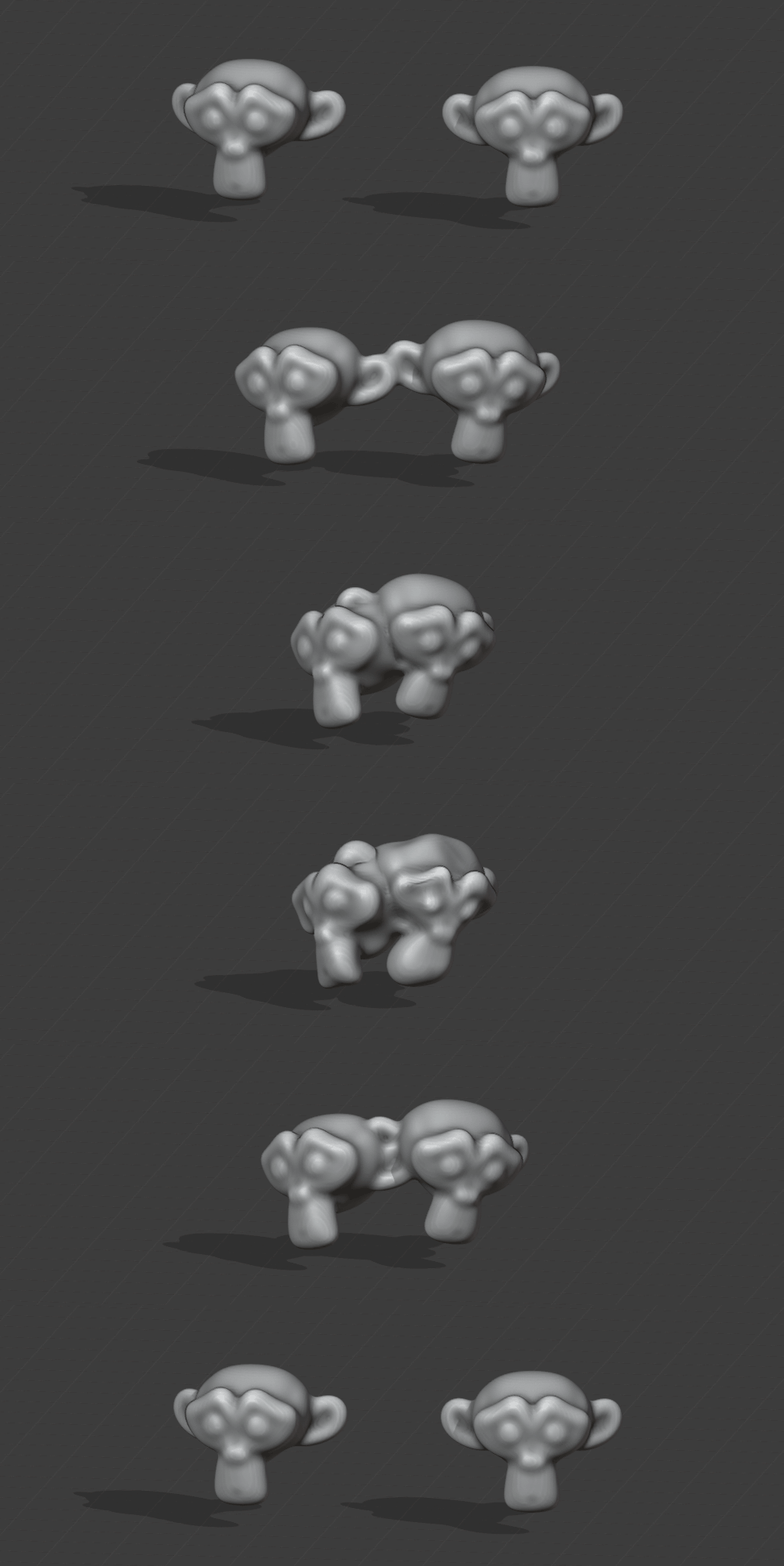
Dynamics — Rigid Body, Cloner dynamics, Cloth, Soft deformation, Colliders, Forces, Follow controls, pins and caching.
Native Acceleration — Native processing for supported dynamics, cloth and Weight Map calculations, with compatibility fallback.
Motion Tools — Random/Sine Vibrate, Bone Vibrate, Transform/Parameter Jiggle, Surface Jiggle and Align to Curve.
Bone Jiggle — Add spring motion to tails, ears, hair and bone chains. Adjust strength, stiffness, drag and gravity, then bake the result.
Cache, Bake & Export — Playback caches, Editable conversion, Alembic export, motion baking and Bake ABC/Restore for supported meshes.
04 / CATFLOW
Rigging & animation
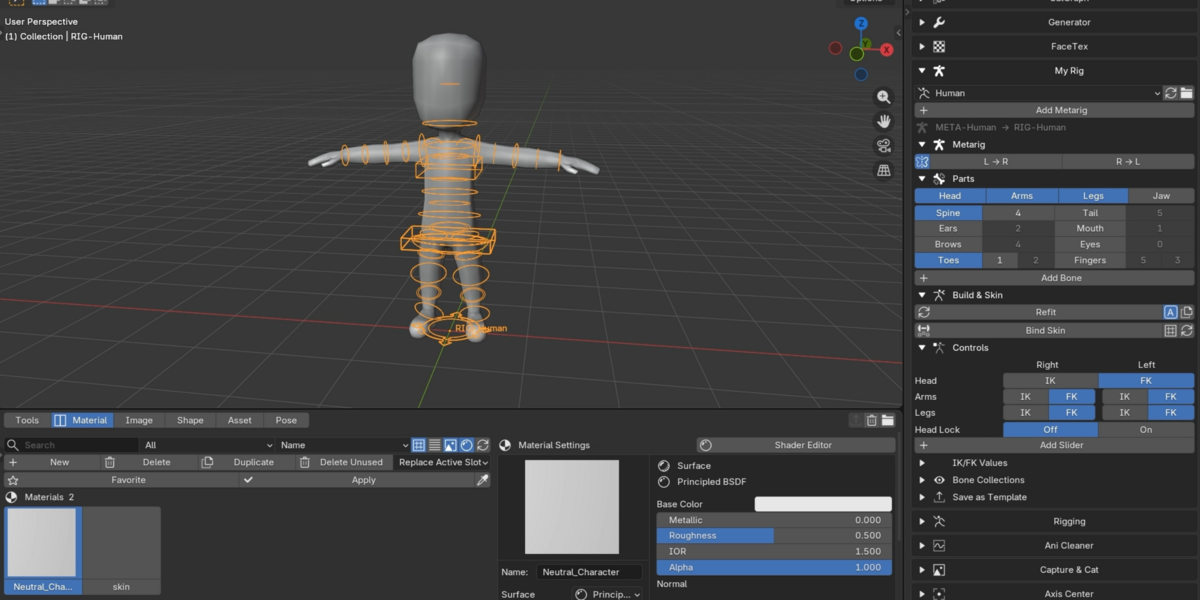
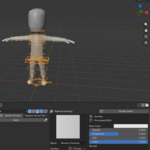
My Rig — Build Human, Animal or Chain rigs from editable guides. Bind skin, switch IK/FK, add controls and save reusable templates.
Rigging Utilities — Bone setup, naming, display, roll controls, weight transfer and deform/control links.
Retarget — Auto Match, editable bone mapping and IK/Hybrid animation transfer.
FaceTex — Image-based facial expressions with thumbnail selection and expression keyframes.
Ani Cleaner — Remove unused or near-static animation channels from selected objects' active Actions.
05 / CATFLOW
Workspace & libraries
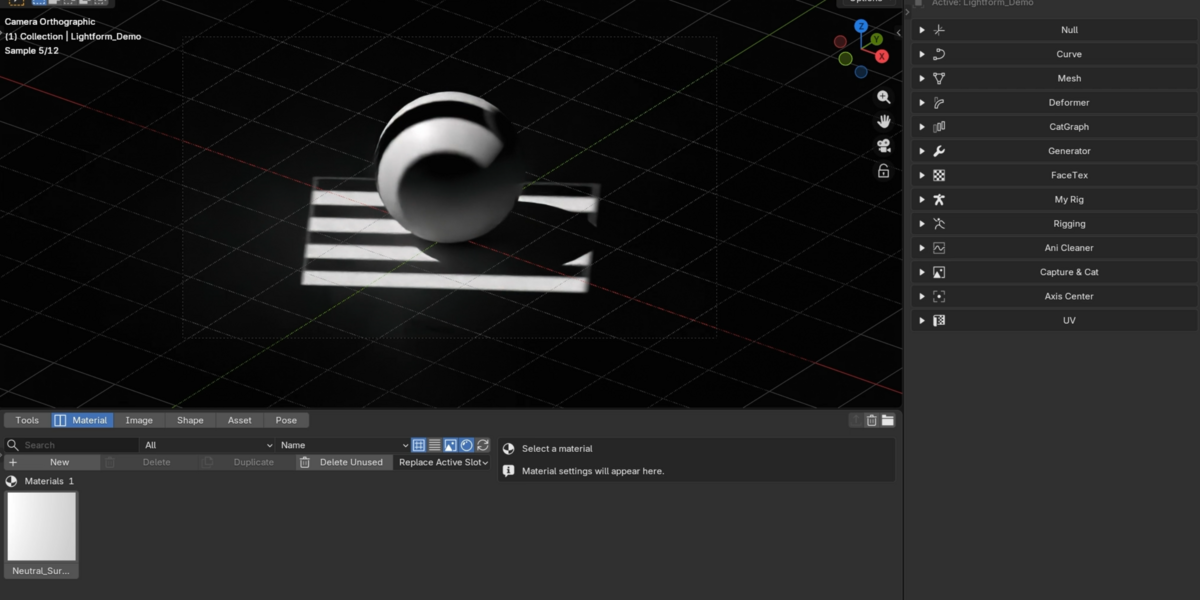
CatFlow Workspace — Tools, Material, Image, Shape, Asset and Pose tabs, with flexible layouts and shortcuts.
Tools — Access procedural modeling, cloning, deformers, generators, rigging and scene utilities in one workspace
Material Browser — Find, preview and apply materials to objects or faces. Organize selections, open shaders and merge duplicate materials.
Image Library — Browse images and sequences, multi-import, paste, reload, export and assign Image Texture nodes.
Asset Library — Browse reusable assets, create Collection Assets and apply compatible FBX motion to rigs.
Shape Library — Browse shape thumbnails, edit and sculpt frames, auto-record changes, copy/paste mirror with shape keys.
Pose Library — Save, organize, copy and blend poses for selected bones or a full rig. Import/export .blend poses.
06 / CATFLOW
Scene & output
CatFlow Pass & Output — Manage render passes and output with synchronized compositor settings and multilayer EXR Cryptomatte.
Camera Morph — Blend source cameras and bake an independent output camera.
Lightform — Area Light targeting, edge falloff and image or procedural Gobo masks in Cycles.
Capture, Axis Center & UV Utilities — Screen capture, annotations, pivot/origin controls, Add at Selected, Drop to Floor and quick UV tools.
07 / CATFLOW
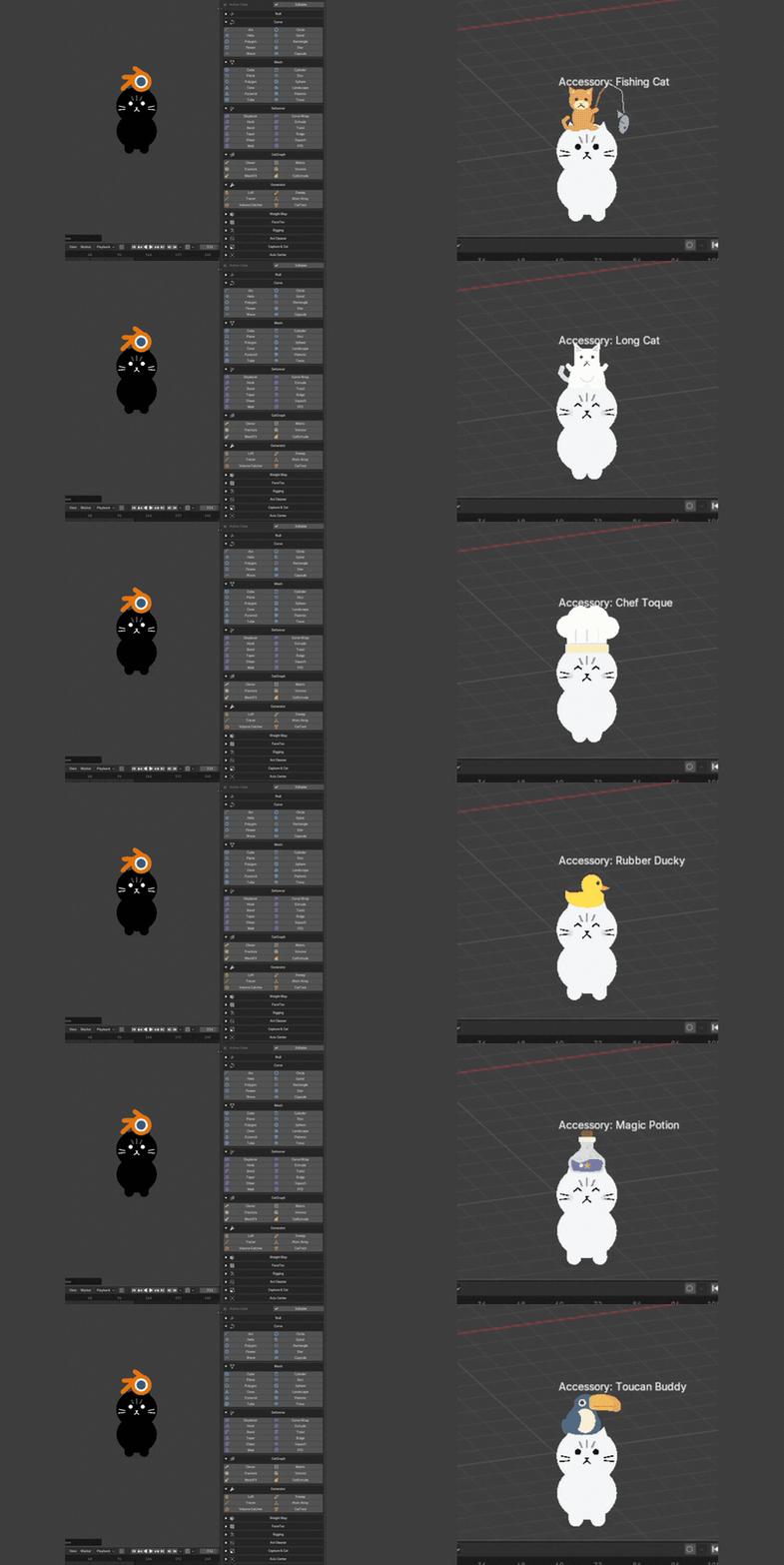
Cat Buddy
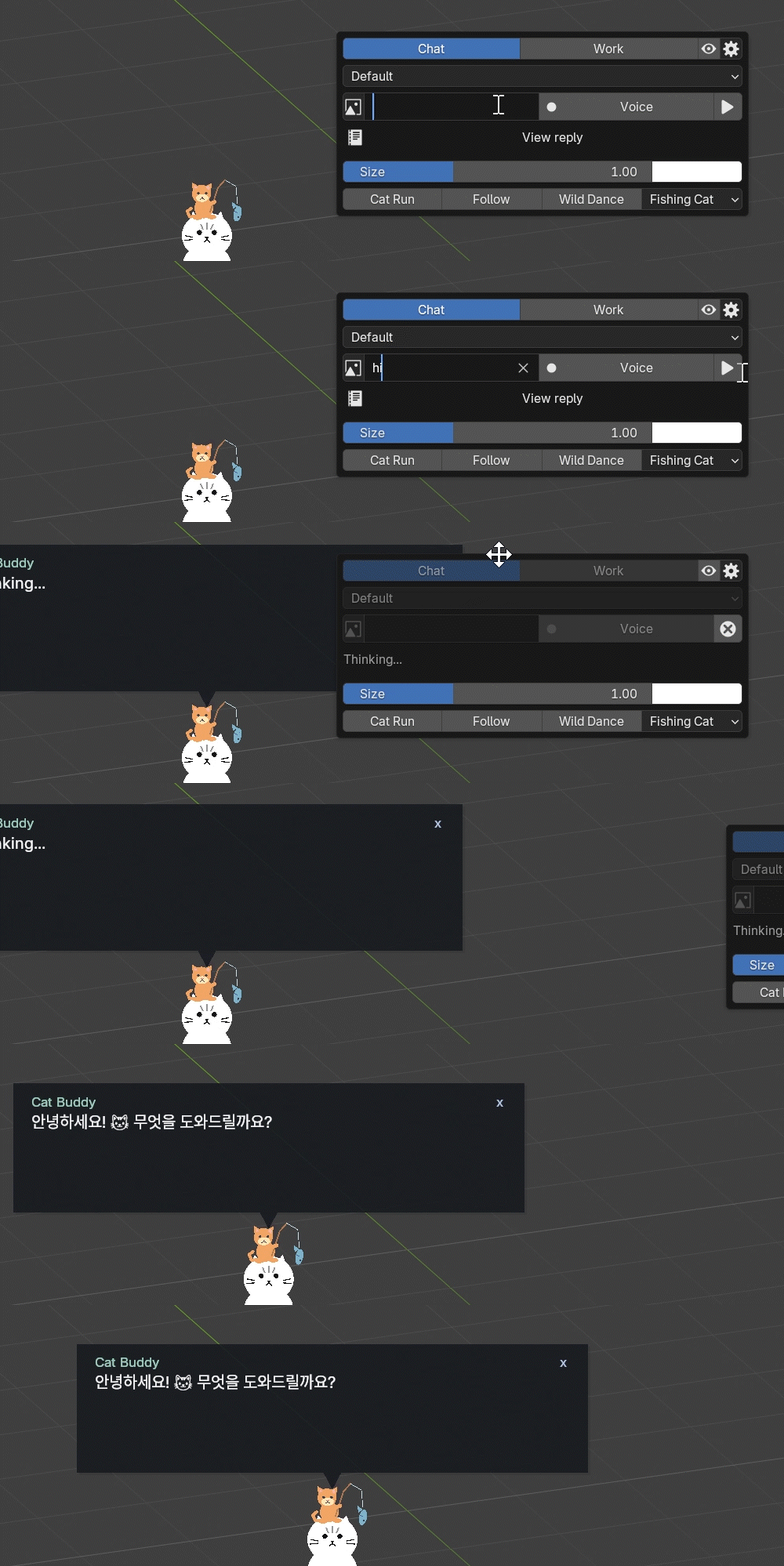
Cat Buddy — Expressions, costumes and a mini-game, plus Chat, Codex-connected Work, image/video references and optional voice.
Chat and Work require a compatible connection and internet access. Optional voice uses your own OpenAI API key and separately billed API usage.