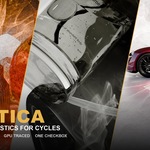
Caustica - Real Photon Caustics for Cycles

Henrik Soeltzer in Render Setups


A COMPLETE BLENDER BUILD CYCLES GPU TRACED

REAL PHOTON CAUSTICS ARE FINALLY HERE.

Not faked. Not baked. Not a node trick.

ONE CLICK. REAL CAUSTICS.

NO FAKE  ·  NO NODES  ·  NO SPECIAL MATERIALS

SO FAST IT FEELS FAKE.

Real time, right in your viewport.

EVERYTHING IN ONE BUILD  ·  NOW VERSION 1.3

ONE CHECKBOX.
FOUR KINDS OF LIGHT.

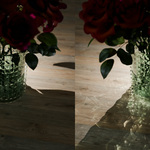
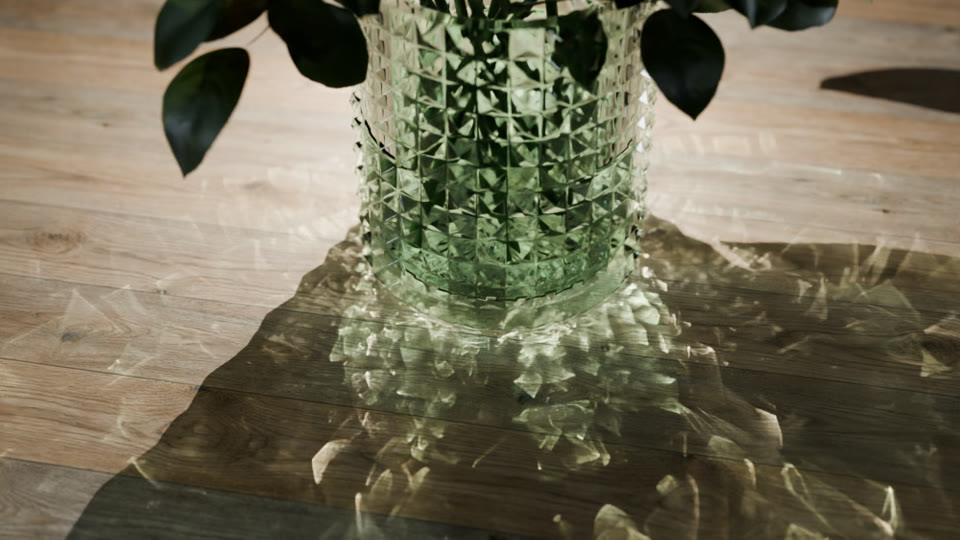
Photon caustics
THE CORE
PHOTON CAUSTICS
Real caustics from glass, water, metal and car paint. Live in the viewport.
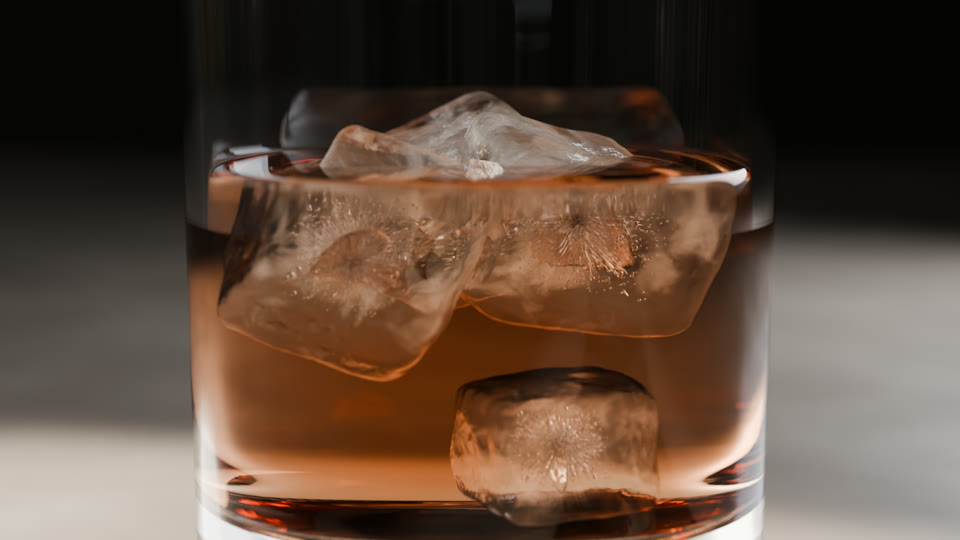
Nested dielectrics
NEW IN 1.3
NESTED DIELECTRICS
Ice in whisky, liquid in a glass. Correct refraction at every boundary.
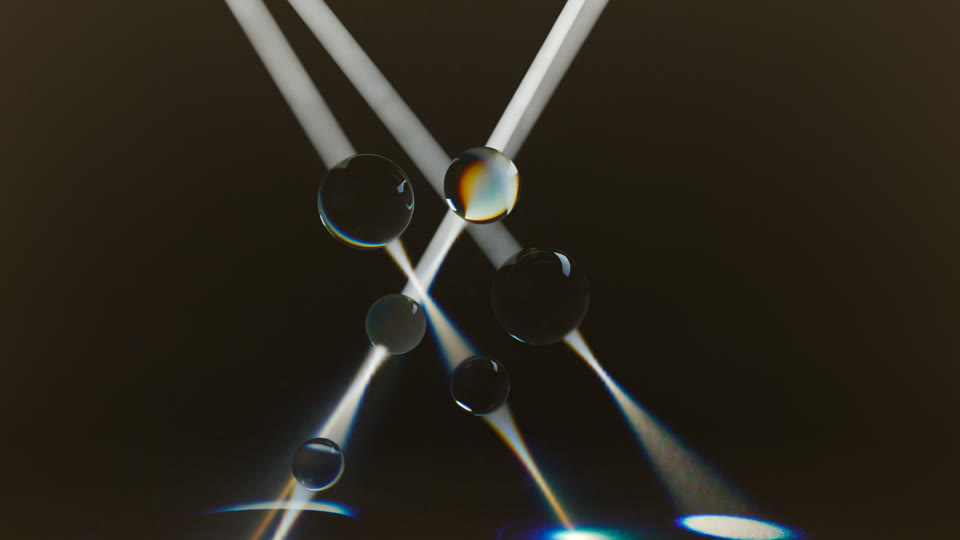
Volumetric caustics
NEW IN 1.3
VOLUMETRIC CAUSTICS
Visible beams of caustic light in fog, haze and under water.
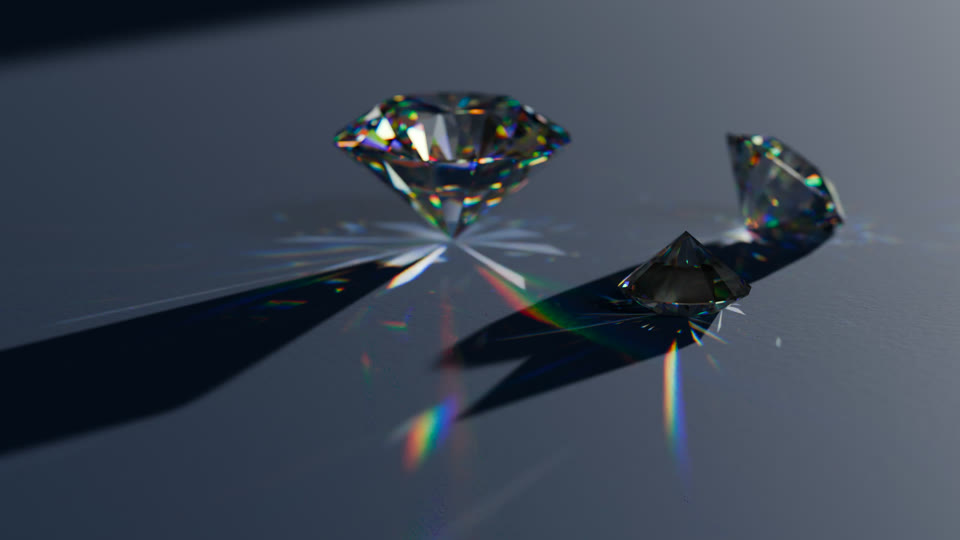
Dispersion
NEW IN 1.3  ·  BLENDER 5.3
DISPERSION
Glass splits white light into rainbows, and the caustics follow.
PLUS  GPU PATH GUIDING  (EXPERIMENTAL)  ·  ALL IN THE SAME DOWNLOAD
THE CORE
PHOTON
CAUSTICS
THE ENTIRE WORKFLOW

IT REALLY IS JUST A CLICK.

Open a scene. Tick one box.

An ordinary scene, opened as it was saved. Nothing in it was prepared for this — no special materials, no extra lights, no node setup. Watch the bottom right of the panel: the caustics are in the render before the mouse has moved away.

Then move your light.

The light is moved in the viewport on the right, the render on the left keeps up. No re-render to check, no pre-pass, no cache to rebuild — you just drag until the shot looks the way you want it.

SCREEN CAPTURE  ·  1.5× SPEED
WHAT CASTS

THE WHOLE SCENE, OR
ONLY WHAT YOU PICK.

By default every material that can bend light casts caustics, and you never think about it. In a heavy scene — an interior, a full set — switch Casters to Selected Materials Only and tick just the objects that matter. Everything else still catches caustics, it simply stops sending them, and the entire photon budget goes to your hero.

01PRODUCT & PACKAGING

BEAUTIFUL, PHYSICALLY CORRECT CAUSTICS —
NOT A DREAM ANYMORE.

Progressive photon mapping — the same class of solver Corona uses for its caustics, but traced on your GPU instead of your CPU. Physically correct, not an approximation.

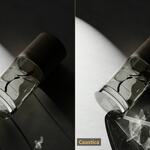
THE SAME BOTTLE INSIDE BLENDER

SAME SCENE. SAME MATERIALS.
SAME LIGHTING.

Just one checkbox ticked. No setup at all.
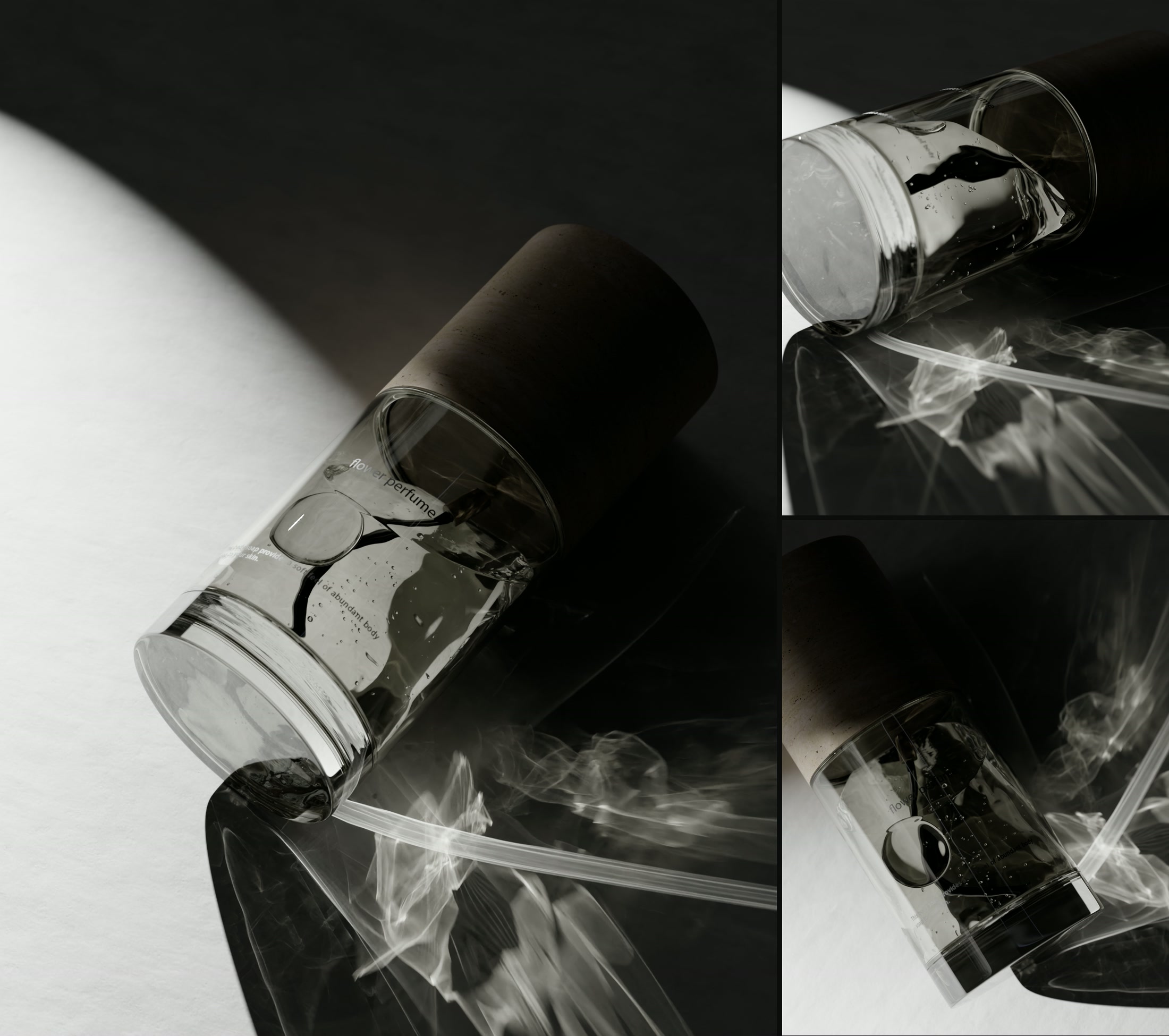
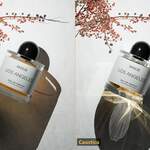
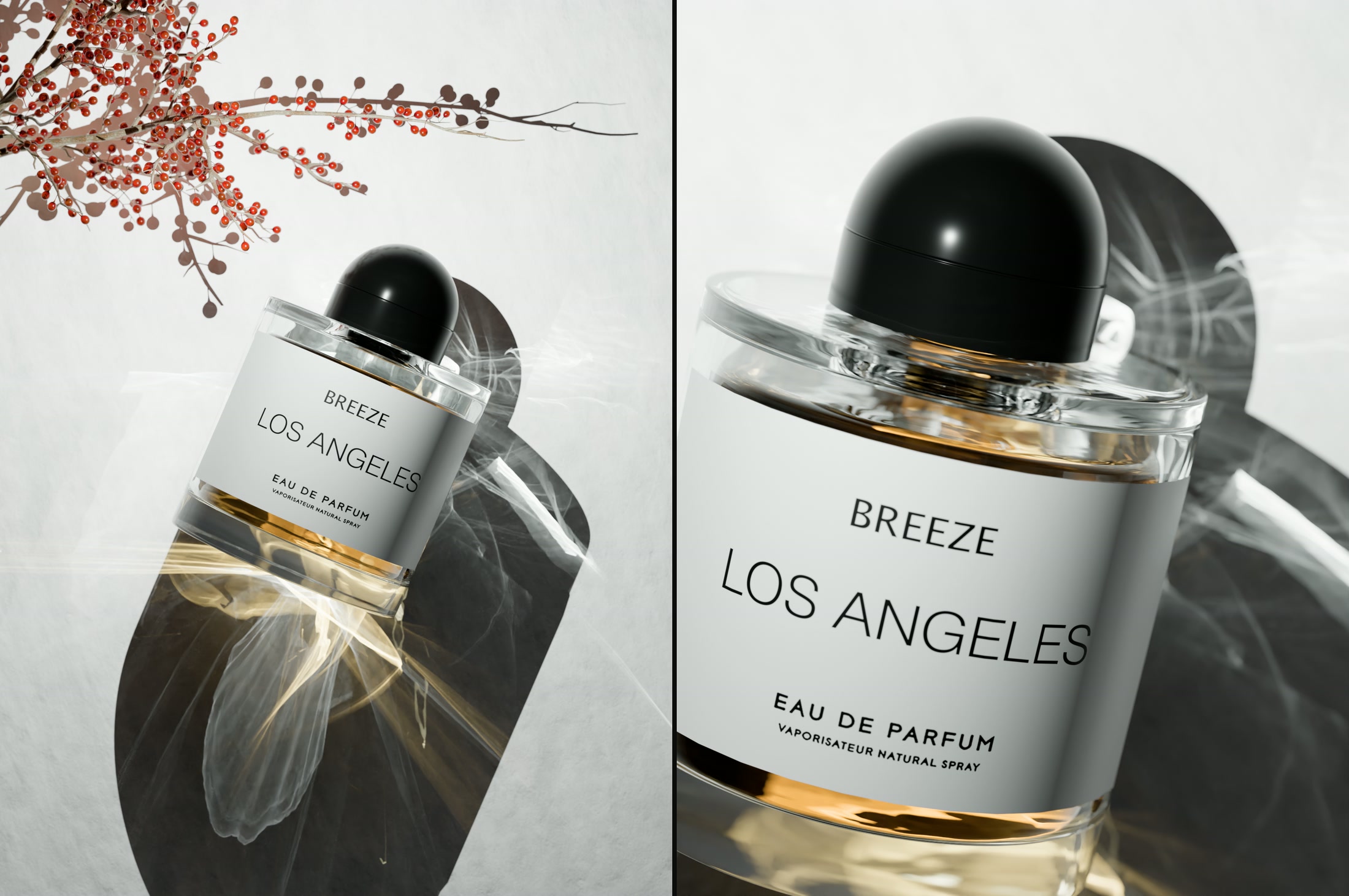
Perfume renders with photon caustics
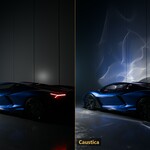
THE SAME FRAME  ·  SOLVER OFF AND ON

GLASS IS NOT
THE ONLY THING.

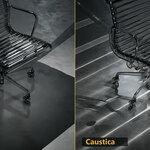
Chrome, polished metal and car paint bend light just as well. Every streak on that wall came off the bodywork.

The missing piece that makes
your renders pop.

INDEPENDENT REVIEW

DON'T TAKE OUR WORD FOR IT. TAKE HIS.

“It's actually game changing.”

OWEN JENKINS  ·  3D ARTIST  ·  YOUTUBE

Owen got a copy, spent a weekend rendering his own scenes with it and made a 15 minute video about what he found. Unscripted, in his words.

IT WORKS ON EVERYTHING YOU MAKE.

02POOLS & ARCHVIZ

WATER THAT THROWS LIGHT.

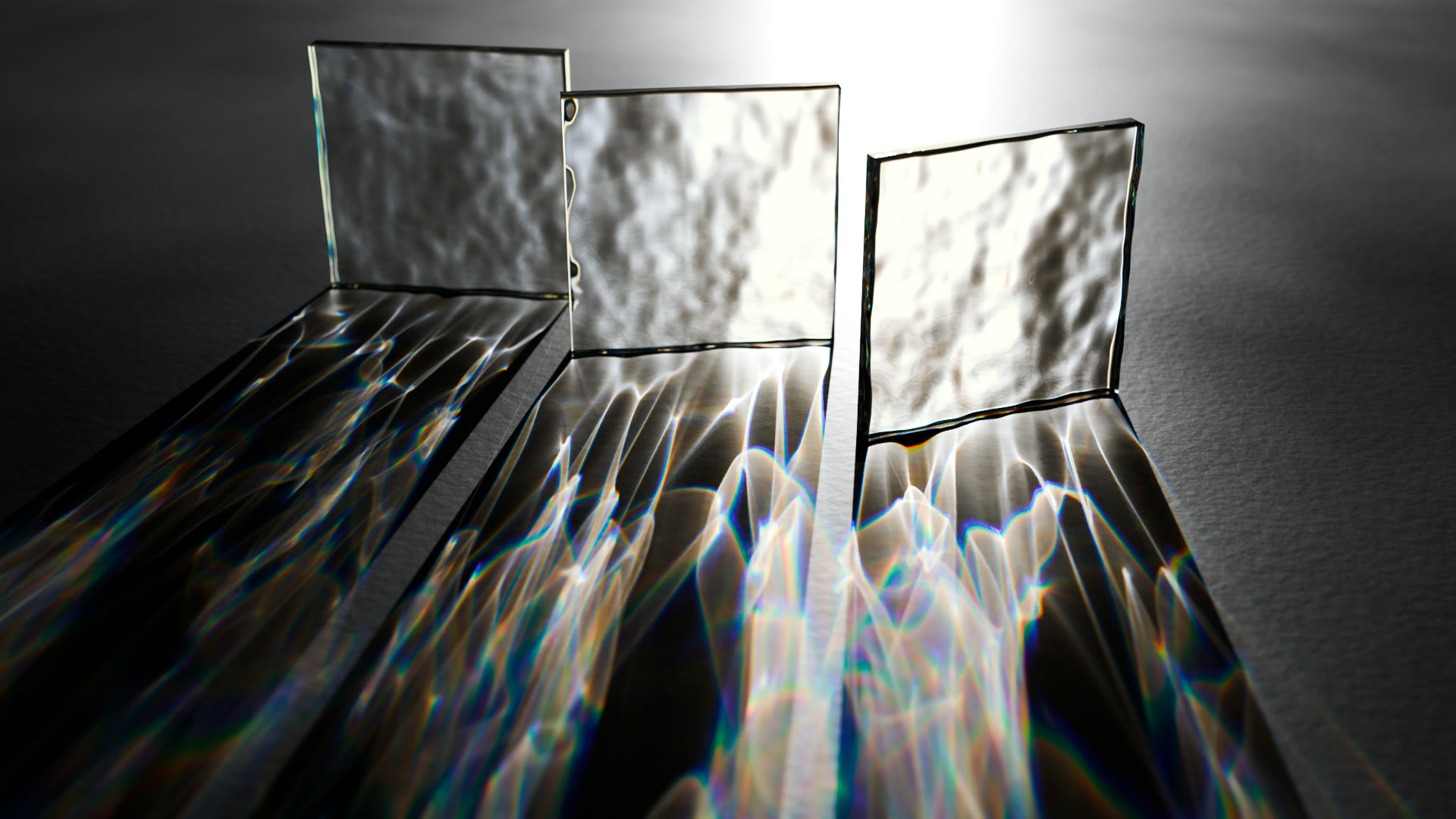
The shot everyone fakes with a projected texture — here the waves do it themselves.

THE SAME POOL, CLOSER  ·  AND ON THE WALL
FINISHED RENDER  ·  AND THE SAME POOL INSIDE BLENDER

ANOTHER BOTTLE, ANOTHER LIGHT SETUP

Perfume renders with photon caustics

THE LIQUID
TINTS THE LIGHT.

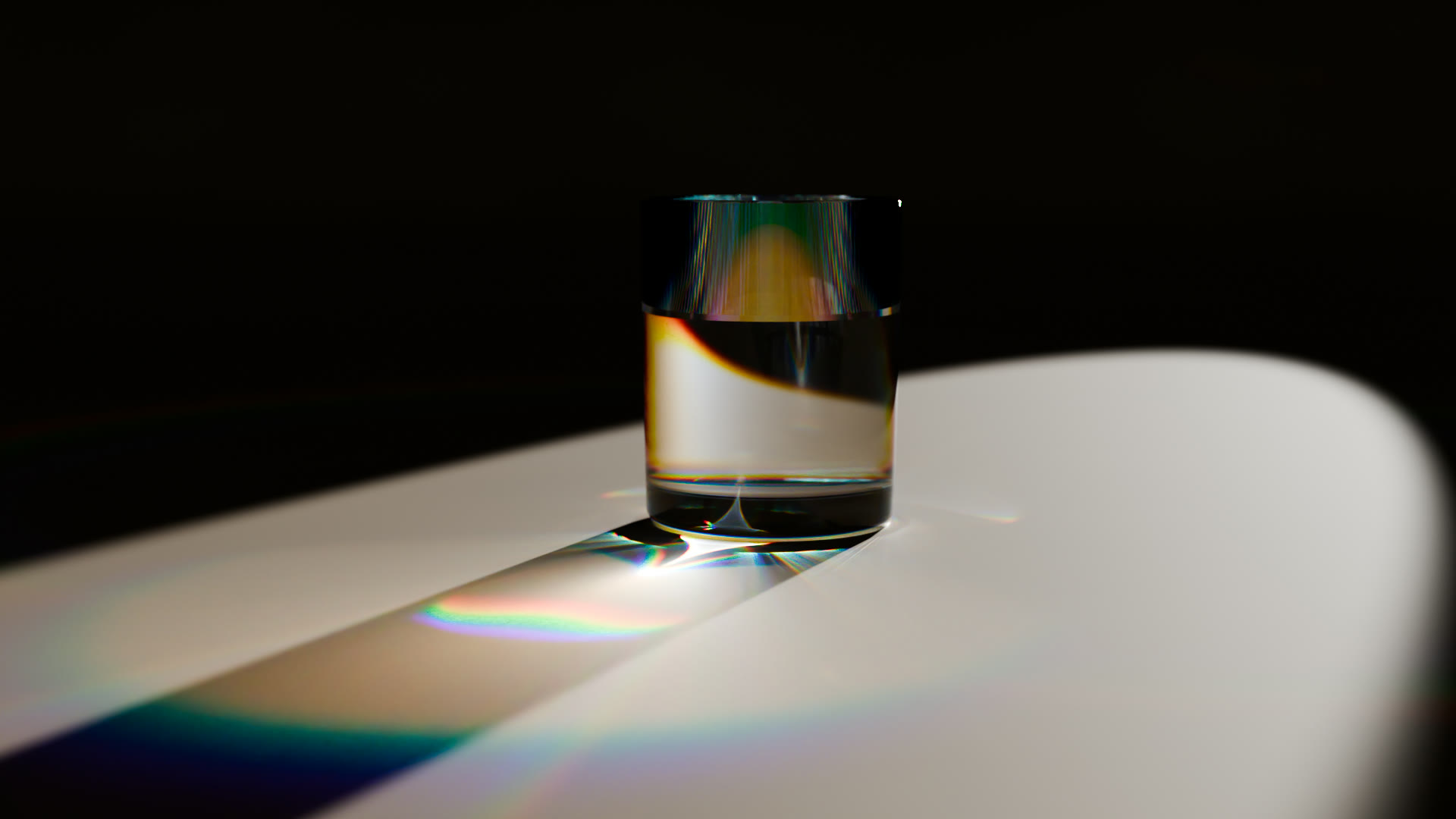
Volume absorption travels with the photons. The warm glow on the paper came out of the bottle — the same way it works for whisky, oil or pool water.

PRODUCT VISUALISATION
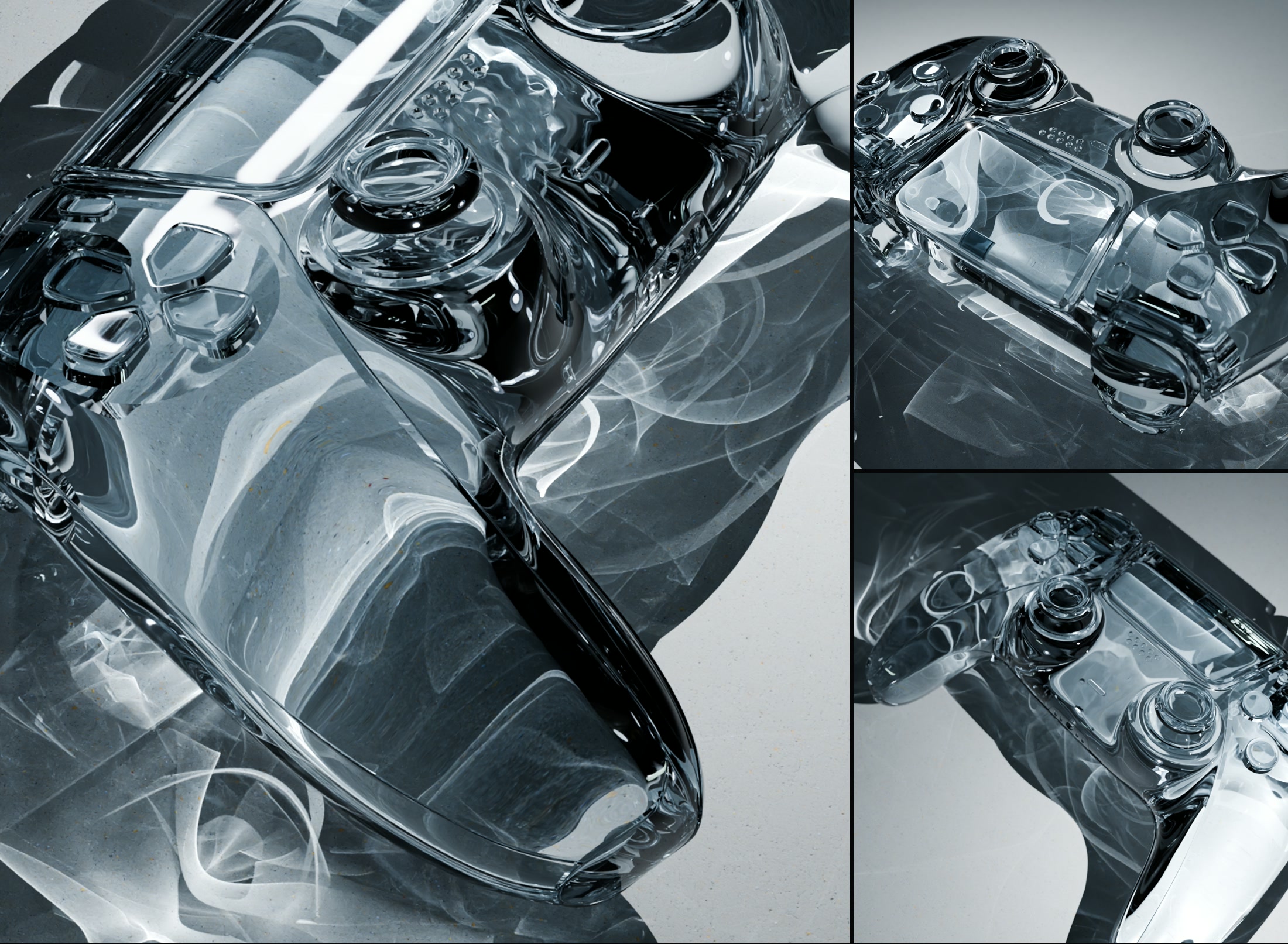
Glass controller rendered with photon caustics

GLASS WITHOUT CAUSTICS
IS JUST GREY.

Same model, same lighting, same shader. Everything that lights up here is light that travelled through the body and landed underneath it.

RENDER TIME

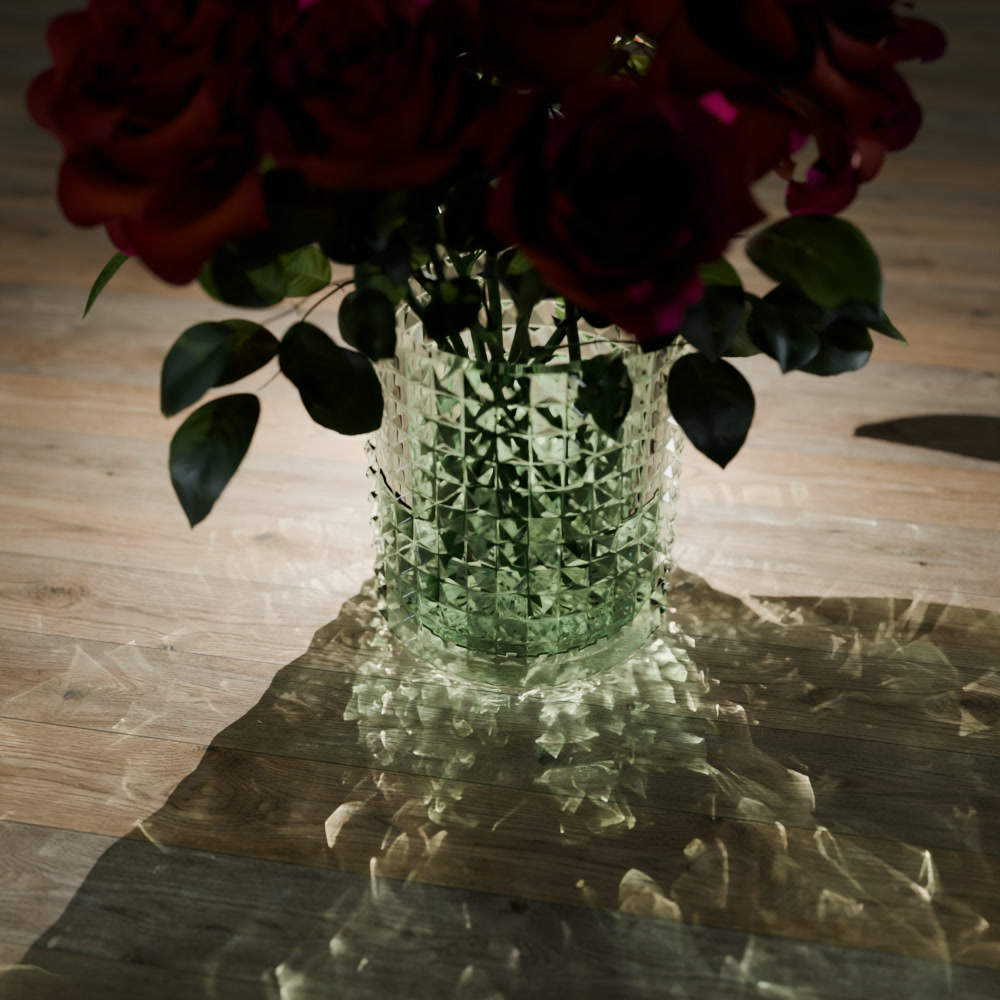
THE SAME VASE.
TIMED BOTH WAYS.

Same scene, same lighting, same glass. One render without the solver, one with it.
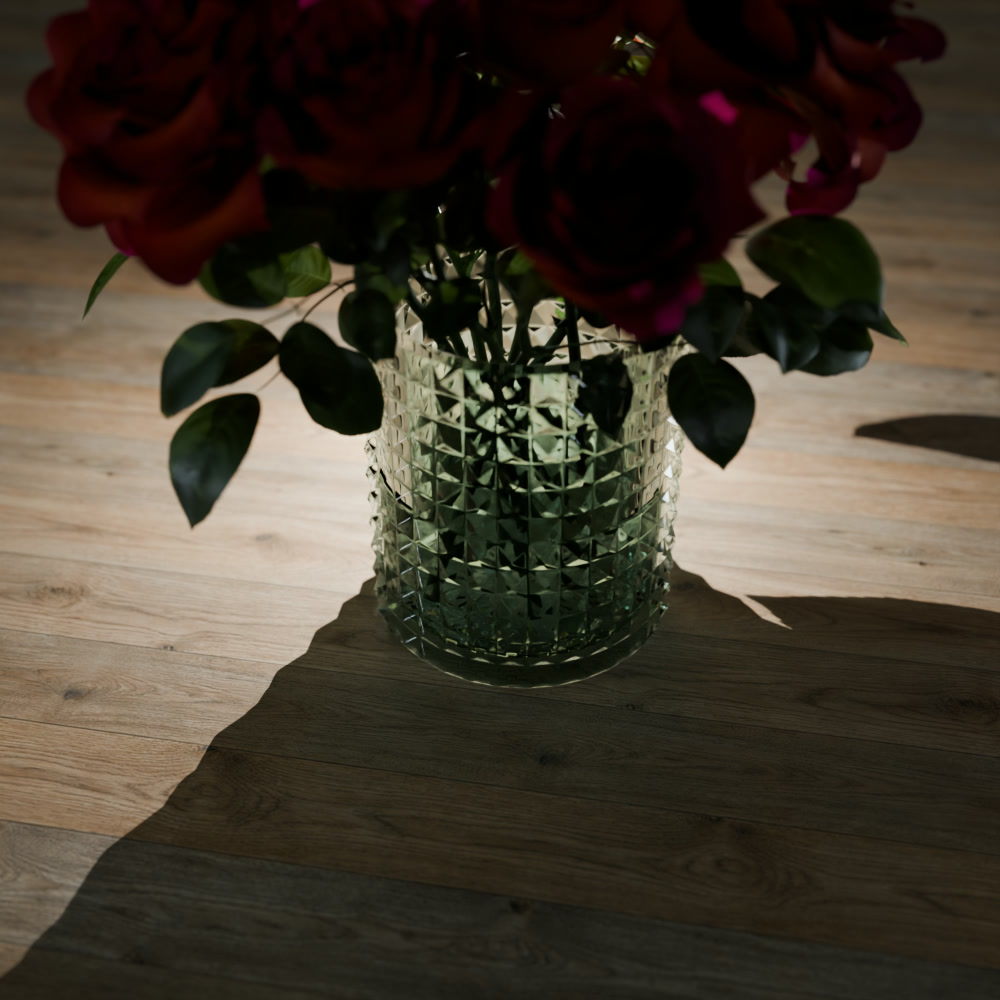
Vase rendered without caustics
CYCLES
RENDER TIME 27 s
SAMPLES 2000
RESOLUTION 1000 × 1000
Vase rendered with photon caustics
CAUSTICA
RENDER TIME 32 s
SAMPLES 2000
RESOLUTION 1000 × 1000
ONE SCENE  ·  TWO RENDERS

CAUSTICS AREN'T A DETAIL.
THEY'RE THE LIGHT.

One side is Cycles doing everything it can. The other is the same file with the solver switched on — nothing else touched. What comes back is not a highlight on the glass. It is most of what you see.

THE SAME FILE  ·  THE SAME LIGHT  ·  ONE CHECKBOX APART
03MATERIALS

WORKS WITH EVERY MATERIAL.

Glass, metal, car paint, your own node groups — the solver reads them all.

All your scenes and materials just work. No setup — only the Photon Caustics Solver checkbox.

1000+ GLASS MATERIALS IN THE ASSET BROWSER  ·  EVERY ONE OF THEM CASTS

COLOURED GLASS THROWS COLOURED LIGHT.

04AUTOMOTIVE

BIG SCENES. SAME CHECKBOX.

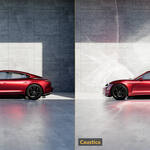
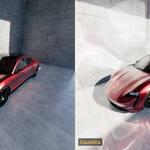
Windscreens and chrome light up the whole set — and the checkbox is the only thing that changed.

RENDERED FRAME BY FRAME

MOVE THE SUN. THE LIGHT FOLLOWS.

Every frame is solved from scratch, and the caustics stay welded to the bodywork as the light travels across it. Nothing baked, nothing projected, nothing to re‑tweak per frame.

THE SAME FRAME  ·  SOLVER OFF AND ON
05ANIMATION

IT NEVER FLICKERS.

300 rendered frames. The same frame renders identical every time — that shimmer is what keeps other solvers out of animation.

NEW IN CAUSTICA 1.3

MORE LIGHT. SAME CHECKBOX.

Ice in a drink. Beams in the fog. Rainbows from a diamond. And Blender’s Path Guiding on your GPU. A free update for everyone who owns Caustica.

NEW IN 1.3
NESTED
DIELECTRICS

ICE IN WHISKY.
FINALLY RIGHT.

Plain Cycles treats every glass, liquid and ice cube as if it sat in air. Ice turns into bright glass blocks, and the glass gets a second wall where the liquid touches it. With nested dielectrics, light goes from glass into whisky into ice with the right refraction at every boundary. The ice almost disappears in the drink, just like it does in a real glass, and the caustic on the table follows.
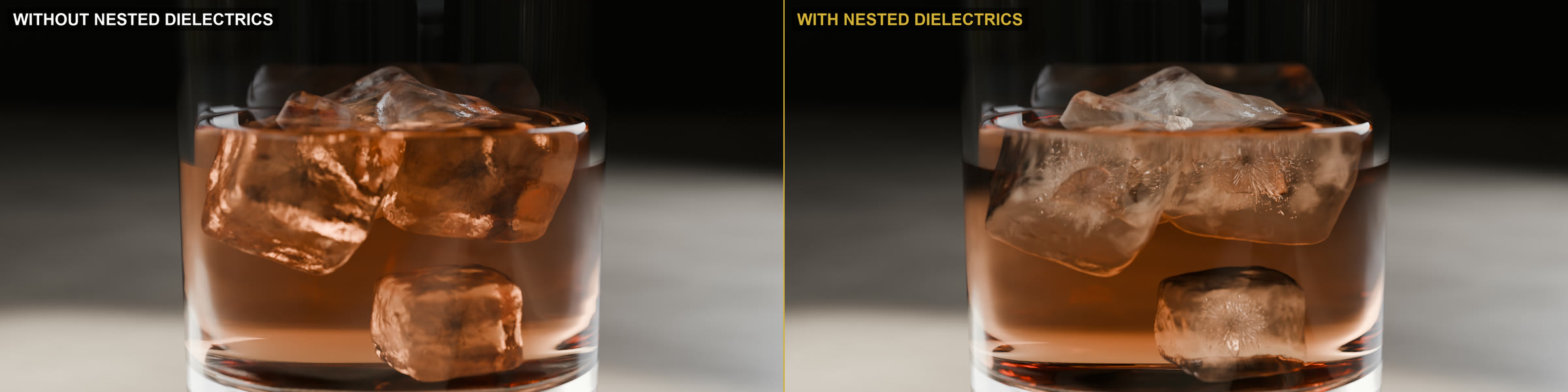
THE SAME GLASS  ·  NESTED DIELECTRICS OFF AND ON
Whisky glass with ice, without and with nested dielectrics

ONE NUMBER
PER MATERIAL.

Model the objects overlapping, the way you would in Octane, V‑Ray or LuxCore. Then give each material a priority under Material ▸ Settings ▸ Nested Priority. Where objects overlap, the higher number wins.

Glass 1  ·  Whisky 2  ·  Ice 3

NEW IN 1.3
VOLUMETRIC
CAUSTICS

LIGHT YOU CAN SEE
IN THE AIR.

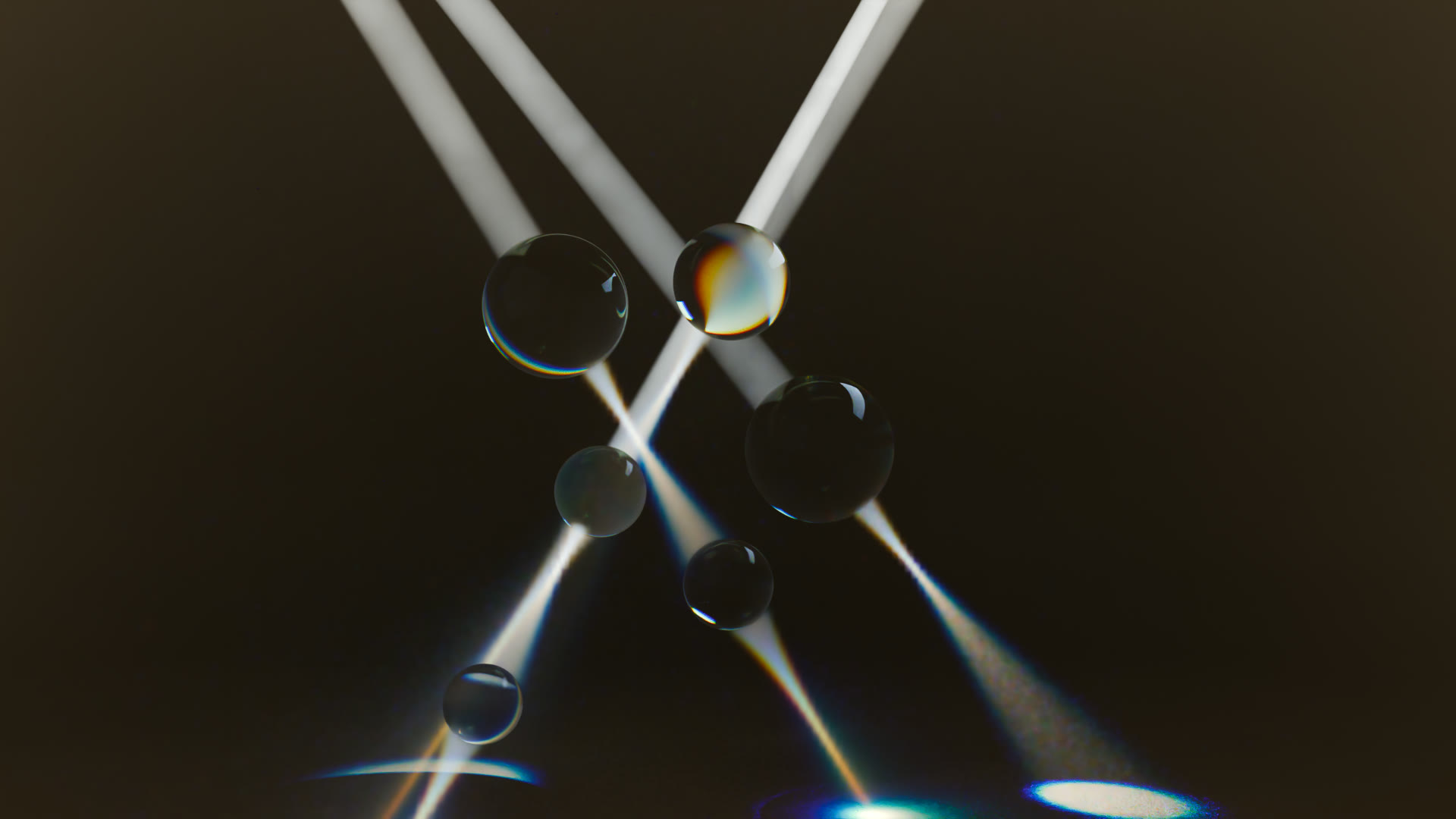
Caustics no longer stop at the floor. Light bounced off car paint or bent by waves draws visible beams through fog, haze and water. In plain Cycles, that light never reaches the fog. One more checkbox: Volumetric Caustics.
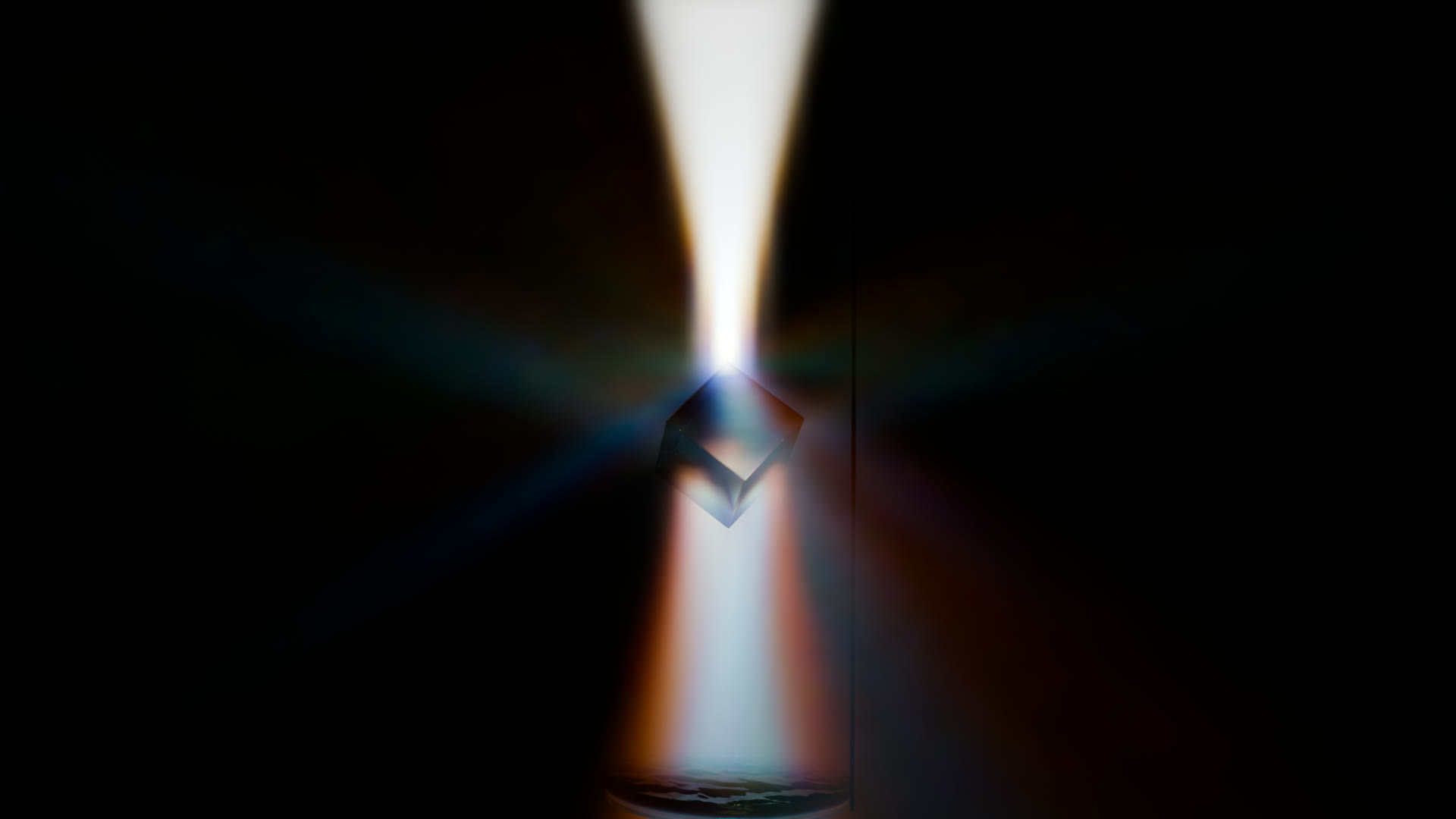
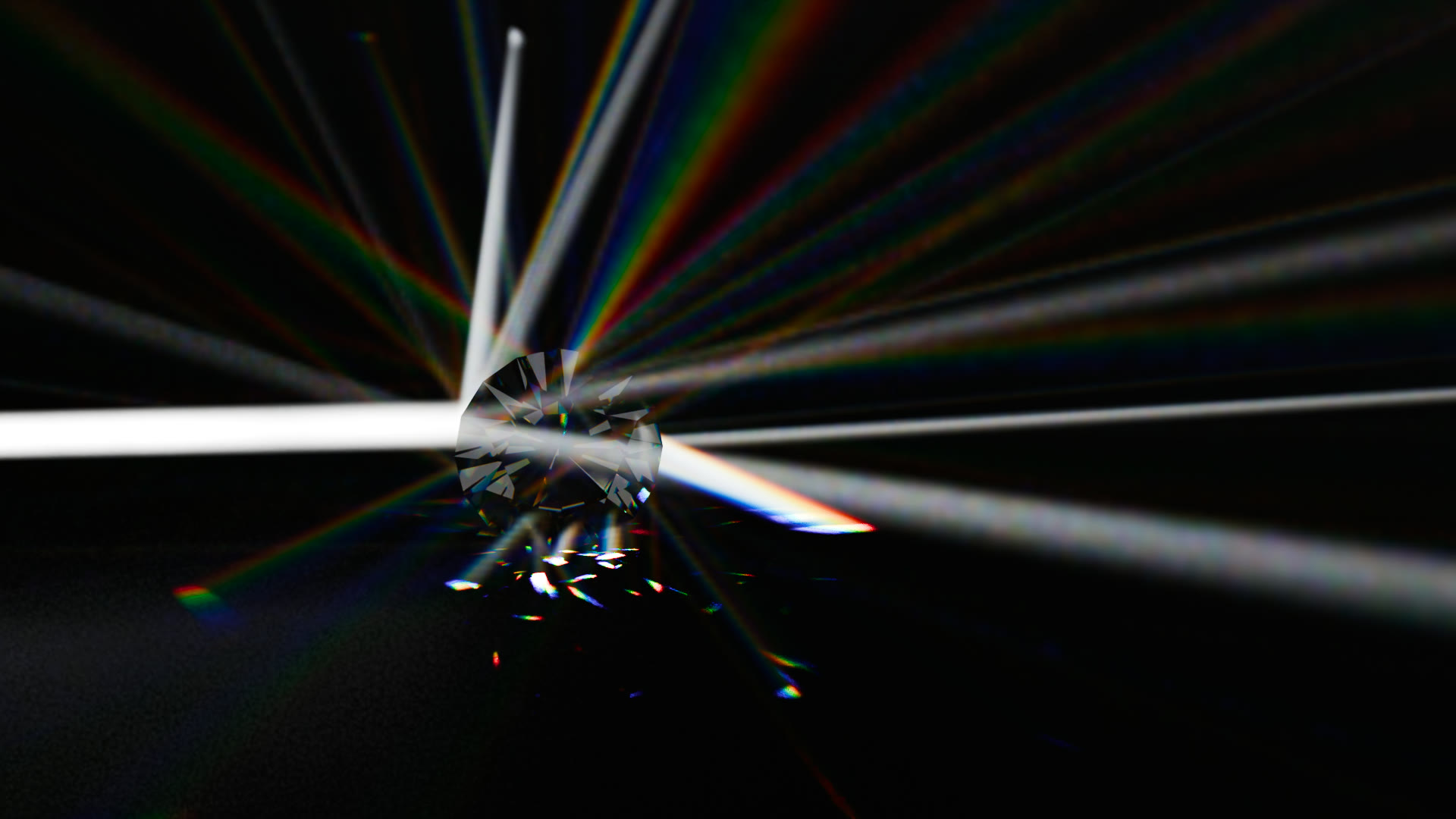
RENDERED ANIMATION  ·  GLASS SPHERES PASSING LIGHT THROUGH FOG
LIVE IN THE VIEWPORT  ·  MOVE THE LIGHT, THE BEAMS FOLLOW

DIVE IN. THE SUN COMES WITH YOU.

The waves split the sunlight into moving shafts under water. Fly the camera into the pool and the beams stay where the waves send them. Screen capture, sped up.

Light beam relayed through glass in fog
Laser through a diamond in fog
Glass spheres focusing light beams in fog
GLASS, DIAMONDS AND SPHERES  ·  FOCUSING LIGHT INSIDE THE FOG
NEW IN 1.3  ·  BLENDER 5.3 BUILD
DISPERSION

WHITE LIGHT IN.
RAINBOWS OUT.

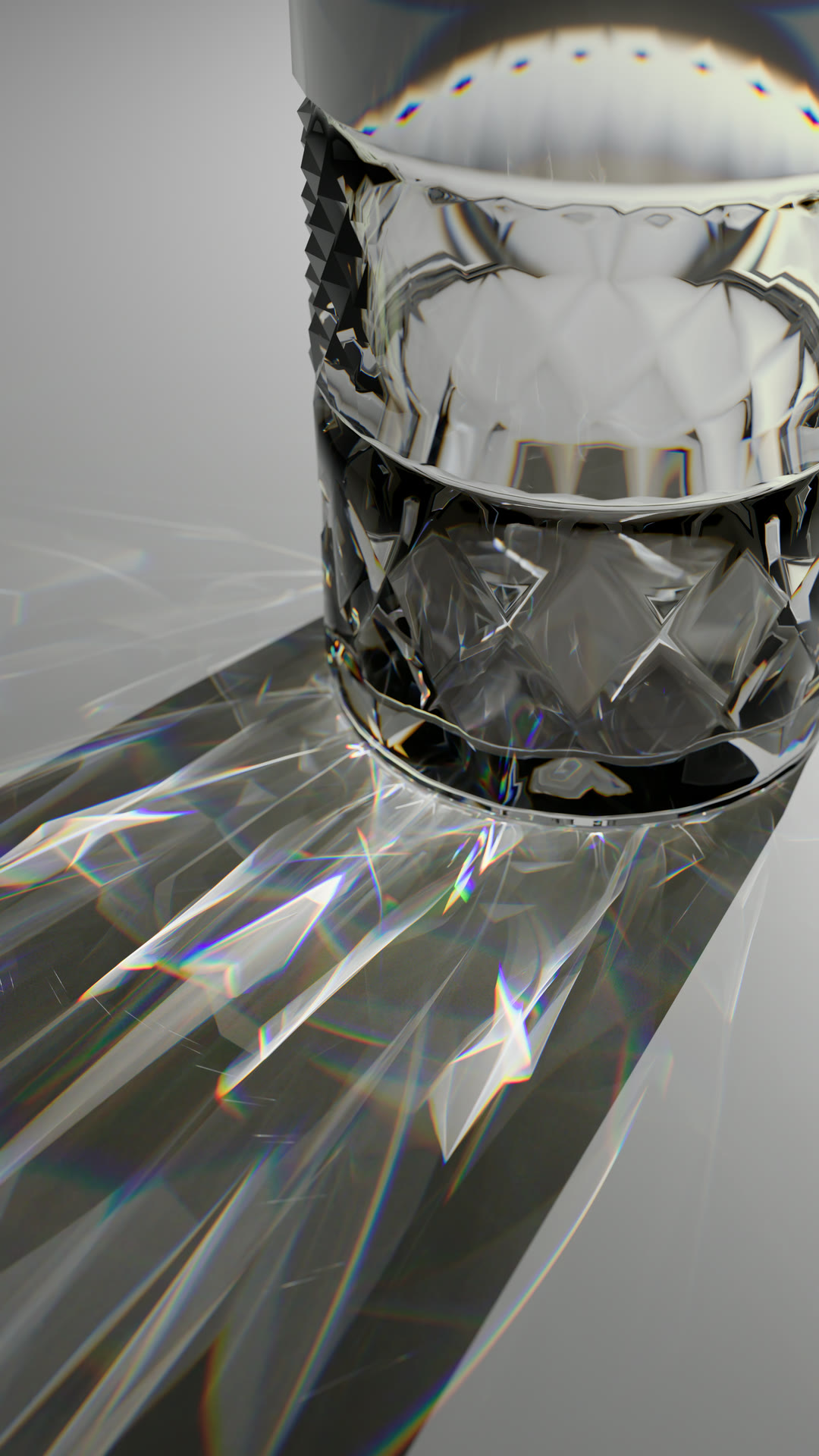
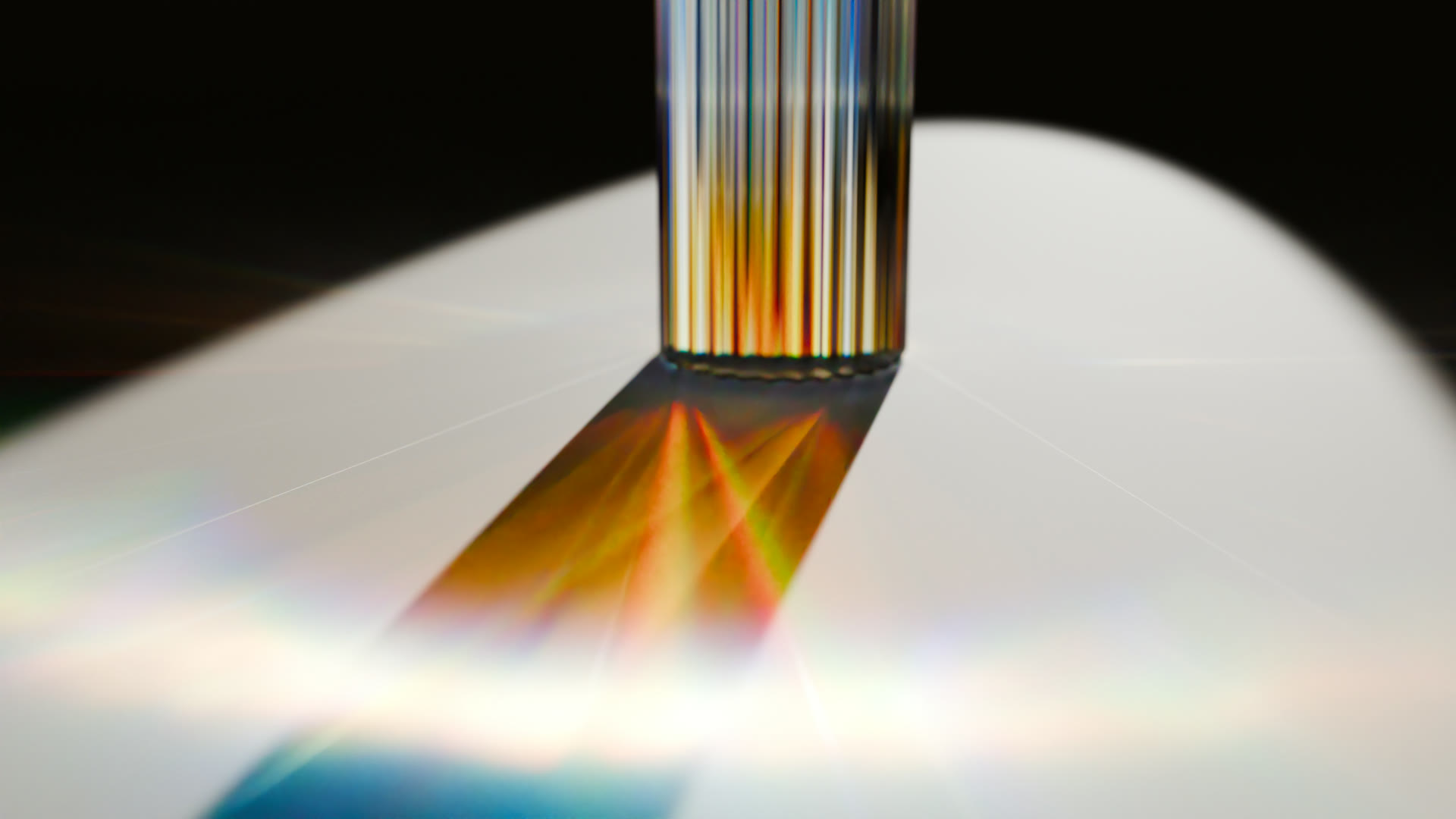
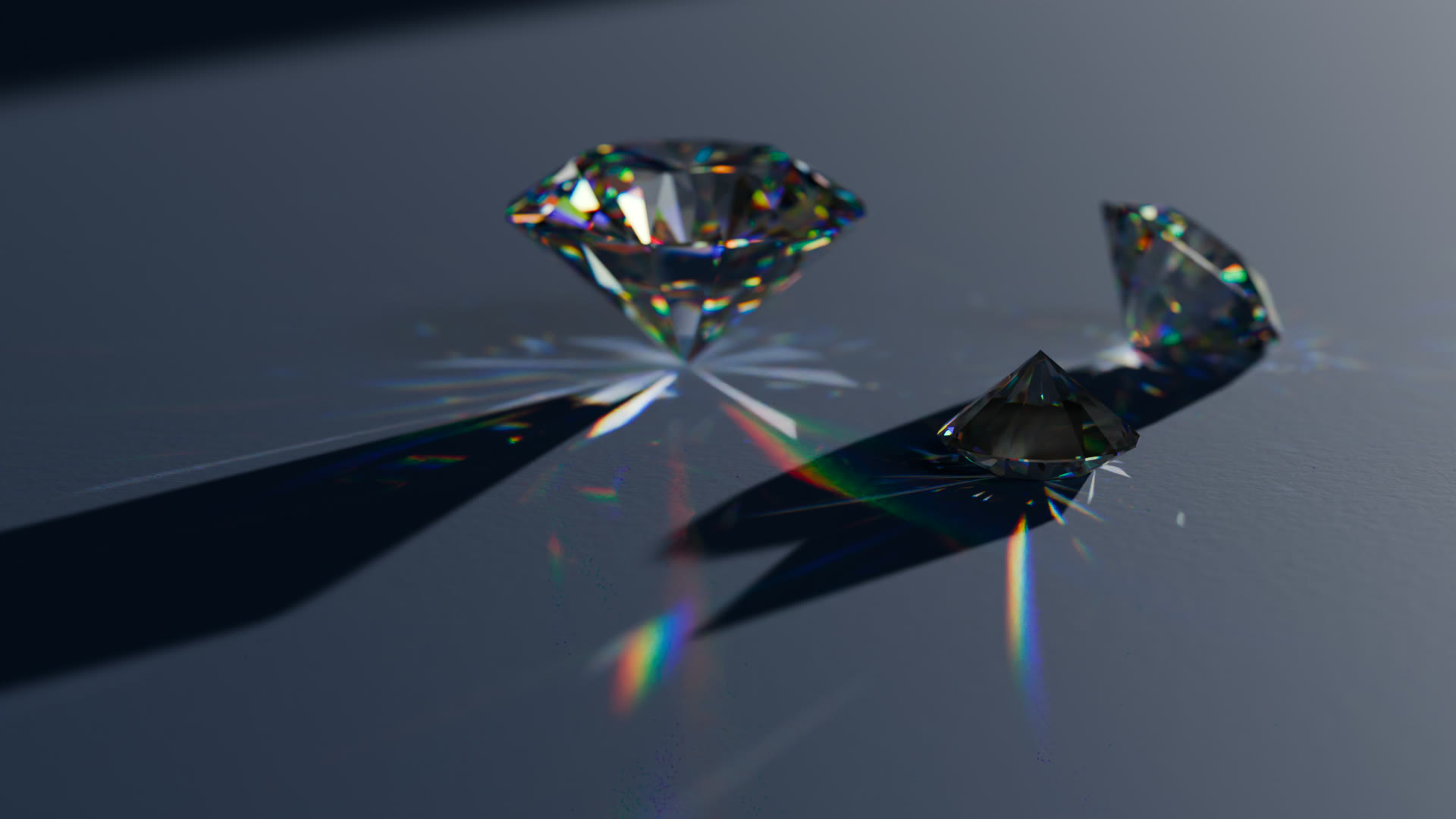
Blender 5.3 lets glass split light into its colours. Caustica makes the caustics follow: every prism, diamond and glass edge throws a real spectrum onto the surface. Set Dispersion on the Principled BSDF and that’s it.
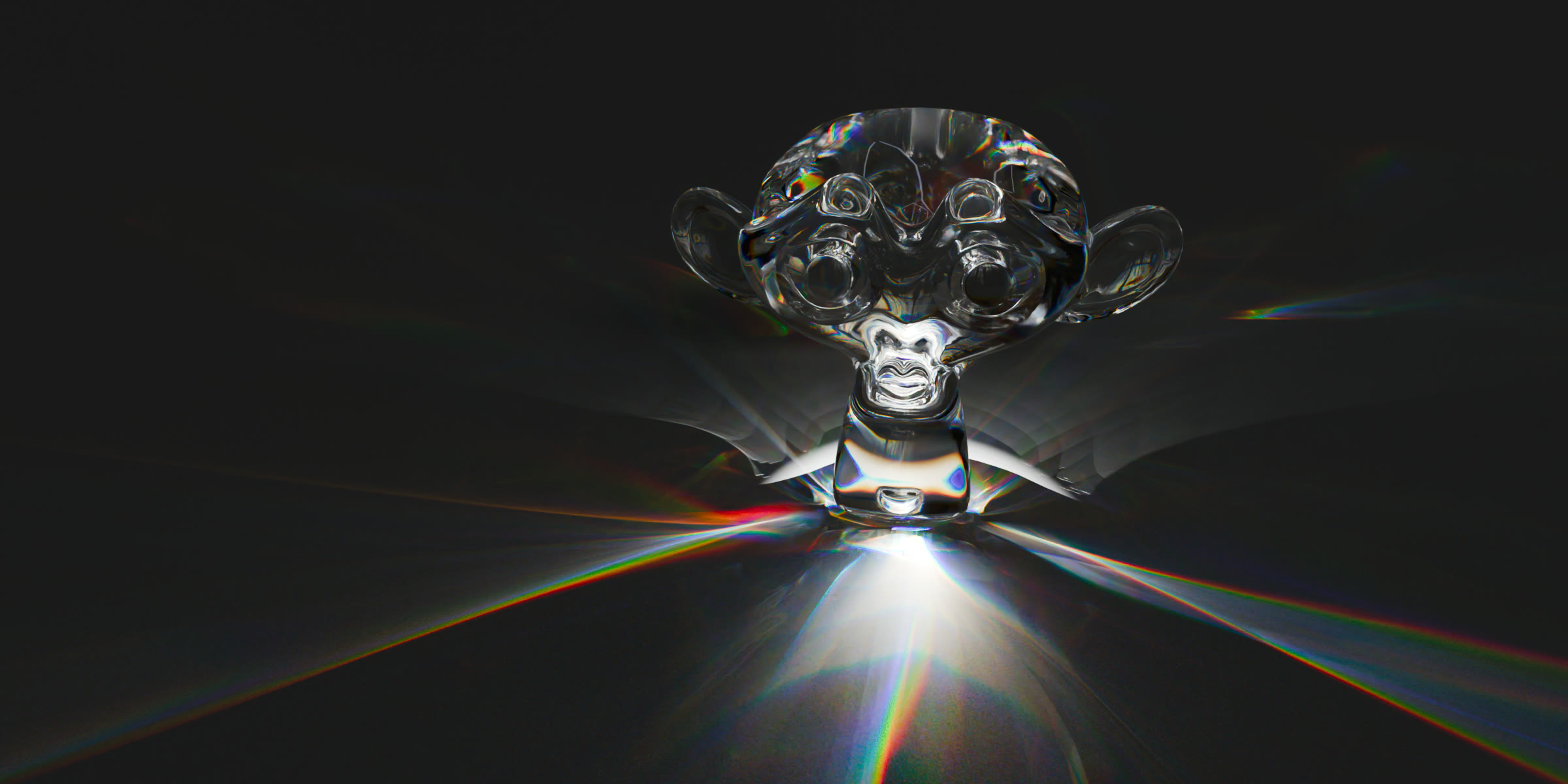
Glass Suzanne casting a dispersive caustic
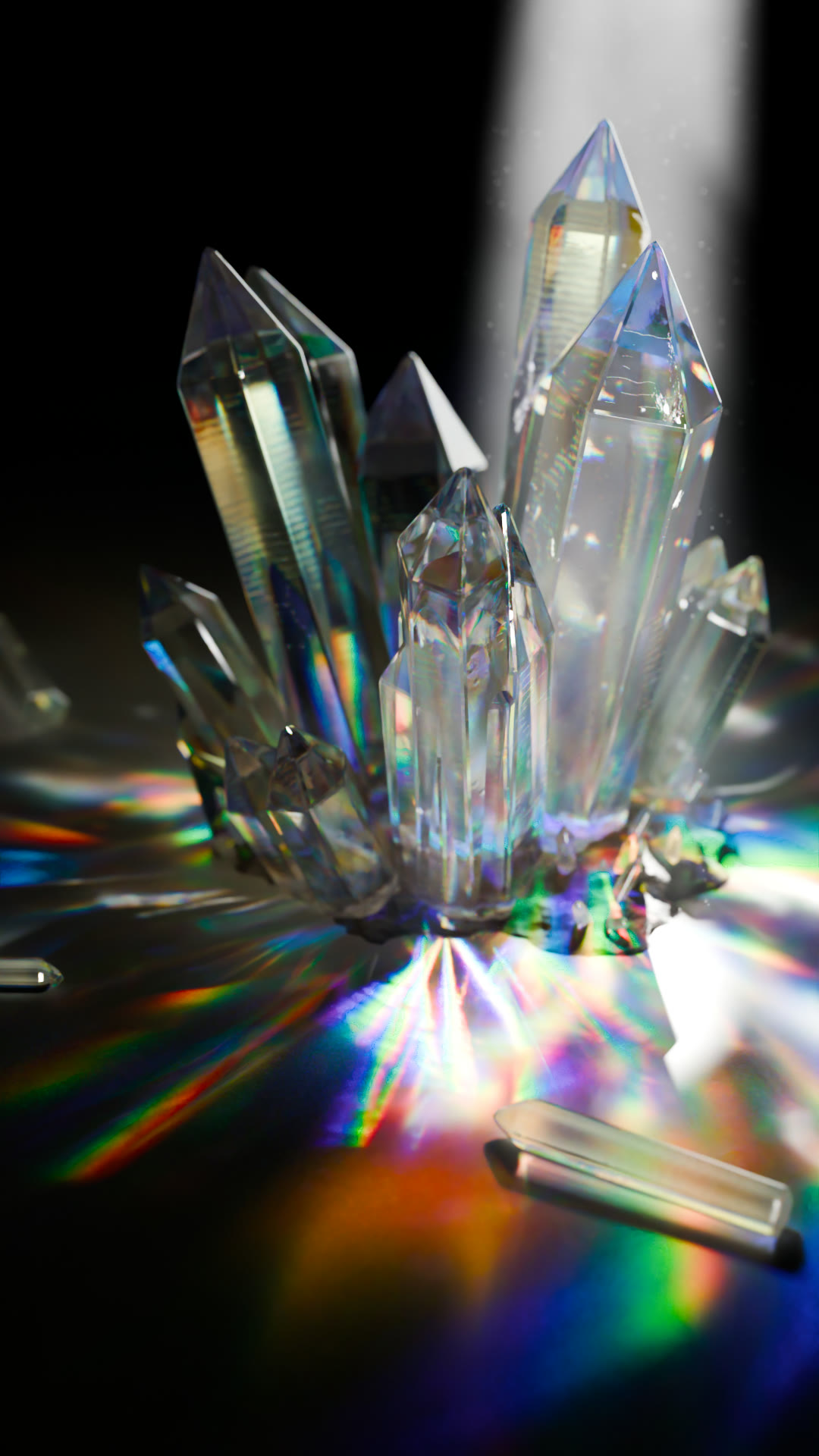
Crystal cluster with dispersion

A THOUSAND FACETS.
A THOUSAND SPECTRA.

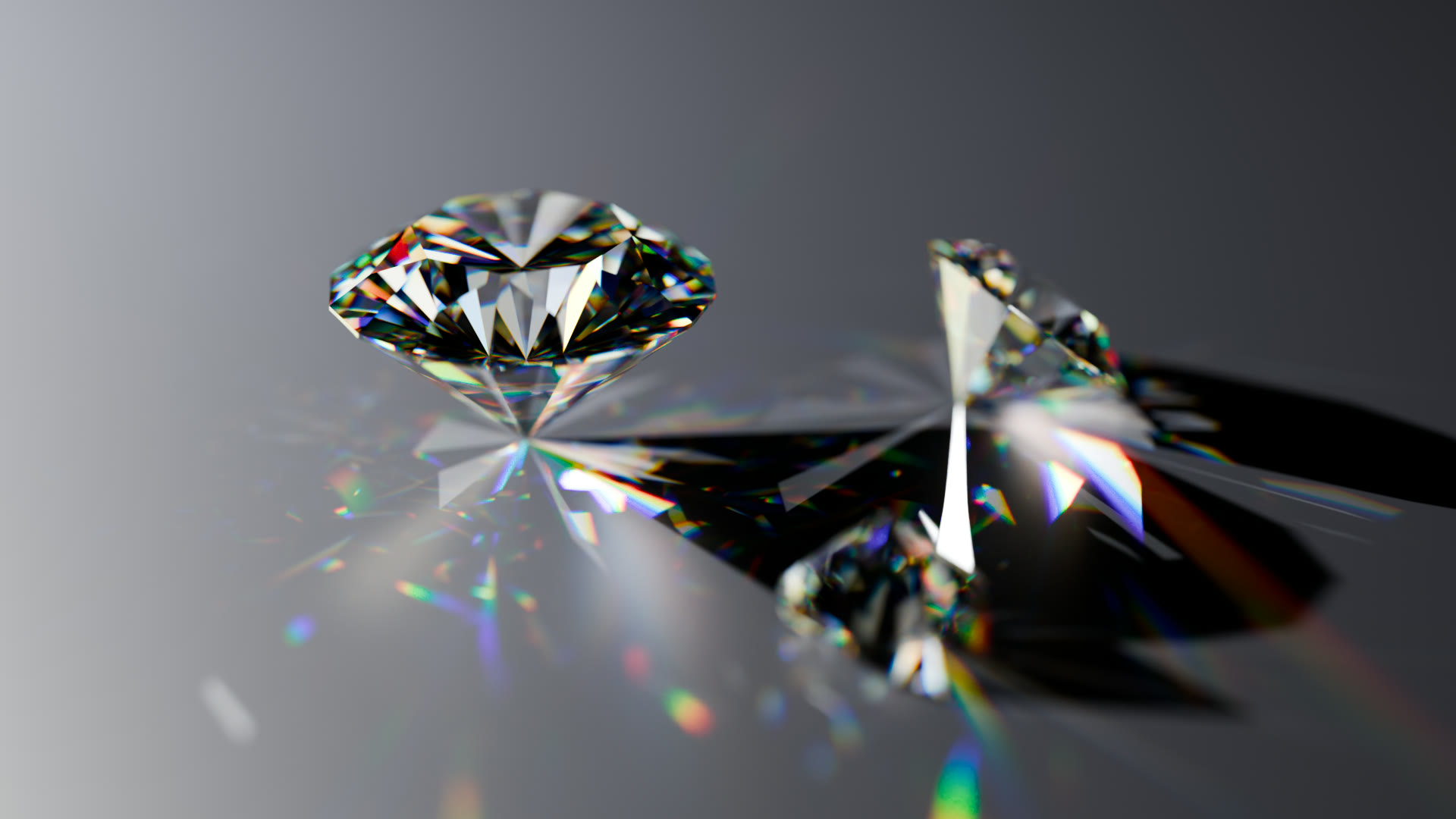
Every crystal splits the light on its own, and every fringe lands where the glass sends it. No post effect, no chromatic aberration filter. It is all traced.
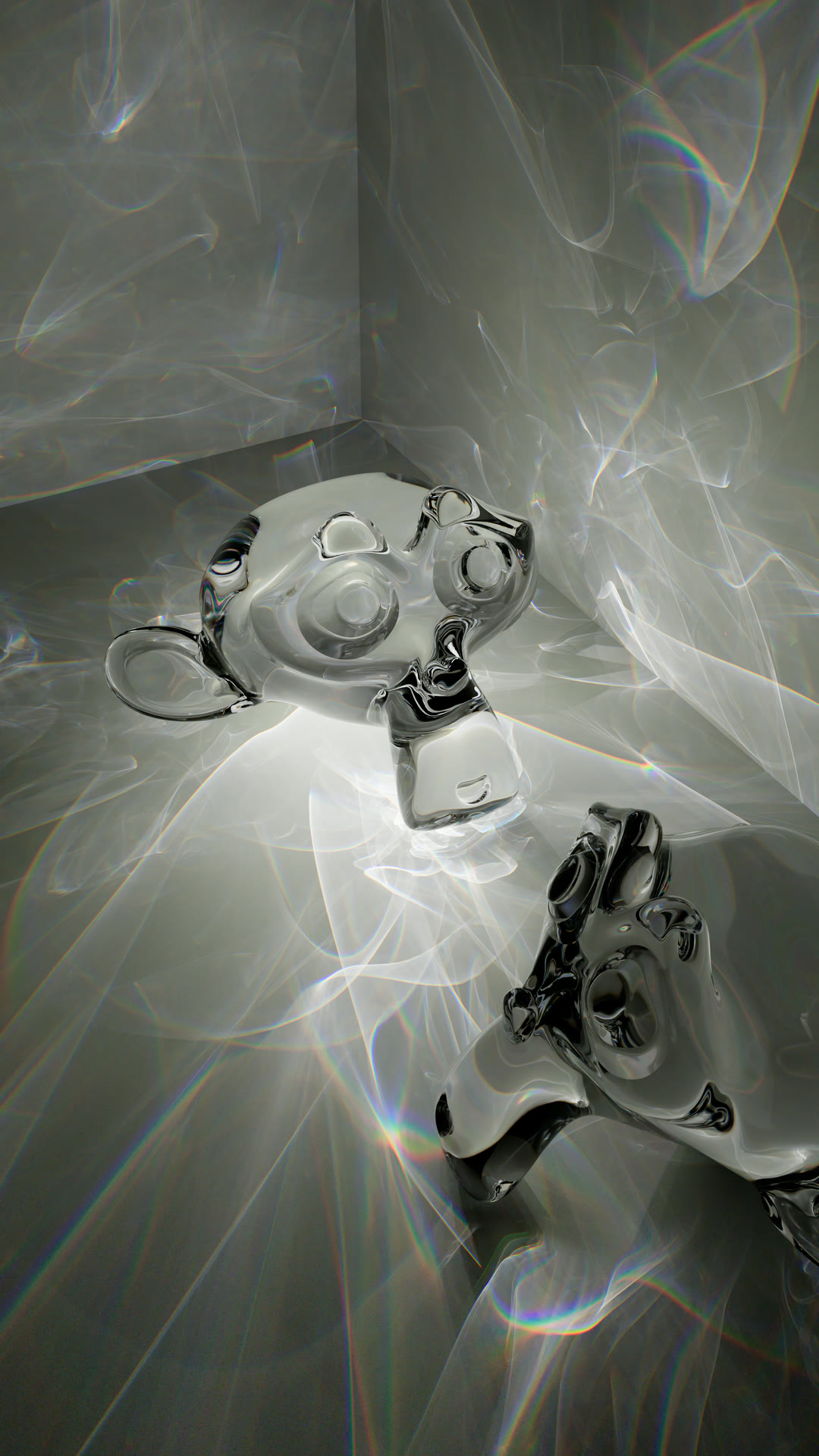
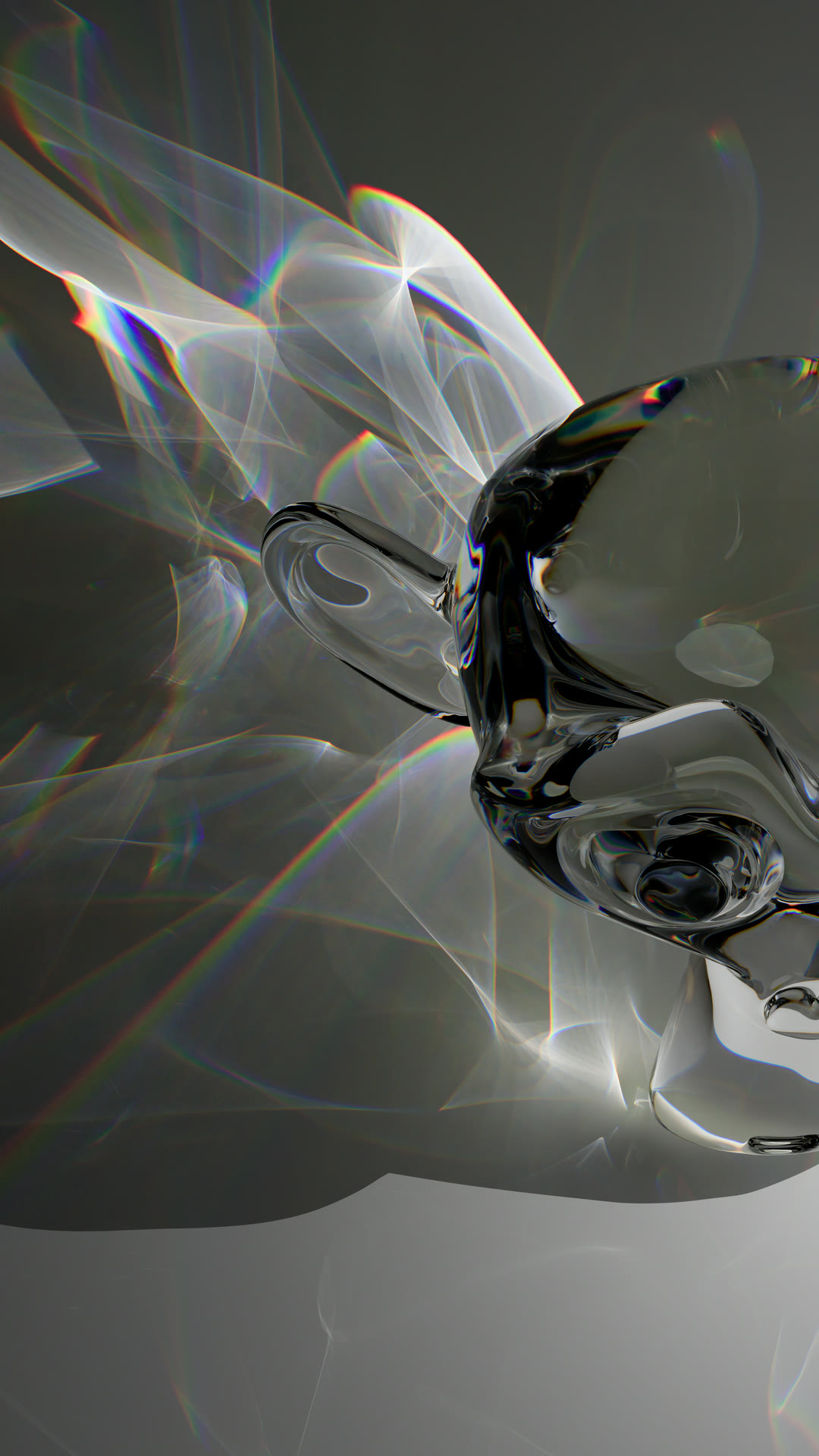
Dispersion render
Dispersion render
Dispersion render

STUDIO GALLERY

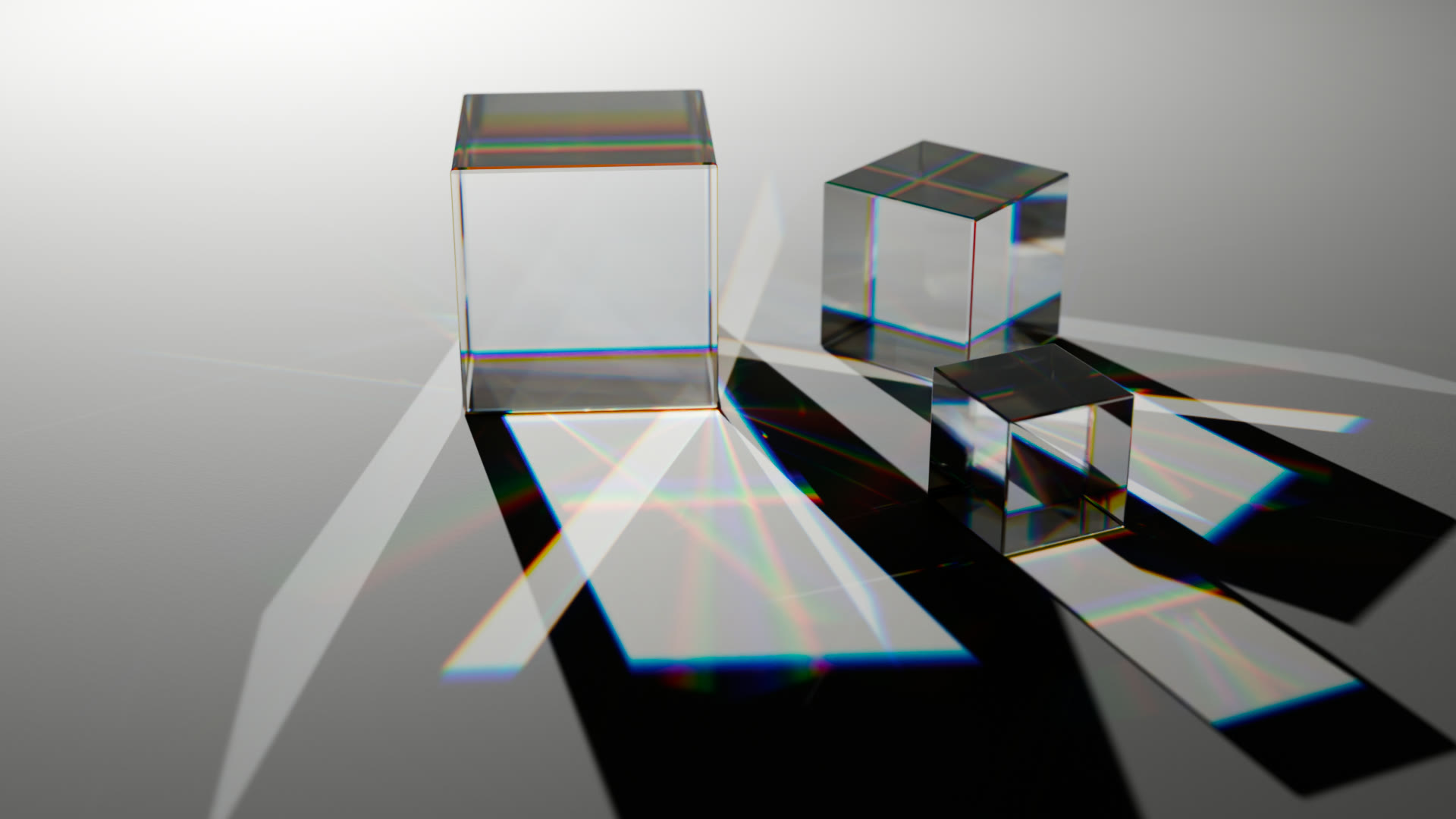
ONE SUN. ONE PIECE OF GLASS.
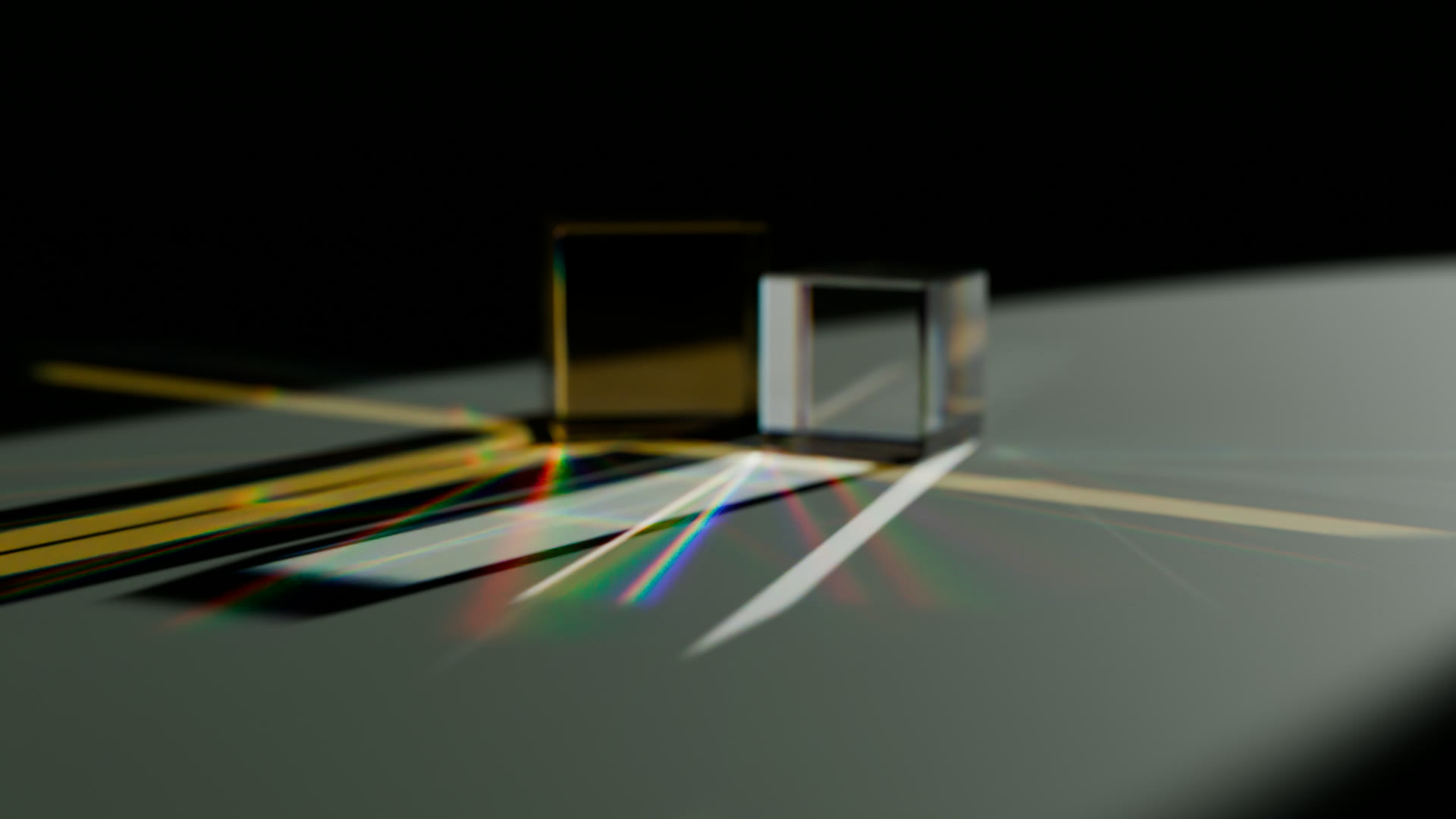
Glass cubes on sage
Three glass cubes
Reeded glass on cream
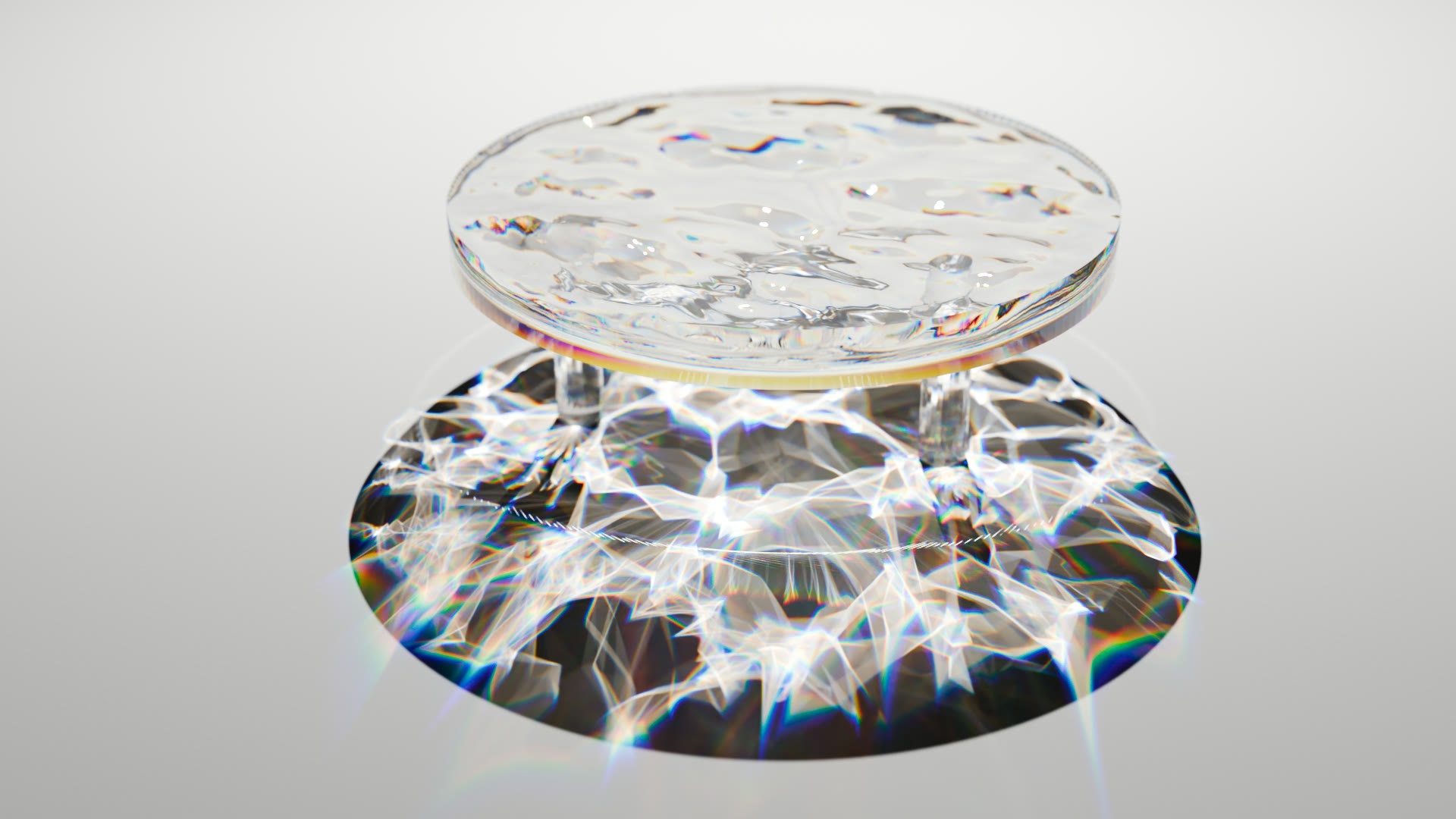
Liquid glass caustic net
Diamonds
Diamonds on ink blue
Water glass on sand
Glass tiles
ALL RENDERED IN CAUSTICA  ·  DISPERSION NEEDS THE BLENDER 5.3 BUILD
NEW IN 1.3  ·  EXPERIMENTAL
GPU PATH
GUIDING

PATH GUIDING.
NOW ON YOUR GPU.

Blender’s Path Guiding has only ever run on the CPU. Caustica brings it to CUDA and OptiX, with nearly identical results to Blender’s native CPU Path Guiding and 22× more samples in the same time.

It helps where light reaches the camera only indirectly, through doors, gaps and small openings. Off by default, under Render ▸ Sampling ▸ GPU Path Guiding (experimental).
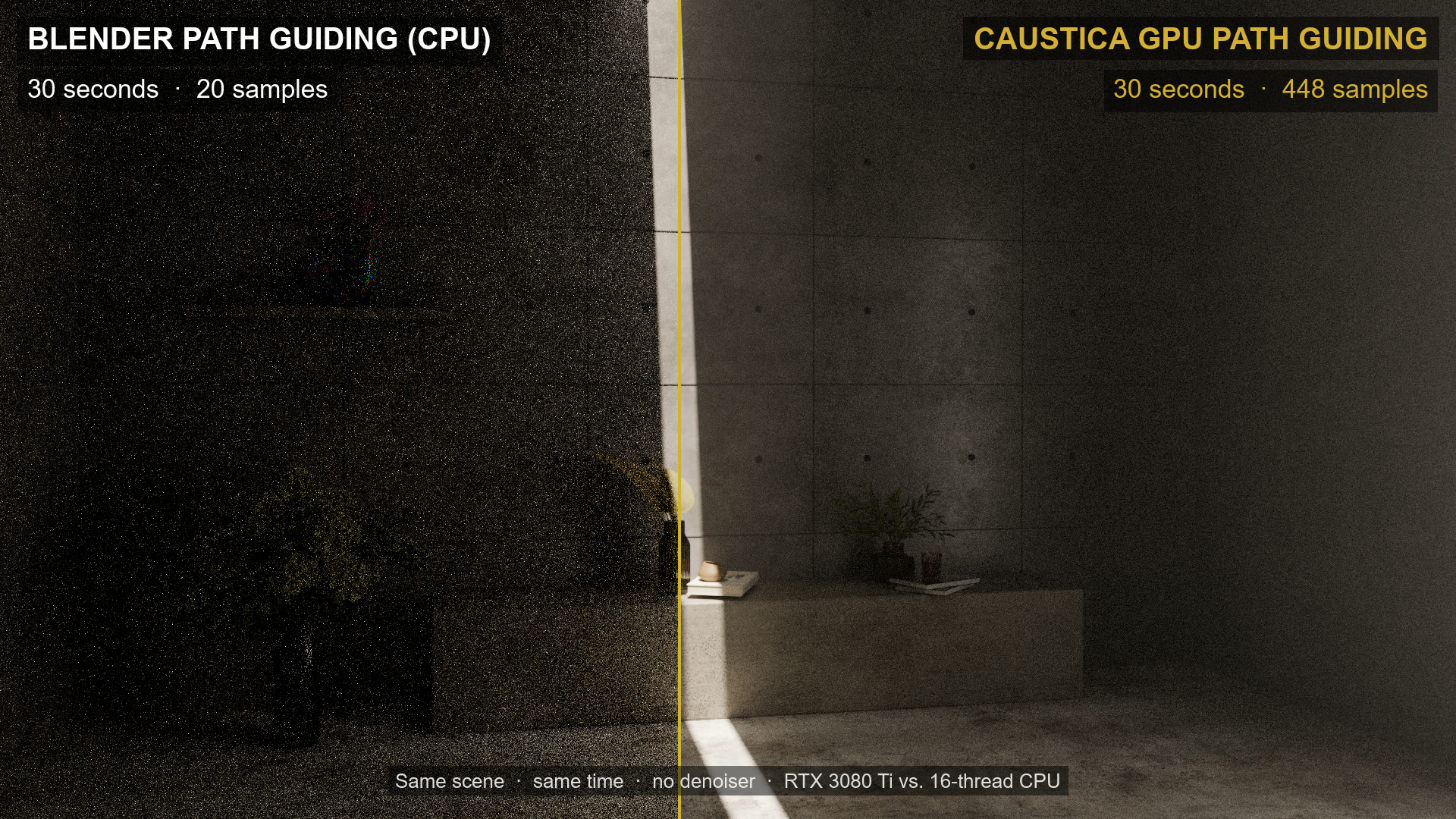
CPU path guiding vs GPU path guiding at equal render time
SAME 30 SECONDS  ·  CPU 20 SAMPLES (16 THREADS)  ·  GPU 448 SAMPLES (RTX 3080 Ti)
ARTISTIC CONTROL

PHYSICALLY CORRECT.
THEN YOURS.

One slider takes the caustics up or down. 1.0 is the physically correct answer — everything above and below it is a look, and the render updates while you drag.

Only the hero should throw light? Switch casters to selected materials and tick the ones you mean. Everything else still catches caustics — it just stops sending them.

INTENSITY SLIDER  ·  AND CASTING PER MATERIAL
COMPOSITING

PULL THE CAUSTICS OUT.
LIGHT BY LIGHT.

The caustics arrive as their own render pass. Add light groups and you get one caustics pass per light — so you rebalance the lighting in comp instead of rendering the shot again.

COMBINED  ·  CAUSTICS  ·  AND ONE PASS PER LIGHT
RENDER TIME
SCALES WITH THE SHOT.
Photon tracing does not care about resolution. The bigger and longer the render, the smaller its share of the time.
YOUR MATERIALS
NOTHING TO REBUILD.
Glass, metal, car paint, tinted liquids. All detected automatically.
YOUR SCENES
NOTHING TO SET UP.
Open a file you finished last year. Tick the box. Render.
NO RISK
NOTHING TO COMMIT TO.
Untick it and you are back to ordinary Blender. Same session, same file.
ONE ENGINE

NO SECOND
RENDER ENGINE.

Until now, real caustics meant leaving Cycles: rebuild the scene in V‑Ray, Corona or LuxCore, render a caustics pass there, comp it back over your Cycles render. Different materials, different lights, different look — for one effect.

Nothing to install. Nothing to export. One render, one engine, one pass.

WHAT YOU ARE DOWNLOADING

IT IS BLENDER.
PLUS ONE CHECKBOX.

Caustica is a custom build of Blender 5.2 and Blender 5.3 — 100 % the official Blender source code, with one function added. Caustics have to be traced inside the render kernel, so they cannot come as an add‑on.

✓ Everything works the way it always did. Same interface, same shortcuts, same menus, same everything. Nothing to relearn.
✓ Your setup comes along by itself. Add‑ons, preferences, theme and keymap are already there the first time you launch it. You reinstall nothing.
✓ Make it your main Blender, or keep the one you have. Either use it every day, or stay in your usual Blender and open the same .blend here just for the final render. No exporting, no converting.
✓ Every new Blender LTS is built for you. When Blender ships the next LTS, Caustica follows it and you get that build too. Lifetime updates, included.
✓ With the box off it is stock Blender. Renders come out pixel‑identical to official Blender on CPU. Measured, not promised.

The only thing that changes: you download your next Blender here instead of blender.org.

GETTING STARTED

NOTHING TO
INSTALL.

Caustica is a complete Blender build, not an add‑on. It sits next to the Blender you already have — it does not replace it, and it does not touch your installation.

1
Unzip it
One folder, anywhere you like. No installer, no admin rights.
2
Run blender.exe
Your preferences, add‑ons, theme and keymap are already there. You do not reinstall a single thing.
3
Tick the box
Render Properties ▸ Light Paths ▸ Caustics. Open an old scene and it just works.

ZIP TO FIRST CAUSTICS: TWO MINUTES.

Unedited, start to finish — open the folder, launch Blender, build a scene, tick the box, watch the caustics land. Sped up for you; the whole thing took about two minutes in real time.

NO INSTALLER  ·  NO ADMIN RIGHTS  ·  NOTHING WRITTEN TO YOUR SYSTEM
100M+
PHOTONS / SEC
7
LIGHT TYPES
ZERO
SETUP
1
CHECKBOX
Real photon mapping
Inside the Cycles render kernel, traced from the lights on NVIDIA RT cores.
Every light source
Sun, HDRI, sky texture, point, spot, area and mesh emitters.
Caustics render pass
A dedicated AOV, plus one pass per light via light groups.
Artist control
Per‑material casting, per‑light on/off, light linking, intensity slider.
Tinted liquids
Volume absorption carries into the caustics.
Validated against ground truth
Brightness matches fully converged path-traced references within about 1 % — measured in 20 test scenes, not eyeballed.
Volumetric caustics
Visible beams of caustic light in fog, haze and water.
Dispersion & DLSS (Blender 5.3 build)
Rainbow caustics from dispersive glass, and DLSS in the viewport with sharp caustics.
Nested dielectrics
Ice in a drink, liquid in a glass — one priority number per material.
GPU Path Guiding (experimental)
Blender’s Path Guiding, now on the GPU — nearly identical results to the CPU version.
SYSTEM Windows
GPU NVIDIA RTX 2000 or newer
BACKENDS CUDA and OptiX — nothing to switch
MULTI‑GPU One GPU for now — see documentation
NOT SUPPORTED AMD, Intel, Apple Silicon
RENDER ENGINE Cycles — EEVEE has no caustics
BASED ON Blender 5.2 · Blender 5.3
UPDATES Lifetime — including every new Blender LTS
DOWNLOAD One zip per Blender version, about 1 GB

NO BULLSHIT. REAL CAUSTICS.

LIFETIME UPDATES  ·  ALWAYS ON THE CURRENT BLENDER LTS

QUESTIONS BEFORE OR AFTER YOU BUY

[email protected]

Written by one person, answered by the same person.


$59

Have questions about this product?
Login to message

Details
Sales 200+
Rating
16 ratings
Published about 2 months ago
Blender Version 5.2
Render Engine Used Cycles
License GPL