 Henrik Soeltzer





ONE CLICK. REAL CAUSTICS.
SO FAST IT FEELS FAKE.
Real time, right in your viewport.
IT REALLY IS JUST A CLICK.
Open a scene. Tick one box.
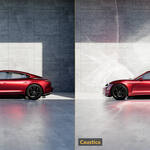
An ordinary scene, opened as it was saved. Nothing in it was prepared for this — no special materials, no extra lights, no node setup. Watch the bottom right of the panel: the caustics are in the render before the mouse has moved away.
Then move your light.
The light is moved in the viewport on the right, the render on the left keeps up. No re-render to check, no pre-pass, no cache to rebuild — you just drag until the shot looks the way you want it.
THE WHOLE SCENE, OR
ONLY WHAT YOU PICK.
By default every material that can bend light casts caustics, and you never think about it. In a heavy scene — an interior, a full set — switch Casters to Selected Materials Only and tick just the objects that matter. Everything else still catches caustics, it simply stops sending them, and the entire photon budget goes to your hero.
BEAUTIFUL, PHYSICALLY CORRECT CAUSTICS —
NOT A DREAM ANYMORE.
Progressive photon mapping — the same class of solver Corona uses for its caustics, but traced on your GPU instead of your CPU. Physically correct, not an approximation.
THE SAME BOTTLE INSIDE BLENDER
SAME SCENE. SAME MATERIALS.
SAME LIGHTING.
Just one checkbox ticked. No setup at all.
GLASS IS NOT
THE ONLY THING.
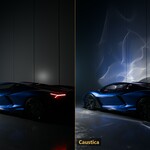
Chrome, polished metal and car paint bend light just as well. Every streak on that wall came off the bodywork.
The missing piece that makes
your renders pop.
INDEPENDENT REVIEW
DON'T TAKE OUR WORD FOR IT. TAKE HIS.
“It's actually game changing.”
OWEN JENKINS · 3D ARTIST · YOUTUBE
Owen got a copy, spent a weekend rendering his own scenes with it and made a 15 minute video about what he found. Unscripted, in his words.
IT WORKS ON EVERYTHING YOU MAKE.
ANOTHER BOTTLE, ANOTHER LIGHT SETUP
THE LIQUID
TINTS THE LIGHT.
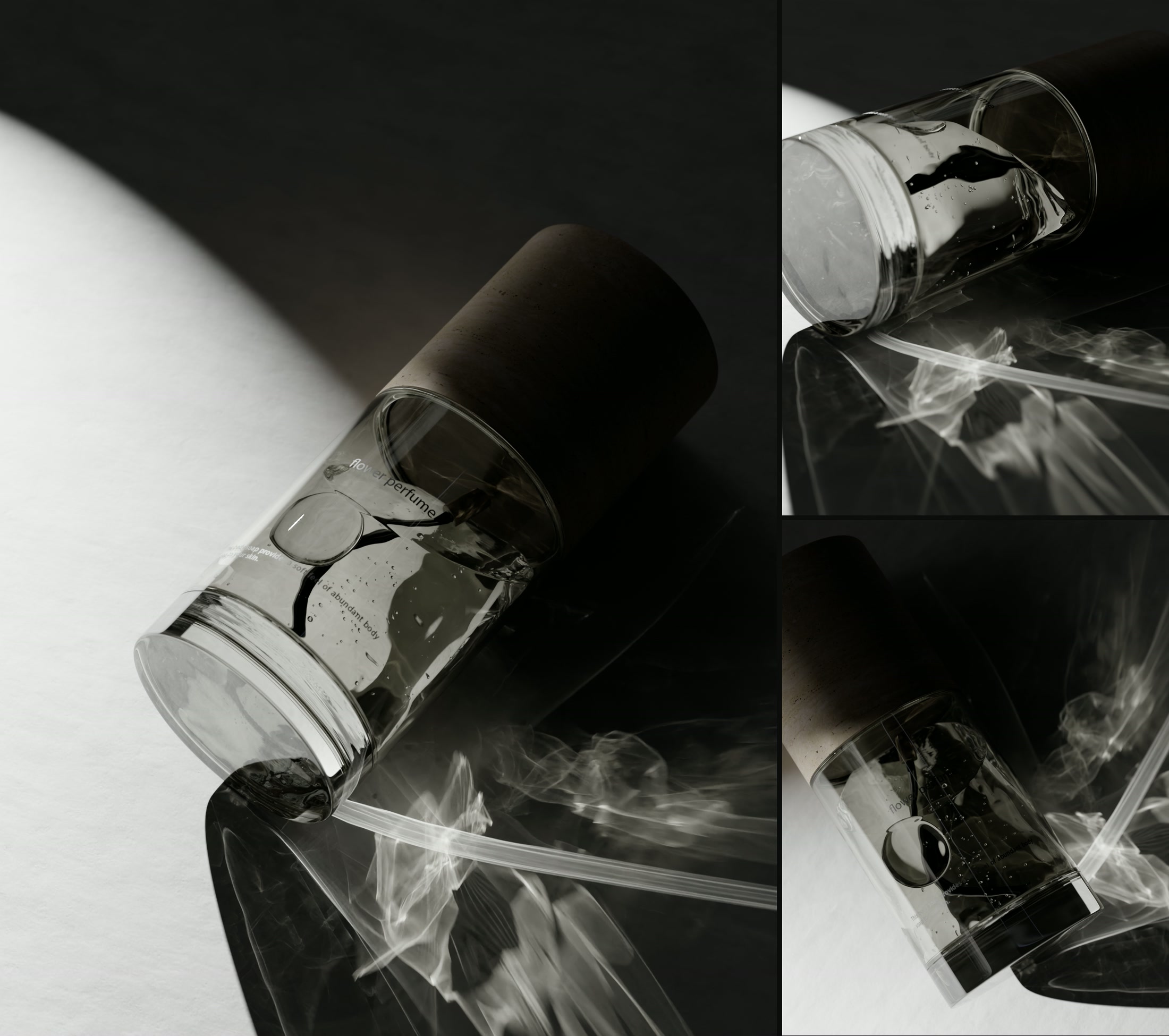
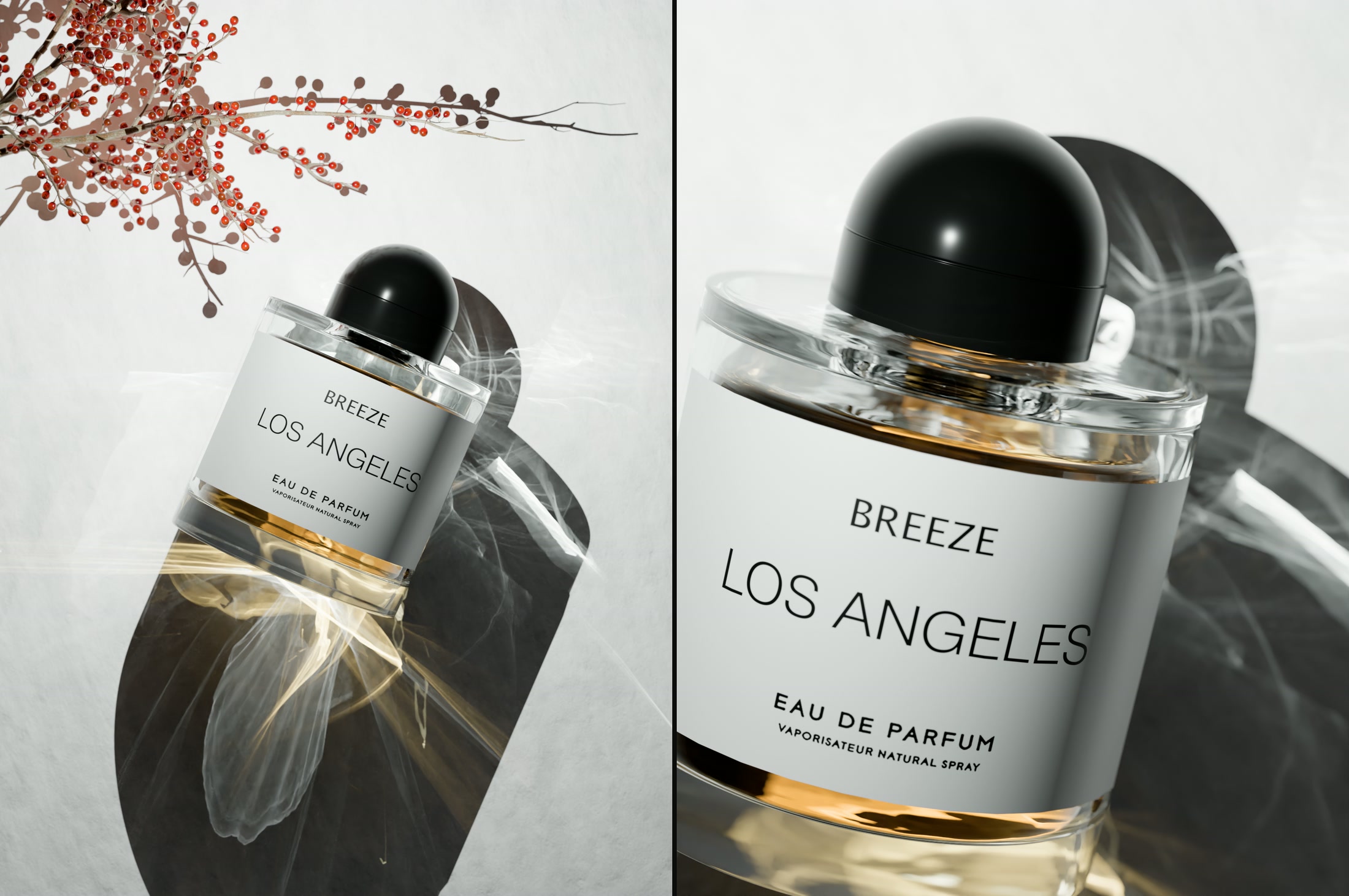
Volume absorption travels with the photons. The warm glow on the paper came out of the bottle — the same way it works for whisky, oil or pool water.
PRODUCT VISUALISATION
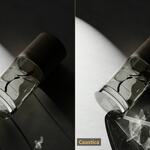
GLASS WITHOUT CAUSTICS
IS JUST GREY.
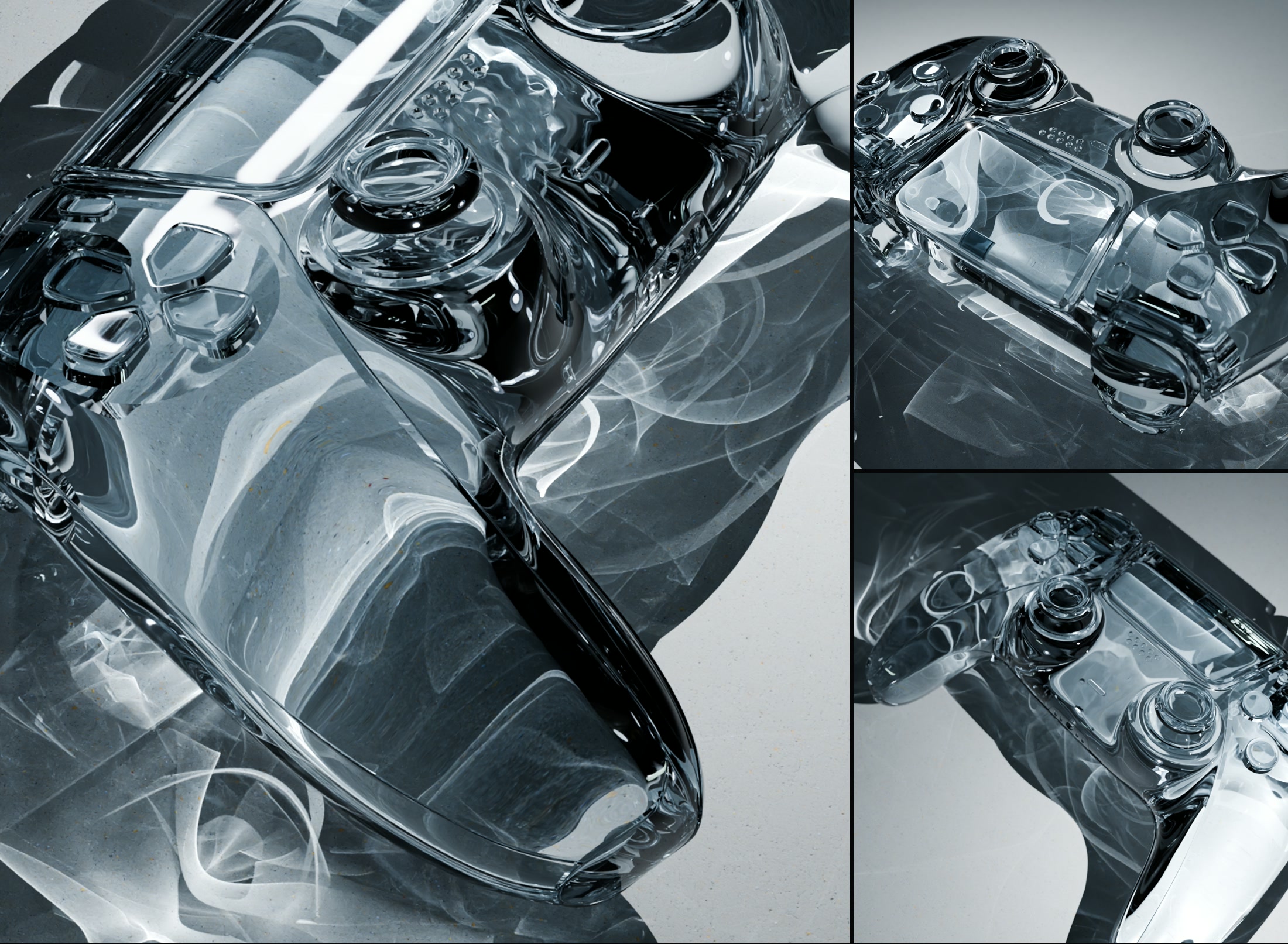
Same model, same lighting, same shader. Everything that lights up here is light that travelled through the body and landed underneath it.
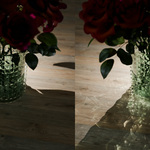
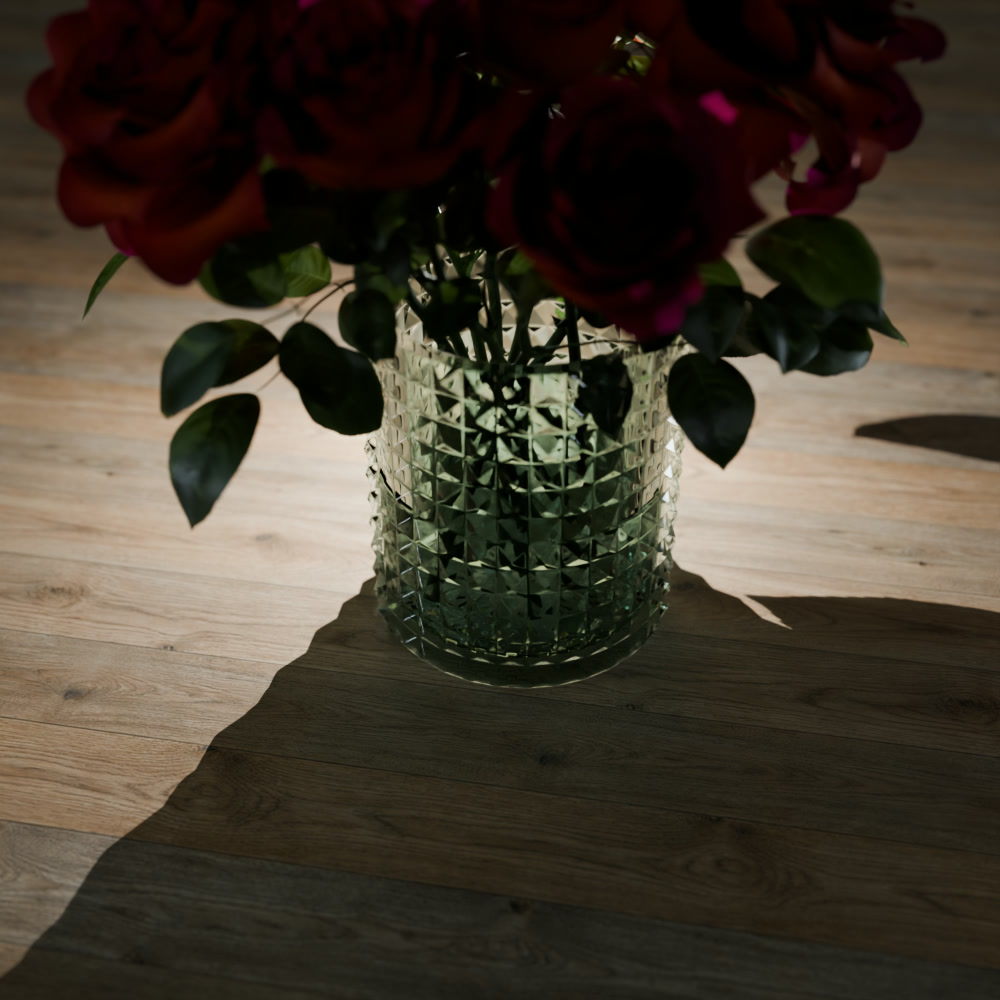
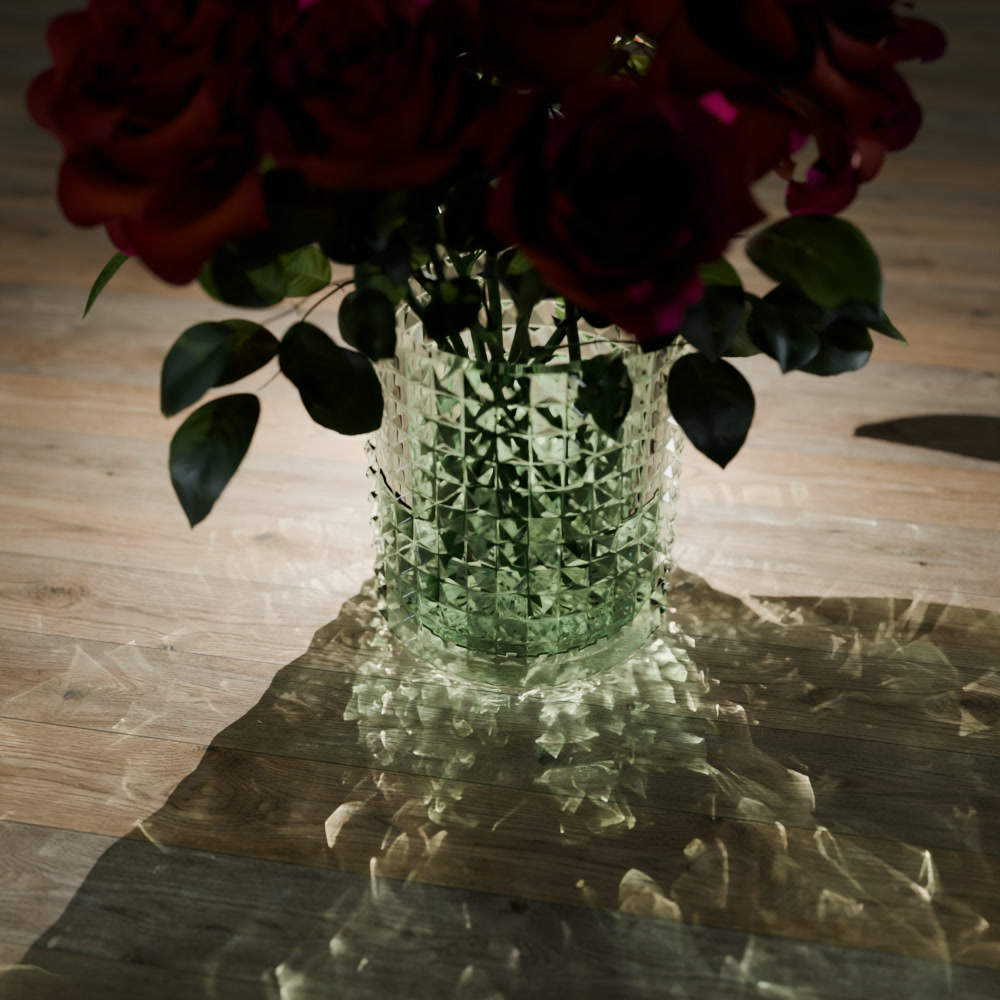
THE SAME VASE.
TIMED BOTH WAYS.
Same scene, same lighting, same glass. One render without the solver, one with it.
CAUSTICS AREN'T A DETAIL.
THEY'RE THE LIGHT.
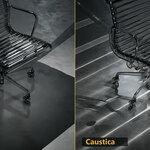
One side is Cycles doing everything it can. The other is the same file with the solver switched on — nothing else touched. What comes back is not a highlight on the glass. It is most of what you see.
WORKS WITH EVERY MATERIAL.
Glass, metal, car paint, your own node groups — the solver reads them all.
All your scenes and materials just work. No setup — only the Photon Caustics Solver checkbox.
BIG SCENES. SAME CHECKBOX.
Windscreens and chrome light up the whole set — and the checkbox is the only thing that changed.
PHYSICALLY CORRECT.
THEN YOURS.
One slider takes the caustics up or down. 1.0 is the physically correct answer — everything above and below it is a look, and the render updates while you drag.
Only the hero should throw light? Switch casters to selected materials and tick the ones you mean. Everything else still catches caustics — it just stops sending them.
PULL THE CAUSTICS OUT.
LIGHT BY LIGHT.
The caustics arrive as their own render pass. Add light groups and you get one caustics pass per light — so you rebalance the lighting in comp instead of rendering the shot again.
NO SECOND
RENDER ENGINE.
Until now, real caustics meant leaving Cycles: rebuild the scene in V‑Ray, Corona or LuxCore, render a caustics pass there, comp it back over your Cycles render. Different materials, different lights, different look — for one effect.
Nothing to install. Nothing to export. One render, one engine, one pass.
IT IS BLENDER.
PLUS ONE CHECKBOX.
Caustica is a custom build of Blender 5.2 LTS — 100 % the official Blender source code, with one function added. Caustics have to be traced inside the render kernel, so they cannot come as an add‑on.
The only thing that changes: you download your next Blender here instead of blender.org.
NOTHING TO
INSTALL.
Caustica is a complete Blender build, not an add‑on. It sits next to the Blender you already have — it does not replace it, and it does not touch your installation.
ZIP TO FIRST CAUSTICS: TWO MINUTES.
Unedited, start to finish — open the folder, launch Blender, build a scene, tick the box, watch the caustics land. Sped up for you; the whole thing took about two minutes in real time.
Written by one person, answered by the same person.
