 CITIGEN
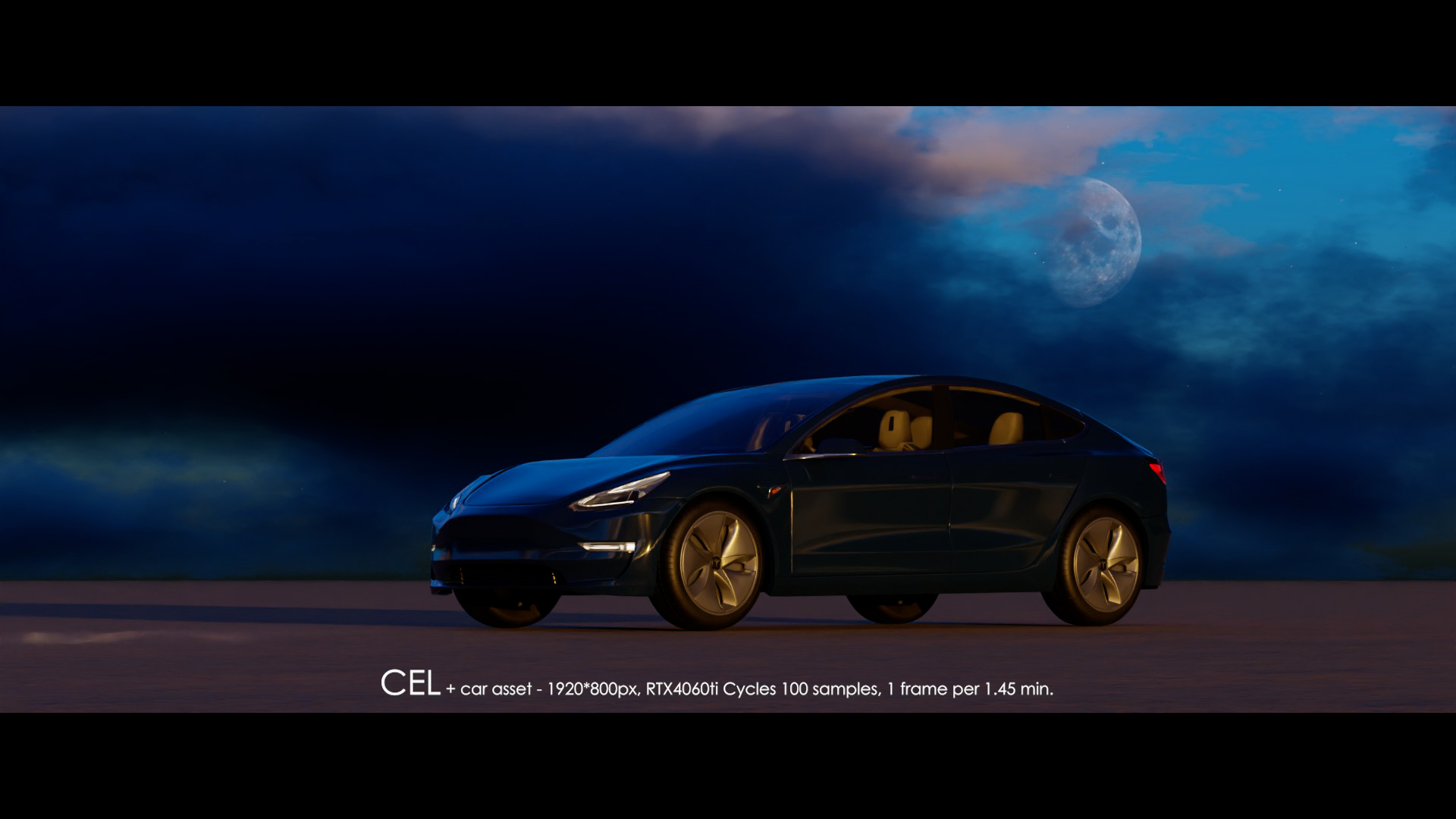
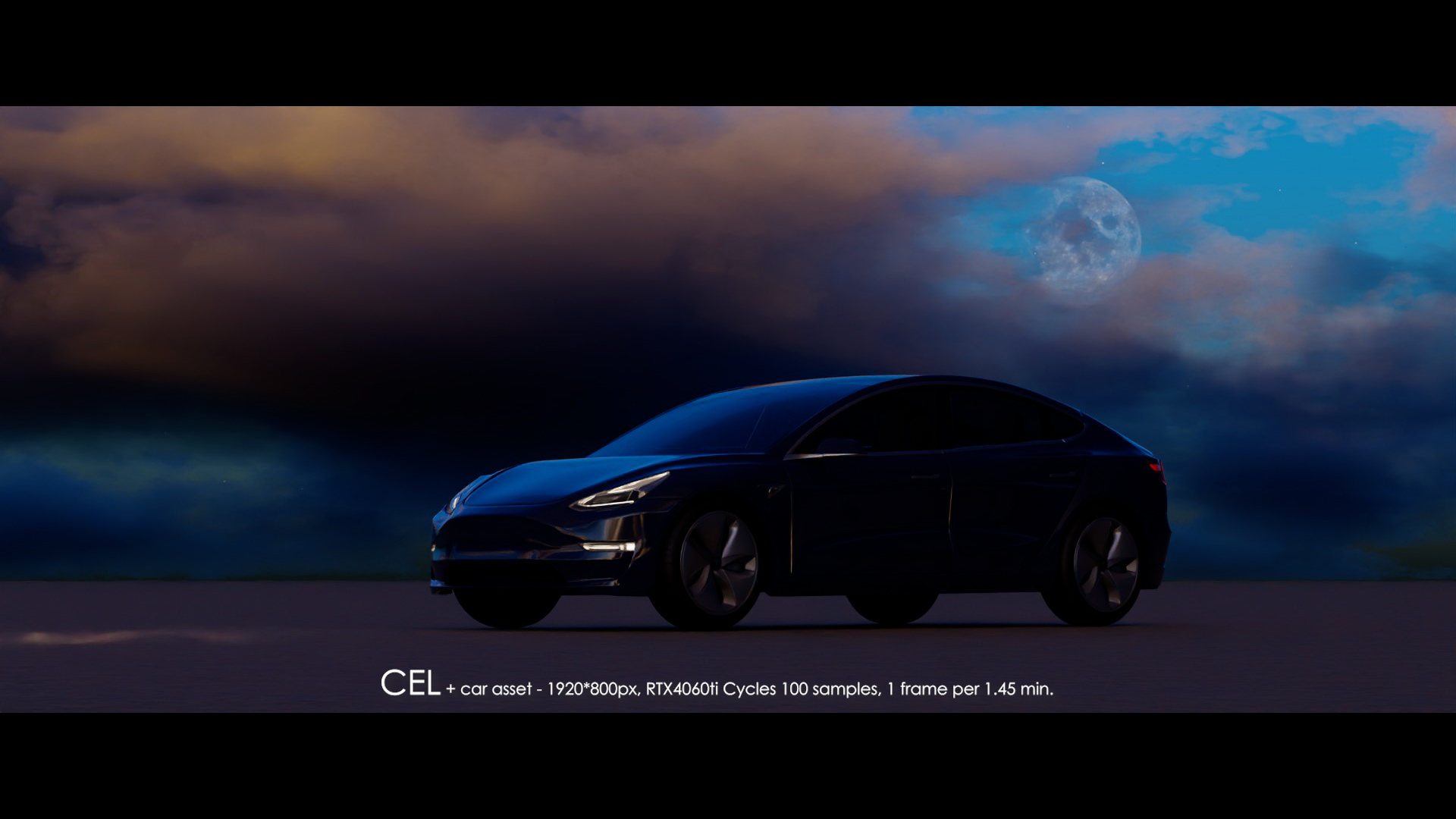
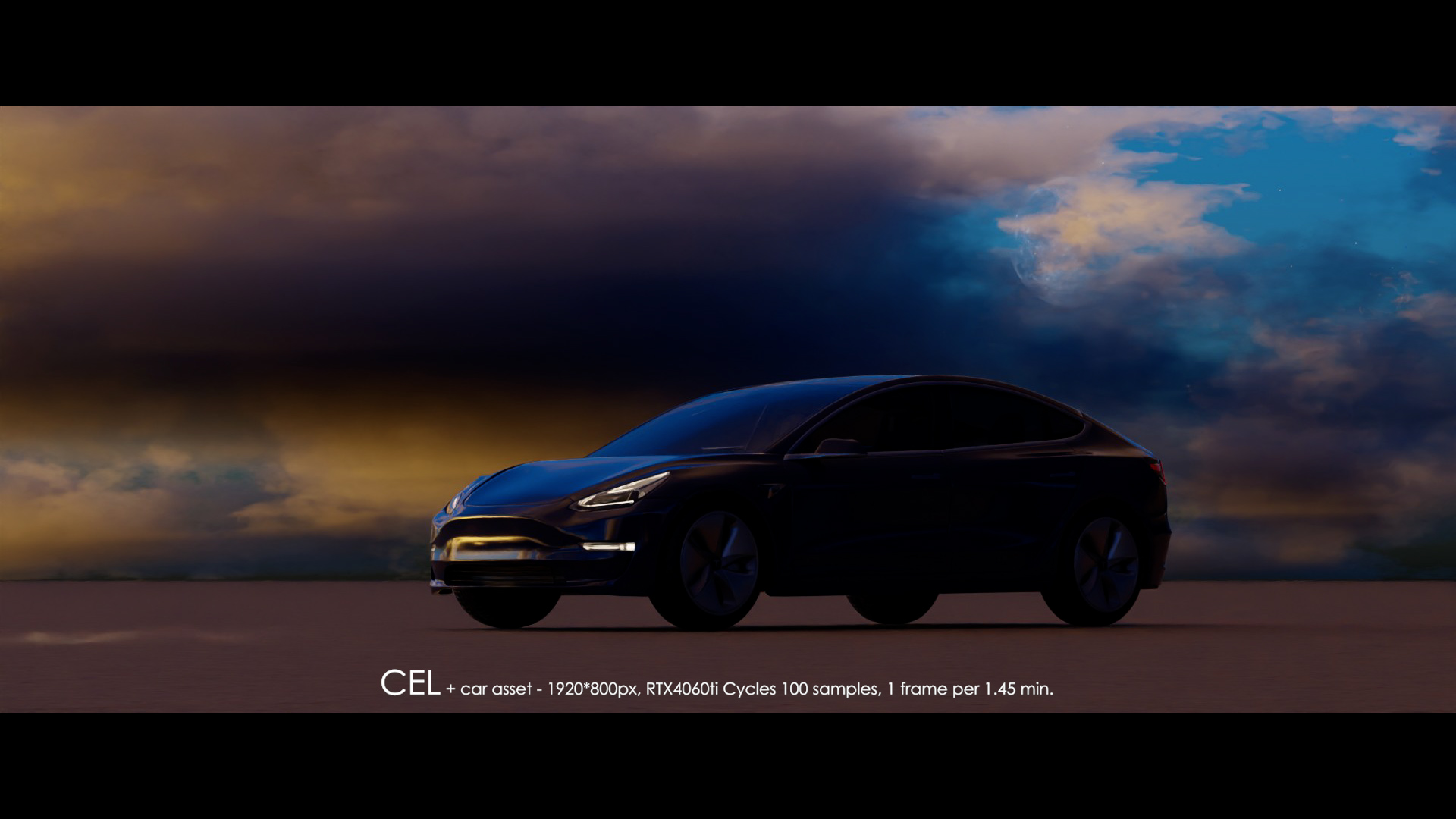
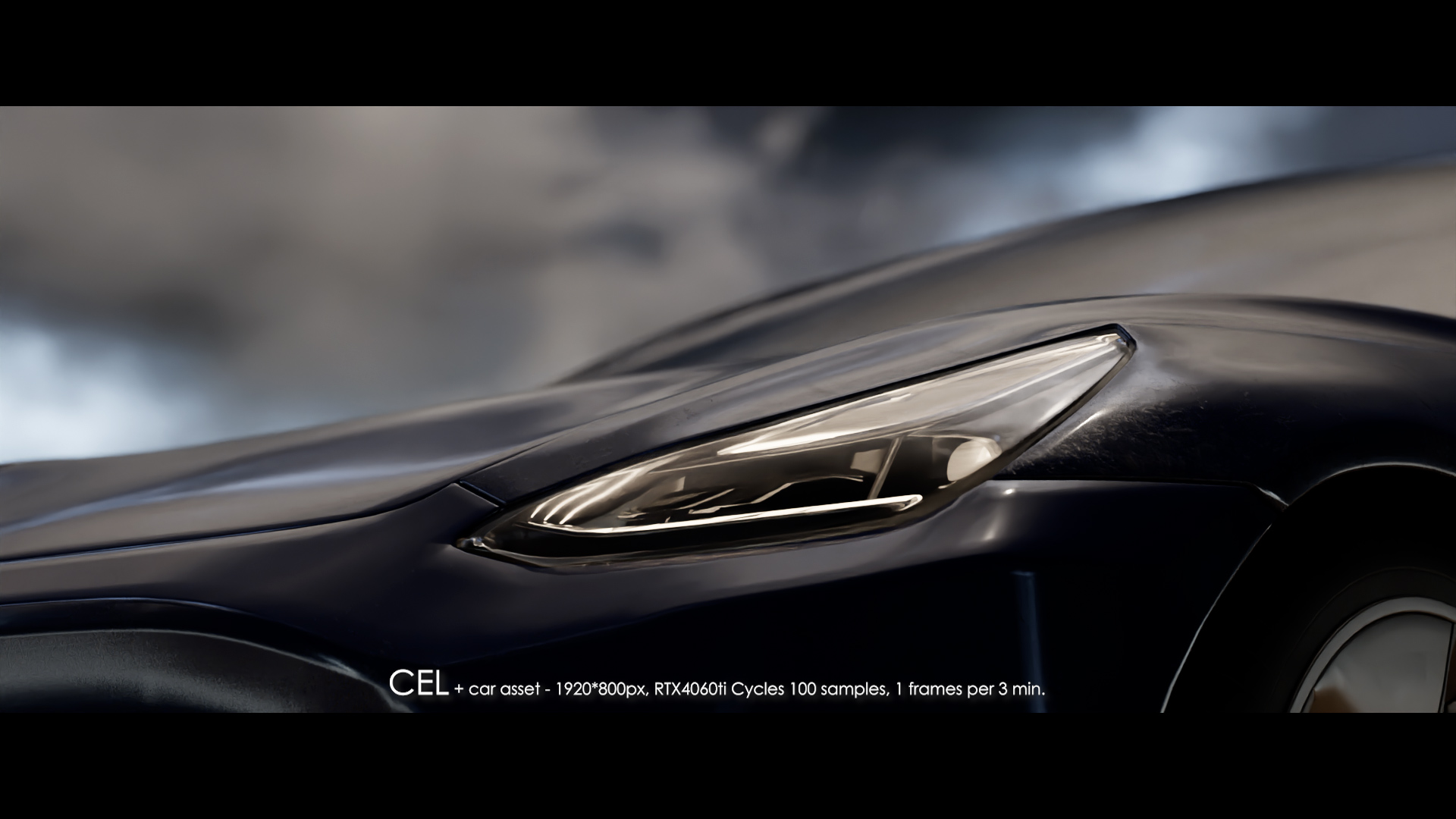
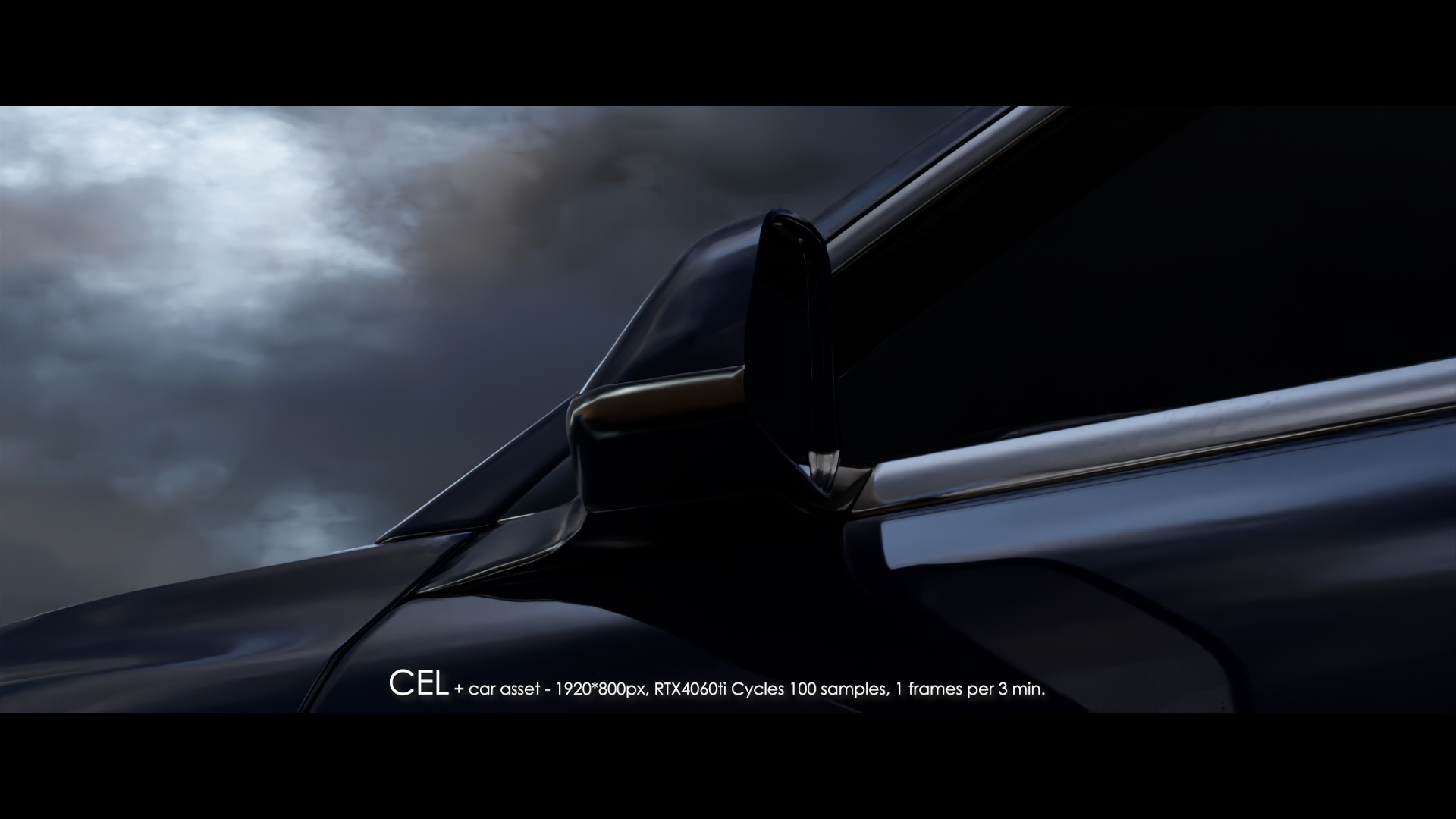
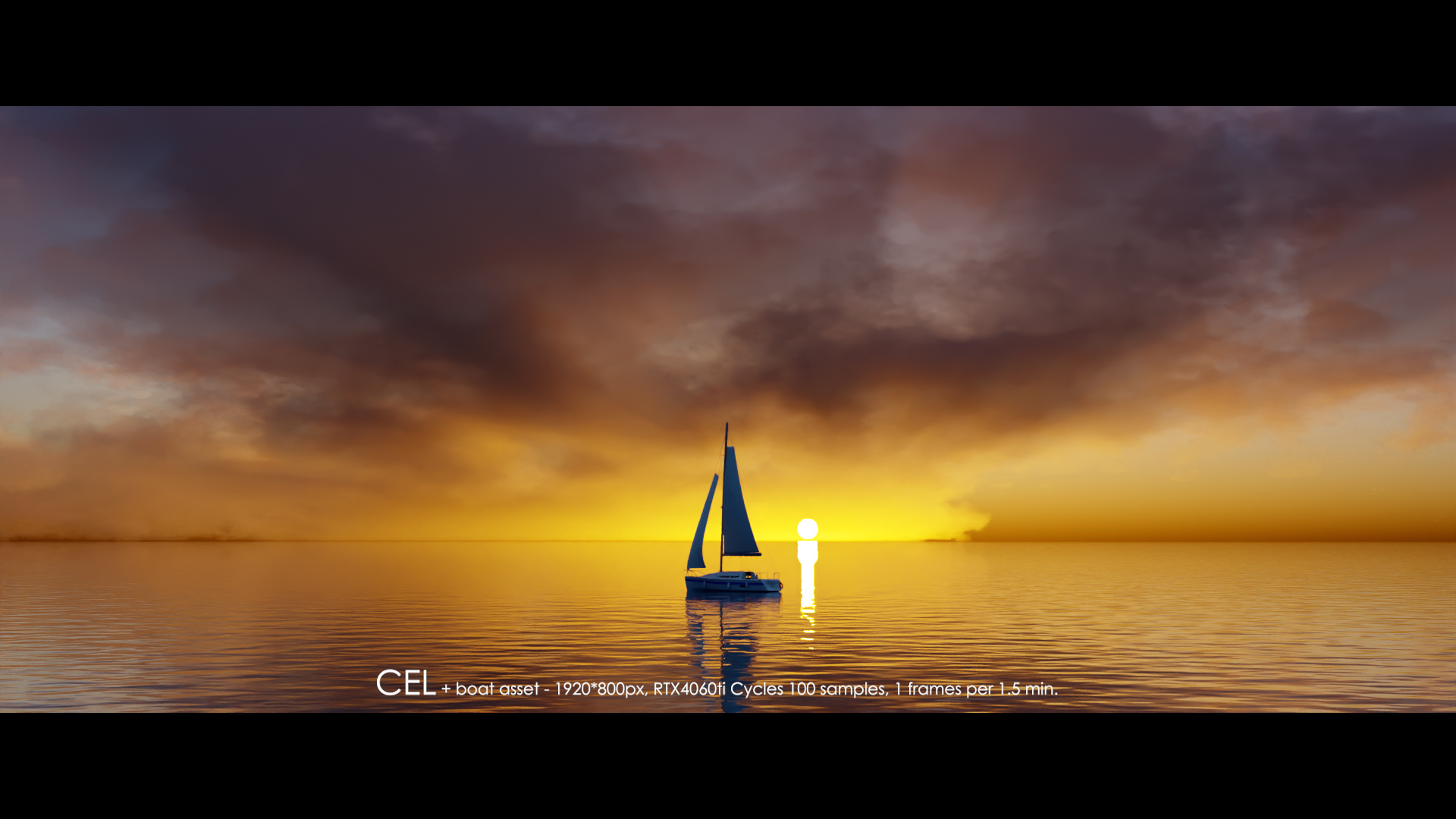
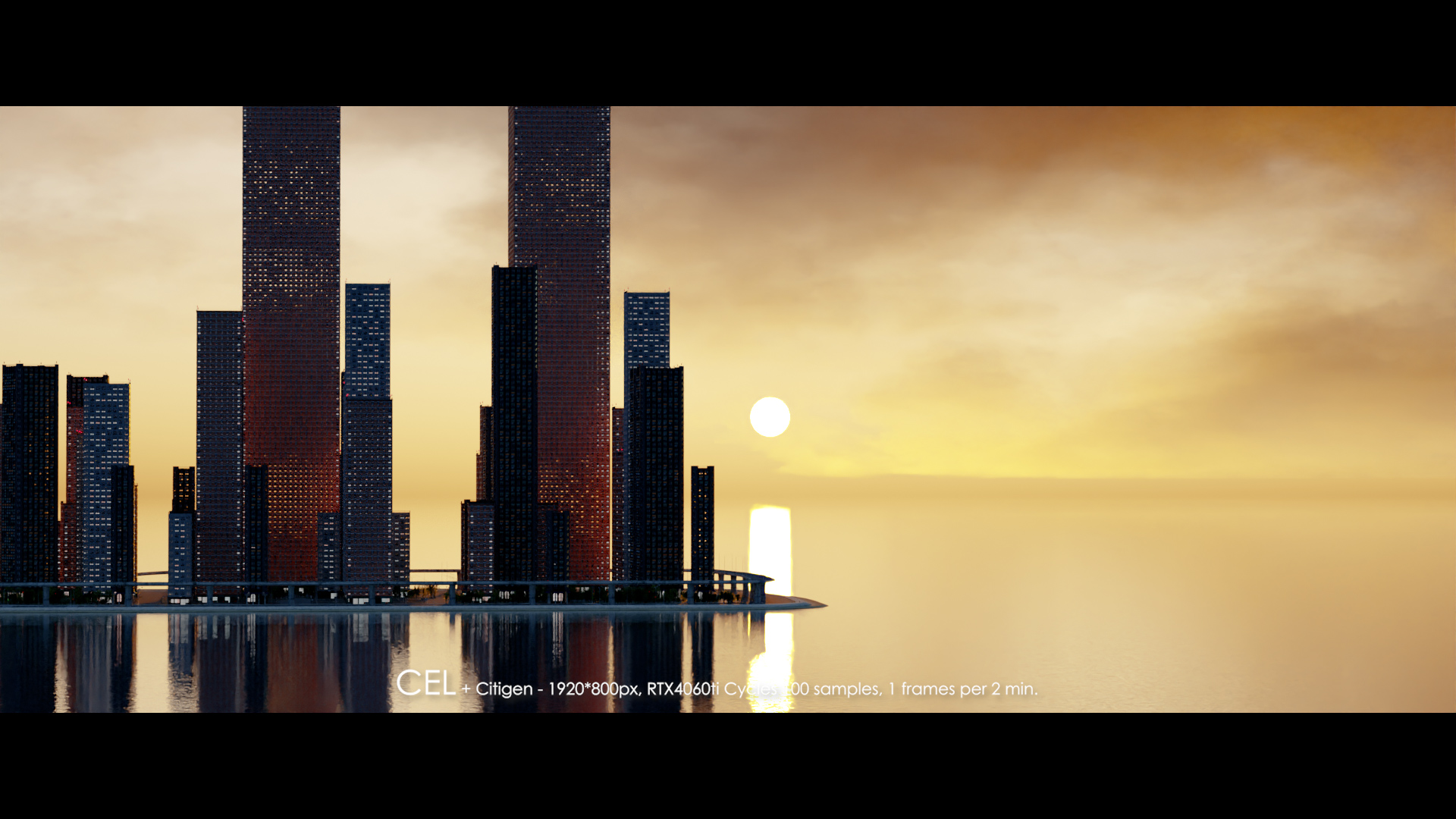
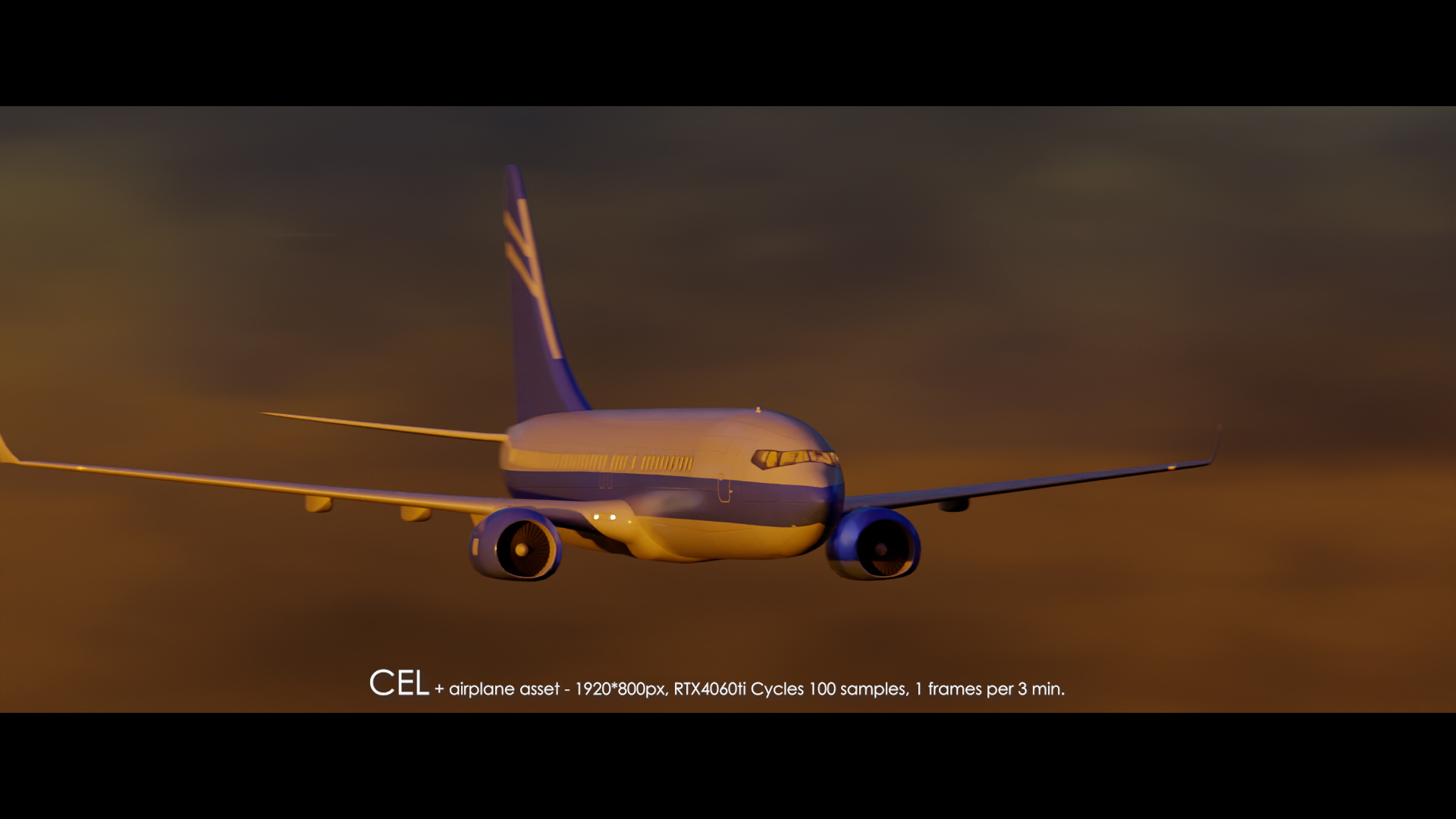
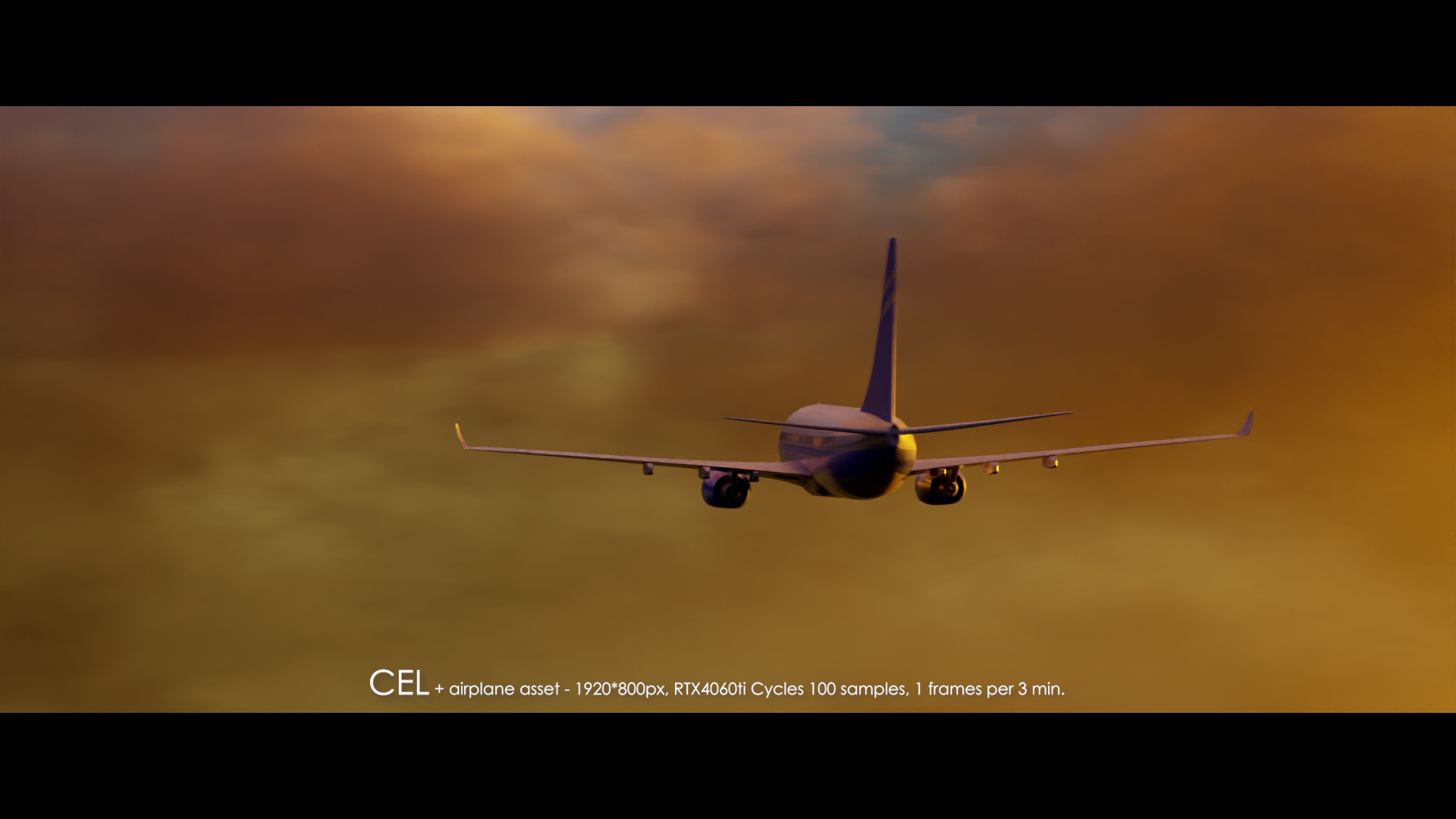
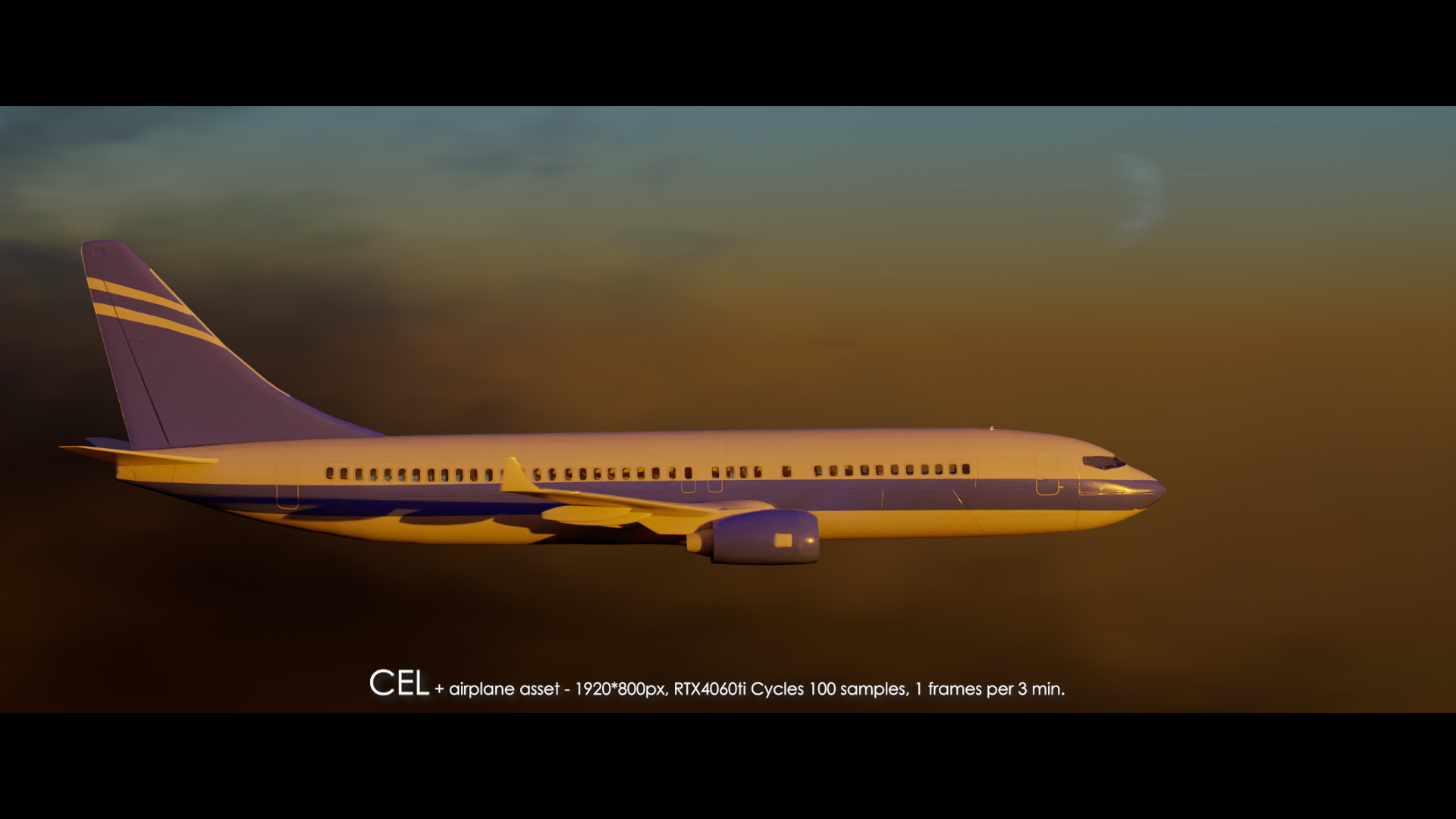
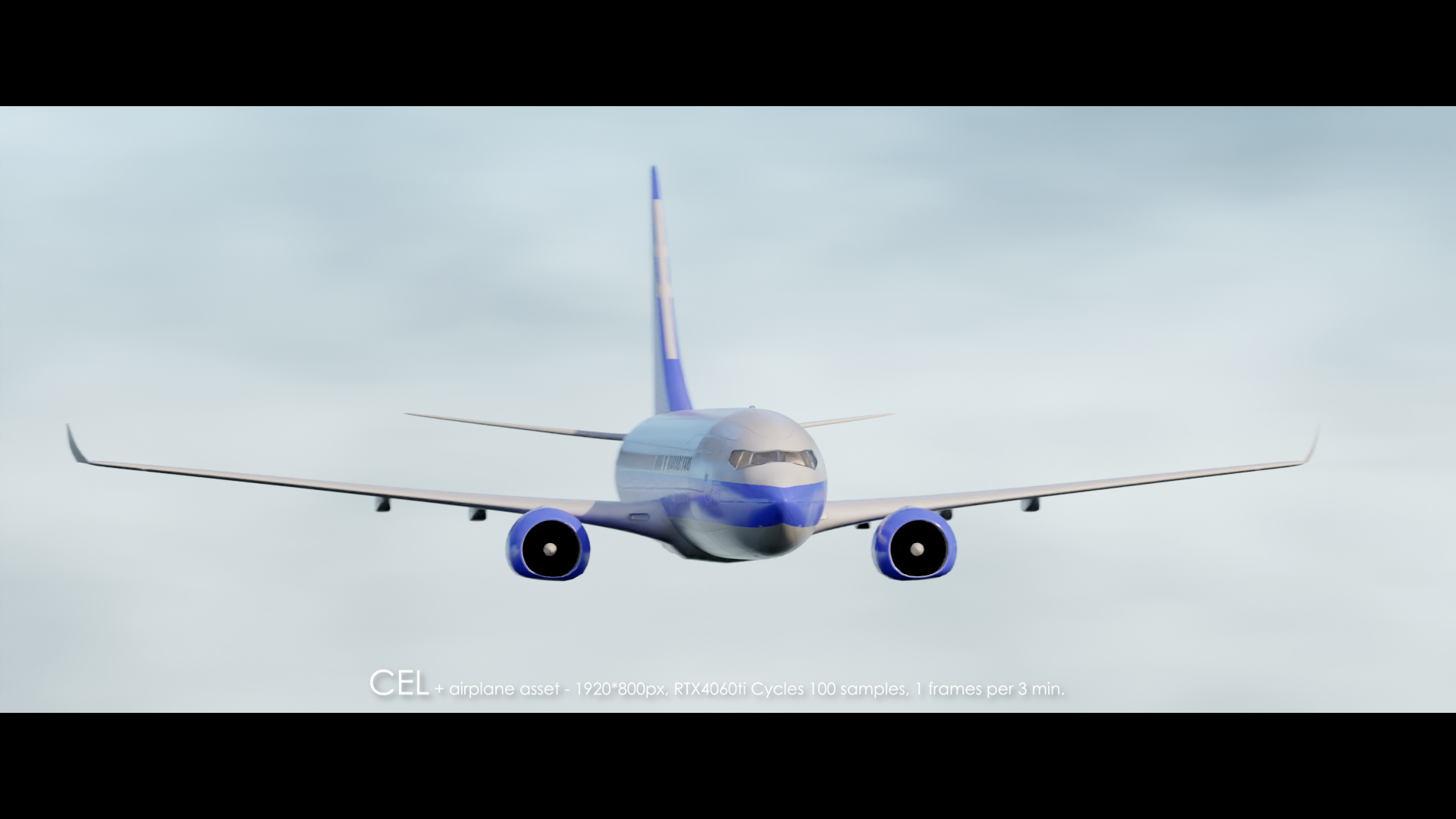
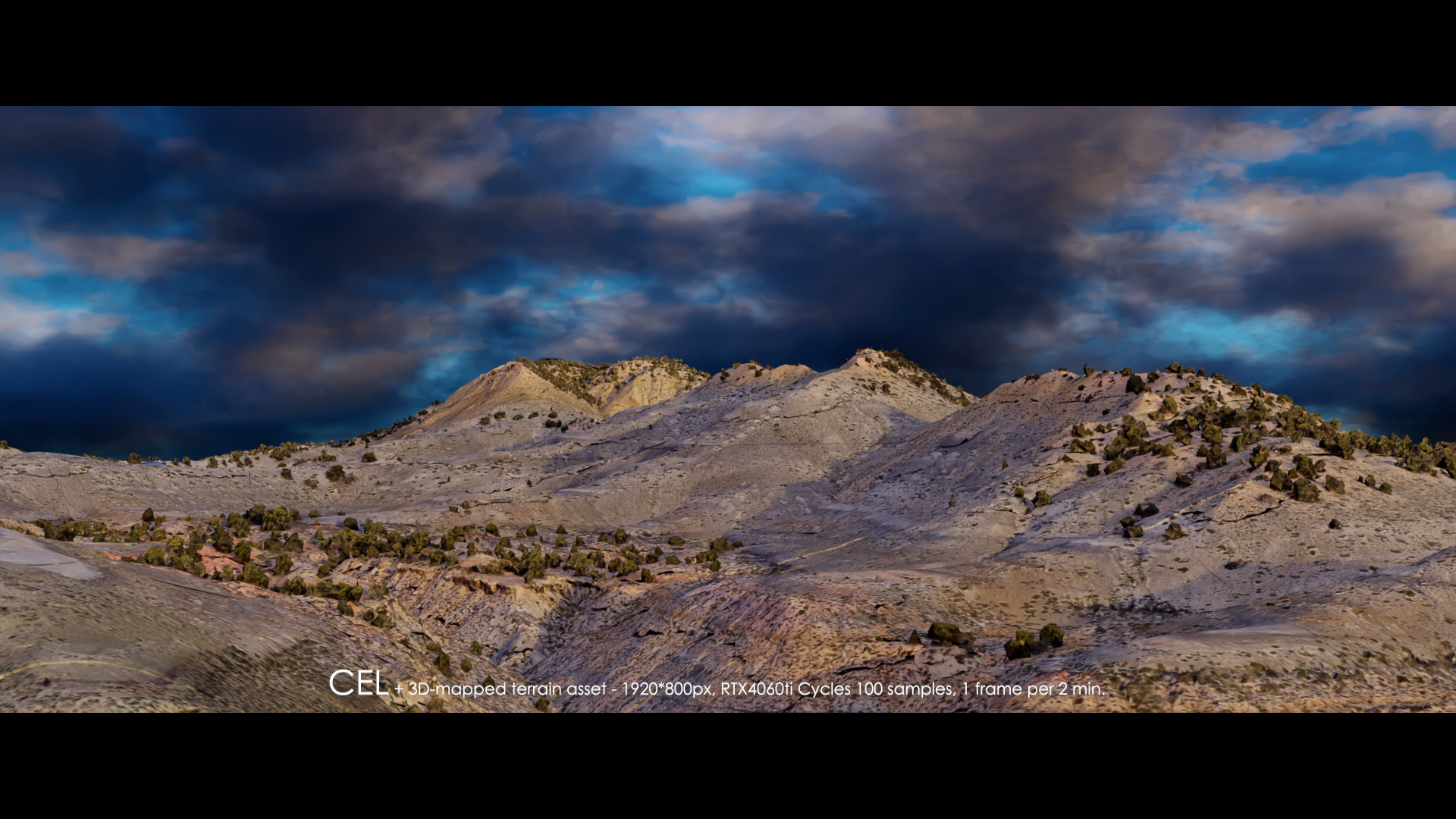
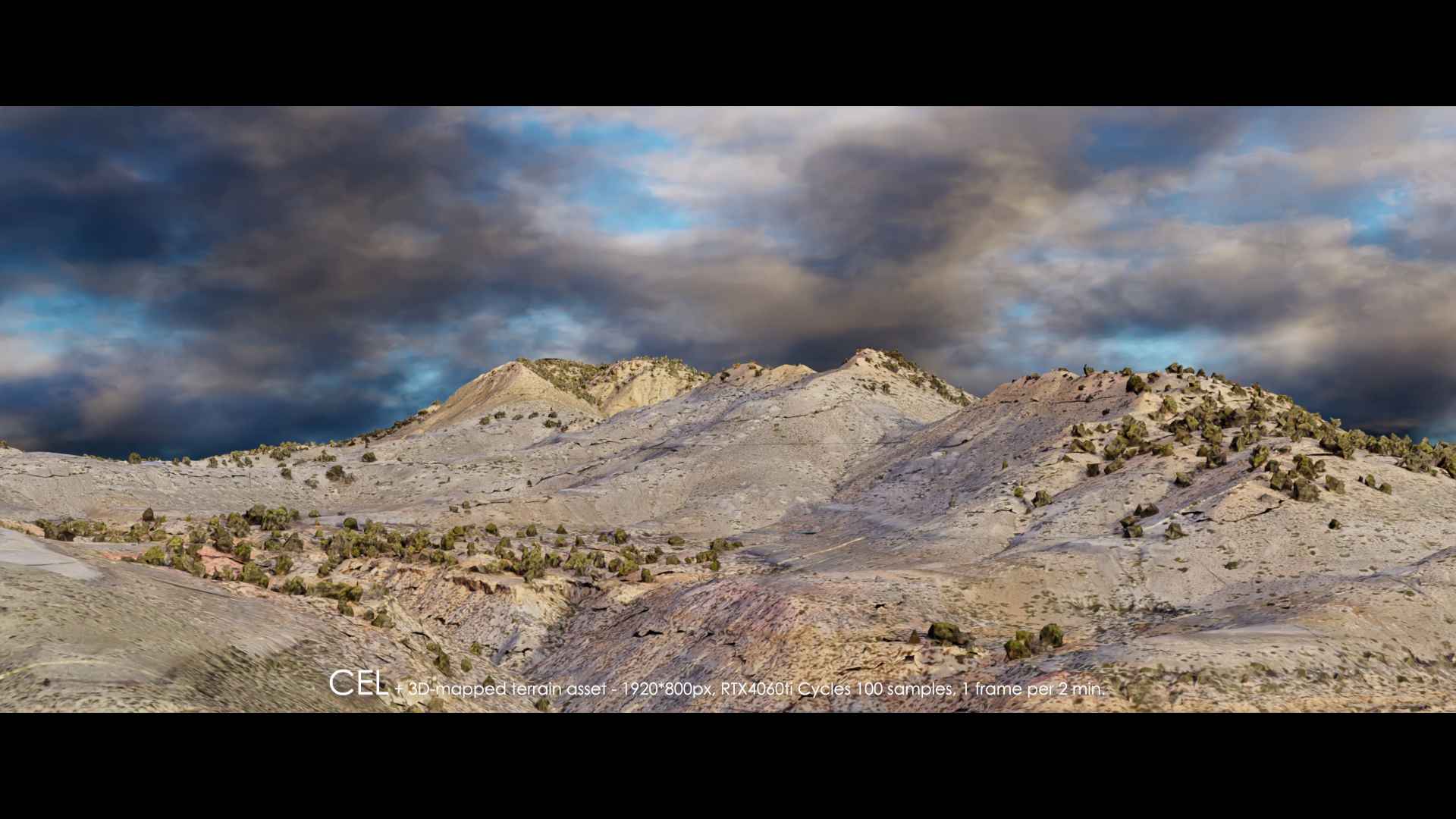
Why CEL (Citigen Environment Lighting)?
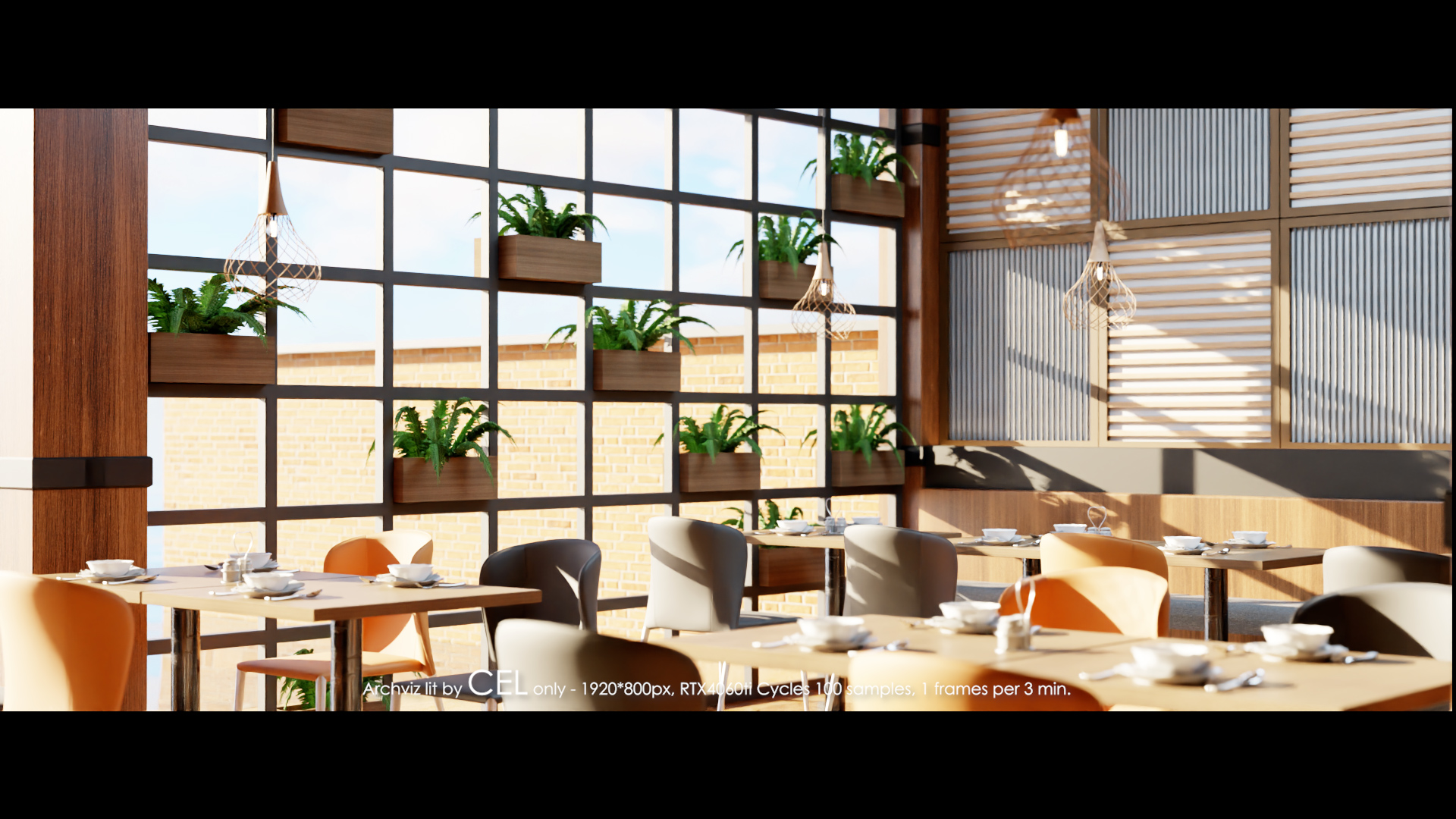
You need an intuitive solution to light your scene. Just click "Add Sky", forget about the lighting, and focus on your art.
But if you need to, you can even go deeper with manipulating the sky, adding clouds, adjusting their shape, and making them appear and disappear with time.
Born as a pioneer of a 360-degree volumetric sky solution about 2 years ago, CEL has been reborn as a user-friendly tool, thanks to users' feedback, and it will continue to be so.
It's a powerhouse of many hidden features that can save you hundreds of dollars or more.
1. Save & Share as Presets
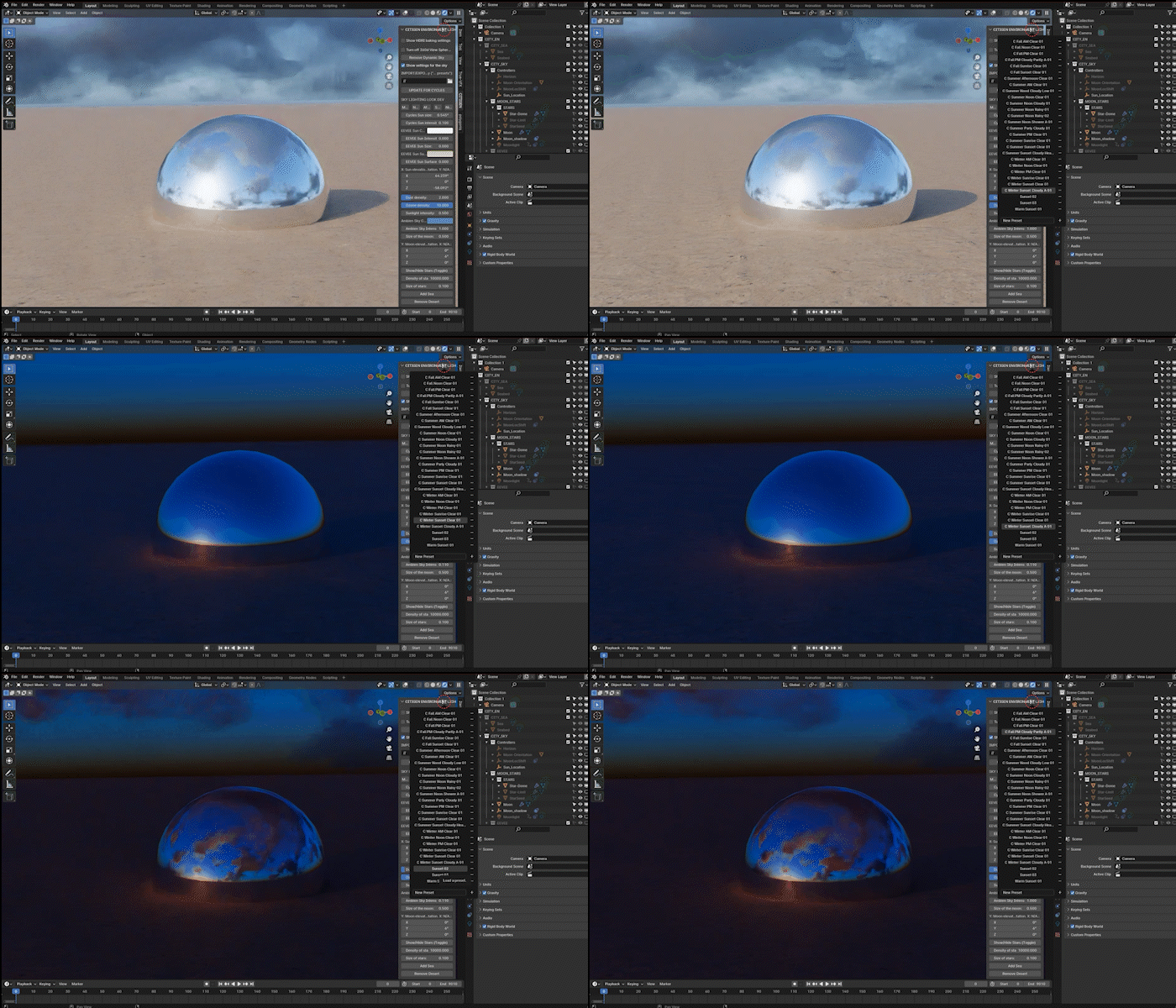
2. Manipulate Time & Clouds
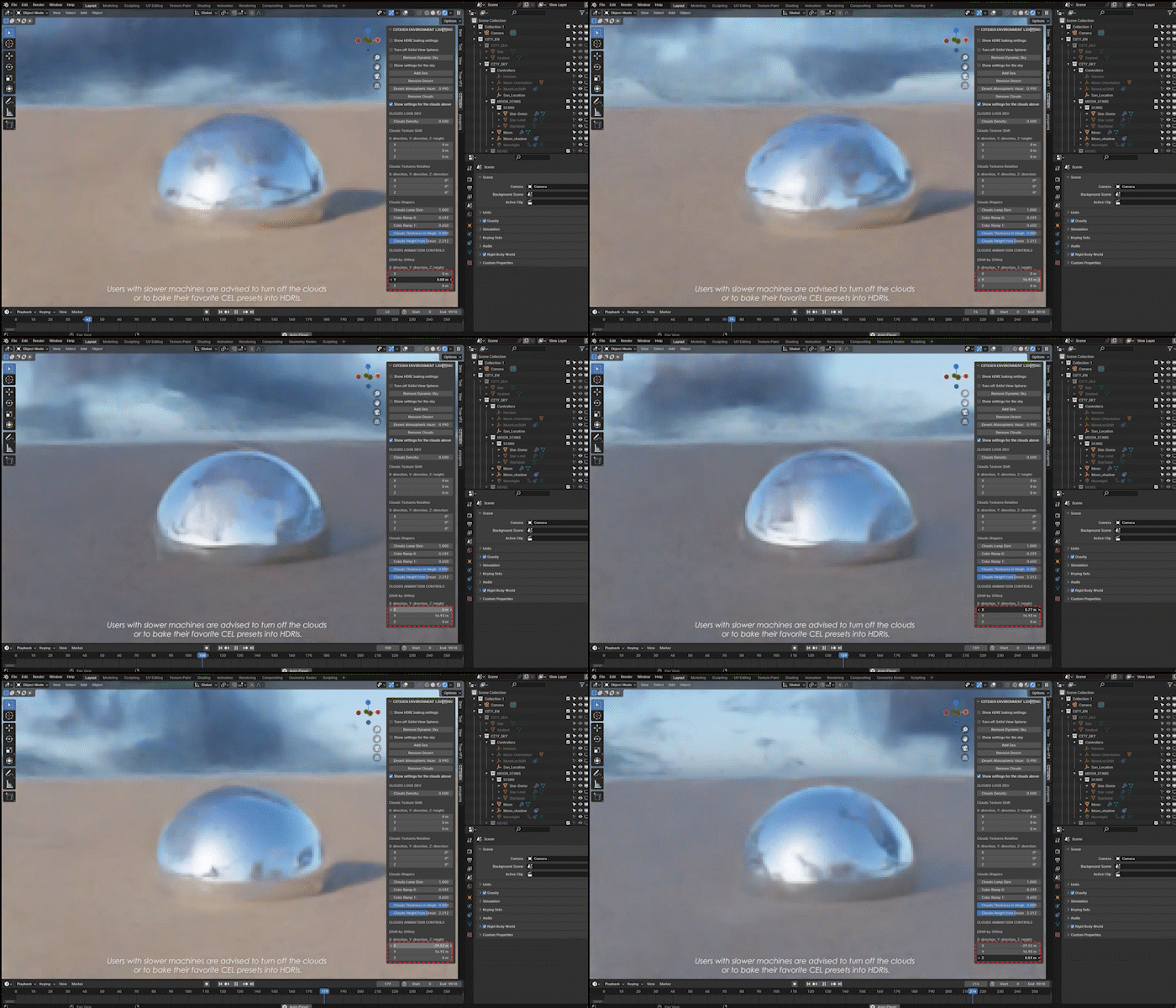
3. Shape Your Clouds
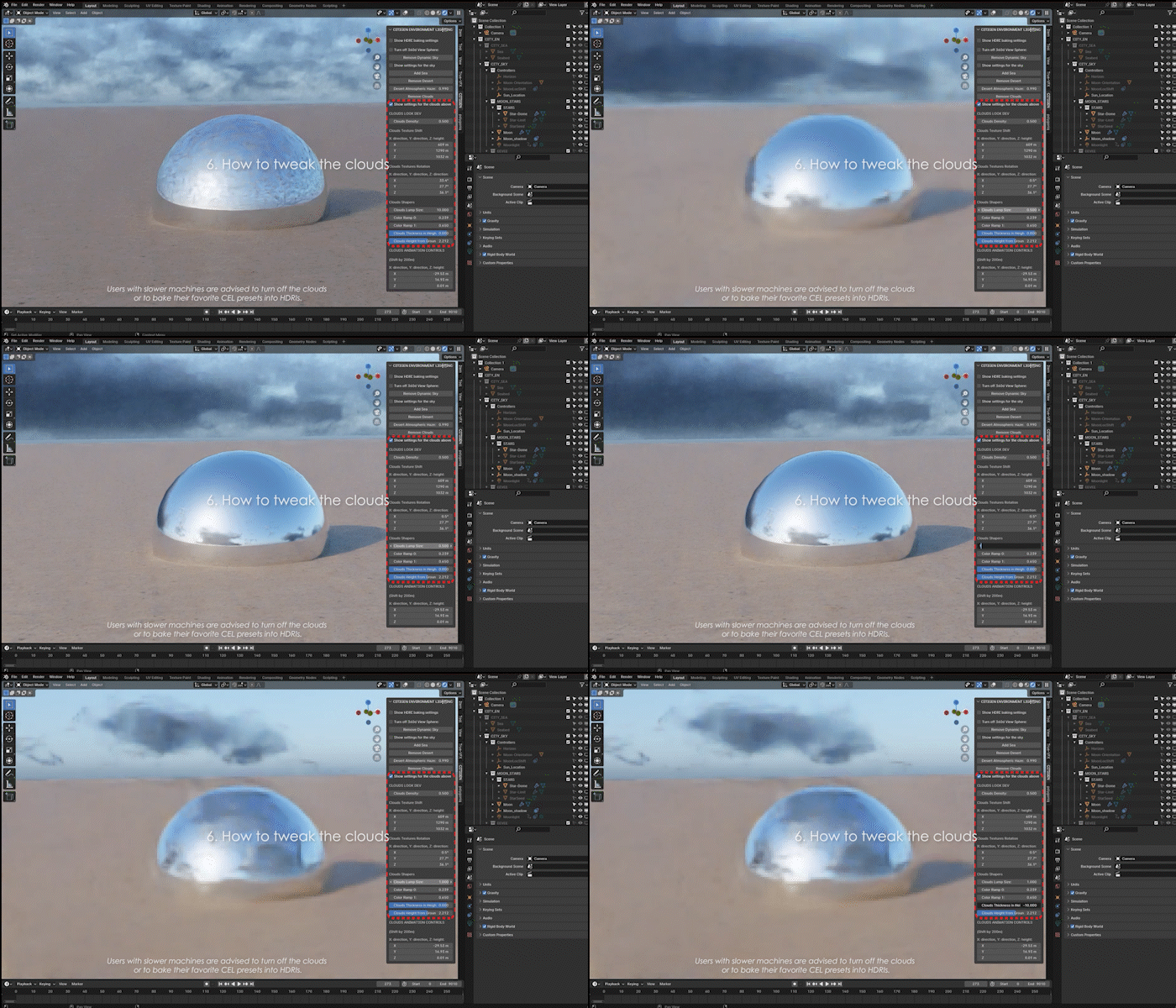
4. Recreate Any Time of the Day of the Year
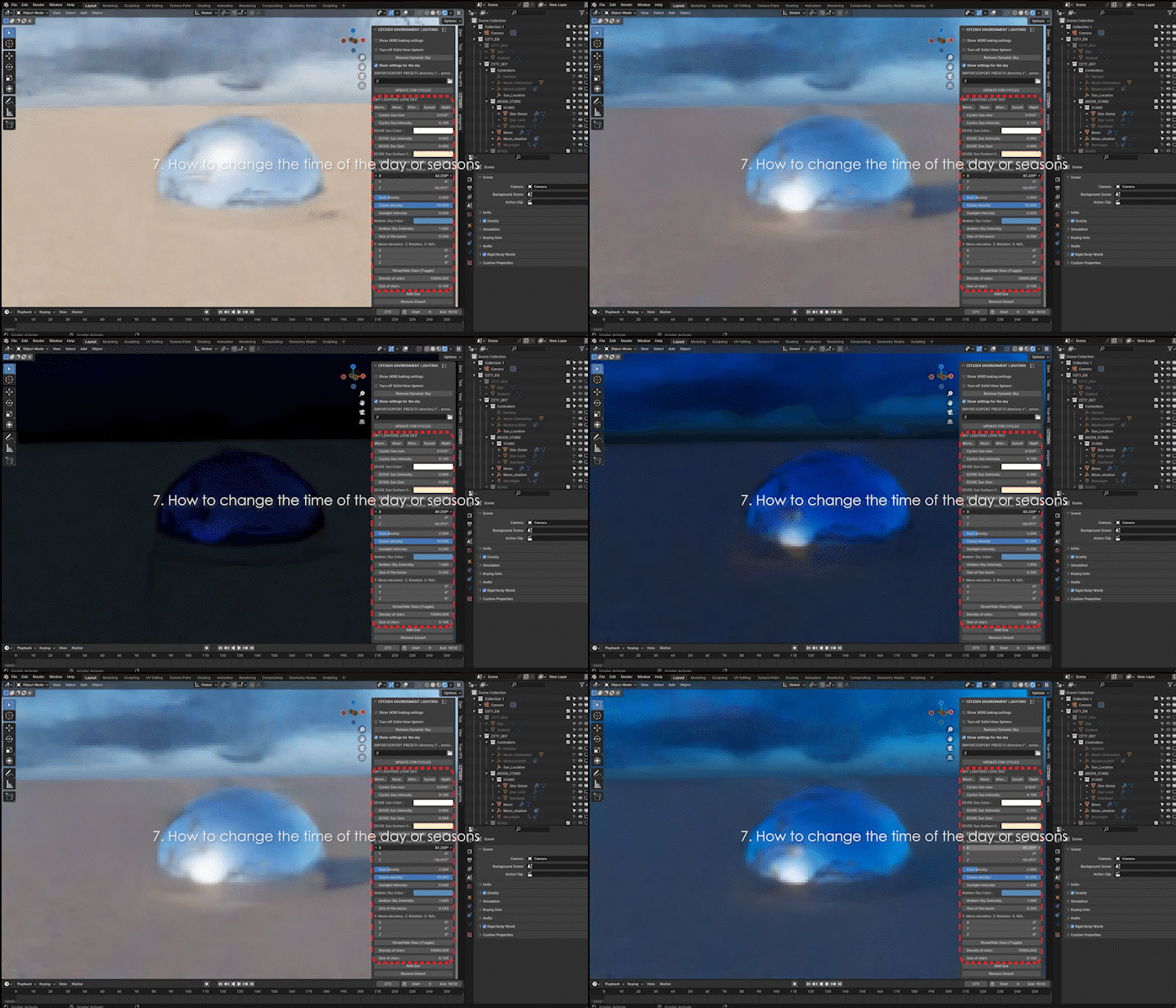
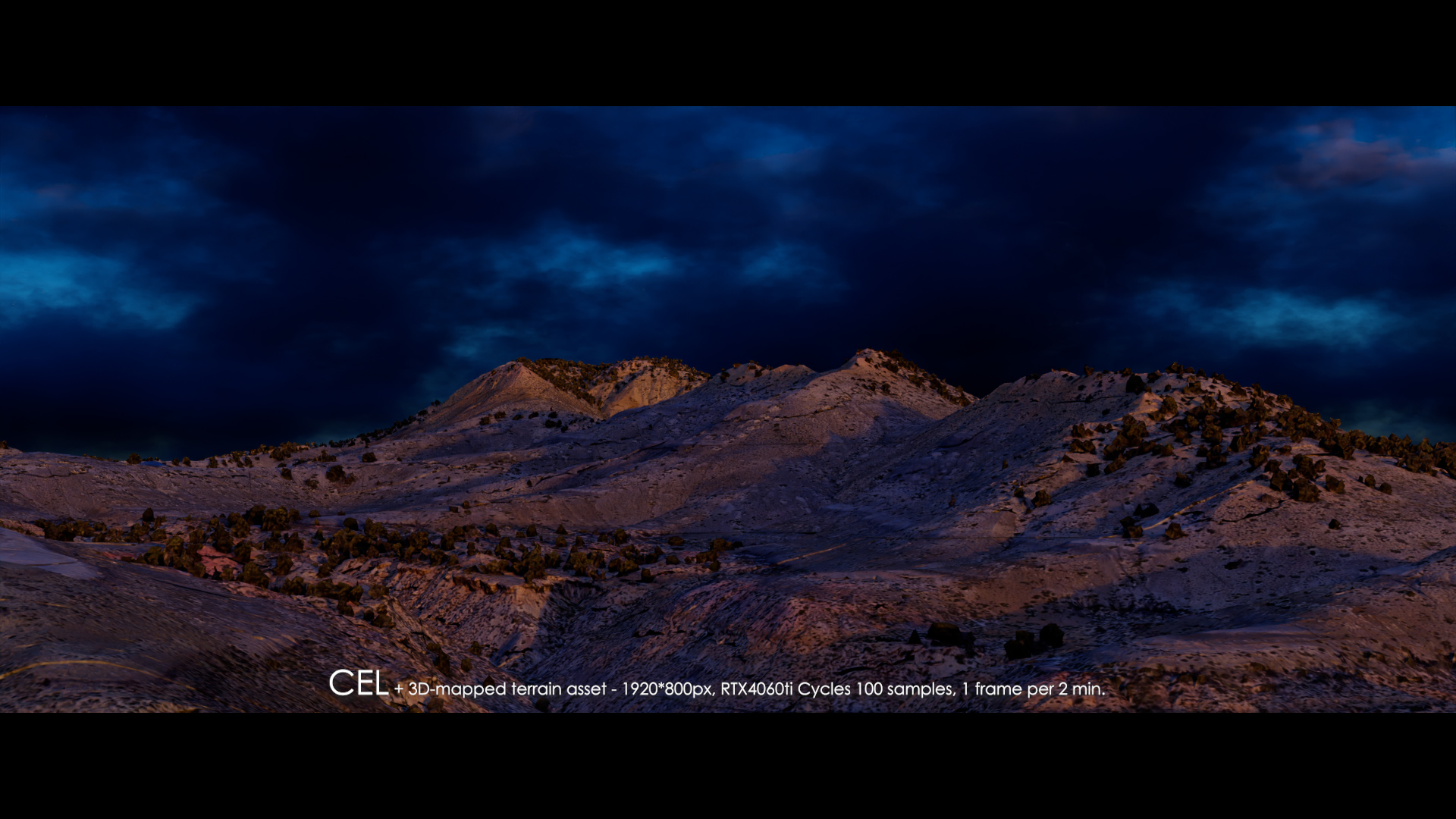
5. Add a Ground or a Sea
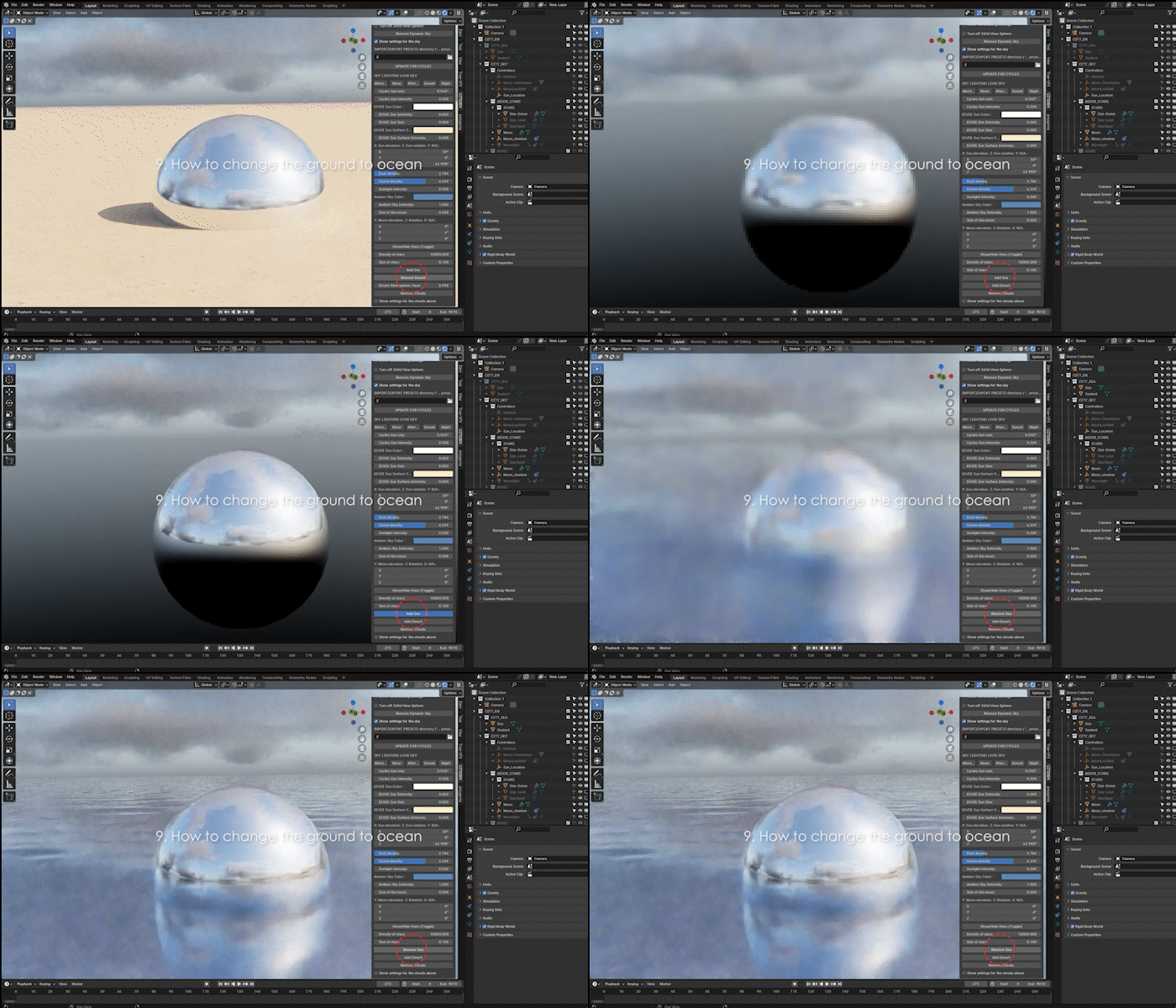
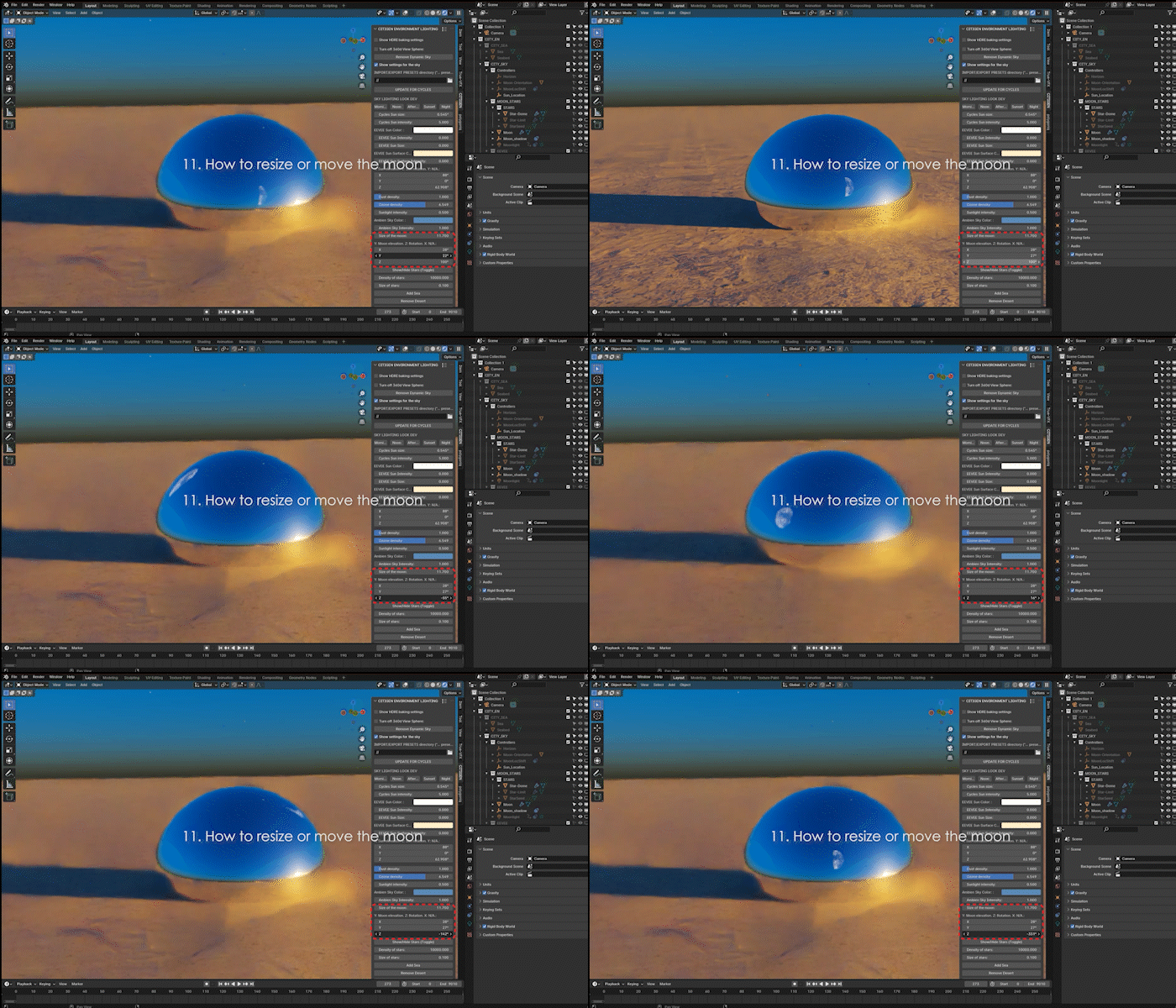
5. Add the Moon and/or the Stars
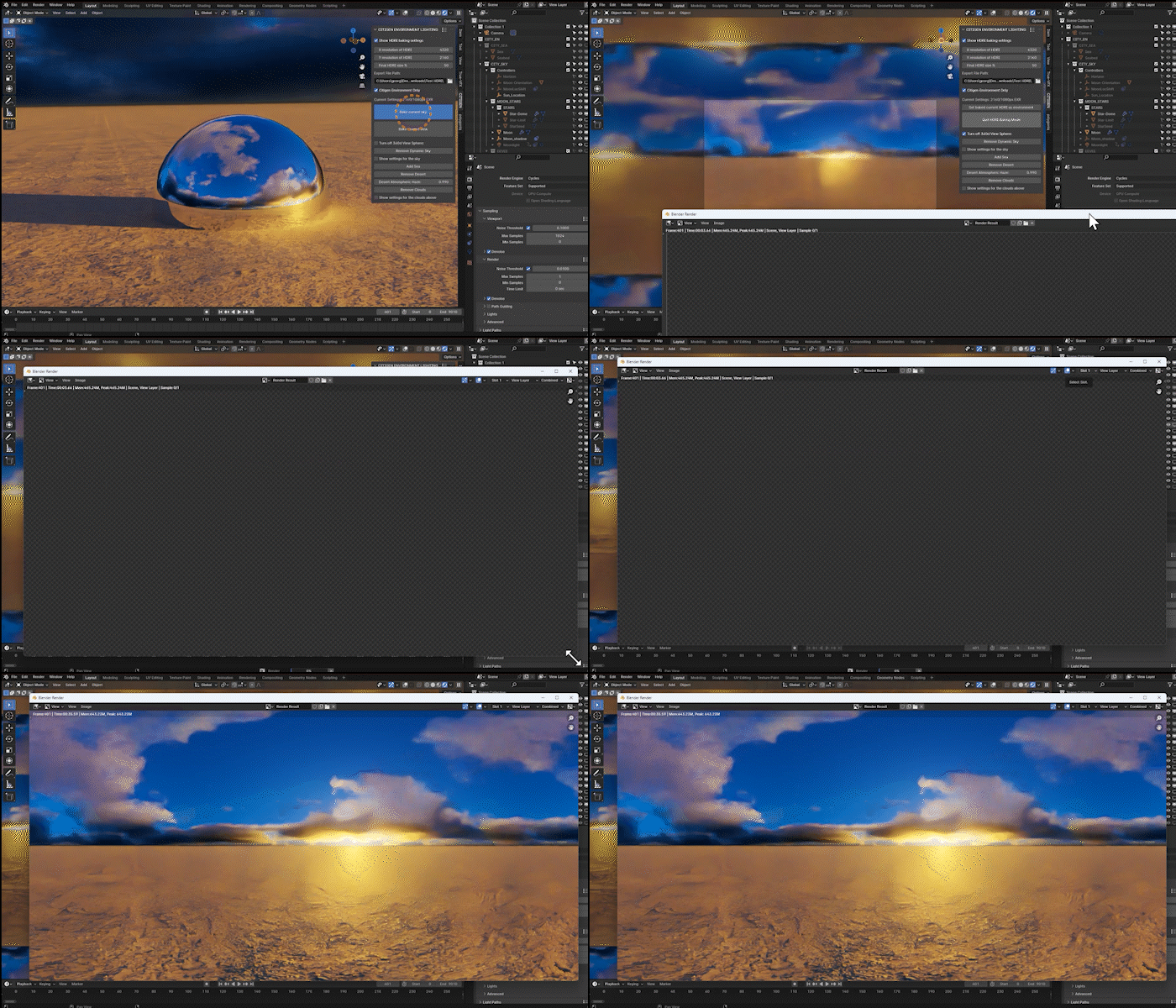
6. Bake Your Scene as HDRIs
7. Works in Cycles & EEVEE
* Clouds not included in EEVEE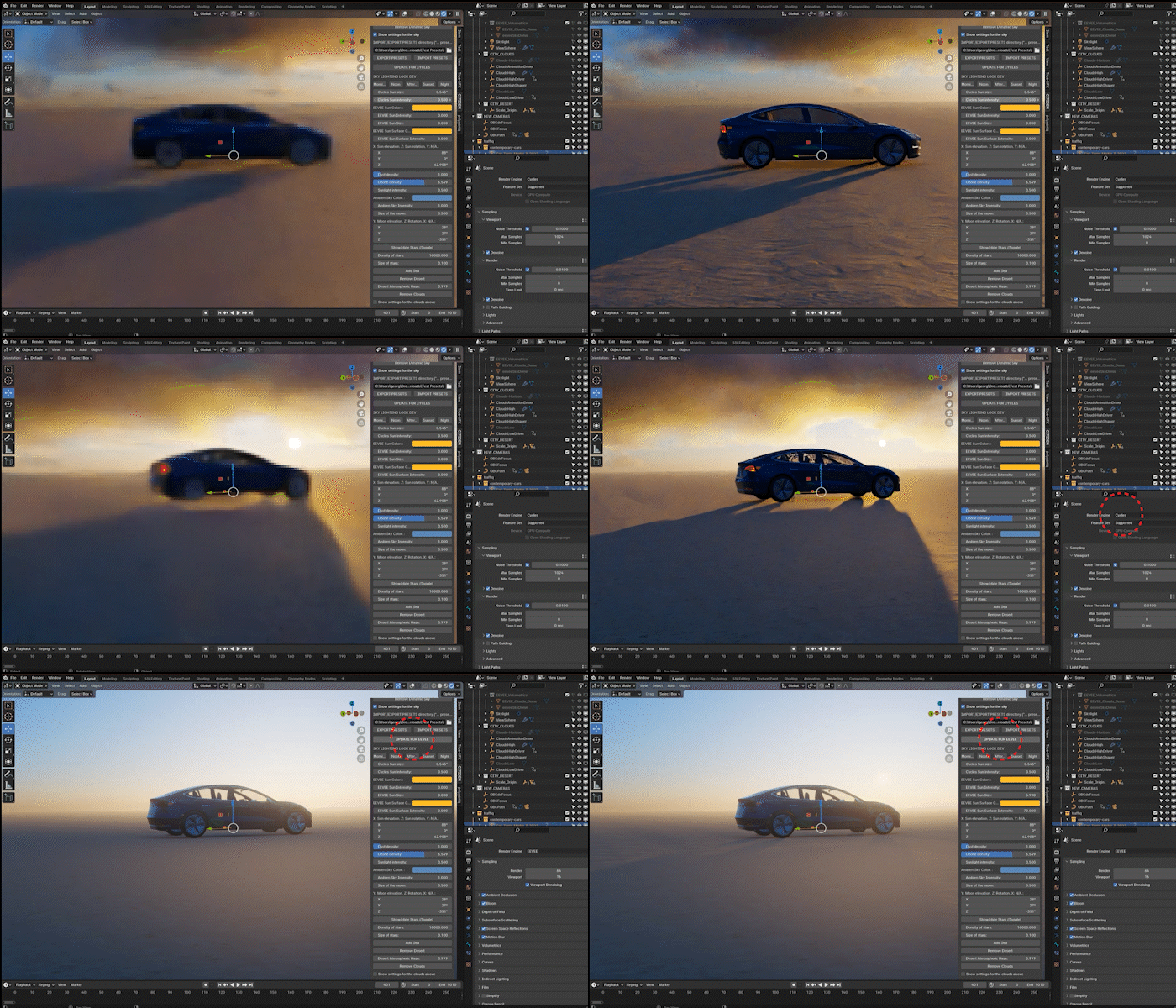
8. Replace 360 Degree Time-lapsed Sky Videos
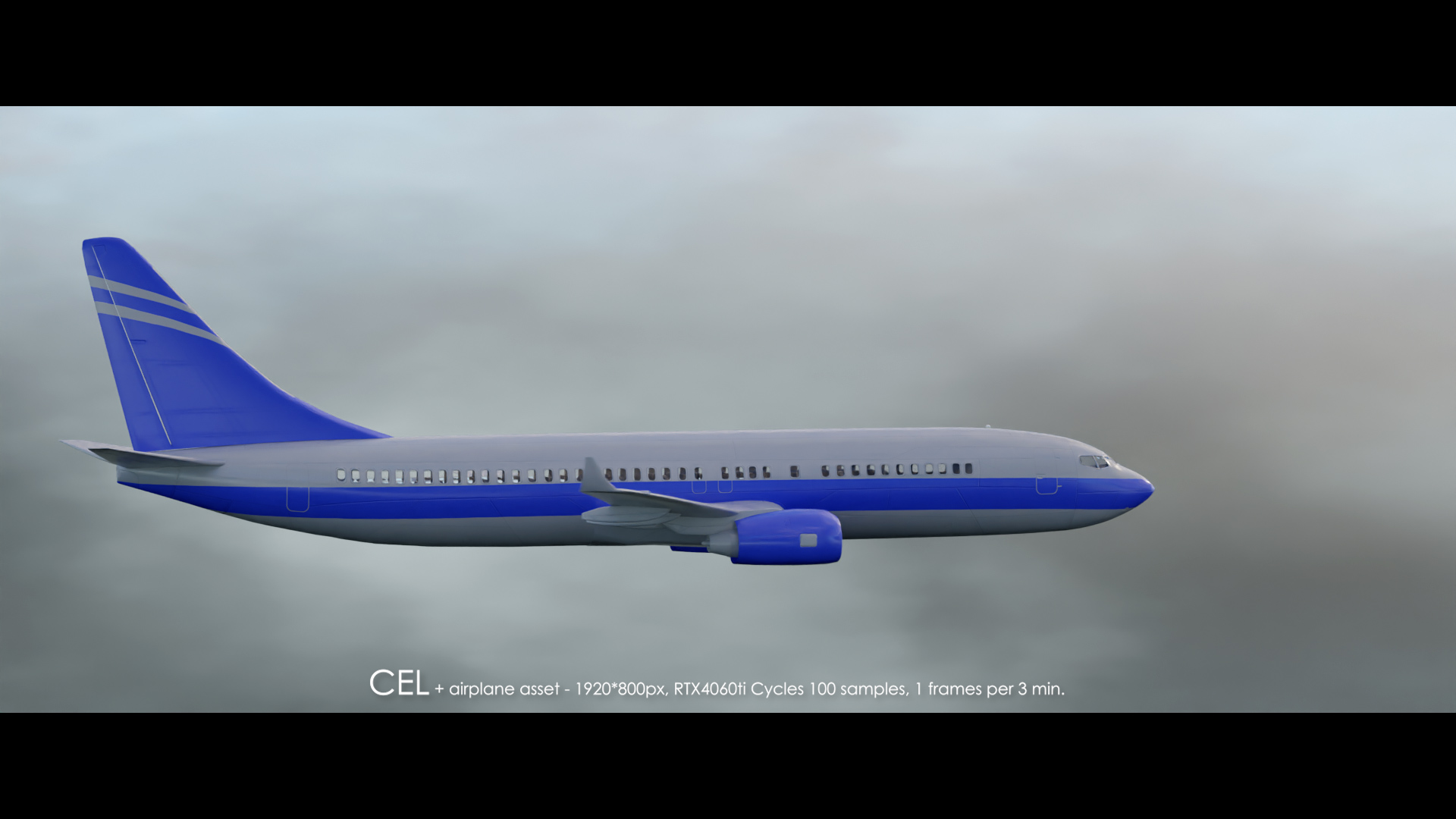
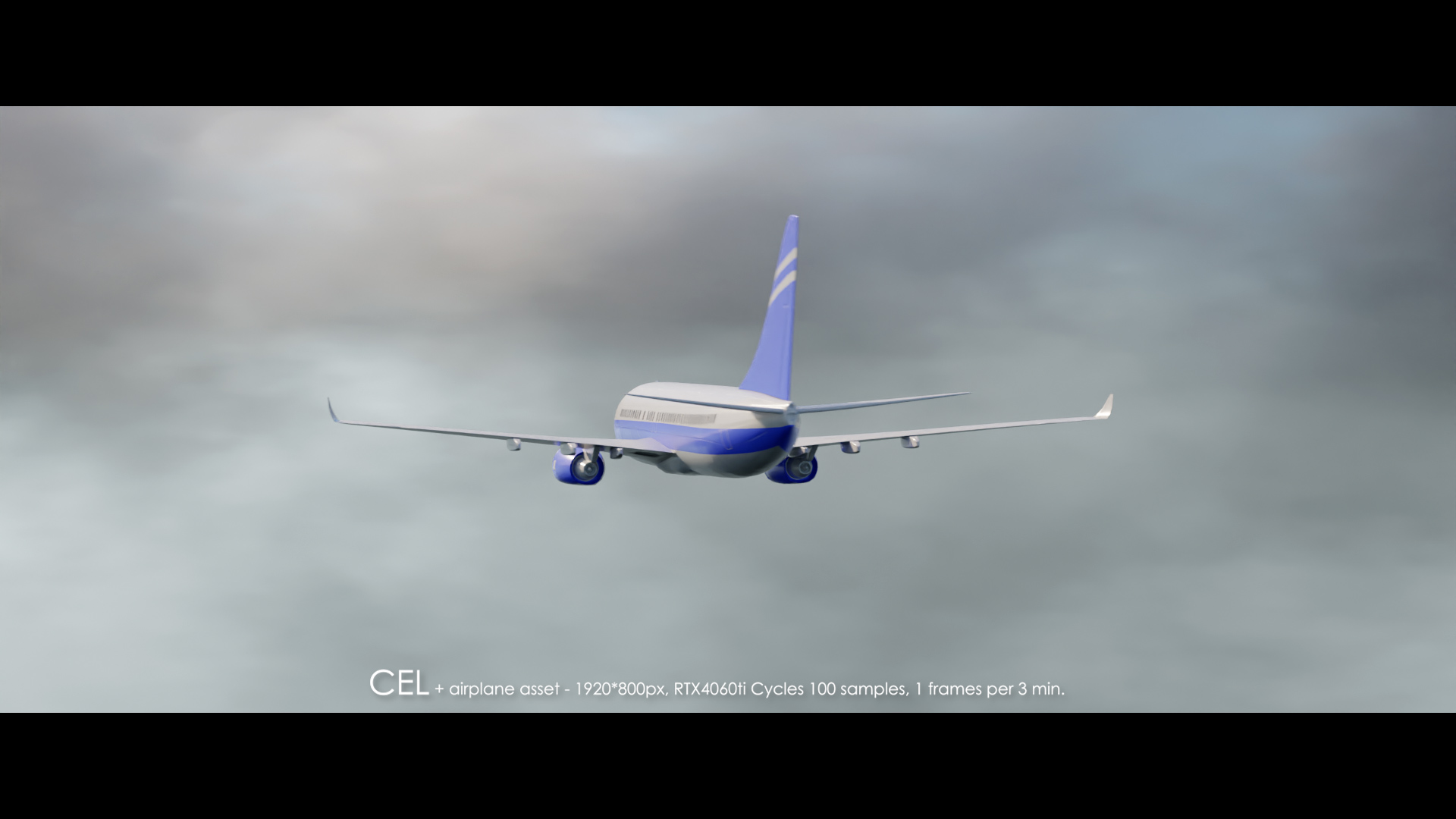
9. Recreate Mid Air Environment
* Users with slower machines may be advised to turn off the clouds or bake their favorite CEL presets into HDRIs.
* You may share your CEL presets or the exported HDRIs with other CEL users. If you want to sell them, though, please contact its author at [email protected].
* CEL EEVEE volumetric clouds are still under development.
