 auron3d
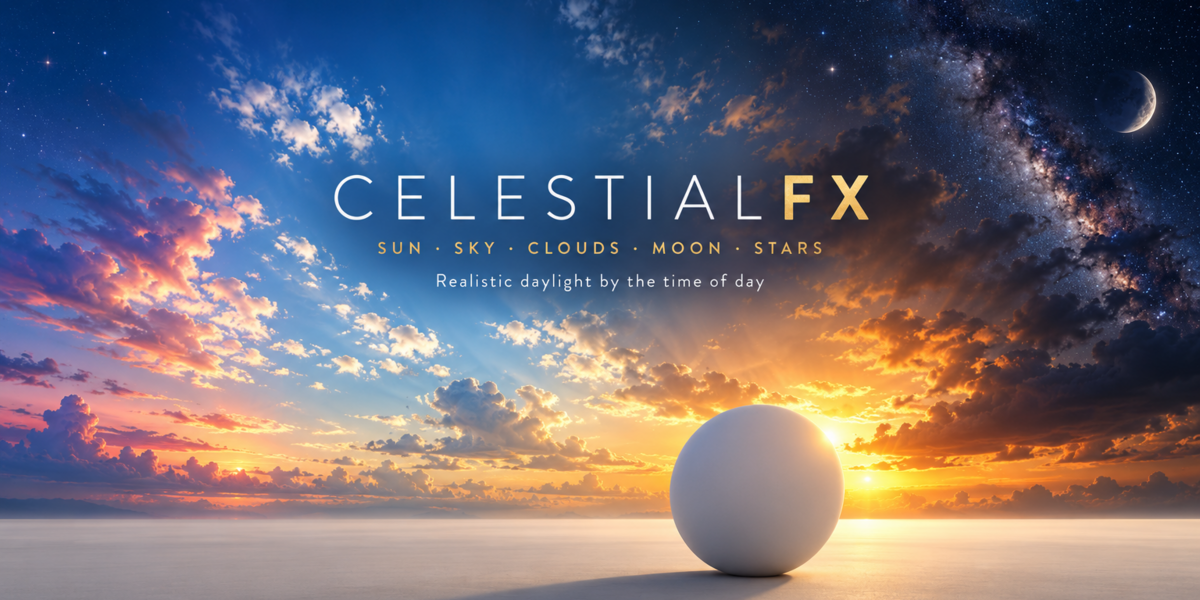
Blender 4.2 LTS or newer. CelestialFX is tested on Blender 4.2 LTS, 4.5 LTS, 5.2 and 5.3, and installs as a Blender extension (Edit > Preferences > Get Extensions > Install from Disk). Once your Superhive account is connected to Blender, updates install from inside Blender with Update Now.
Yes. The sun, sky, clouds, moon and stars work in both engines. In EEVEE, enable Jittered Shadows in the render settings to see the sun softness and shadow visibility correctly.
No. Add Sun & Sky adds its own sun, world and a small rig object, and Remove Daylight takes them out again. You can also keep your own world (HDRI or custom shader, with optional CelestialFX clouds over it) and your own sun lamp. Celestial Looks is added on top of your existing compositor nodes, which are kept.
Yes. Every setting can be keyframed, and the animation tools write normal keyframes. Everything is driven by drivers on a rig object, with no Python handlers, so the file renders the same anywhere, even with Auto Run off.
No. The sky, clouds, moon, stars, planets, rings and auroras are fully procedural and come with the add-on. If you prefer an HDRI, choose My World and CelestialFX still drives the sun, shadows and clouds.
Yes. Anything you render with CelestialFX is yours to use in personal and commercial projects.
 Included
Includes 12 months of
- Support from auron3d
- Product updates
Extend this product’s Support Period +12 months: 25% of product price
Have questions before purchasing?
Login to message
Discover more products like this
time of day daylight Moon Compositing night sky sky Lighting Stars Sun clouds weather blender addon