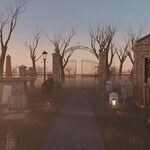
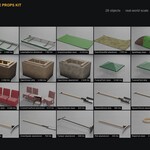
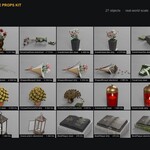
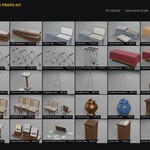
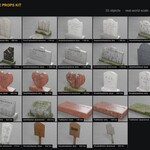
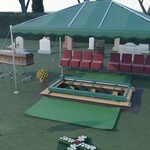
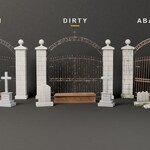
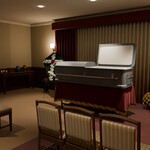
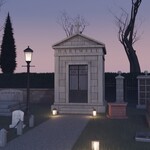
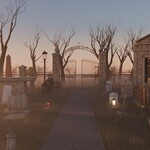
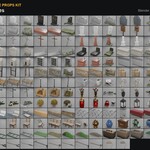
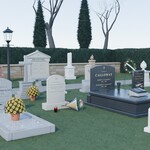
Cemetery & Funeral Home Props Kit - 229 Realistic Props, New to Abandoned
 AssetsFactory
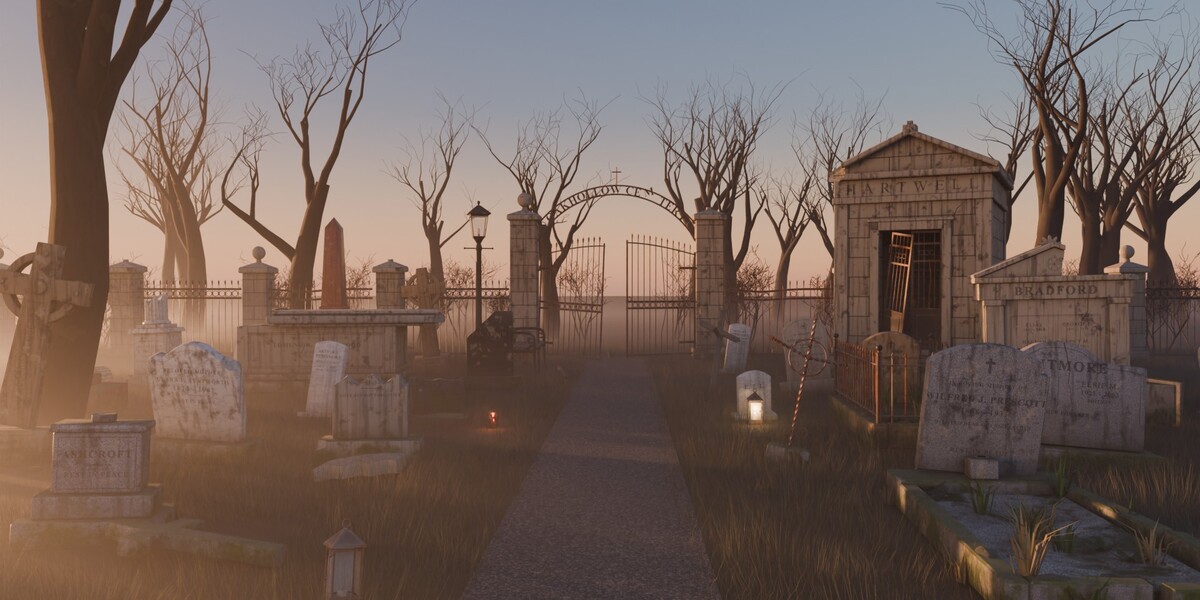
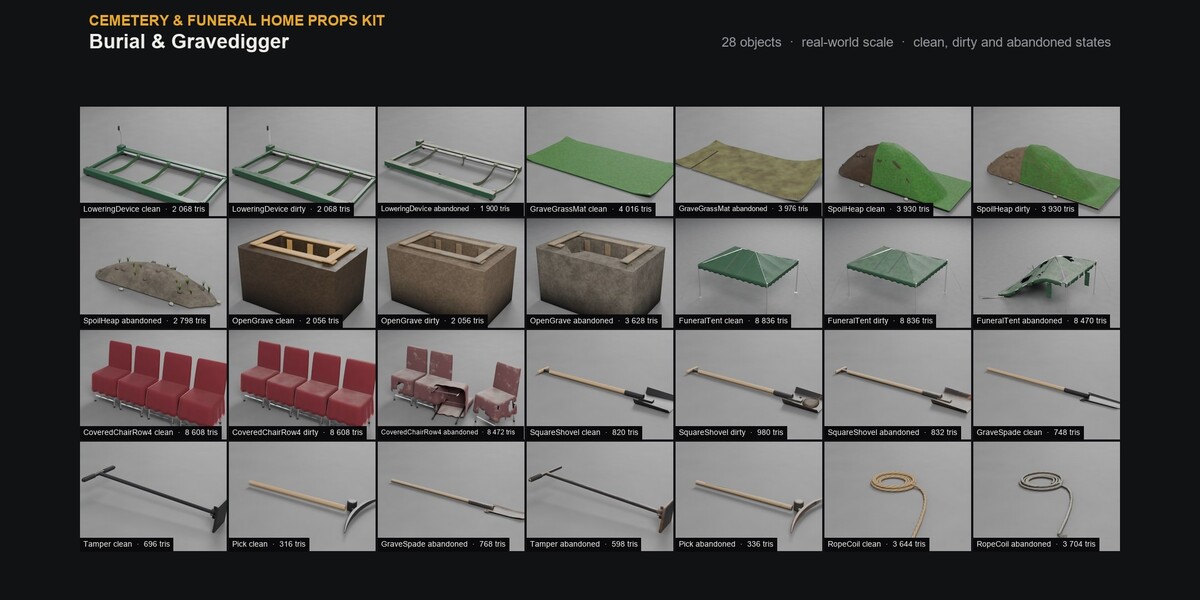
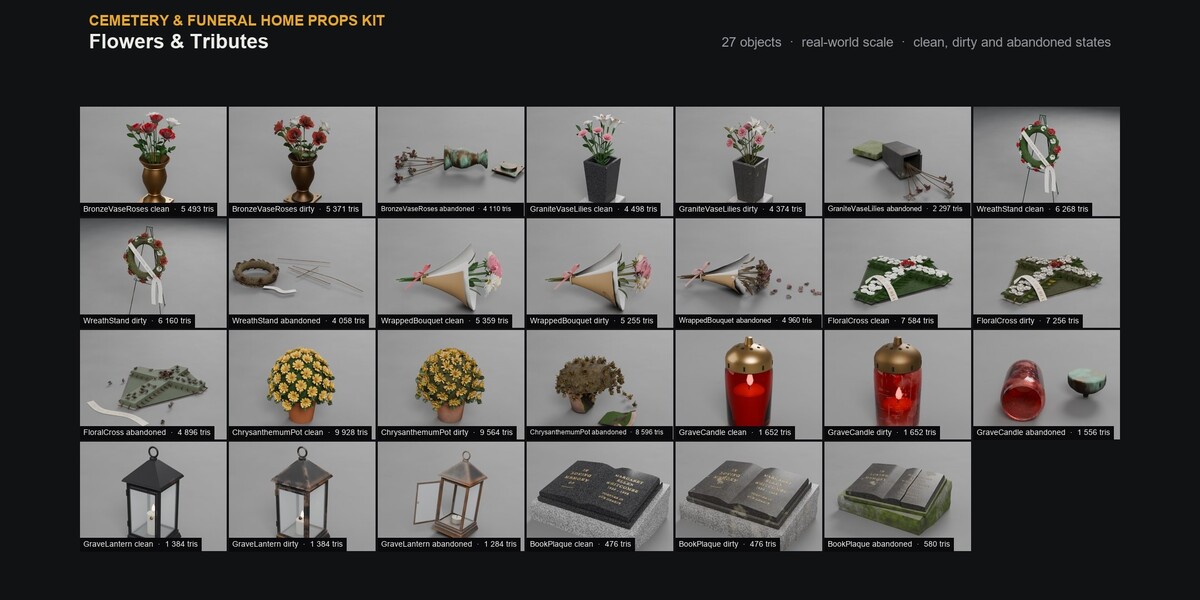
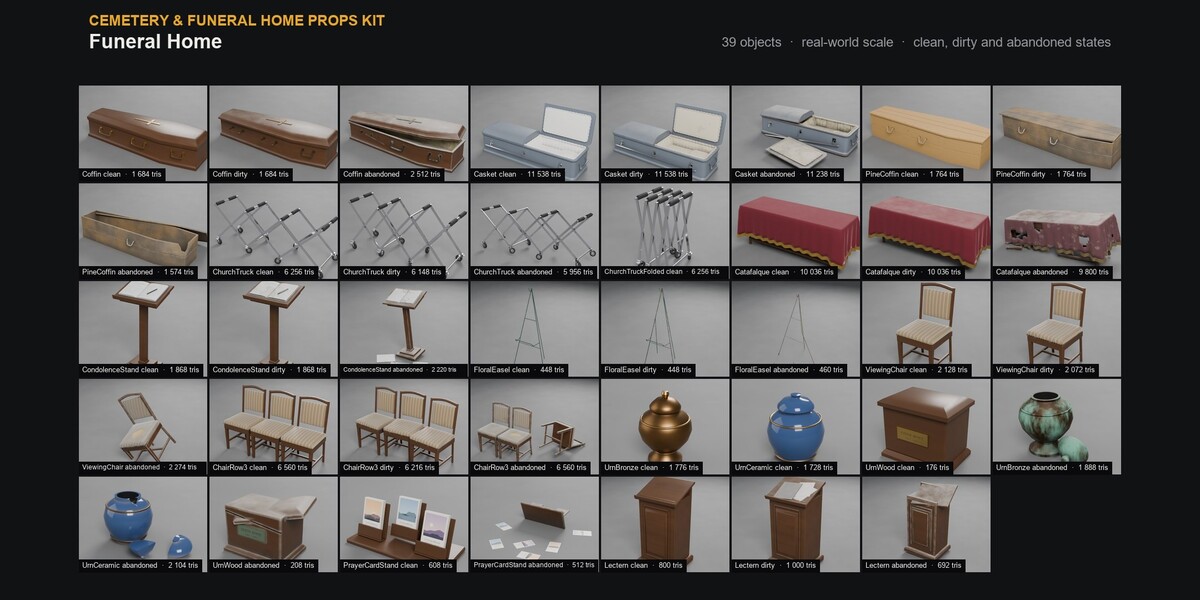
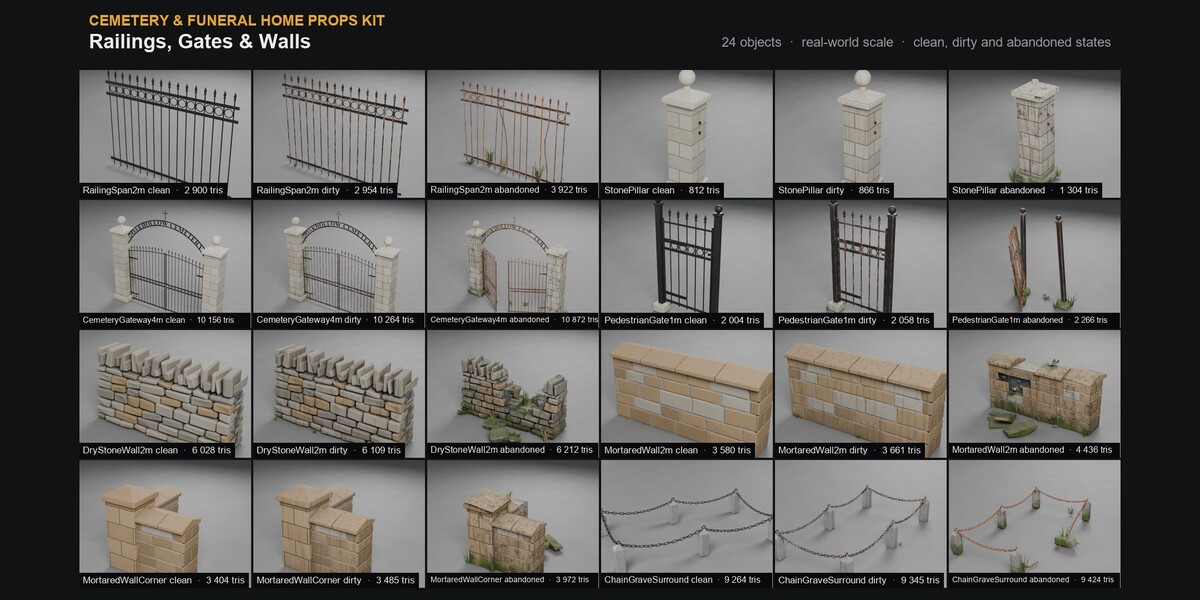
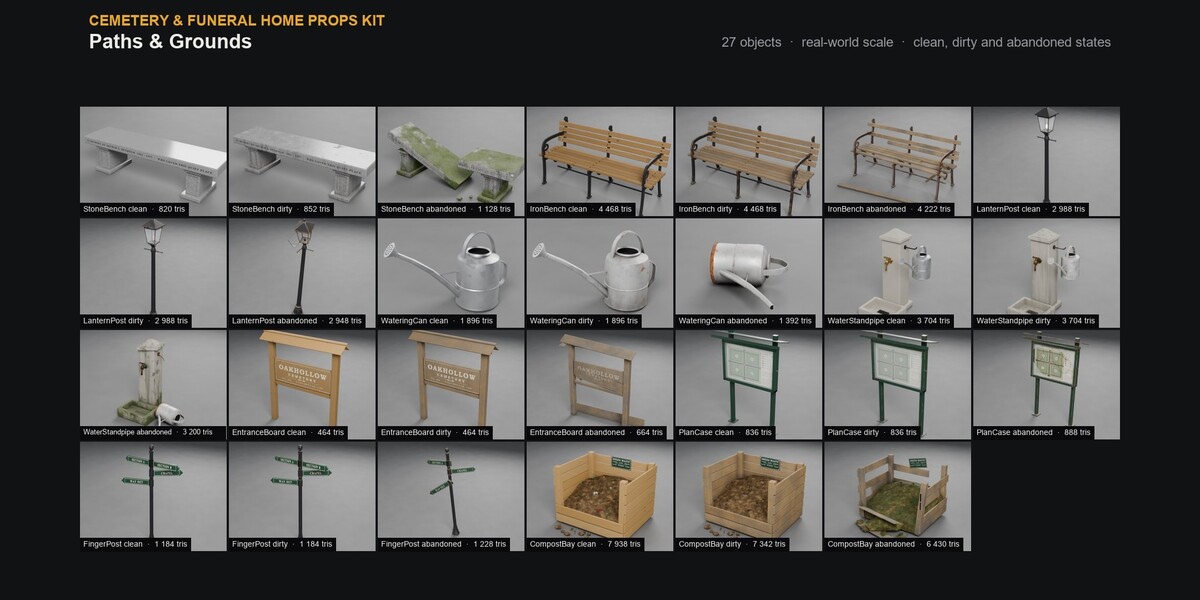
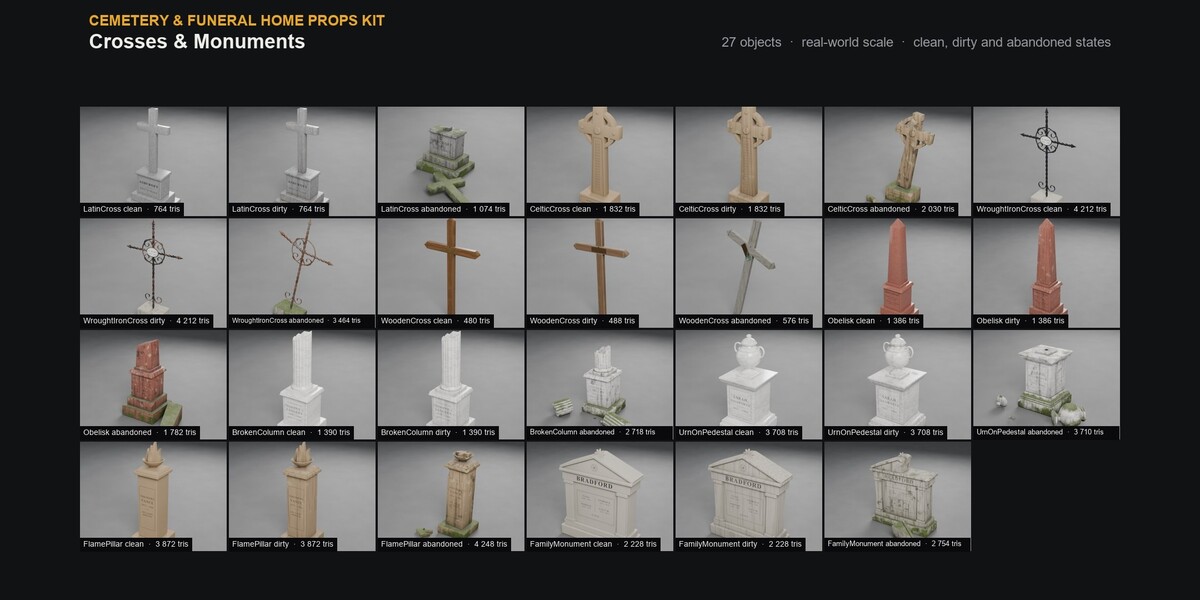
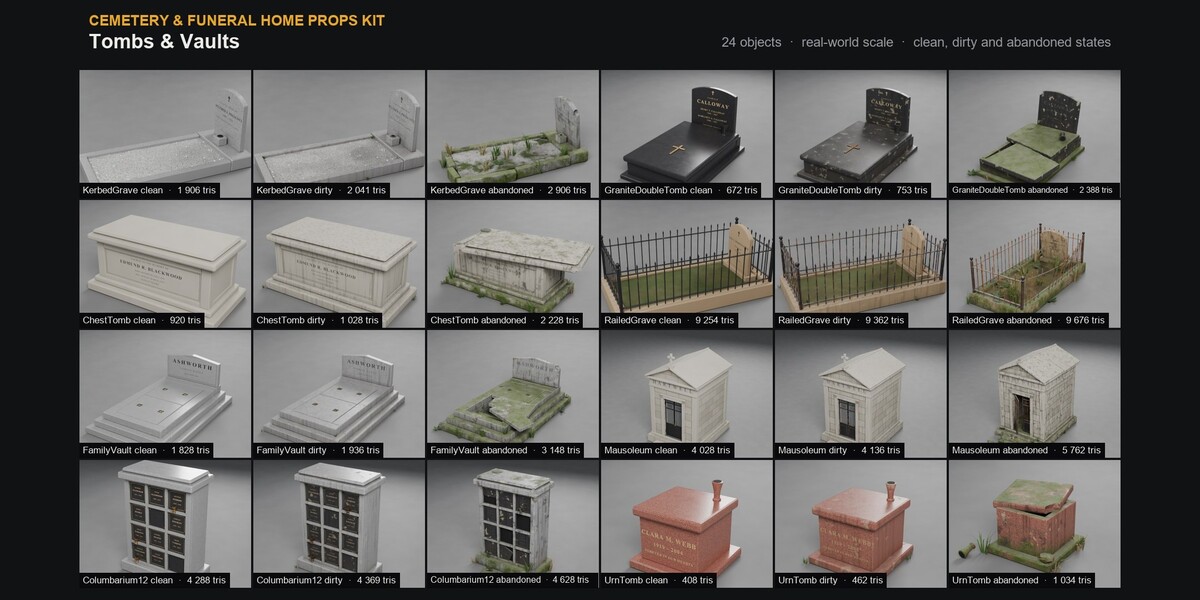
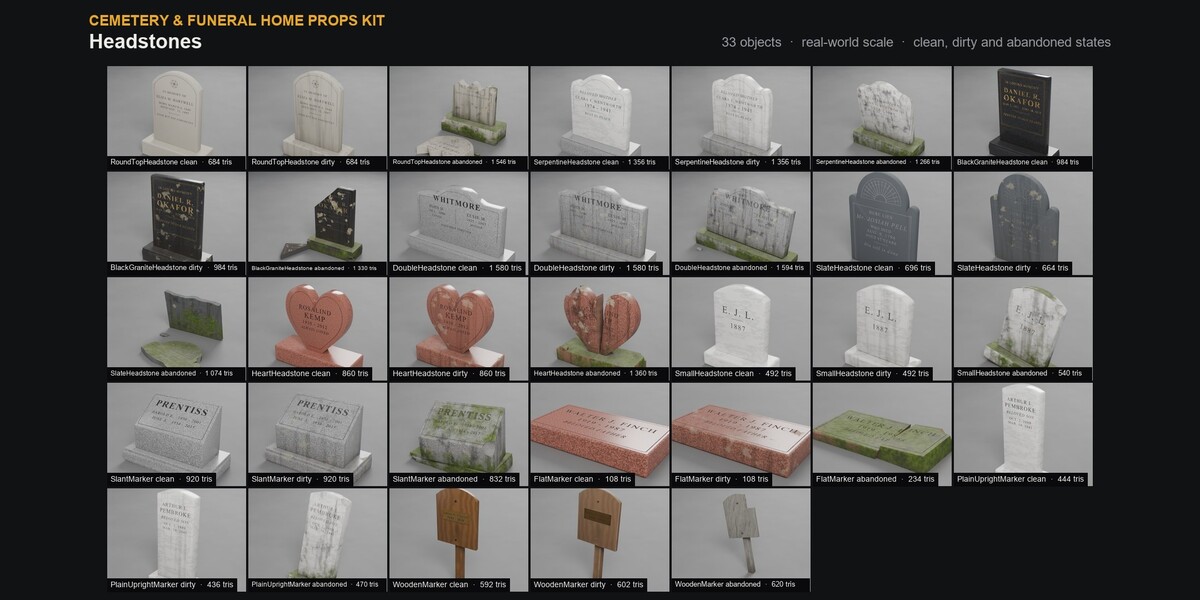
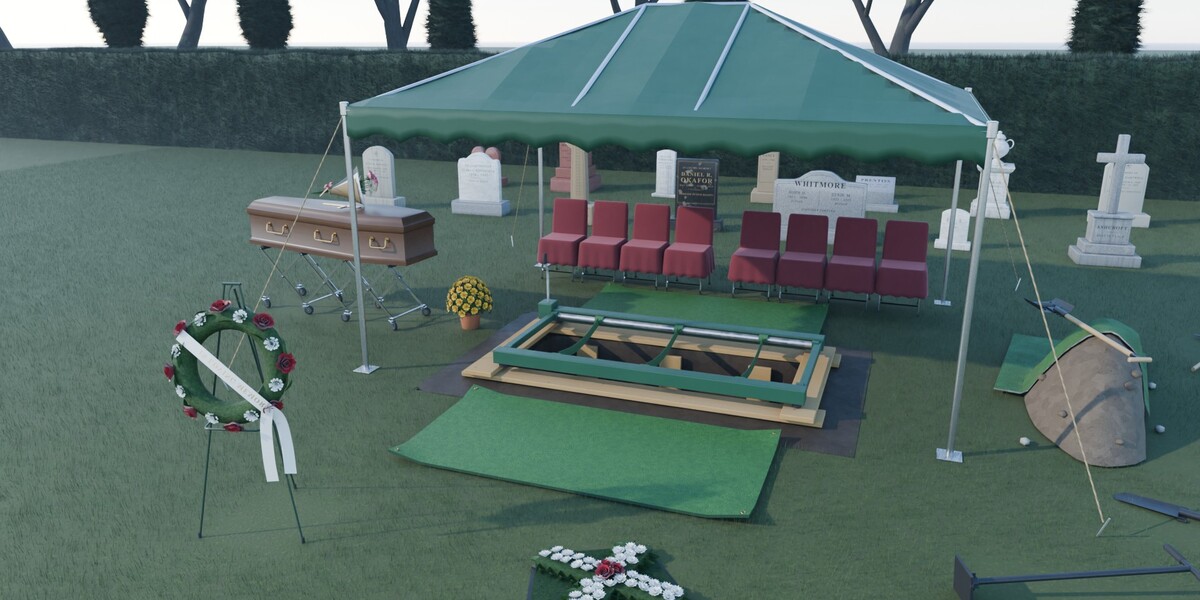
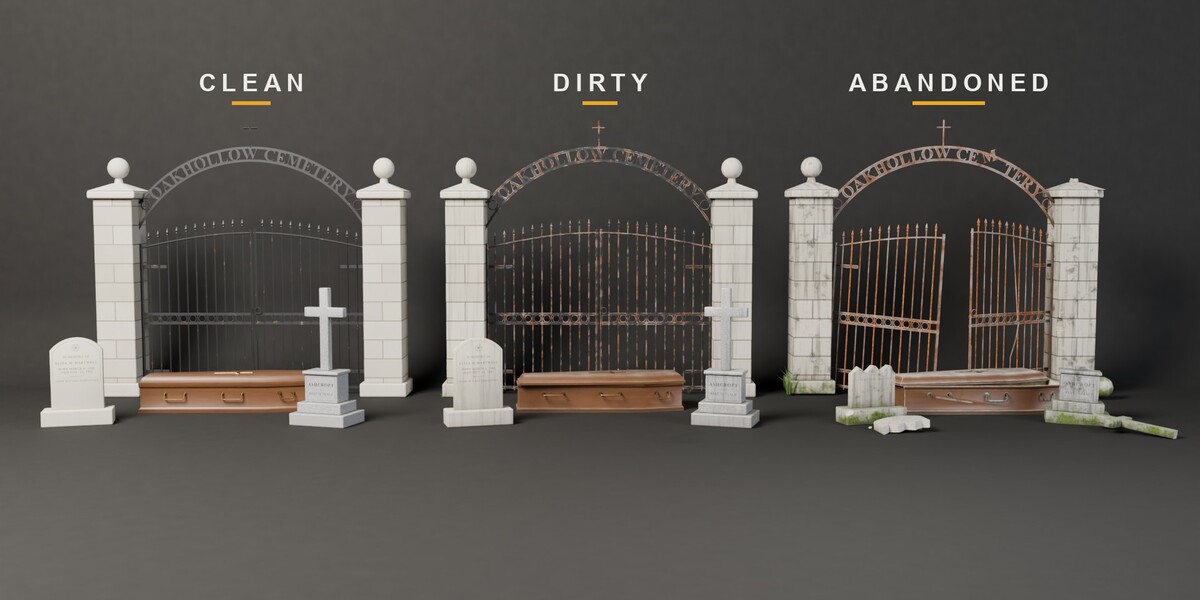
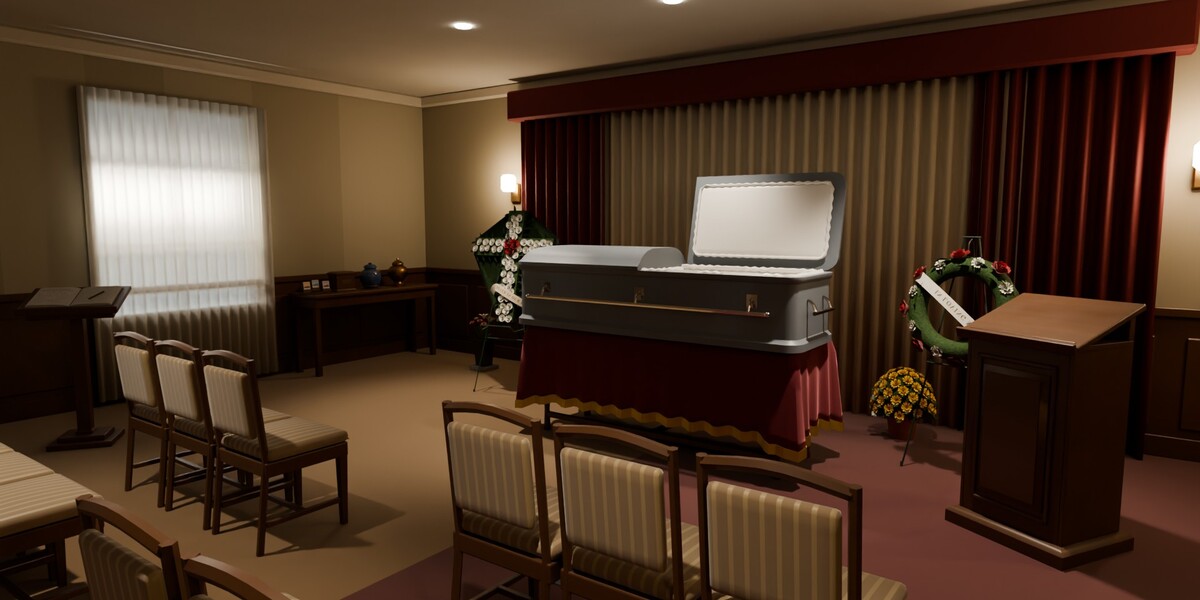
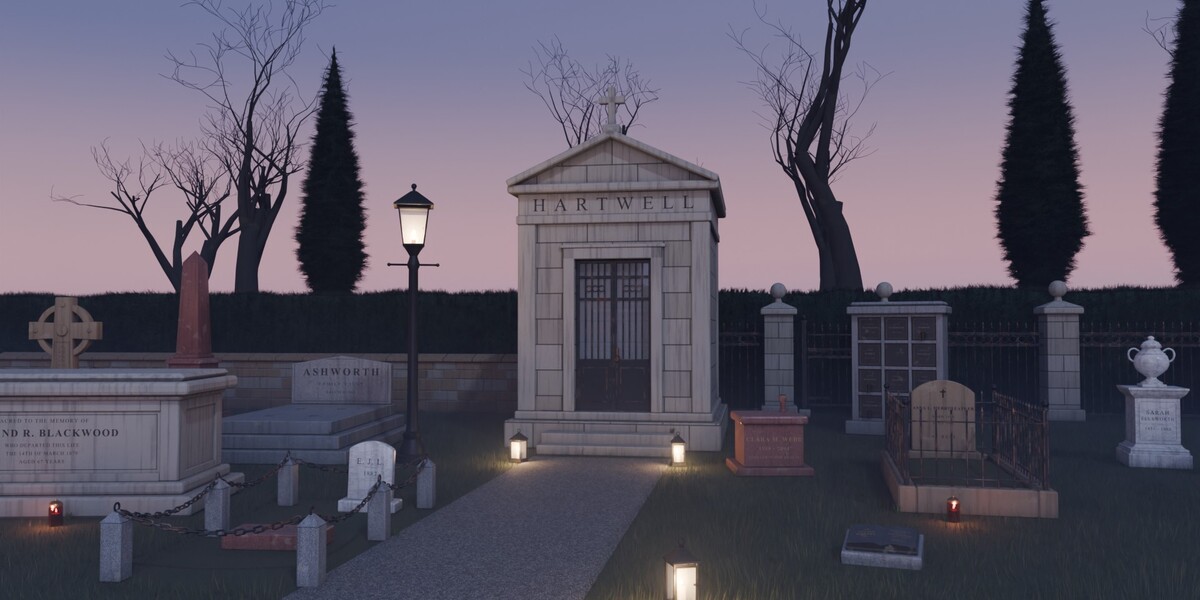
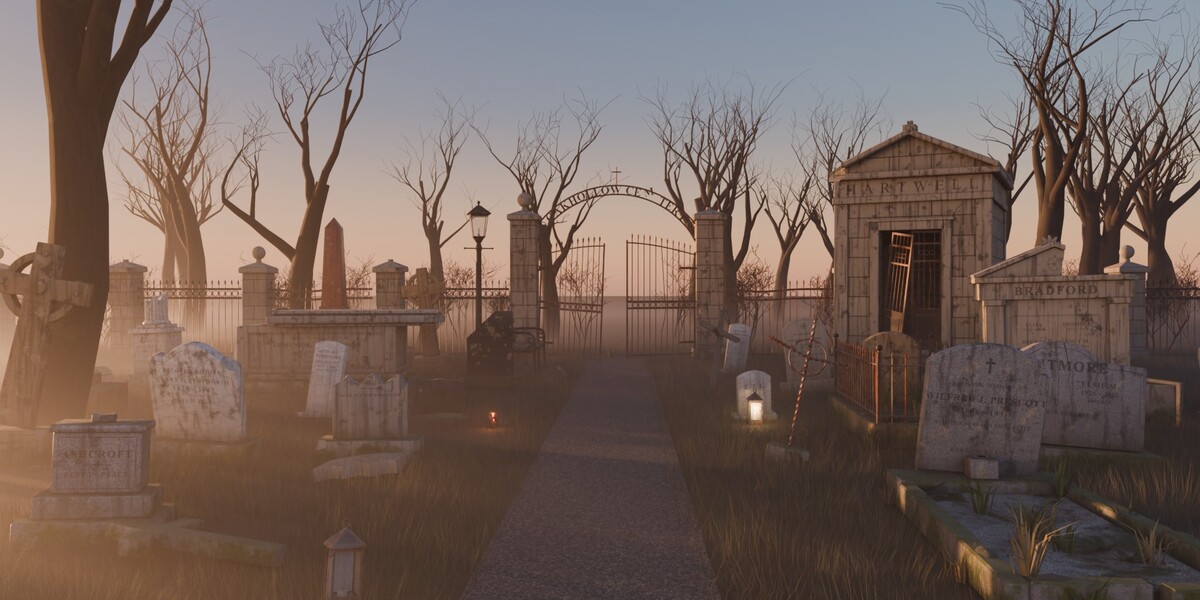
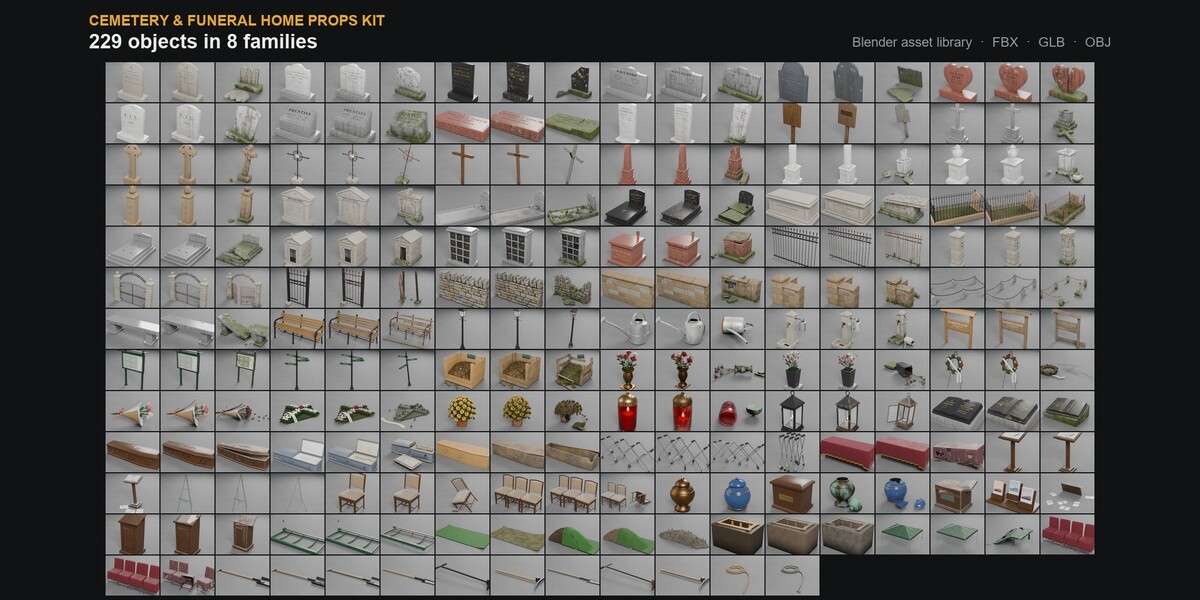
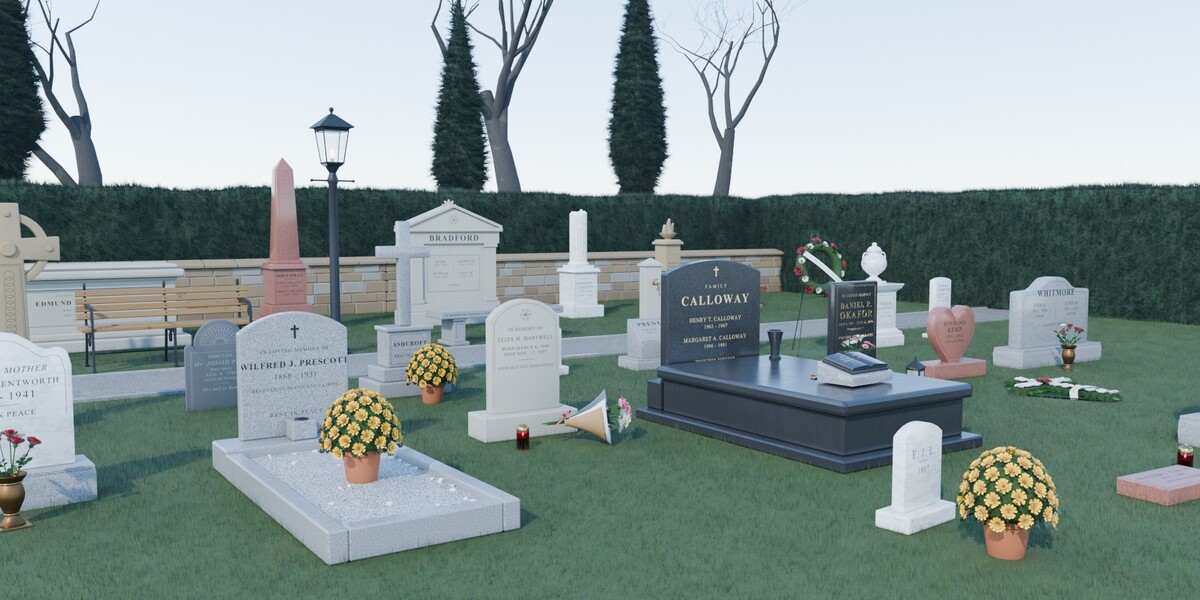
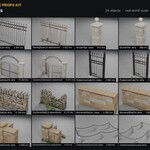
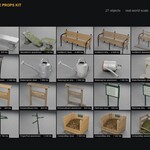
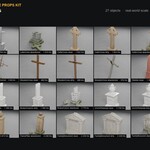
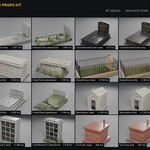
Install the asset library
- Download and unzip "Cemetery_Funeral_Home_Props_Kit_Blender.zip" anywhere you keep assets.
- In Blender: Edit > Preferences > File Paths > Asset Libraries > "+" and pick the "blender" folder from the zip.
- Open an Asset Browser editor and choose that library: the catalogs of "Cemetery & Funeral Home Props Kit" appear on the left, one per family. Drag objects into your scene.
Materials are procedural node trees: change colours, dirt and wear in the Shader Editor.
Pivots
- Floor objects: centre of their underside, resting on the floor (z = 0).
- Wall-mounted objects: centre of their back face, front facing -Y (Blender), so they snap onto a wall.
Game engines
- Unzip "Cemetery_Funeral_Home_Props_Kit_Game.zip": every object as FBX, GLB and OBJ with baked PBR textures.
- GLB is the most complete format (materials, alpha modes). In Godot, the convex hull named <object>-colonly imports as a static collision shape.
- FBX and OBJ reference the shared "textures" folder: keep the folder structure.
- Glass and clear plastic use alpha blending in the game files.
OBJECTS.txt in the zips lists every object with its family, size and triangle count.
Have questions about this product?
Login to message
| Published | 1 day ago |
| Blender Version | 5.2 |
| Render Engine Used | Cycles |
| Misc Data | Uvs-Unwrapped, Normal-Mapped, Textured |
| License | Royalty Free |
