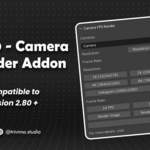
CFR V1 Camera FPS Render Addon for Blender
 Tri-vima Studio
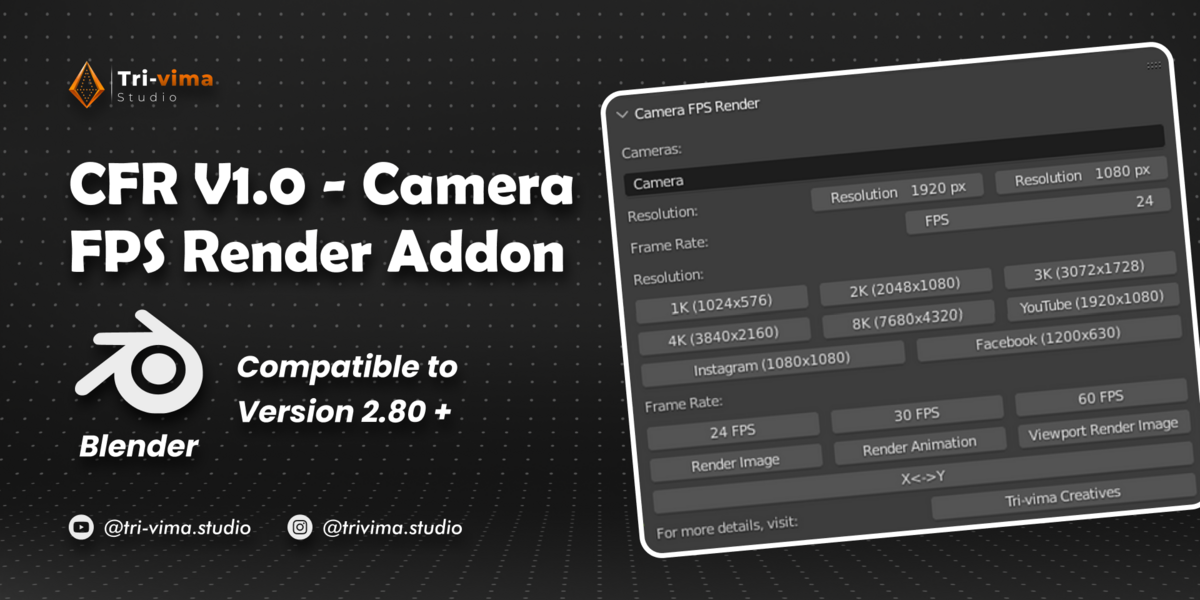
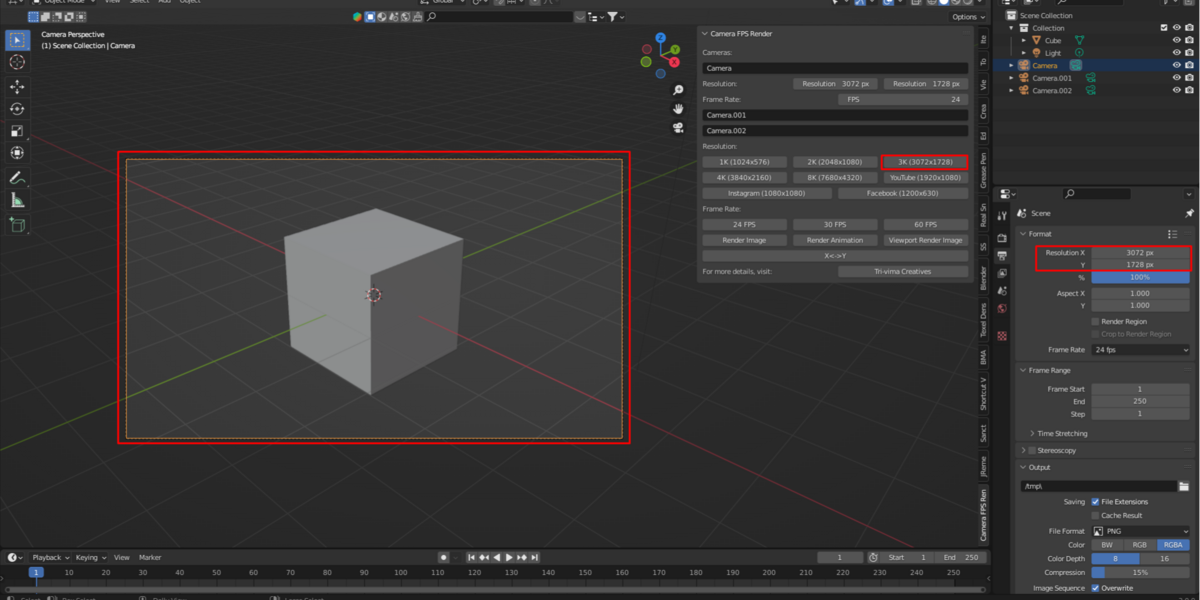
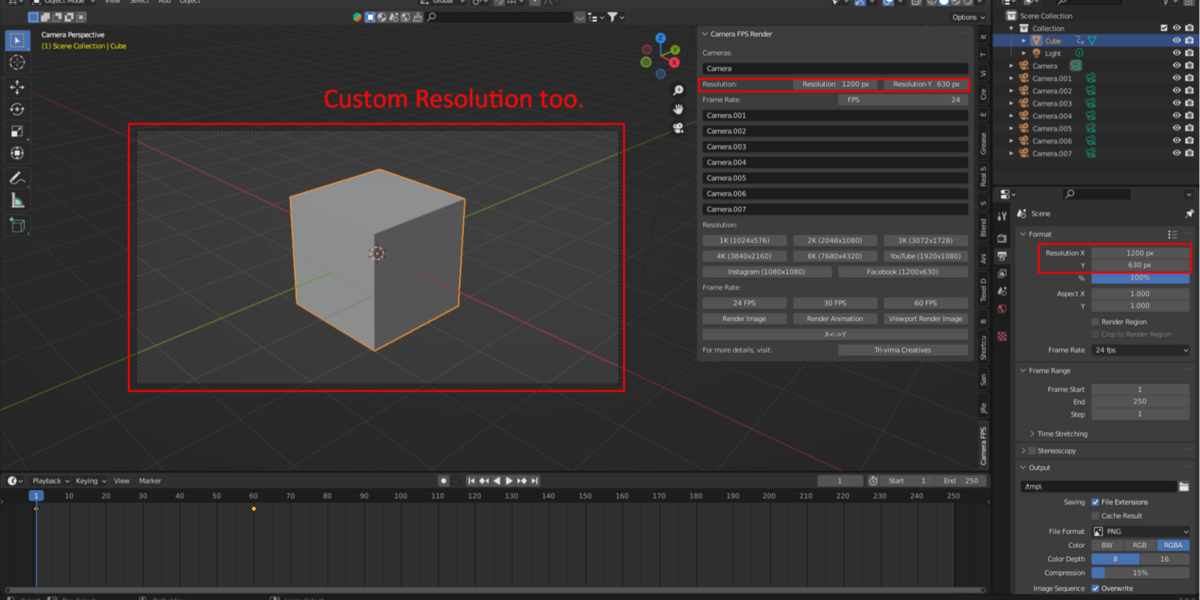
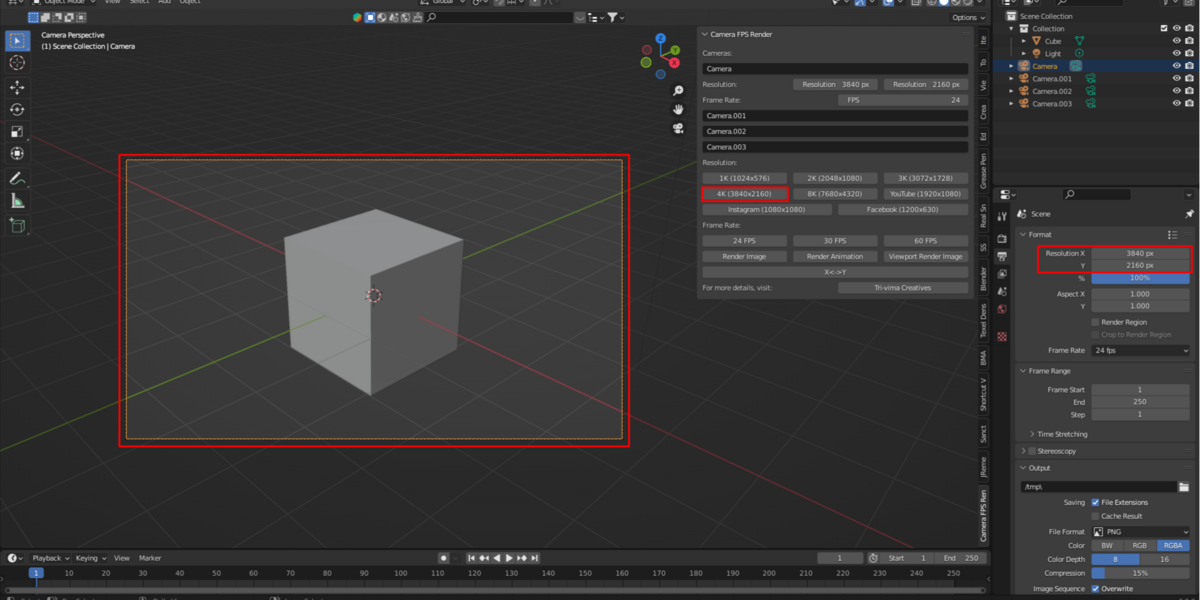
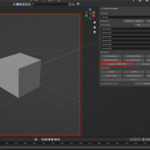
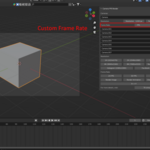
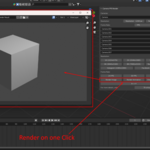
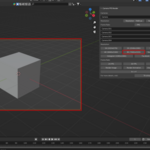
CFR v1 – User Documentation
1. Introduction
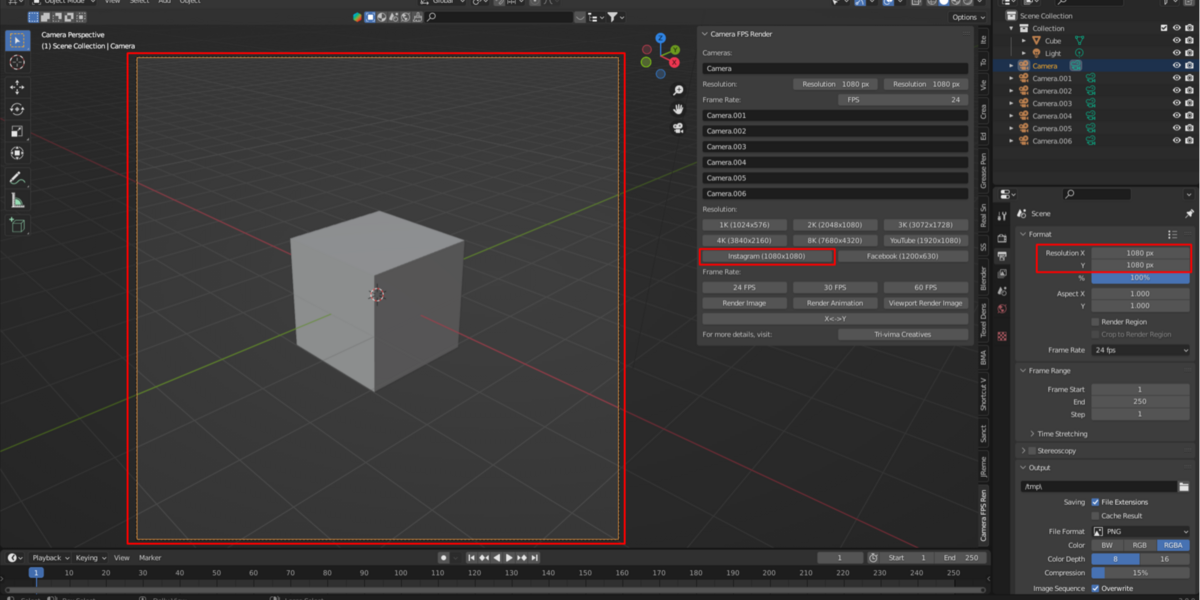
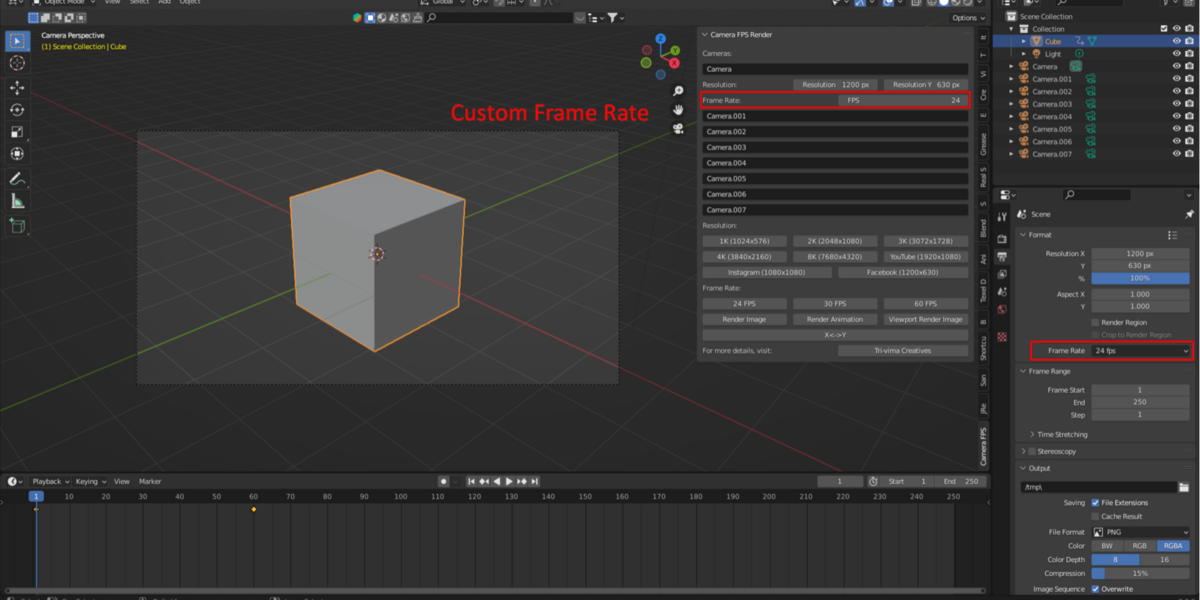
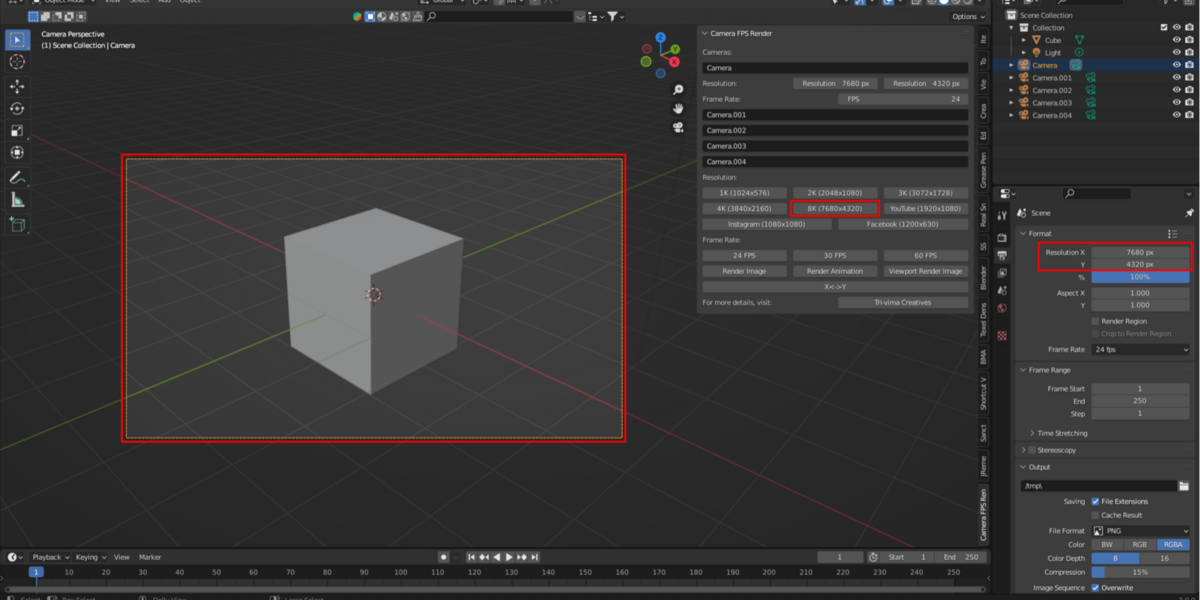
CFR v1 is a Blender add-on that brings camera management, first-person navigation, and quick render controls together in one convenient workflow. It helps 3D artists move around scenes, switch between cameras, and launch renders more efficiently.
2. Key Features
Camera Switcher: Quickly switch between multiple cameras in your scene.
FPS Navigation: Explore your 3D environment using first-person-style navigation.
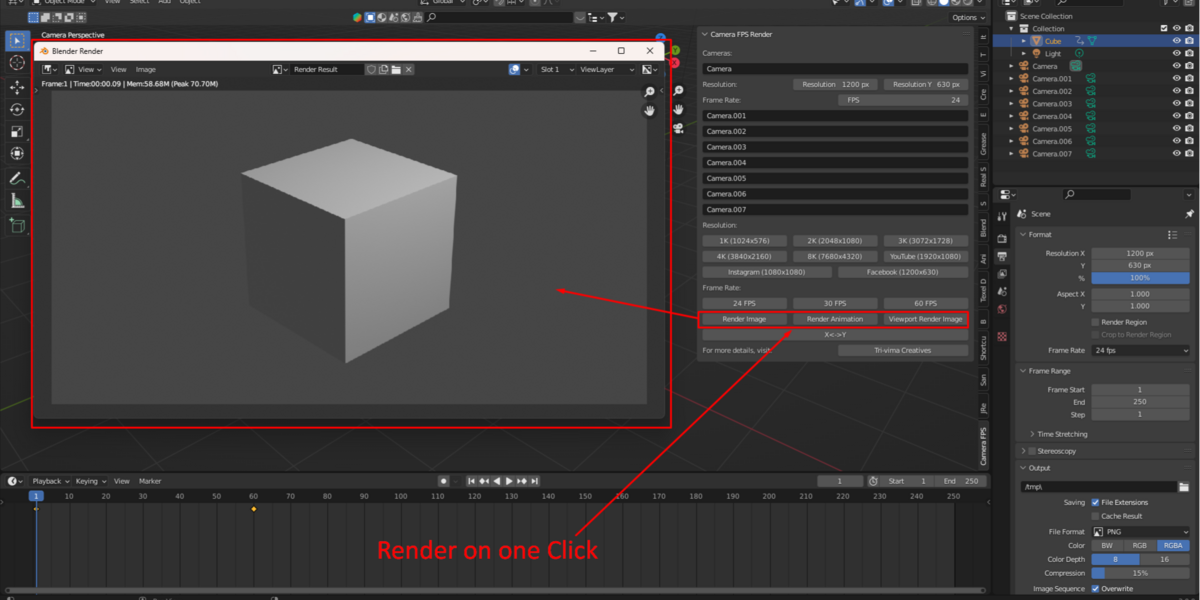
Quick Render: Start rendering without navigating through multiple menus.
Simplified Workflow: Access essential camera and rendering tools from one place.
3. Installation
Download the CFR v1 add-on package after purchasing it.
Open Blender.
Navigate to Edit → Preferences → Get Extensions or Add-ons, depending on your Blender version.
Use the appropriate installation method for your downloaded package.
Enable the add-on if it is not enabled automatically.
Locate the CFR tools in Blender and begin using them.
Note: The exact installation steps may vary depending on your Blender version and the package format supplied with the add-on.
4. Basic Usage
A. Switching Cameras
Create two or more cameras in your scene.
Open the CFR camera controls.
Select the camera you want to use.
Check the active camera view before rendering.
B. FPS Navigation
Open your 3D scene.
Activate the FPS navigation feature.
Navigate through your environment in first-person style.
Adjust your viewpoint to inspect the scene.
C. Quick Rendering
Set up your scene, lighting, and materials.
Select the required camera.
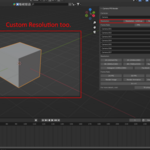
Configure the render settings and output location in Blender.
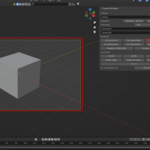
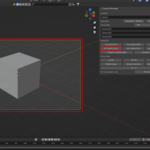
Use the CFR quick-render controls to start rendering.
The exact button names and navigation controls should be confirmed in the add-on interface.
 Included
Includes 12 months of
- Support from Tri-vima Studio
- Product updates
Extend this product’s Support Period +12 months: 25% of product price
Have questions before purchasing?
Login to message
| Sales | 10+ |
| Dev Fund Contributor | |
| Published | over 3 years ago |
| Blender Version | 2.8 - 5.2 |
| Render Engine Used | Cycles, Eevee |
| License | GPL |