 ZEG

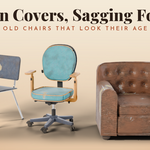
Installation
In Blender open Edit, Preferences, Get Extensions, then use Install from Disk and pick the zip.
Usage
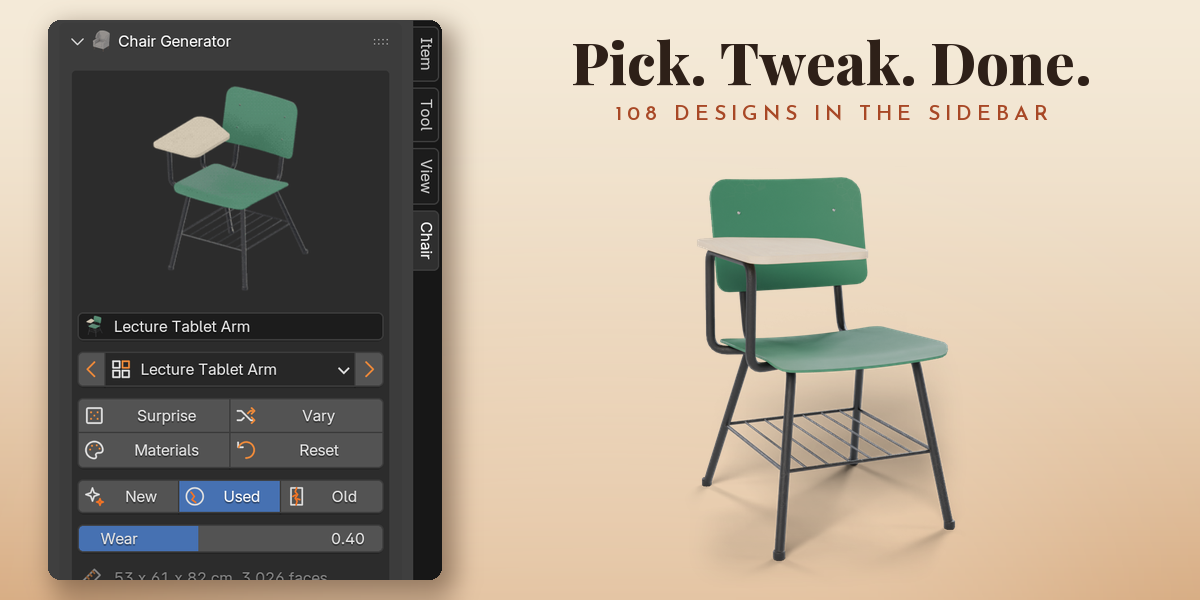
- Open the sidebar (N) in the 3D viewport and pick the Chair tab.
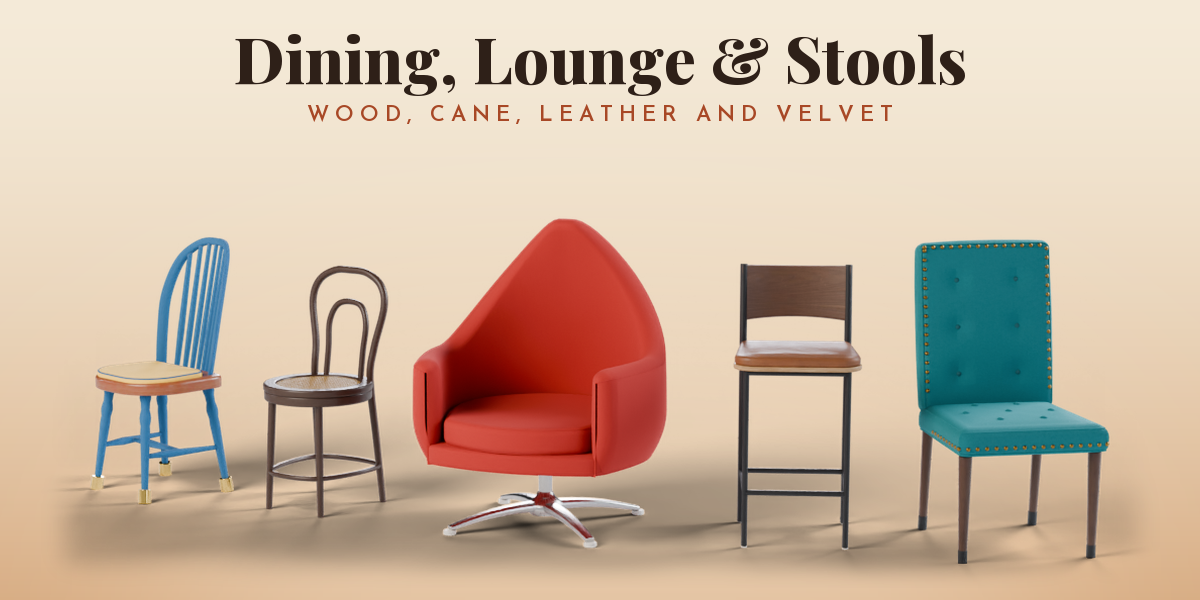
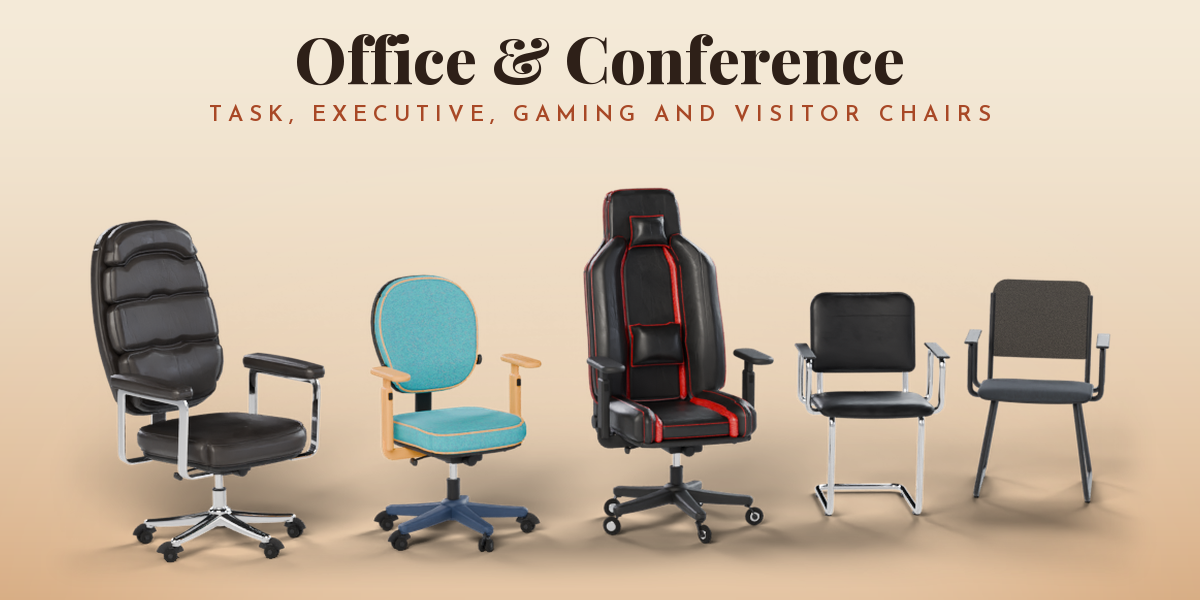
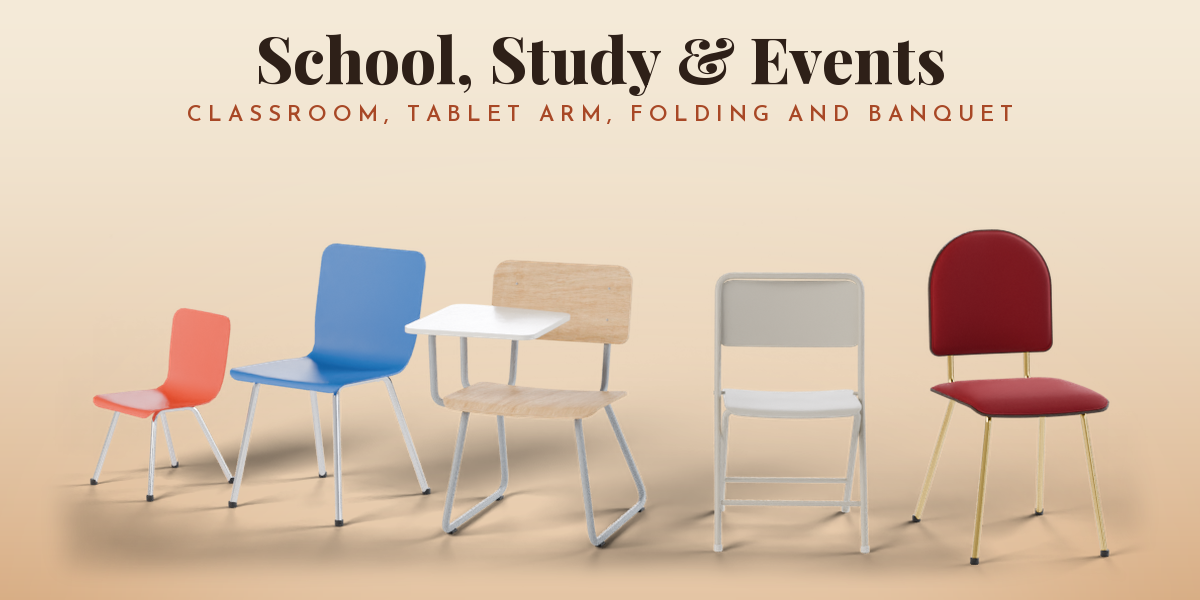
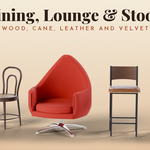
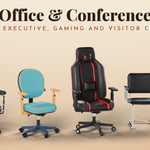
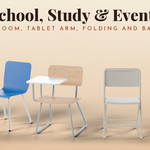
- Choose a group (Dining, Stools, Lounge, Office, School, Meeting) and click a design to add it.
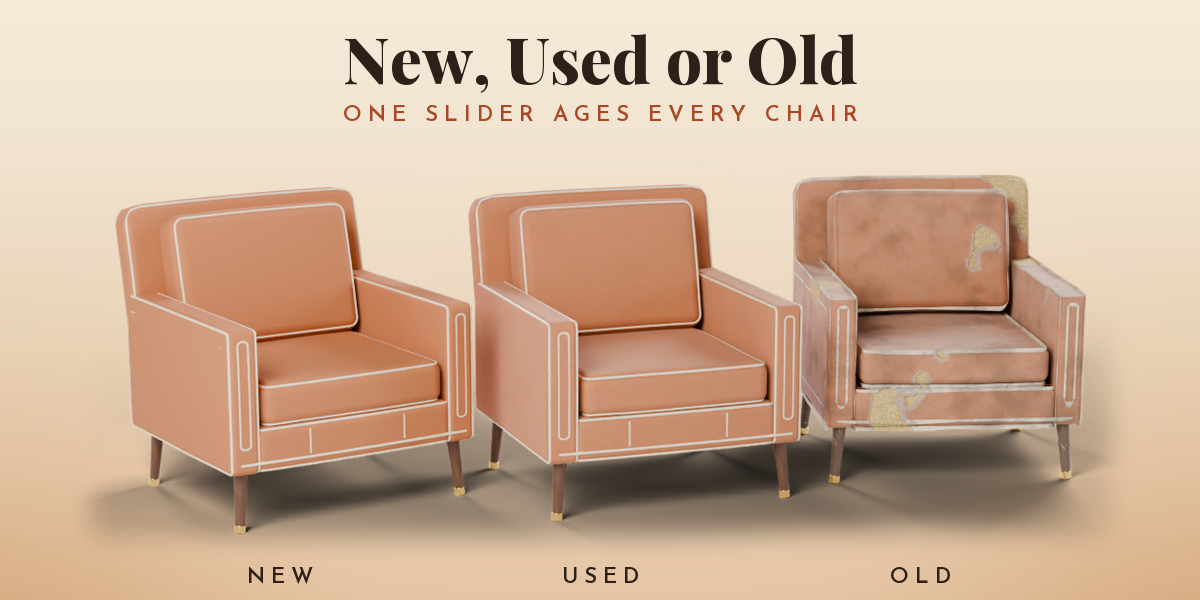
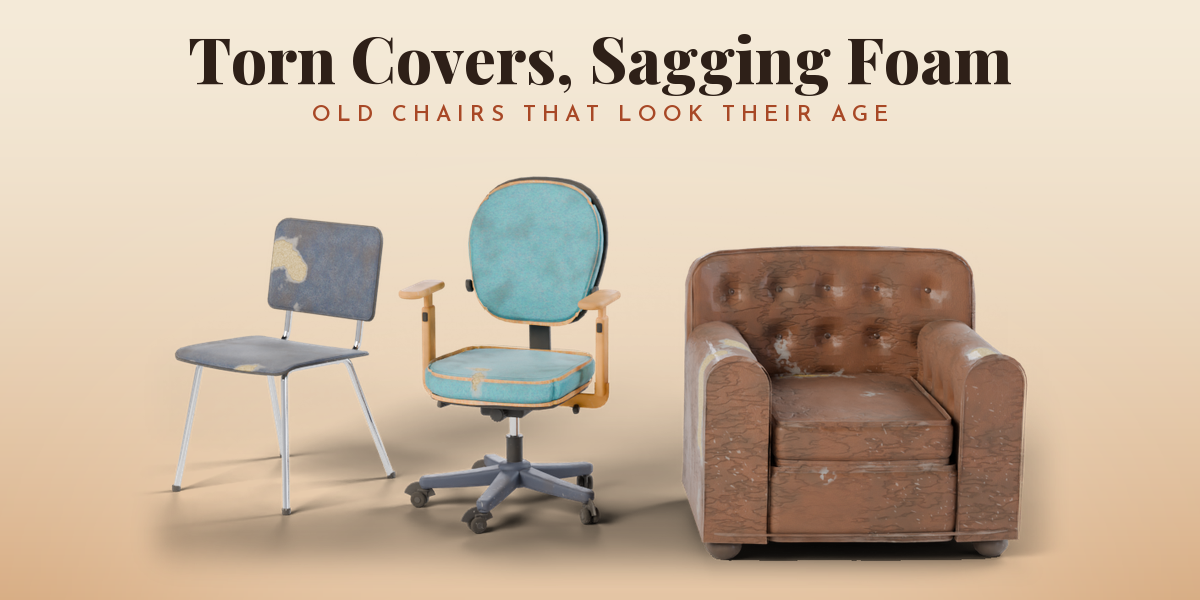
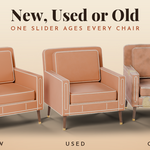
- With the chair selected, pick New, Used or Old, and change frame, seat, back, arms and size in the tabs.
- Use Surprise or Vary for random results and Materials for a new look.
Have questions about this product?
Login to message
| Blender Extension Compatible | Yes |
| Published | 2 days ago |
| Blender Version | 4.2 - 5.2 |
| Extension Type | Add-on |
| Render Engine Used | Cycles, Eevee |
| License | GPL |

Discover more products like this
armchair ArchViz school office chair PBR Generator Interior furniture procedural Game asset Chair stool