 KRITZ STUDIO 3D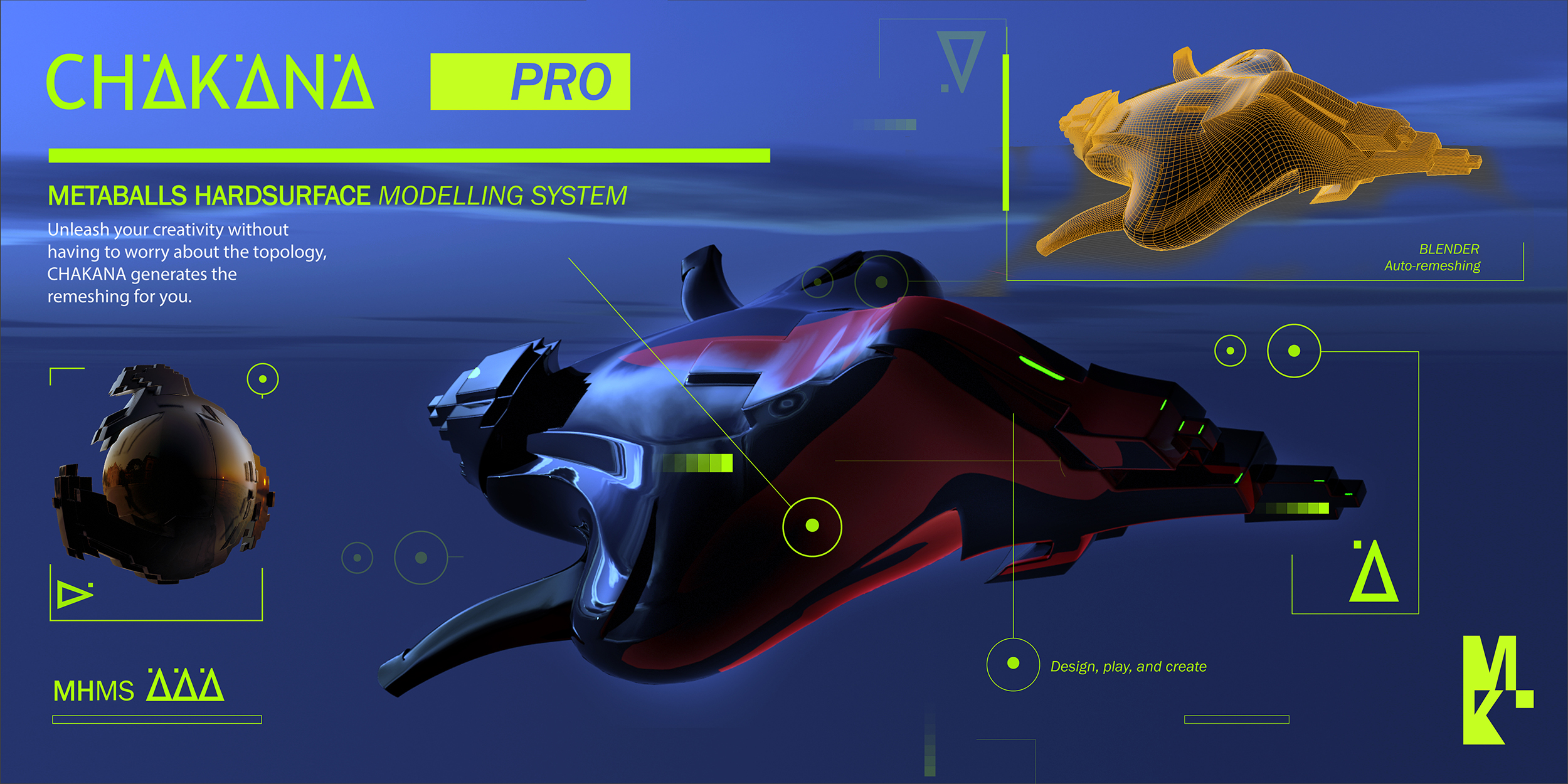


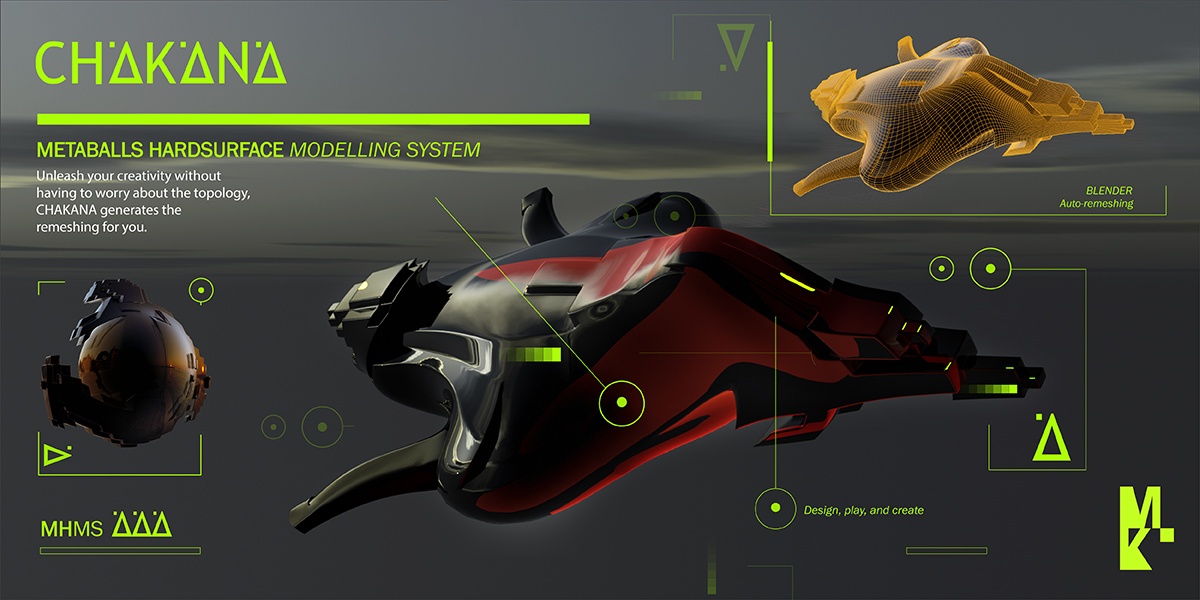
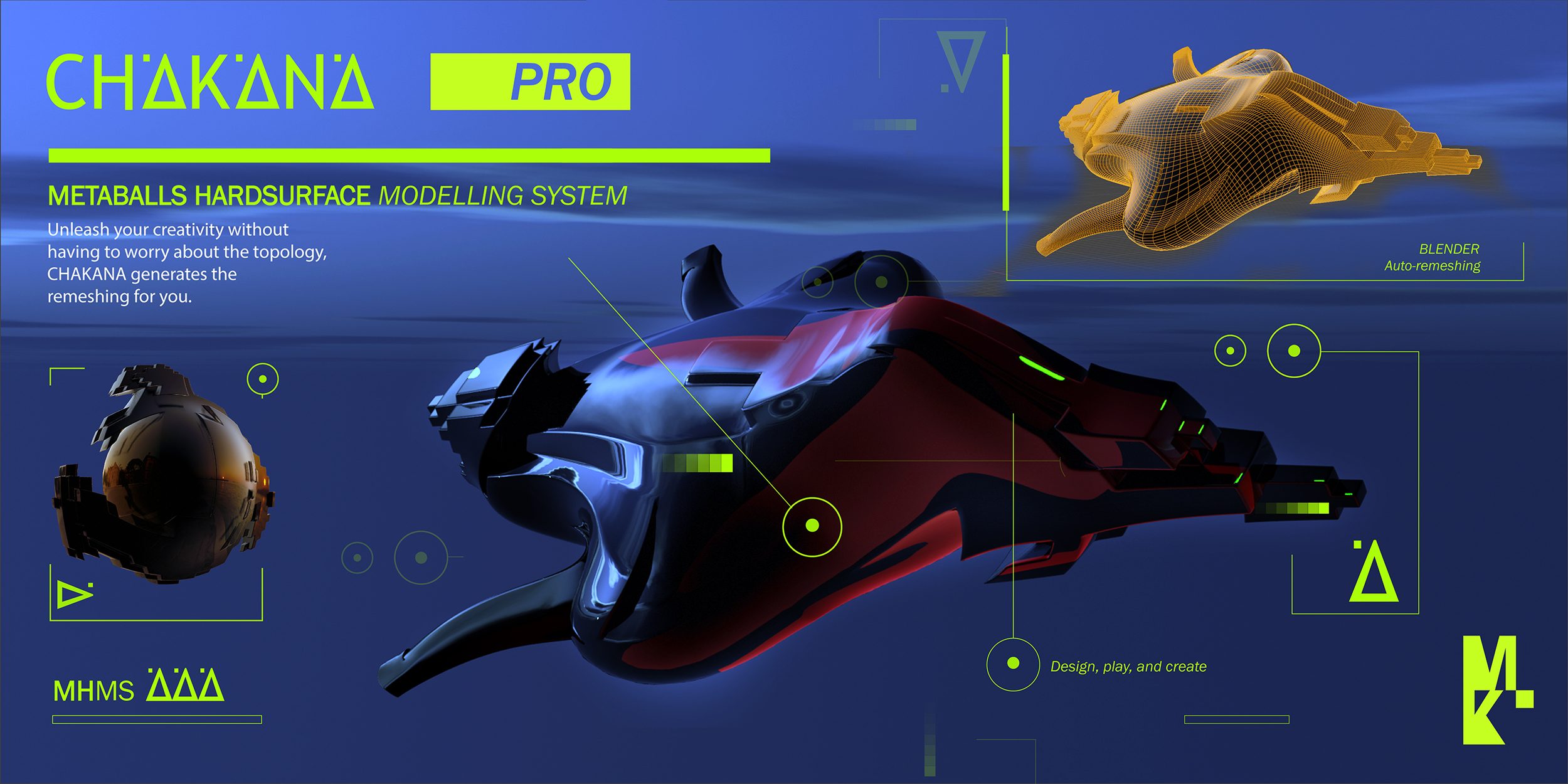
CHAKANA Pro | Metaball Hard Surface Modeling System for Blender 5.1 & 4.2 LTS
Design organic hard surface forms at the speed of thought.
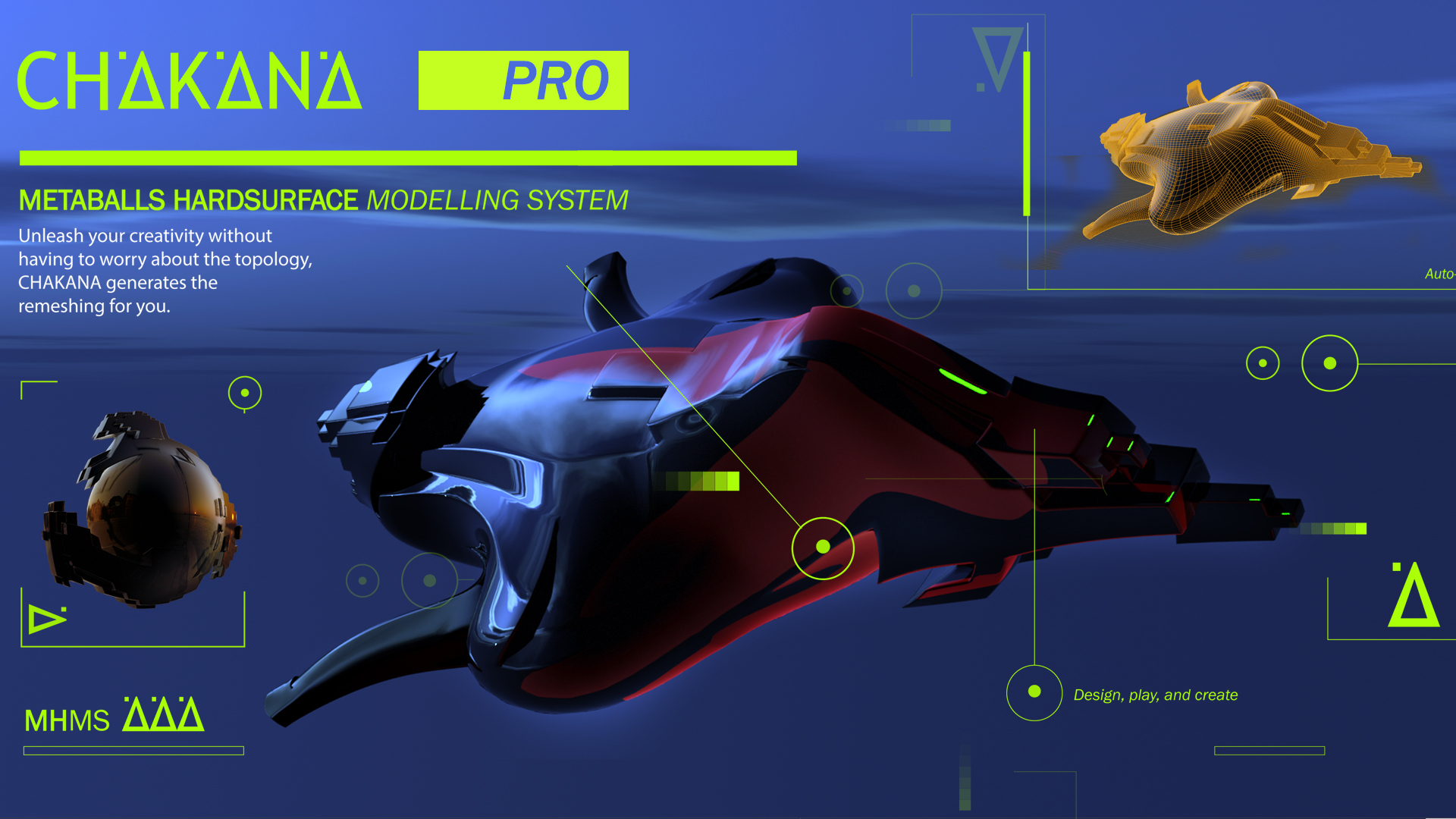
Chakana Pro is a Blender add-on built around one idea: using metaballs as a rapid prototyping tool for hard surface design. Instead of pushing polygons from the start, you sculpt with volumetric forms that merge, repel and deform in real time, then convert the result into clean, automatically remeshed geometry ready for detail work.
The result? Concept to mesh in minutes. Shapes that would take hours to model manually emerge naturally from the system, with a tactile, intuitive feel that is difficult to achieve with traditional polygon modeling.
CHAKANA Pro | Metaball Hard Surface Modeling System 🔴 For Blender 5.1 & 4.2 LTS Update (2026)
Note: This video showcases a previous (2023) version of Chakana Pro. An updated video (2026) featuring all new features is coming soon.
WHO IS THIS FOR
Chakana Pro is built for 3D artists working in concept design, product design, sci-fi hard surface, creature armor, industrial props and any workflow where generating complex organic-mechanical forms quickly is a priority. If you work in Blender and want a faster path from idea to mesh, this add-on was made for you.
THE WORKFLOW
Chakana Pro organizes the entire process into a clear, numbered panel inside the 3D View sidebar. No hunting through menus. Every tool you need is one click away.
1. REFERENCE
Load a reference image aligned directly to your view with a single button. Start with a clear visual target.
2. DESIGN
Five metaball primitives at your fingertips: Ball, Capsule, Plane, Ellipsoid and Cube. Each one is added with a preset resolution and merges seamlessly with the others. A global Resolution slider controls the quality of all metaballs in the scene simultaneously. Adjust once, update everything. A pie menu gives you instant access to all primitives directly in the viewport, keeping your hands on the work.
The Negative tool flips any selected metaball into subtraction mode, carving into the existing volume to create recesses, holes and concave surfaces. In version 2 this is fully automatic, with the system handling Edit Mode internally so your workflow is never interrupted.
3. ASSEMBLY
When your form is ready, Select All Metas grabs the entire metaball system in one click. Convert to Mesh bakes it into clean, automatically remeshed polygonal geometry. Origin to Geo resets the pivot to the geometric center, ready for the next stage.
4. SCULPT
Jump directly into Blender’s sculpt mode optimized for Elastic Snake Hook, ideal for pulling and pushing the converted mesh into its final shape. A one-click toggle handles the mode switch so you never lose your place.
5. DESIGN II: BLOCKS AND SMOOTH
Two one-click systems that dramatically transform the character of your mesh:
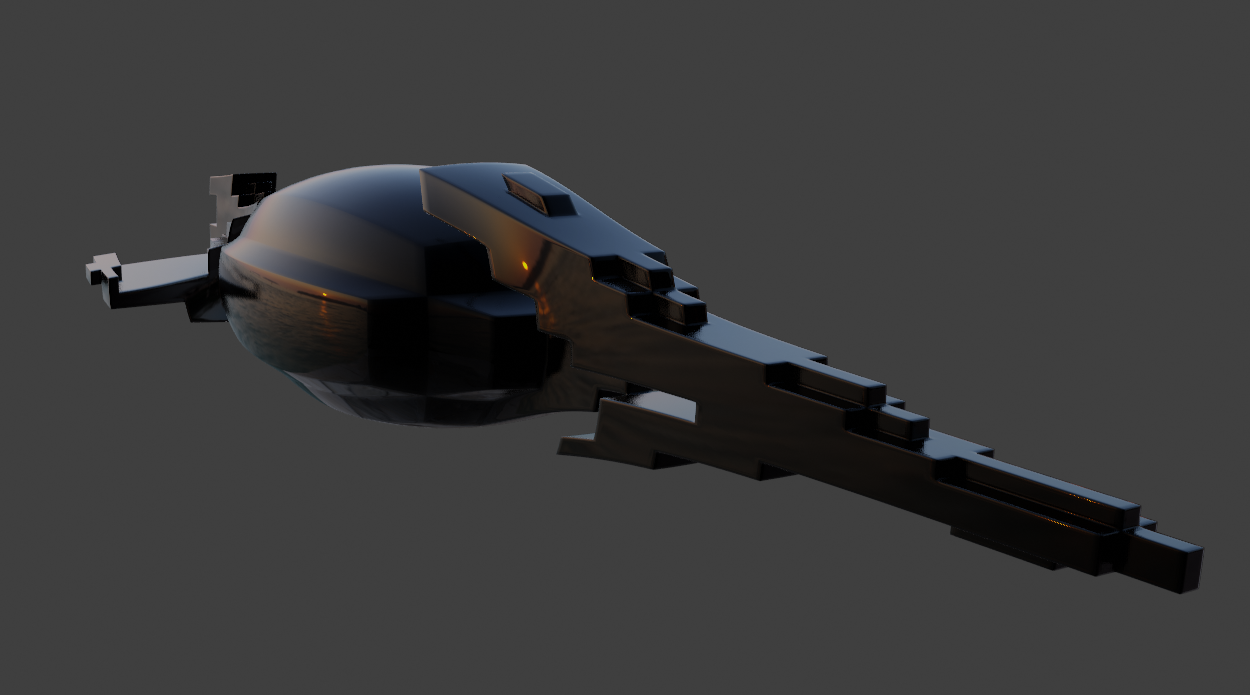
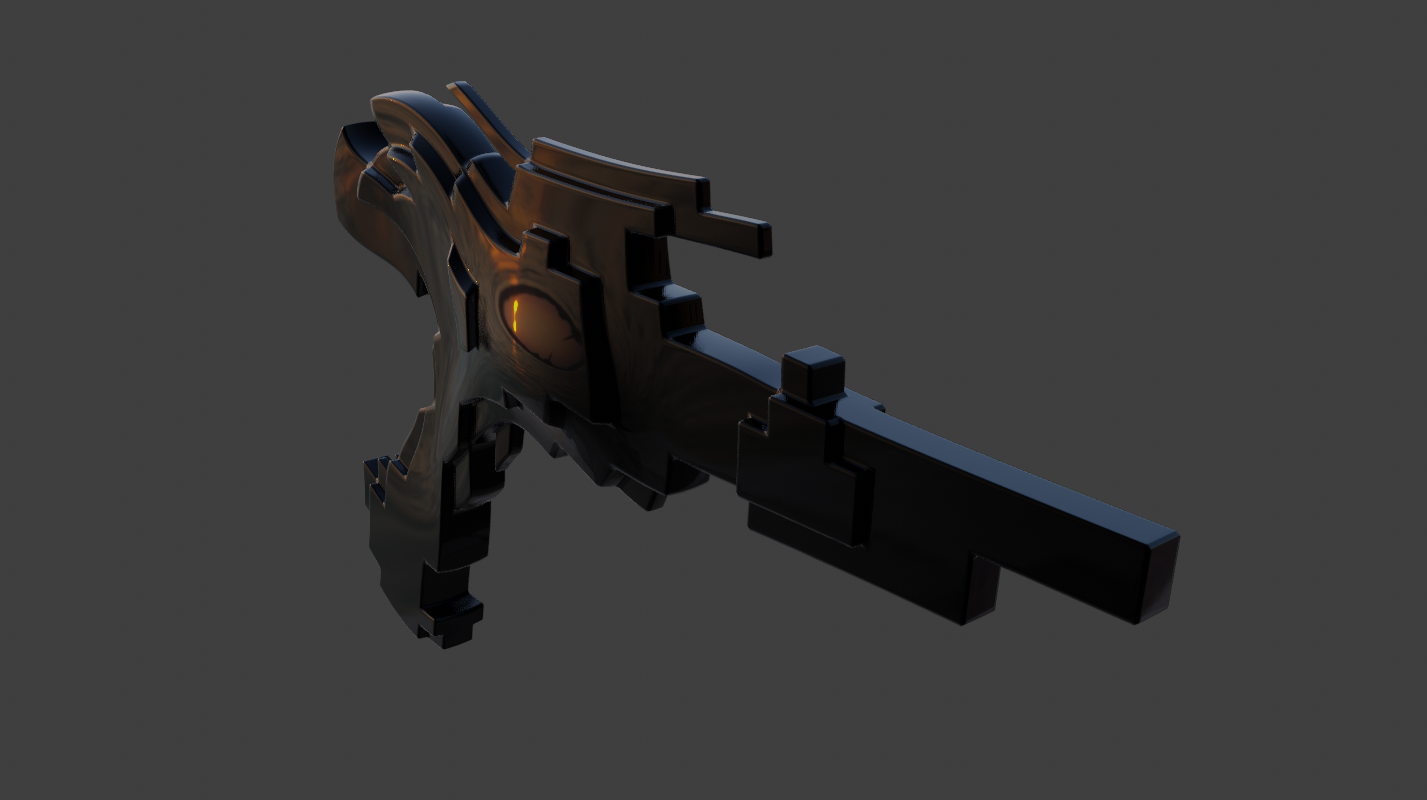
Blocks instantly gives the mesh a hard, angular, mechanical quality, perfect for mech panels, armor pieces and industrial surfaces. It can be removed at any time without affecting any other system.
Smooth produces a softer, rounder result, ideal for organic-mechanical hybrids. Both can be converted to a final mesh at any point.
6. AXIS
Six directional scale buttons (X, Y, Z in both directions) let you push the proportions of your mesh with precision. Great for asymmetrical hard surface design where you need to stretch or compress a form along a single axis.
7. BLOWFISH
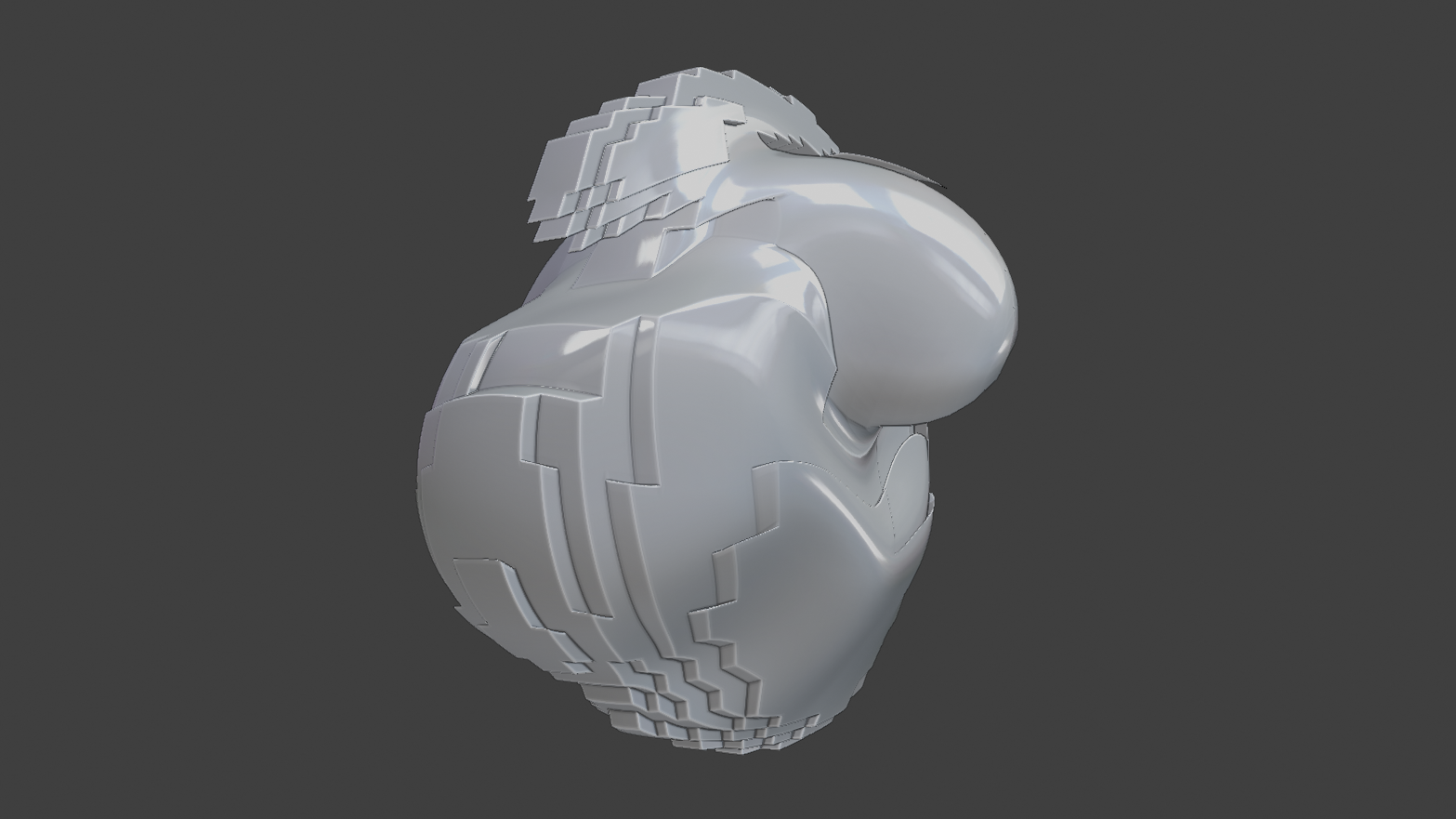
One of Chakana Pro’s signature features. Blowfish inflates the mesh outward, creating a puffed, pressurized quality that is perfect for sci-fi panels, mech armor and stylized organic-mechanical hybrids. A Factor slider lets you dial in exactly how much inflation you want. It can be applied up to four times before converting to mesh. Blowfish is completely independent from Blocks and Smooth, and can be added or removed at any point without conflict.
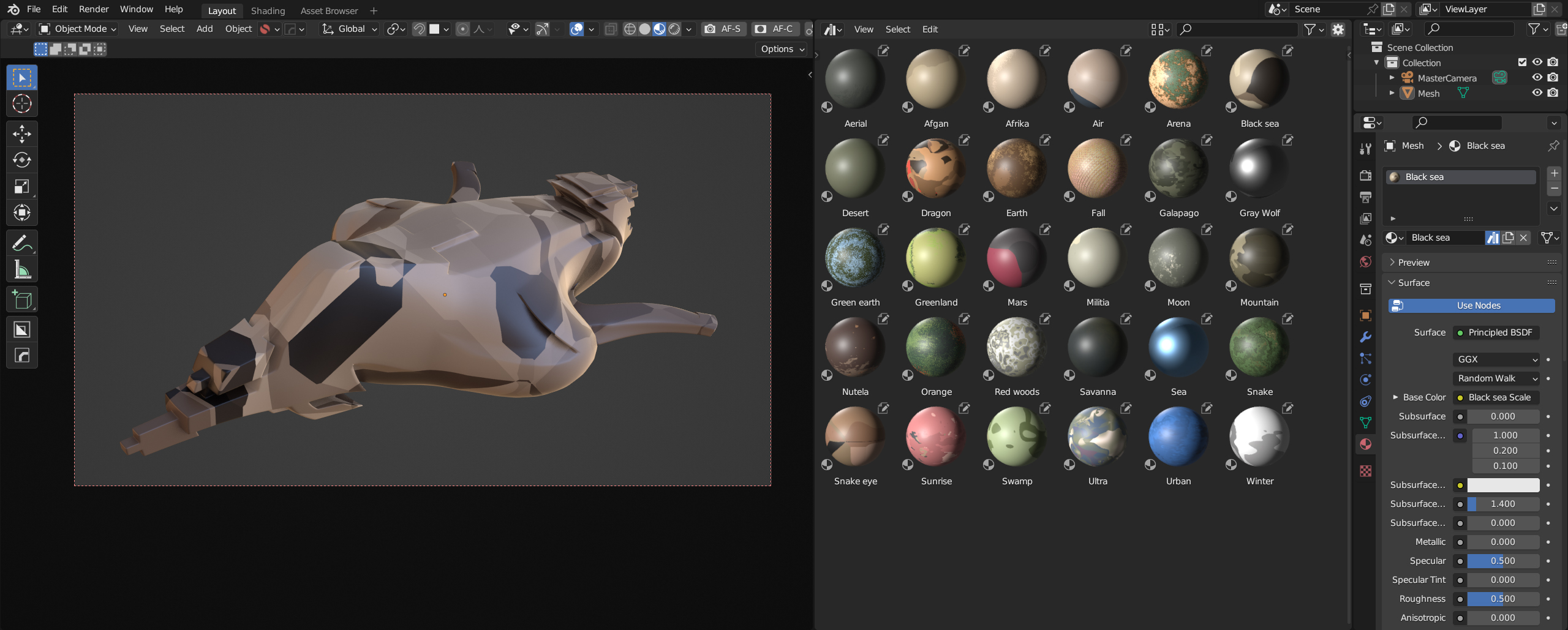
CHAKANA PRO MATERIALS BROWSER
Chakana Pro includes a built-in procedural materials browser that connects directly to your .blend asset library. Load all your procedural materials, preview them with a thumbnail viewer and apply them to the active object in one click. The preview zoom is adjustable, and the material list collapses into a clean button to keep your panel uncluttered. All material node group parameters are exposed directly in the panel so you can tweak them without opening the Shader Editor.
KEY FEATURES
5 metaball primitives with global resolution control
Negative metaballs for additive and subtractive modeling
Pie menu for fast primitive access directly in the viewport
One-click Select All, Convert to Mesh, Origin to Geo
Sculpt mode toggle optimized for Elastic Snake Hook
Blocks: one-click angular and mechanical mesh transformation
Smooth: one-click soft and organic mesh transformation
Blowfish: independent mesh inflation with adjustable factor
Axis scale controls for X, Y and Z in both directions
Reference image loader aligned to view
Procedural materials browser with thumbnail preview and node parameter control
Compatible with Blender 5.1 & 4.2 LTS
V2 UPDATE NOTES (18/03/26)
Version 2 introduces significant stability and usability improvements. Negative metaballs no longer trap the workflow in Edit Mode. Blocks and Blowfish are now fully independent systems with no modifier conflicts. The materials browser UI has been reorganized for a faster workflow, with the apply button and preview moved to the top. The panel is cleaner, faster and more reliable overall.
V4 UPDATE NOTES (28/03/2026)
In this version, a Smart Remesh system and Voxel Remesh have been added, the textures section has been improved, and the Blocks system has been expanded with new functionalities to allow greater variation and control over mesh variations.
Please visit us on Discord at:
https://discord.gg/NCsPrVacuf