 ZEG
Installation
In Blender open Edit, Preferences, Get Extensions, then use Install from Disk and pick the zip.
Create a character
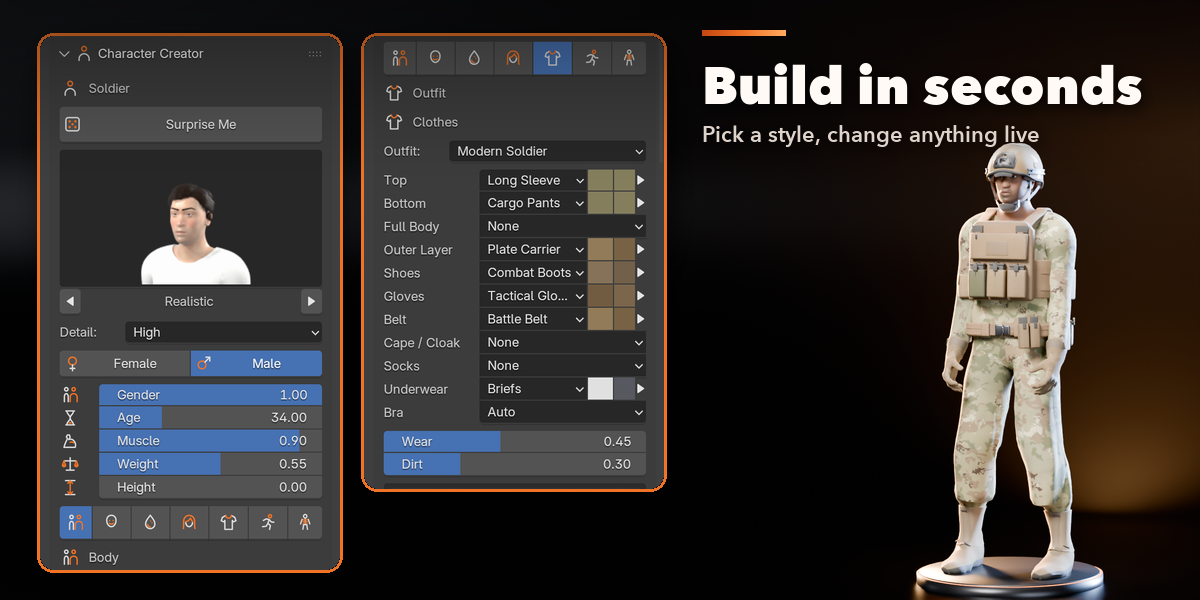
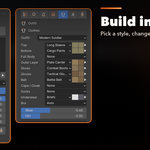
- Open the sidebar (N) in the 3D Viewport and click the Character tab.
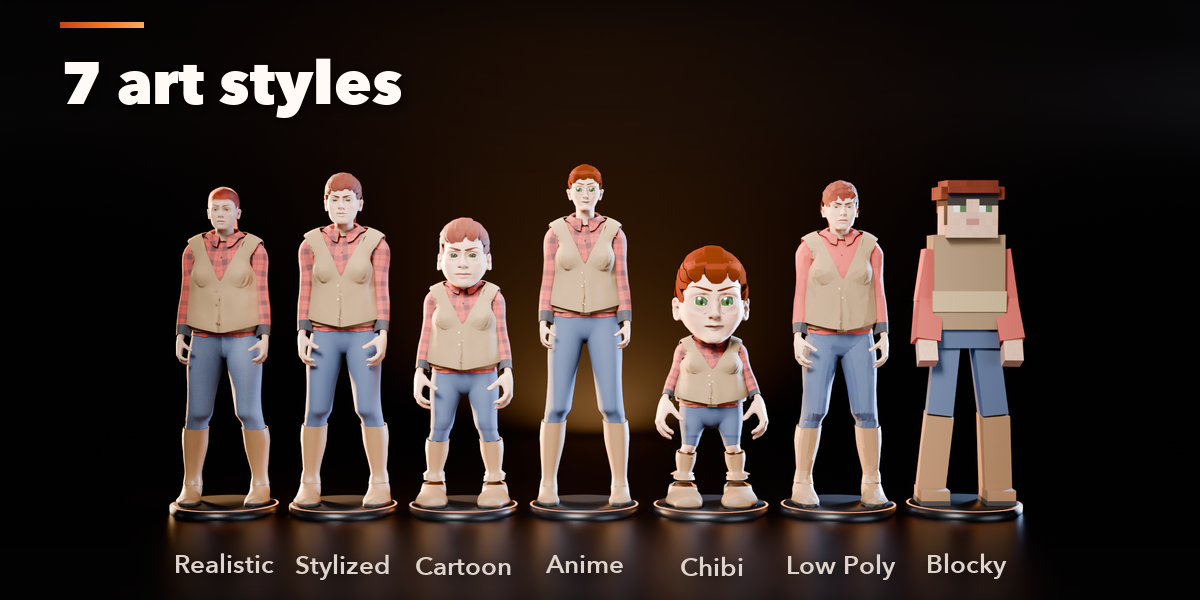
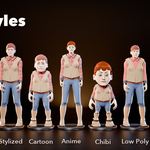
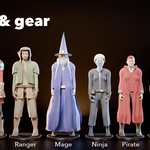
- Pick a preset picture, or click Surprise Me.
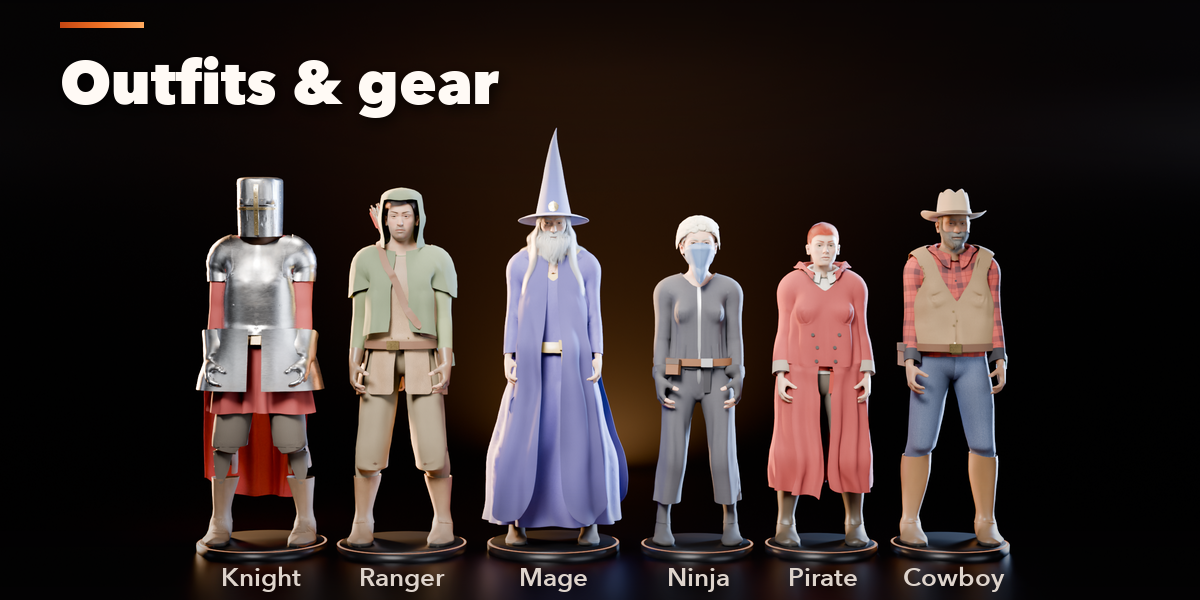
- Use the tabs (Body, Face, Skin, Hair, Outfit, Animate, Rig) to change anything. The character rebuilds live.
Animate
- Select the character and open the Animate tab.
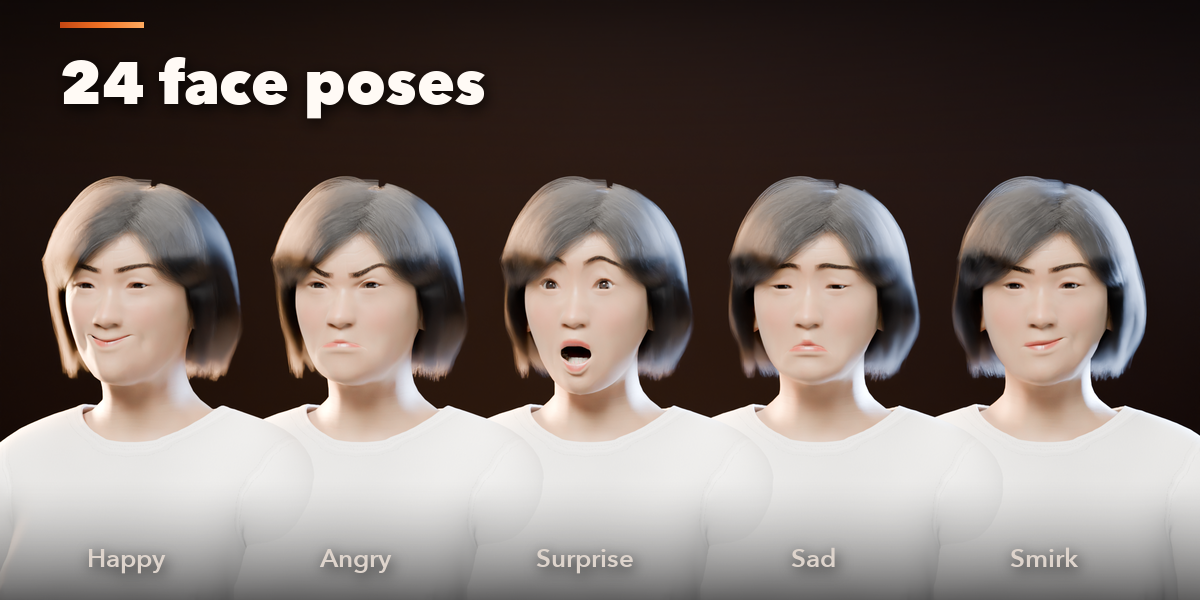
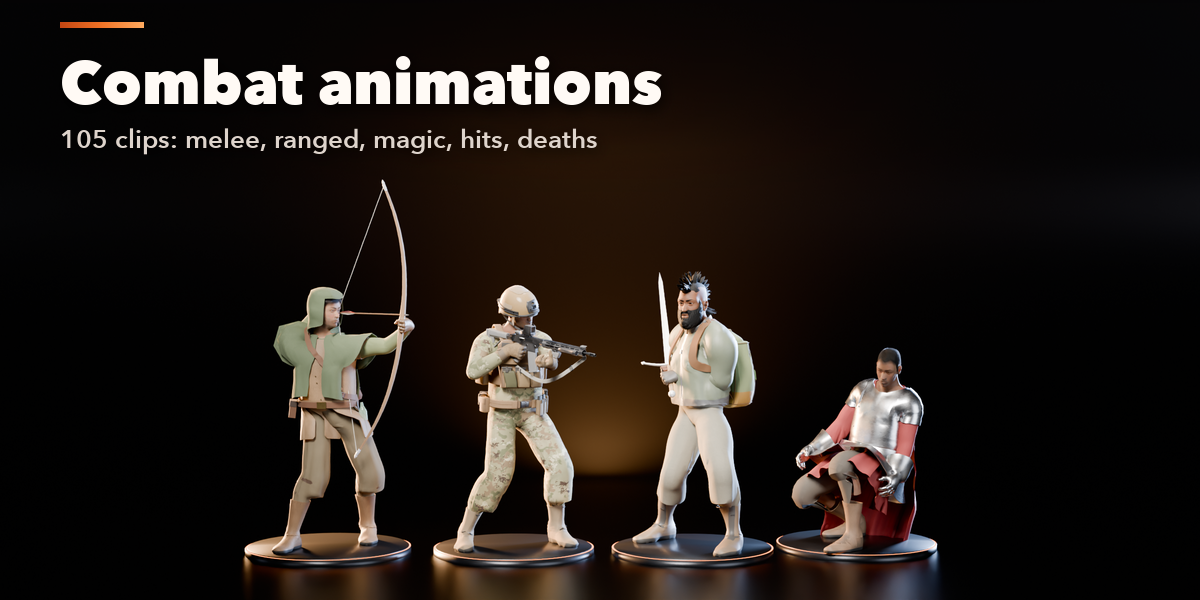
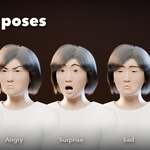
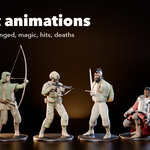
- Click a clip to add it as a layer, or a face pose to set the face.
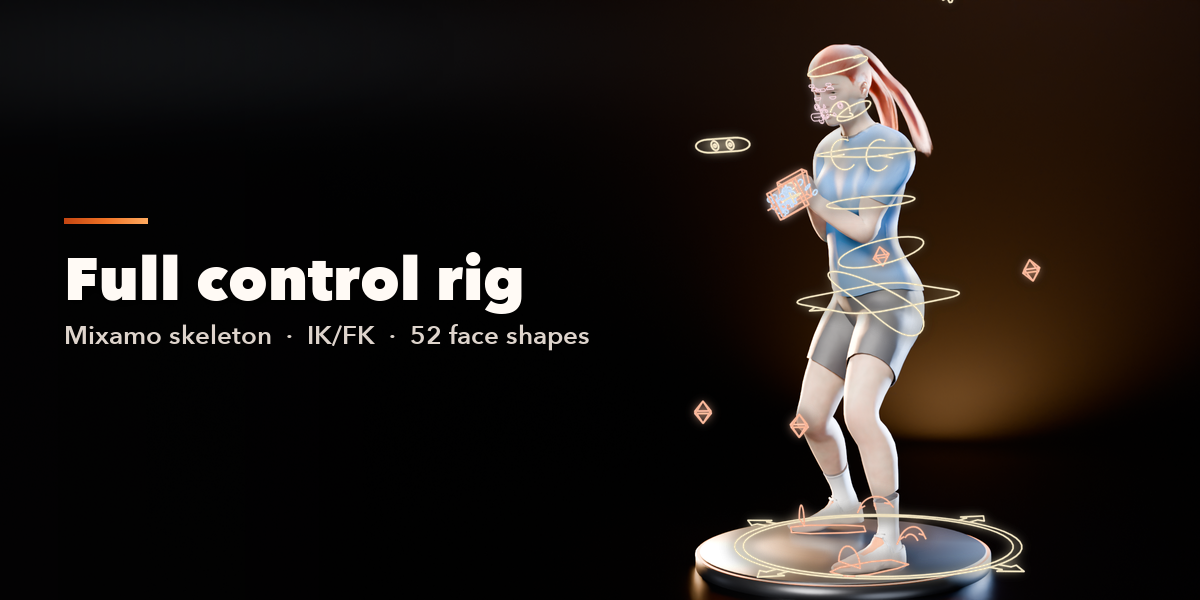
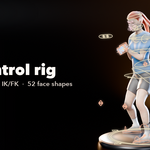
- Use the Rig tab to switch IK/FK, snap, and pose with the controls.
Export to a game engine
Click Bake in the Rig tab: the animation is baked to the Mixamo deform bones. Export the armature and meshes as FBX or glTF.
Have questions about this product?
Login to message
| Blender Extension Compatible | Yes |
| Published | 4 days ago |
| Blender Version | 4.2 - 5.2 |
| Extension Type | Add-on |
| Render Engine Used | Cycles, Eevee |
| License | GPL |
