 Ryan King Art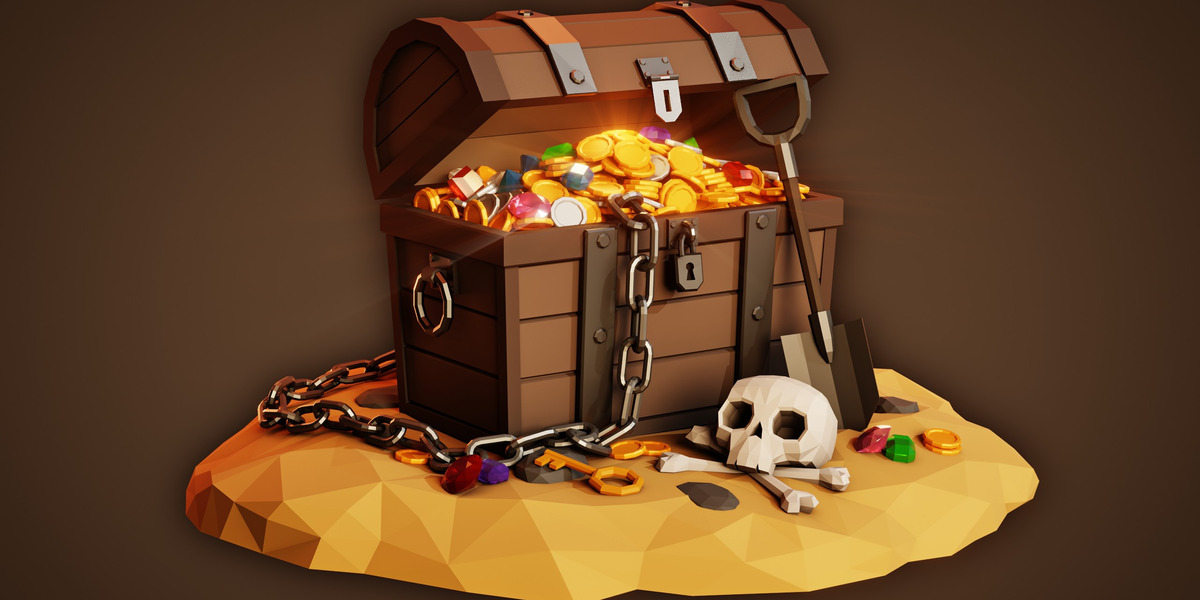
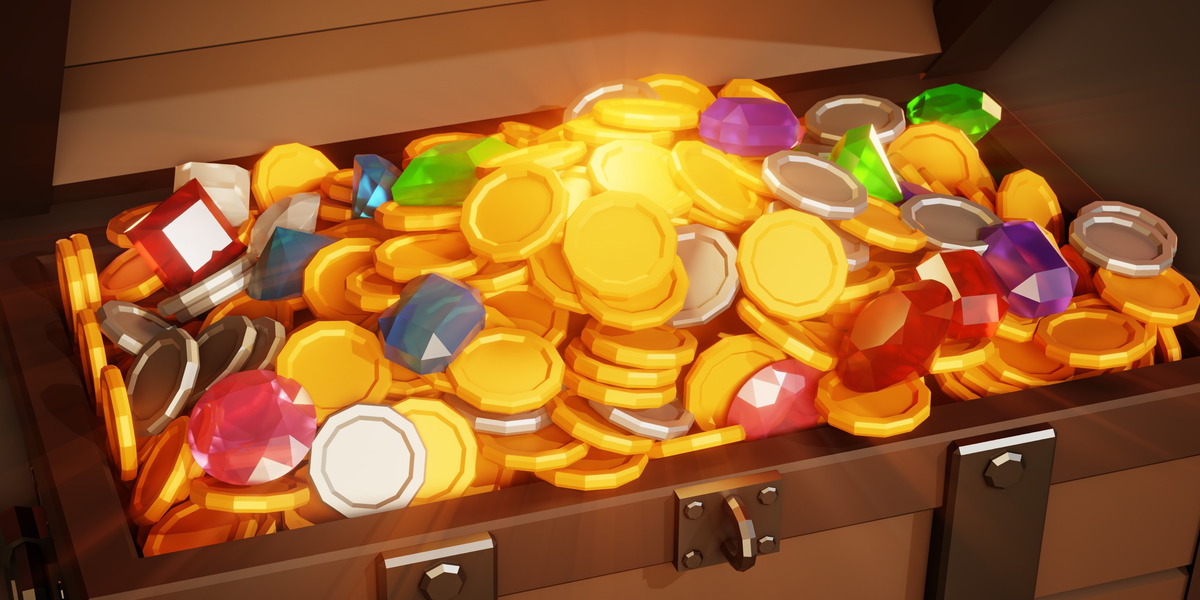
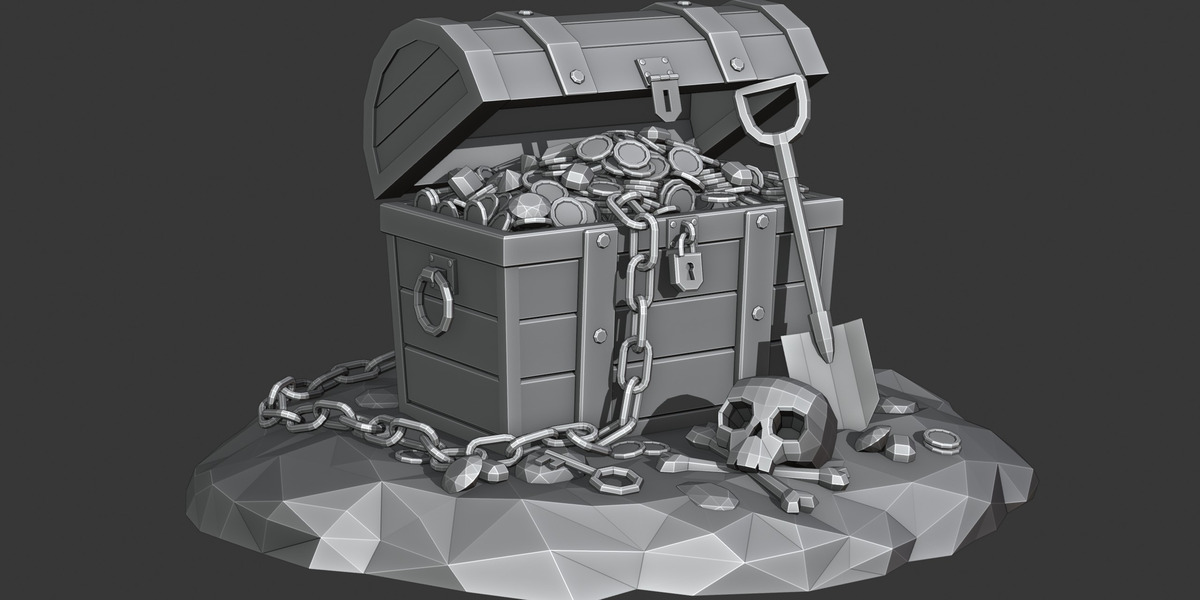
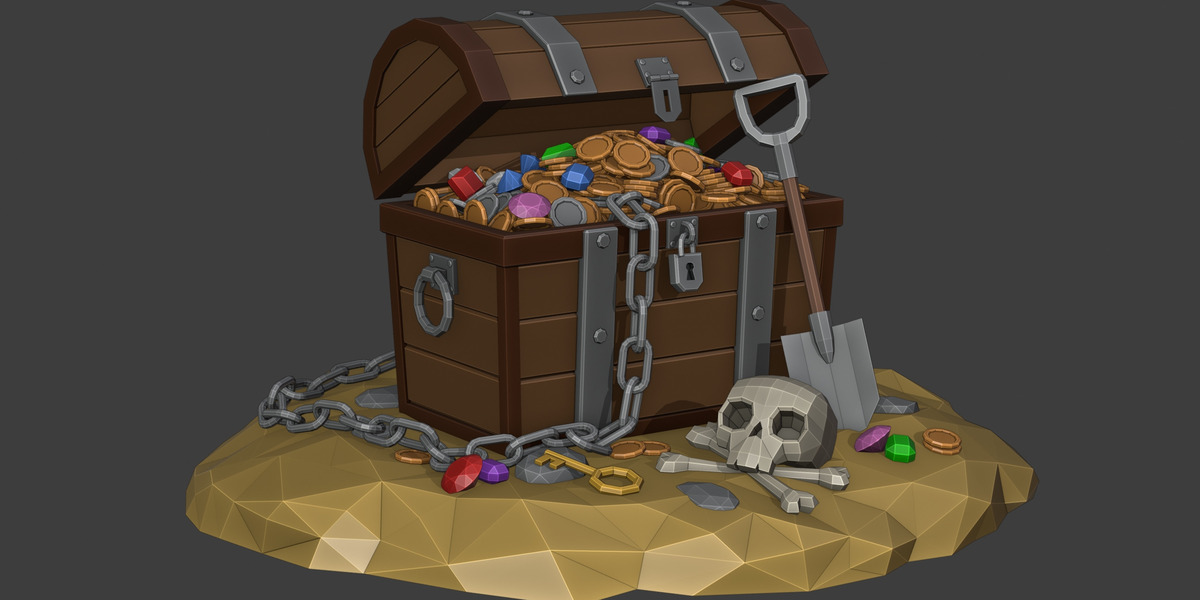
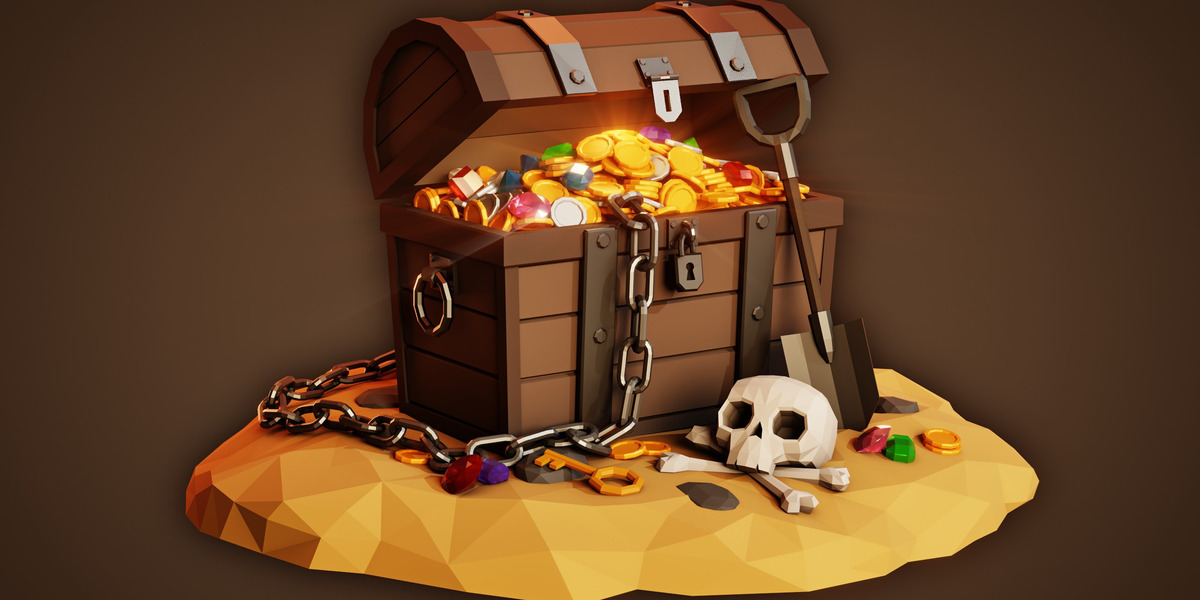
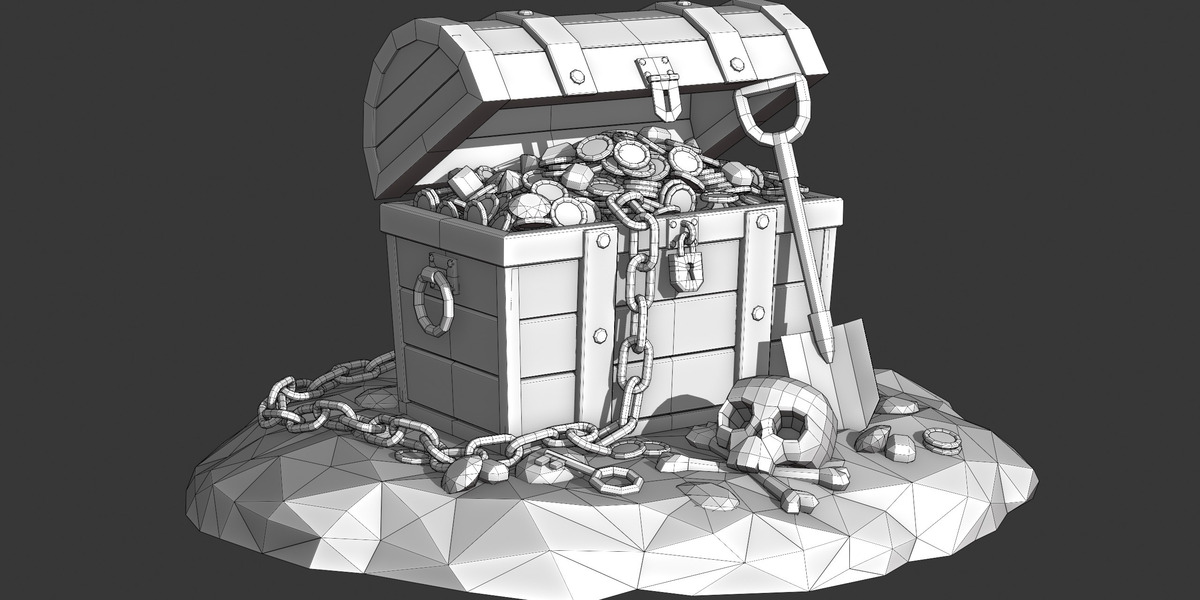


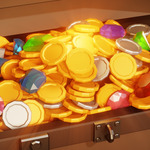
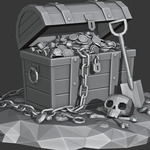
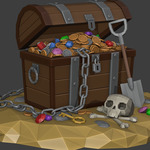
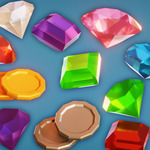

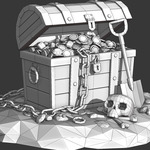
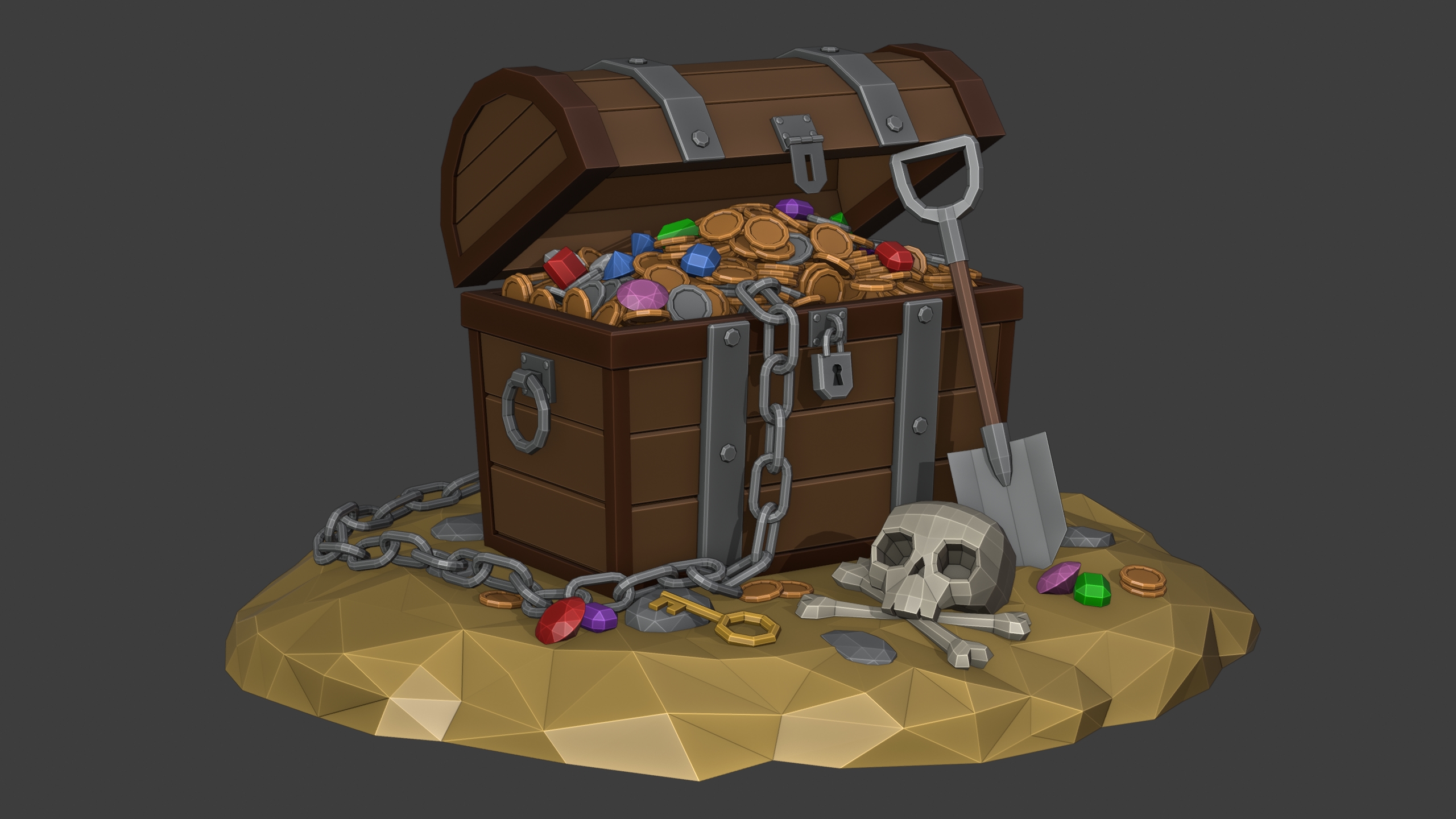
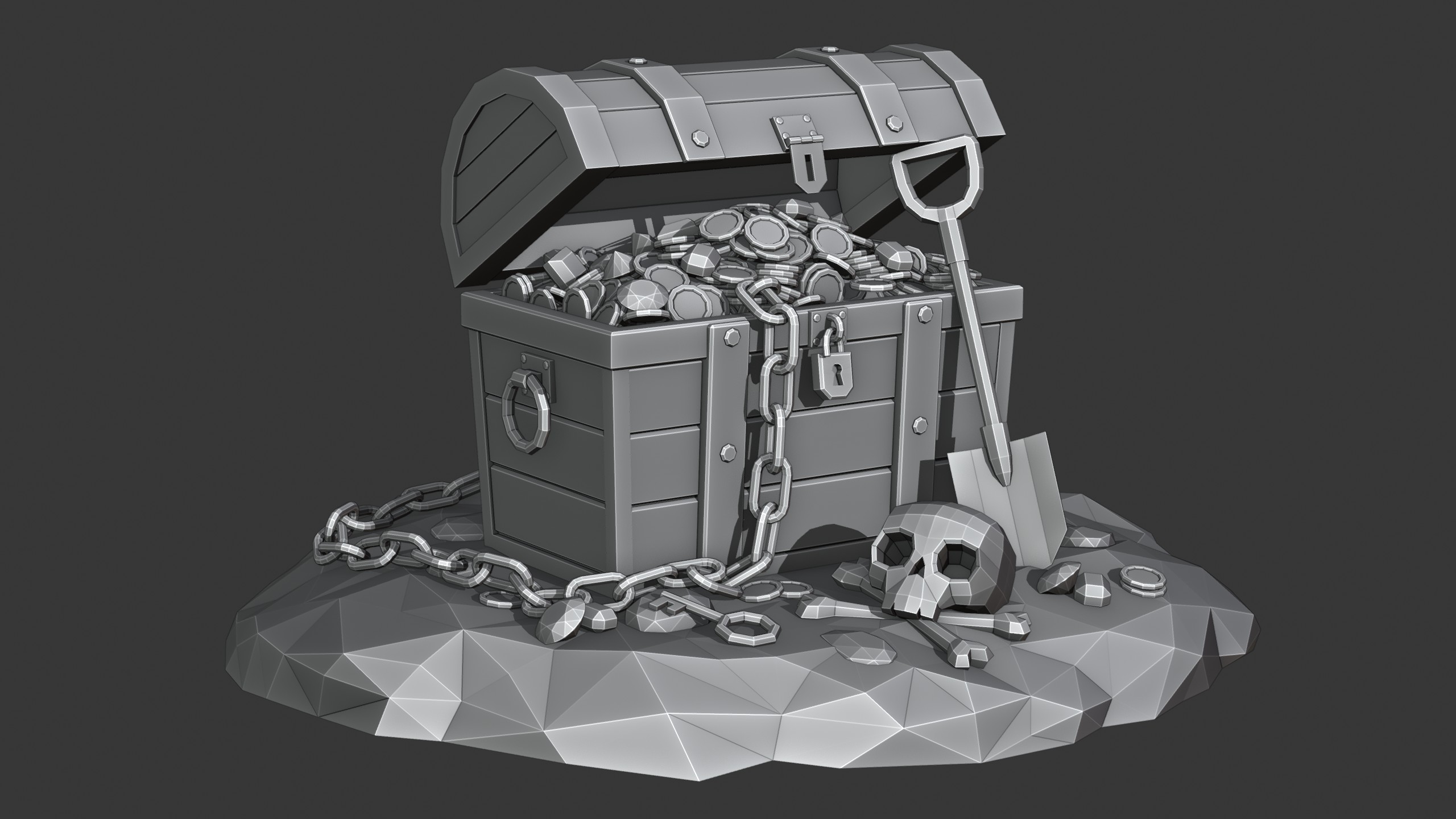
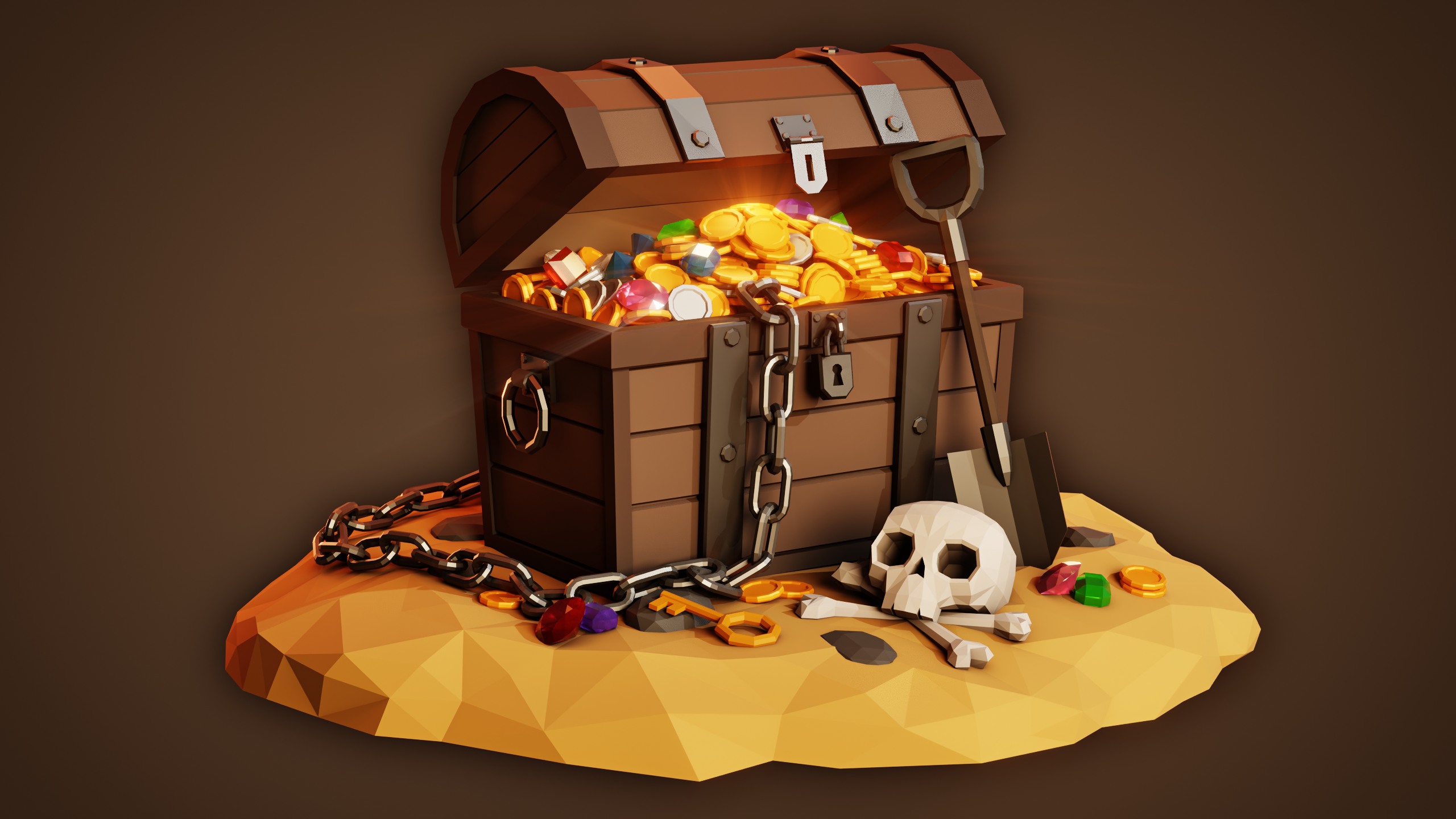
Low Poly Treasure Chest created with Blender.
Materials:
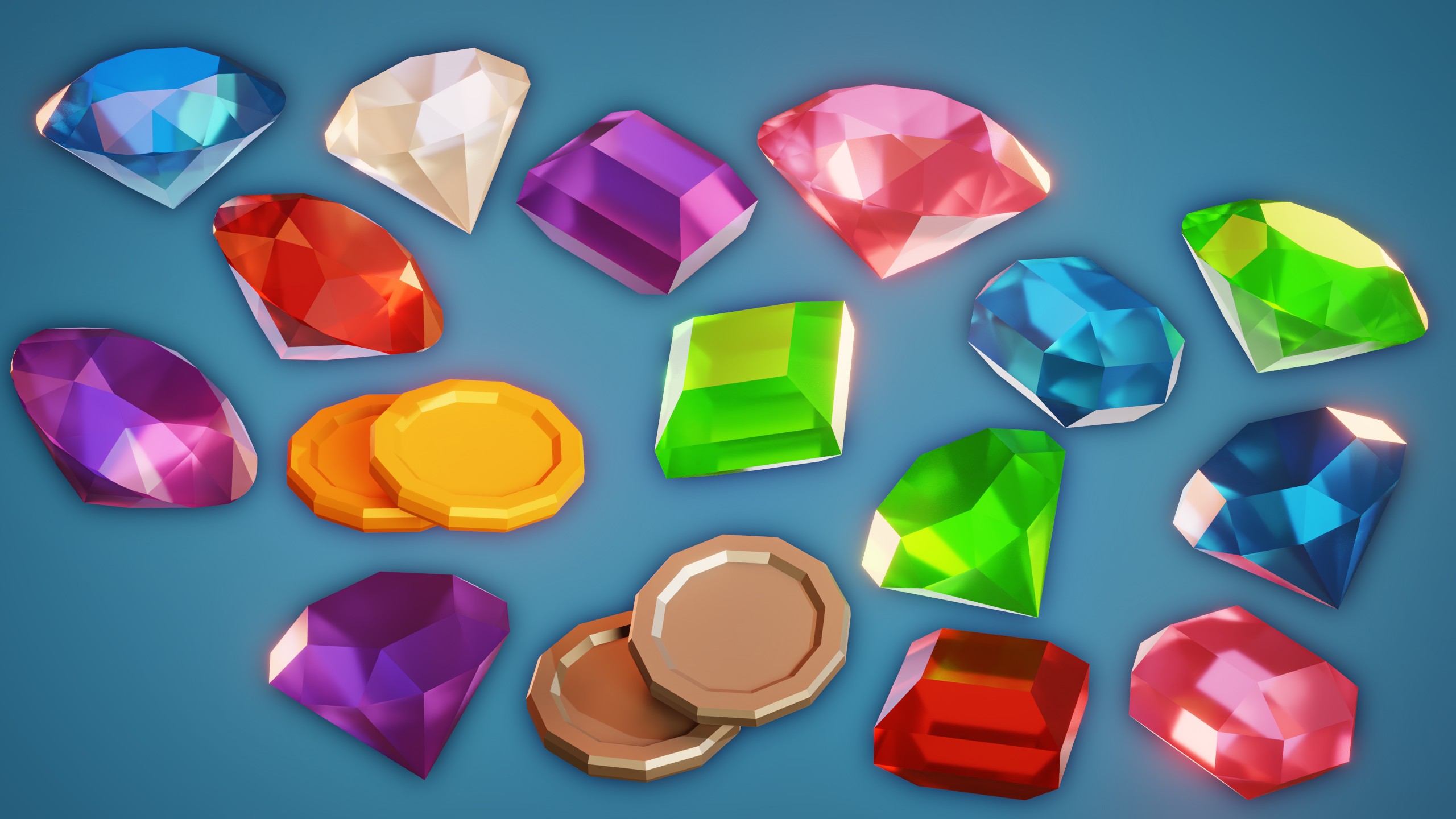
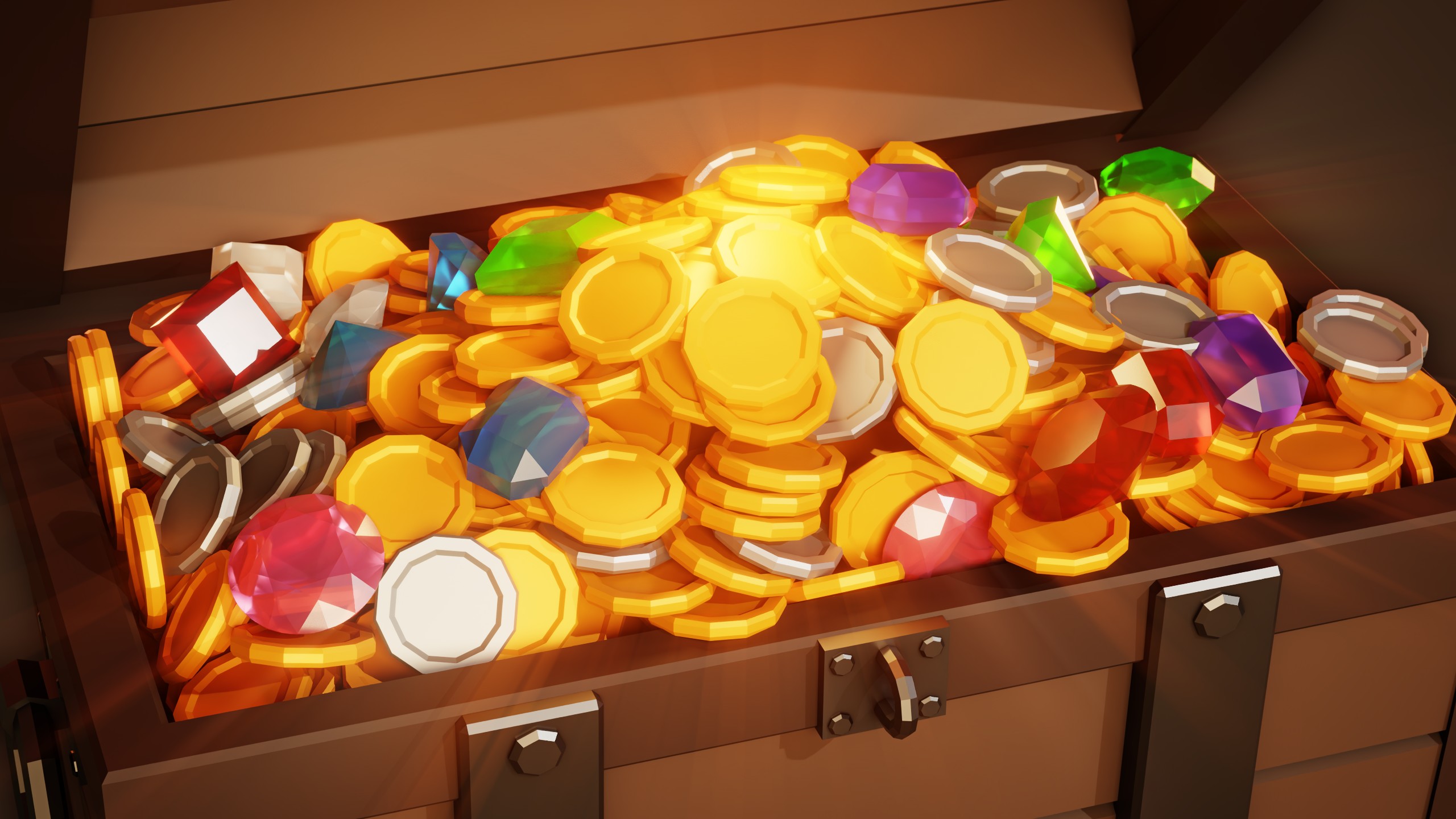
The materials are mostly simple principled shaders with base colors. Some of the materials have an ambient occlusion node effecting the base colors. the jewels have some transparency. There are no image textures used, except for the HDRI lighting file.
Render Engine:
The scene is originally rendered in Cycles but it also looks great in Eevee.
Asset Pack:
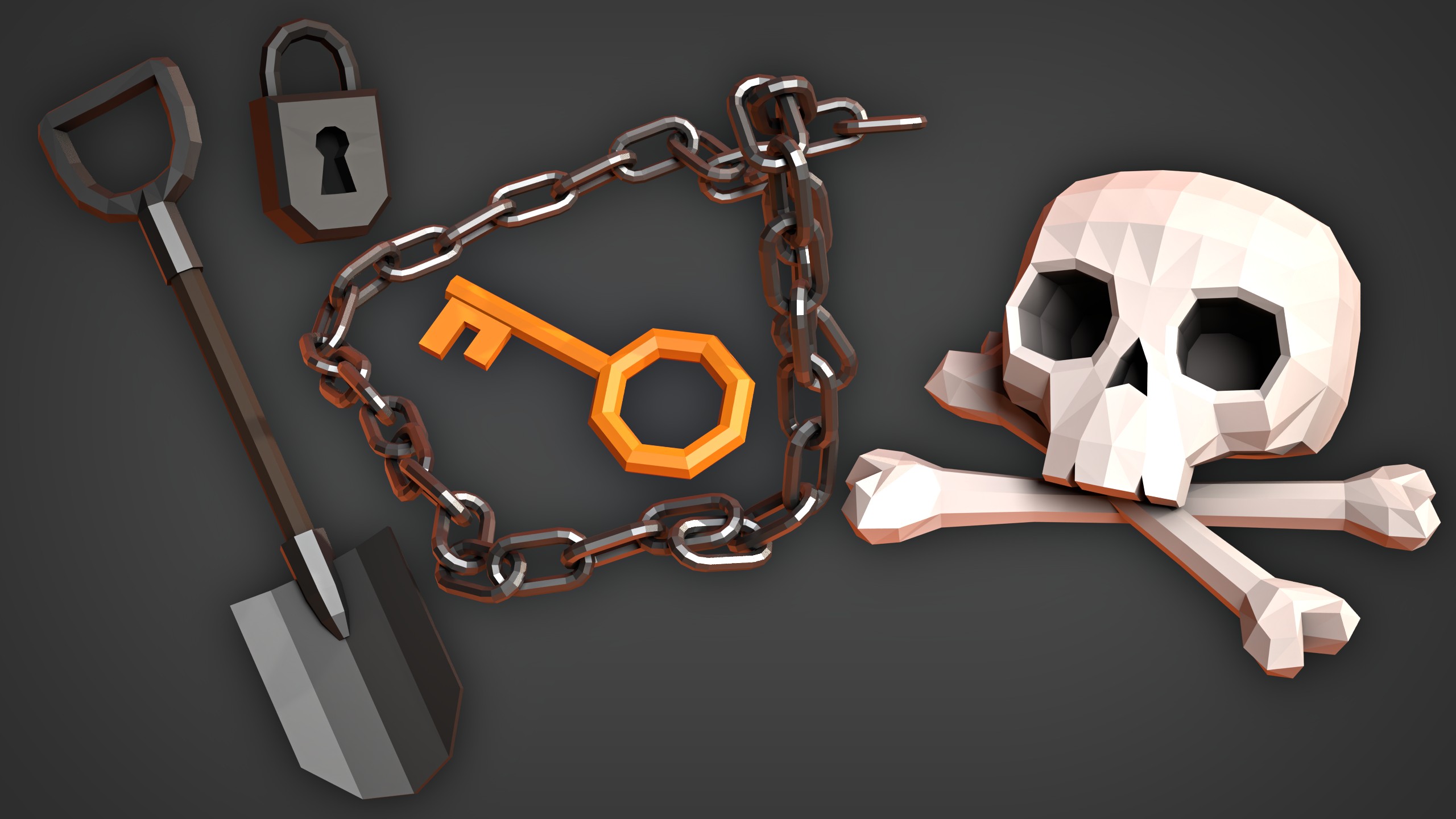
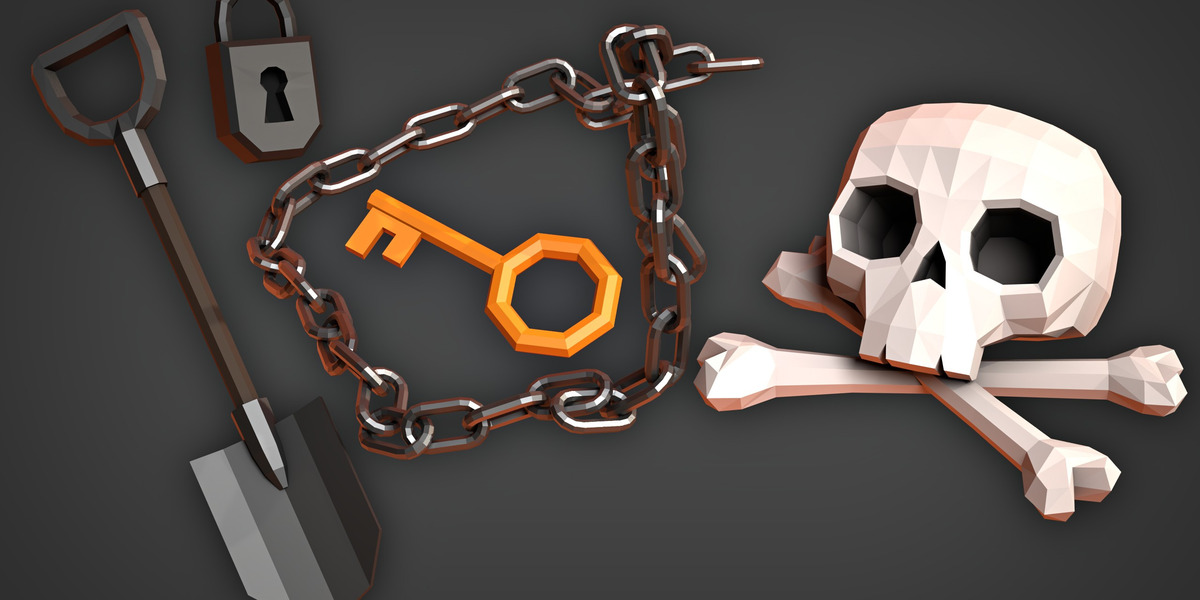
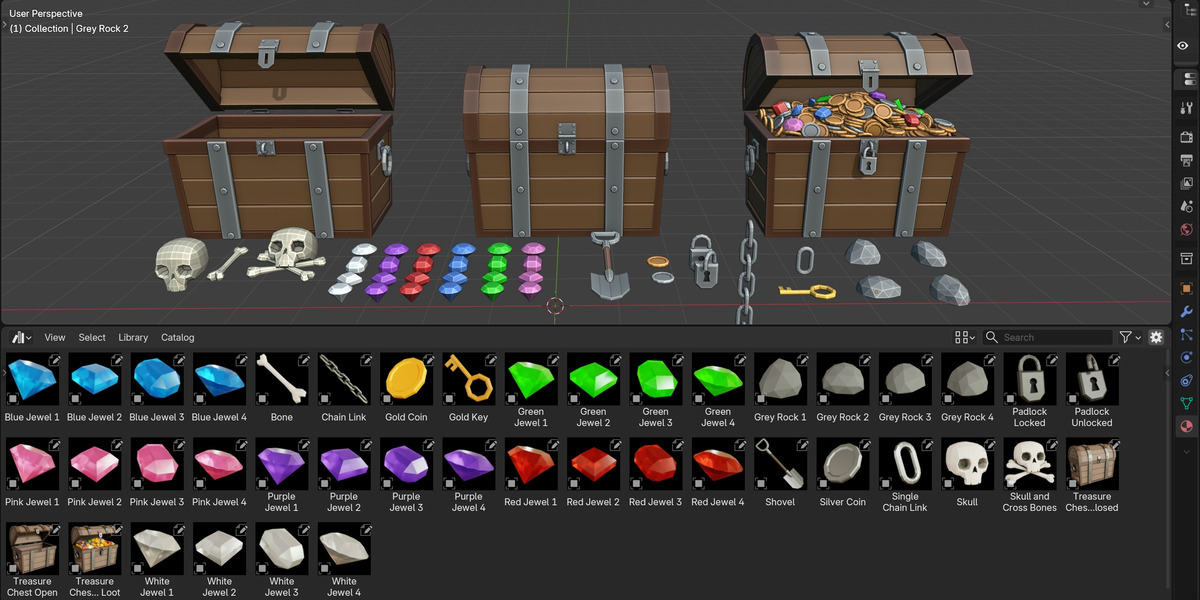
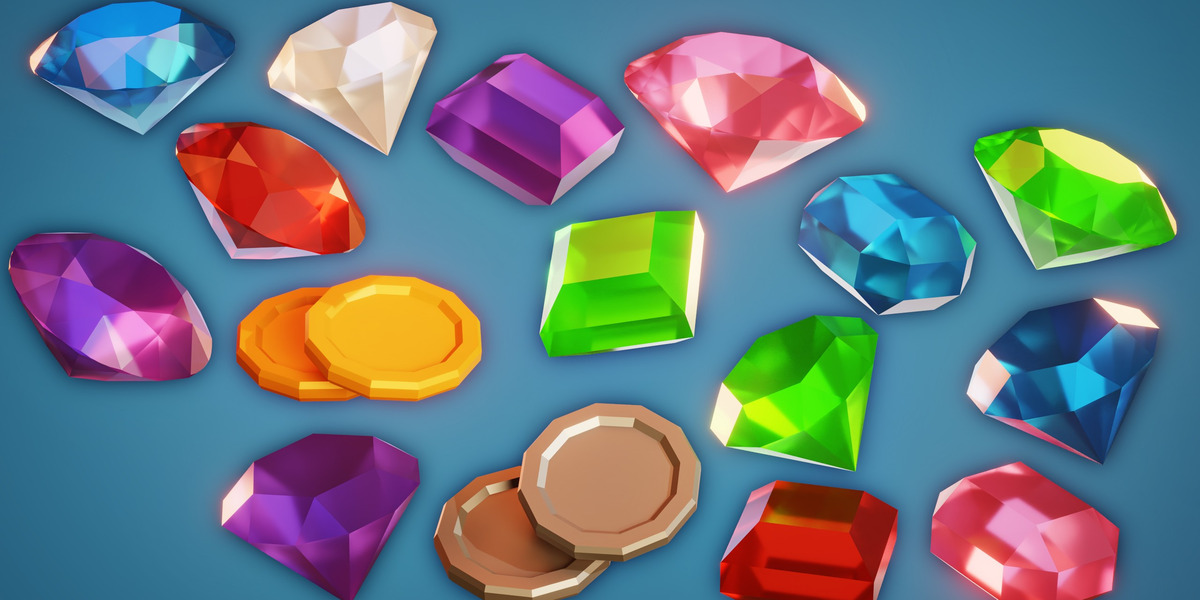
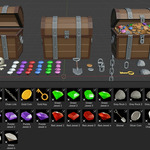
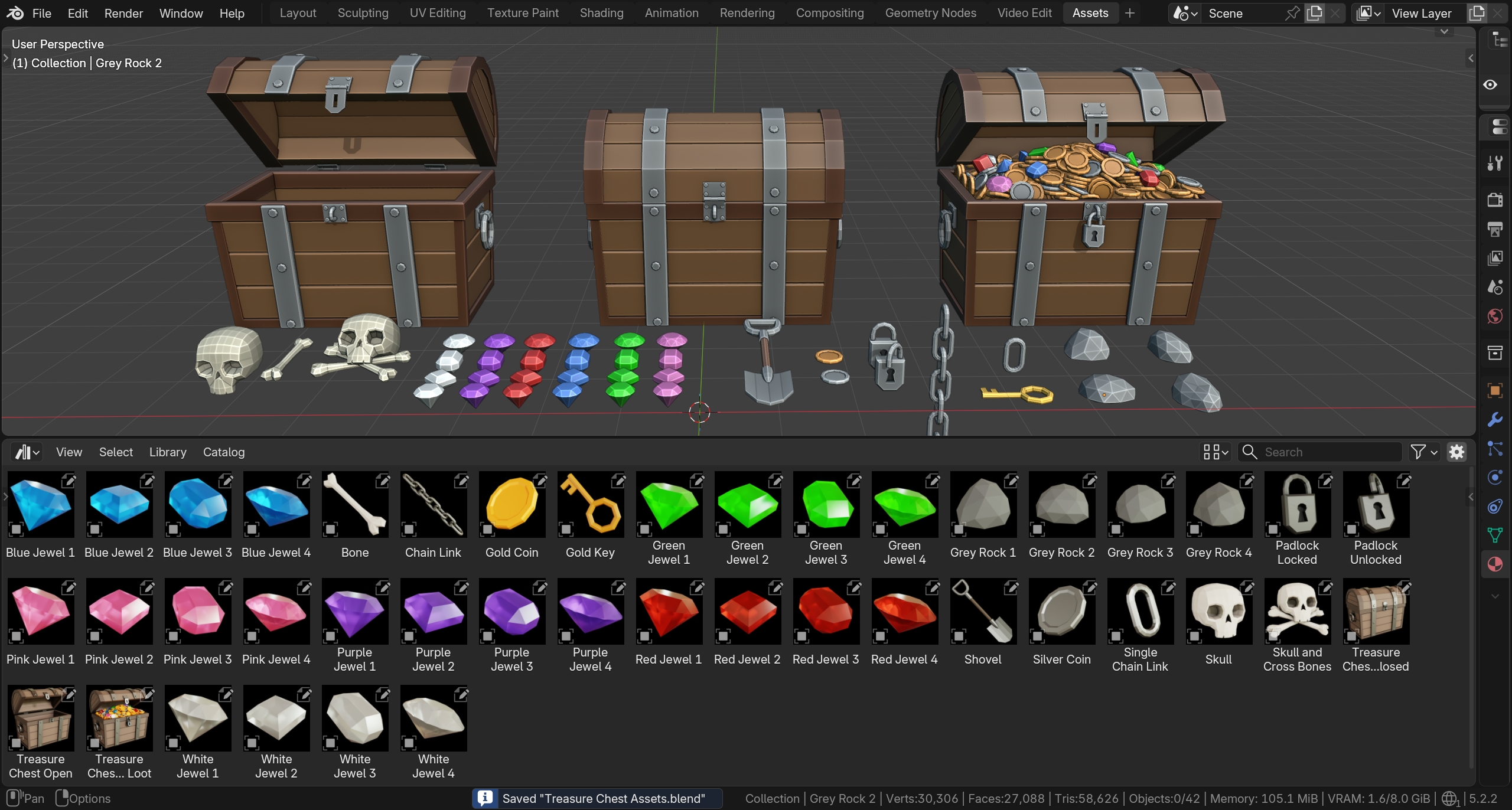
The files also include an asset library Blender file with all 42 of the Treasure Chest assets. Simply setup the asset library in Blender's user preferences, and you can then drag and drop any of the assets into your projects.
Rigging:
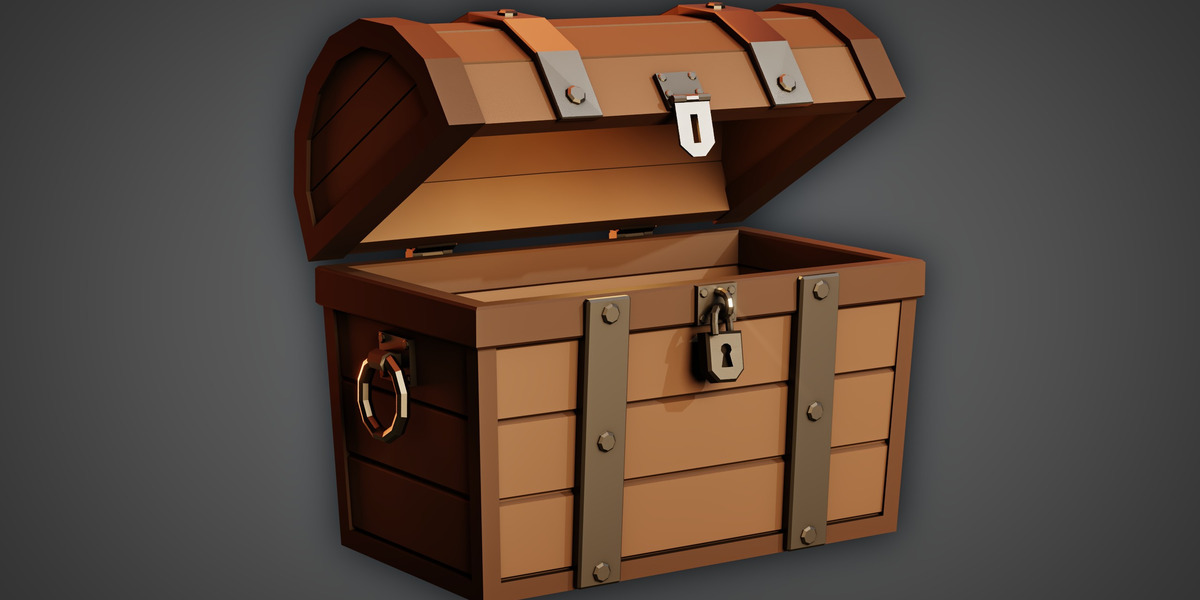
The lid and lock parts are rigged with a basic mechanical rigging setup. You can select the empty object behind the chest and rotate it, to open the chest lid. You can select the top of the lock and rotate it to open.
Contents:
● Finished Blender File
● Final Render
● HDRI Lighting File
● Treasure Chest Assets Blender File
● 42 Treasure Chest Asset 3D Models
● Turntable Animation Video
● All 42 Treasure Chest Asset Thumbnails
Tutorial:
To learn how to create it, you can watch the three part tutorial series here: