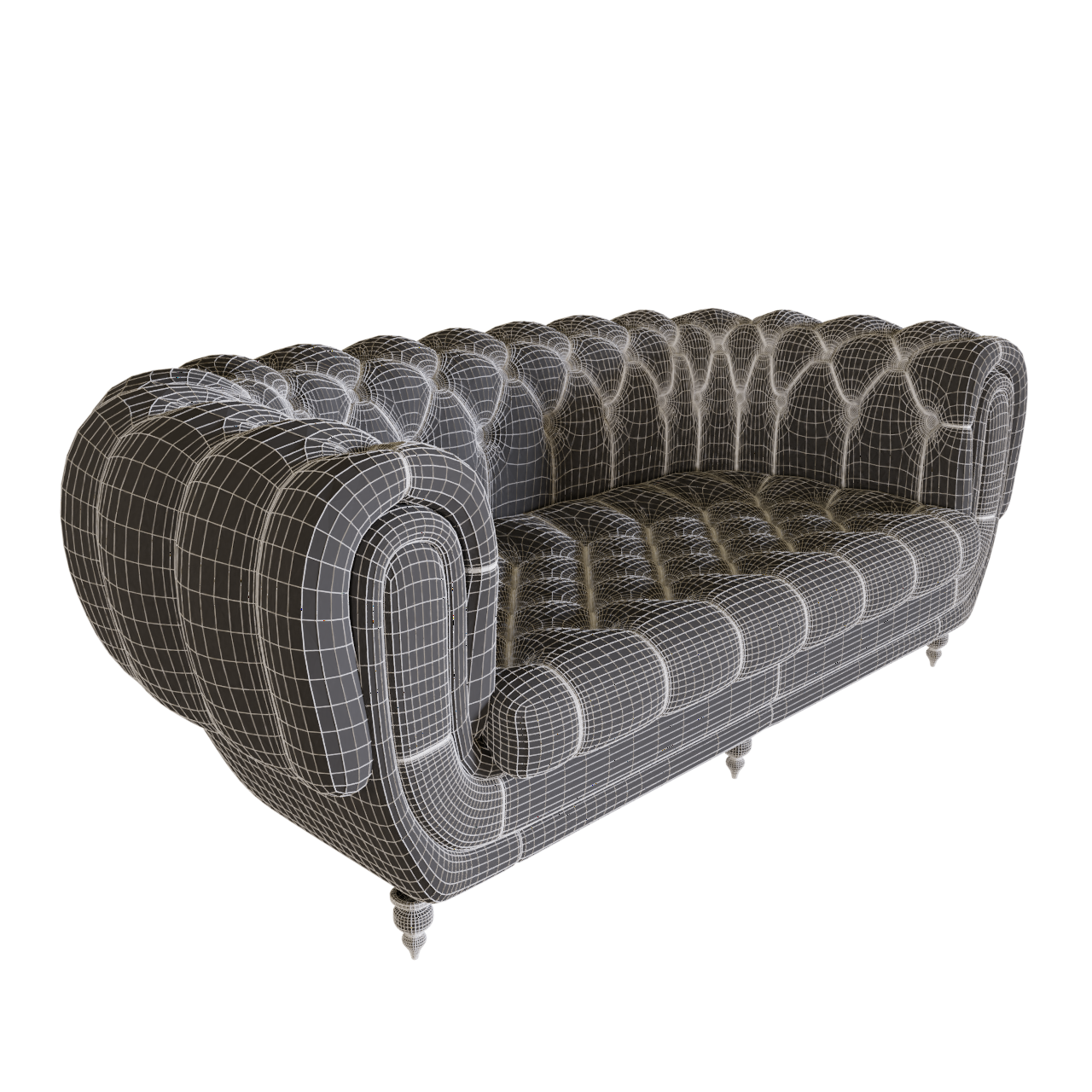
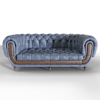
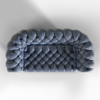
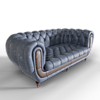
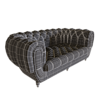
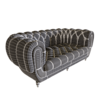
Chesterfield Style Buttoned Sofa Double
 archiivity
in Models
archiivity
in Models
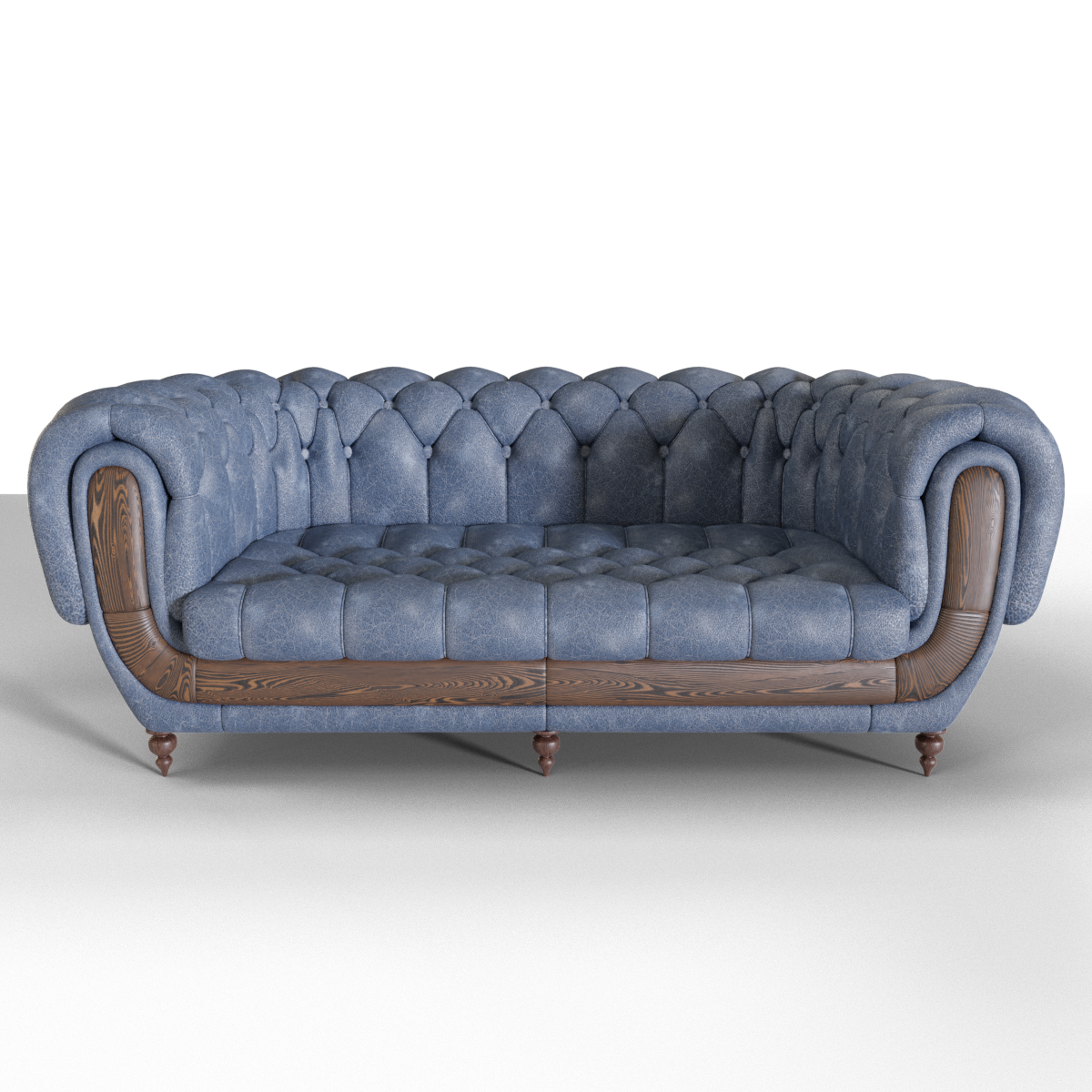
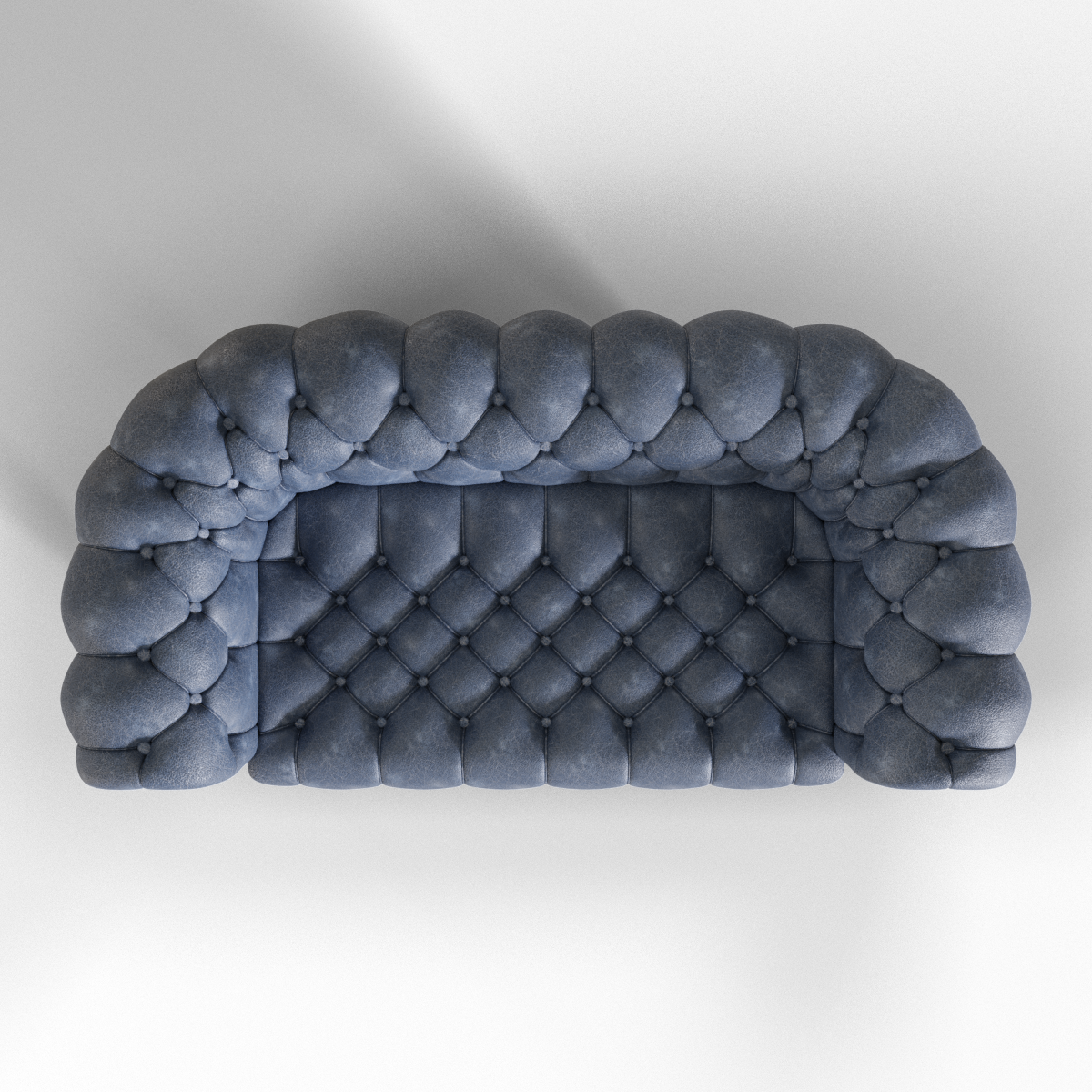
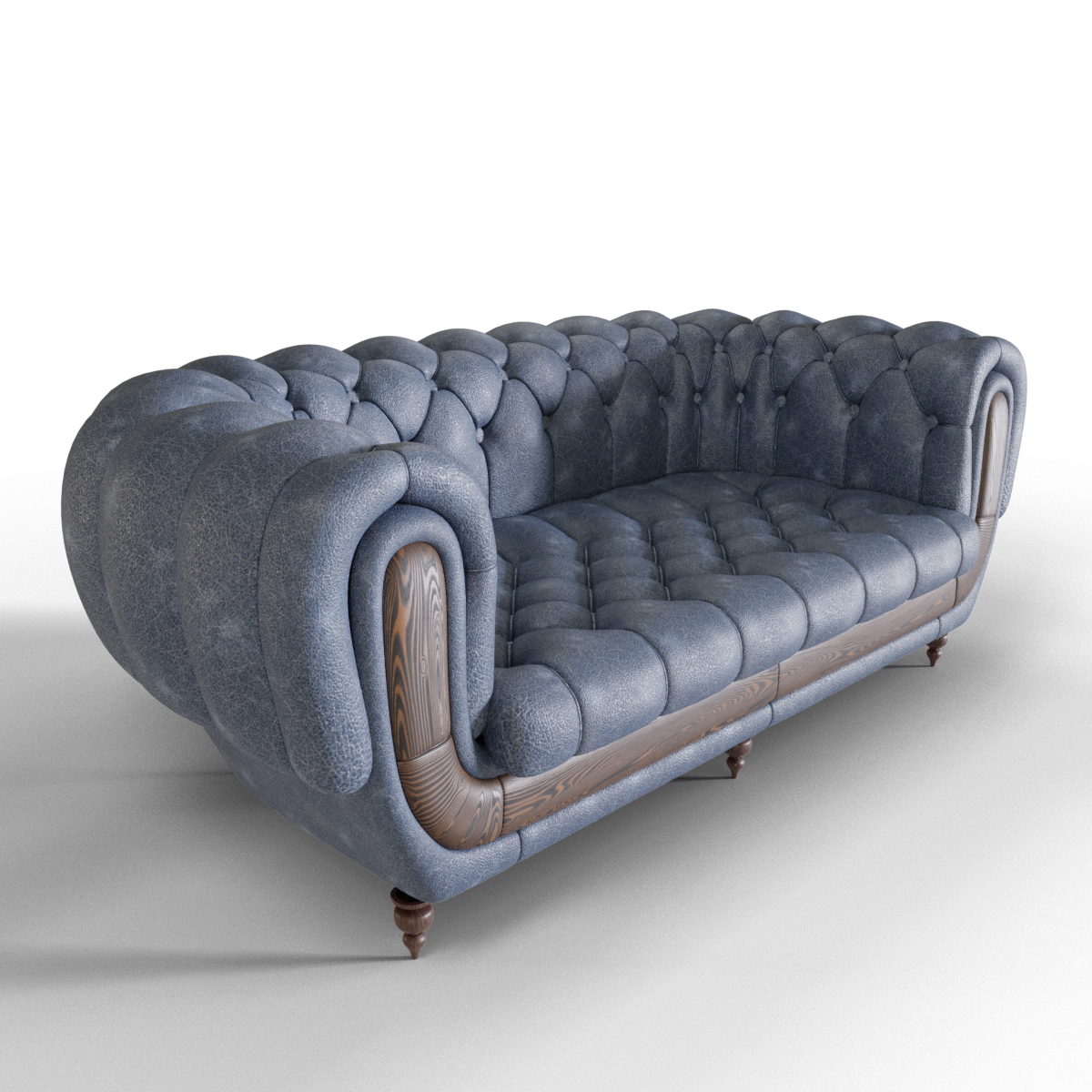
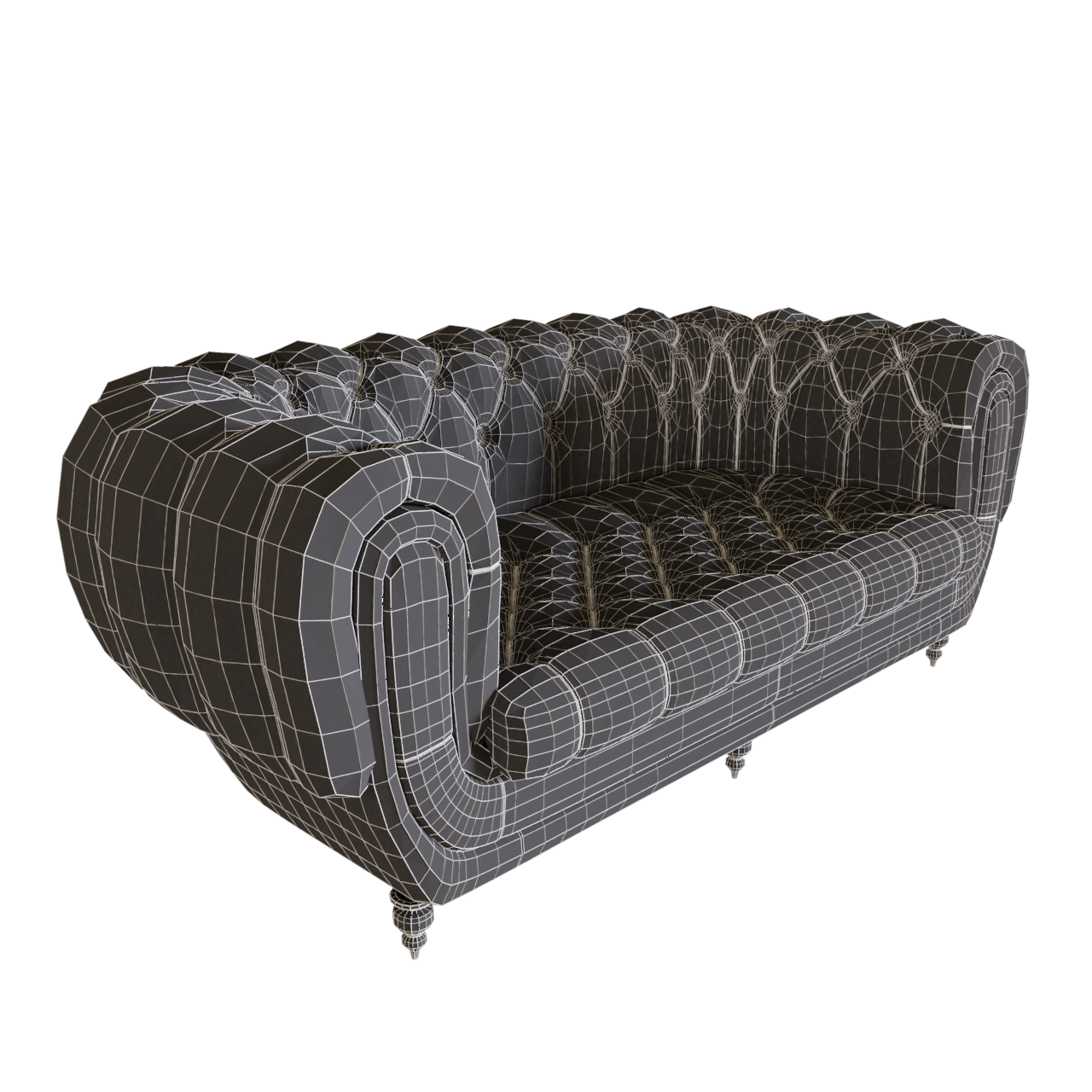
To import into your scene go to File>Append/Link, navigate to .blend files folder, open the file, open "Group" folder, then double-click on the name of the group and append/link.
The name of the model and the name of the group is the same.
Buttoned_Sofa_Double_Blue_Leather
Or you can select it and copy it using CTRL+C and in your scene pressing CTRL+V.
HDRI maps are from HDRI Haven
$3
Have questions about this product?
Login to message
| Dev Fund Contributor | |
| Published | almost 8 years ago |
| Blender Version | 2.79 |
| Misc Data | UV'S Unwrapped, Normal Mapped, Textured |
| License | Royalty Free |

Discover more products like this
double seat sofa blue sofa Chair arm chair architecture 3d model butoned sofa couch blue leather blue leather sofa chesterfield sofa leather-sofa furniture Interior