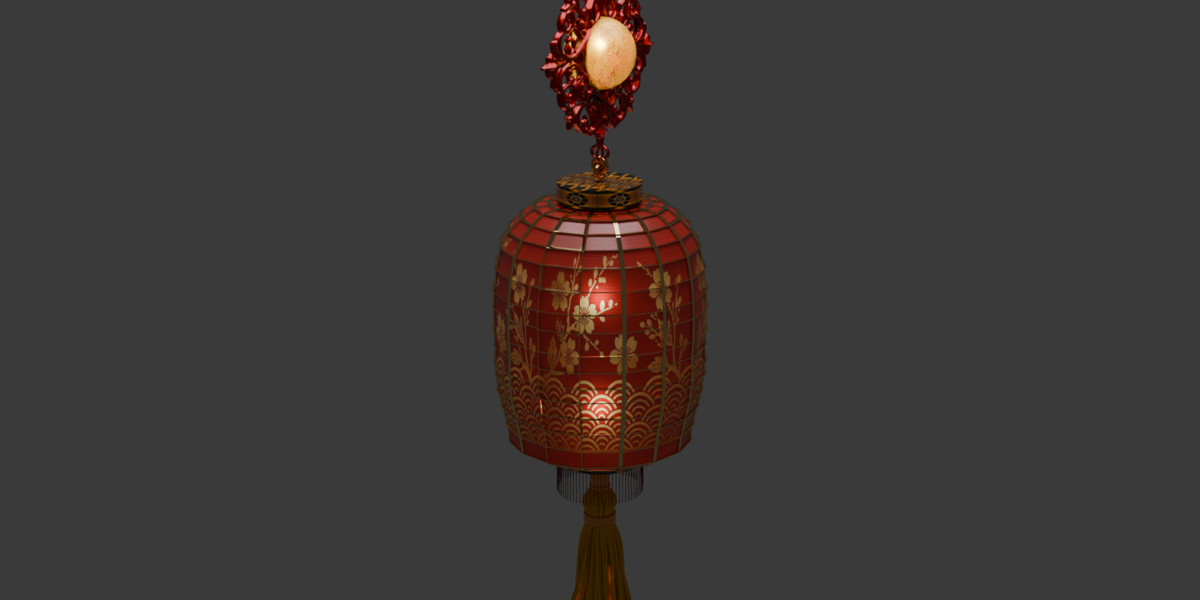
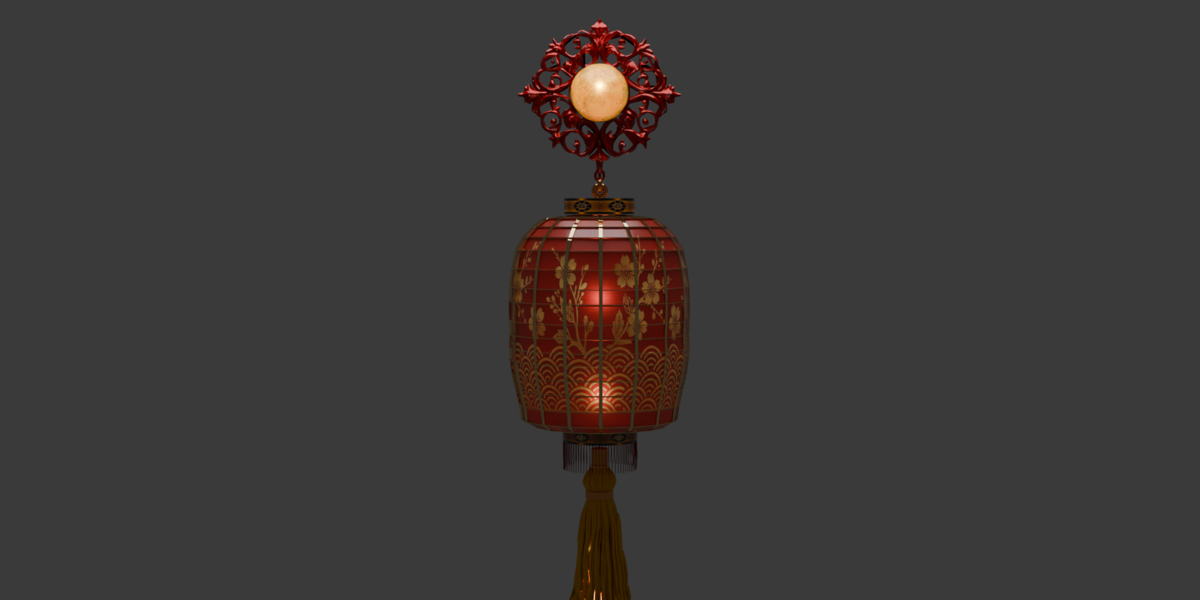
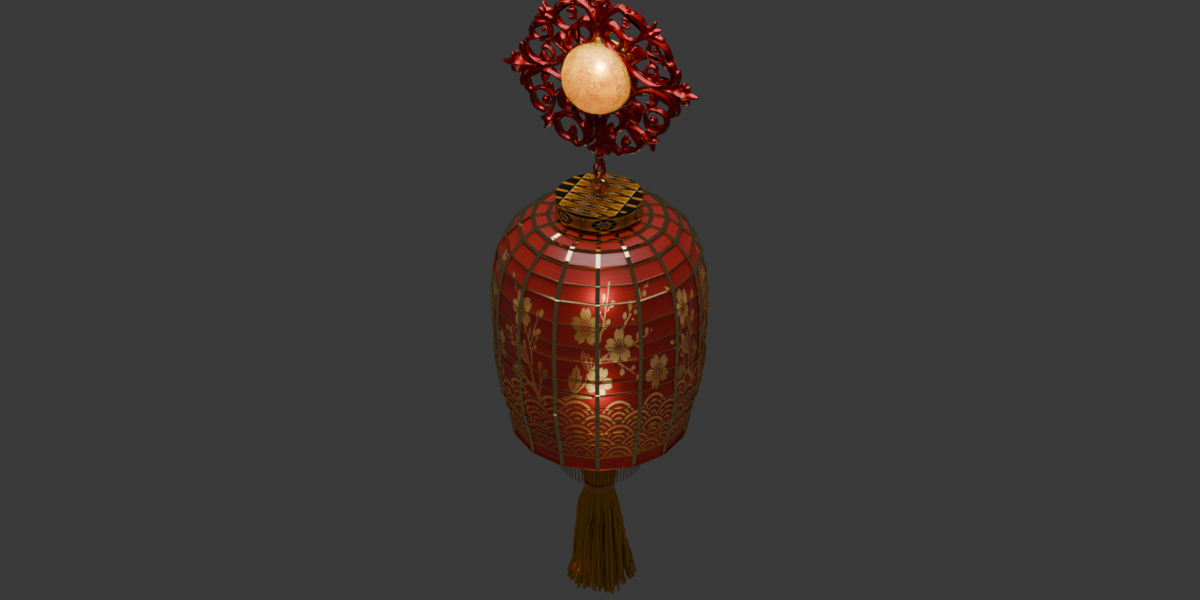
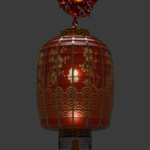
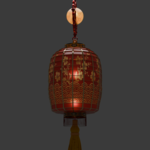
Chinese Cylinder Lantern
 aceimagedesign
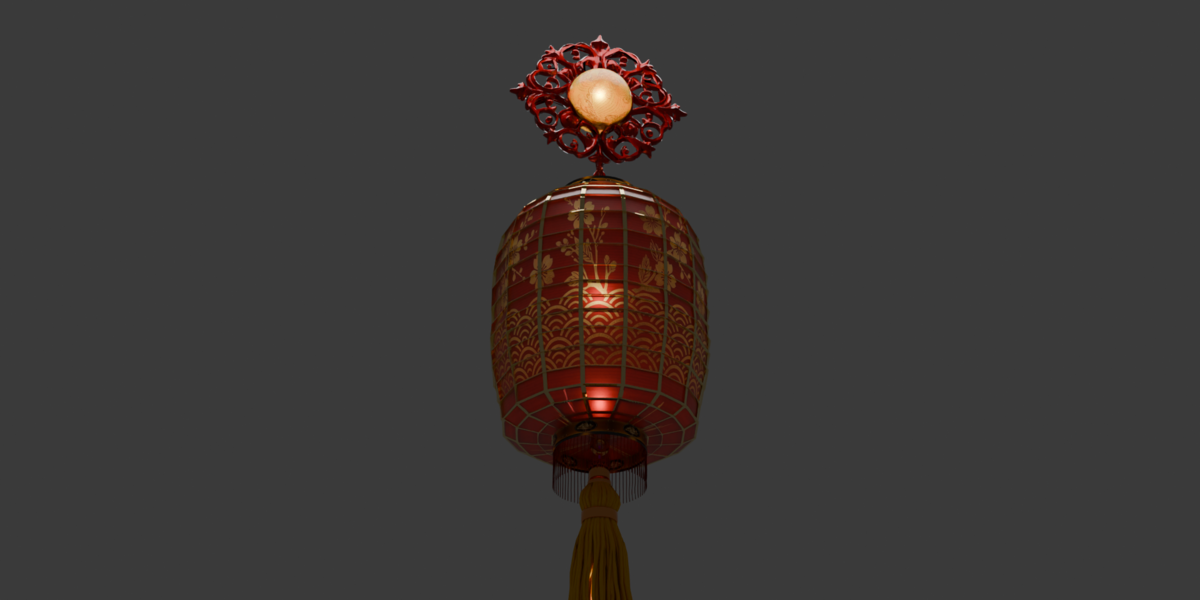
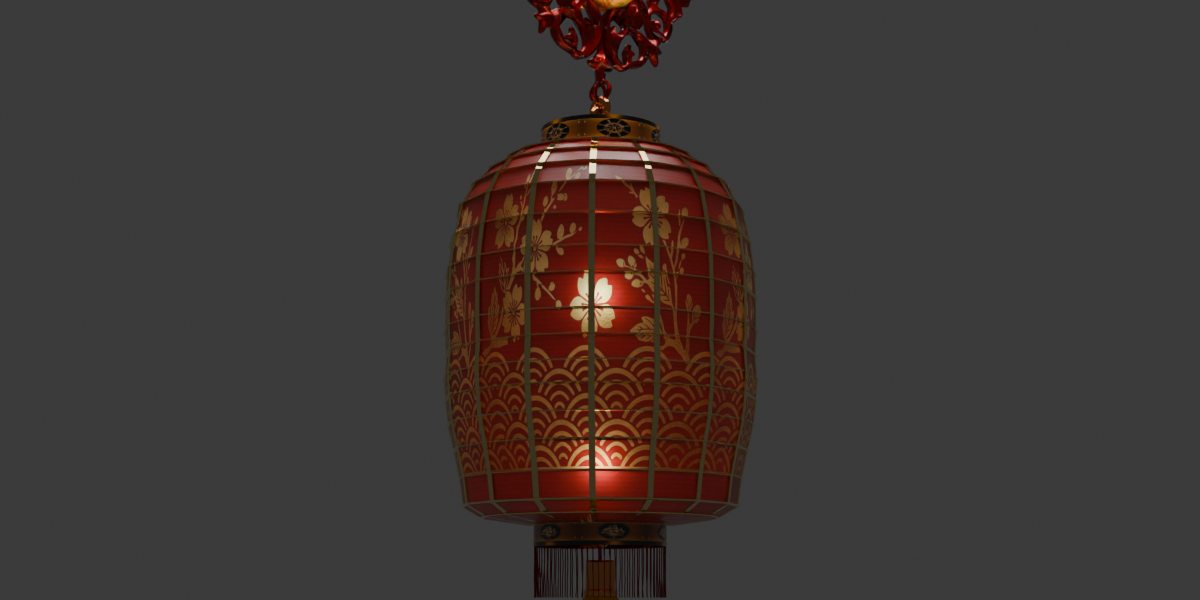
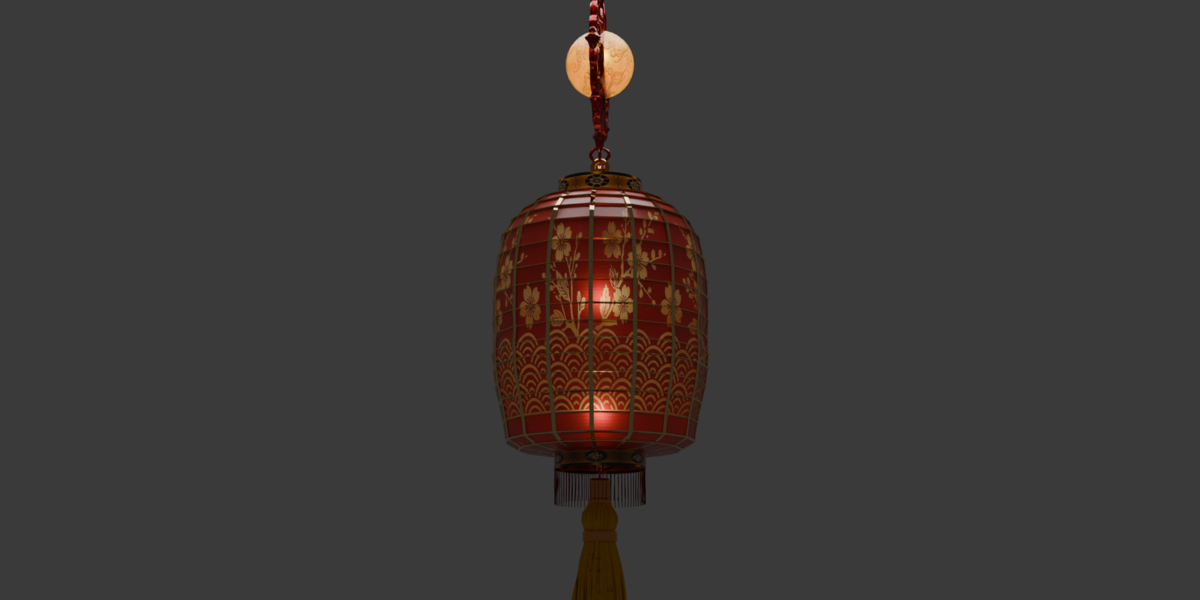
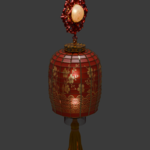
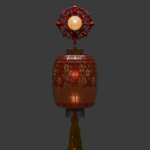
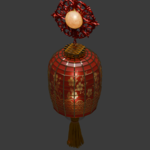
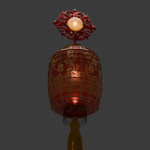
Getting Started
Installation & Importing
Download and extract the product
.ziparchive to your preferred local asset folder.Using the
.blendfile: Open the file directly in Blender, or go to File > Append (or Link) and select the lantern collection/object from the.blendfile to bring it into your existing scene.Asset Browser (if applicable): Add the extracted folder path under Edit > Preferences > File Paths > Asset Libraries to drag and drop the lantern directly into any project.
Other formats (
.fbx/.obj): Import via File > Import and verify that image textures are linked to the shader nodes if needed.
Scene & Material Setup
Scale & Origin: Modeled to real-world scale with the origin point set cleanly at the top hanging point / base for easy placement, snapping, and array duplication.
Materials & Lighting: Built using standard Blender Principled BSDF / procedural & image-based shaders, compatible with both Cycles and EEVEE.
Adjusting the Glow: Select the lantern's inner light source or emissive material slot in the Shader Editor to adjust emission strength and color temperature to match your scene lighting.
Customization Tips
Have questions about this product?
Login to message
| Published | 2 days ago |
| Blender Version | |
| Render Engine Used | Cycles |
| Misc Data | Uvs-Unwrapped, Normal-Mapped, Textured |
| License | Royalty Free |
Discover more products like this
pendant light asian decor Chinese Lantern wooden frame lunar new year traditional chinese oriental cylinder lantern temple sheepskin lantern parchment hanging lamp