Chinese Forbidden City Royal Palace Lantern
 aceimagedesign
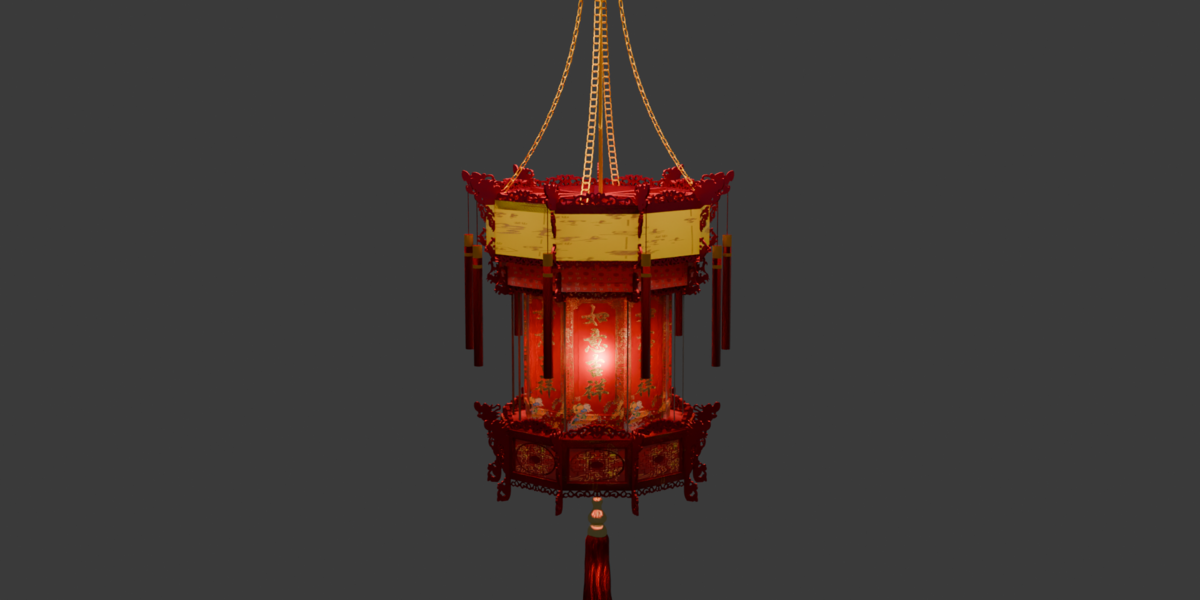
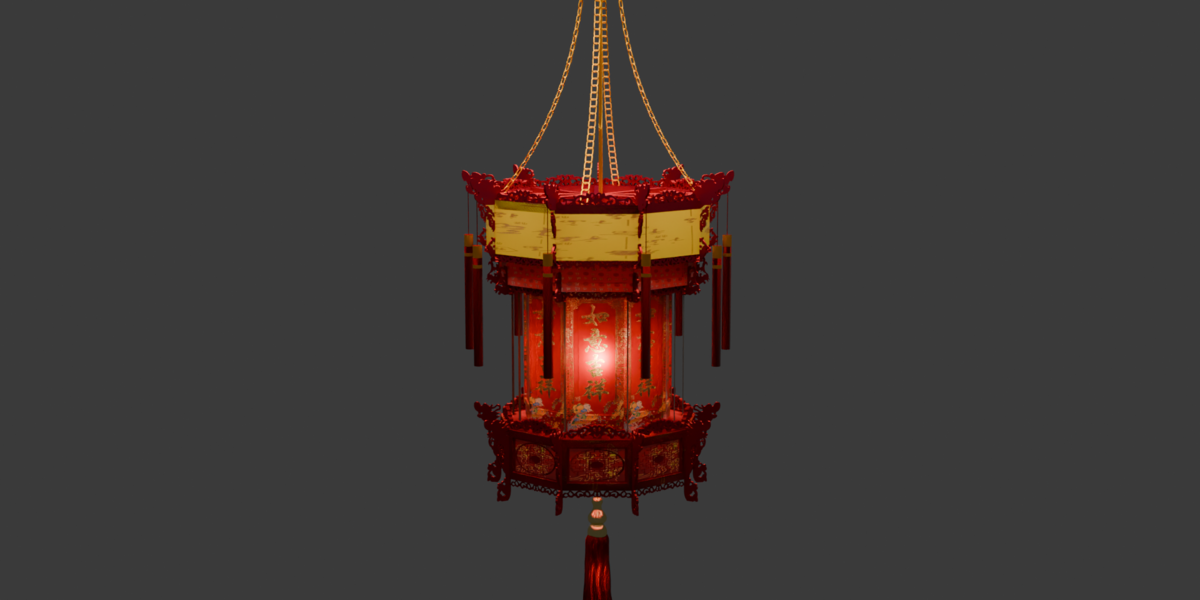
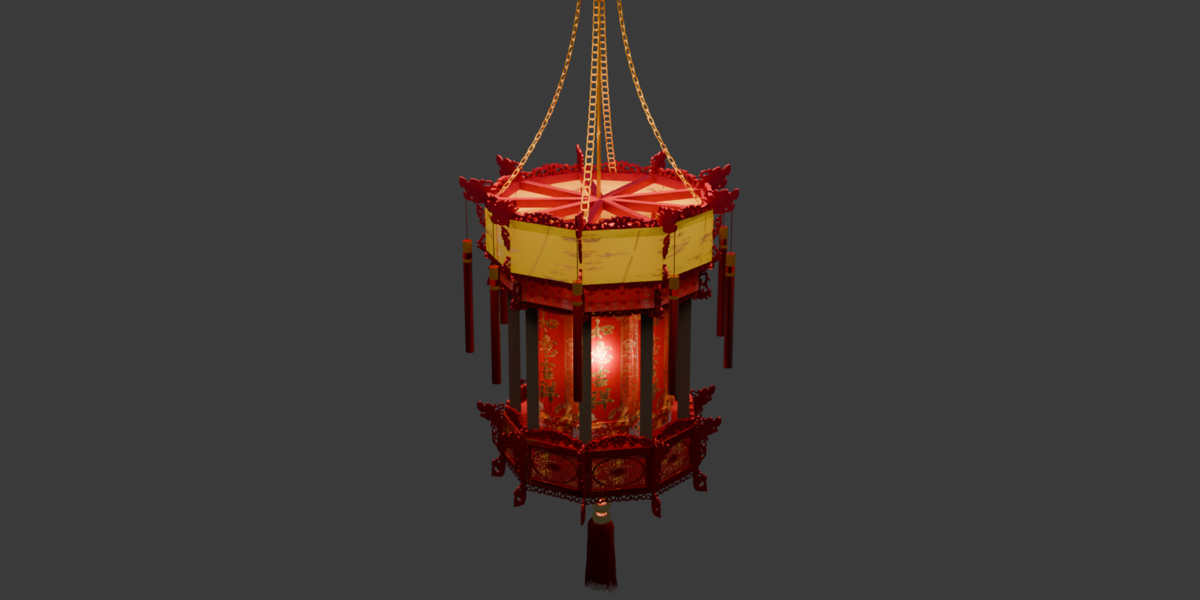
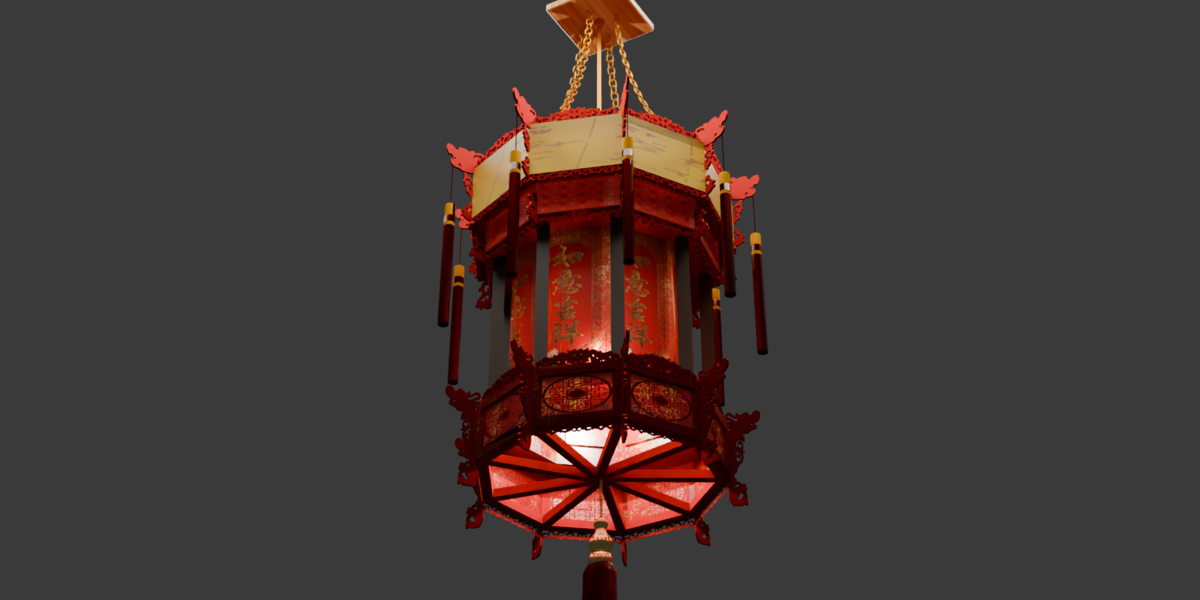
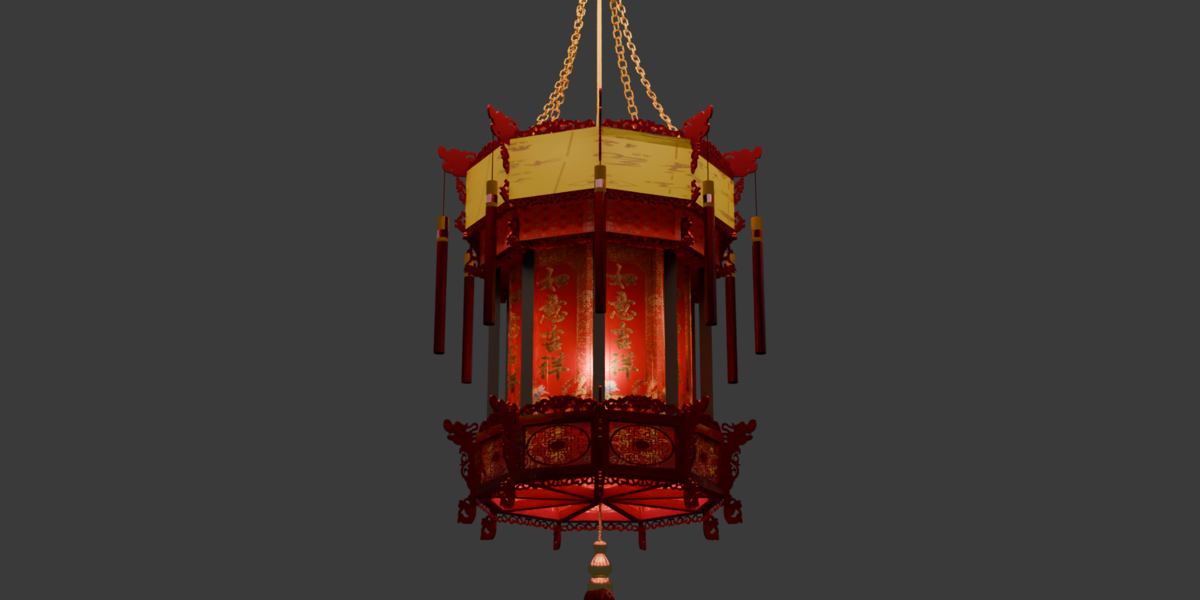
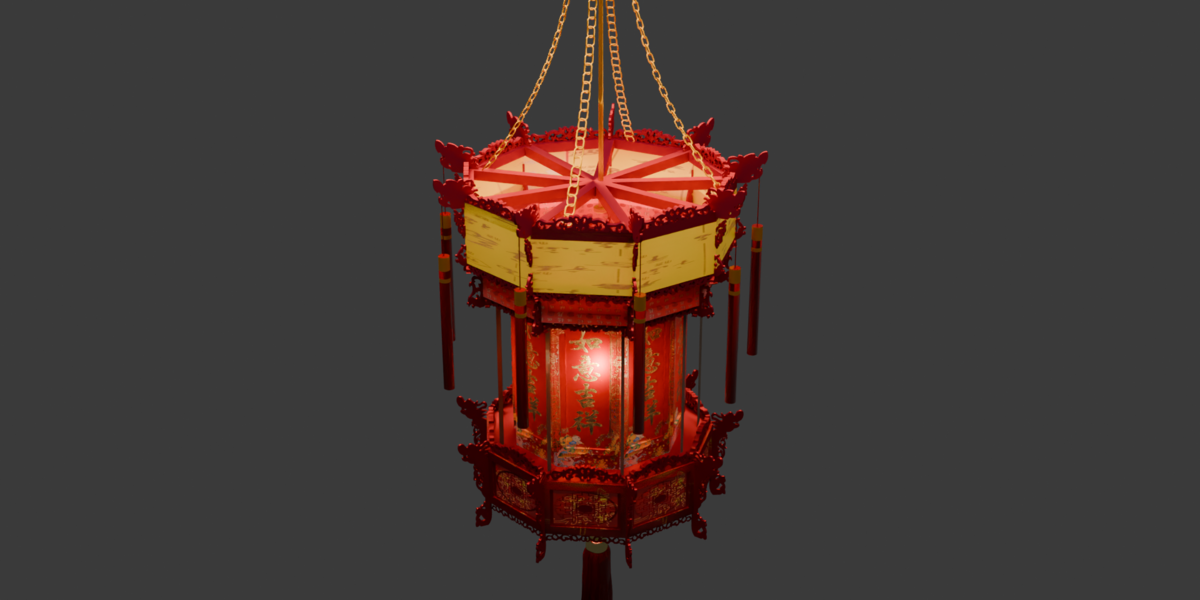
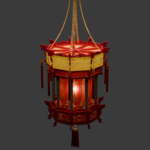
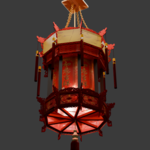
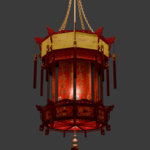
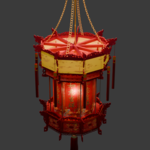
Overview This package provides the Chinese Forbidden City Royal Palace Lantern 3D asset built natively in Blender. It features a clean scene hierarchy, real-world scale, and organized materials for seamless integration into architectural visualizations, historical environments, and stylized or realistic renders.
Package Contents
Model File: Native Blender (
.blend) fileMaterials & Shaders: Ready-to-render Cycles & Eevee shaders with packed/included textures
Render Setup: Pre-configured inner lantern emission and lighting materials
Scene & Hierarchy Structure
Units & Scale: Modeled to real-world scale in Blender metric units, with the origin placed cleanly for easy snapping, hanging, or placement.
Naming Conventions: All objects, collections, and materials use clear, descriptive naming so you can easily append (
File > Append) the lantern into existing projects.Geometry: Clean, organized topology suitable for subdivision or direct rendering.
Setup & Usage Instructions
Opening Directly: Open the
.blendfile in Blender[e.g., 3.6+ or 4.x]. Switch to Rendered View (Cycles or Eevee) to preview the materials and lantern glow immediately.Adding to Your Scene: In your own Blender project, go to File > Append, select the downloaded
.blendfile, open the Collection folder, and append the main lantern collection.Adjusting the Glow: Select the inner lantern shade material in the Shader Editor and adjust the Emission Strength or color to match daytime or nighttime lighting moods.
Have questions about this product?
Login to message
| Published | 1 day ago |
| Blender Version | 4.5 - 5.3 |
| Render Engine Used | Cycles |
| Misc Data | Uvs-Unwrapped, Normal-Mapped, Textured |
| License | Royalty Free |