Chinese Palace Lantern
 aceimagedesign
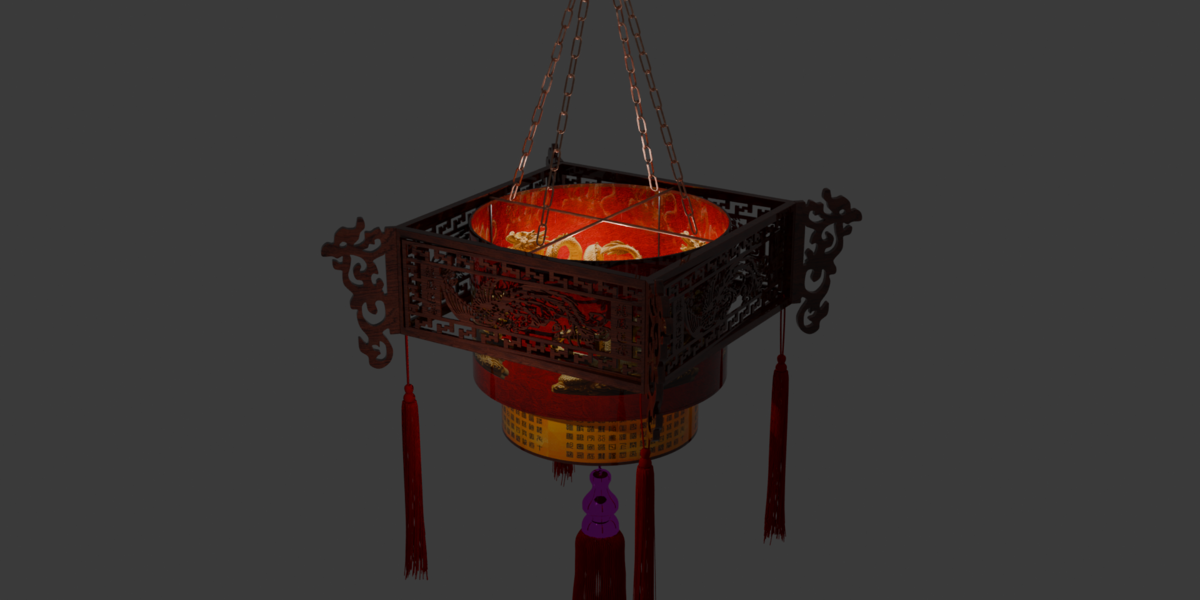
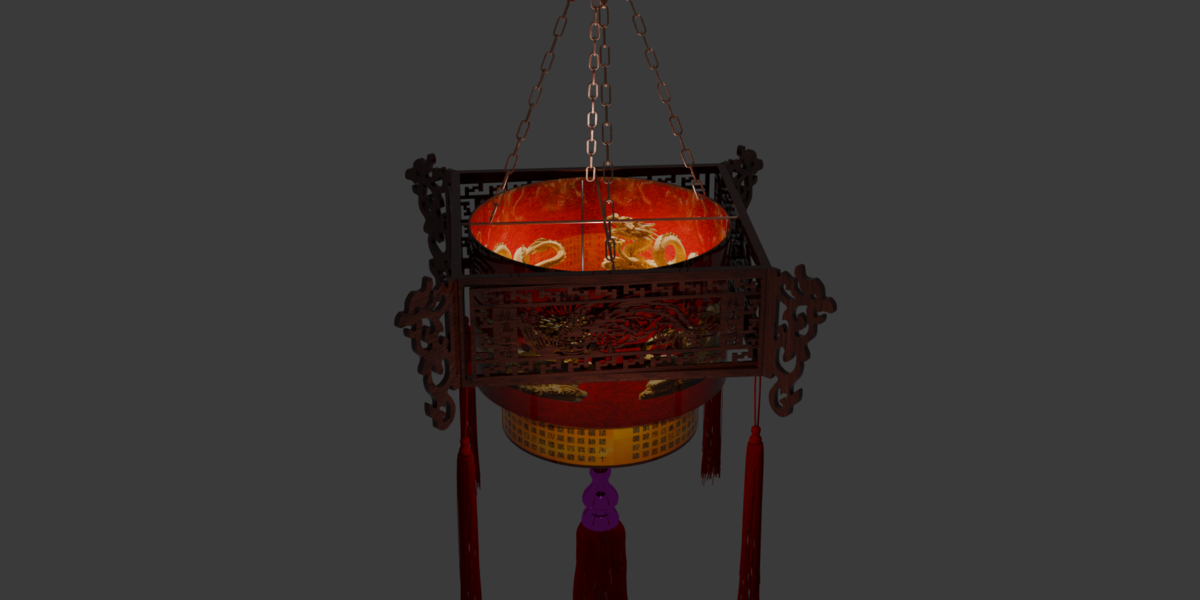
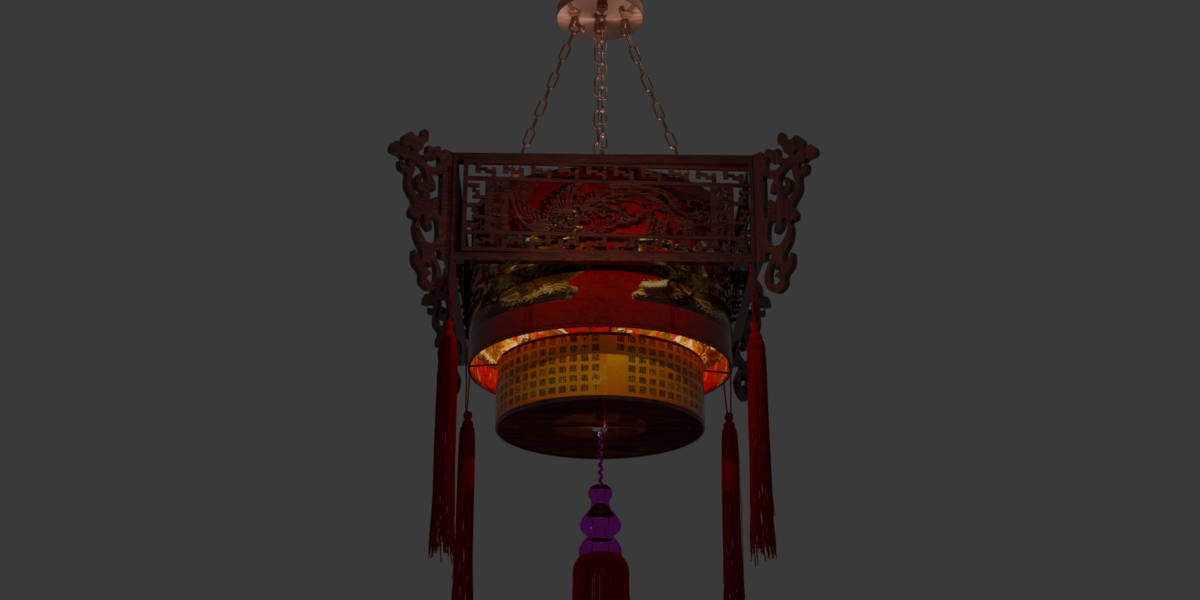
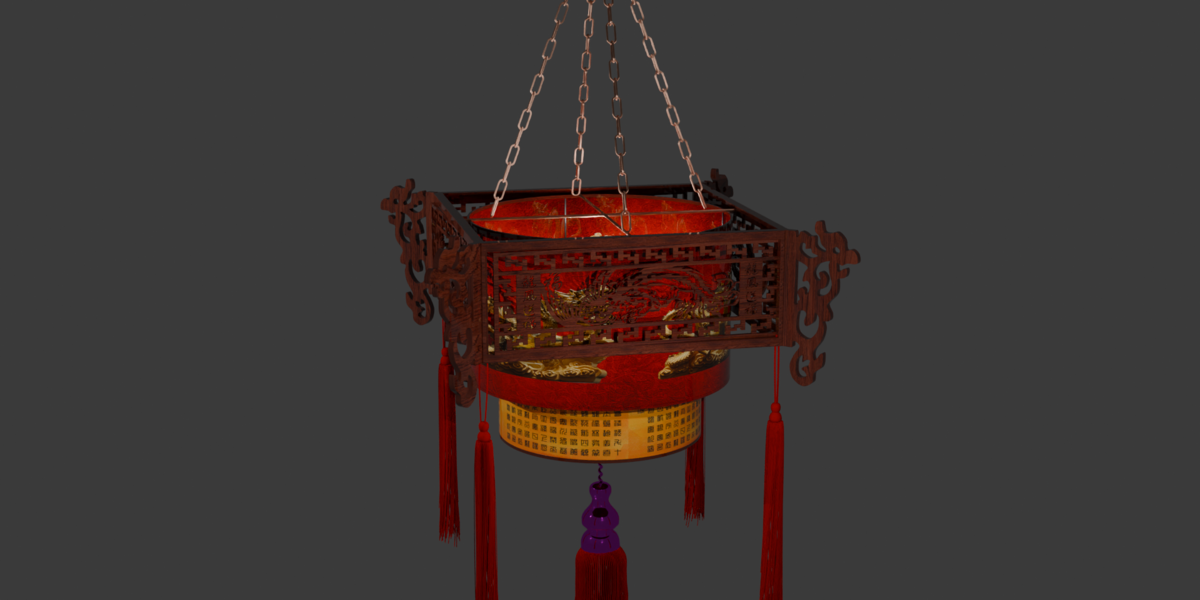
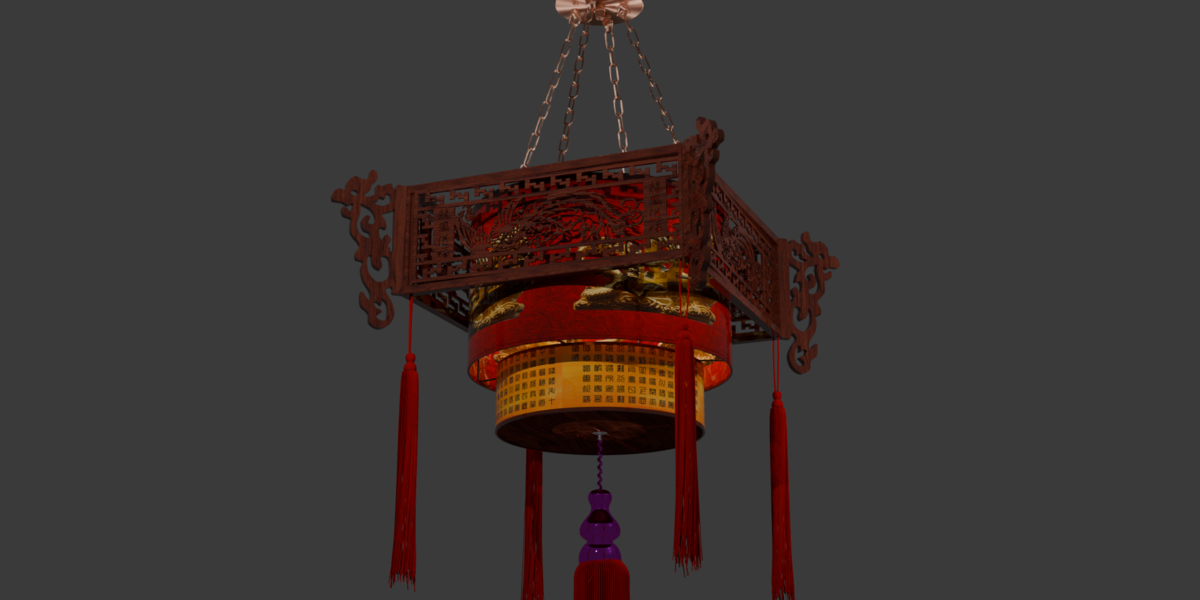
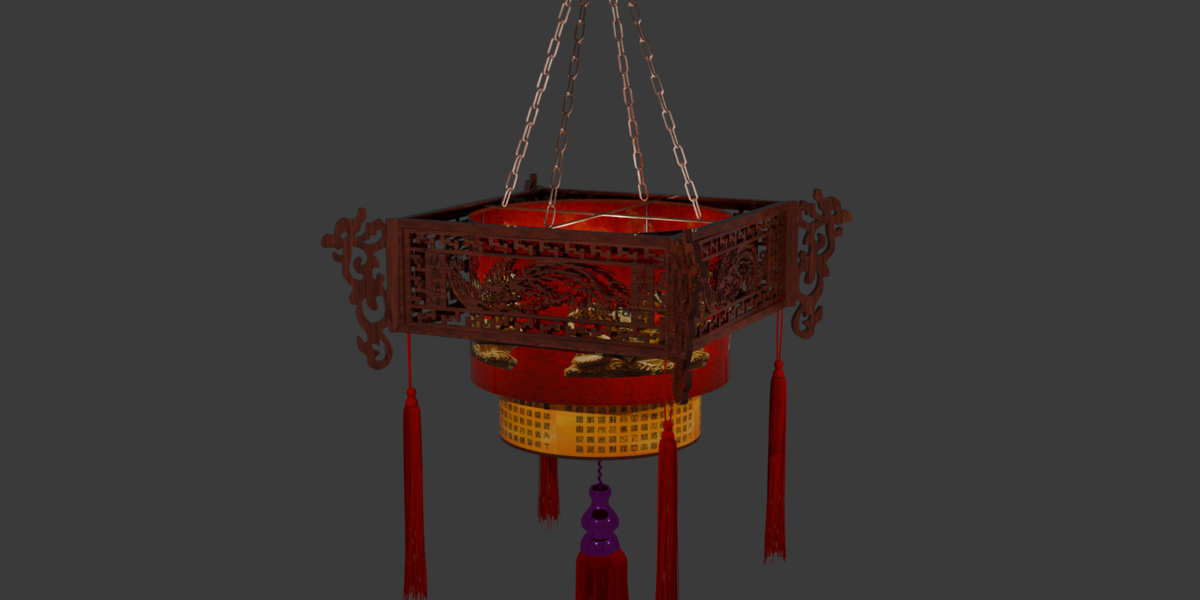
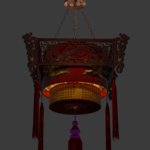
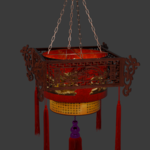
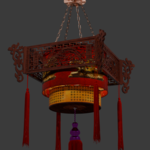
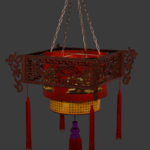
Chinese Palace Lantern — User Guide & Technical Specs
Overview
The Chinese Palace Lantern is a 3D model designed for architectural visualization, ancient environment design, and real-time game scenes.
What’s Included in the Download
.blendfile: Fully set up with materials and lighting ready for Cycles and EEVEE rendering.Exchange Formats:
FBX,OBJ,GLTF/GLB, andUSDZfiles included for cross-platform compatibility.Texture Maps: Packed inside the
.blendfile and provided as a separate.zipfolder.
Model Specifications
Geometry: Low-Poly / Game-Ready (Polygons: [Insert Poly Count, e.g., 15,200] | Vertices: [Insert Vert Count, e.g., 16,000])
UV Unwrapping: Non-overlapping UVs
Textures: 4K Resolution (Color/BaseColor, Normal, Roughness, Metallic, Emission)
Scale: Real-world dimensions (Meters)
How to Use in Blender
Open your target Blender project.
Go to File > Append and select
chinese_palace_lantern.blend.Open the Collection folder and select
Chinese_Palace_Lantern.Click Append. The model, chain links, and emission lighting will load into your scene ready for rendering.
Materials & Lighting Setup
The warm interior glow uses an Emissive Material setup. Adjust the Emission Strength under the Material Properties panel to increase or soften the light output in Cycles or EEVEE.
Have questions about this product?
Login to message
| Published | 1 day ago |
| Blender Version | 4.5 - 5.2 |
| Render Engine Used | Cycles |
| Misc Data | Uvs-Unwrapped, Low-High-Resolution, Textured |
| License | Royalty Free |
Discover more products like this
asian lantern traditional hanging lamp ancient Chinese lantern