Chinese Sheep Skin Lantern
 aceimagedesign
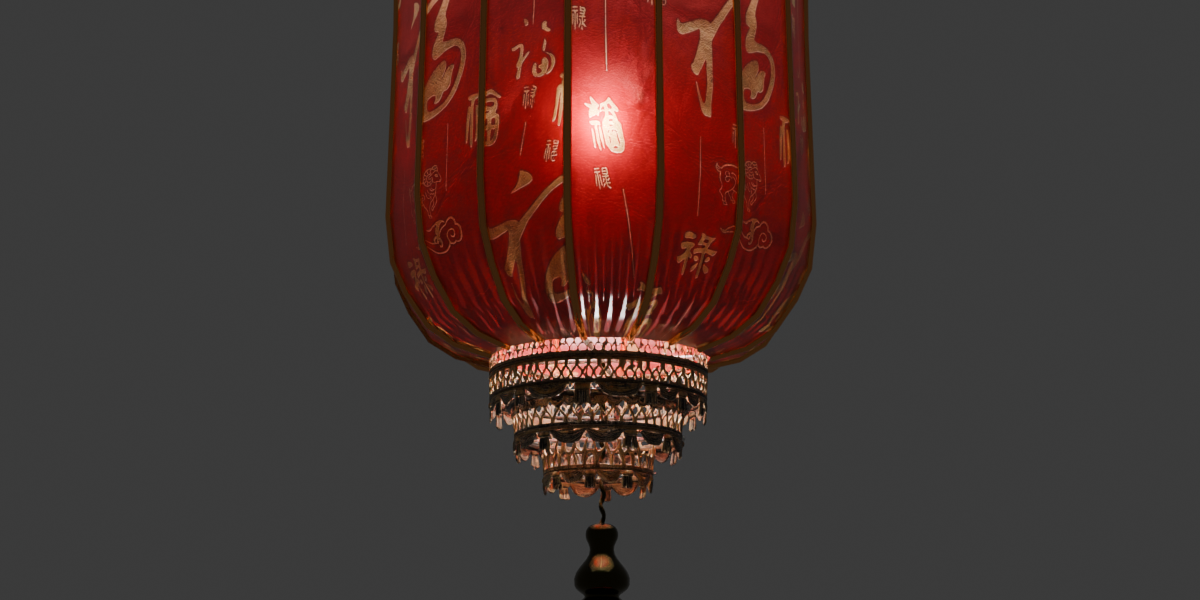
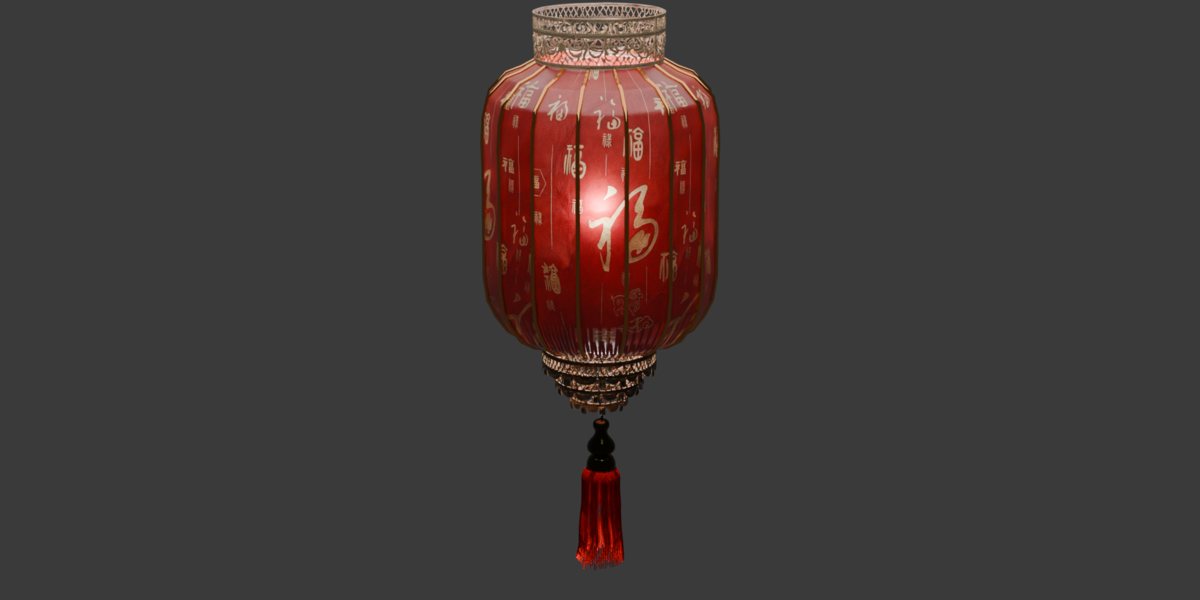
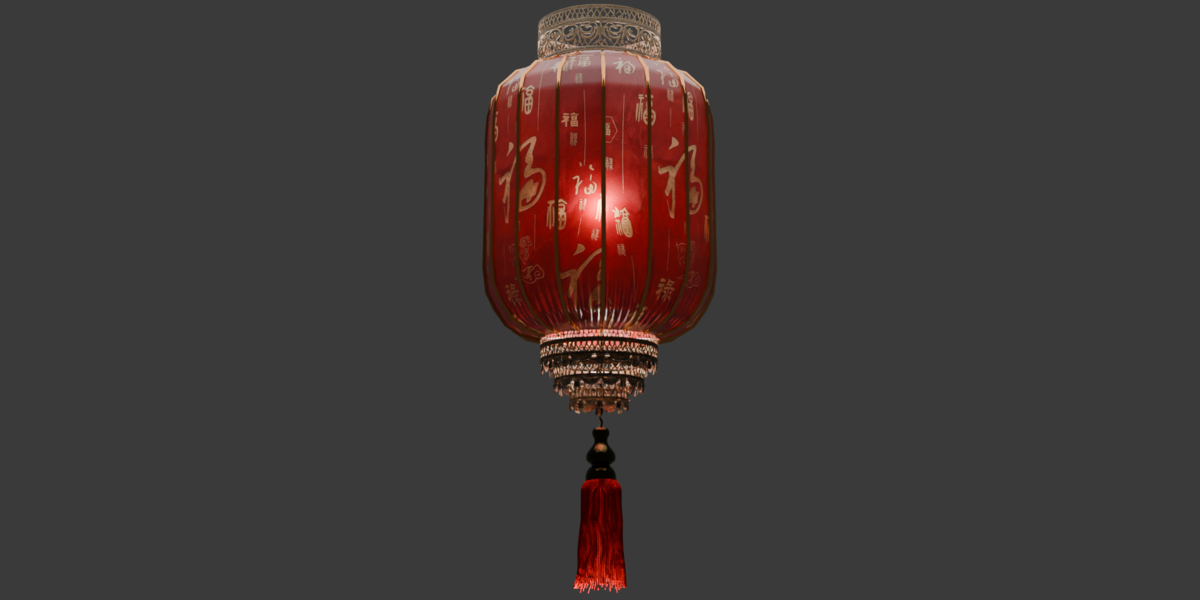
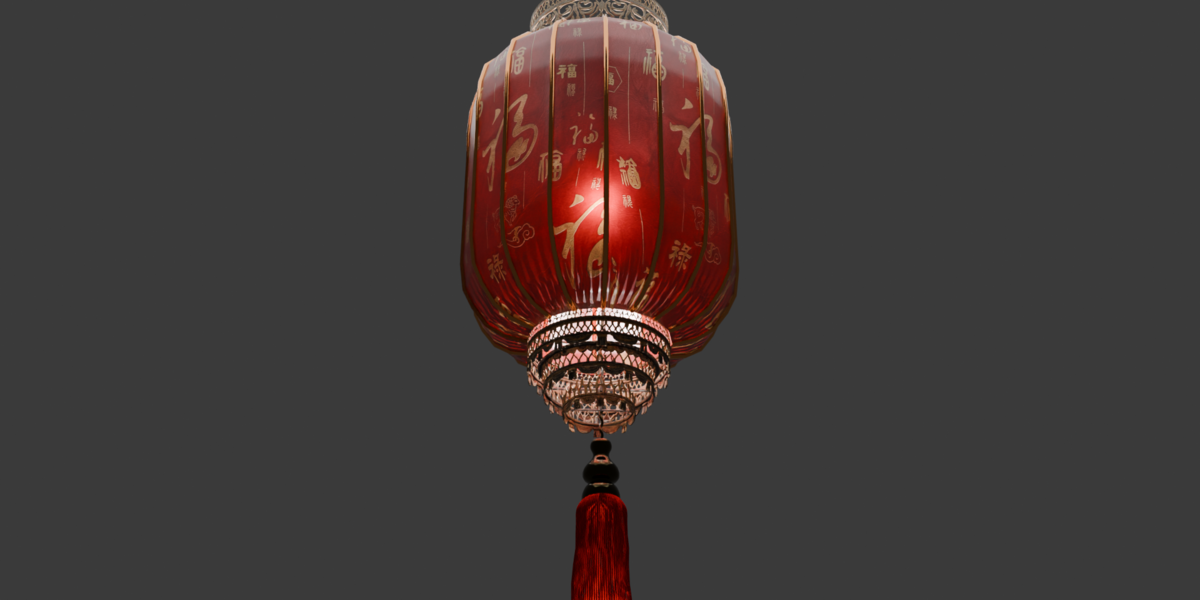
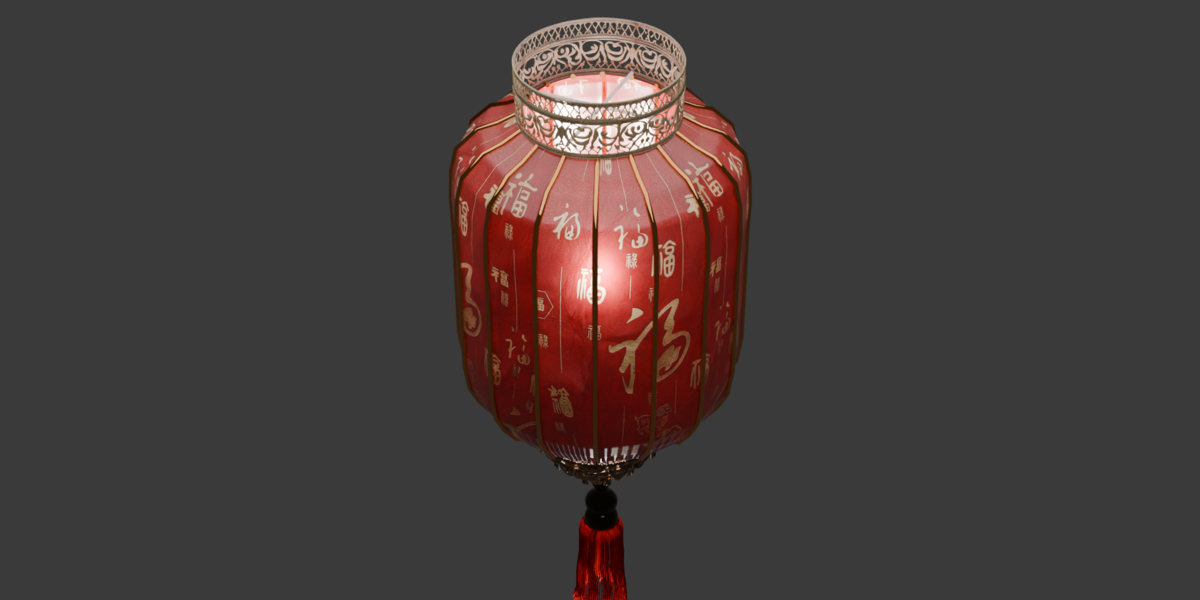
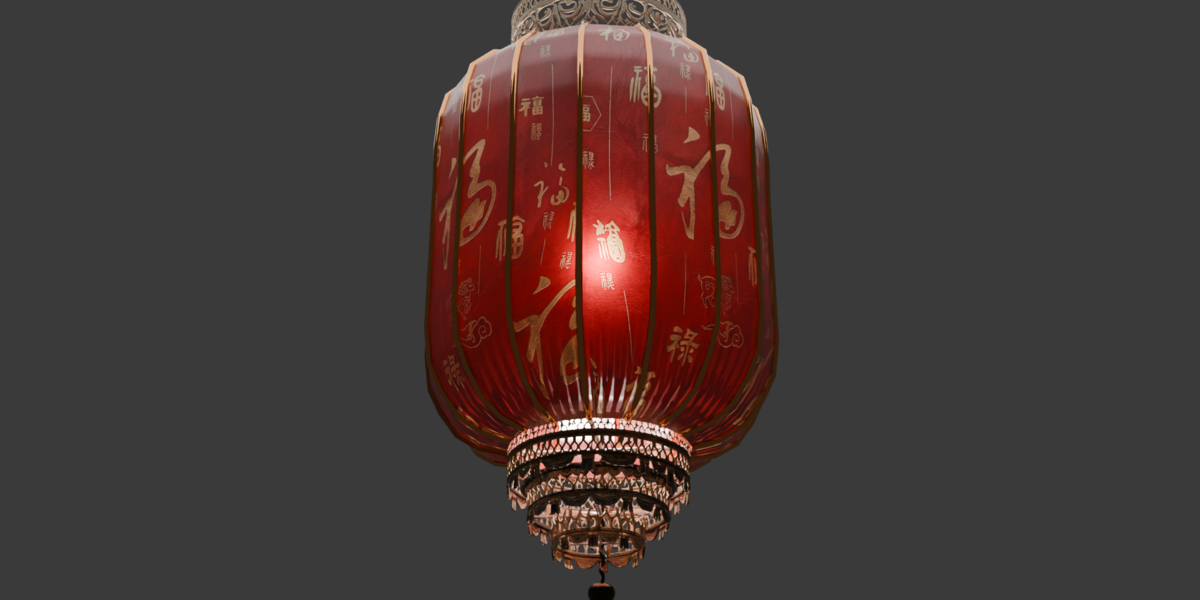
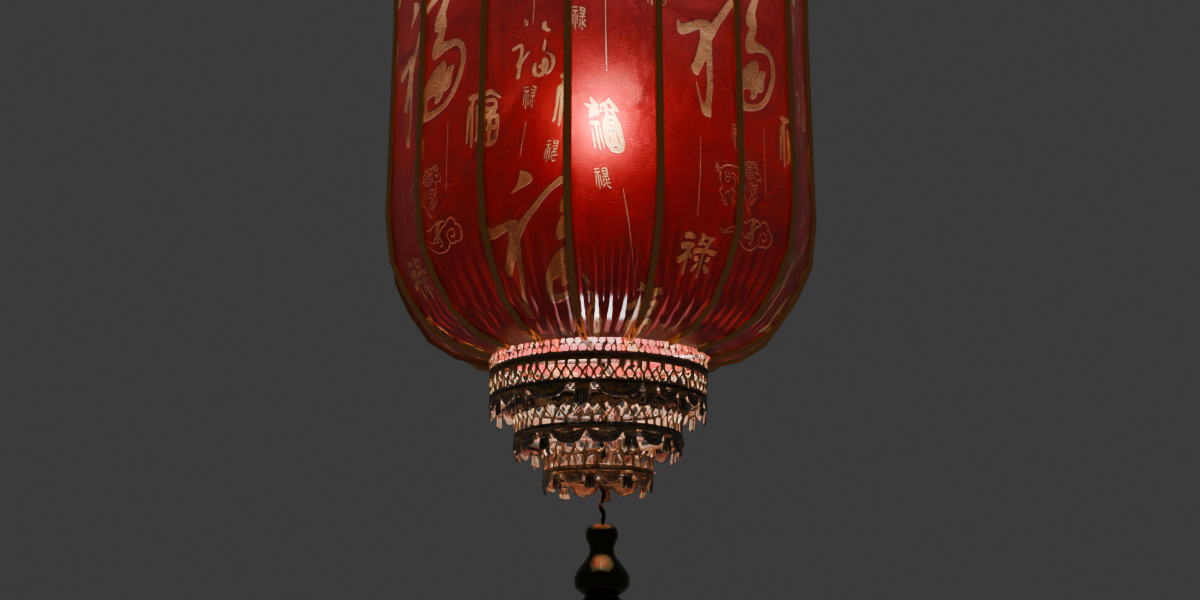
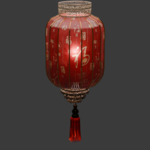
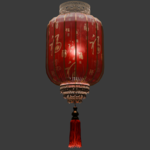
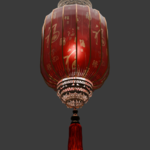
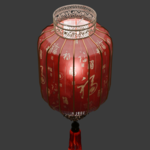
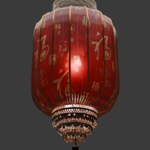
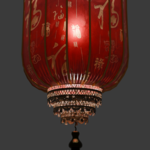
Chinese Sheep Skin Cylinder Lantern — Product Documentation
1. Package Contents
3D Model Files:
[e.g., Chinese_Sheepskin_Lantern.blend, .fbx, .obj]-
Textures Folder: High-resolution PBR texture maps (
[e.g., 2048x2048 / 4096x4096 PNG])BaseColor(Albedo)RoughnessNormal(OpenGL)Subsurface/Transmission(for realistic translucent sheepskin glow)Metallic(for hardware/hooks, if applicable)
2. Technical Specifications
Software Compatibility: Blender
[e.g., 3.6 / 4.0+](Native), compatible with all major 3D engines and software via.fbxand.objRender Engines: Pre-configured for Cycles and Eevee
Geometry: Clean quad-based topology
Polygon Count:
[Insert Polygons]faces /[Insert Vertices]verticesUV Mapping: Unwrapped, non-overlapping UVs
Scale & Units: Modeled to real-world scale (
[e.g., Metric / Centimeters], approximate height:[e.g., 45 cm]), origin placed at[e.g., the top hanging hook / bottom center]for easy placement
3. How to Use (Blender)
Append or Link: Open your target Blender scene, go to File > Append (or Link), select the
.blendfile, open the Collection (or Object) folder, and importChinese_Sheepskin_Lantern.-
Lighting Adjustment:
A point light is placed inside the lantern housing
[remove this bullet if no internal light is included].To adjust the warmth or brightness of the lantern glow, select the internal light object or adjust the Emission / Subsurface strength in the sheepskin material shader node.
Asset Browser Ready: Place the
.blendfile inside your designated Blender Asset Library folder to drag and drop the lantern directly from the Asset Browser[keep if marked as an asset].
4. Using .fbx / .obj in Other 3D Software or Game Engines
Import the
.fbxor.objmesh into your project (Unreal Engine, Unity, Maya, 3ds Max, Cinema 4D, etc.).Create a new material and plug in the provided PBR maps from the
Texturesfolder.Enable Subsurface Scattering or Translucency on the shade material and place a warm point light (
~2200K–2700K) inside the cylinder to replicate the traditional candlelit sheepskin effect.
5. Support If you encounter any issues with the files, textures, or scaling, feel free to send a message directly through the creator profile page.
Have questions about this product?
Login to message
| Published | 3 days ago |
| Blender Version | 4.5 - 5.3 |
| Render Engine Used | Cycles |
| Misc Data | Uvs-Unwrapped, Normal-Mapped, Textured |
| License | Royalty Free |
Discover more products like this
oriental lunar new year hanging lamp cylinder lantern parchment traditional chinese temple asian decor wooden frame Chinese Lantern sheepskin lantern pendant light