 Rekanyx








Install
- Download the zip. Don't unzip it.
- Blender → Edit → Preferences → Add-ons → Install from Disk → pick the zip.
- Turn it on. The panel is in the 3D View sidebar (press N) → Baubles tab. You can also add one from Add → Mesh → New Bauble.
Make a bauble
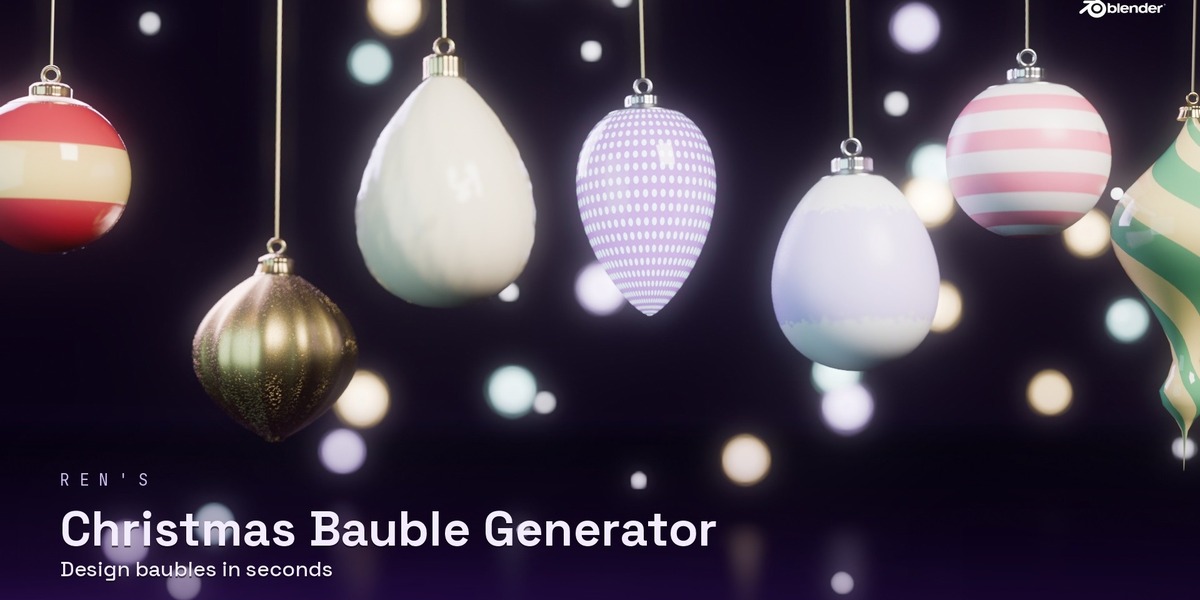
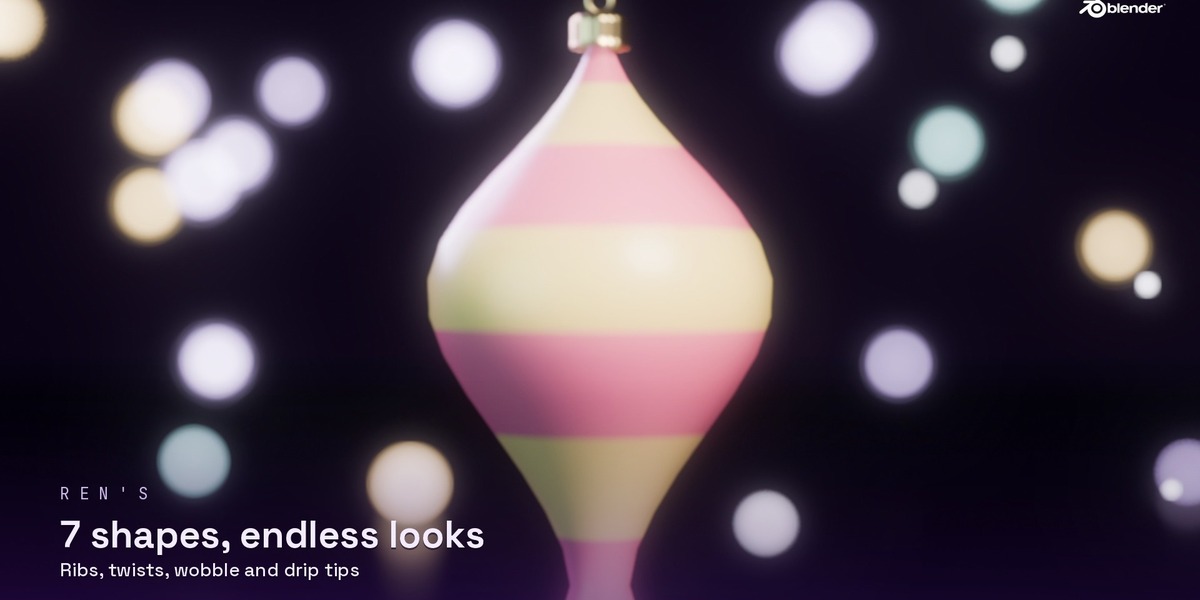
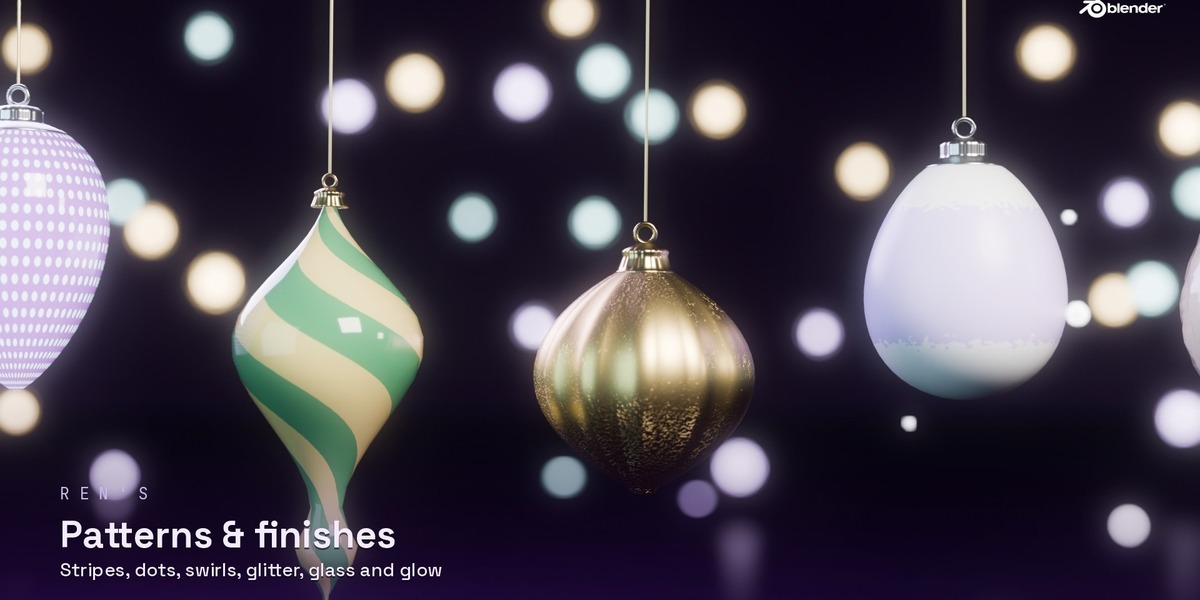
Click New Bauble. With it selected, change any setting in Active Bauble: shape, size, ribs, colour, finish, pattern, glow and cap. It updates straight away.
Random sets
In Sets & Trees, pick a palette and count, then click Make Random Set. Each click gives a new set.
Hang on a tree
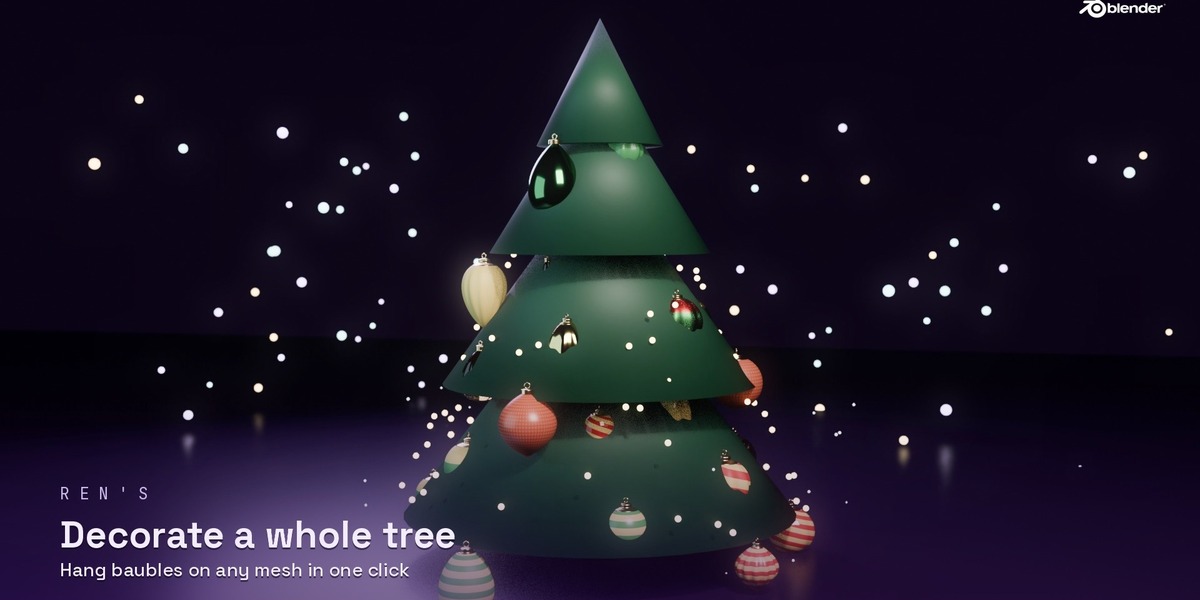
Select your tree mesh, set Gap, Offset and the From/To height, then click Hang on Tree.
Copy and randomise
Select several baubles, with the one to copy from active, and click Copy Look to Selected. The refresh button gives each selected bauble a new random look.
Web panel
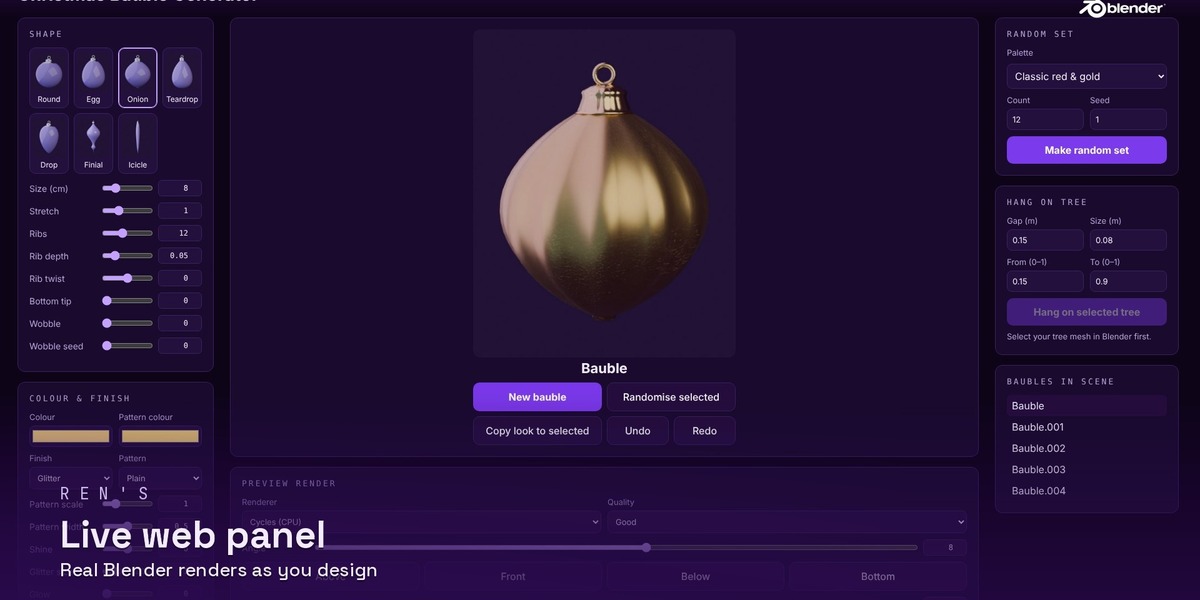
Click Start Web Panel. It opens in your browser at http://127.0.0.1:8765. Every setting has a slider and a number box, plus tooltips. The preview is a real Blender render: choose EEVEE or Cycles, quality, angle and background. Click the X next to the button to stop it.
Exporting
Click Make Normal Mesh on selected baubles before exporting or sending the file to someone without the add-on.
Have questions about this product?
Login to message
| Published | 22 minutes ago |
| Blender Version | 4.2 - 5.2 |
| Extension Type | N/A |
| Render Engine Used | Cycles, Eevee |
| License | Mit |
Discover more products like this
holiday winter Bauble Christmas decoration Glass glitter ornament christmas tree Generator xmas procedural