 Jacober Design


Blender Chrome Type Kit
What’s Included
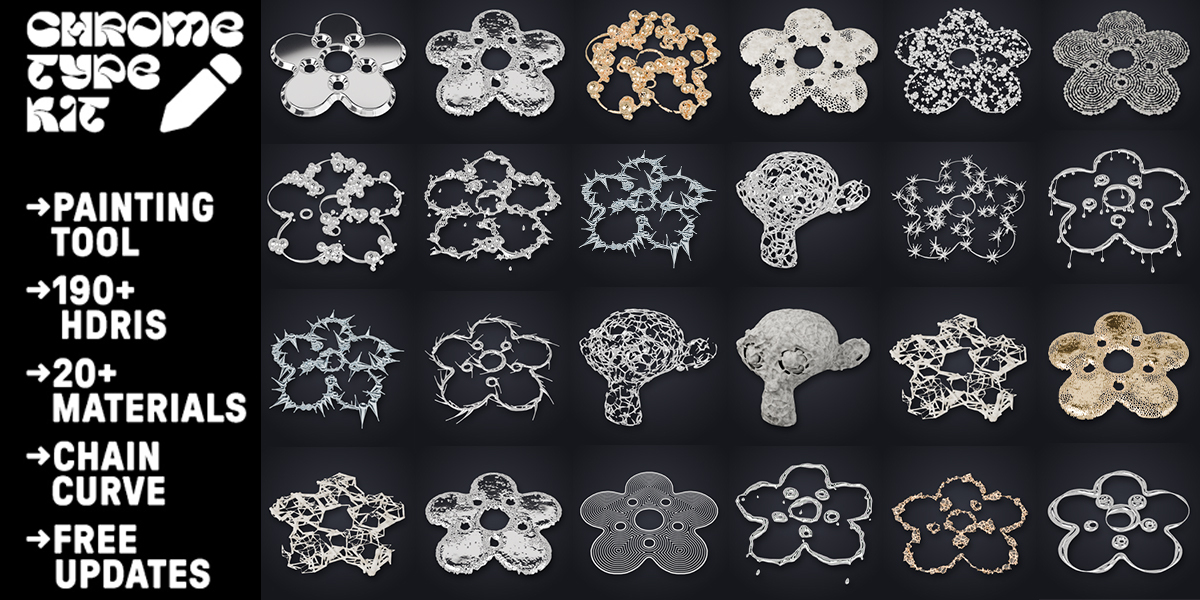
Everything you need to create stunning, high-end chrome typography in Blender:
-
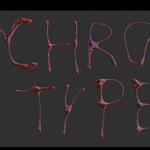
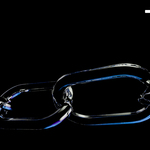
Chrome Type Tool
Built with Geometry Nodes and fully paintable – intuitive, flexible, and production-ready. -
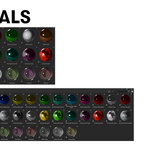
190 HDRIs (Lighting Only)
Carefully curated HDRIs designed exclusively for lighting and reflection setups.
Note: Not all HDRIs are seamless and are not intended for background use. -
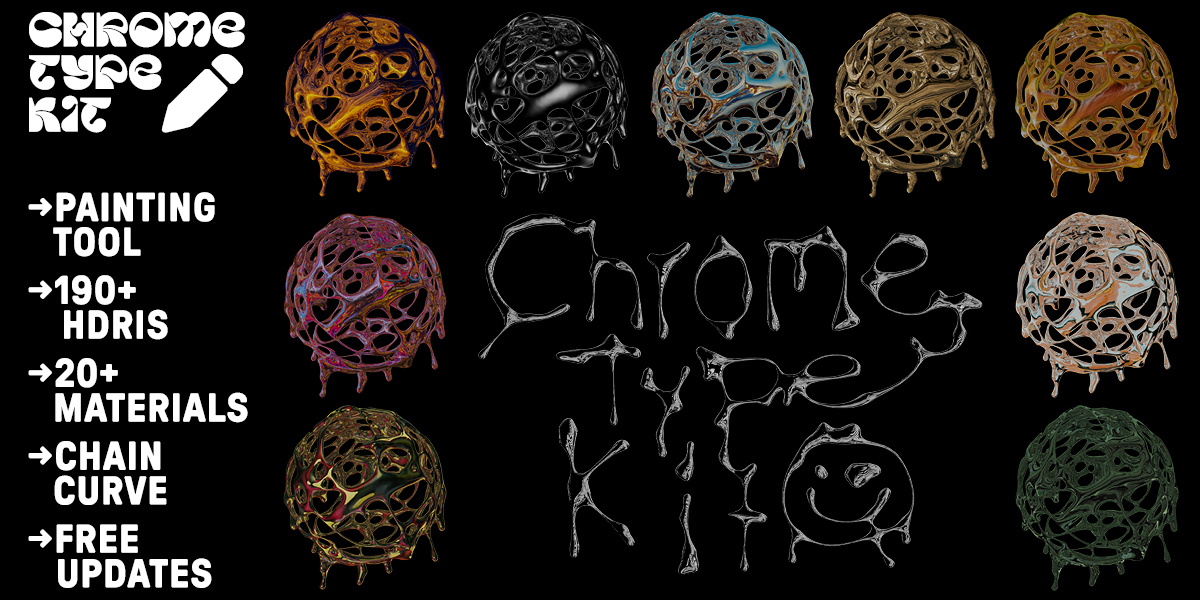
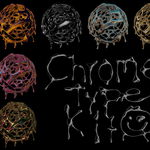
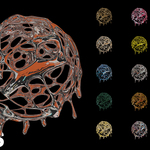
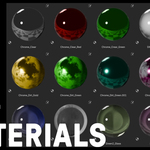
20 Chrome and Glass Shaders
High-quality, ready-to-use Chrome and Glass materials for professional results.Chrome Type Kit 2
Your vectors deserve more than an extrude.
Chrome Type Kit 2 turns flat artwork into rich 3D objects in one click. Import an SVG from Illustrator, drop in a PNG with transparency, paint with Grease Pencil, or select any mesh – pick a style, press Apply, done.
Every result is a live Geometry Nodes modifier. Change the source, swap the style, randomize, or tweak any of the clearly named parameters – nothing is ever destructive.
Four modes, one workflow (pick the mode, choose the source, pick a style, create):
- SVG – Illustrator CSS styles are fixed automatically, open paths stay open, holes stay holes.
- Image with alpha – logos, lettering, tattoo flash: the contour is traced live.
- Paint – every style becomes a Grease Pencil brush layer. Pen pressure controls thickness.
- Any mesh – Mesh Workshop styles work on a 5 cm ring or a 50 m statue alike.
Features
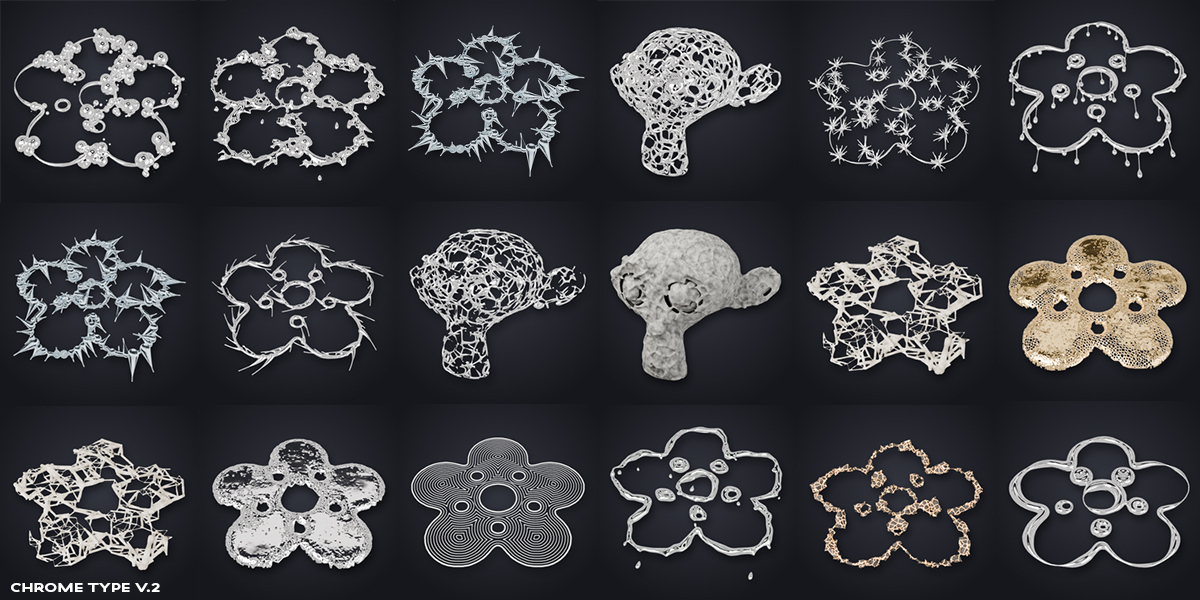
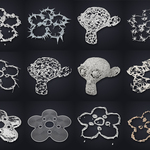
- 66 hand-tuned styles in 9 categories, each with a rendered thumbnail and search. The gallery only shows styles that work in the current mode.
- Four clear modes – SVG, Image, Paint, Mesh – each with the same three steps: ① source, ② style, ③ create.
- The same Main Controls on every style – Size, Thickness, Effect Size, Amount, Smoothness (plus Pen Pressure when painting). One slider makes all lines thicker or all bubbles bigger.
- Effect Controls – the 2–5 settings that matter most for each style (Height & Profile for Tribal, Cell Size for Voronoi, Thorn Curl for Thorns, Topo Count for Line Art…).
- Live painting – every style is a brush layer; while you draw, the panel shows the active brush's controls.
- Swap Style – pick another style, keep the source.
- 24 materials and Quality modes (Draft, Standard, Hero, Ultra). Heavy styles start in Draft.
- Randomize, Duplicate, Reset in one click.
- Chaining – send an SVG or Image result through the Mesh styles (logo → domed shape → Voronoi chrome).
- Bake to a real mesh for export, sculpting or game engines; the live original is kept.
- Mesh mode is size-independent and robust on non-watertight models.
- All Parameters stay available in a collapsed panel – no node editing required.
Included styles
Category |
Count |
Styles |
|---|---|---|
Organic |
8 |
Organic Tubes, Organic Fine, Organic Extra Fine, Organic Big Bubbles, Soft Bubbles, Liquid Chrome, Chrome Bubbles, Coral |
Tribal & Inflate |
6 |
Tribal Chrome, Round Pillow, Slanted Chrome, Stone Horns, Obsidian Tribal, Jade Rounded |
Voronoi & Nets |
5 |
Voronoi Chrome, Gold Foam, Bone Voronoi, Nearest Net, Bone Net |
Rocks |
5 |
Rock Chain, Rock Fine, Rock Shards, Rock Voronoi, Lava Rock |
FX |
11 |
Thorns Chrome, Thorns Obsidian, Melt Chrome, Melt Gold, Branches Gold, Swirl Oil-Slick, Glitch Neon, Ice Crystals, Soap Bubbles, Bubble Explosion, Ultra Mix |
Clusters |
9 |
Bubble Cluster, Rock Cluster, Organic Cluster, Nearest Cluster, Voronoi Cluster, Urchins, Chain, Cluster Grid, MAXIMUM POWA |
Sphere Lines |
8 |
Sphere Outline, Sphere Topo, Sphere Organic, Sphere Bubbles Chrome, Pearl Strings, Sphere Cross Hatch, Sphere Coral, Caviar |
Line Art |
5 |
Topo Lines, Topo Relief, Cross Hatch, Wave Lines, Engraving Plate |
Mesh Workshop |
9 |
Voronoi Chrome, Voronoi Gold Fine, Voronoi Organic, Stone Grooves, Liquid Chrome, Melted Voronoi, Organic, Spheres, Spheres Chrome |
Requirements, installation, FAQ
Requirements: Blender 5.2 or newer (uses the 5.2 SDF and Volume Grid nodes). Windows, macOS, Linux. Cycles recommended for the materials; geometry works in any engine.
Installation:
- Download
chrome_type_kit_2-2.0.0.zip– do not unzip. - Edit › Preferences › Get Extensions › ˅ menu › Install from Disk.
- 3D Viewport › Sidebar (N) › Chrome Type Kit.
FAQ
- Is it destructive? No. Sources are only hidden, results are live modifiers.
- Can I use results commercially? Yes, everything you create is yours.
- It gets slow on huge files. Use Draft quality while tweaking, or raise Detail (Voxel Size).
- A result is empty. The voxel size is too small for that shape – raise Detail (Voxel Size).
- Can I edit the nodes? Yes, every result is a regular Geometry Nodes modifier.
