Cinema Letterbox
 The Stale Crouton


Installation
- Drag and drop the downloaded add-on ZIP file onto Blender.
- On the Install from Disk pop-up, make sure "Enable on Install" is checked.
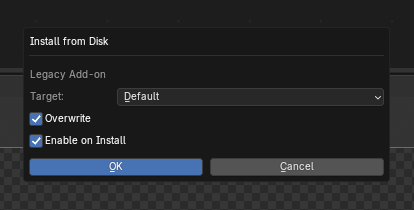
- Press OK to install the add-on.
Using the Add-On
To use Cinema Letterbox, you must be in your compositing workspace, and ensure that "Use Nodes" is checked on.
Adding the Node
After installation and enabling the add-on, the Cinema Letterbox node becomes available in the compositing space Add > Group menu.
Hit Shift+A or Right-Click on an empty space to bring up the Add menu, and hover over "Group" where Cinema Letterbox will be listed.
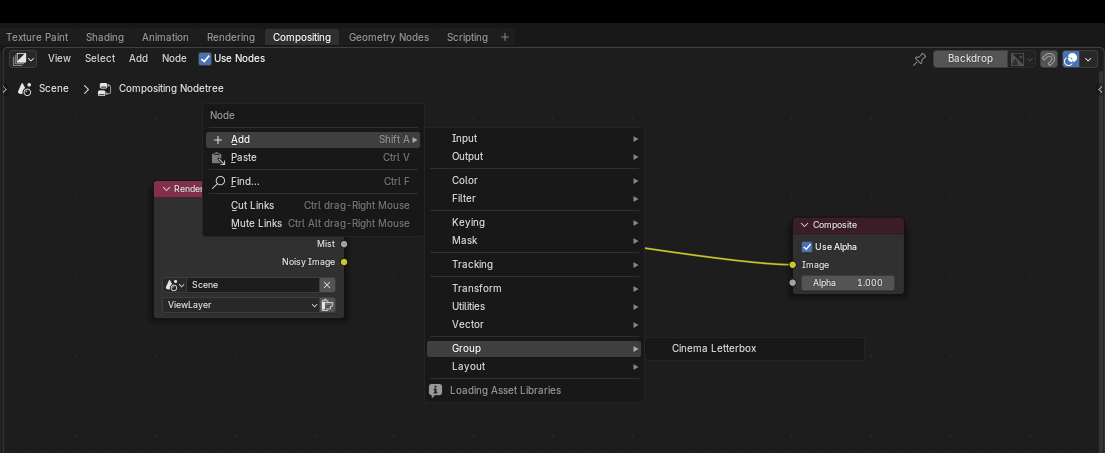
Select Cinema Letterbox.
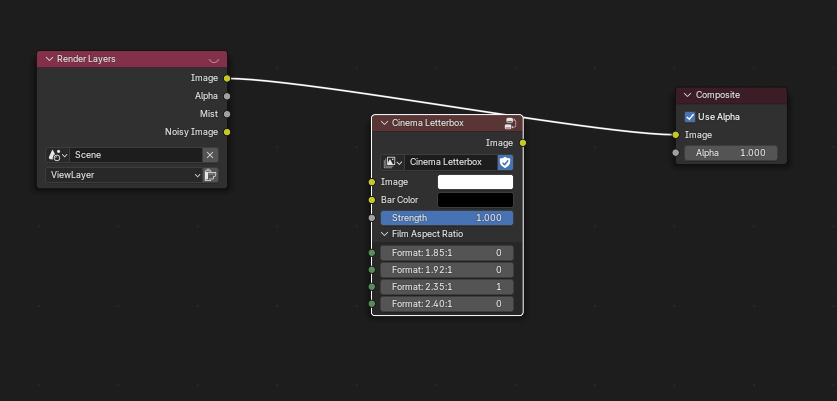
This will bring up the node over your mouse cursor where you can drop it anywhere onto your workspace, including over the existing wires of your compositing network.
Recommended: We suggest using it at the end of your compositor chain, for maximum cinema effect.
Cinema Letterbox Node Options
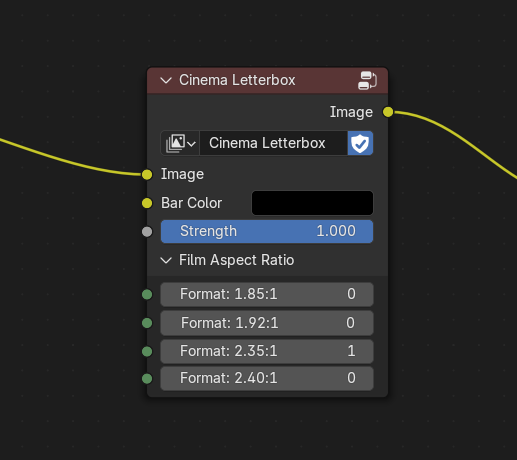
Inputs:
Image - The incoming image from the compositor chain.
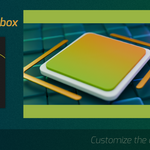
Bar Color - The color of the cinema bars for the effect. You can use the color picker or a separate RGB input node to select a custom color. Default: Pure black.
Strength - Change the effect opacity.
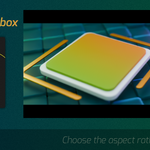
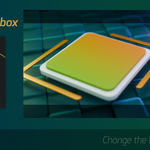
Film Aspect Ratio - Selection of on/off toggles for popular film format sizes.
- Activate the effect for a given format by using the slider (0: OFF, 1: ON).
- As you go down, turning on a larger format ratio supersedes and overtakes any previous format. You will see the bar size "grow".
Outputs:
Image - The final resulting image, which adds the letterbox cinema bars to your composite image.
If all the toggles or strength are set to 0, you will see no bars, equivalent to the effect being off, or the node being muted.
Have questions about this product?
Login to message
| Blender Extension Compatible | Yes |
| Published | about 1 year ago |
| Blender Version | 3.5 - 4.5 |
| Extension Type | Add-on |
| Render Engine Used | Cycles, Eevee |
| License | GPL |
