Cinematic Lighting In Blender
 Creative Shrimp





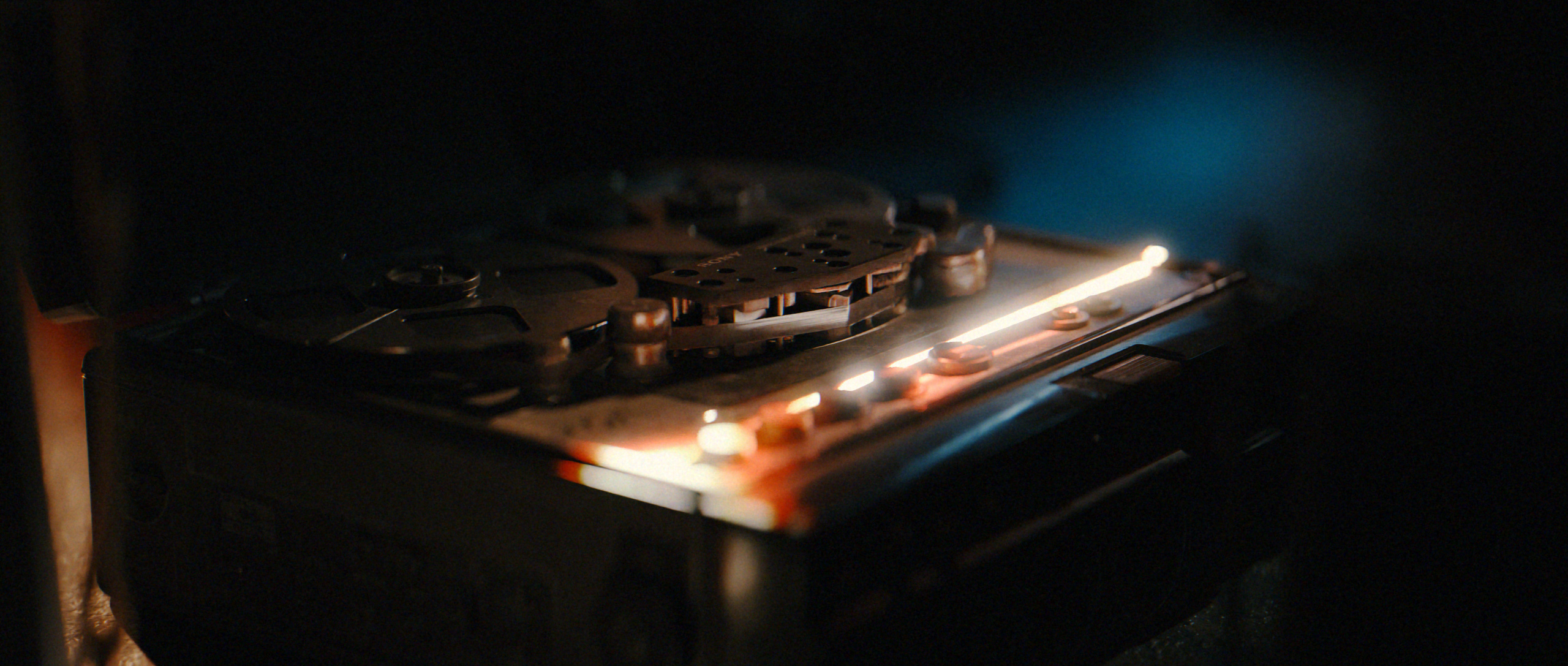

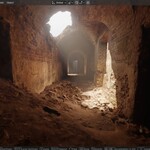

We have revamped, reworked and replaced chapters to keep the course up to date and v5.x ready. Feel free to use the latest blender version, most of the blends were saved in v5.0 and have been tested in v5.1beta.
We would recommend having at least some basic understanding of Blender before enrolling in the course.
The absolute minimum of Blender experience would be to make sure you have a familiarity with the user interface, resizing and switching the window layout around, knowledge of the most common shortcuts and have completed one or two short and basic modeling tutorials.
A couple of good free resources available to all can be found here…
Grant Abbitt’s Blender 5.0 Beginner Course on Youtube
Born CG’s Blender 5.0 From the ground up Playlist on Youtube
Everything has been tested using VLC, so while everything should play fine on all players, if in doubt give this awesome free player a try....
Yes! Use this link here to get your invite to our Creative Shrimp Discord channel:
https://discord.gg/nNReRkzWsh
Creative Shrimp email: http://www.creativeshrimp.com/contact
Creative Shrimp Discord Invite: https://discord.gg/nNReRkzWsh
Gleb's Twitter: https://twitter.com/gleb_alexandrov
Aidy's Twitter: https://twitter.com/AidyBurrows3DThe Blender Market can send you an invoice and then deliver the gift to any given email; in order to claim the gift the recipient will need to create an account with that same email.
Yes, all videos will have subtitles (English), manually edited.
We use almost all pure vanilla Blender throughout this course. It is worth noting also that much of the theory on lighting can apply to any 3D software.
There are a couple of instances where we make mention of external freely available addons/blender builds.
Rendering does require reasonable hardware, if in any doubt check out Blender’s own recommended minimum specs here.. https://www.blender.org/download/requirements/The license for the assets and shaders fall under the ‘Standard Royalty Free License’ except where stated otherwise (usually CC0). For more information please visit this link.
Upon purchase you’ll be given download links. If you need to download at a later time then simply create an account with the same email used to purchase and the downloads will be available on your Account page: https://superhivemarket.com/account
Sure. We’re happy to report that Superhive has a 30 day money back guarantee. Just shoot an email to [email protected] and ask for a refund.
-
$65
Full access to all videos and project files.
-
$130
Exactly the same as 'Individual' but with a multi-seat license to cover complete studio access.
Have questions about this product?
Login to message
| Sales | 3900+ |
| Rating | 23 ratings |
| Published | almost 4 years ago |
| Blender Version | 3.3 - 5.1 |
| License | Royalty Free |
Discover more products like this
eevee gleb alexandrov blender tutorials creative shrimp cinematic Lighting course loveblender blender photorealism Cycles