Cinematic Product Studio
 gigirenders

Quick Start Guide
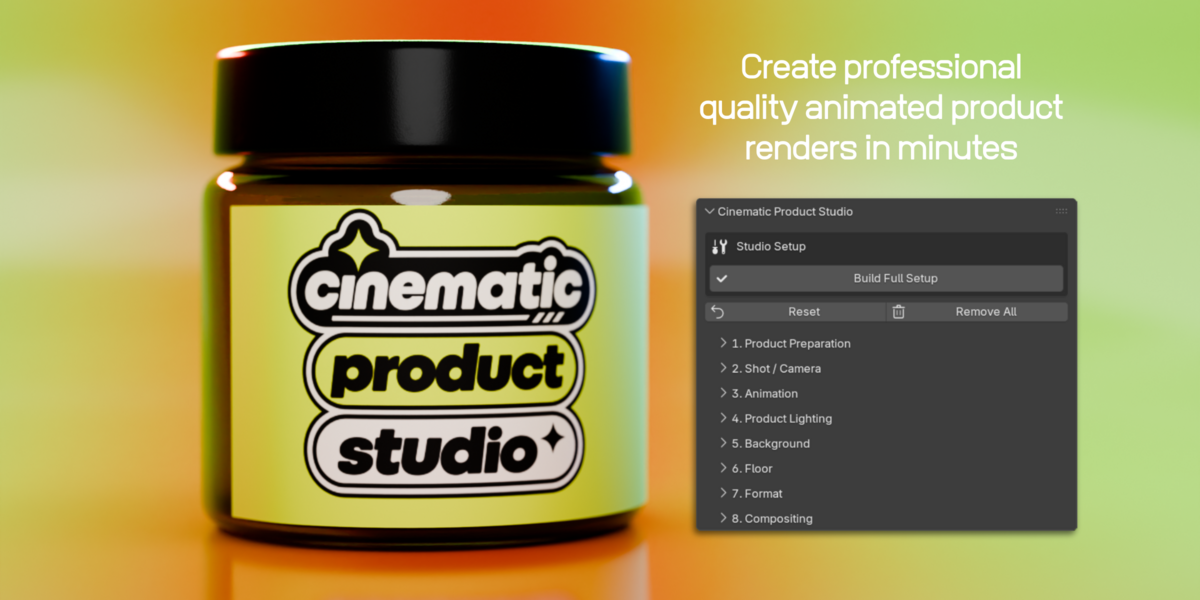
Install Cinematic Product Studio and build your first product scene in just a few steps.
✦ ───────── INSTALLATION ───────── ✦
Go to Edit → Preferences → Extensions.
Select the Cinematic Product Studio ZIP file. Do not unzip it first.
Make sure the extension is enabled in your installed extensions list.
In the 3D Viewport press N and open the Cinematic Studio tab.
Select the product objects you want CPS to control, then use Product Preparation → Prepare Product.
◆ ───────── BASIC WORKFLOW ───────── ◆
| 01 Product PreparationSelect your product and prepare it first. |
02 Shot / CameraChoose your framing, lens, padding and depth of field. |
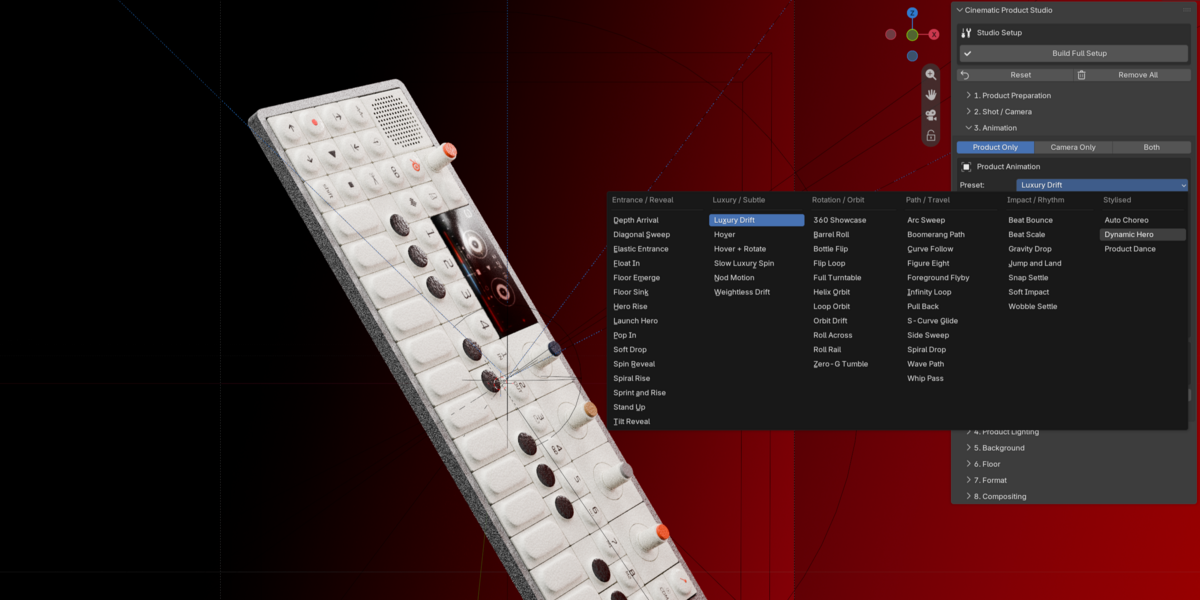
| 03 AnimationPreview a preset, then apply product and camera motion. |
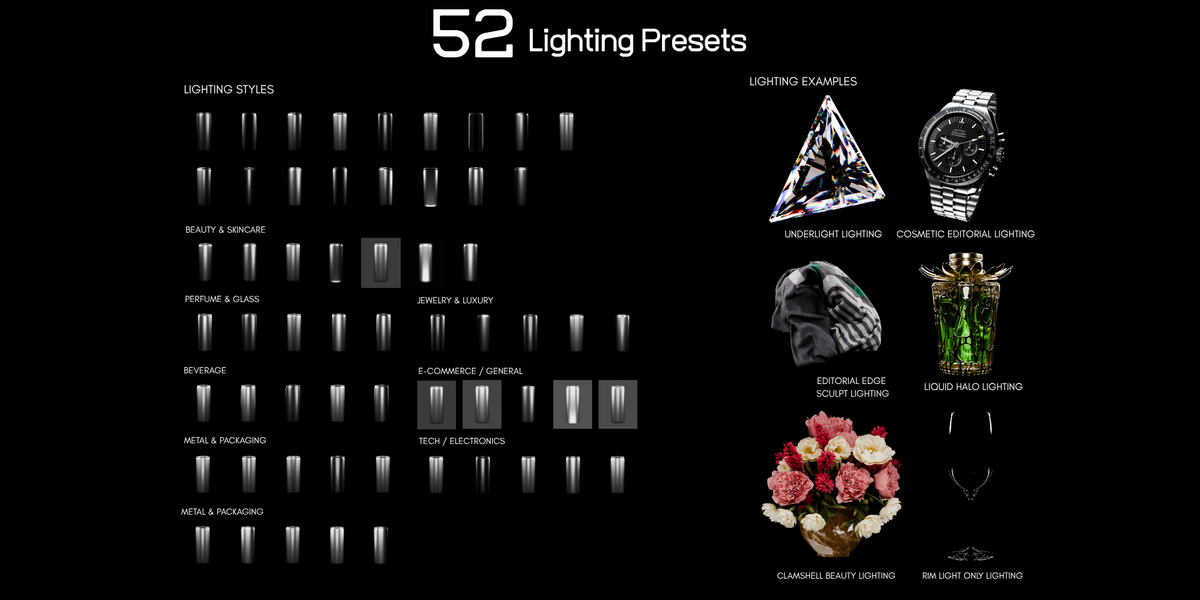
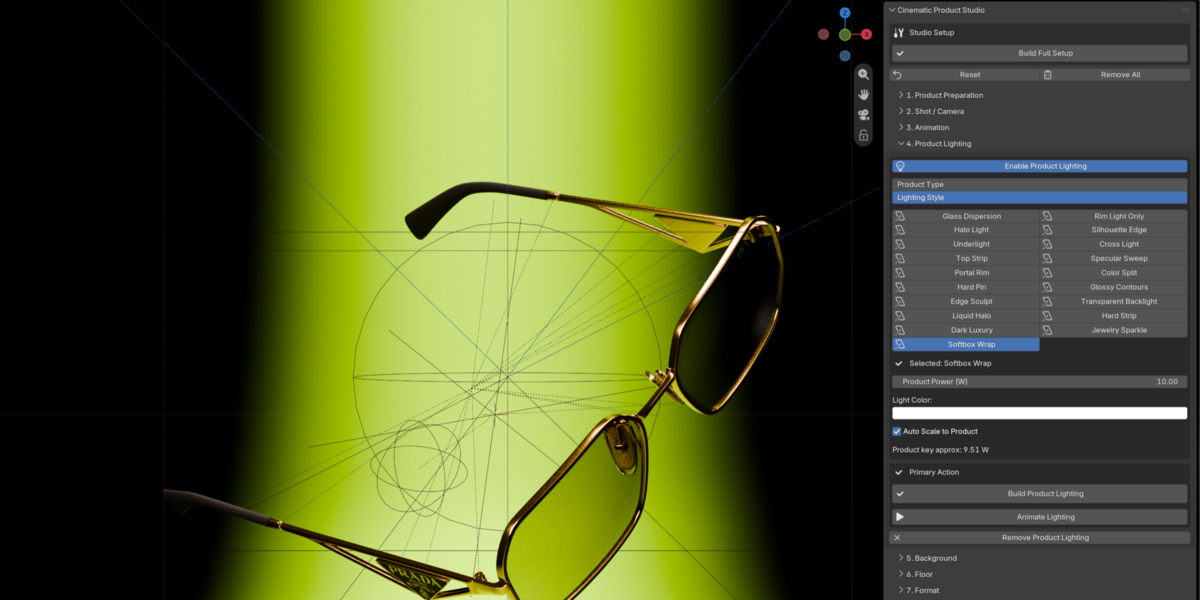
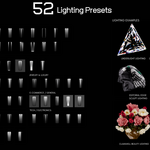
04 Product LightingChoose a preset and refine power and colour. |
| 05 BackgroundBuild a Cyclorama, 360 Studio or Image Background. |
06 FloorAdd and style a floor when your shot needs one. |
| 07 FormatSwitch between 9:16, 4:5, 1:1 and 16:9. |
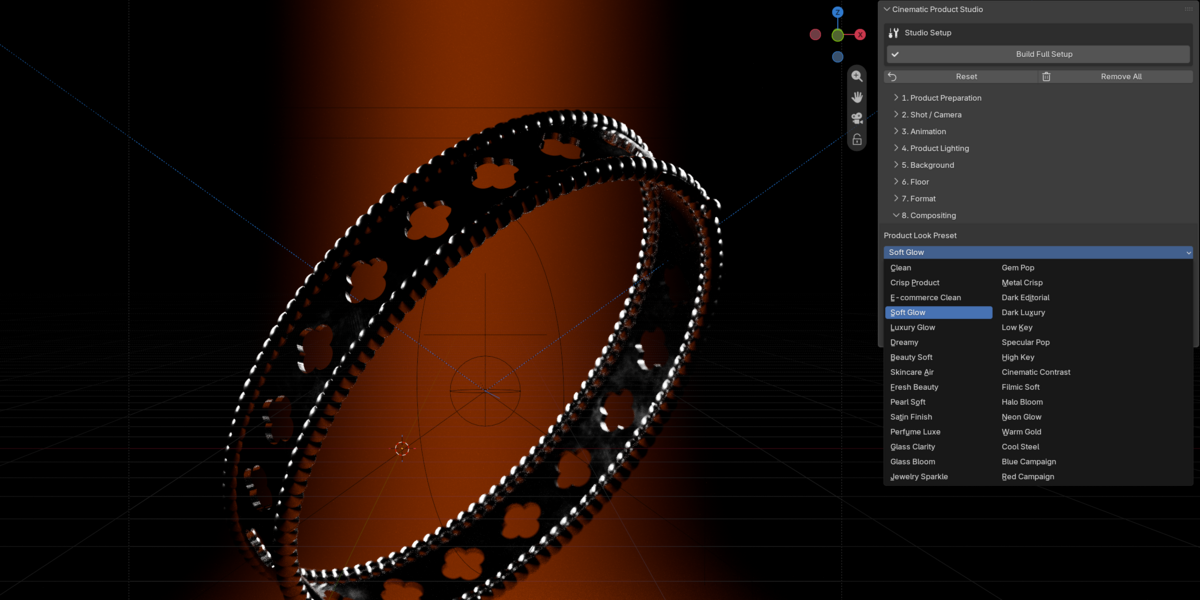
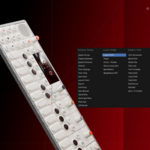
08 CompositingApply a finishing preset and refine the result. |
✦ ───────── 30-SECOND SETUP ───────── ✦
01. Select product → Prepare Product
02. Click Build Full Setup
03. Choose your camera shot and framing
04. Pick a Product Lighting preset
05. Choose your Background and Floor
06. Preview or apply an Animation preset
07. Apply Compositing and render
✧ ───────── USEFUL CONTROLS ───────── ✧
Camera Padding
Use negative values for tighter macro framing and intentional product cropping.
DOF_Empty
Move the focus empty manually when you want precise depth-of-field placement.
Preview Motion
Test product animation before permanently applying it.
Live Controls
Once a section has been built, many CPS controls update the scene live as you adjust them.
Cameras, lights, animation, materials, backgrounds and effects can still be edited normally inside Blender.
✦ ───────── VIDEO TUTORIAL ───────── ✦
Watch the full Cinematic Product Studio tutorial for a complete walkthrough.
Watch Tutorial ↗◆ ───────── COMPATIBILITY ───────── ◆
Recommended: Blender 5.2
Developed and tested primarily in Blender 5.2.
✦ ───────── UNINSTALL ───────── ✦
Go to Blender Preferences → Extensions, find Cinematic Product Studio and disable or uninstall it.
Gigi Renders · V1
Have questions about this product?
Login to message
| Blender Extension Compatible | Yes |
| Published | 3 days ago |
| Blender Version | 4.5 - 5.2 |
| Extension Type | Add-on |
| Render Engine Used | Cycles, Eevee |
| License | GPL |

Discover more products like this
3d product animation animation preset 3d product visualization compositing preset Blender product lighting Lighting preset