Cinepack: Pre-Animated Camera Moves
 Lewis Martin


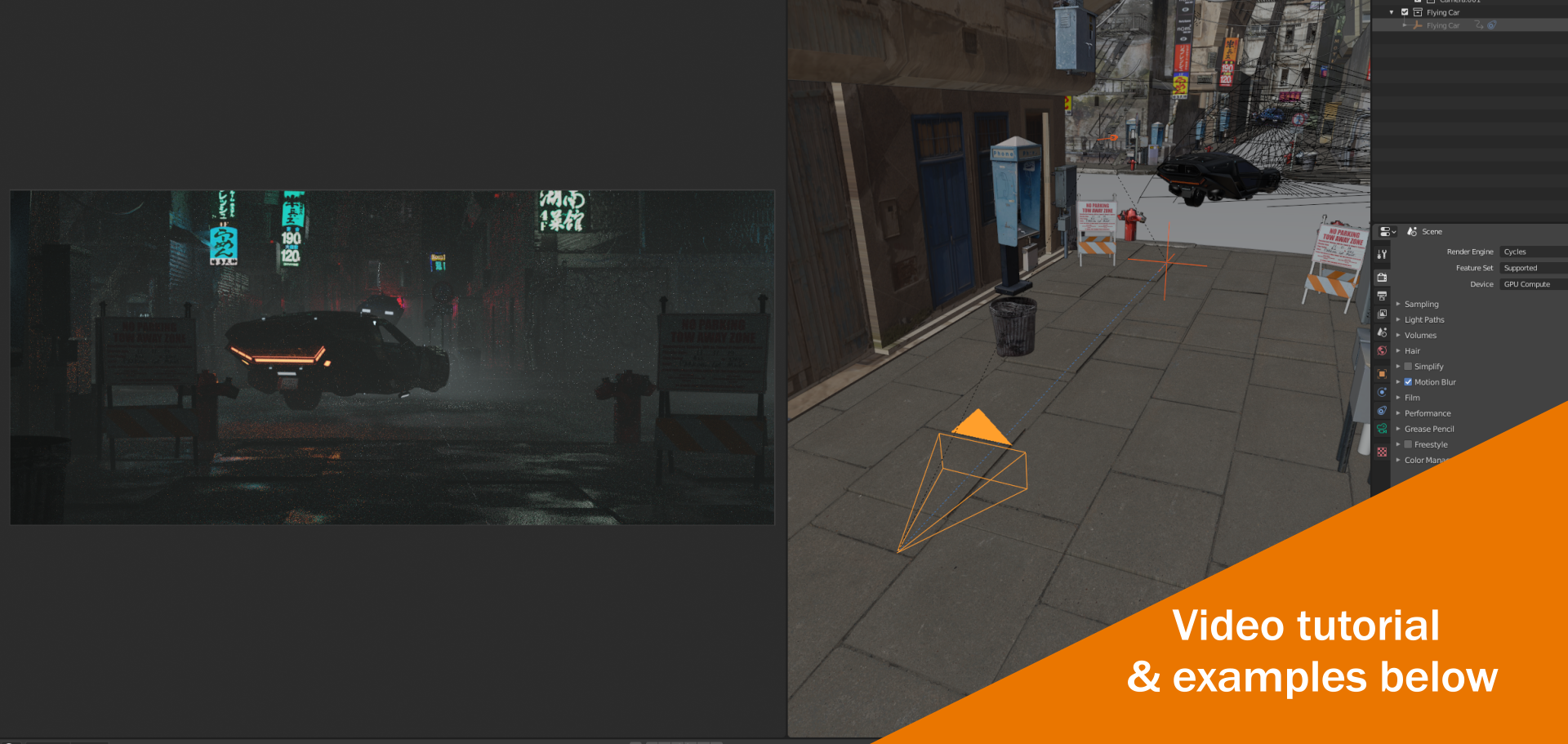
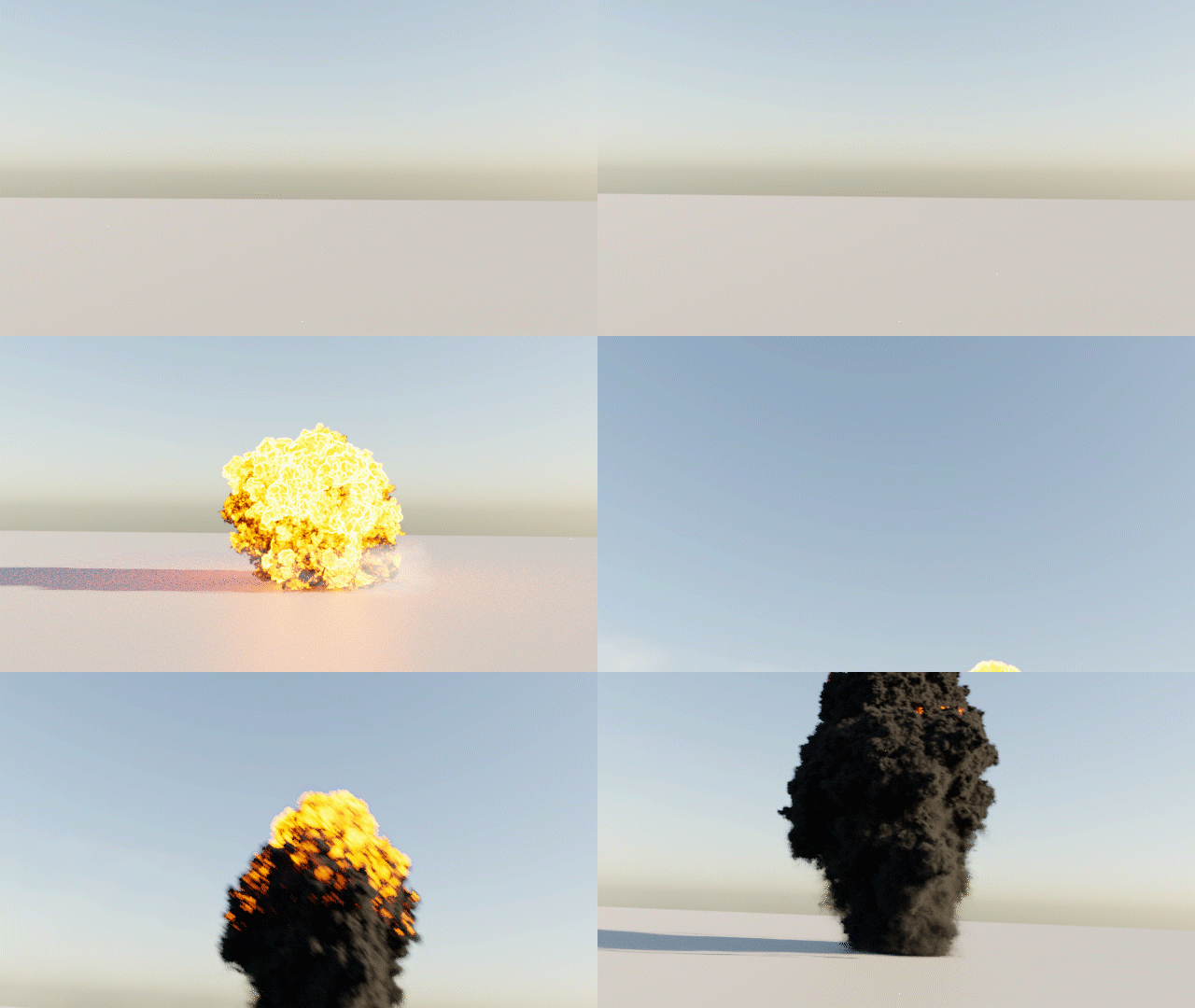




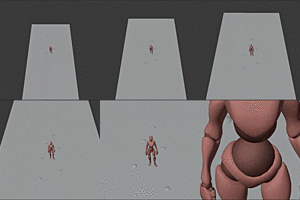

YES! Simply click on the arrow attached to the camera rig and move, rotate and scale to your hearts content!
Once downloaded from Blender Market, unzip the Cinepack.ZIP and inside you will see the assets folder and another zip file called 'addon.zip'
Open Blender > edit > preferences > addons > install
Then choose the 'addon.zip' to install to Blender
After you'll see a Cinepack tab, ensure that the check box is selected.
Under preferences you'll see 'Select Cinepack Folder' -- click the folder then choose the 'Assets' folder as the directory.
Save preferences.
That's it! You should now see Cinepack as a tab when you hit N on the right hand side.
Easy!
Simply choose from the 10 categories in the Cinepack addon user interface, then hit IMPORT -- it's that easy.
Click on a camera move you want to use and hit the 'Preview' button within the Cinepack addon user interface to view in your systems default Image Viewer
Simply click on either the camera or the cross-hair and move the keyframes around until the desired speed is achieved
Have questions about this product?
Login to message
| Sales | 3900+ |
| Rating | 46 ratings |
| Dev Fund Contributor | |
| Published | almost 6 years ago |
| Blender Version | 3.5 - 5.2 |
| Render Engine Used | Blender-Internal, Blender-Game-Engine, Cycles, Eevee |
| License | GPL |

Discover more products like this
ultimate animation spring23 bcon22 cinematography bfcm21 Blaze Add-on product bfcm22 First person summer21 Blaze summer23 cinepack filmmaking cinema bfcm23 summer22 animator spring22 rig moves filmic winter24 film camera pre-animated motion loveblender pack spring24 film summer24 camera bfcm24 FPV