 Shahzaib A.
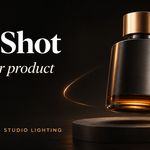
PRODUCT CAMERA MOTION & STUDIO LIGHTING FOR BLENDER
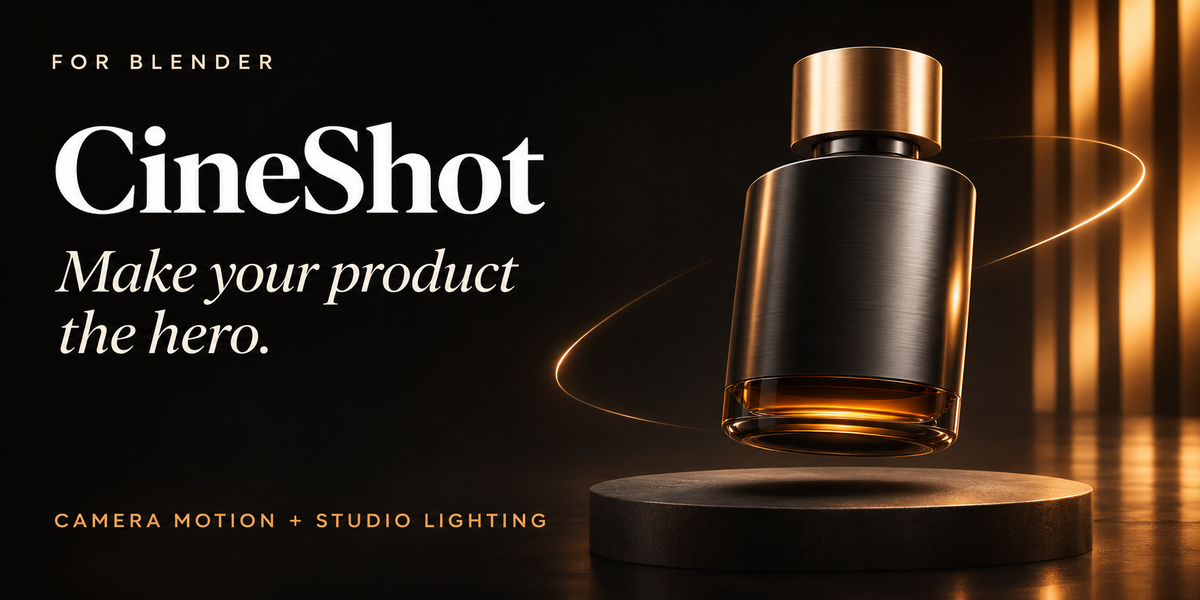
CineShot
Make your product the hero.
Turn the product already in your scene into an animated studio shot. Choose a camera move, shape the framing, and build the lighting from one Blender sidebar.
23 camera presets · 9 lighting setups · 5 output formats
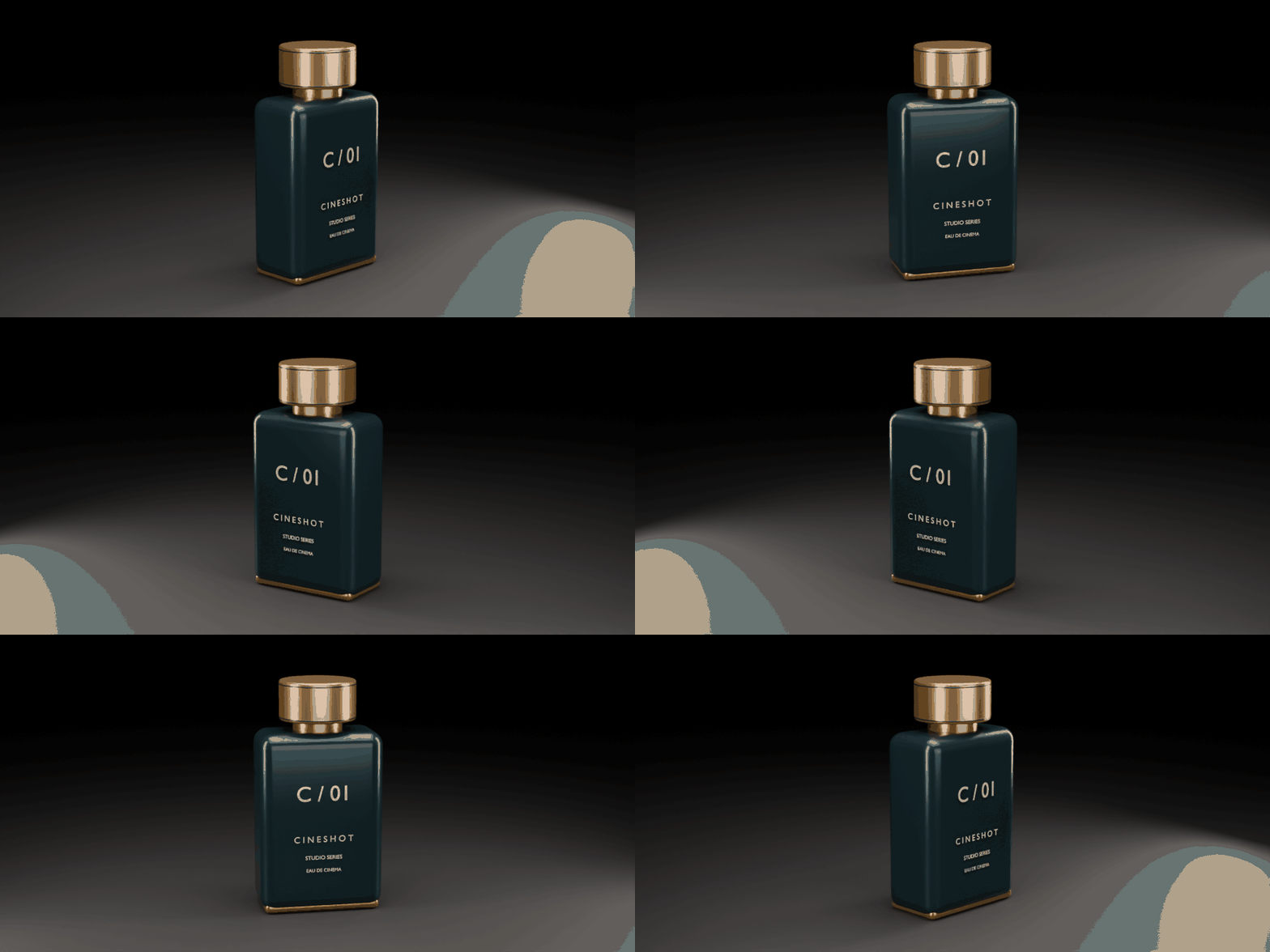
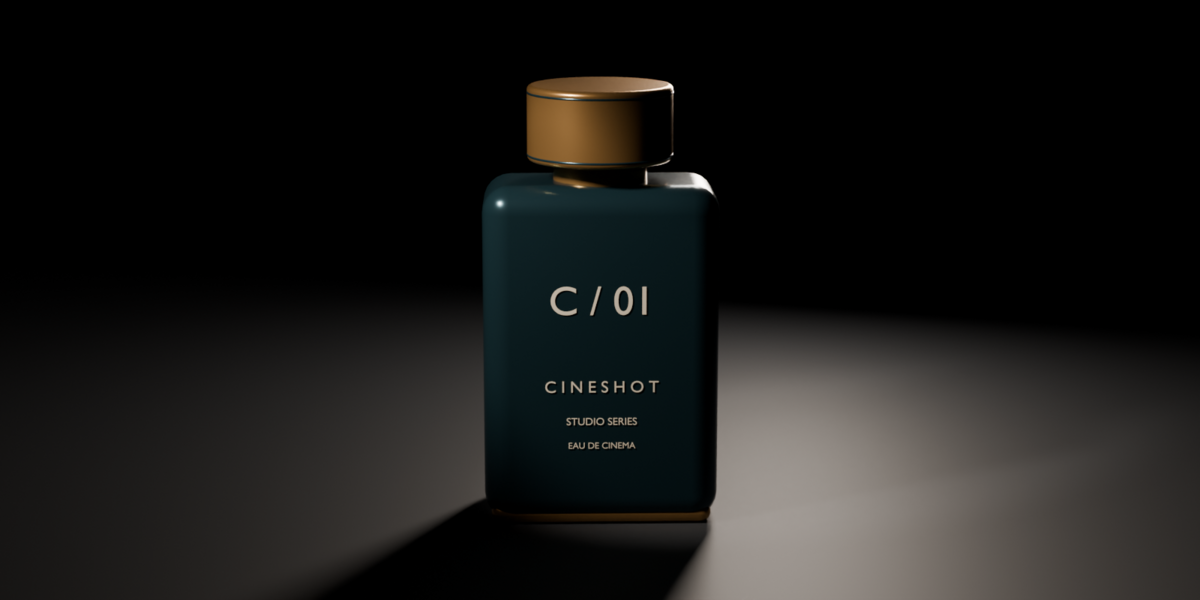
HERO ARC / Actual Blender render. This repeating preview plays forward and backward.
01 / DIRECT THE CAMERA
Choose the move. Shape the shot.
Give a product a gradual reveal, a complete orbit, or a closer look at its details. Start with a preset, then refine the result without building every camera rig from scratch.
- Explore 23 camera presets: turntables, hero arcs, push-ins, dolly zooms, crane moves, sliders, rack focus, and floating drift.
- Control the motion: adjust duration, intensity, easing, direction, and start frame.
- Refine the composition: change elevation, rotation, frame fill, distance, aim height, focal length, and depth of field.
- Build on native Blender data: generated cameras, constraints, and keyframes remain available for further editing.
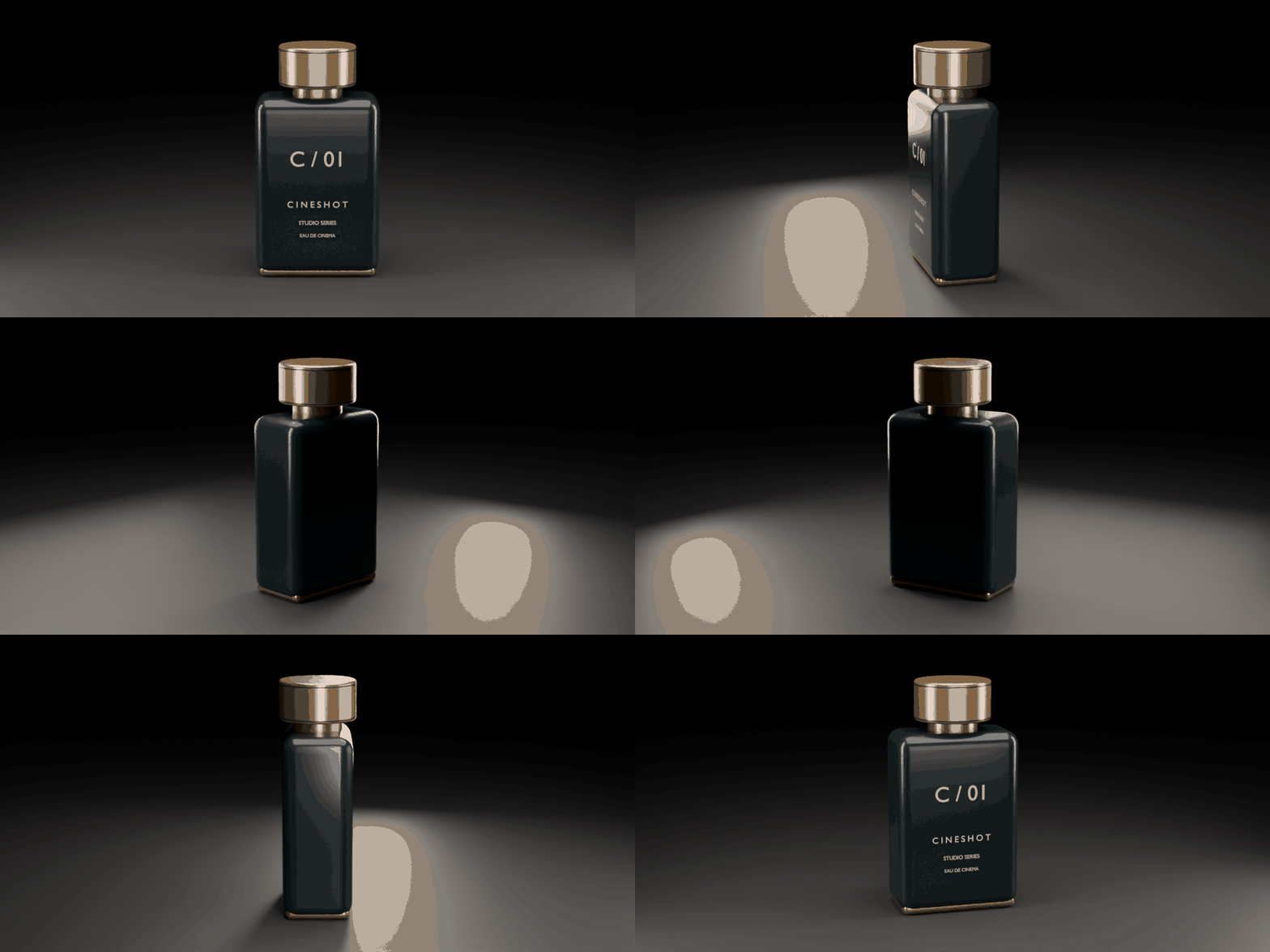
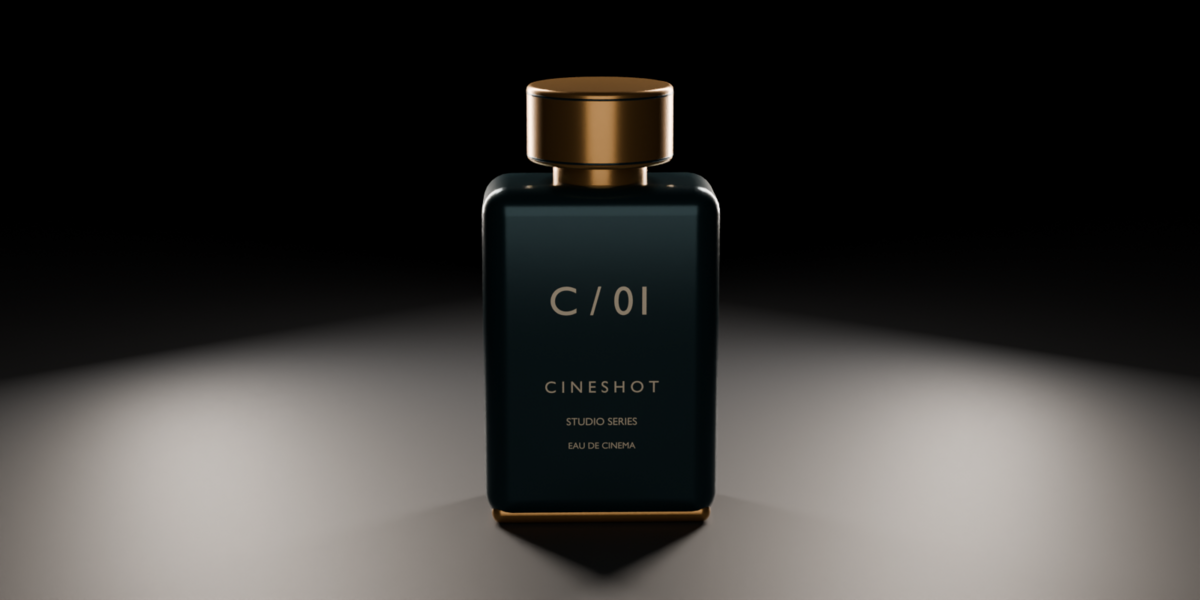
TURNTABLE 360 / An orbit around a stationary product. Actual Blender render.
02 / FIND THE LIGHT
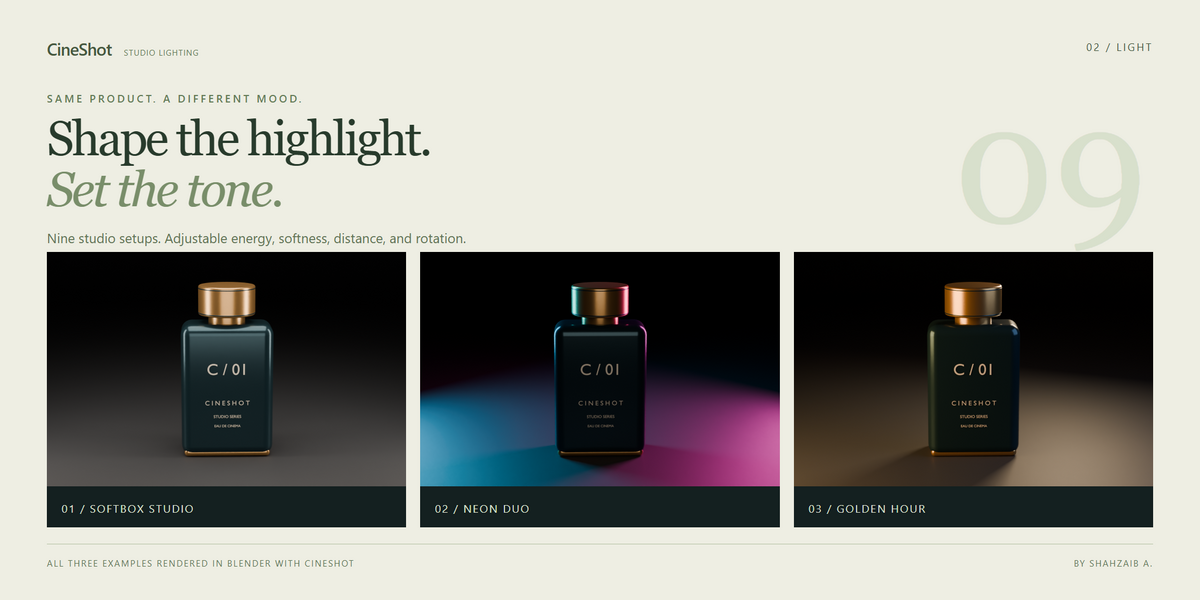
Same product. A different mood.
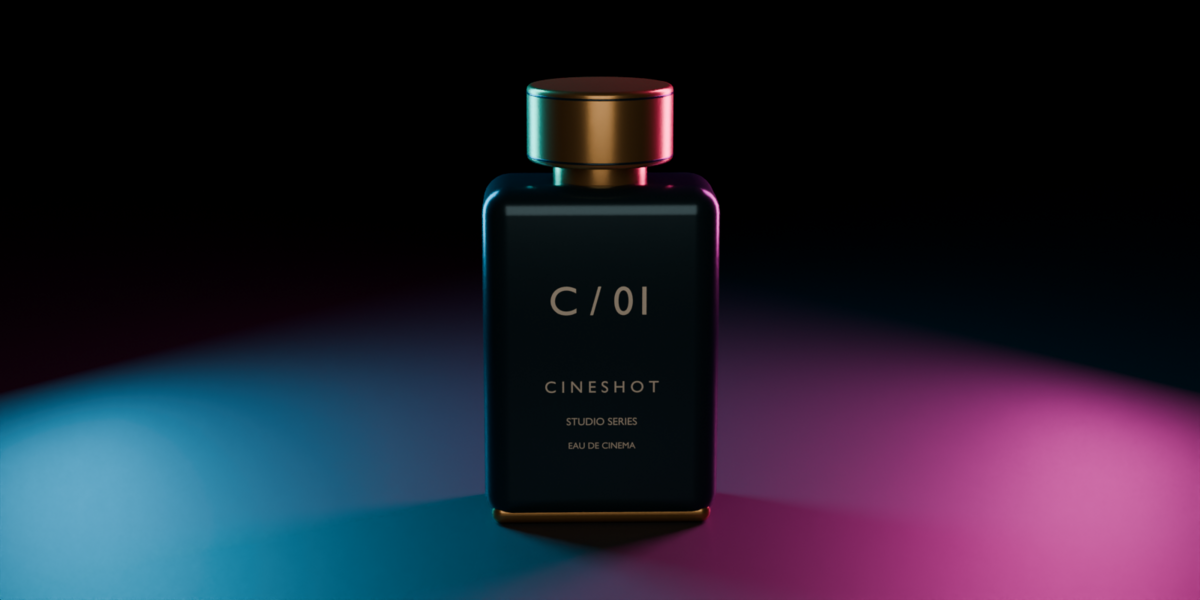
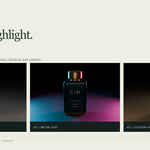
Build a subject-sized lighting rig, then refine the highlights to suit your material. Use broad softboxes, narrow reflection strips, dramatic rims, or colored accents.
Nine starting looks: Three-Point, Softbox Studio, Reflection Strips, Rim Edge, Low-Key Drama, High-Key Clean, Hero Spot, Neon Duo, and Golden Hour.
Adjust brightness in stops, softness, distance, rotation, and temperature. Enable Animate Sweep to move the lights and let highlights travel across a stationary product.
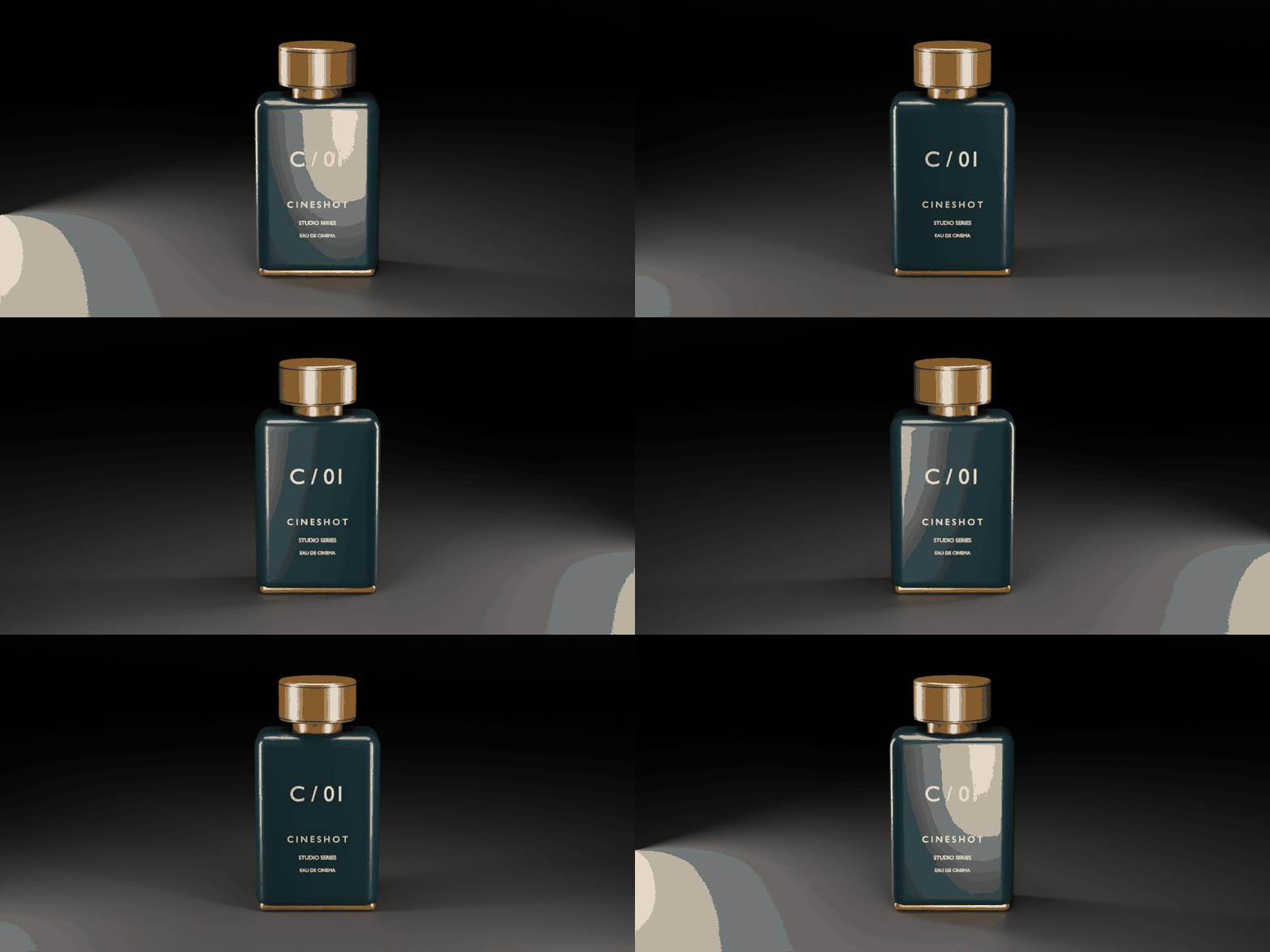
LIGHT SWEEP / Actual Blender render. This repeating preview uses a forward-and-reverse edit.
03 / KEEP THE GOOD TAKES
A camera look worth keeping.
Save named camera looks inside your .blend file. Reuse motion, framing, and lens settings while choosing a different subject.
Create more cameras with New Shot. Use Build Sequence to arrange unlocked shots in alphabetical camera-name order and create camera-bound timeline markers.
04 / FIND YOUR FRAME
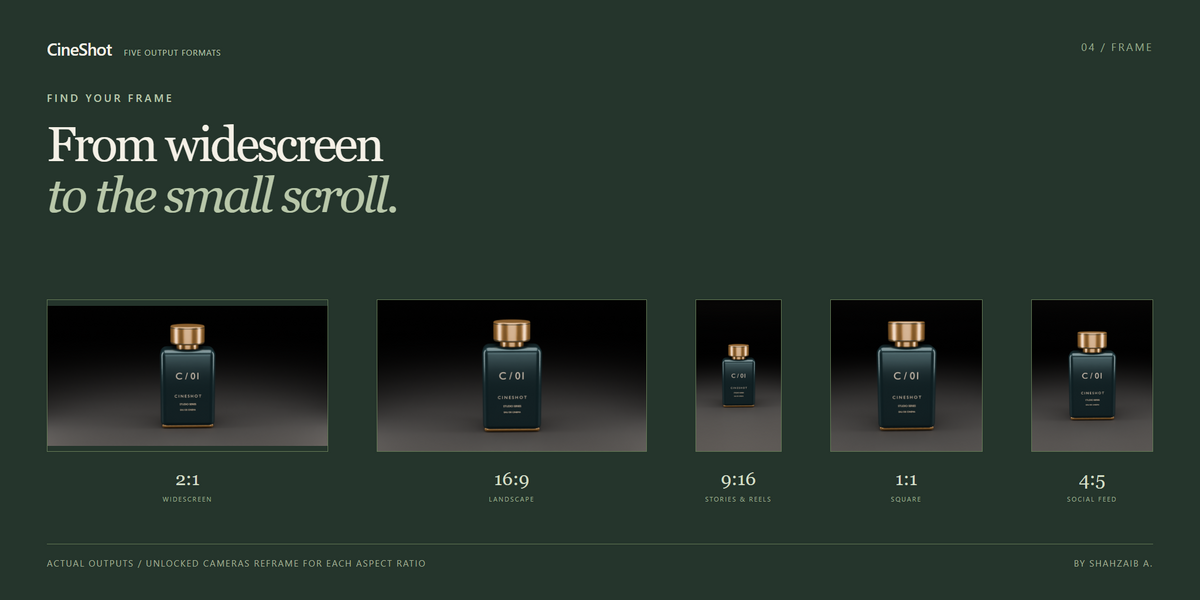
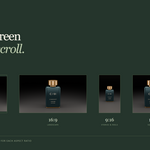
From widescreen to the social feed.
Frame selected objects, a collection, visible scene geometry, or the 3D cursor. CineShot measures the subject to place the camera and size the lighting rig.
2:1 · 16:9 · 9:16 · 1:1 · 4:5
Switch output format and rebuild unlocked shots for the new aspect ratio. Add a Studio Sweep or Round Cyclorama, then choose a Cycles or Eevee setup. Review the complete camera path and composition before rendering.
Your first shot in three steps
- Select your product. Include all the parts you want the camera to frame.
- Choose a camera preset. Preview the move and refine its motion and framing.
- Add the studio look. Choose lighting and a backdrop, select the output format, and render in Blender.
What you get
- CineShot 1.2 Blender extension.
- 23 camera presets and nine studio lighting presets.
- Subject framing, saved camera looks, shot sequencing, backdrops, and five output formats.
- Cycles and Eevee setup buttons.
- Quick start, manual, FAQs, and the included GPL-3.0-or-later license.
Good to know before you buy
- Compatibility: the extension manifest requires Blender 4.2 or newer. This release was verified in Blender 5.0.1 on Windows; other versions and platforms have not been reverified.
- Stationary subjects: framing is measured when a shot is built or refreshed. It does not continuously track an animated product.
- Manual edits: changing an unlocked shot's CineShot settings rebuilds its animation. Enable Lock Shot before hand-editing keyframes.
- Saved looks: camera settings are stored in the current scene. They exclude the subject, lights, and start frame.
- Scene lighting: existing lights remain active. Materials, world lighting, color management, and render engine affect the final result.
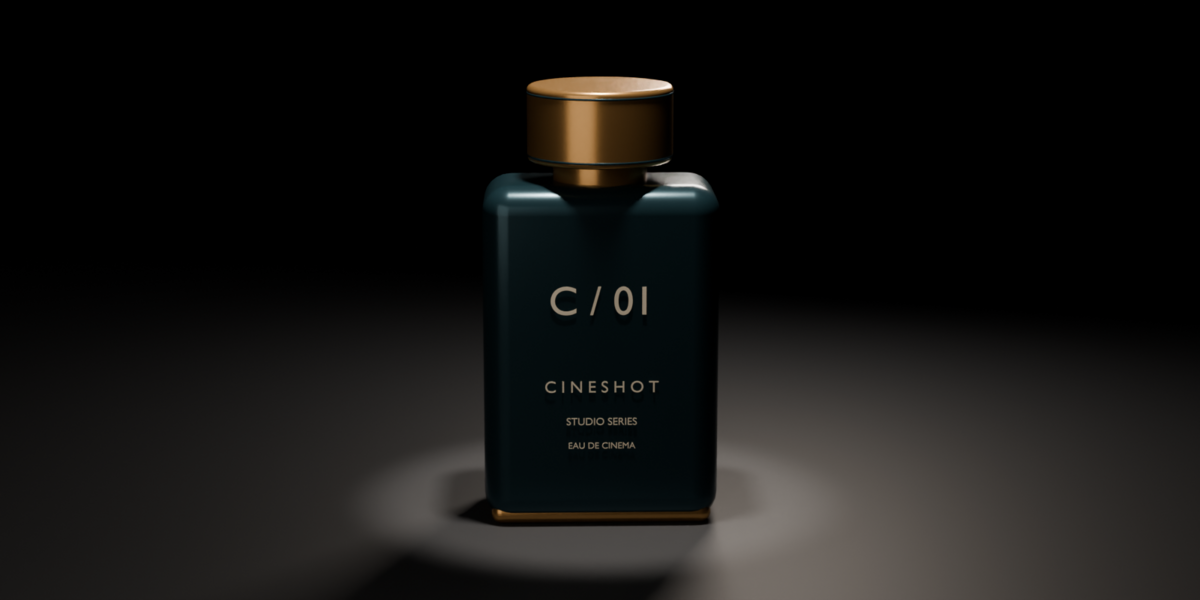
- Demonstration content: the GIFs show actual Cycles renders. The product model is a presentation example, not an included model library.
Your product. Its moment.
Camera motion and studio lighting, together in Blender.