 ZEG
Installation
In Blender open Edit, Preferences, Get Extensions, then use Install from Disk and pick the zip.
Usage
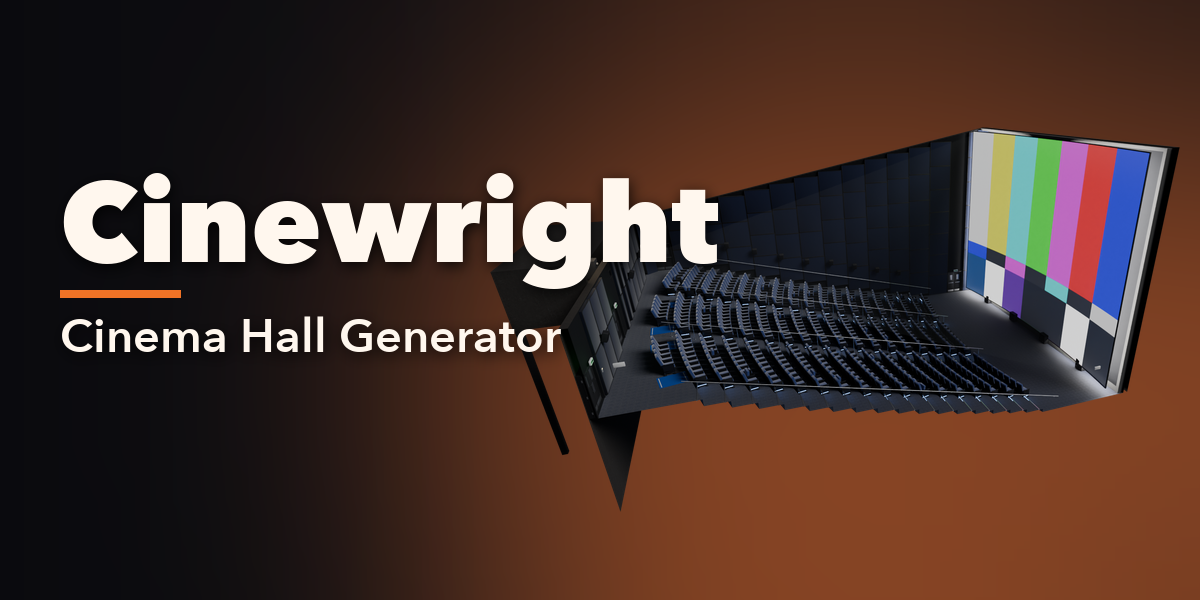
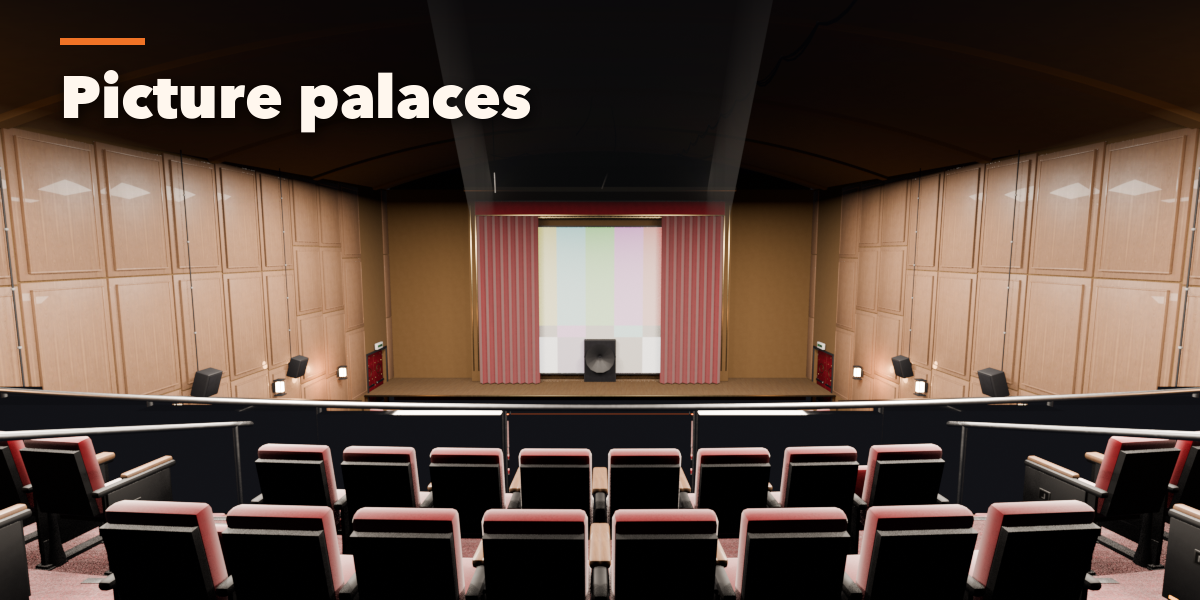
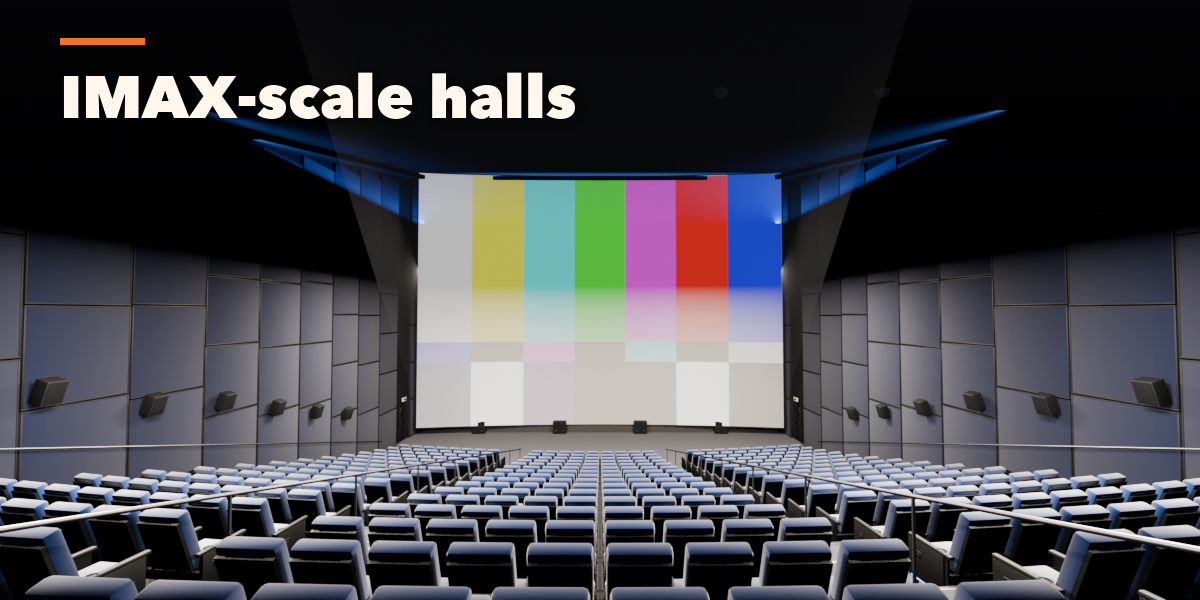
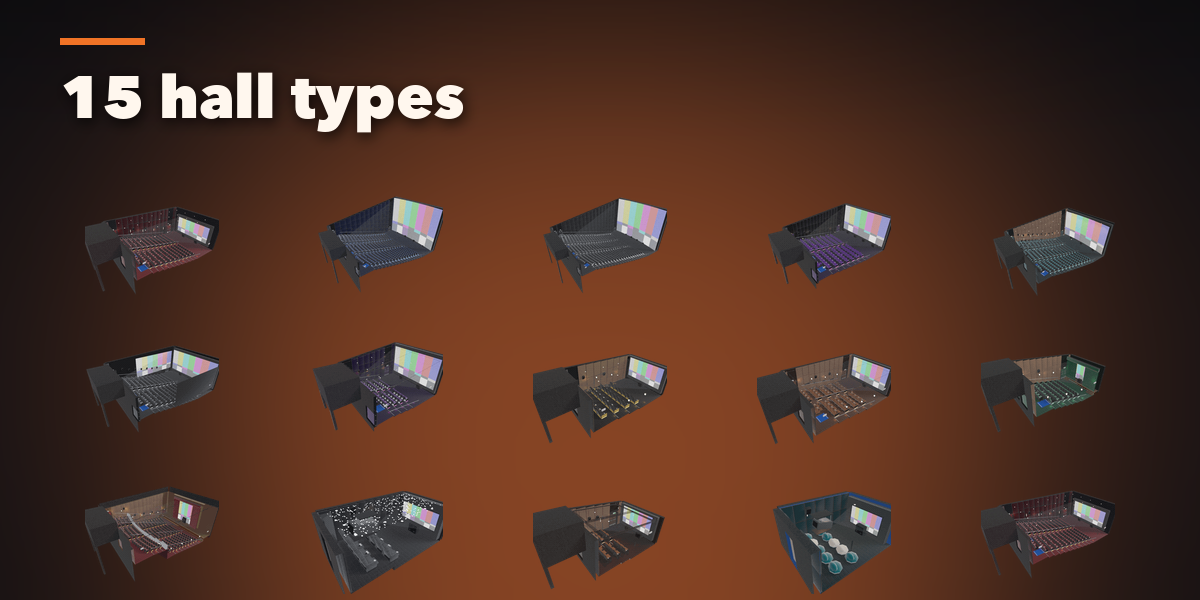
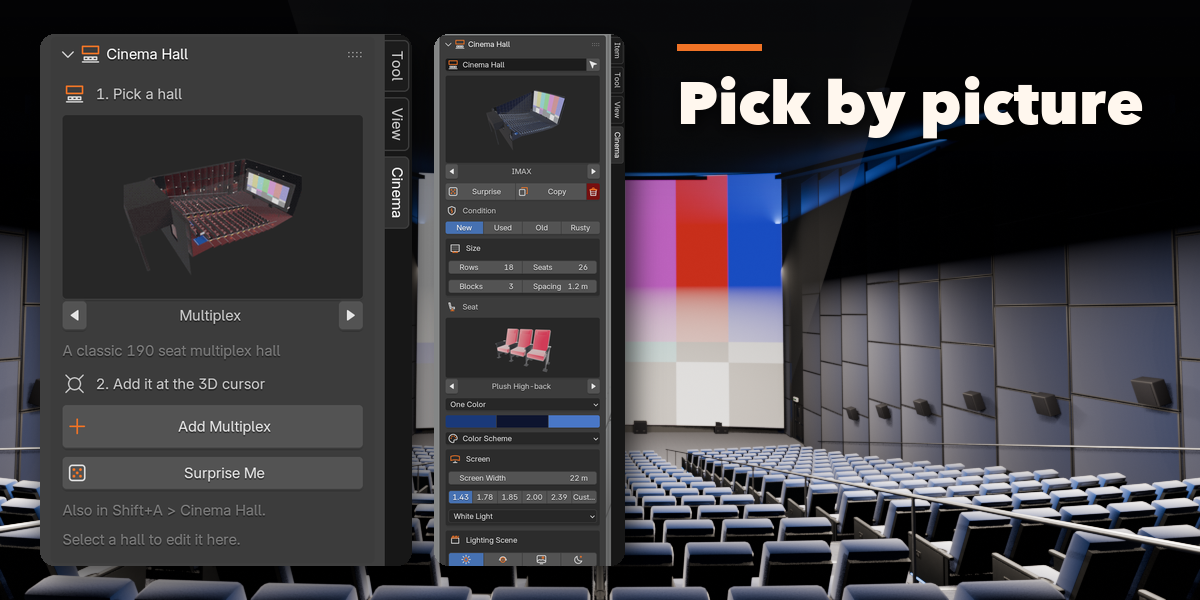
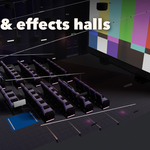
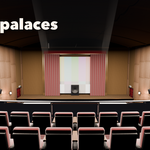
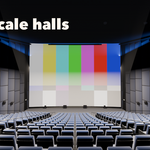
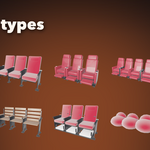
- Open the Cinema tab in the 3D viewport sidebar (N). With no hall selected, click the picture to choose one of the 15 hall types and add it at the 3D cursor, or use Shift+A, Mesh, Cinema Hall.
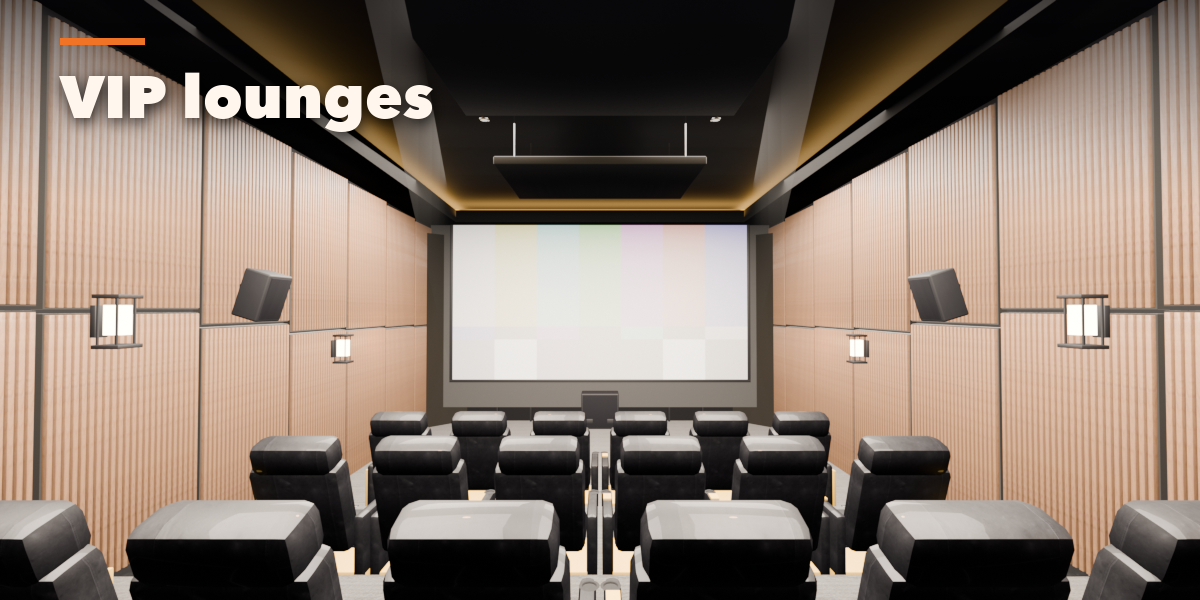
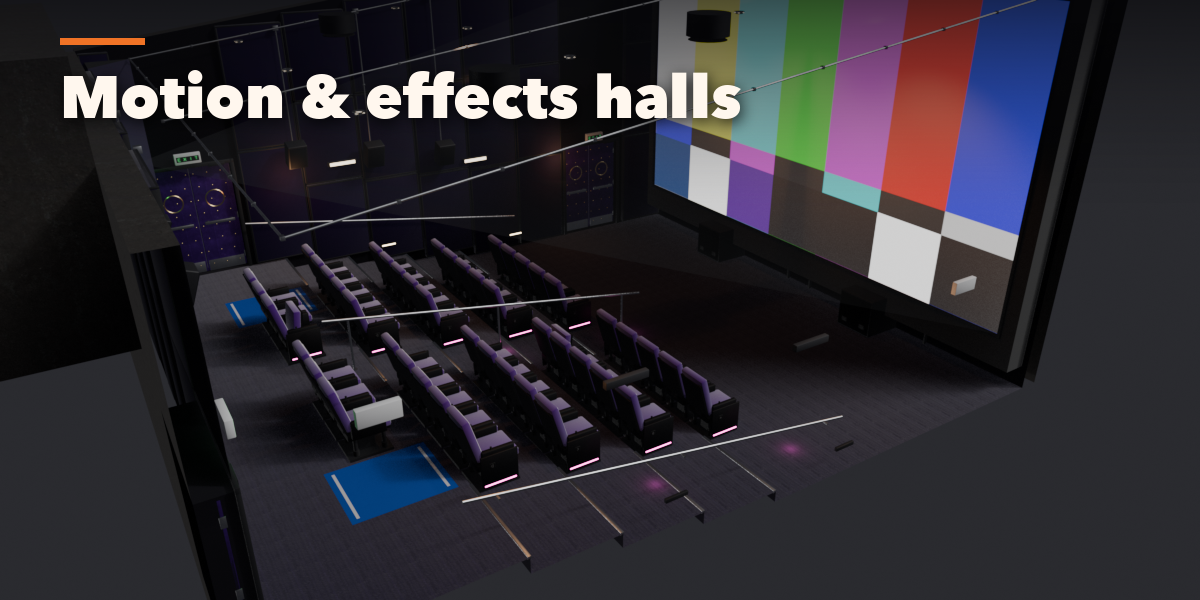
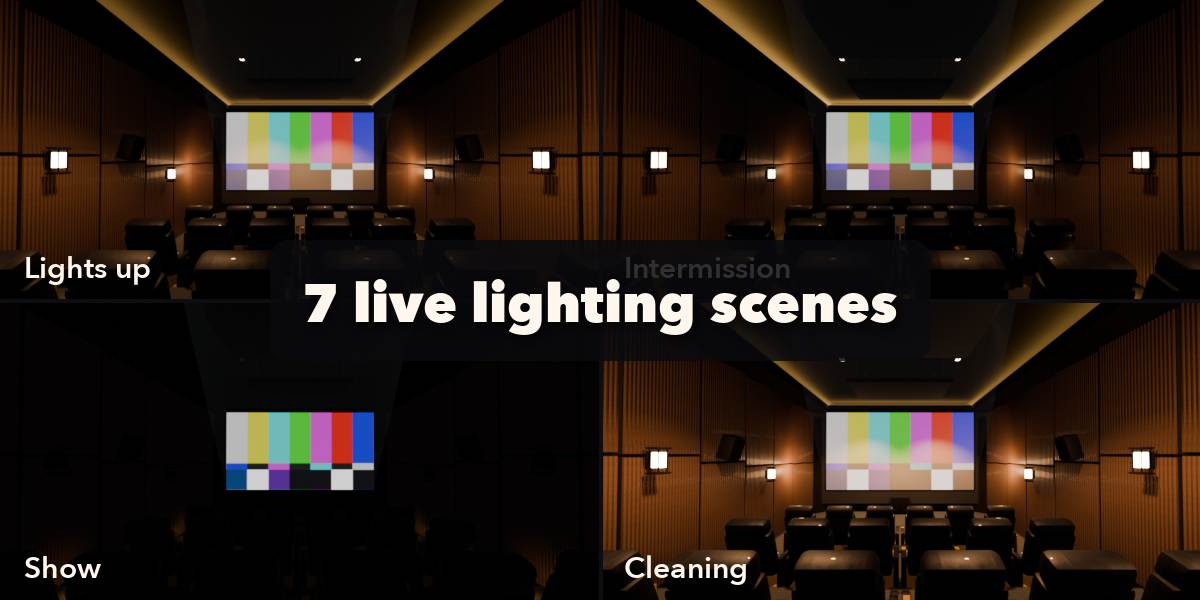
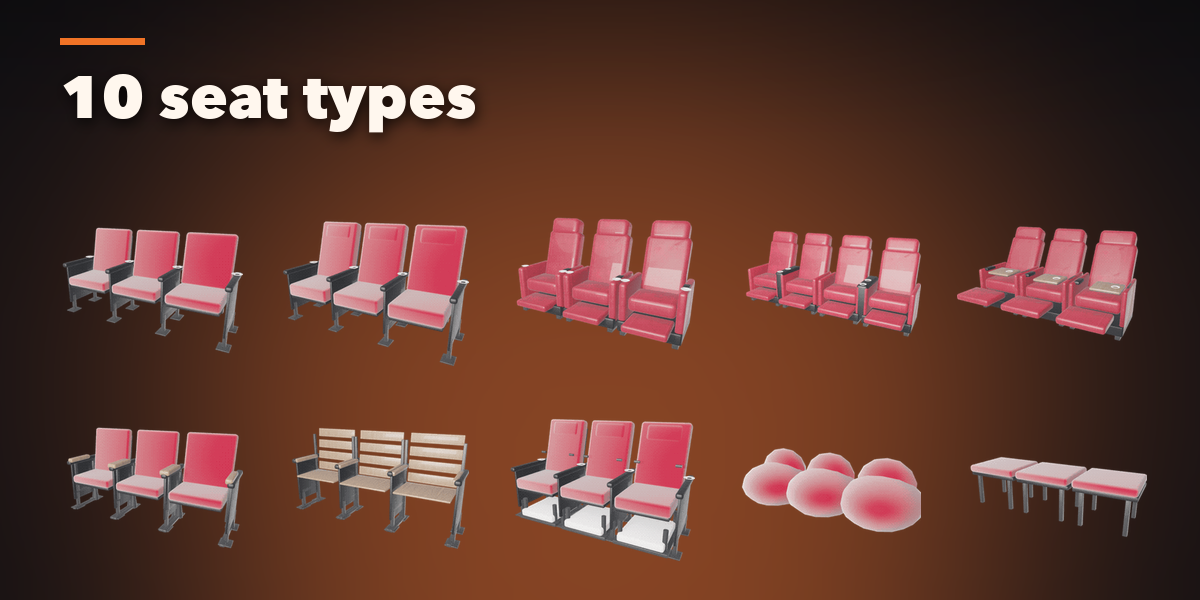
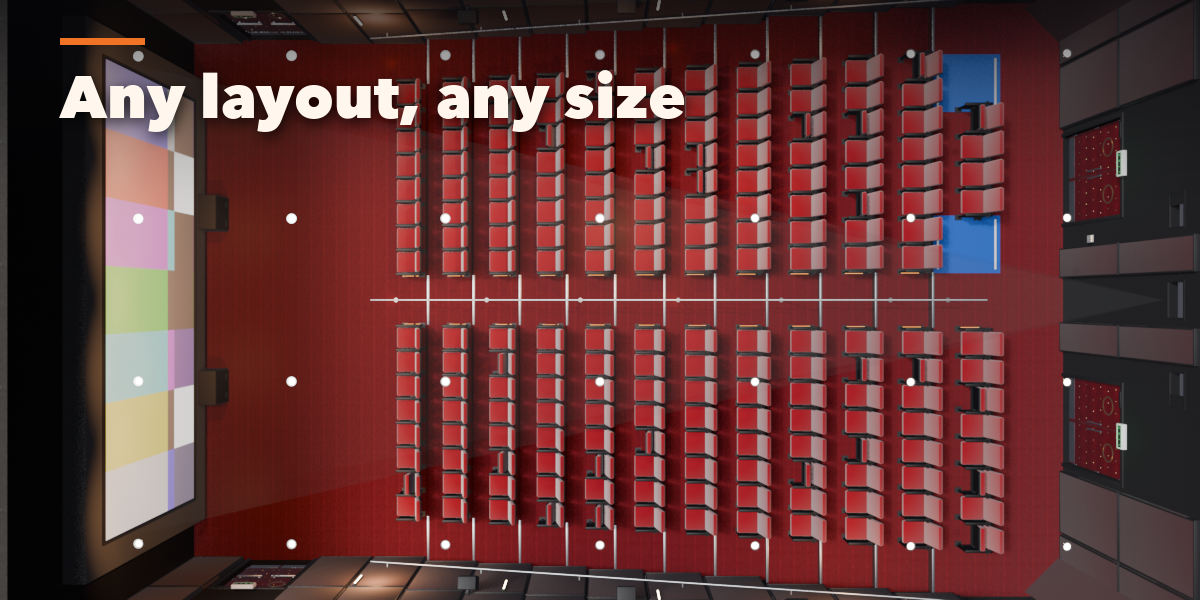
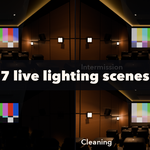
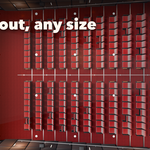
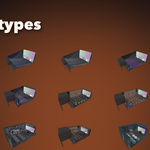
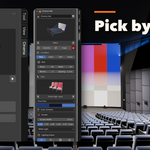
- The first page holds the main choices: hall picture, condition, rows and seats, seat type and colors, color scheme, screen size and ratio, and the lighting scene buttons. Surprise makes a random hall.
- The collapsible panels hold everything else: Hall and Layout, Seating, Screen and Stage, Walls and Acoustics, Sound, Projection, Doors, Cable Management, Lighting, Info and Tools.
- Use Cutaway View to see inside, or Info and Tools to add a seat camera.
Colors and lights respond instantly: the lighting scene buttons only retune the lights, they never rebuild the hall.
Have questions about this product?
Login to message
| Blender Extension Compatible | Yes |
| Published | 36 minutes ago |
| Blender Version | 4.2 - 5.2 |
| Extension Type | Add-on |
| Render Engine Used | Cycles, Eevee |
| License | GPL |

Discover more products like this
screening-room Interior procedural home theater seating Generator IMAX auditorium theatre cinema movie-theater acoustics