 ZEG
Installation
In Blender open Edit, Preferences, Get Extensions, then use Install from Disk and pick the zip.
Usage
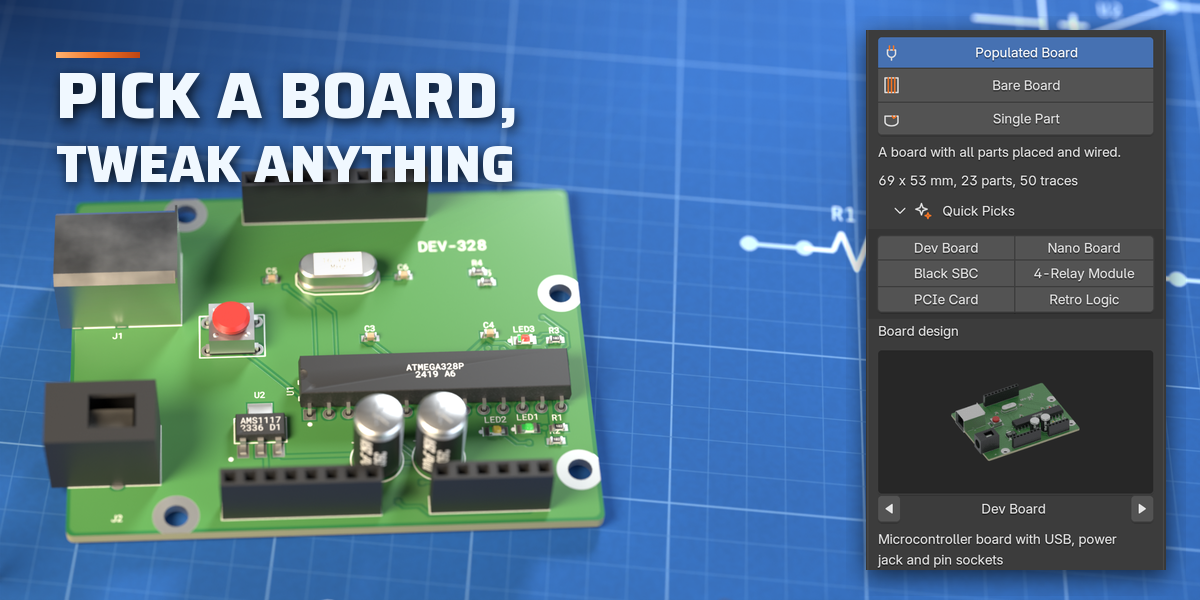
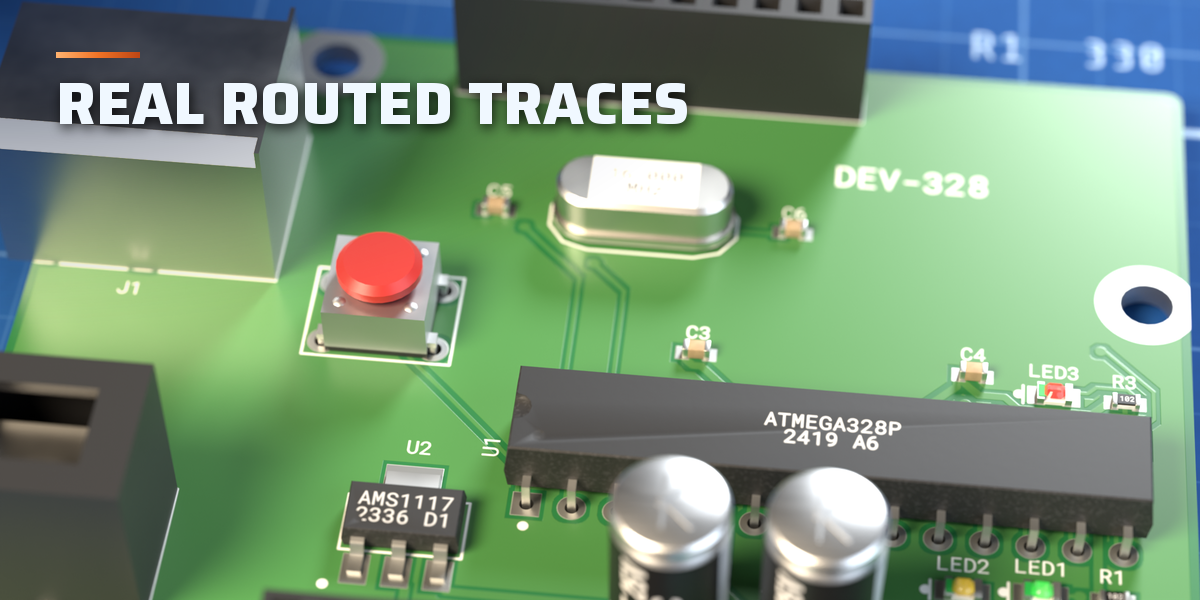
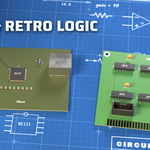
- Open the Electronics tab in the 3D viewport sidebar (N). With nothing selected it asks what you want to make: click Populated Board, Bare Board or Single Part, or pick one of the Ready-made Boards or Popular Parts buttons. The new design appears at the 3D cursor.
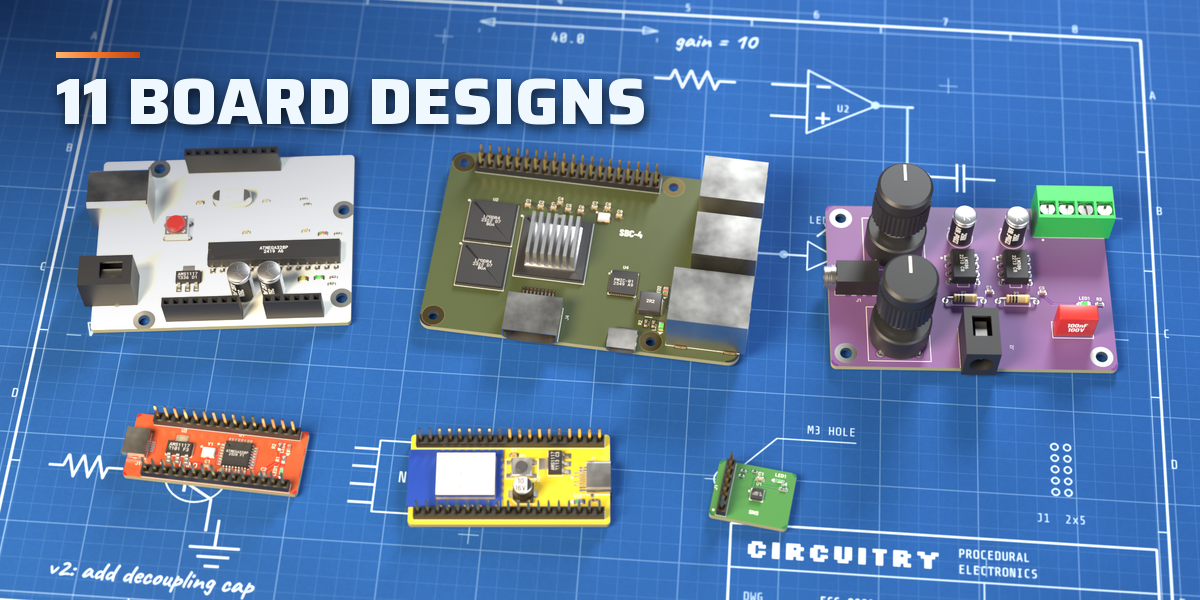
- Select the design to edit it. For a board, the quick picks switch to another board, the big picture opens the gallery of all 11 designs and the arrows step through them. Choose how crowded the board is: Sparse, Normal or Dense.
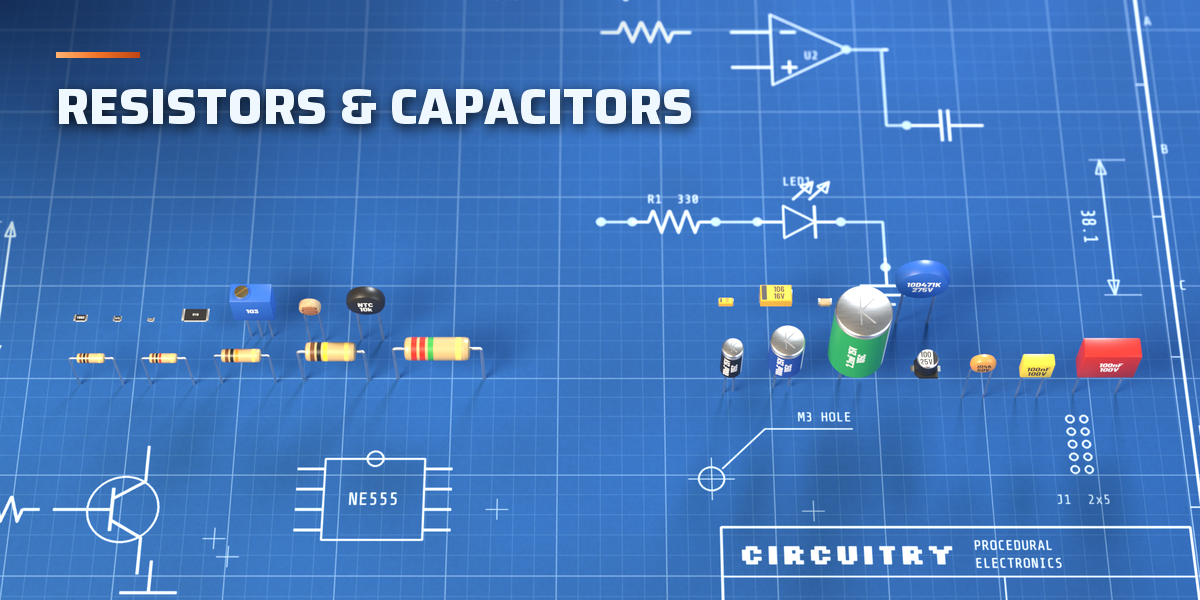
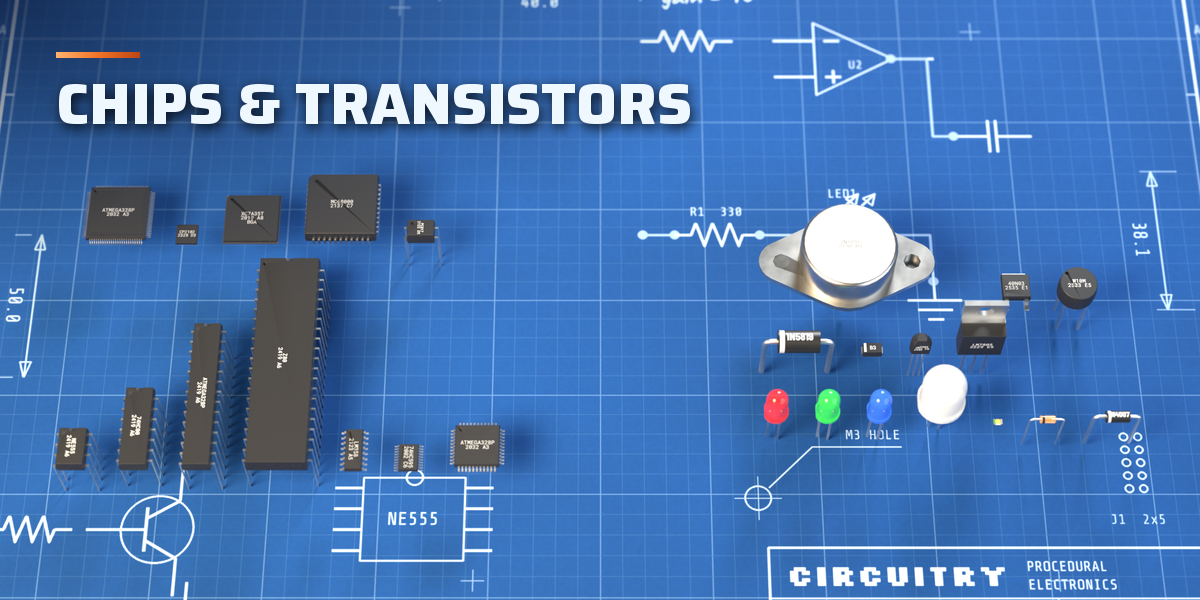
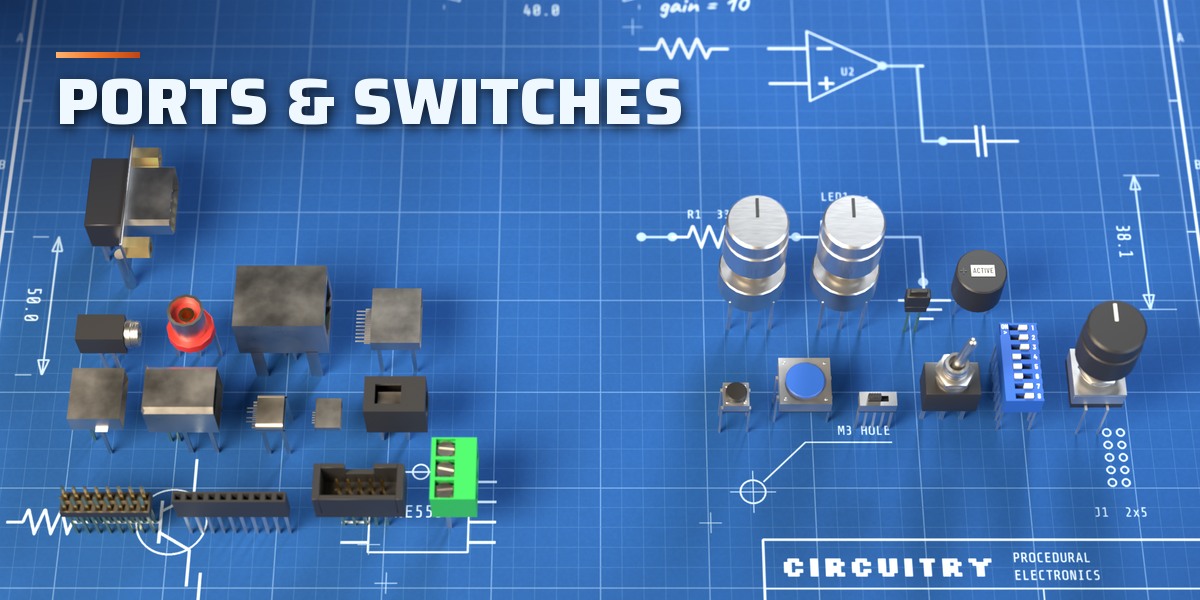
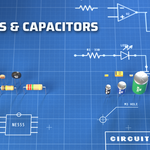
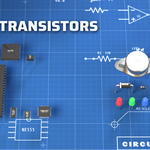
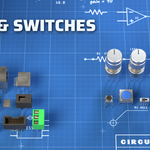
- For a single part, open the part menu (type to search all 90 types) or use the arrows to step through the family, then set its value, package and color in the Adjust box.
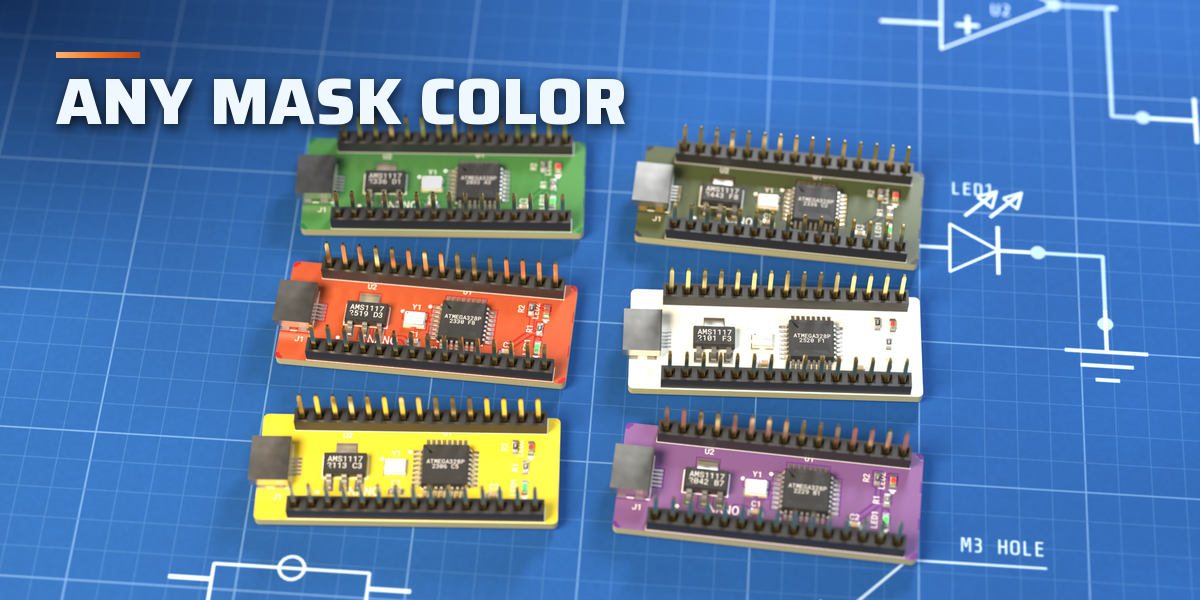
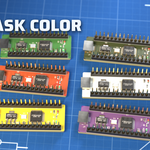
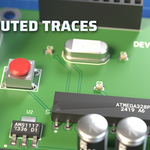
- Look holds the condition (New, Used, Old / Dirty), the solder mask color, finish, silkscreen and Light Up LEDs. Advanced holds the seed, board thickness, detail, reference labels, ground pour and traces.
- Surprise turns the selected design into a new part, bare board or populated board, in place; with nothing selected it makes a new one.
If a board shows a note about connections that could not be routed, try Sparse or change the Seed.
Have questions about this product?
Login to message
| Blender Extension Compatible | Yes |
| Published | 1 day ago |
| Blender Version | 4.2 - 5.2 |
| Extension Type | Add-on |
| Render Engine Used | Cycles, Eevee |
| License | GPL |

Discover more products like this
resistor components capacitor props microcontroller circuit-board Electronics sci fi Generator motherboard pcb procedural