City Kit – Street Props
 NordheavenZ
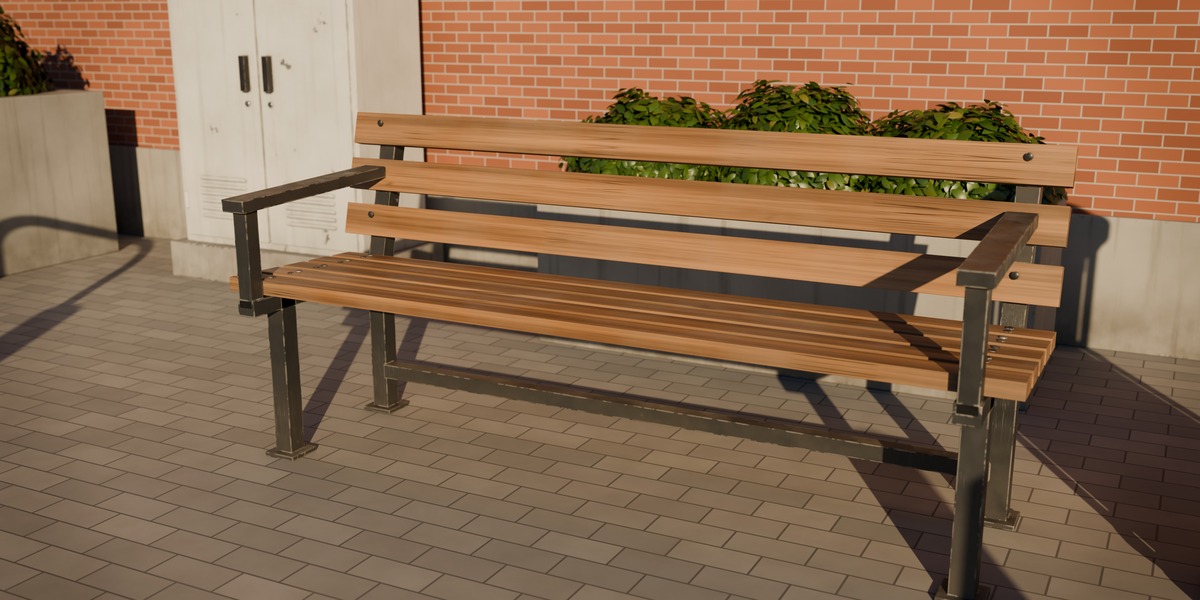
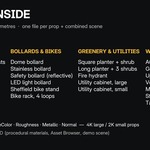
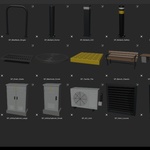
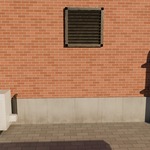
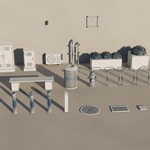
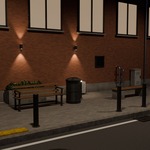
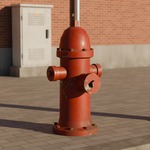
Getting started
- Unzip Street_Props_v1.0.zip anywhere on your drive.
- Open Street_Props/source/Street_Props.blend in Blender 5.2 or newer.
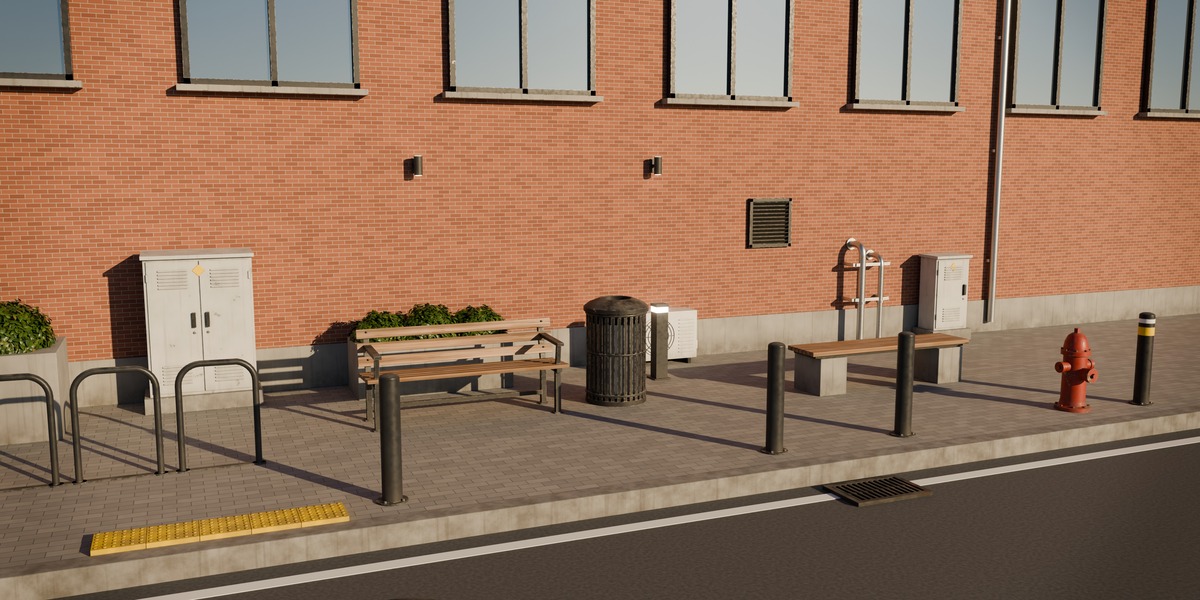
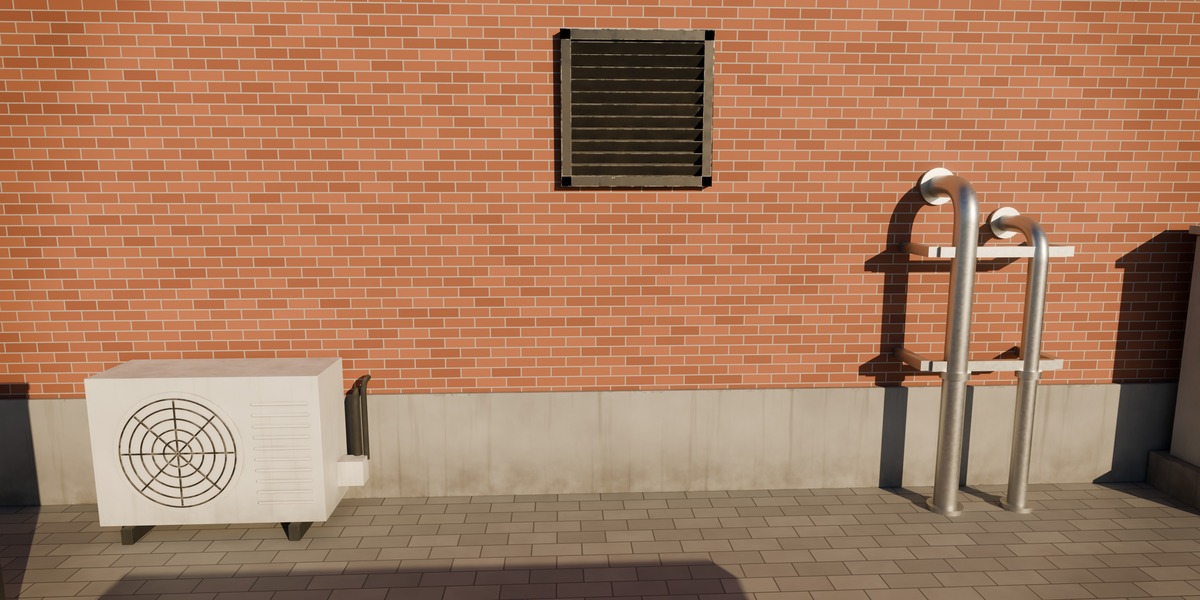
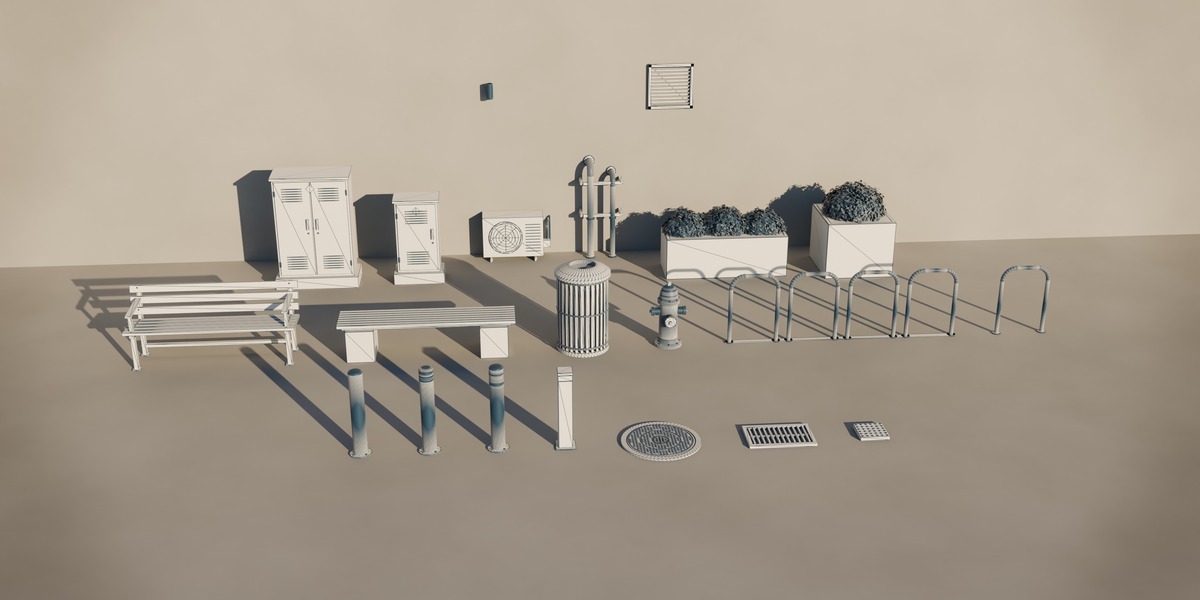
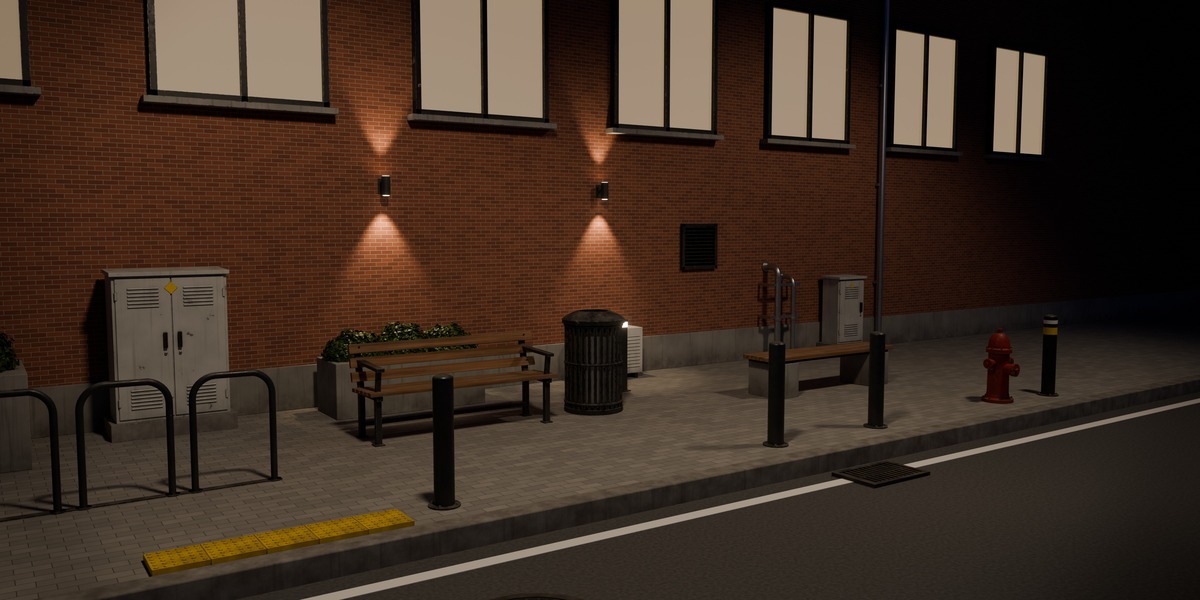
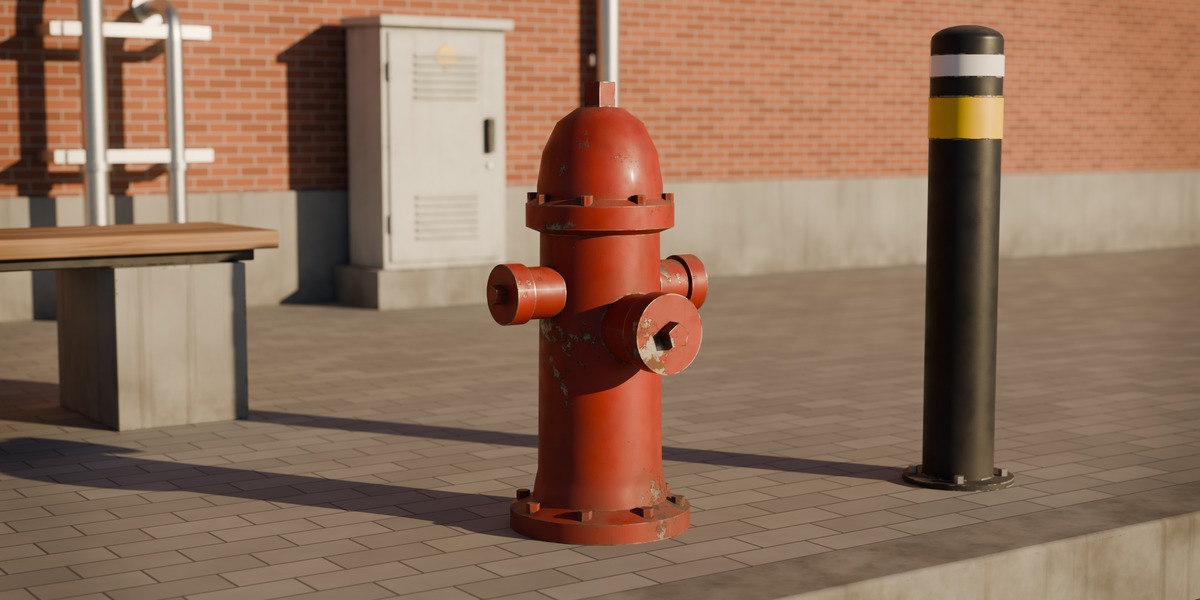
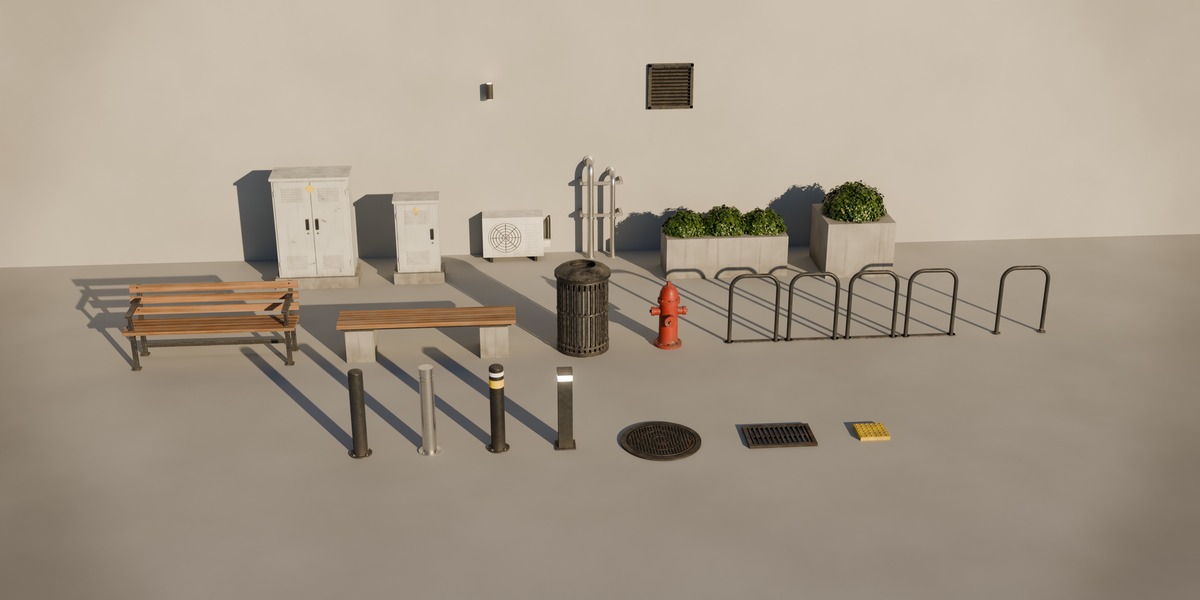
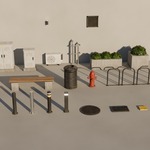
- Switch scenes in the top bar: Street Props (all assets), Showcase (day street), Showcase Night, Lineup (studio). Press F12 to render — you get the preview images.
Using the Asset Browser
- Go to Edit > Preferences > File Paths > Asset Libraries and add the folder Street_Props/source.
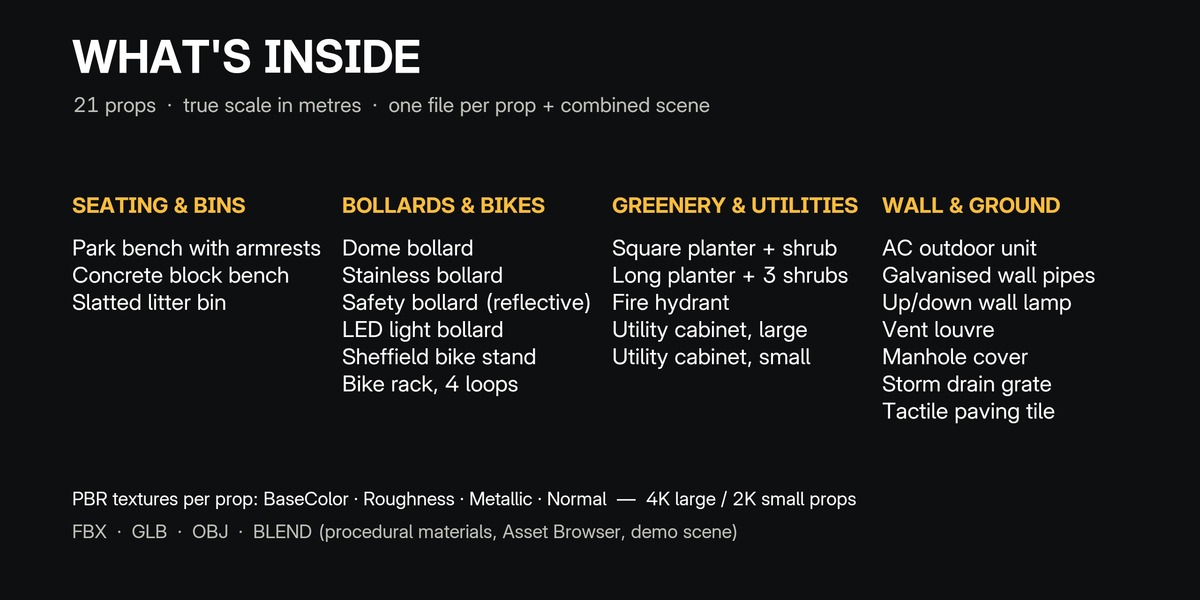
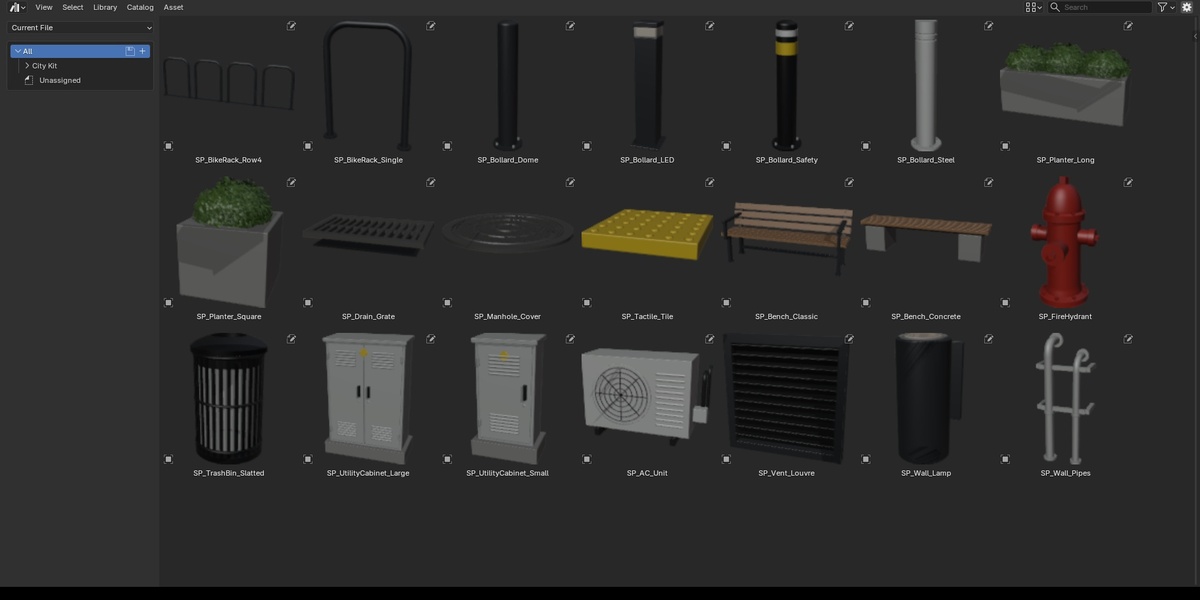
- Open an Asset Browser editor and choose that library. All 21 props appear in the City Kit catalog with previews, tags and descriptions.
- Drag a prop into your scene. Keep blender_assets.cats.txt next to the .blend so the catalogs stay intact.
All props share one procedural material library (MAT_*). Edit a material once and every prop using it updates.
Other software and game engines
- FBX / OBJ — export/fbx and export/obj, textures in textures// (linked with relative paths, keep the folder structure).
- GLB — export/glb, textures embedded.
- One file per prop — export/individual// (FBX + GLB, origin at 0,0,0).
- Textures per prop: Base Color, Roughness, Metallic, Normal. Normal maps are OpenGL (Y+) — in Unreal Engine enable Flip Green Channel on the normal textures; Unity, Godot and Blender use them as is.
- Scale: 1 unit = 1 metre. Props sit on the ground plane (wall props on the wall plane).
Support
Questions or problems? Message me through Superhive — I'm happy to help.
Have questions about this product?
Login to message
| Published | 4 days ago |
| Blender Version | 5.2 |
| Render Engine Used | Cycles, Eevee |
| Misc Data | Textured |
| License | Royalty Free |
Discover more products like this
bollard bench urban environment ArchViz city game ready asset-browser street furniture hydrant PBR street props