City Kitbash Pack – 50 Essential Urban Assets
 Roham Rafi
in Urban
Roham Rafi
in Urban


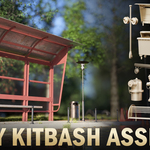
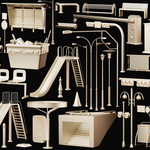
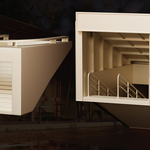
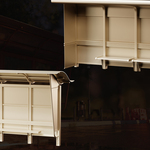
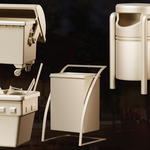
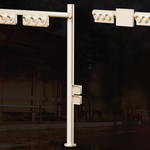
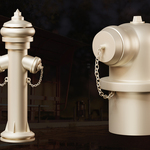
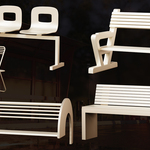
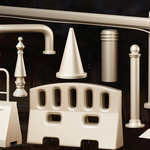
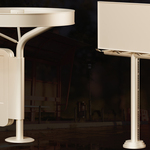
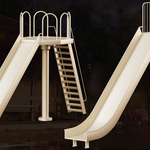
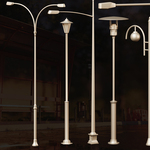
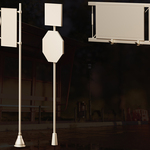
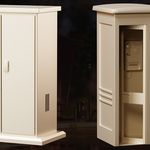
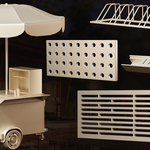
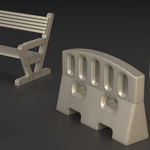
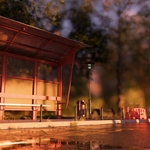
Download and Extract Files: After purchasing, download the "Street Pack - 50" kit and extract the files. The files are provided in .blender ,obj and .fbx formats.
Import into Software: Open the files in your preferred 3D software (such as Blender, 3Ds Max, or any compatible program) by selecting the "Import" option and loading the desired file.
Arrange Models: Place the street models (such as barriers, billboards, lights, etc.) in your scene. Use the scaling (Scale), rotation (Rotate), and movement (Move) tools to adjust them as needed.
Combine and Customize: Use the various pieces to create unique urban environments. Enhance your project by adding textures or materials to the models.
Preview and Render: After arranging, preview your project and, if needed, adjust lighting and camera settings to create the final render.
Note: For the best results, it’s recommended to review your software’s documentation to ensure full compatibility and optimal import methods. Additionally, watching the product trailer can provide more ideas for using this kit effectively.
Let me know if you need further adjustments or details!
Have questions about this product?
Login to message
| Sales | 10+ |
| Published | over 1 year ago |
| Blender Version | 3.6 - 4.3 |
| Render Engine Used | Cycles |
| Misc Data | Low-High-Resolution |
| License | Editorial |
Discover more products like this
kitbash city kitbash bus stop 3dmarketplace 3d city asset 3Dmodels Game asset animation 3d urban asset 3d moddel visuailzation