 Alsadany


ClayB Documentation
Overview
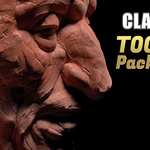
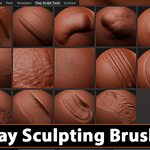
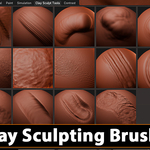
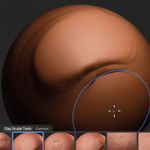
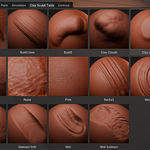
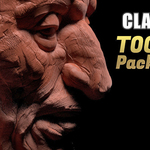
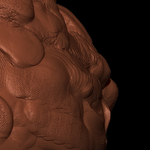
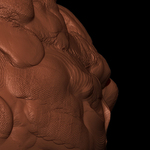
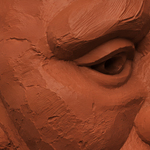
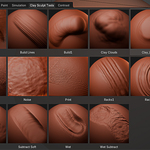
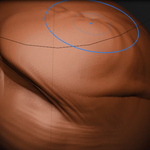
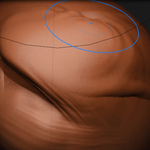
ClayB is a collection of clay-inspired sculpting brushes designed for Blender. The brushes are organized as an Asset Library and can be accessed directly through the Asset Browser after installation.
Installation
Extract file.
Open Blender.
Go to Edit → Preferences → File Paths.
Under Asset Libraries, click Add.
Navigate to the asset-library folder located inside the ClayB directory and select it.
Save Preferences.
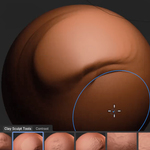
In sculpt mode Open the Asset Browser to access the brushes.under Clay Brushes Tool
Brush Categories
Form Building
Brushes designed for blocking out shapes and building primary volumes.
Smooth Clay
Brushes that create clean, soft clay buildup for controlled sculpting.
Chunky Clay
Brushes that produce rough and uneven clay accumulation for a more traditional clay appearance.
Textured Buildup
Brushes that add volume while introducing natural surface variation and sculpting character.
Carving & Removal
Brushes for trimming, scraping, cutting, and refining forms.
Surface Details
Brushes that create fingerprints, wrinkles, compressed clay marks, and other handcrafted surface imperfections.
Compatibility
Tested with recent Blender versions that support the Asset Browser system.
Support
If you encounter any issues with installation or brush functionality, please contact the creator through the marketplace messaging system.
-
$9
-
$25
Have questions about this product?
Login to message
| Published | 4 months ago |
| Blender Version | 4.1 - 5.1 |
| License | Creative Commons |

Discover more products like this
digitalclay stylized blender stylizedsculpt sculptbrushes sculpttools sculpting claybrushes claysculpt #DigitalSculpting clay brushpack #BlenderBrushes claytexture characterart