Wilphi
over 3 years ago
Thanks for letting me know. I will add an option for setting an autosmooth angle when using the operator :)
This item has an average rating of 4 from 5 ratings by the community.
Purchase this item to leave a review!
very useful
Does exactly what it’s supposed to do.
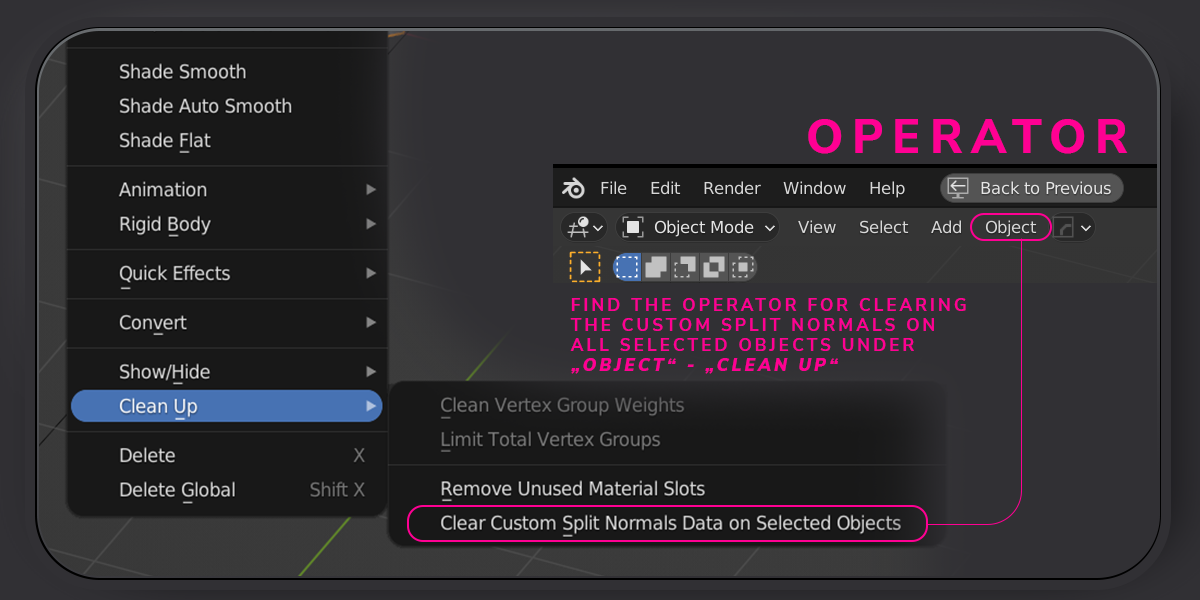
It tells me that when installing the addon : Error: Registering operator class: 'SNA_OT_Clear_Custom_Split_Normals_Data_On_Selected_Objects_A1B7D', invalid bl_idname 'sna.clear_custom_split_normals_data_on_selected_objects_a1b7d', is too long, maximum length is 60

Absolutely worth it. BUT you should mention, that in some cases you have to apply the angle for autosmoothing goes to 180° and has to be "reset" to the wanted angle. You can do this vie "Alt" pressing when u enter the angle into the autosmooth field. I did this with a 1200 Hard surface set and was confused, that, when I manually switch off the custom normal data, the angle goes directly to 30°. So I thought, your addon did not work when I used it fist. I needed some time to figure out what was going wrong. So sometimes this doesn't happen. But IF, you have to set the angle manually.
Wilphi
over 3 years ago
Thanks for letting me know. I will add an option for setting an autosmooth angle when using the operator :)
Works really slow :(
Do not work if any of selected objects is not mesh.
still, it's faster than manually
Wilphi
over 3 years ago
It really depends on the amount of selected objects, as it has to go through all of them to clear the split normals. I will add a filter for non-mesh objects so those can still be selected from the next update on :)
single seat/user for commercial usage
single seat for noncommercial usage
Have questions about this product?
Login to message