 Chromelabs


 JOIN DISCORD
  DOCS
DOCS  Get on Gumroad
VERSION 4 Already Purchased?
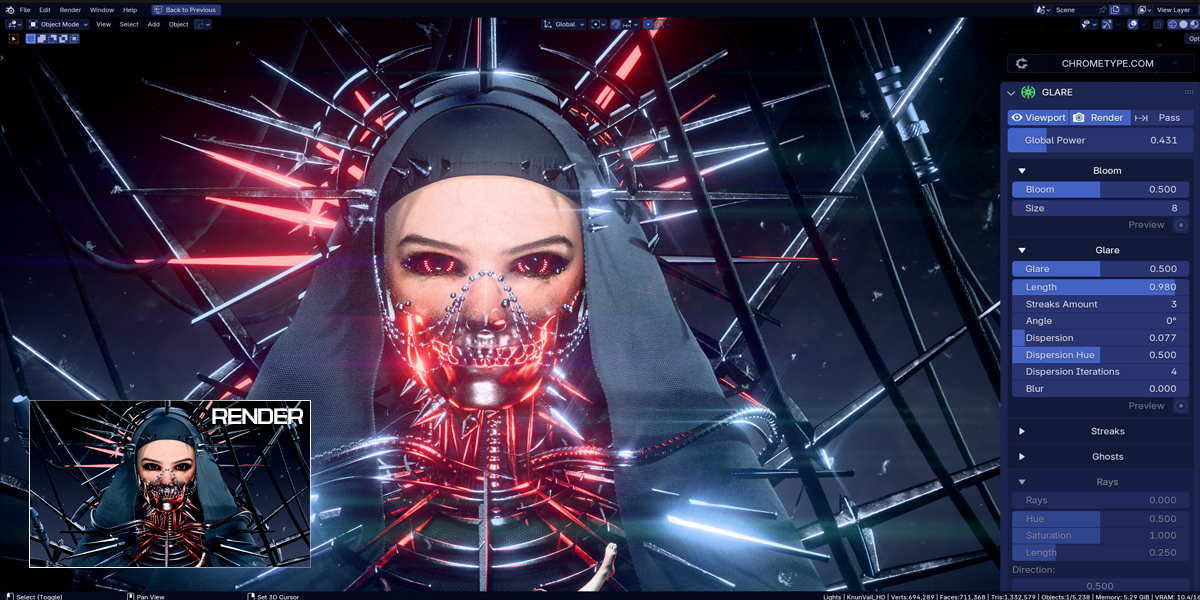
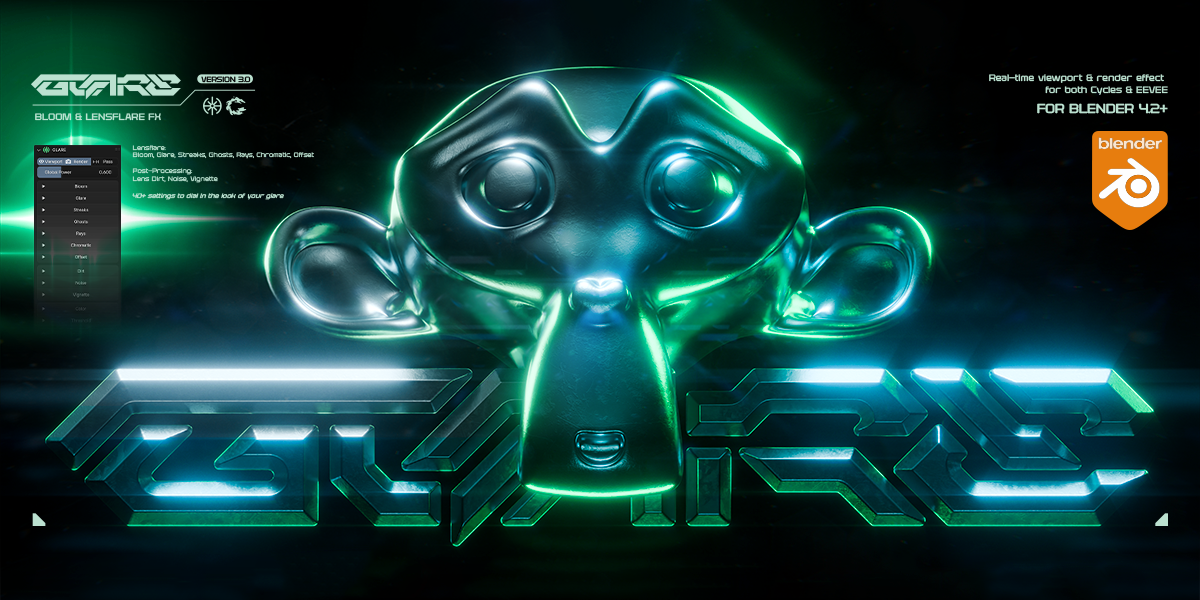
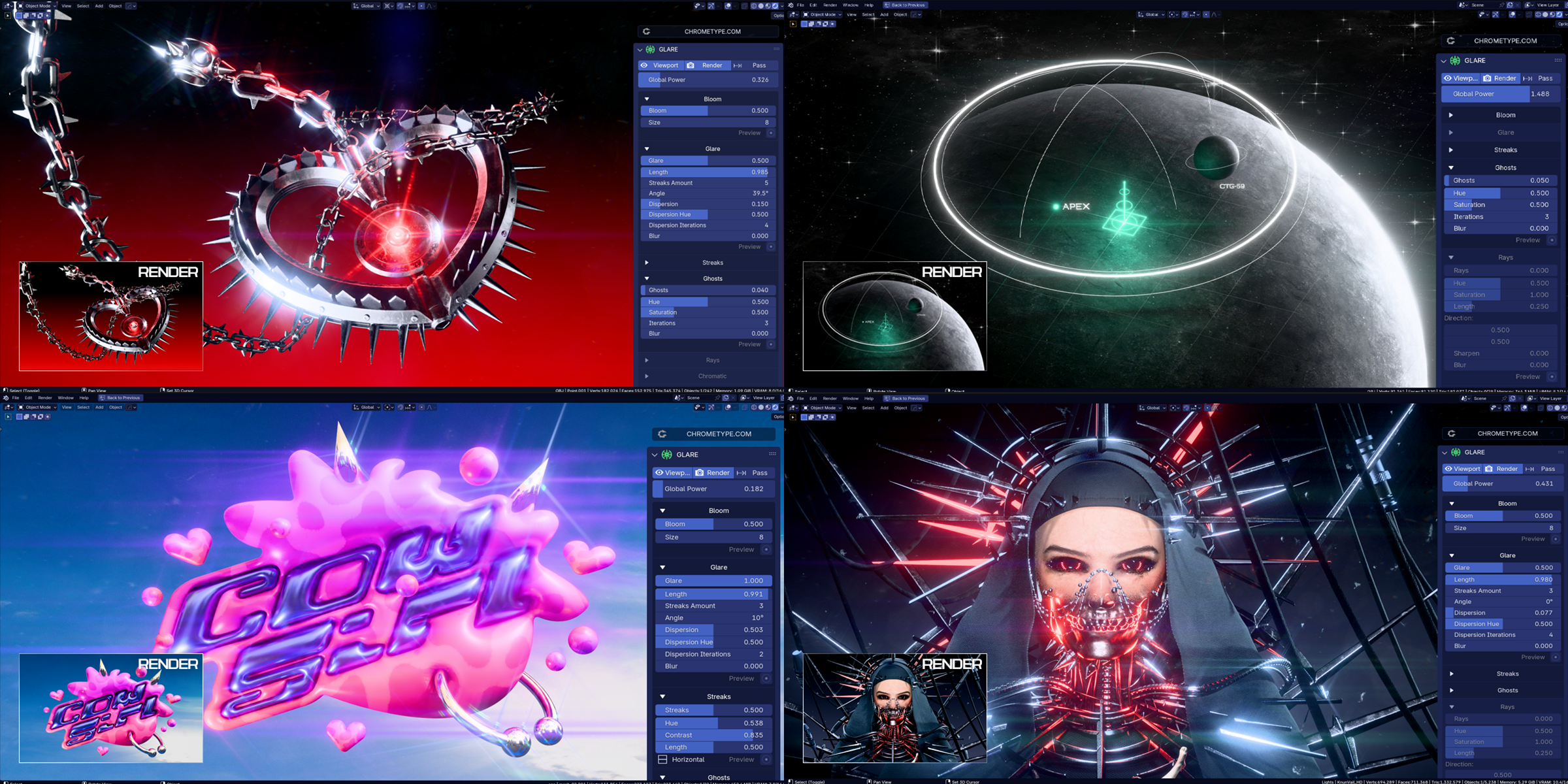
Make Your Renders Shine ✨
Real-time viewport & render effect for Cycles & EEVEE.


Bloom
Soft glow around bright areas, enhancing highlights with a light bleed effect.
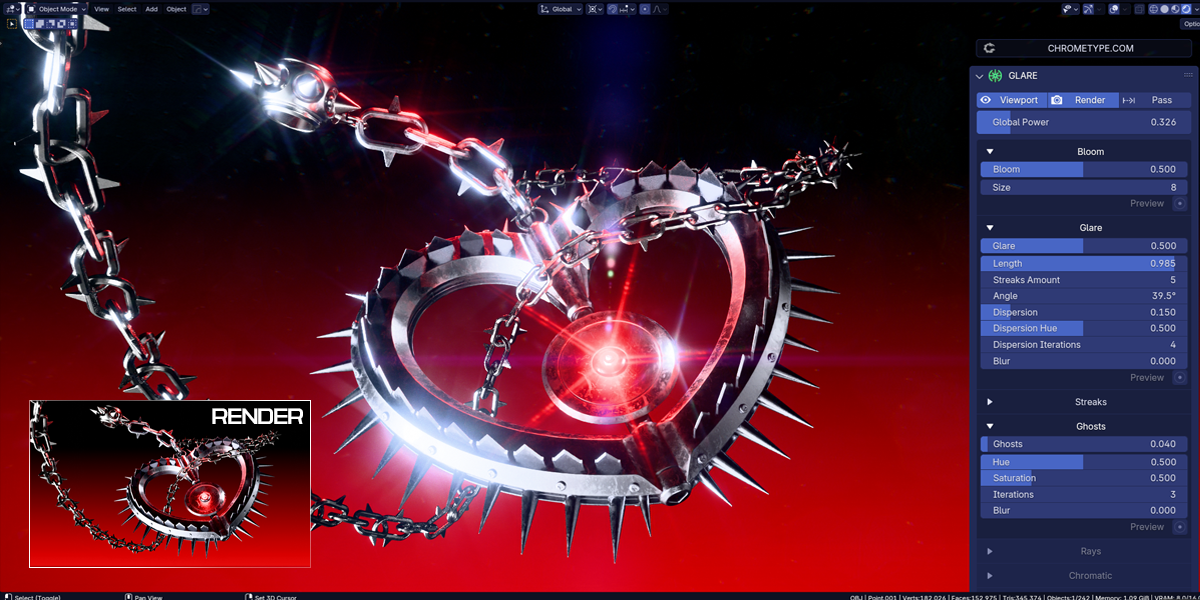
Glare
Simulates lens artifacts by adding star-like shapes to bright areas.
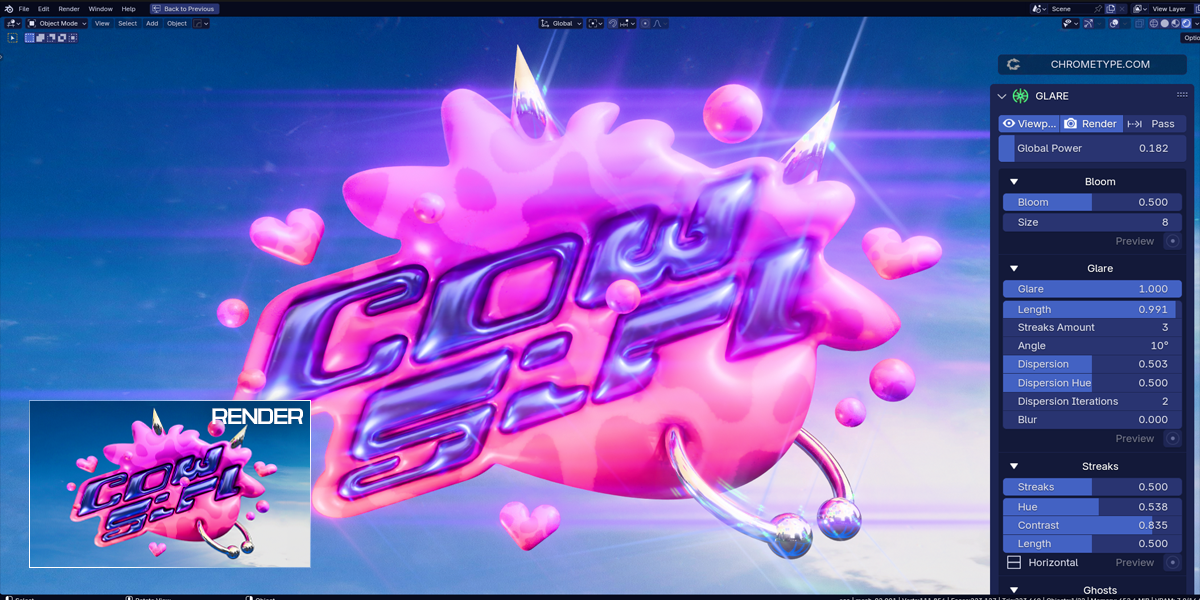
Streaks
Sharp directional light streaks from bright areas.
Reflect
Subtle reflections and artifacts, created by overlaying copies of the image's bright areas.
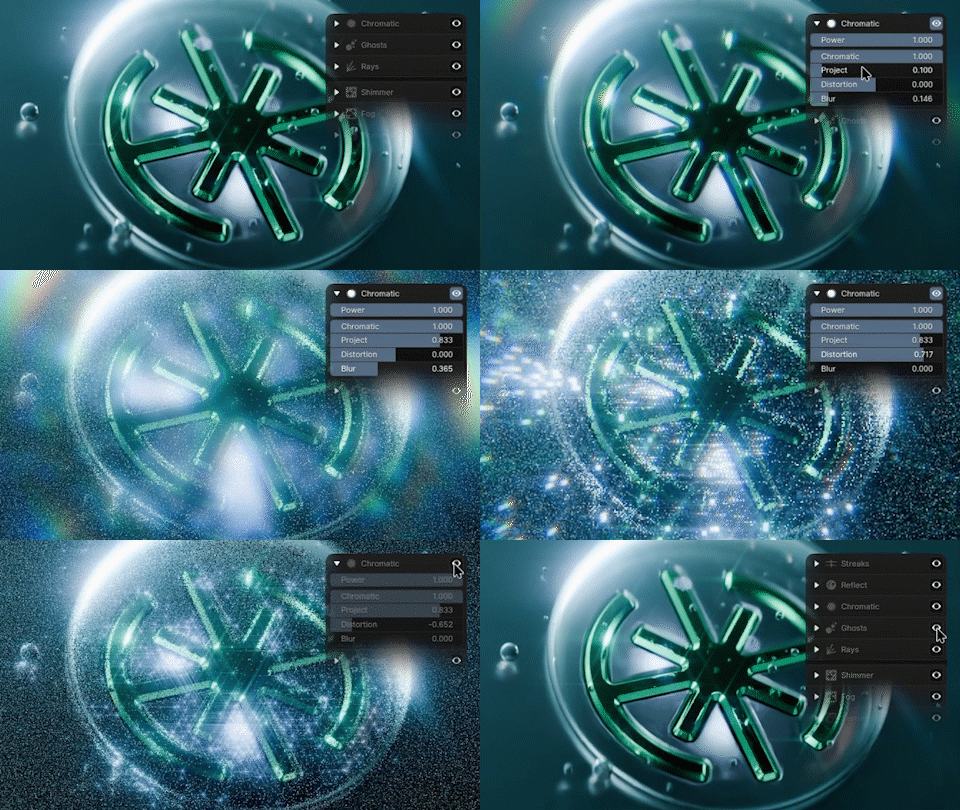
Chromatic
Adds colored fringes to glare effects by offsetting RGB channels, simulating chromatic aberration and prism-like light scattering.
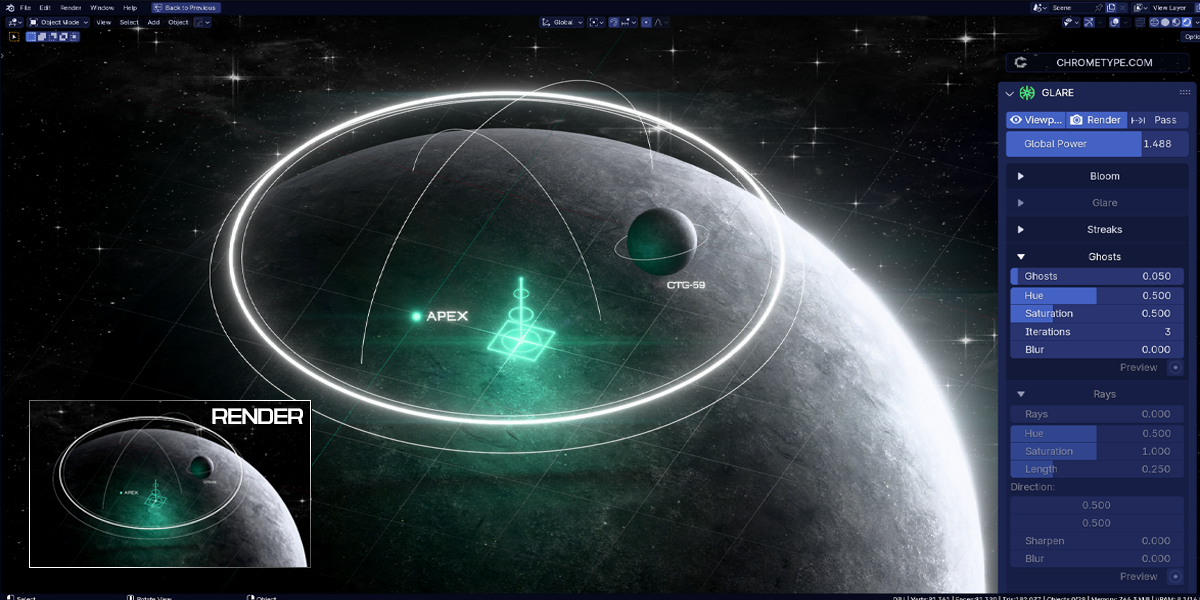
Ghosts
Lens flare–like effects radiating from the center of the frame.
Rays
Simulates light beams scattering through objects, creating dramatic, volumetric shafts of light.
Shimmer
Applies a moving shimmer texture to the input image, creating dynamic flicker and sparkle effects. Useful for adding life to static renders.
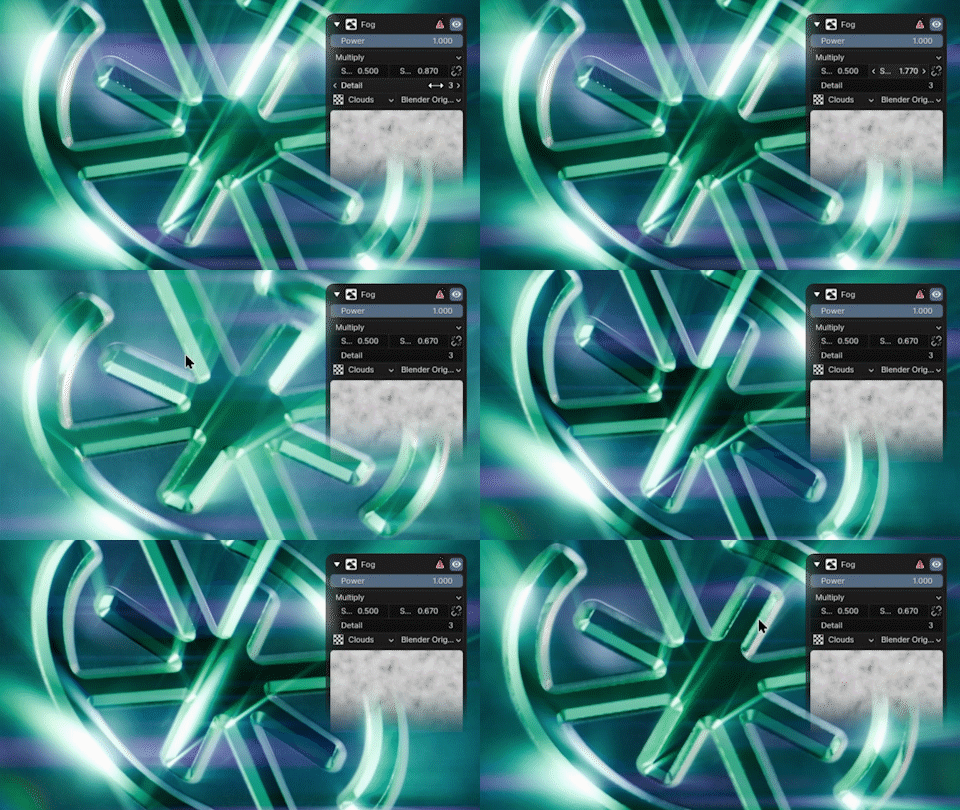
Fog
Overlays a moving fog texture, adding depth and atmosphere. Use in moderation with minimal camera movement.
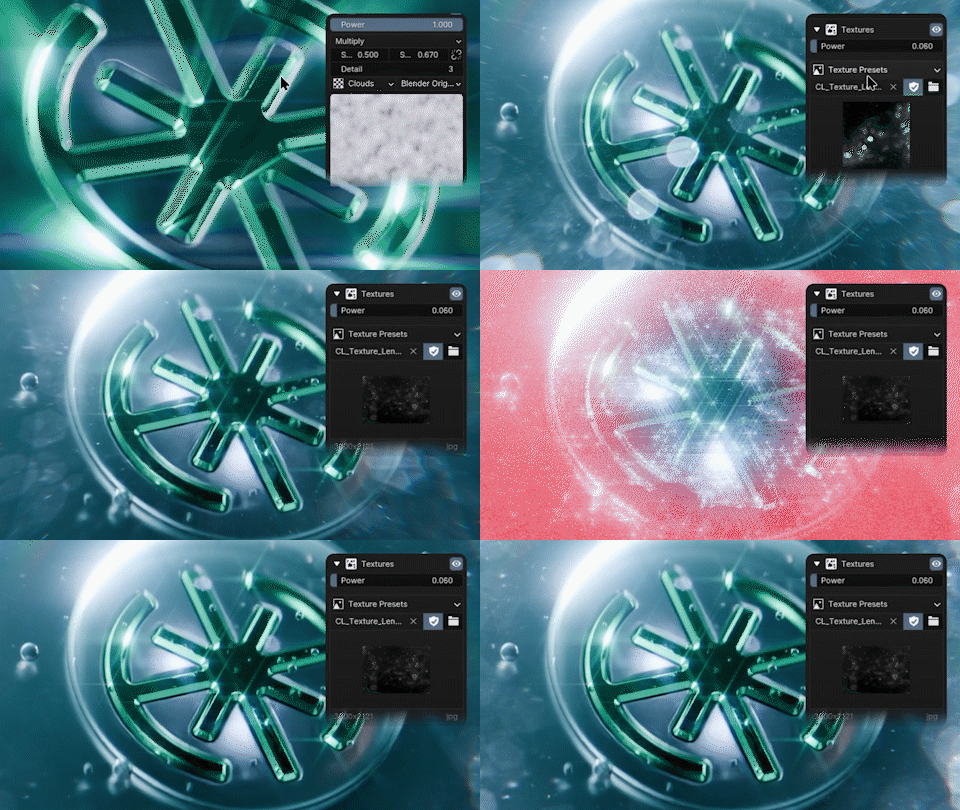
Textures
Import custom textures like lens dirt, bokeh, or scratches to enhance realism and visual richness. Three textures included.
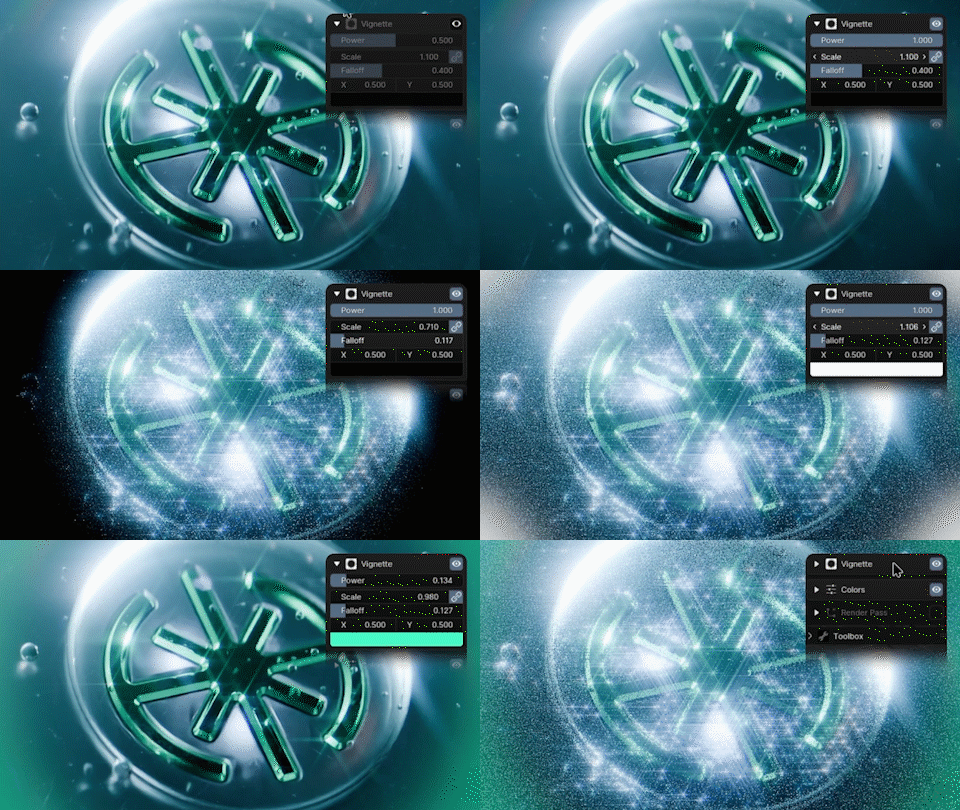
Vignette
Darkens the edges of the image to draw focus toward the center, enhancing visual depth and mood.
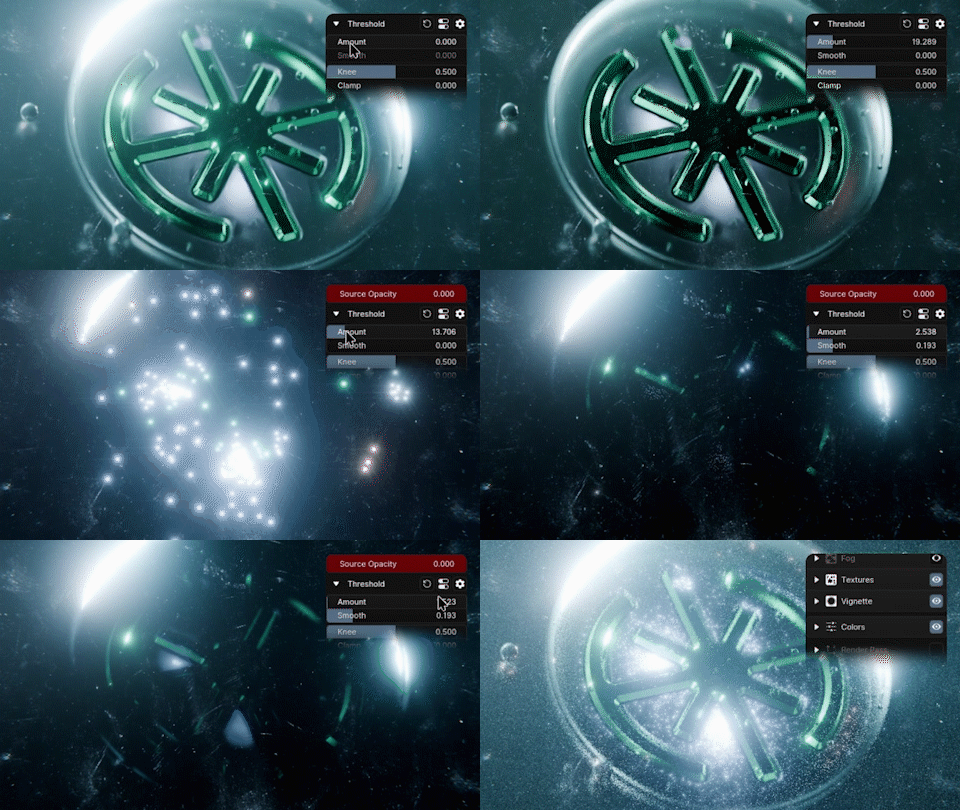
Threshold
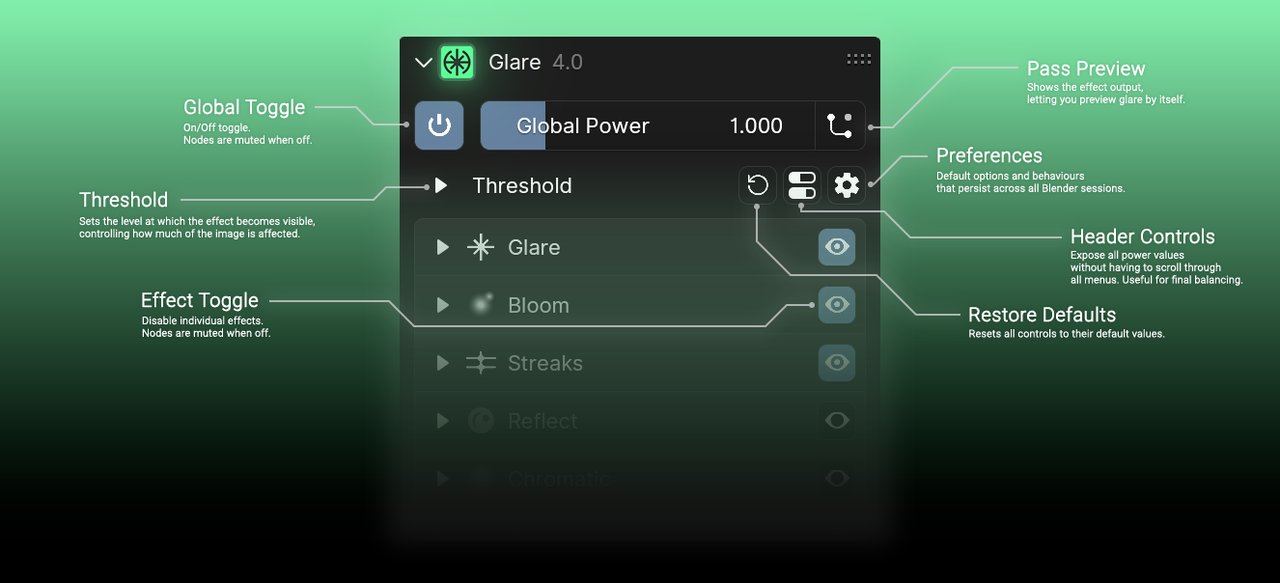
Sets the level at which the effect becomes visible, controlling how much of the image is affected.
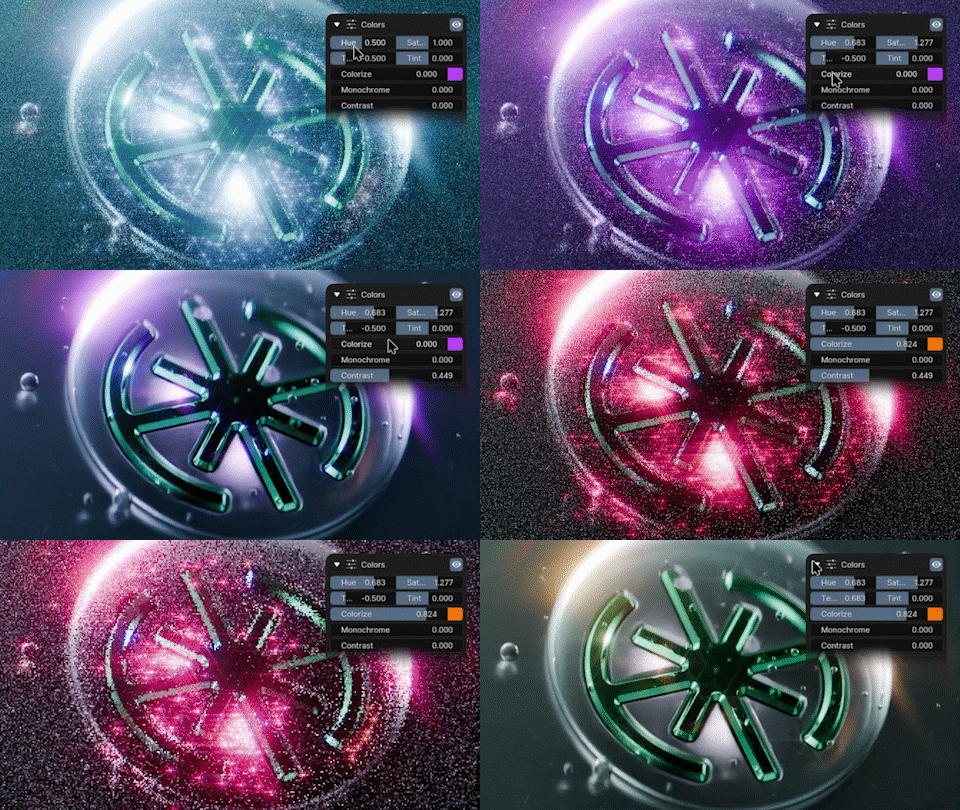
Color Controls
Change the hue, saturation, temperature, tint & colorize.

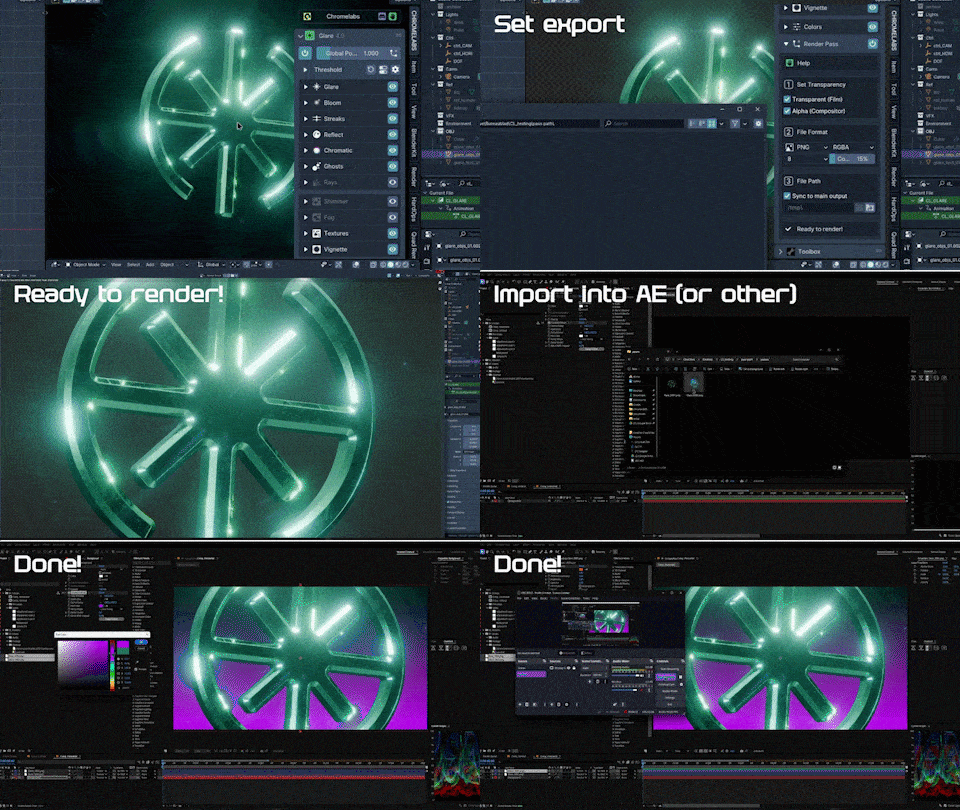
 Transparent Background & Control in Post?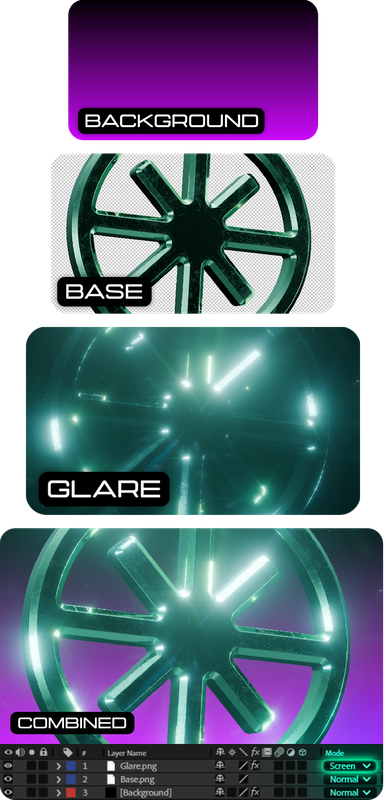
Encounter any issues or have suggestions?
Refer to the documentation or hit up the SUPPORT channel in our Discord.