 Hydrocallis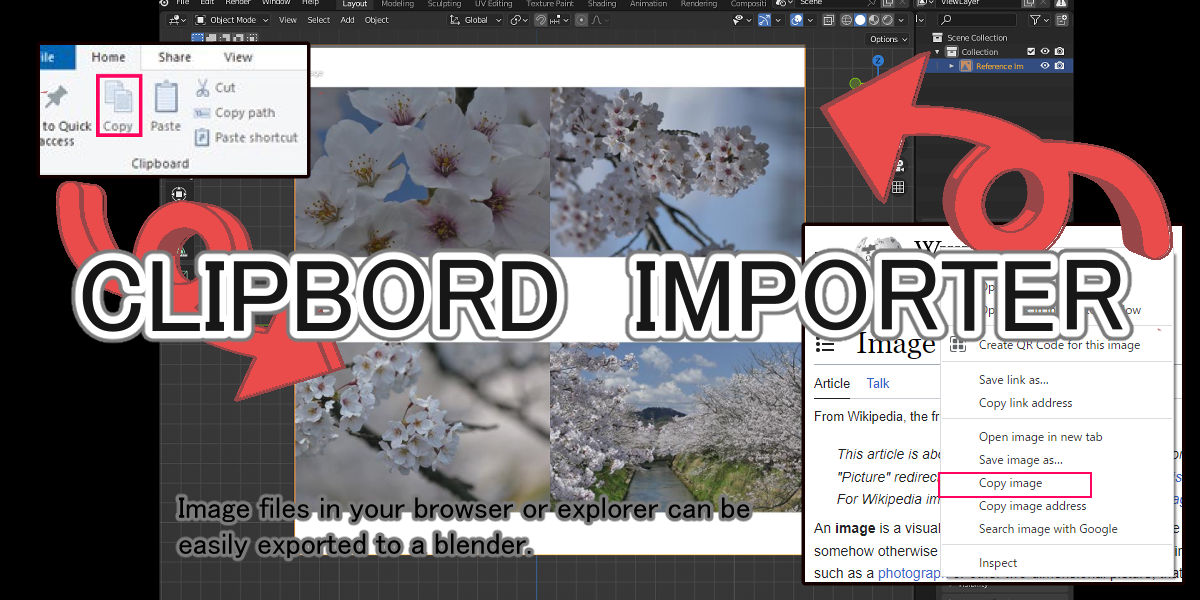
Installation Instructions for Blender 4.5 (LTS)
For Blender version 4.5 (LTS), please download and install the following file: clipboard_import_for_4_5.zip
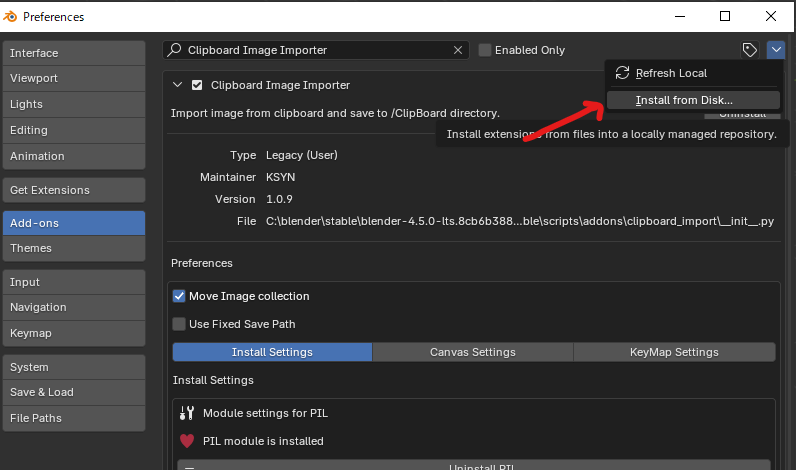
Important: Please install this add-on through the Add-ons tab, not from the Extensions section. Use the "Install from Disk..." option to install the downloaded zip file.
Step-by-Step Installation:
- Download clipboard_import_for_4_5.zip
- Open Blender Preferences → Add-ons tab
- Click "Install from Disk..."
- Select the downloaded zip file
- Enable the add-on by checking the checkbox next to it
Note: Do not use the Extensions tab for this installation. The add-on must be installed via the traditional Add-ons preferences panel.
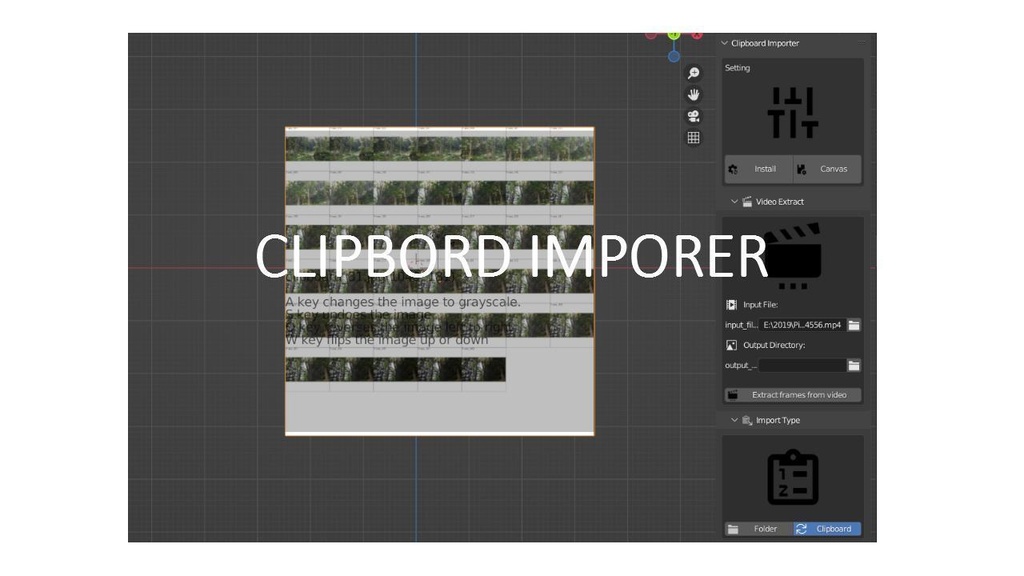
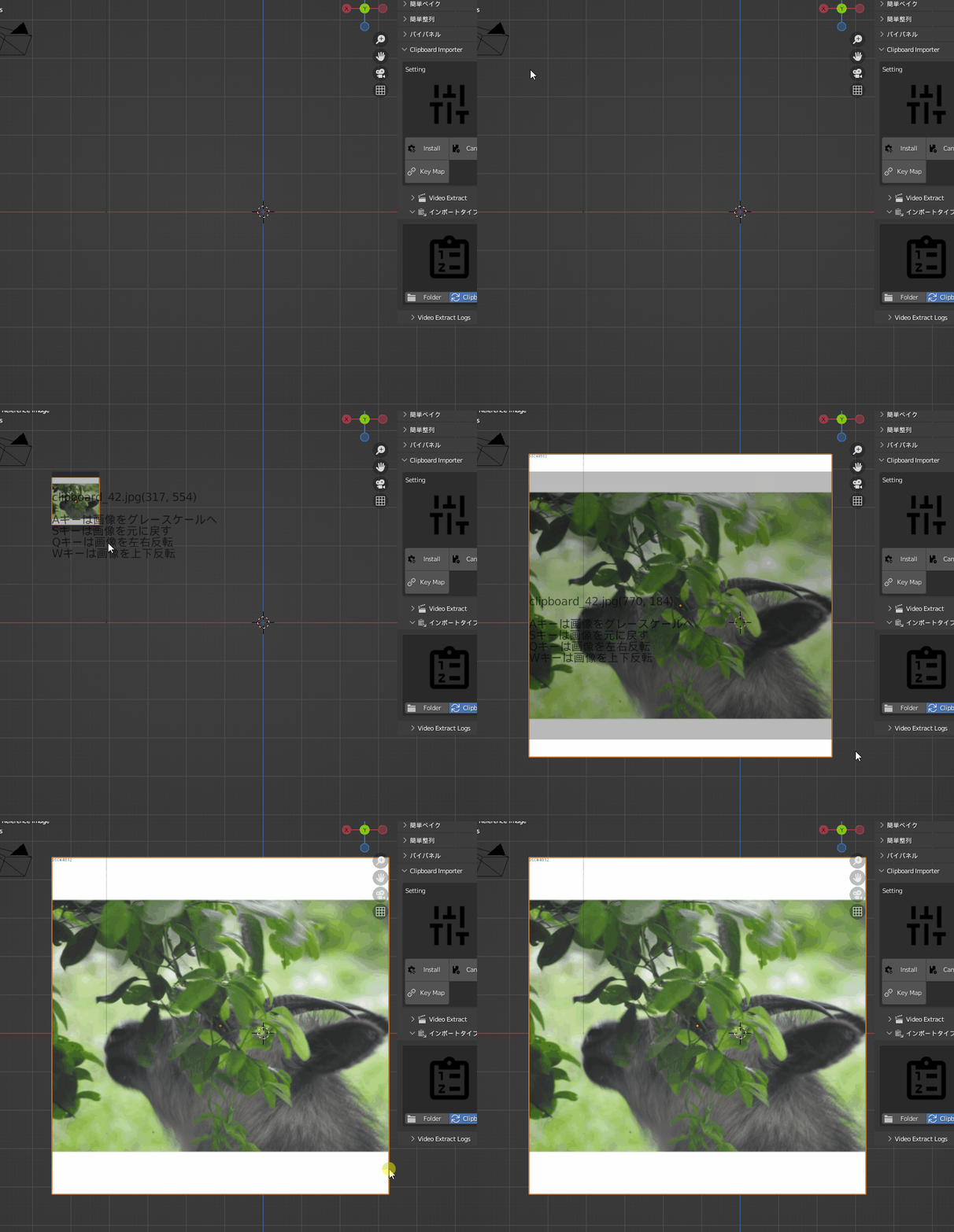
We have created an add-on that allows you to easily copy and paste images from the clipboard in Blender.
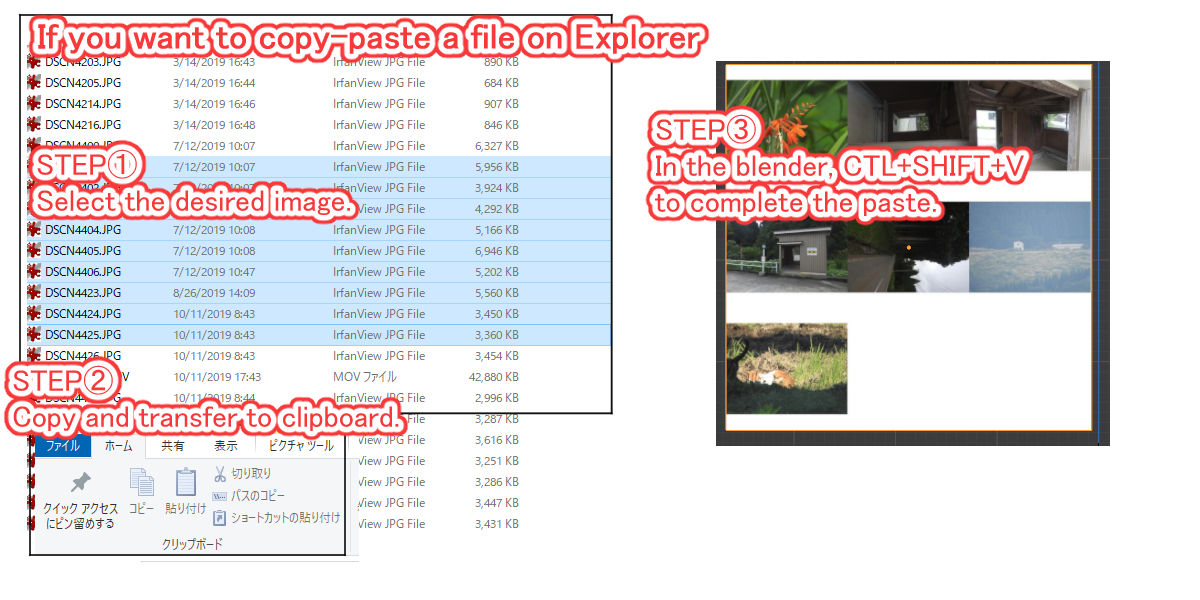
It responds to the “Copy Image” function on the website site and the “Copy” function on Explorer,
Copy" function in Explorer.
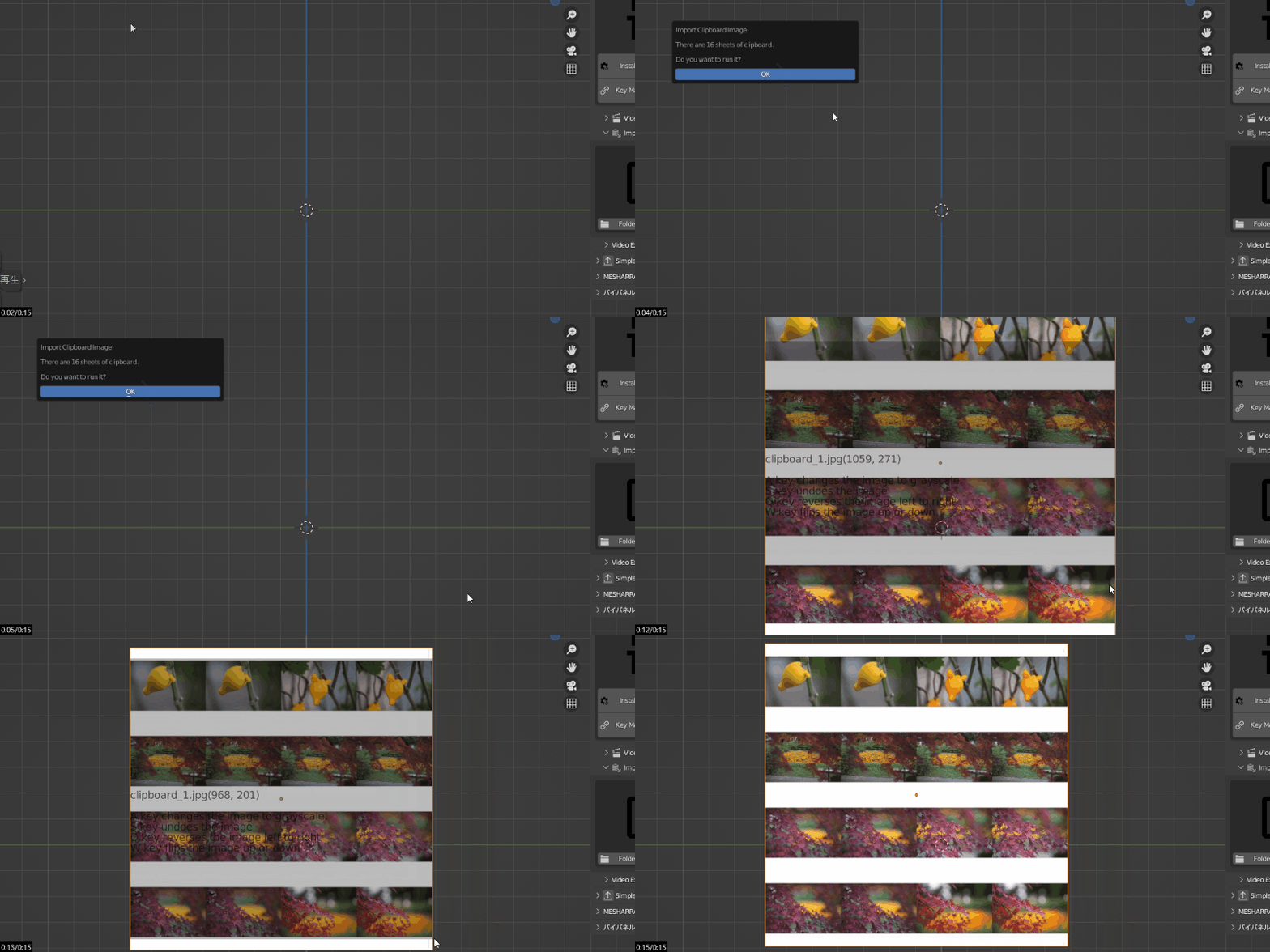
In case of copying multiple images on Explorer,
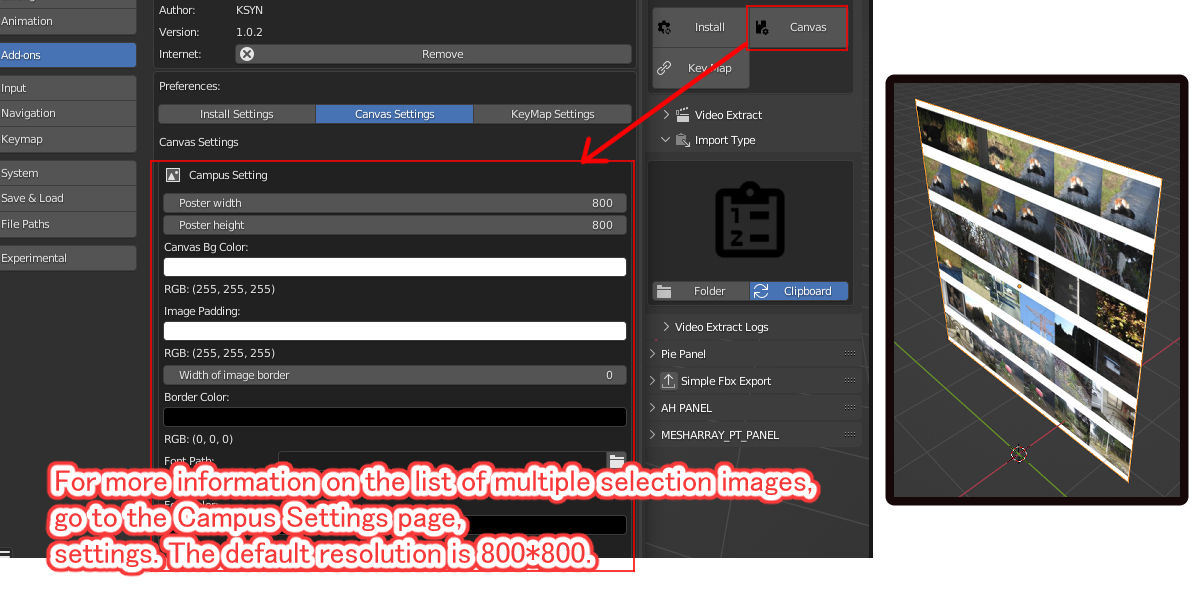
The images will be automatically formatted and arranged in a square image.
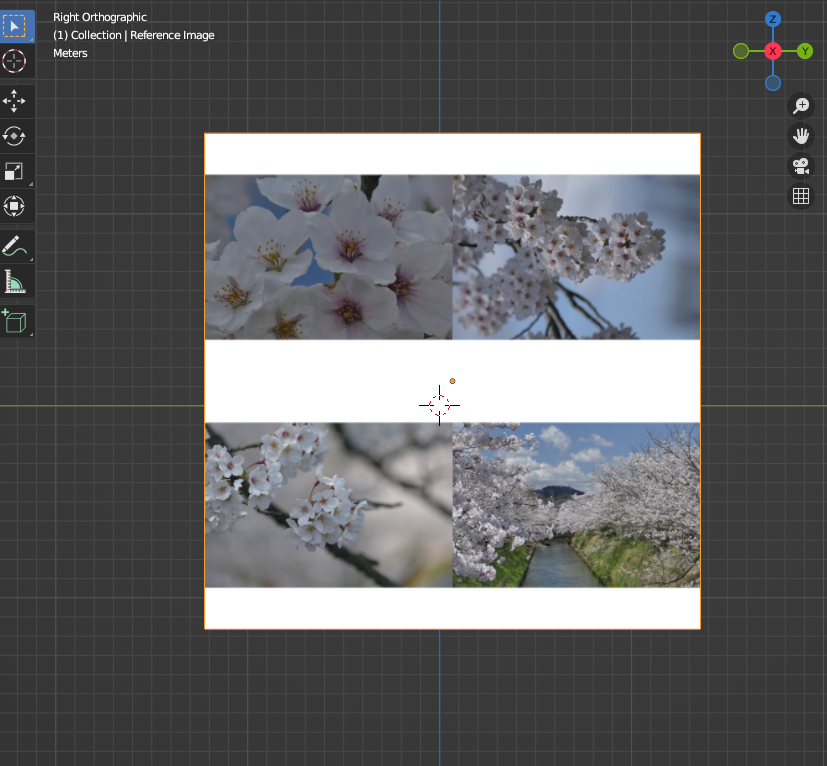
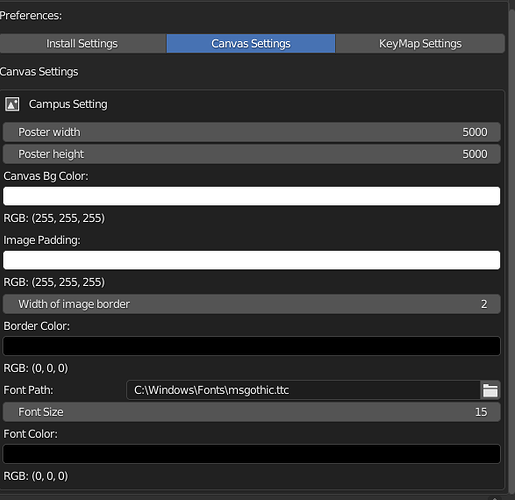
If you want to change the resolution, please use the “Campus Settings”.
Have a good blender life, everyone!
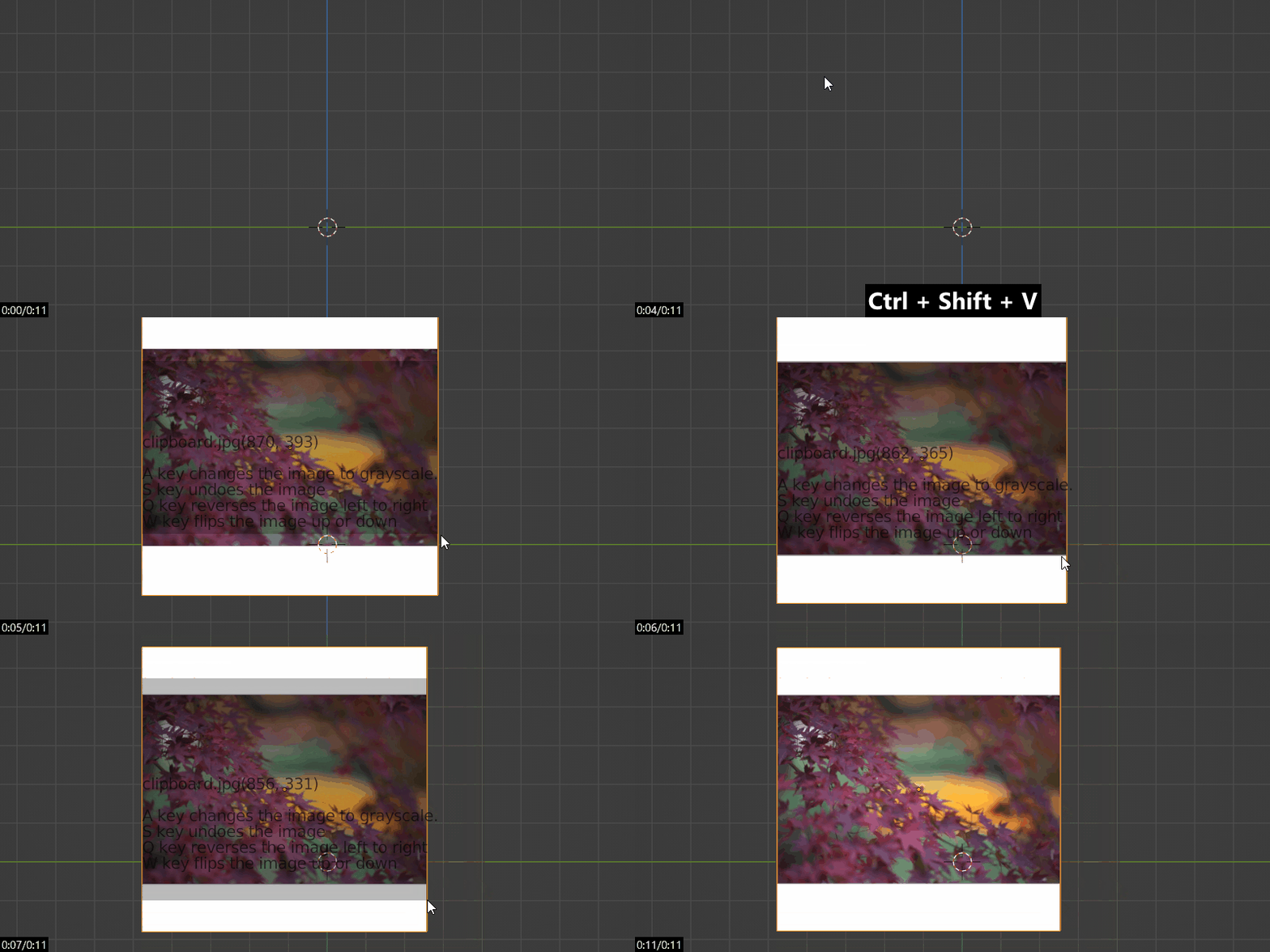
The initial registration keys are
SHIFT+control+V
The initial registration key is SHIFT+control+V.
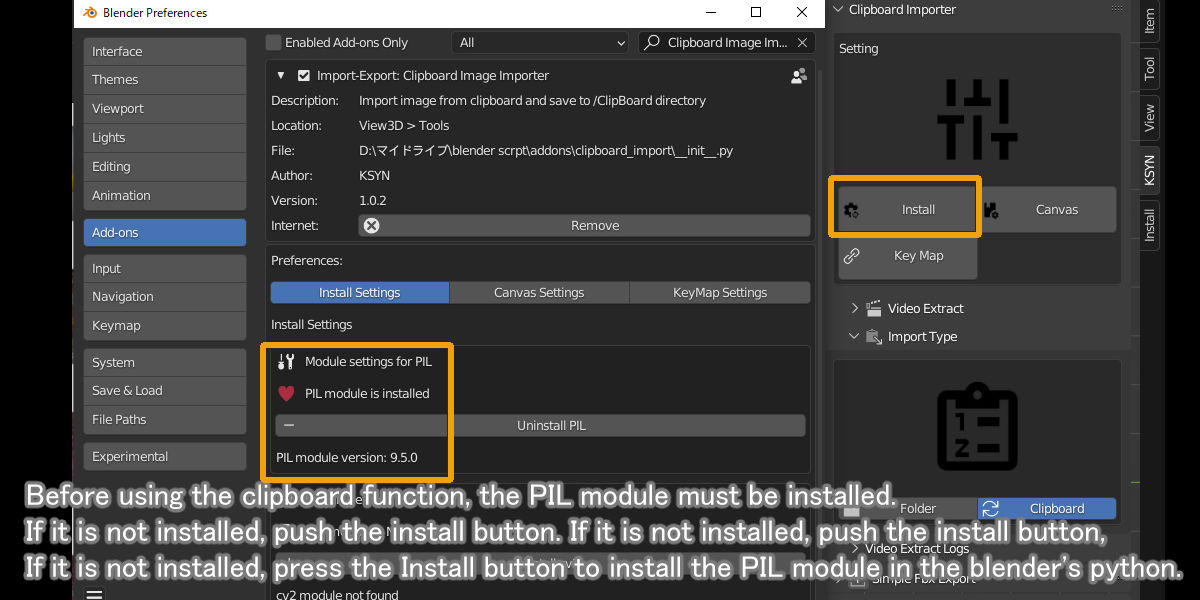
PIL Install
You need to have the module called PIL(Pillow) installed first. The installation is located on the add-on preference screen, so please install it manually. The installation is via the Internet, so an Internet environment is required.
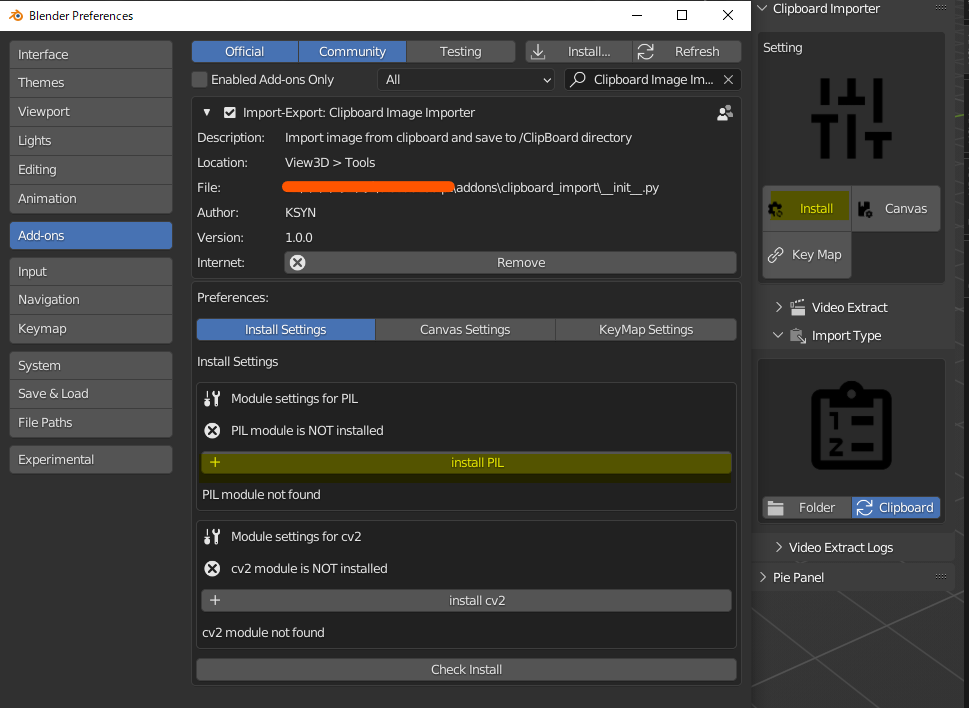
Please restart the blender once after installation.
