 Skava
ClipGuard
v1.0.0 · Blender 4.2 LTS and later (tested on 4.2.9 and 5.2.2) · Windows / macOS / Linux · Unity 6 component included
1. What it does
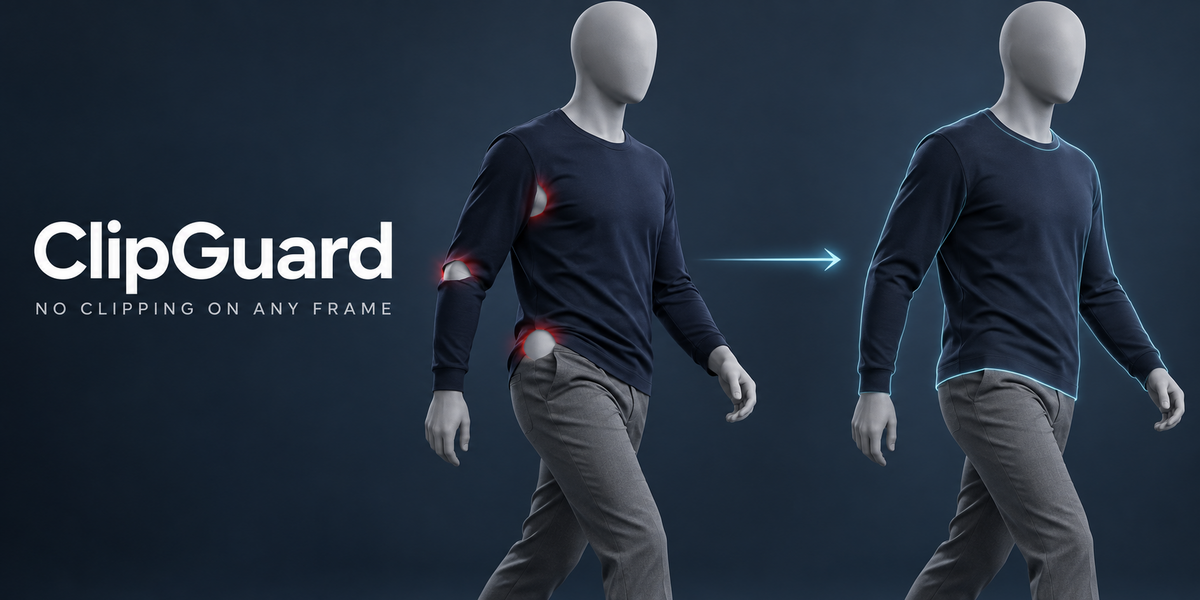
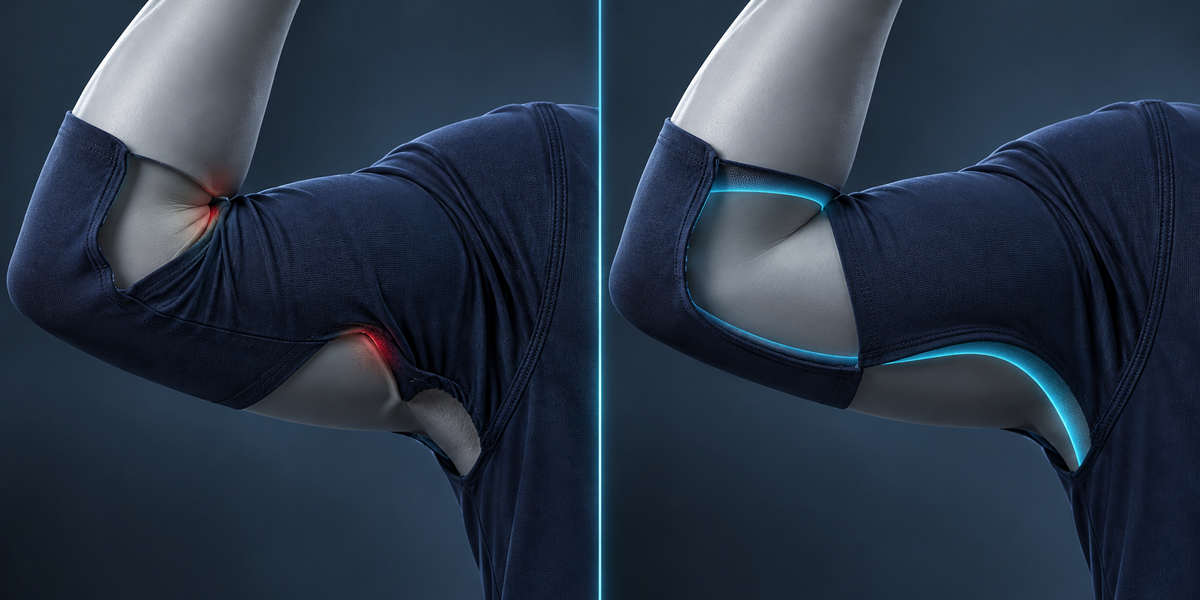
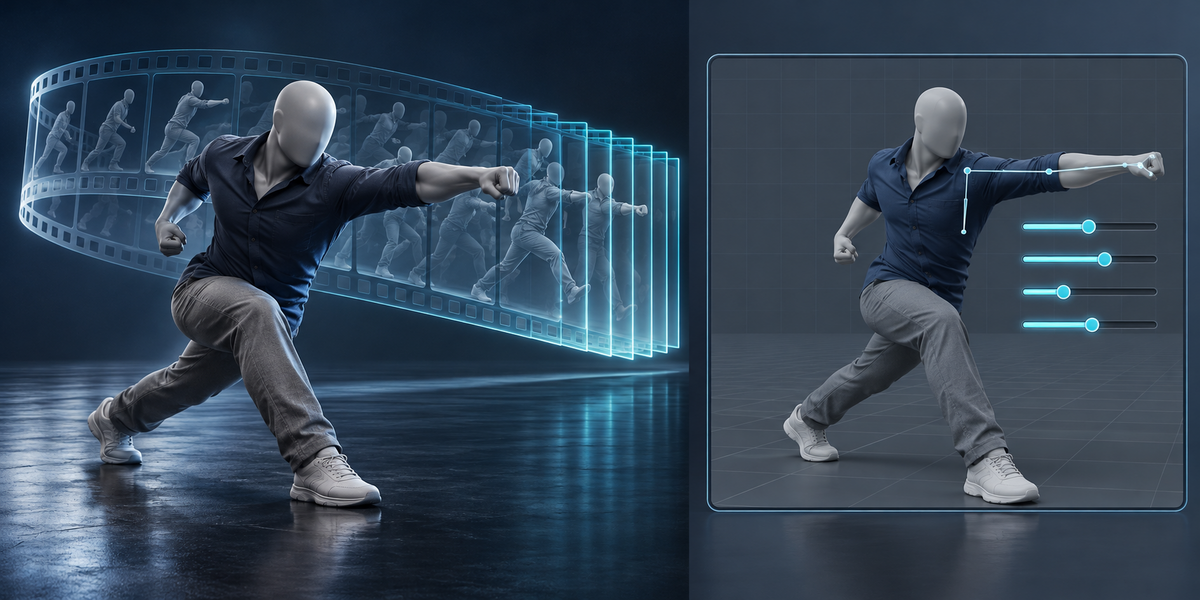
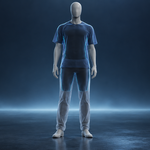
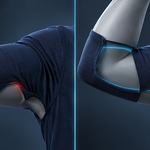
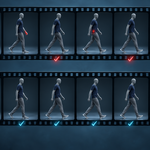
An outfit that sits perfectly in the rest pose starts poking through the body as soon as the character moves: the inner elbow, the armpit, the hip and the back of the knee are the usual places. Fitting tools fix one pose. ClipGuard works on the animation.
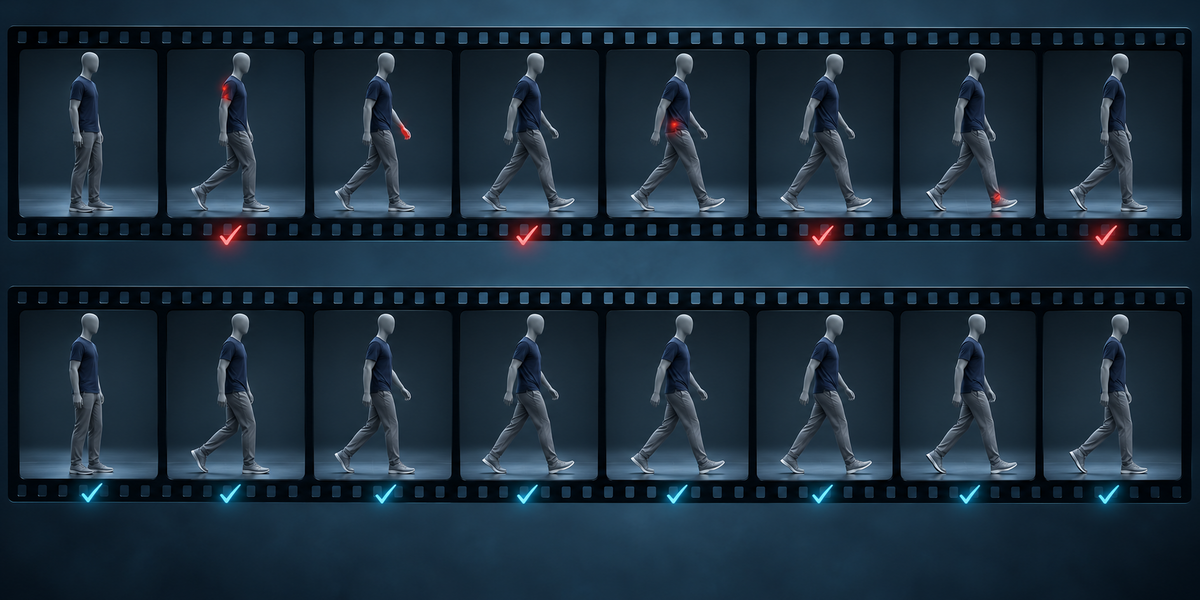
- Scan measures every frame of the rig's animations: on each frame, which garment vertices are inside the body or closer to it than the clearance, and how deep the deepest one is.
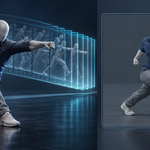
- Fix with Pose Keys fits corrective shape keys on the garments, driven by the bones, so the outfit stays outside the body across the animations — and on animations the keys never saw. The keys travel to Unity as blend shapes with a small driver component.
- Exact Bake pushes the garment out on every frame of one animation and plays it back from a point cache, for rendering that animation.
- Find Hidden Skin finds the body that stays under the clothes on every frame and hides it with a Mask modifier — skin that is never seen cannot clip.
Every step reports the before and after in millimetres.
2. Installing
Edit, Preferences, Add-ons, the arrow in the top right corner, Install from Disk, pick the zip, tick the checkbox. The panel is in the 3D Viewport sidebar (N), tab ClipGuard.
3. Quick start
- Select the garments, then the body last so it is active, and press Use Selection. The body and every garment must be deformed by the same armature, and the armature needs at least one action.
- Scan Animation. The report shows how many frames clip, the deepest point and the frame where it happens.
- Fix with Pose Keys, then Scan Animation again to see what is left.
- For a render of one animation, make it the armature's active action, save the .blend and press Exact Bake (This Action).
- Export for Unity writes the FBX, the driver table and the component.
4. How the measurement works
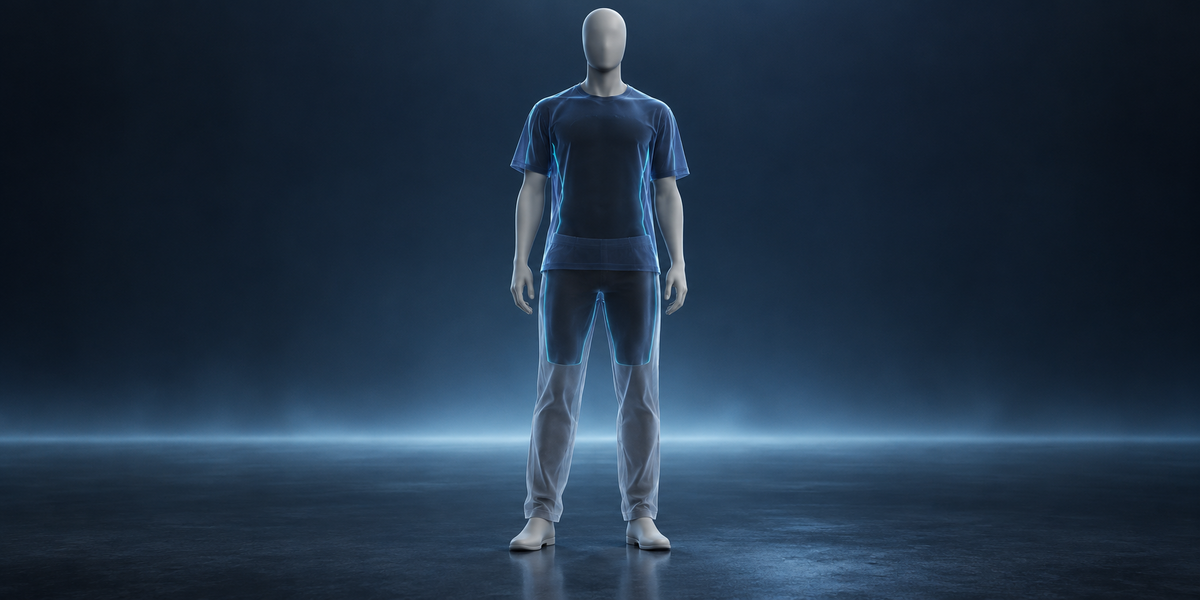
For each garment vertex ClipGuard finds the nearest point of the evaluated body and which side of that surface the vertex is on. Inside the body, or outside but closer than Clearance, counts. Only body surface within Search Distance is considered, so a sleeve hanging past the hand is never measured against the far side of a finger. Body and garments are measured as the Armature leaves them, with their shape keys and deform modifiers. Modifiers that add geometry below the Armature (Solidify, Subdivision) are left out of the measurement, so a Solidify shell's inner side is not measured.
5. How the fix works
On every training pose — each joint bent alone, the frames of your animations and mixed poses with every joint bent at once — ClipGuard computes the push that moves each clipping vertex out to the clearance, spread smoothly to its neighbours so a fold is lifted as a fold. The pose keys are then fitted so that the driven sum of keys reproduces those pushes, the same way across all poses. A second pass measures what still clips with the first keys on and adds the rest.
Keys may only move garment vertices carried by the key's bone, its parent or its children. Your own shape keys stay untouched; ClipGuard's keys start with CG_.
6. Exact Bake
For the armature's active action, ClipGuard pushes the garments out on every frame and writes the positions as a .pc2 point cache in a folder ClipGuard_cache next to the .blend (the path is stored relative to the .blend), read back by a Mesh Cache modifier named ClipGuard Exact placed right after the Armature modifier, so Solidify, Subdivision and your other modifiers below it still apply. The cache plays only under that action; under any other action the garment deforms normally. Baking another action replaces it once the new bake has succeeded.
7. Hidden skin
A body vertex counts as hidden when, on every measured frame, a garment lies within Cover Distance straight out from it. The vertices go into a vertex group ClipGuard Hidden and, if you leave Add Mask Modifier on, a Mask modifier hides them. Remove the modifier to bring them back; nothing is deleted.
8. Unity
Export for Unity writes the FBX with the body, garments and keys, name_clipguard.json and ClipGuardDriver.cs into the folder you choose, never overwriting anything. Add ClipGuardDriver to the character's root and drag the json into Table. It reads bone rotations relative to the bind pose and sets the blend shapes with the same functions as the Blender drivers. For the closest match set Animation Compression to Off on the FBX.
9. Limits
- Where the body is close on two sides — an armpit, the crotch, between the thighs — a vertex pushed out of one surface can land against the other. ClipGuard keeps the push that leaves the fewest vertices inside and reports what is left.
- Pose keys are per joint and per axis and add up; they are closest on the animations they were fitted to.
- ClipGuard does not simulate cloth: no gravity, no swinging. Loose skirts and capes belong to a cloth simulation.
- Modifiers that change the vertex count must sit below the Armature modifier.
- A mesh shared by several objects (linked duplicates) is refused: shape keys belong to the mesh, so one rig would drive them for all. Make it single user first.
10. Measured
Measured with the add-on installed from its zip, on Blender 4.2.9 and 5.2.2, with a shirt and trousers made from the body itself (the skin offset 4 mm outwards and the weights smoothed, as an outfit transferred from a body usually is) — an outfit that clips the way real ones do at the elbow, armpit, hip and knee. Clearance 2 mm.
- UE5 Mannequin, four animations, 342 frames per garment: garment vertices inside the body 34,192 → 3,290 (−90%), deepest point 26.3 → 12.7 mm.
- CesiumMan (glTF sample, its own walk): vertices inside 1,804 → 271 (−85%), deepest 19.4 → 10.9 mm.
- Exact Bake of one animation: vertices inside 1,544 → 142 (−91%) on the mannequin, 524 → 55 on CesiumMan. What is left sits in the armpit and the crotch, see Limits.
- Find Hidden Skin: 3,145 of 7,504 mannequin vertices stay covered on every frame of the four animations.
- Unity 6: the component's weights match the Blender drivers within 0.005 on 99% of values; 166 of 167 blend shapes arrive at the same size.
11. Changelog
v1.0.0 — first release.
Have questions about this product?
Login to message
| Published | 11 days ago |
| Blender Version | 4.2 - 5.2 |
| Extension Type | N/A |
| License | GPL |
Discover more products like this
skinning clothing cloth fit animation game ready penetration character Mesh Cache shape keys clipping unity outfit