 kromar
Installation
Download the addon ZIP file.
Open Blender.
Go to
Edit>Preferences.Click on the
Add-onstab.Click
Installand select the downloaded ZIP file.Activate the addon by checking the checkbox.
Usage
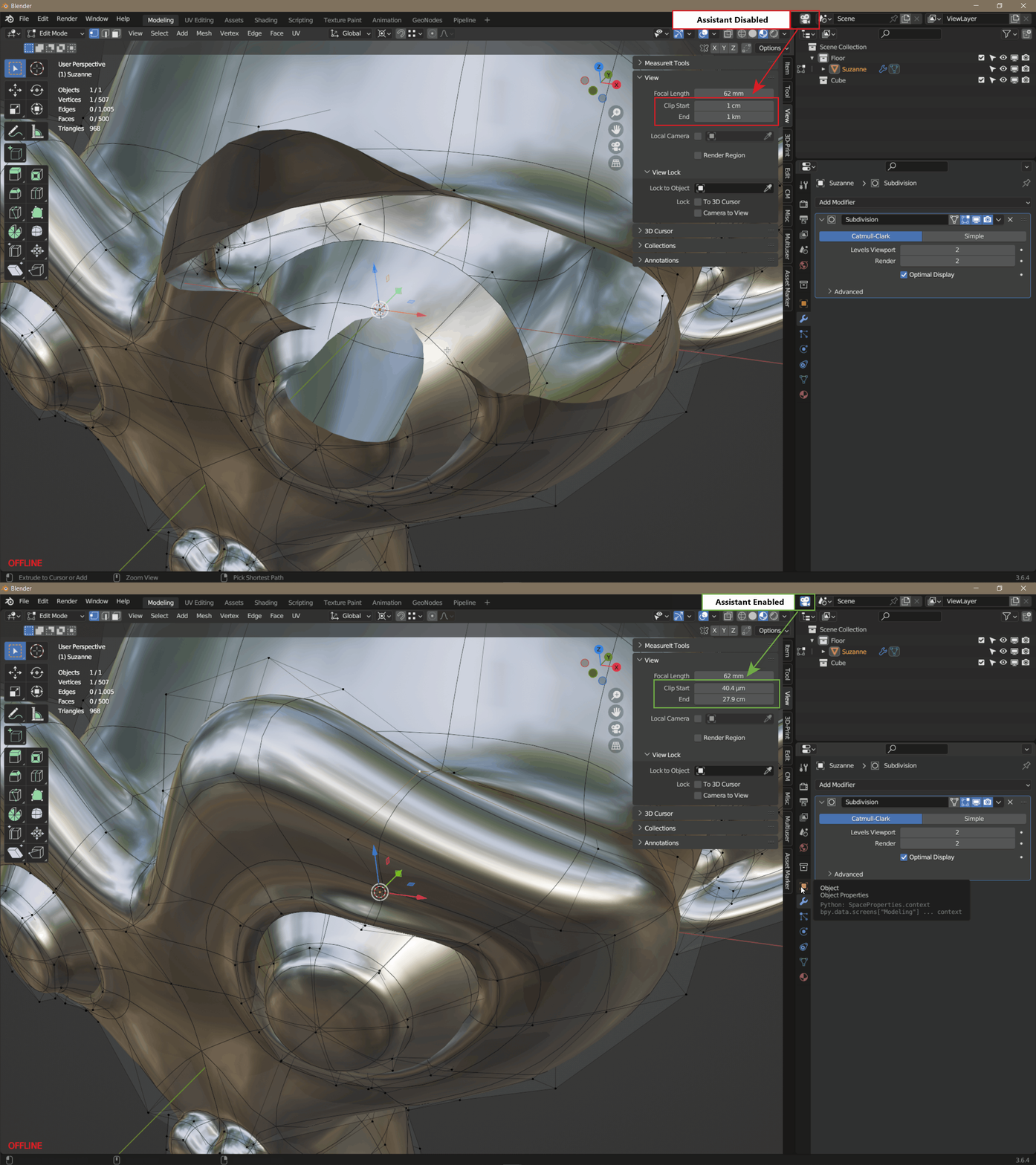
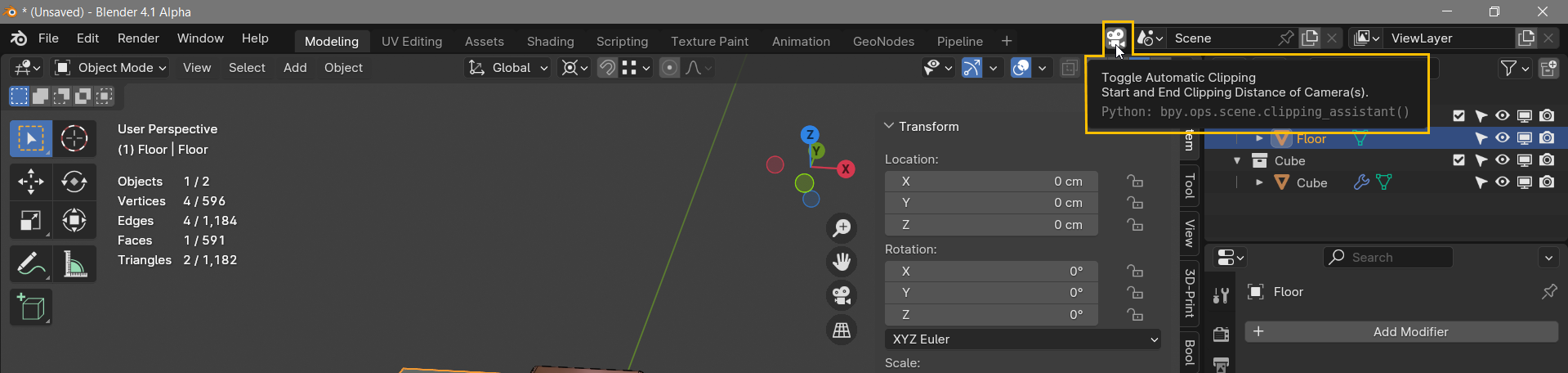
Activate the Clipping assistant by clicking the Camera icon in your Top Bar. Once the Camera Assistant is enabled, the clipping distance will be automatically adjusted for you.


Settings
Factors to adapt the clipping distances can be adjusted in the addons preferences:

Apply Clipping To Active Camera
This will enable the clipping assistant to adjust the near and far clip distance of your active camera so your renders are showing the same distances as the viewport.
Apply Clipping to Volumetrics
This will enable the clipping assistant to adjust the near and far clip distance of your volumetrics. Volumetrics clipping distances can have an impact on performance and create some artefacts which can be minimized by having an optimized clipping range.
Auto Clipping
Enabling Auto Clipping uses an automated calculation of the clipping distance (default).
The calculation of the clipping distance can be adjusted with the Clip Start and Clip End Multiplier sliders.

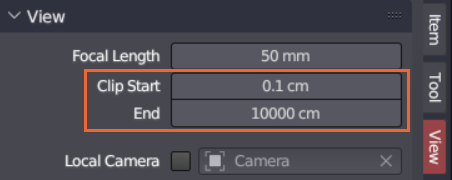
Disabling Auto Clipping uses a fixed clipping distance, which can be useful if you switch to different windows in blender and don't want to bother adjusting them for every new window.
The clipping distance can be adjusted with the Clip Start and Clip End Distance sliders.

Changelog
v 2_2_0
Refactor the Clipping Assistant addon by externalizing preferences, consolidating helper logic, rewriting the clipping workflow, enhancing operator event handling and UI redraw, adding live display of clipping distances in the header, and bumping the version to 2.2.0.
New Features:
- Show current viewport clipping distances in the Top Bar header with unit conversion.
Enhancements:
- Extract AddonPreferences into a separate preferences.py module and add caching for prefs() access.
- Modularize and rename helper functions for object dimension, location, and clipping min/max calculations.
- Overhaul apply_clipping and calculate_clipping to handle no-object scenarios, integrate profiling and debug output, and simplify area/space traversal.
- Extend operator trigger events with additional mouse buttons and key modifiers, and improve Top Bar redraw via header tagging
Have questions about this product?
Login to message

Discover more products like this
Automatic distance assistant clipping addon camera addon camera viewport camera volumes zoom addon for blender addon scripts