 ZEG

Installation
In Blender open Edit, Preferences, Get Extensions, then use Install from Disk and pick the clock_generator zip.
Usage
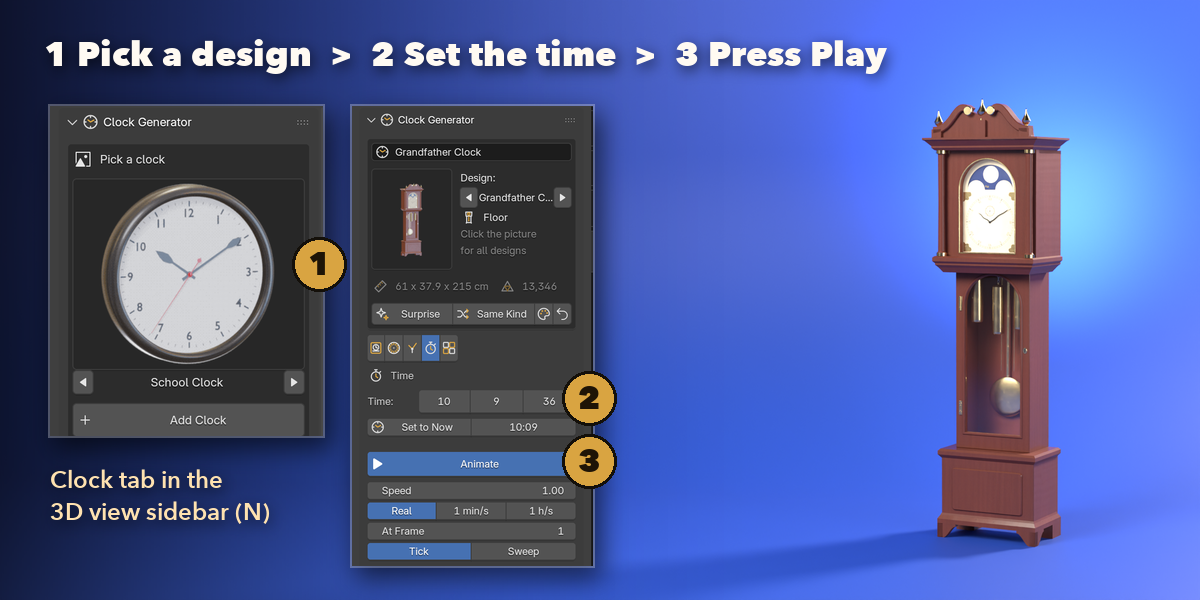
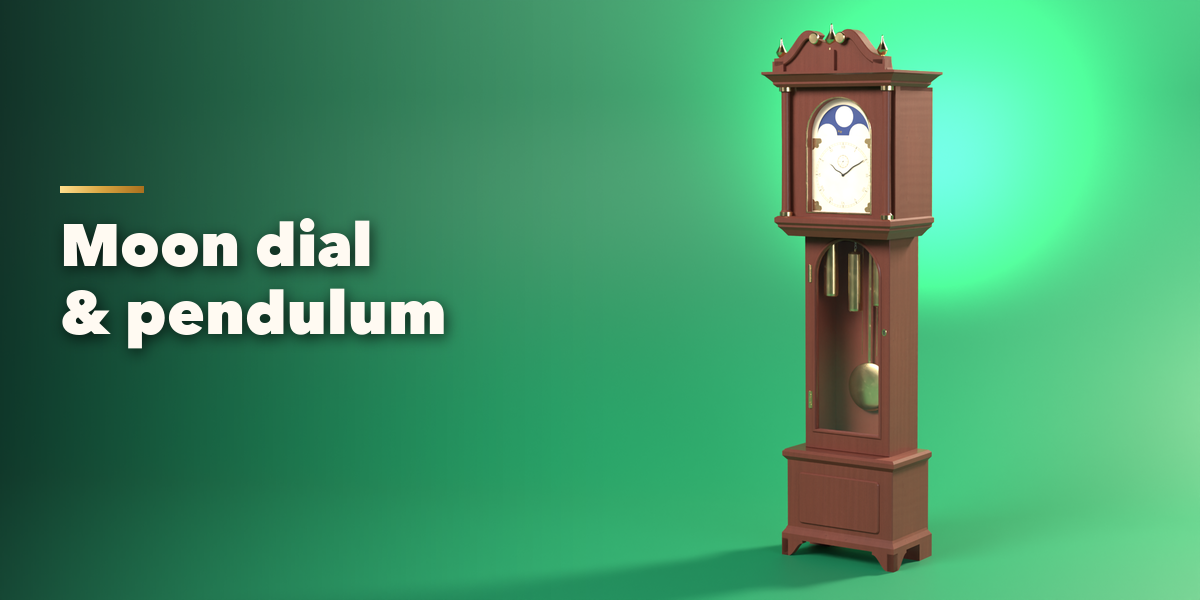
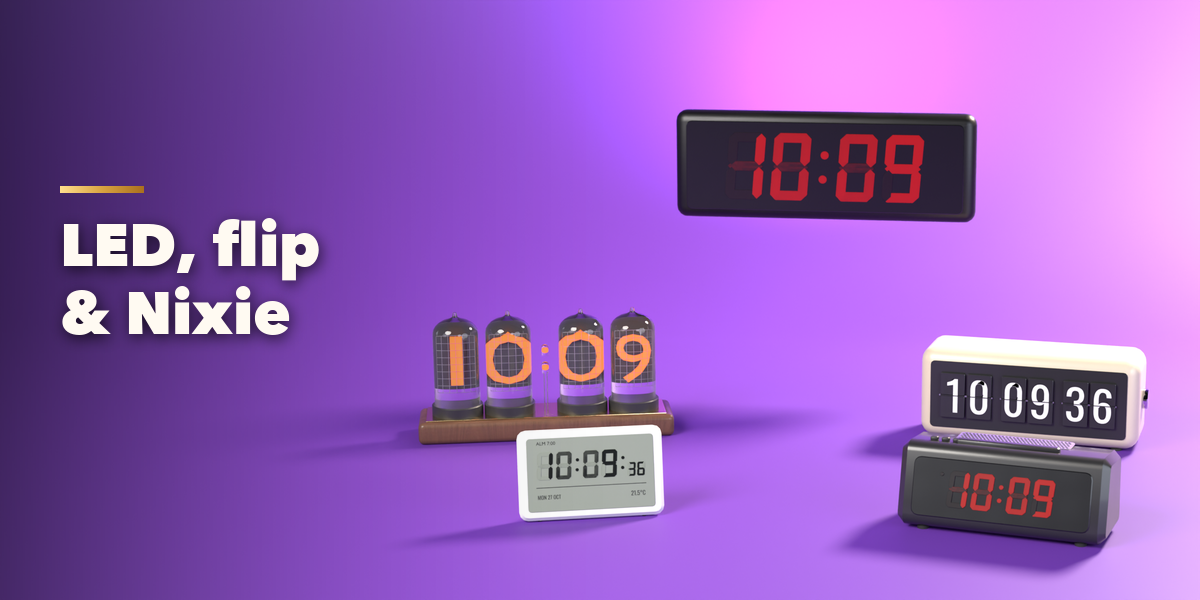
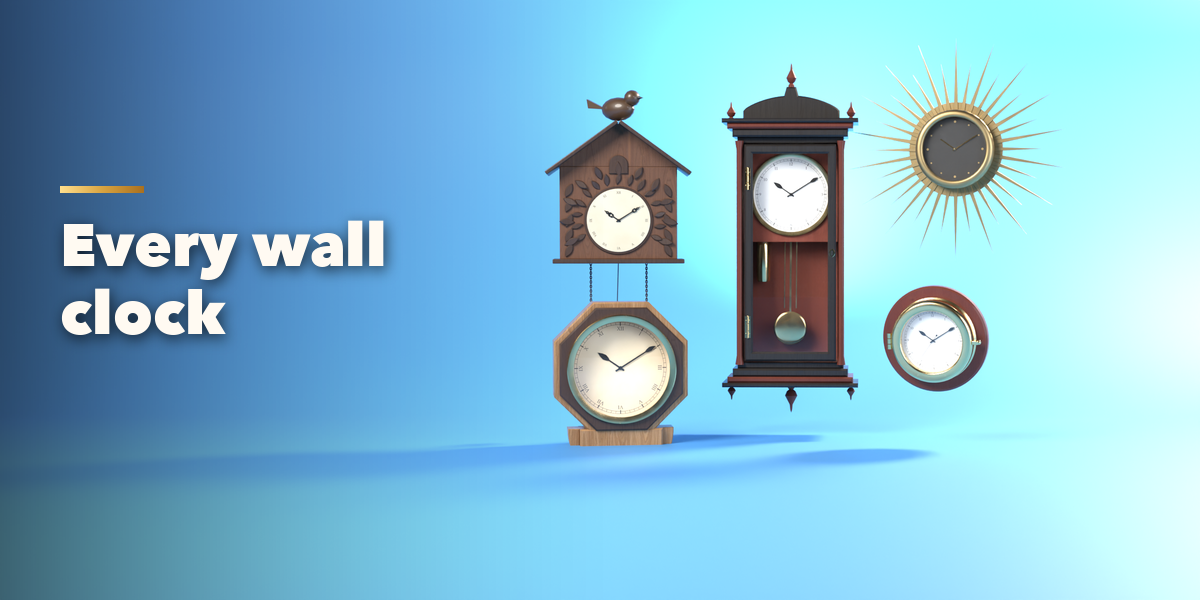
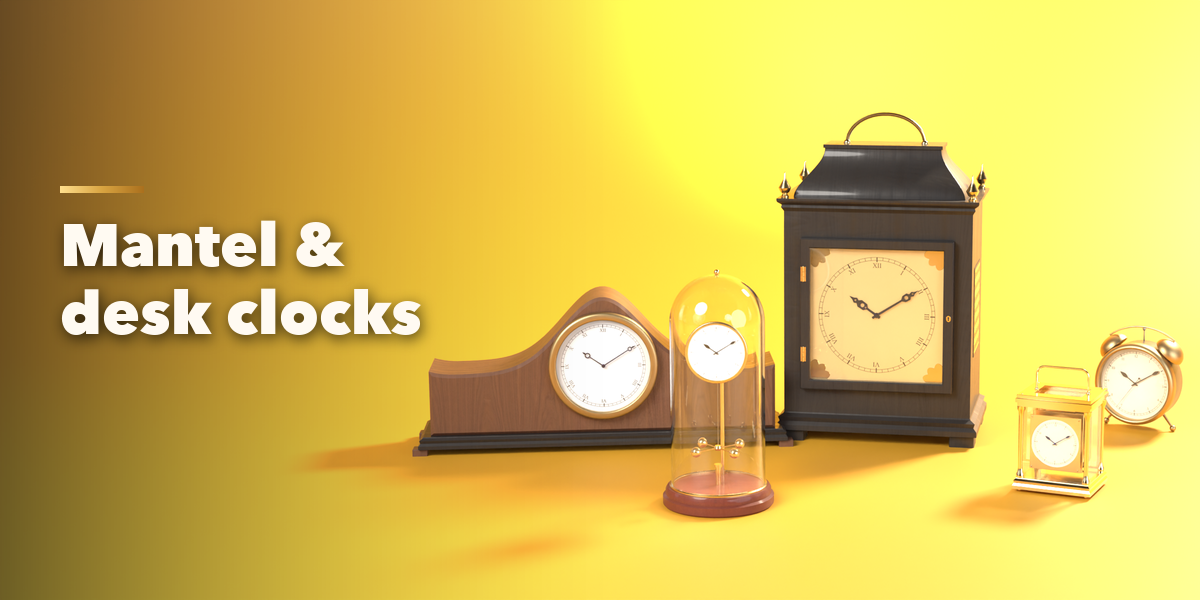
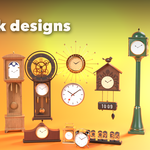
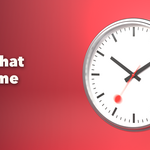
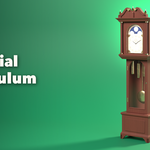
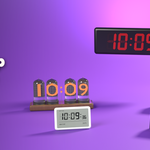
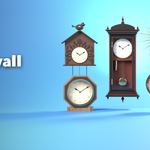
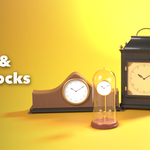
- Open the Clock tab in the 3D viewport sidebar (N). Click the picture to choose a design from the gallery, then press Add Clock. You can also use Shift+A, Mesh, Clock.
- The card at the top changes the design with the arrows, or gives you a random one with Surprise and Same Kind.
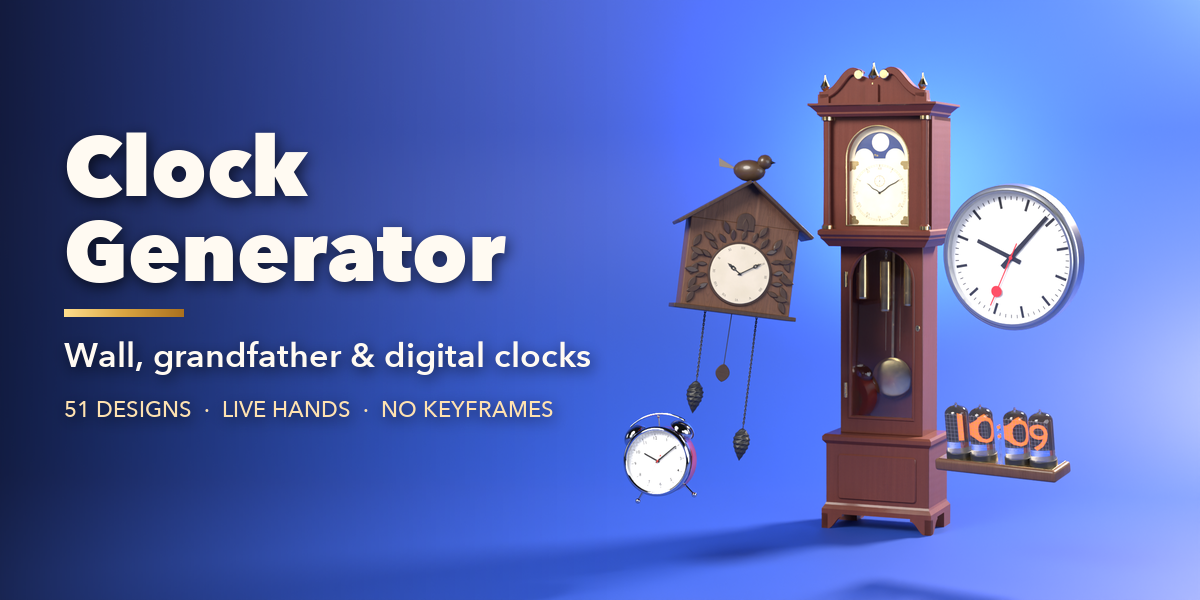
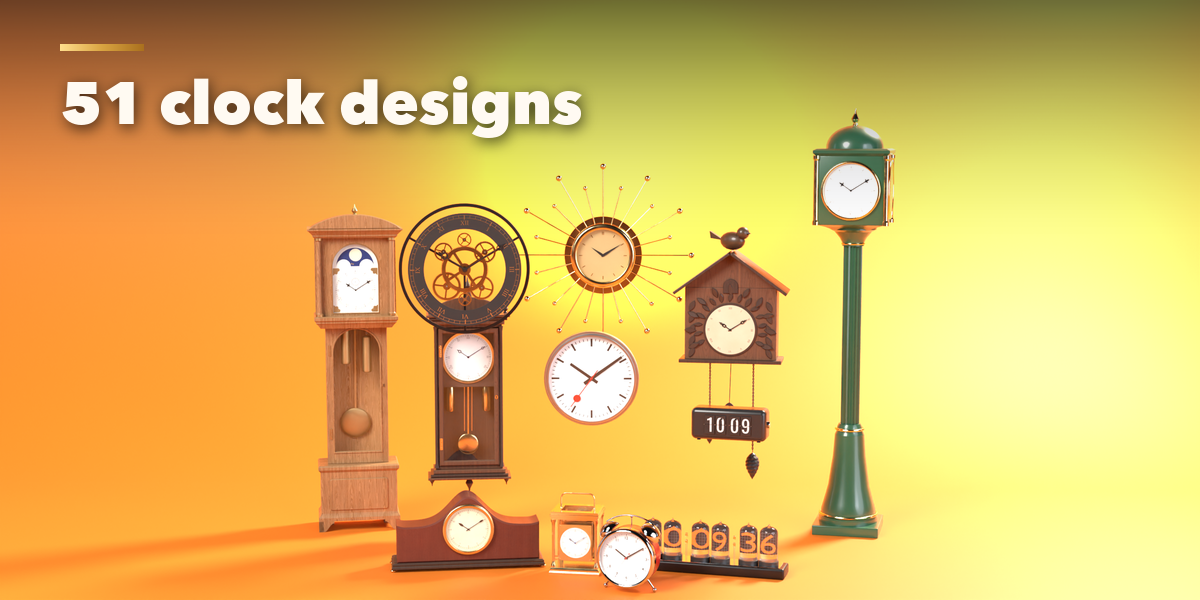
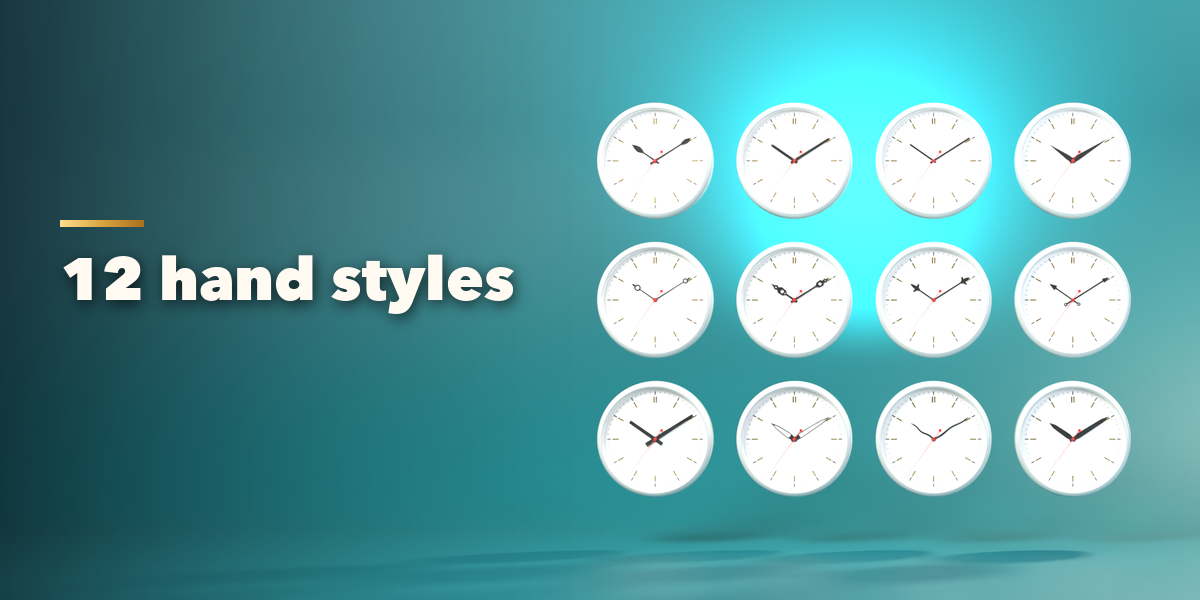
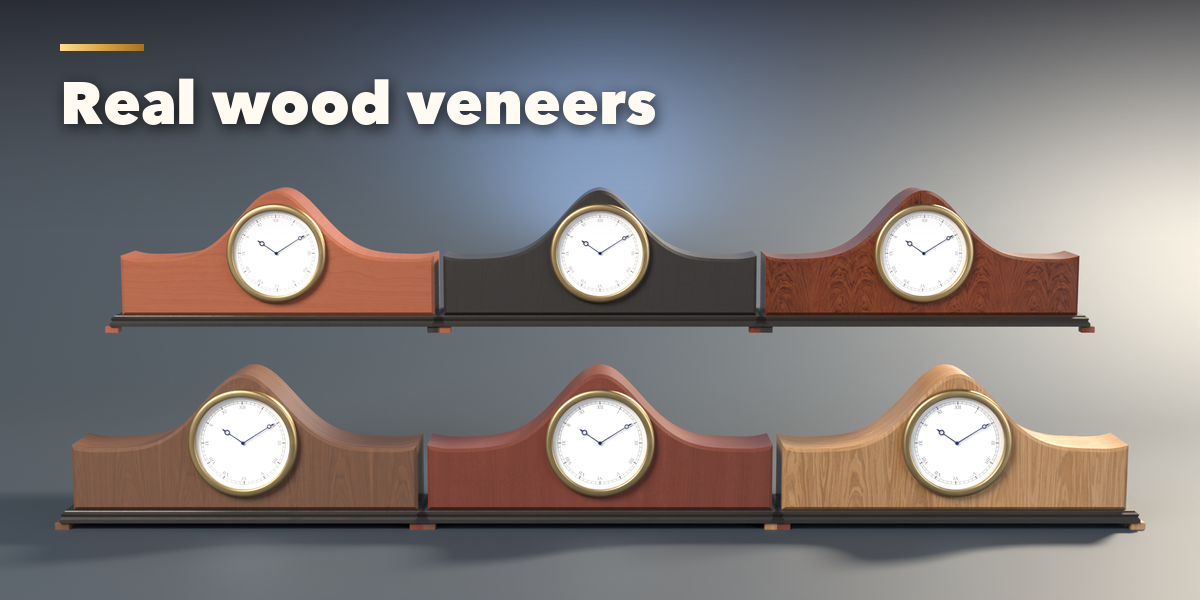
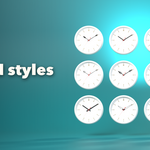
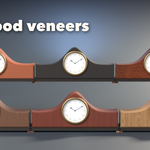
- The tabs hold every setting: Case (kind, size, finish, condition and the case's own options), Dial (color, numerals, track, text), Hands (style, finish, seconds hand), Display on digital clocks (digit kind, color, 12/24 hour) and Time.
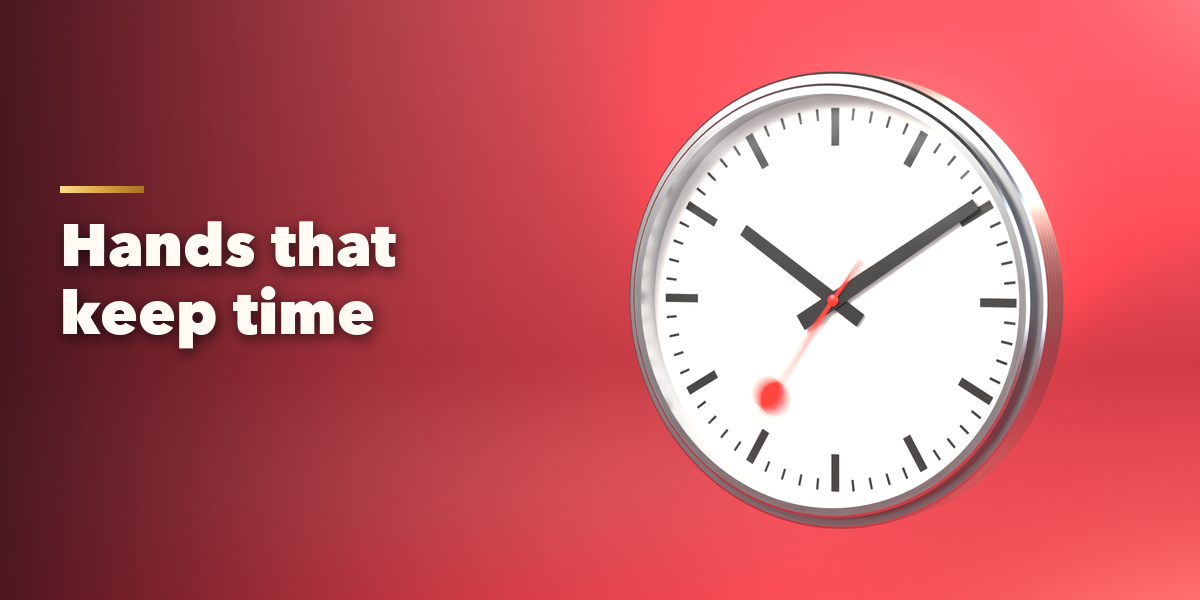
- In the Time tab set the hours, minutes and seconds or click Set to Now. Turn on Animate and press Play: the clock runs from that time. Speed makes it run faster; Tick or Sweep picks the seconds hand motion.
- Parts shows or hides each part. Make Real keeps the clock as plain objects (the moving parts keep their drivers); Delete removes it.
Have questions about this product?
Login to message
| Blender Extension Compatible | Yes |
| Published | about 11 hours ago |
| Blender Version | 4.2 - 5.2 |
| Extension Type | Add-on |
| Render Engine Used | Cycles, Eevee |
| License | GPL |

Discover more products like this
clock wall clock Interior pendulum props procedural grandfather-clock digital-clock cuckoo-clock alarm clock time Generator