Cloth Flow – All-in-One Cloth Simulation Add-on for Blender
 Blender house

Cloth Flow – Documentation & User Guide
1. Introduction
Welcome to Cloth Flow, an easy-to-use cloth simulation add-on for Blender.
Cloth Flow simplifies the cloth simulation workflow by bringing essential tools together in one organized interface. Whether you want to create custom garments directly from character faces or simulate existing clothing, Cloth Flow provides a convenient workflow to help bring your clothing simulations to life.
2. Installation
Download the Cloth Flow ZIP file.
Open Blender.
Navigate to Edit → Preferences → Add-ons.
Click the dropdown menu and select Install from Disk.
Choose the downloaded Cloth Flow ZIP file.
Enable the add-on after installation.
Open the 3D Viewport and locate the Cloth Flow panel.
3. Create Garments from Character Faces
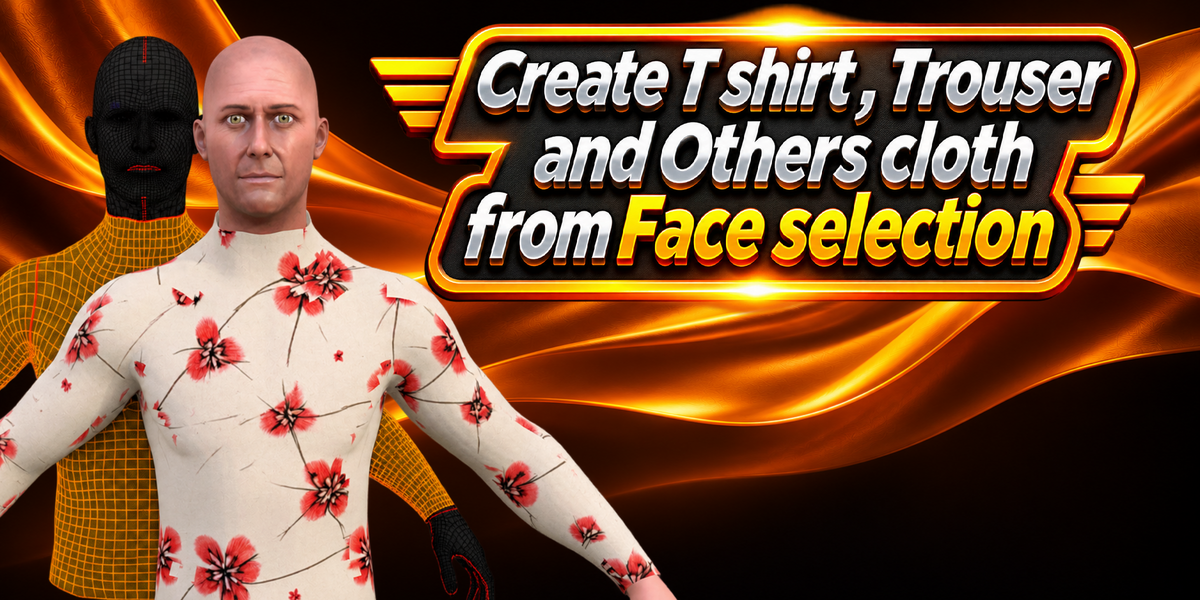
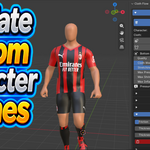
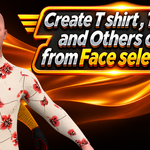
Cloth Flow allows you to create garments directly from selected character faces.
Add a character to your Blender scene without clothing.
Select your character.
Open the Cloth Flow panel and click Add Cloth.
Enter Edit Mode and select the faces where you want to create clothing.
Open the Garment Builder.
Choose Create Garment.
Your garment will be generated from the selected faces.
Add collision to the character's body before running the simulation.
4. Simulate Existing Clothing
You can also apply cloth simulation to garments that are already created.
Select your garment.
Click Add Cloth Flow.
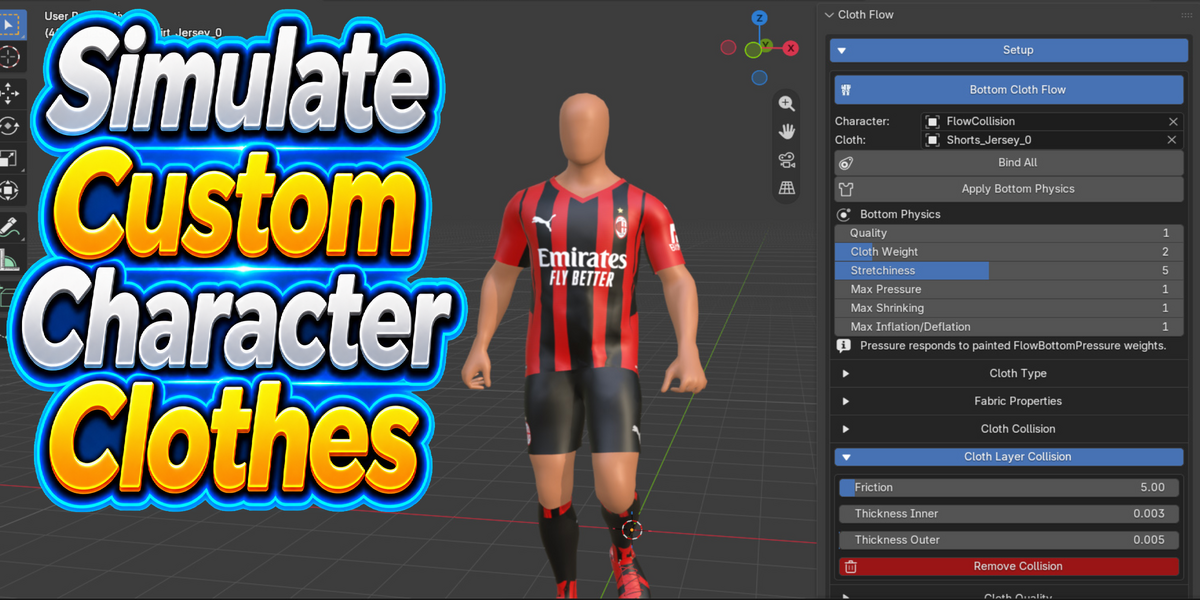
Select your character and add collision to the body.
Open the Target panel.
Choose your character's body and click Bind.
-
Adjust the cloth settings according to your requirements.
NOTECloth Flow is a Blender add-on designed to simplify cloth simulation. It allows you to create garments from selected character faces and simulate existing clothing with an easy workflow.
You can select faces on your character and use the Garment Builder to create custom garments.
Select your existing garment and click Add Cloth Flow to set up cloth simulation.
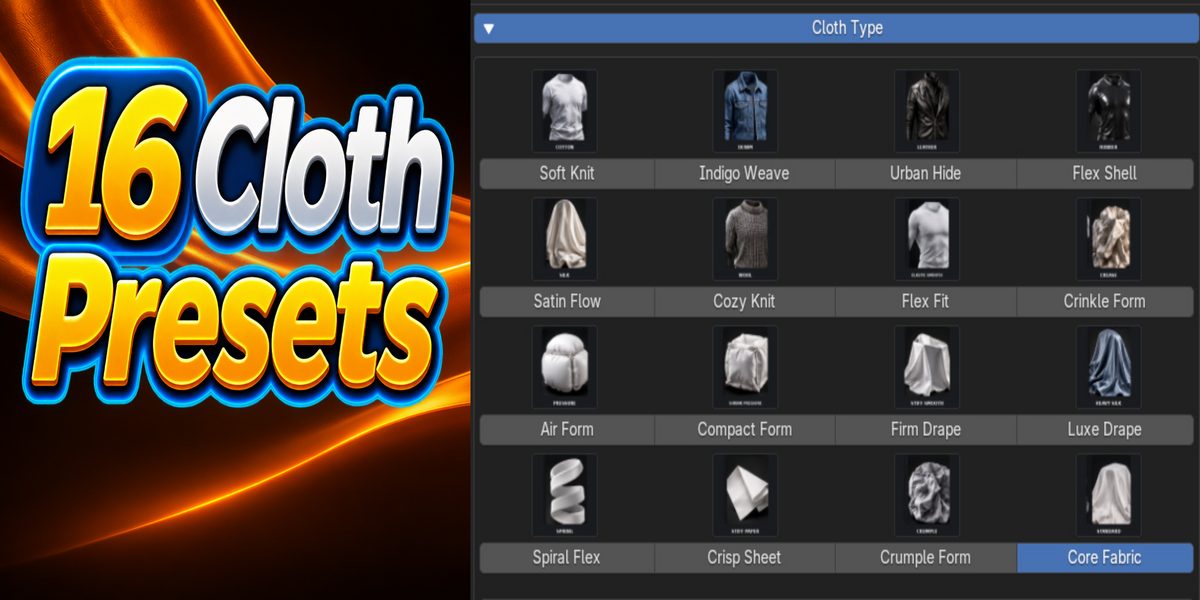
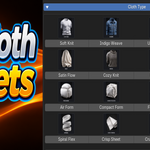
Cloth Flow includes 16 ready-to-use cloth presets to help you configure different fabric types.
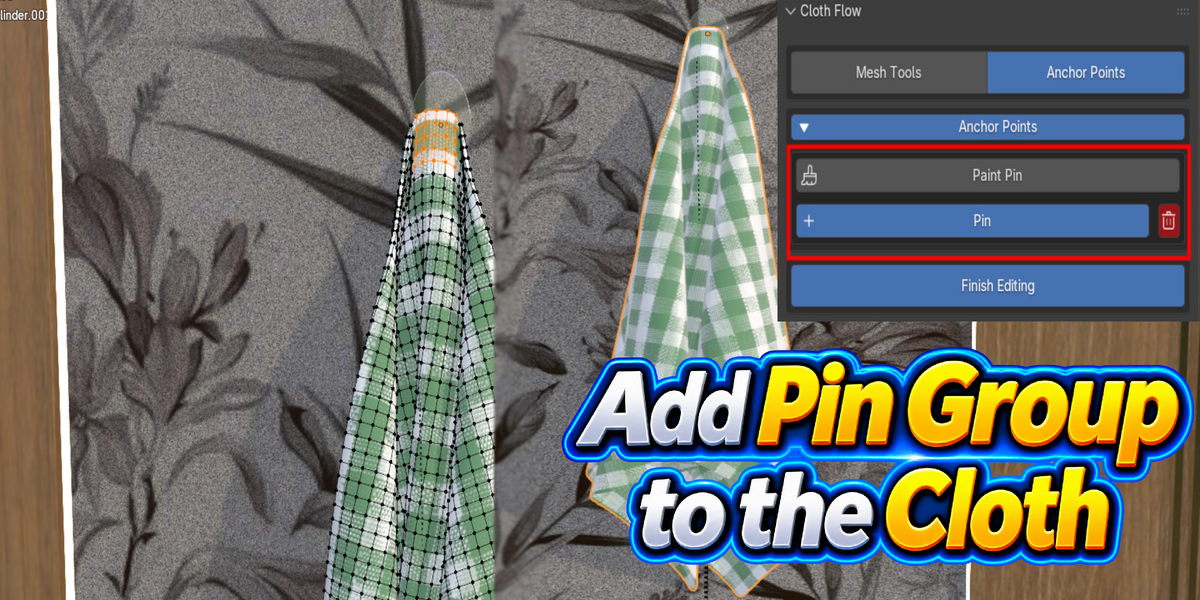
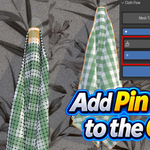
Anchor Points allow you to create Pin Groups to keep selected areas of your garment in place during simulation.
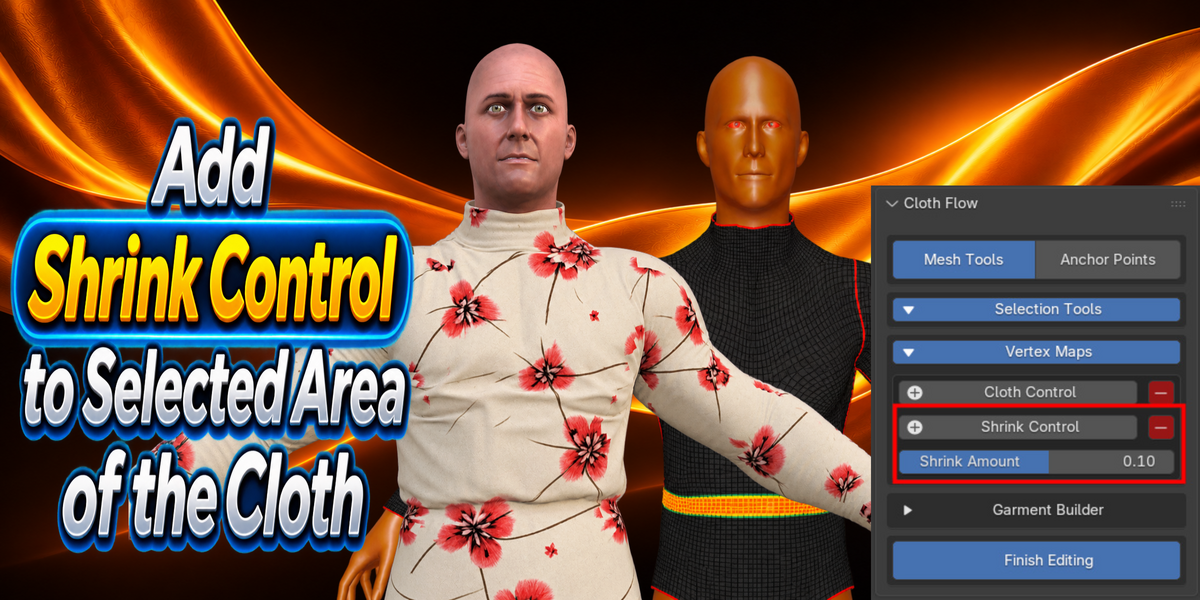
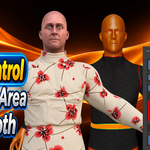
Cloth Shrink allows you to apply shrink control to selected areas of your garment.
Cloth Layer Collision helps improve collision interaction between multiple cloth objects, such as shirts and trousers.
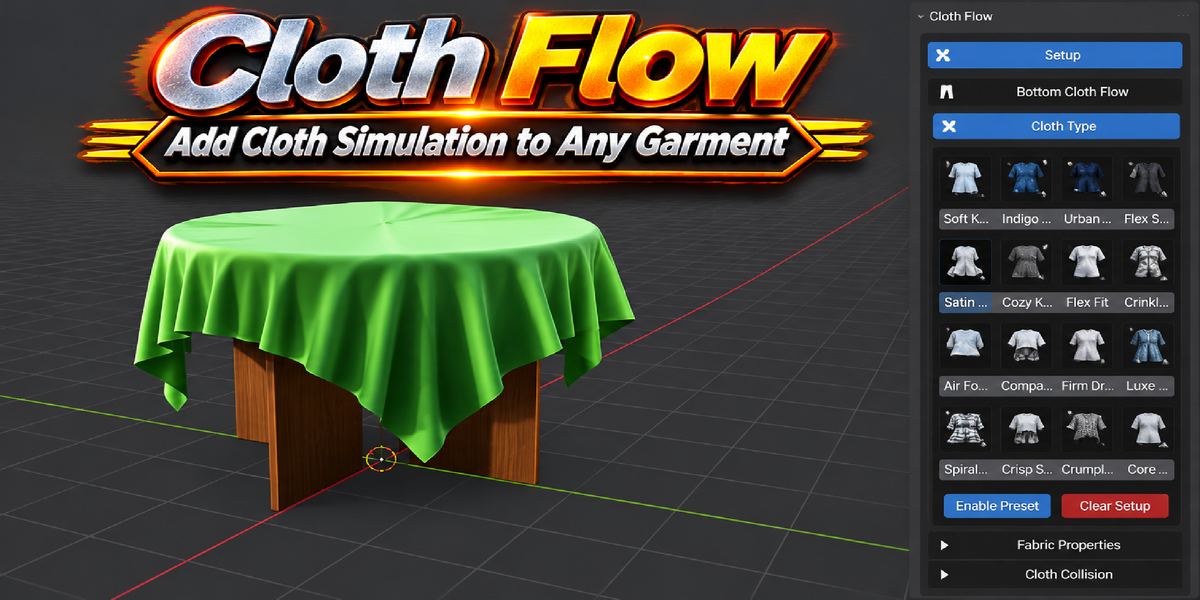
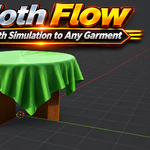
Cloth Flow can be used to simulate different cloth objects, including curtains and tablecloths.
You may need to create Anchor Points or a Pin Group to keep the required areas of your garment in place.
Baking is recommended for smoother playback and to store the calculated simulation results.
Delete the previous bake and bake the simulation again to update the results after changing collision settings.
If you experience any issues, you can contact us by email or leave your feedback in the product comments section.
Have questions about this product?
Login to message
| Blender Extension Compatible | Yes |
| Published | about 2 hours ago |
| Blender Version | 5.0 - 5.3 |
| Extension Type | Add-on |
| License | GPL |
Discover more products like this
Cloth Presets Pin Group Cloth animation Garment Creation Blender cloth cloth simulation clothing garment simulation physics character clothing cloth-physics