 Casey_Sheep




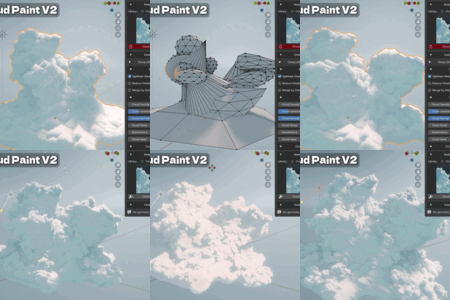
✨ What's New in Cloud Paint V2 ✨
Cloud Paint V2 introduces a brand-new cloud generation system and a large library of procedural assets — giving you a completely different stylized cloud workflow alongside the original painterly tools.
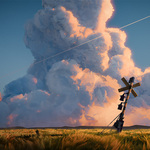
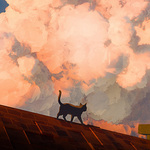
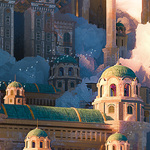
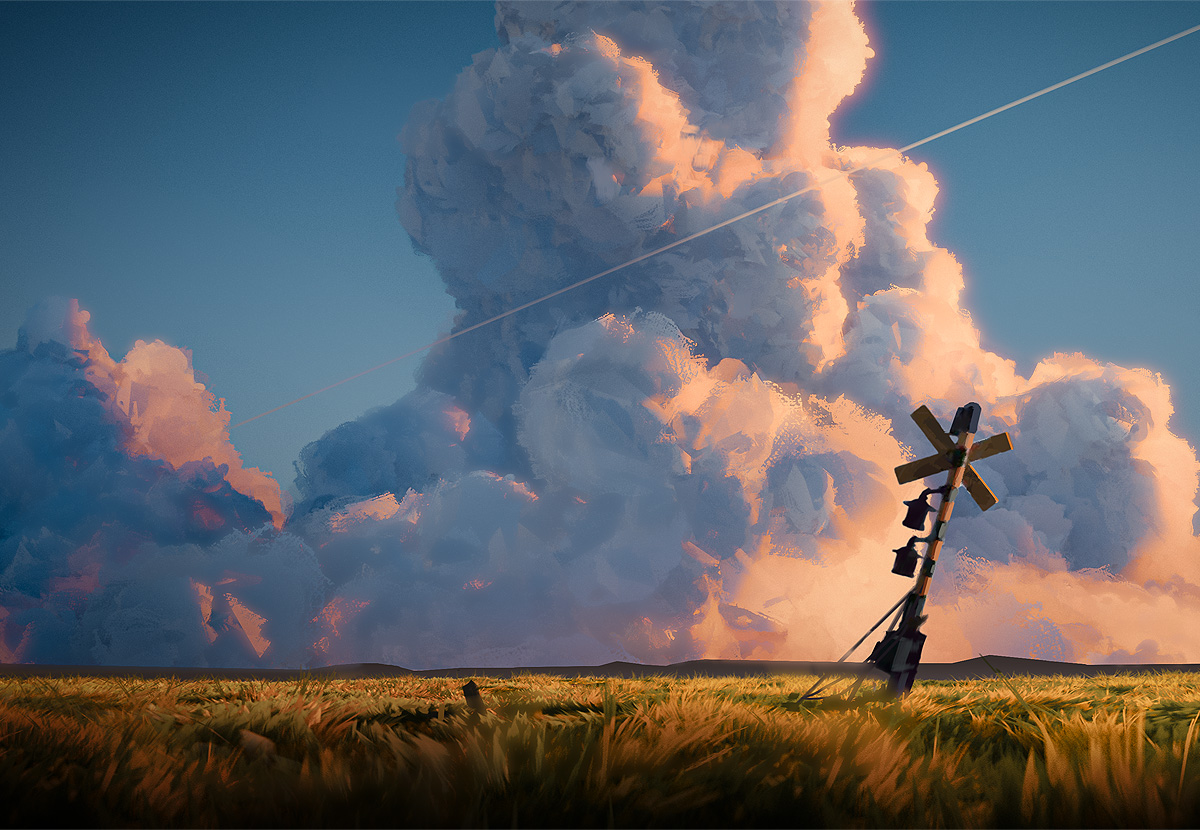
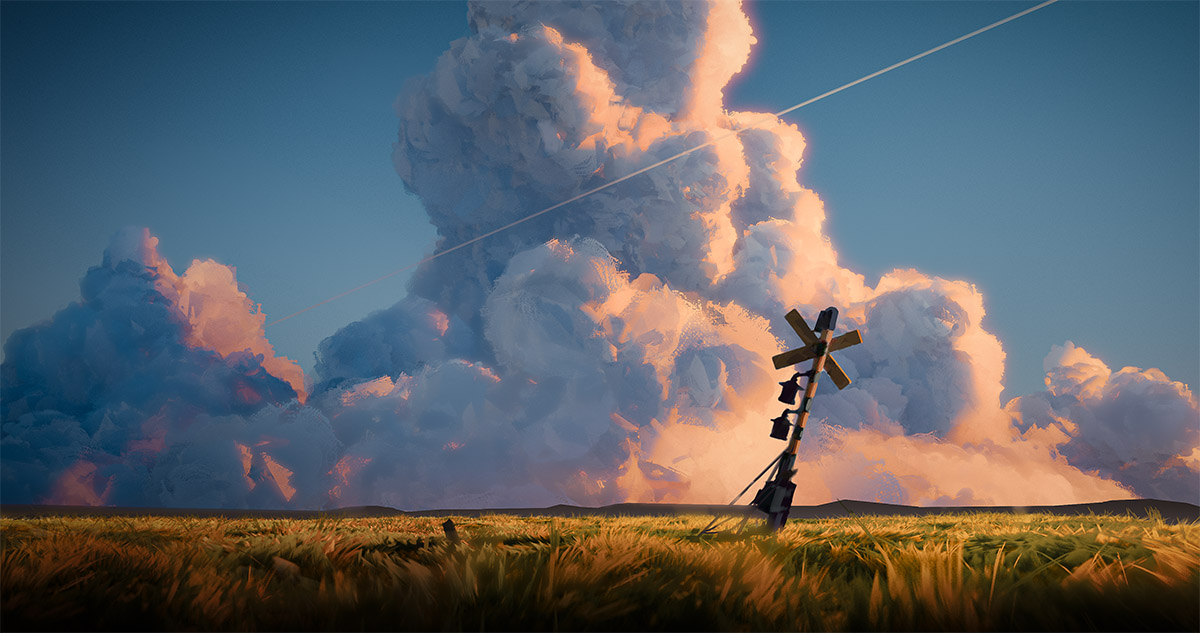
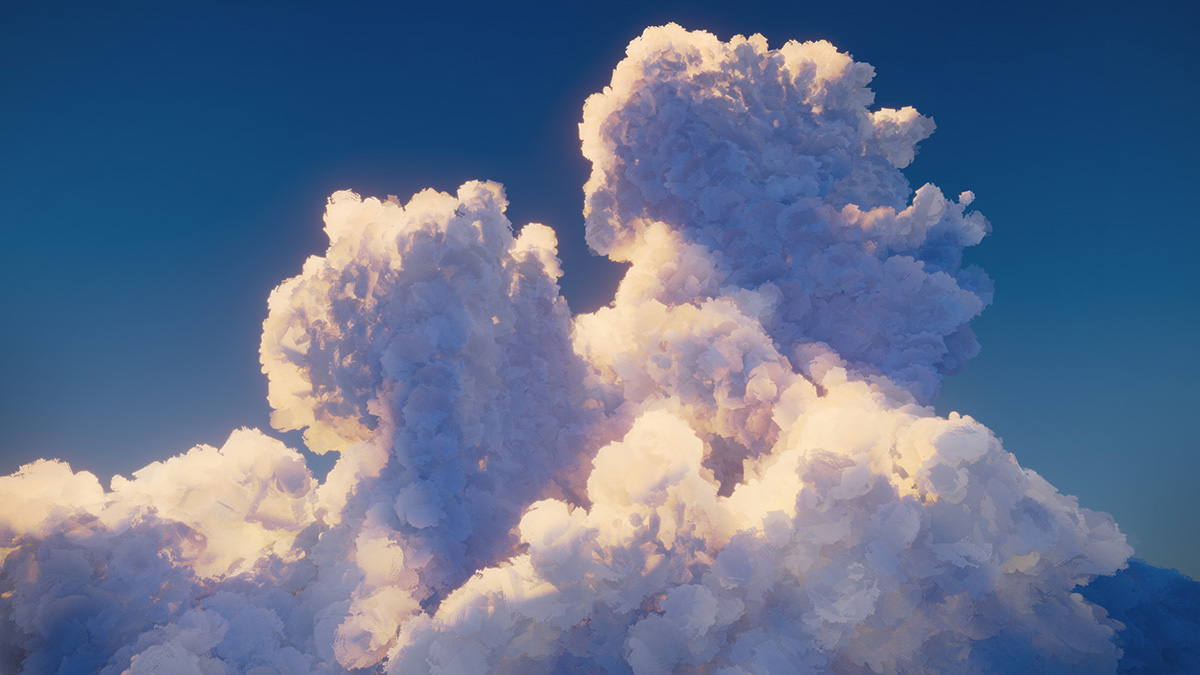
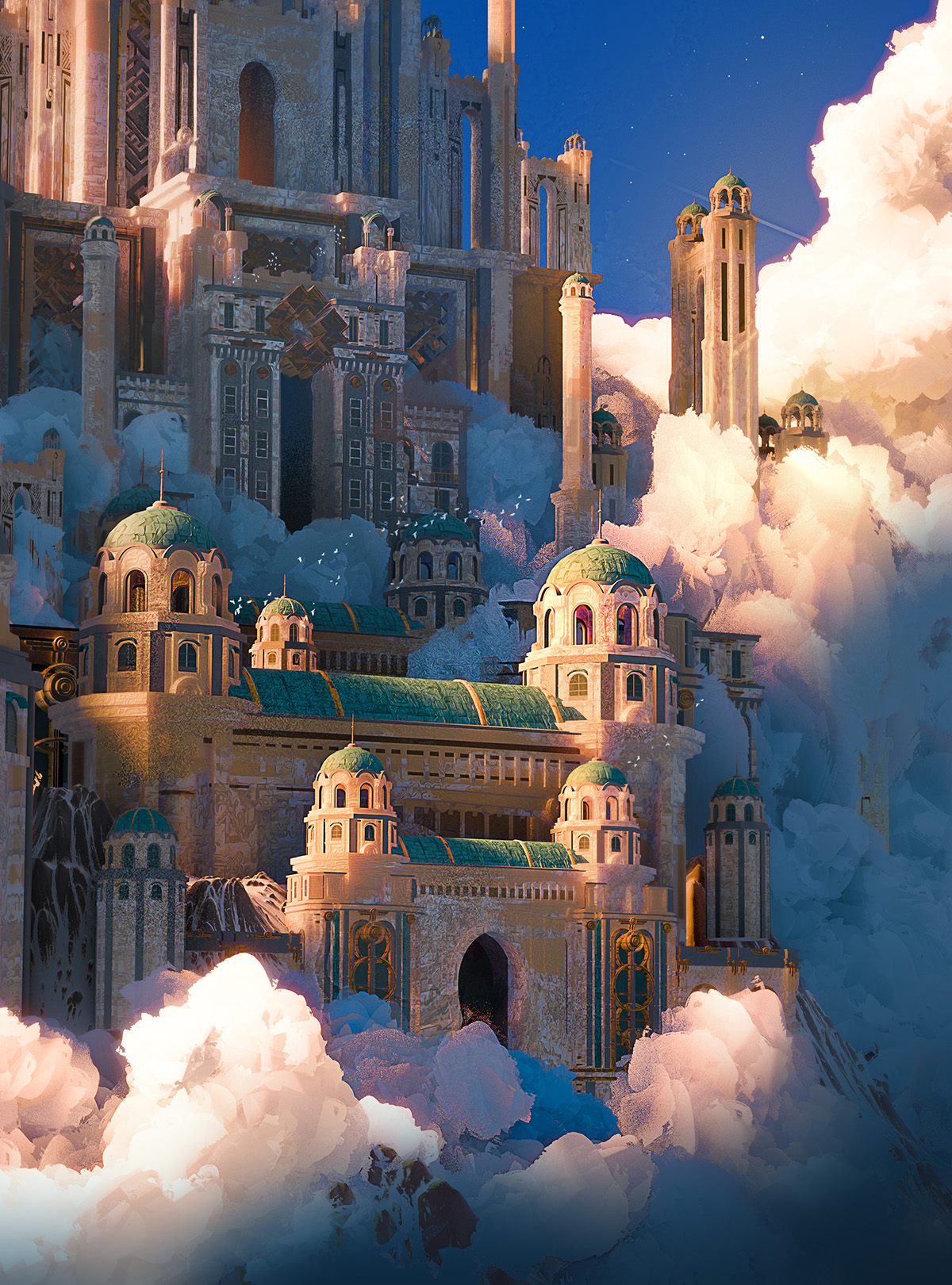
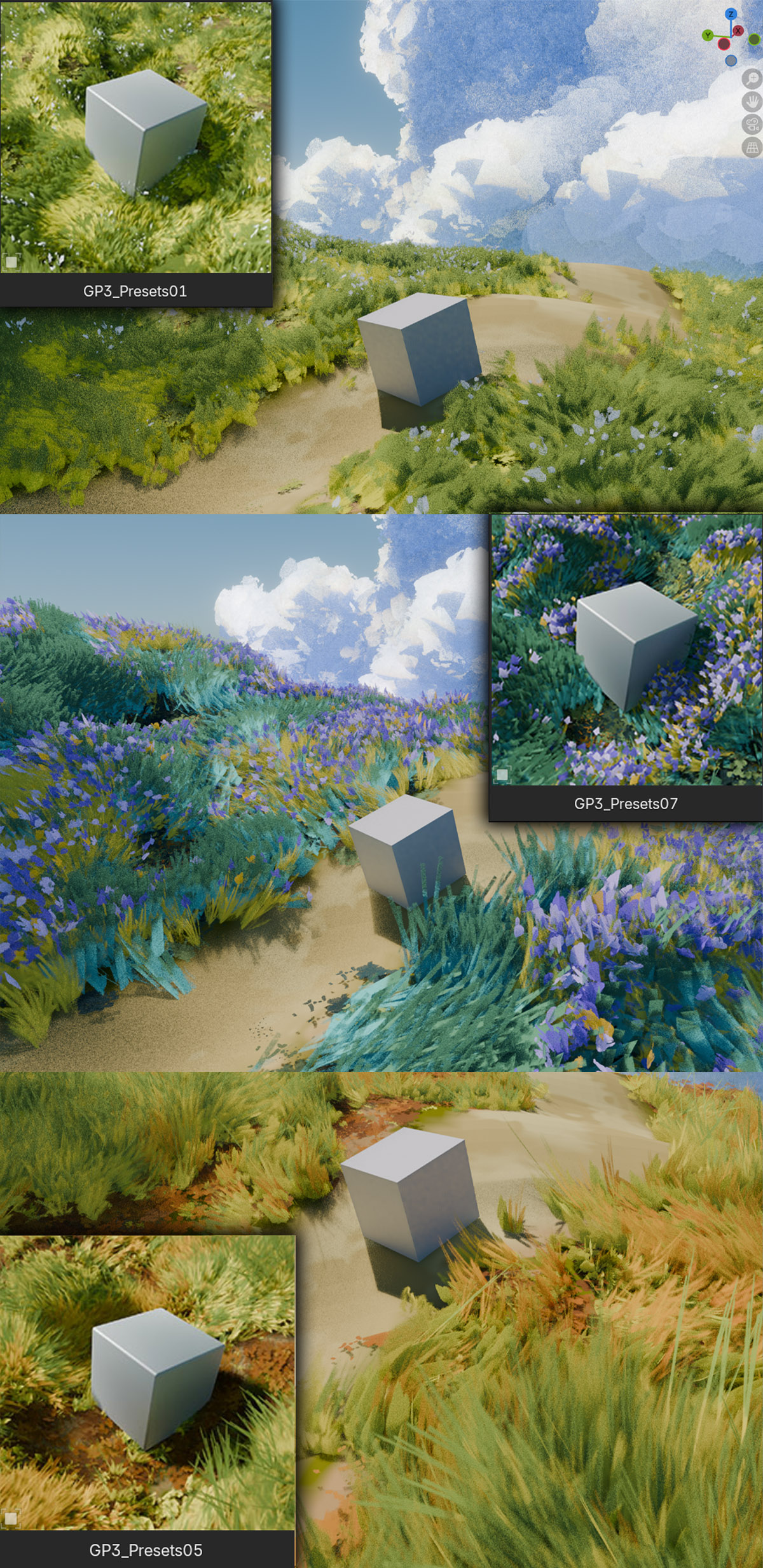
🖼️ Artwork Created with Cloud Paint V2
Example renders made using the new V2 cloud generator.


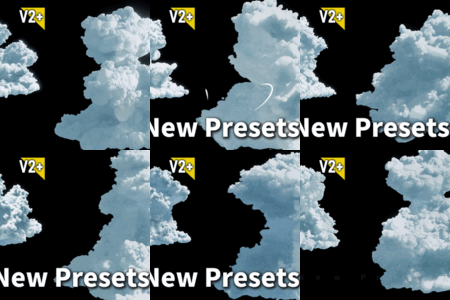
🎨 V2 Cloud Generator Presets — A Completely New Style
V2 introduces an all-new cloud generator with presets that are entirely different from V1. This is a separate procedural system — not a variation of the original painterly workflow — built to produce flat-painted, color-block style clouds with a bold stylized look.
Every cloud is fully procedural and fully editable. Shape, color, and style remain under your complete art direction control from start to finish.

📦 20+ New Procedural Assets — Ready to Drop Into Your Scene
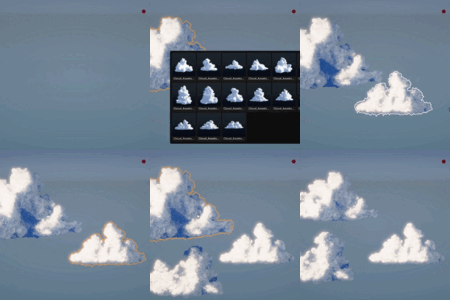
Cloud Paint V2 includes over 20 new cloud assets you can add directly to your scene and start editing right away. Each asset is fully procedural — adjust shape, color, and parameters to match your art direction without rebuilding from scratch.
Includes 10 V2 Assets and 12 V2 Plus Assets.

Painterly Clouds for Blender Artists
Cloud Paint V2 is a stylized cloud generator for Blender artists — now with two cloud workflows in one add-on: the original painterly system from V1, plus an all-new flat-paint generator and expanded asset library.
Create soft, hand-painted cloud shapes or bold color-block stylized clouds — all fully 3D, procedural, and editable inside Blender.
Supports Blender 4.5+, including Blender 5.1. Designed for Eevee only.
Key Features
Core tools for creating expressive painterly clouds in Blender.
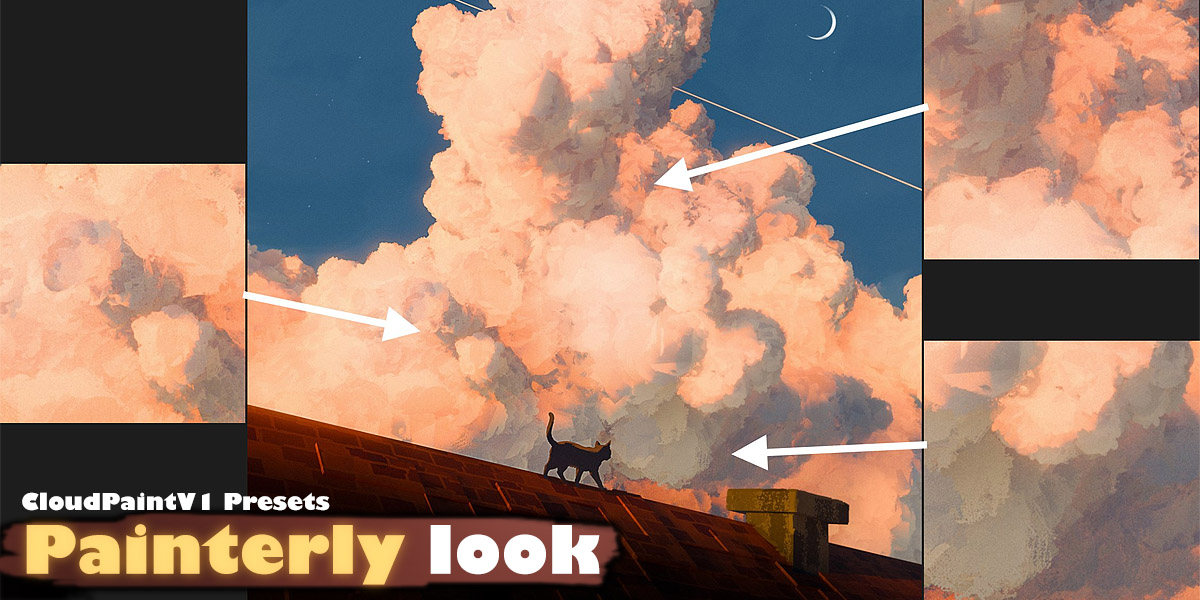
🎨 Painterly Cloud Rendering — Hand-Painted Look in Blender
Easily render stylized clouds with a hand-painted look inside Blender. Cloud Paint is ideal for anime scenes, toon environments, fantasy skies, and concept art renders.

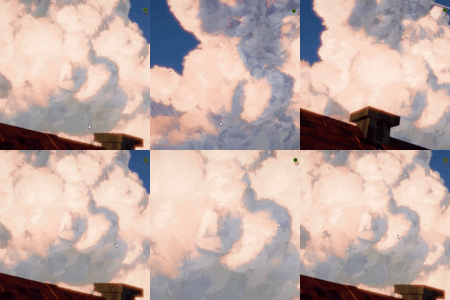
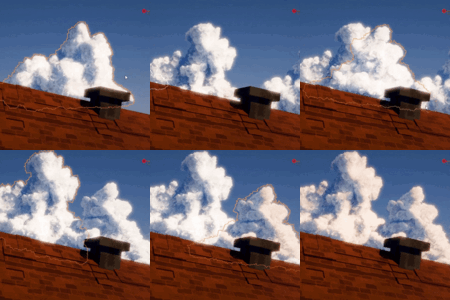
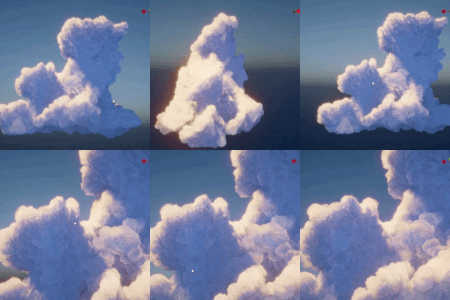
🌐 Fully 3D Clouds — True Volume from Every Angle
Cloud Paint clouds are fully three-dimensional, with natural volume you can view from any direction. Orbit freely around them, animate your camera, and render from different angles while keeping a soft painted style.

✏️ Shape Clouds Freely — Full Art Direction Control
Build the cloud silhouette you want. Shape, adjust, and art-direct your clouds to match your scene composition, from small fluffy clouds to dramatic fantasy cloud forms.


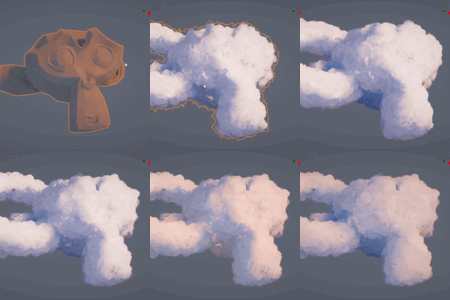
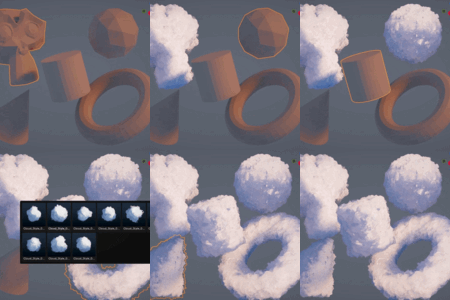
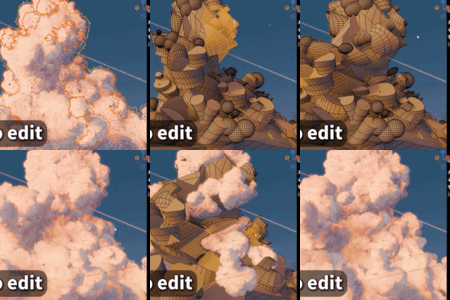
⚡ Mesh to Cloud + 10 Presets — One-Click Conversion
Convert a mesh into a stylized cloud with one click, then mix it with 10 ready-to-use presets. Quickly test different cloud styles without starting from scratch.

📦 Built-in Cloud Assets — Ready-to-Use Sky Elements

Cloud Paint includes several pre-made cloud assets that can be directly imported and used in your scenes. Perfect for fast sky blocking, background creation, and quick stylized environment setup.

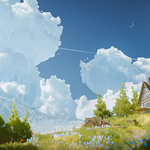
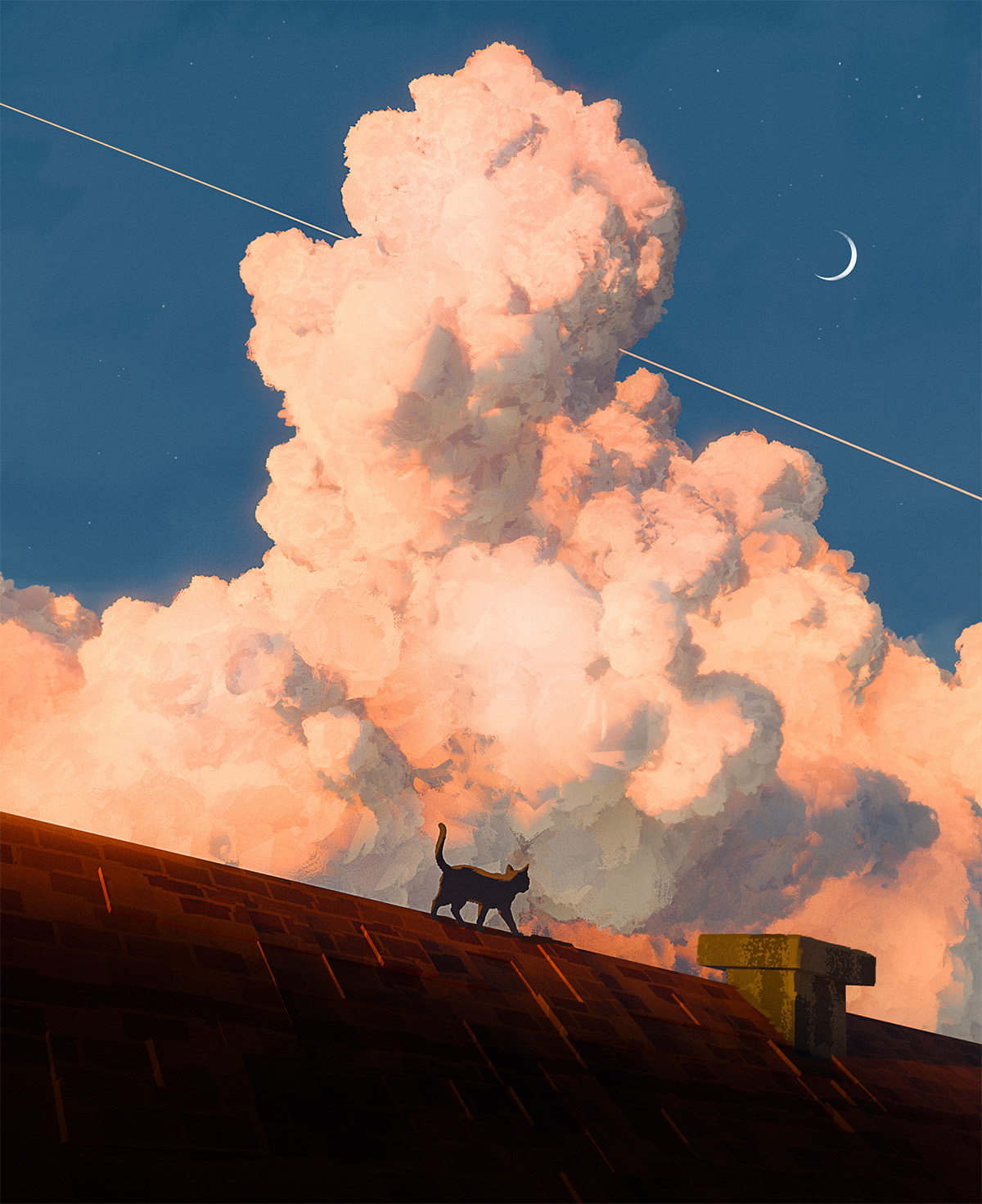
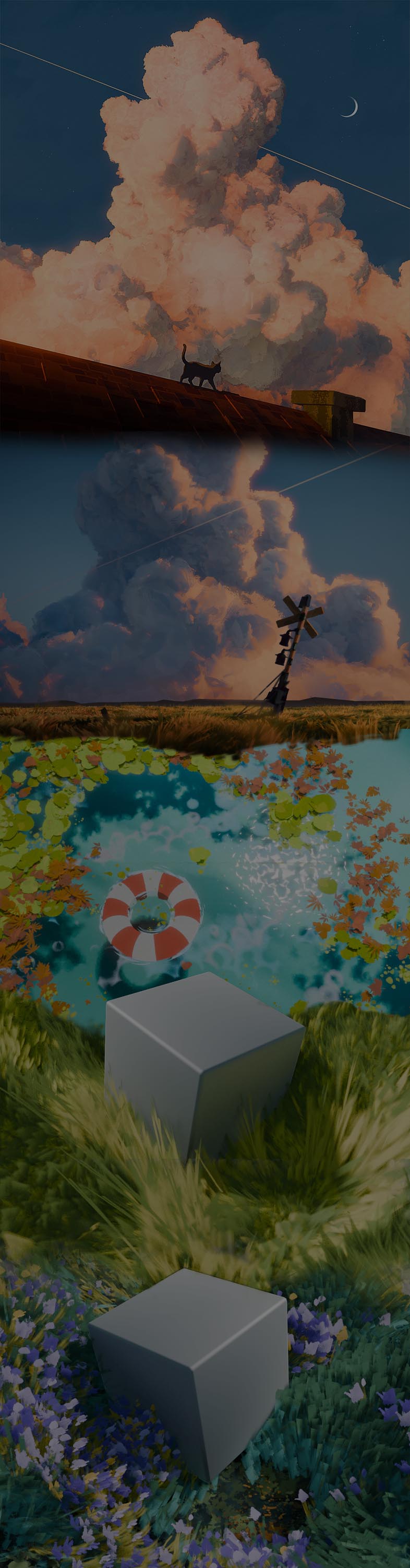
Artwork Showcase
Example renders created using Cloud Paint.
Get Cloud Paint Now
Cloud Paint is made for stylized environment artists, concept artists, animators, and Blender creators who want painterly clouds with true 3D freedom.
If you have any questions about the product, feel free to send us a message before purchasing.


Compatibility
Cloud Paint supports Blender 4.5 and above, including Blender 5.1.
Cloud Paint is designed for Eevee only. Cycles is not supported.
Before You Purchase
Please make sure you fully understand the product's features before purchasing. Every available feature and limitation is clearly described on this product page. Refund requests based on assumptions or expectations of features that are not explicitly listed, such as "I thought this product had this feature.", will not be accepted.
By purchasing this product, you acknowledge and accept the following:
- Performance depends on your hardware, scene complexity, viewport settings, and Blender configuration. We cannot guarantee identical performance on every computer.
- This product is designed exclusively for use inside Blender. We do not provide support or guarantee compatibility with other software, game engines, or external workflows.
- Refunds are only considered for verified product defects that prevent the product from functioning as described.
- Refunds will not be granted due to hardware performance limitations, slow viewport performance, long render times, or other computer-specific performance differences.
- Refunds will not be granted for differences in personal workflow, user habits, preferred ways of working, or incompatibility with your existing workflow.
- Refunds will not be granted for subjective reasons, including simply not liking the product, changing your mind after purchase, or deciding it does not fit your personal preferences.
- Refunds will not be granted for attempts to use the product outside of Blender or in unsupported software, pipelines, or game engines.
Creators do not have the authority to approve or deny refunds. Final refund decisions are made solely by the marketplace.
If you have any questions regarding refunds, please refer to the official SuperHive refund policy or contact their support team directly.
Refund Policy:
https://support.superhivemarket.com/article/22-refund-policy
Support Email:
[email protected]