 Noah Milliken



Hi! There's a newer version of this product! Check it out here:
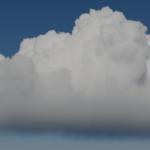
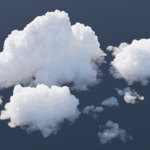
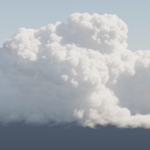
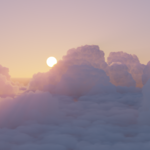
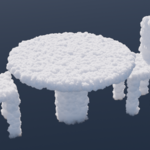
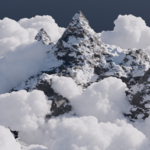
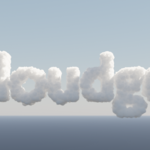
Convert a simple base mesh into a photorealistic cloud, gaining fine-grained control over the shape while maintaining a high degree of realism and ease.
When you want to add clouds to your scene, you face a difficult choice. You can have superior realism with a traditional VDB workflow, but then you can’t customize the shape unless you pay for and learn expensive software. Or you can build procedural clouds to match the shape you want, but they just don’t look very good.
Cloudgen was built to give you another option. Convert any base mesh into a photorealistic cloud, allowing for the art-directability of procedural clouds without compromising realism. Just build your mesh, add the geometry nodes system, and then finish by adding the shader. You’ll get beautiful looking clouds based on your mesh with minimal effort. While the complexity is under the hood, you’ll have access to a simple set of parameters to customize the shape and look of your cloud.
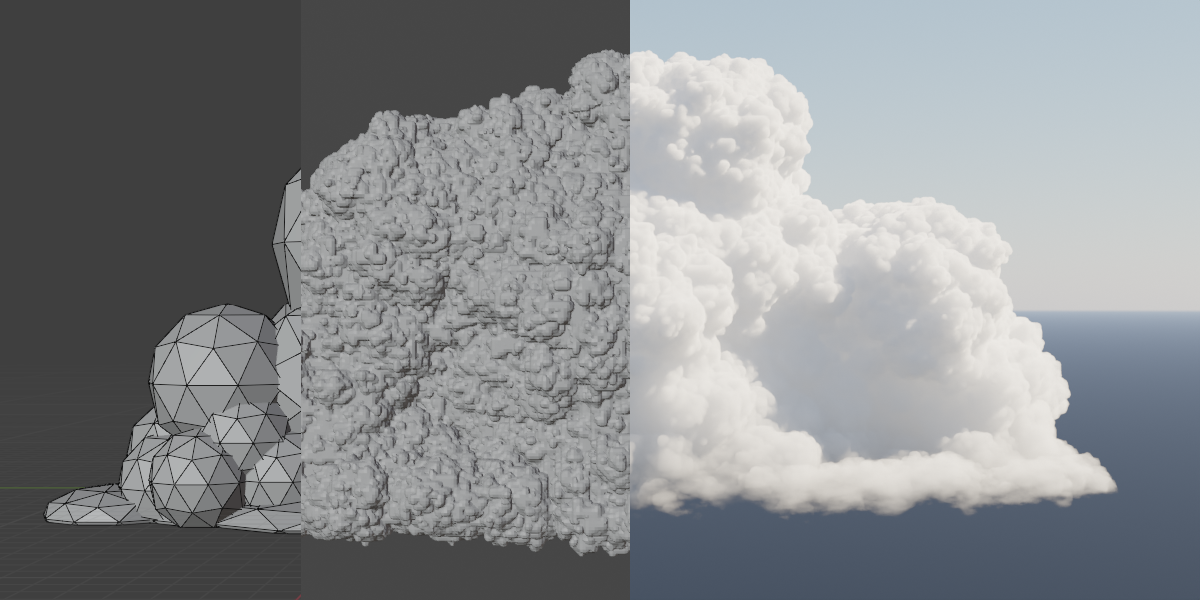
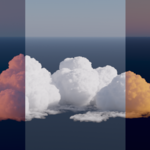
You can customize the density, fluffiness, color, and more of your cloud, or even use your own shader!
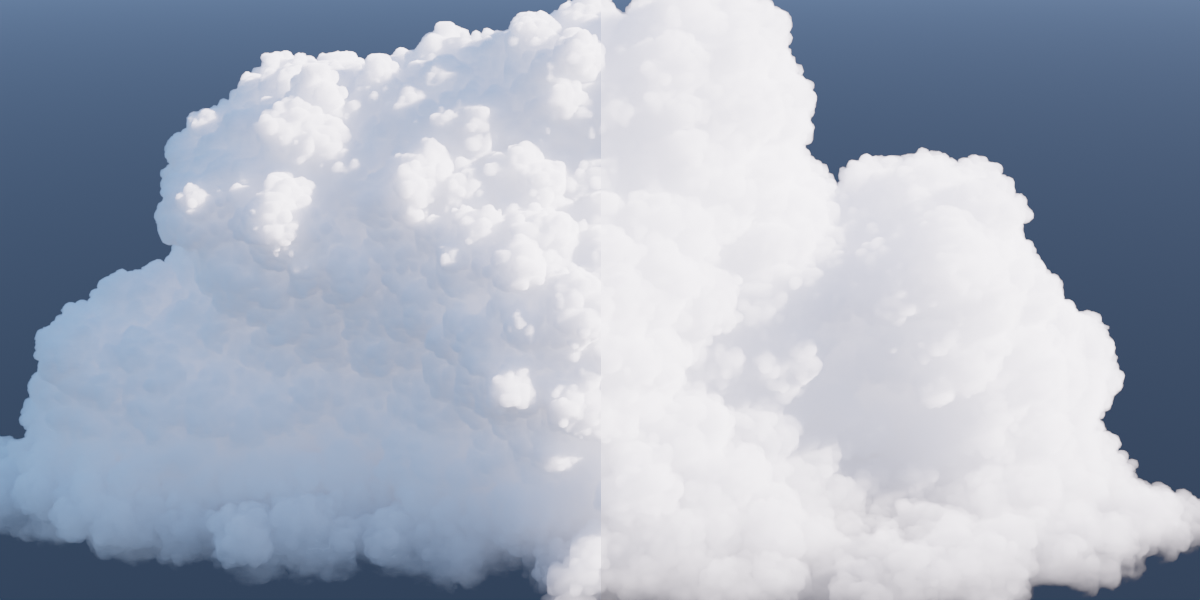
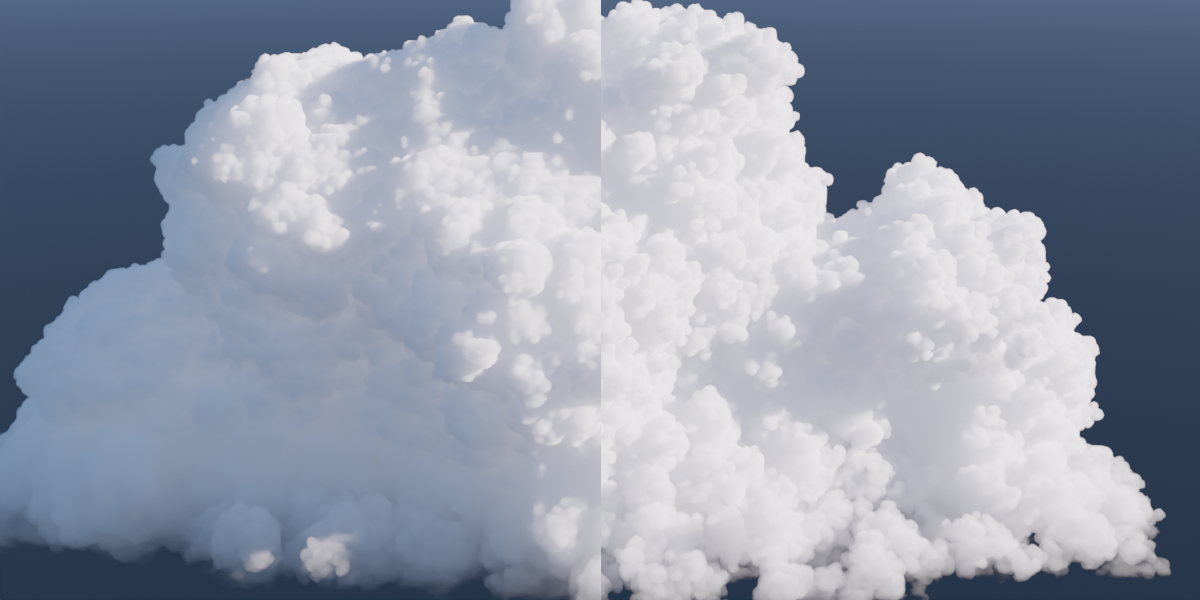
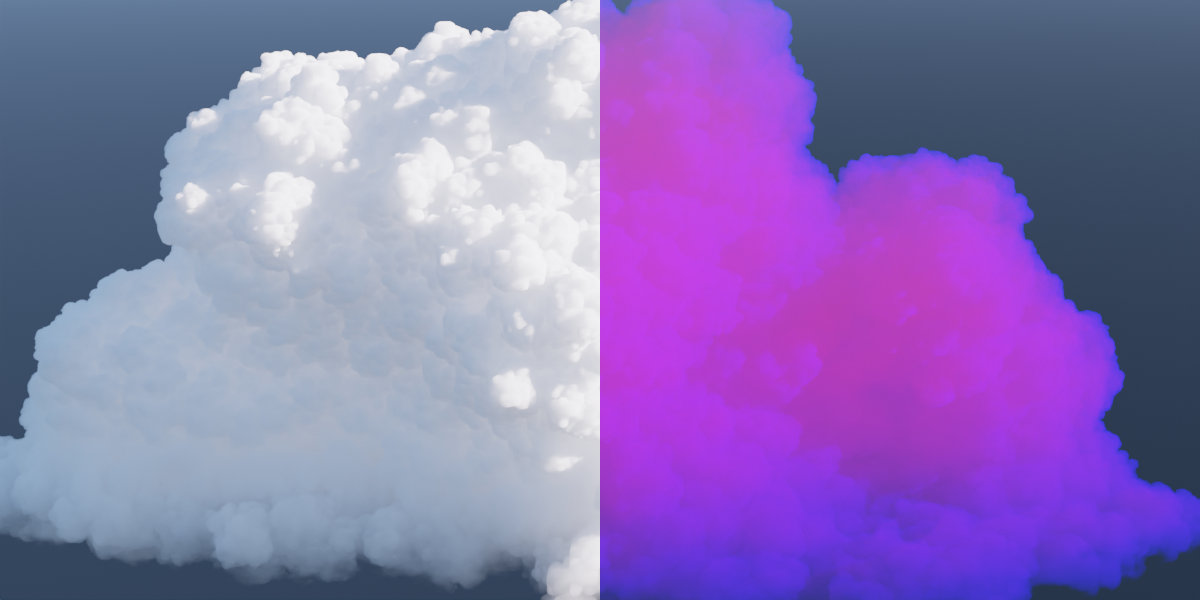
Note: Currently only cumulonimbus/cumulus style clouds are supported, but future updates are planned to improve the system and add more types of clouds.
Additional info:
- The shader included with this product only works in the Cycles render engine.
- This product might require a lot of processing power for generating large cloudscapes. The more you break your cloudscape up into smaller pieces, the easier it will be on your computer.