Cloudhaven
 R Animation Studios





CloudHaven
Professional VDB clouds, lightning, and atmospheric effects. Built for modern Blender workflows.
Installation
Follow these steps to install and activate CloudHaven in Blender
⚠️ Requirements
- Blender Version: 4.3 or newer
- Storage Space: ~14 GB recommended
Step 1: Download the Add-on
After purchase, download the CloudHaven `.zip` file from your Blender Market account. Do not unzip it.
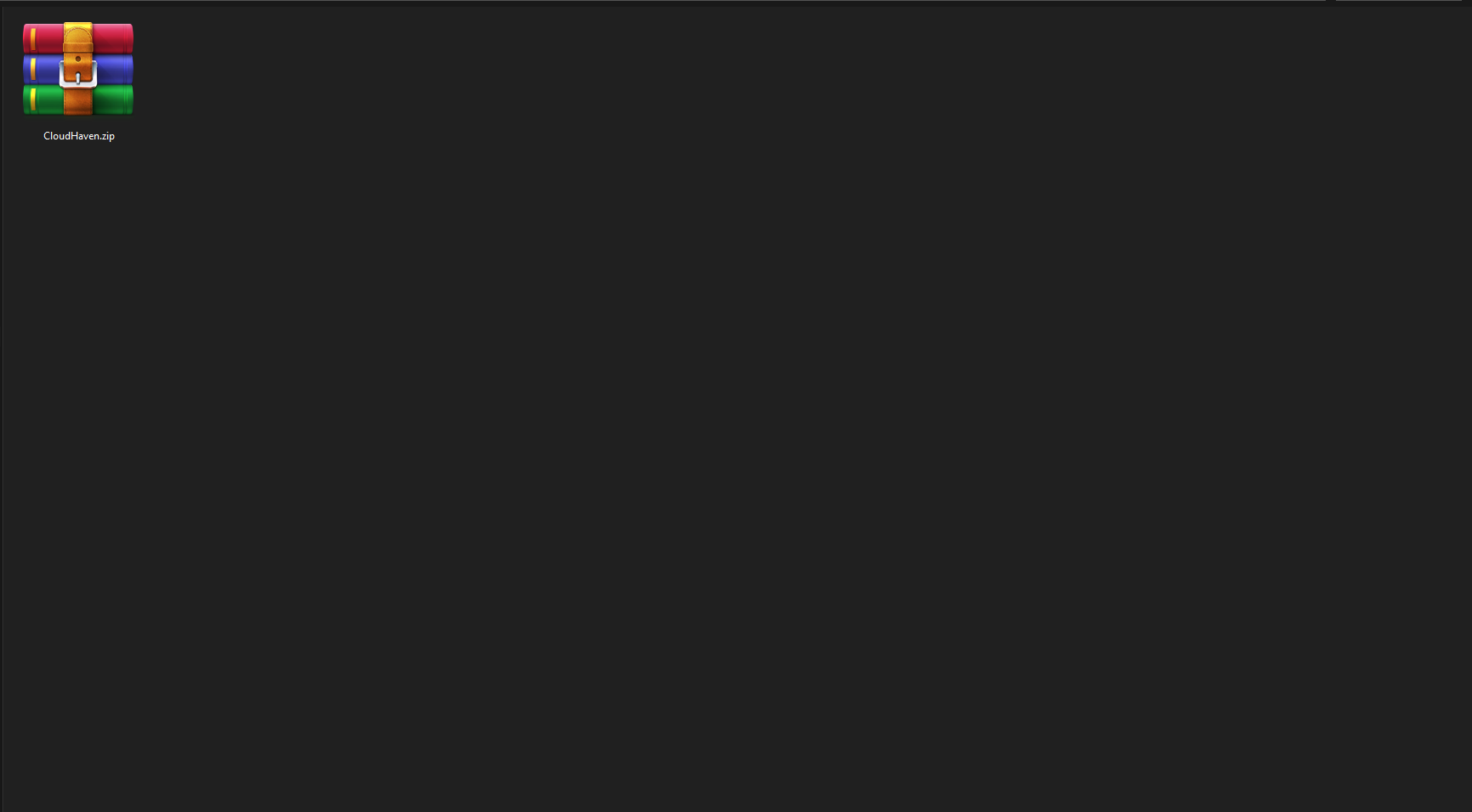
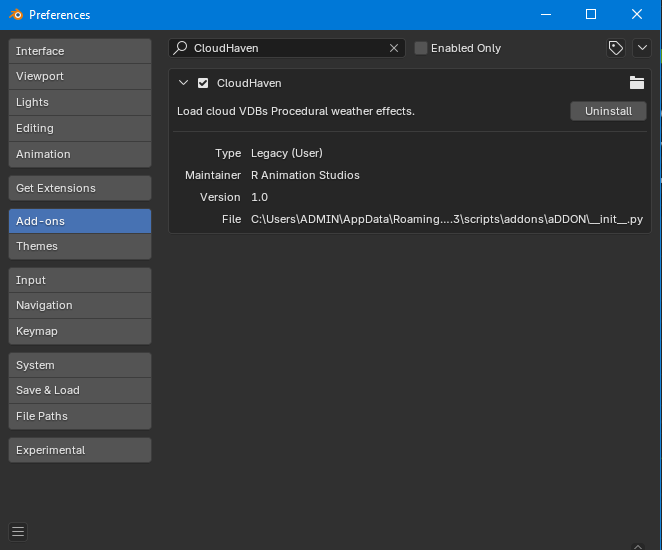
Step 2: Install in Blender
In Blender, go to Edit → Preferences → Add-ons, click "Install", select the zip, and enable the checkbox next to CloudHaven aor Just Drag and drop it into Blender.
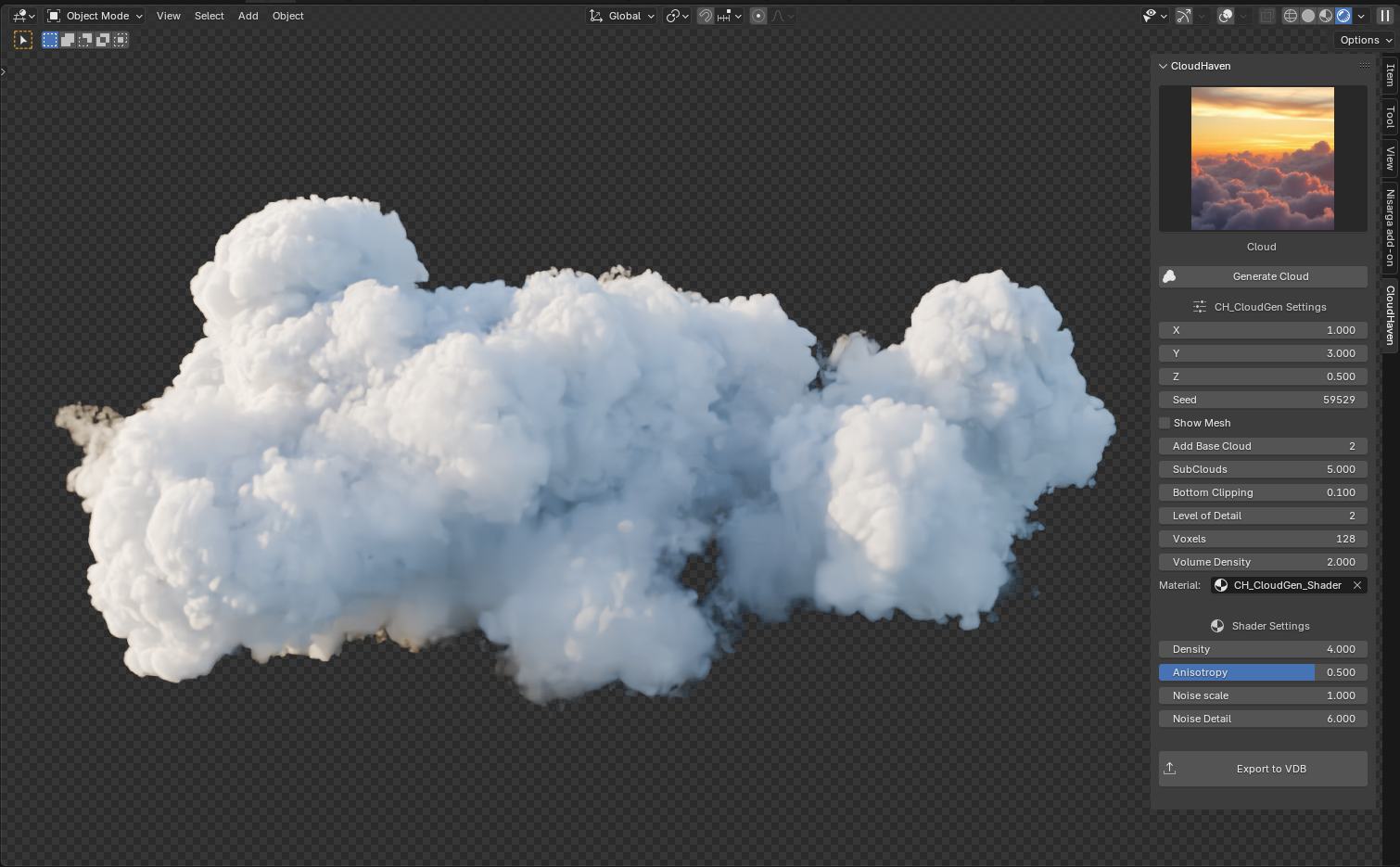
Step 3: Access CloudHaven Panel
Open the N-Panel (right-hand sidebar in 3D Viewport). You’ll now see the CloudHaven tab. Click to explore features like procedural FX generators and their relative settings.
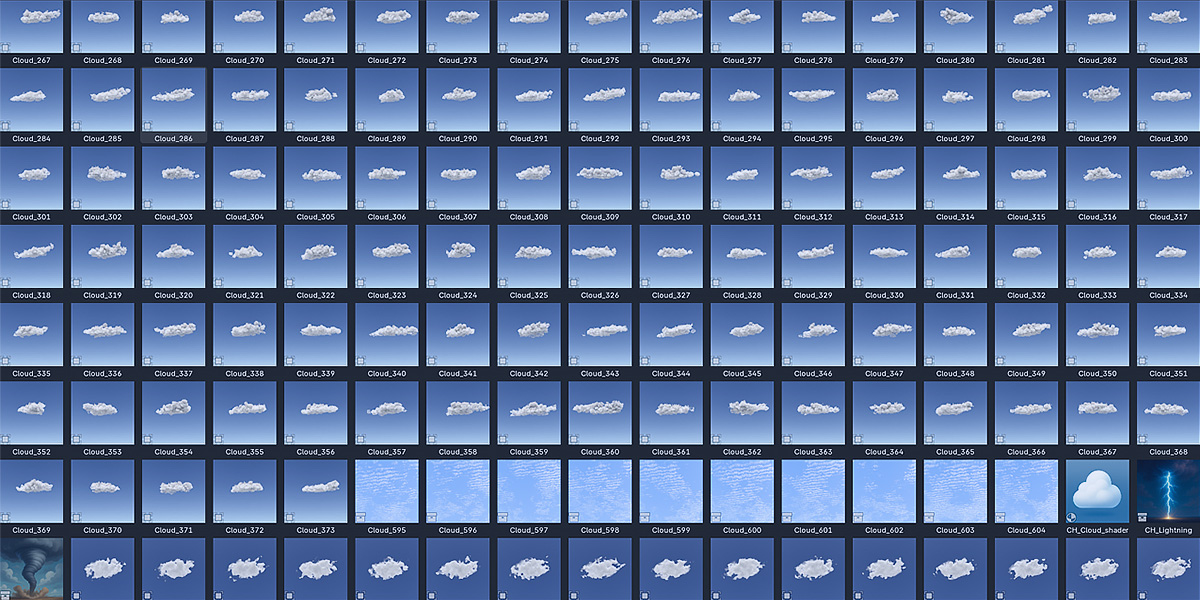
Setup Blender Asset Library
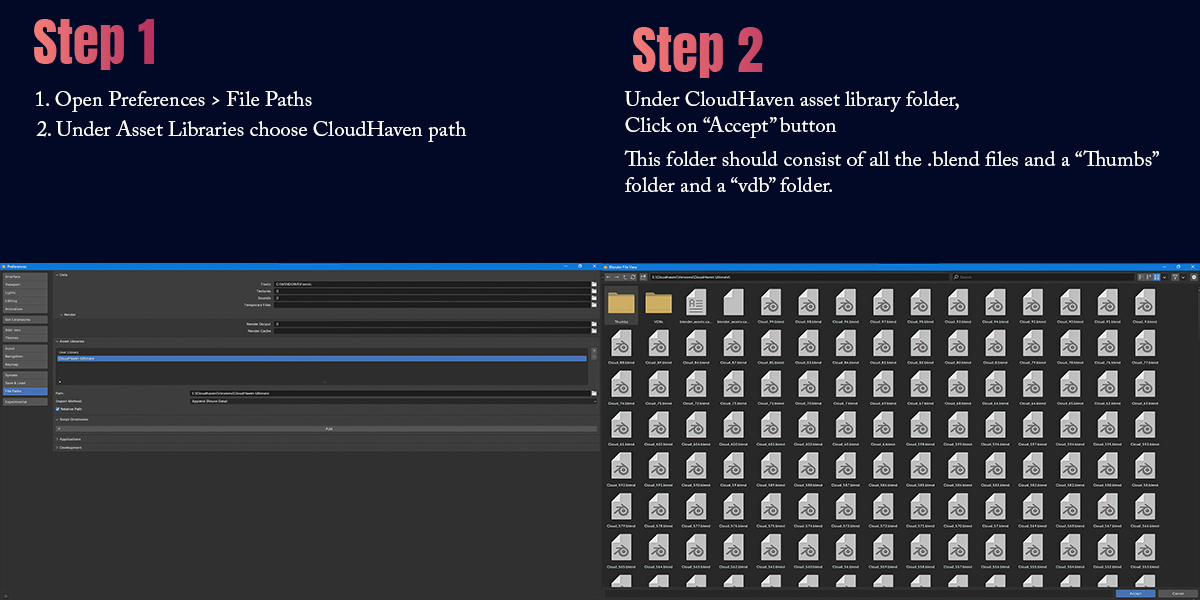
CloudHaven VDBs can be accessed directly from Blender’s Asset Browser. Here’s how to set it up:
- Download all of the parts of VDB library (.rar files) and then extract it.
- Go to Edit → Preferences → File Paths → Asset Libraries.
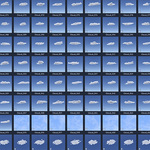
- Click “Add”, select your CloudHaven folder, the folder should have all the .blend files "VDBs" folder and "Thumbs" folder.
- Open the Asset Browser and choose that library to start dragging VDB assets into your scene.
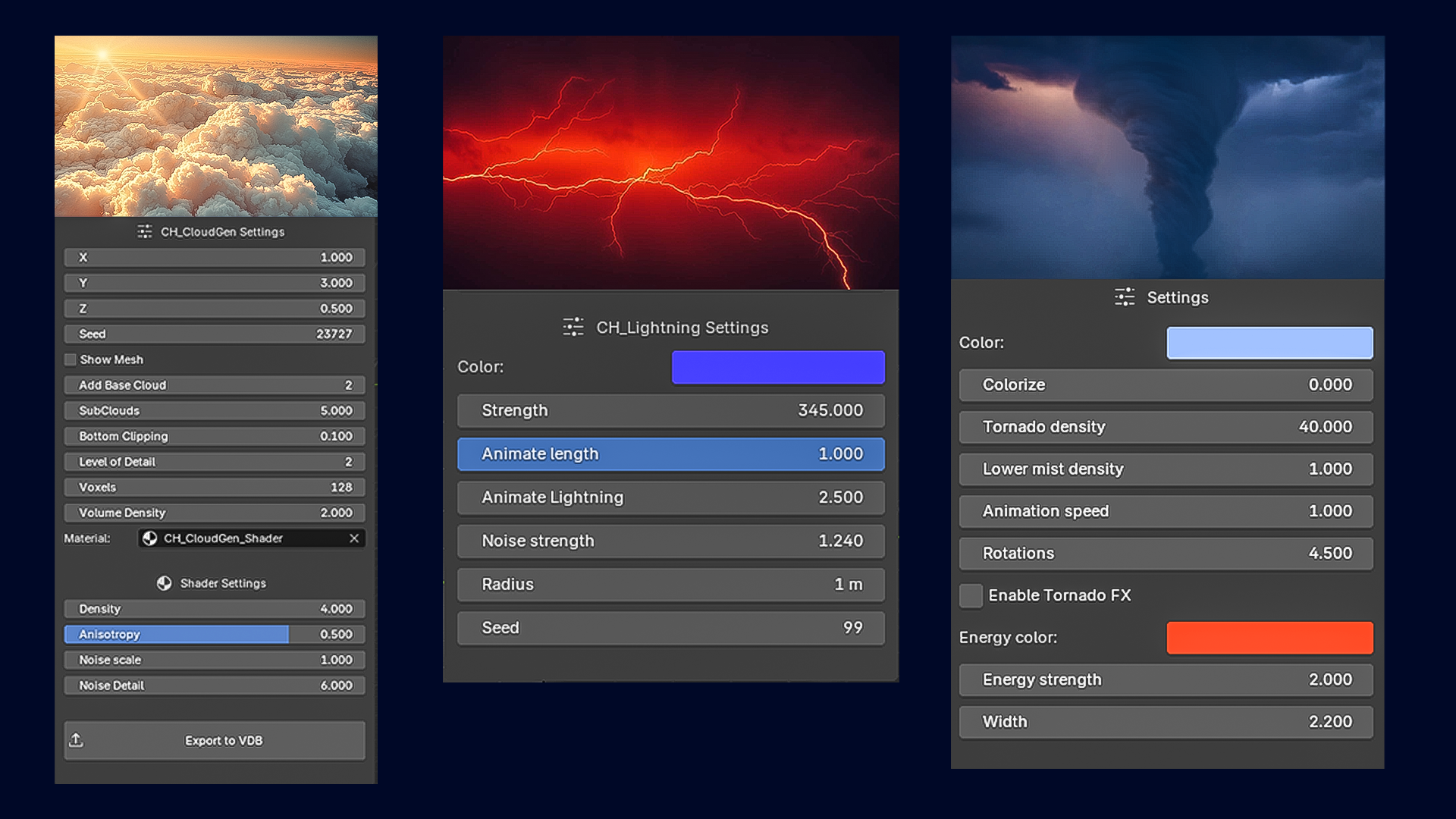
Procedural FX Generators
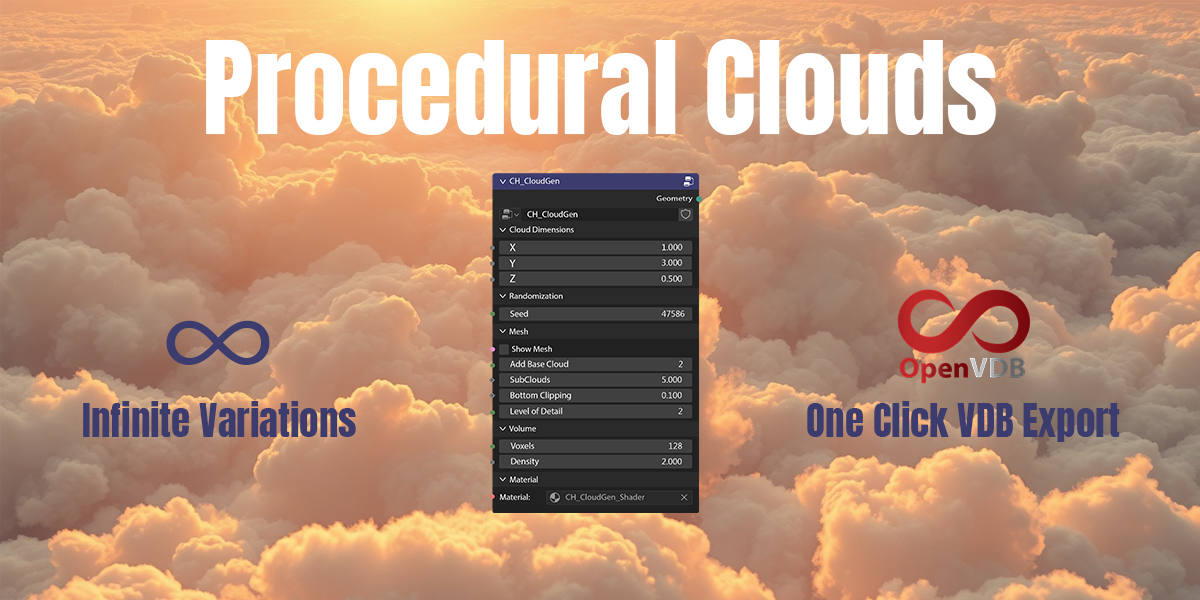
Use powerful one-click generators for effects like:
- Procedural Clouds
- Lightning
- Tornado
Which Version Should You Choose?
CloudHaven is available in 3 variants tailored to your needs:
| Variant | Features |
|---|---|
| Lite | Access to CloudHaven add-on with All FX Generators. |
| Pro | Includes 300+ assets and all FX generators |
| Ultimate | Full 600+ asset library with all features |
Frequently Asked Questions
Can I use CloudHaven in commercial projects?
Yes! All assets can be used in both personal and commercial projects under the Blender Market license.
Will I get future updates?
Yes! You'll receive all future updates for your variant. Ultimate users receive the most updates and features.
Does it support Cycles and Eevee?
Yes, all VDBs and FX generators are tested with both Cycles and Eevee render engines.
Having Issues?
- Assets not visible: Make sure you've enabled volumetrics in your render settings.
- Add-on not installing: Don’t unzip the downloaded file — install it directly in Blender.
- Volume quality: Decrease Step Rate Render and viewport under Volumes and Increase volume samples
Start Creating with CloudHaven
Whether you're working on animations, cinematic environments, or stylized worlds — CloudHaven gives you a powerful toolkit of clouds, lightning, and FX to bring your scenes to life.
Need help or have questions?
We're happy to help you with setup, usage, or creative ideas!
📧 Email: [email protected]
💬 Discord: Join our server
-
$40
Full 600+ VDB Cloud asset library with all feature.
-
$25
Includes 300+ VDB Cloud assets and all FX generators
-
$10
Access to CloudHaven add-on with All FX Generators.
Have questions about this product?
Login to message
| Sales | 20+ |
| Published | over 1 year ago |
| Blender Version | 4.3 - 4.5 |
| Extension Type | N/A |
| Render Engine Used | Cycles, Eevee |
| License | GPL |

Discover more products like this
weather 3d clouds vdb procedural clouds blender 3d clouds skies cloud openvdb Draw-Lightning cloudscape Lightning cloudhaven volumetric-clouds clouds tornado