 Dualstate Games
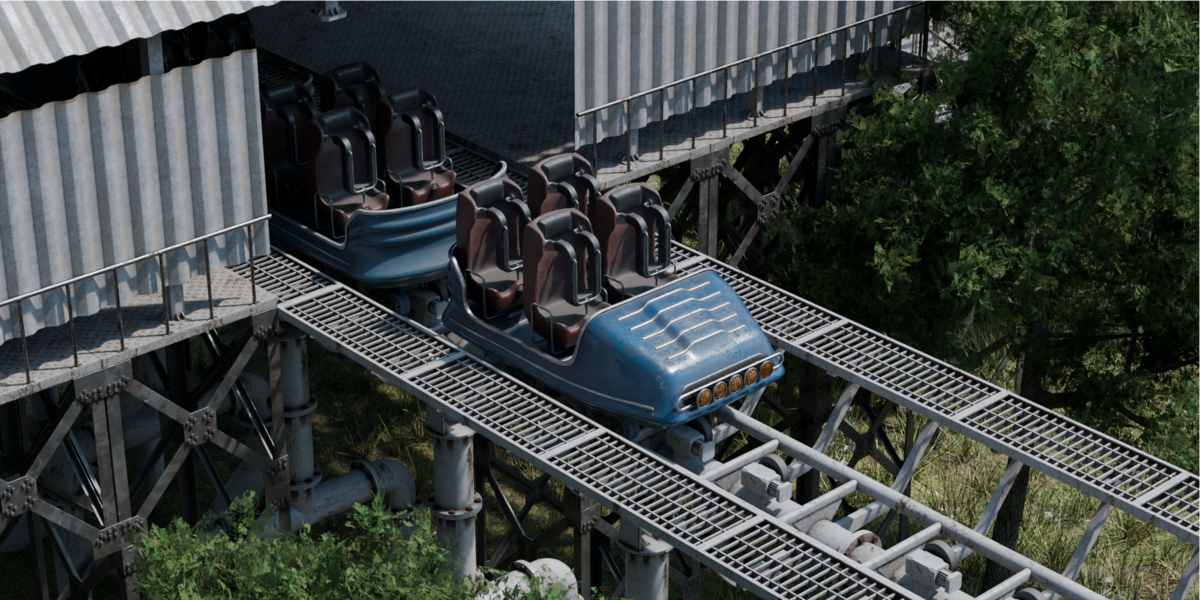
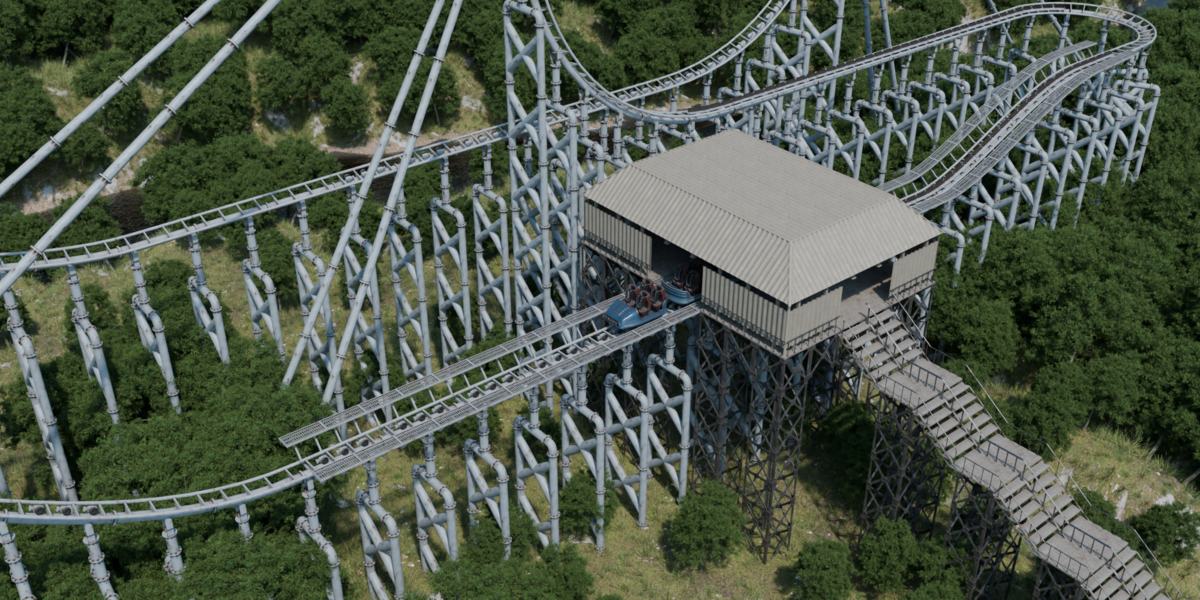
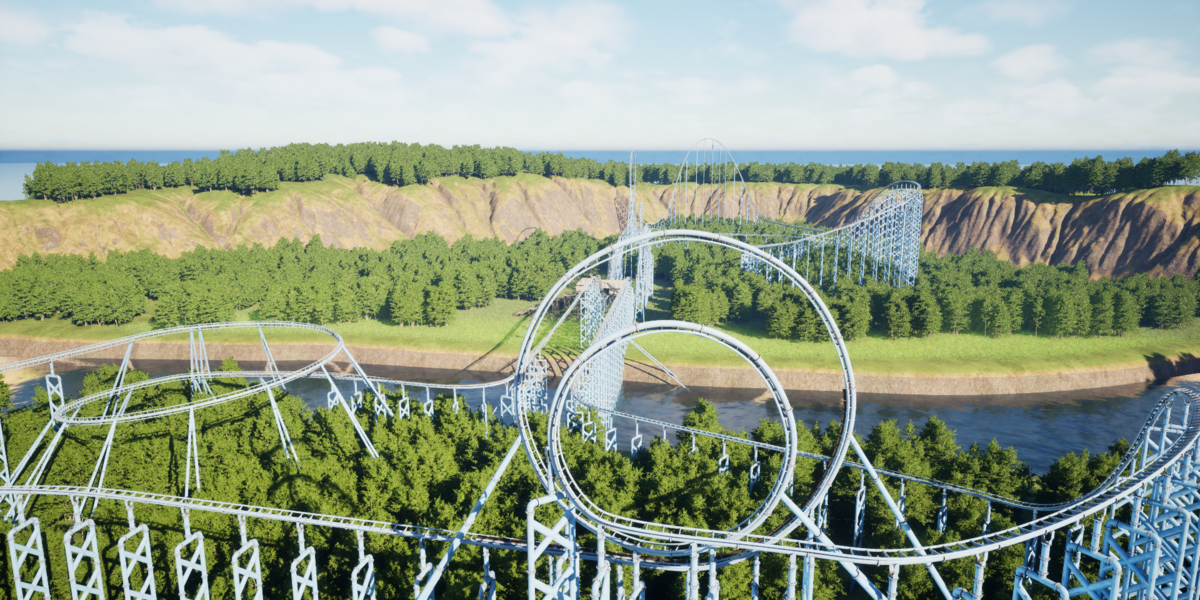
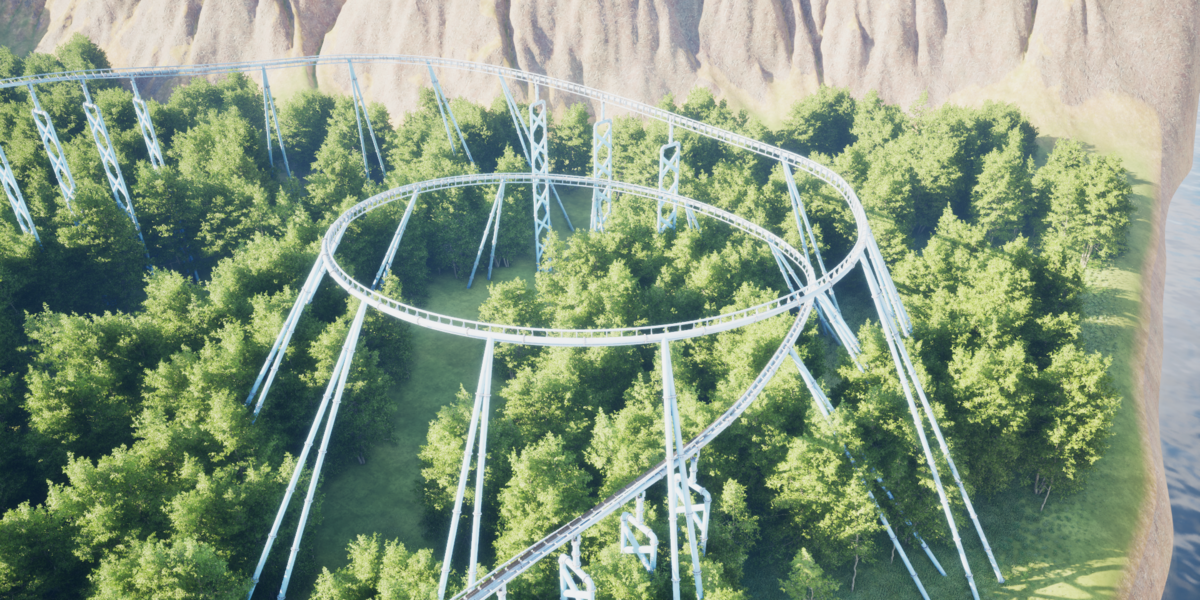
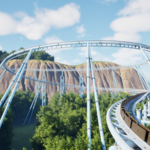
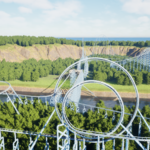
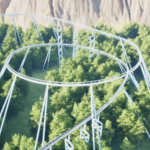
Build entire roller coasters in minutes, not days.
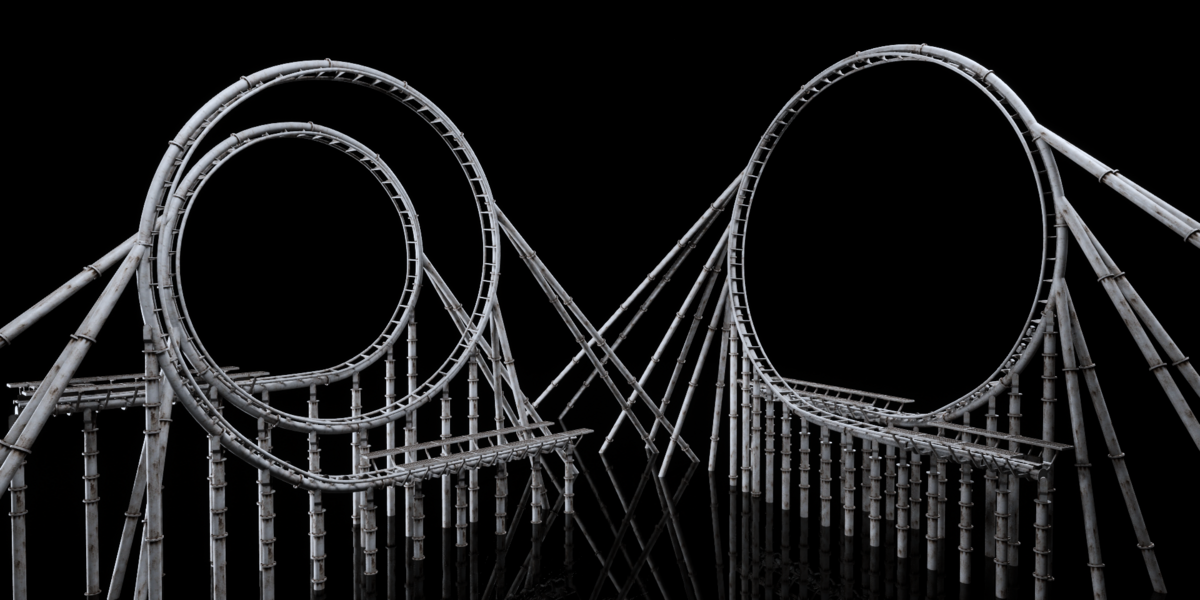
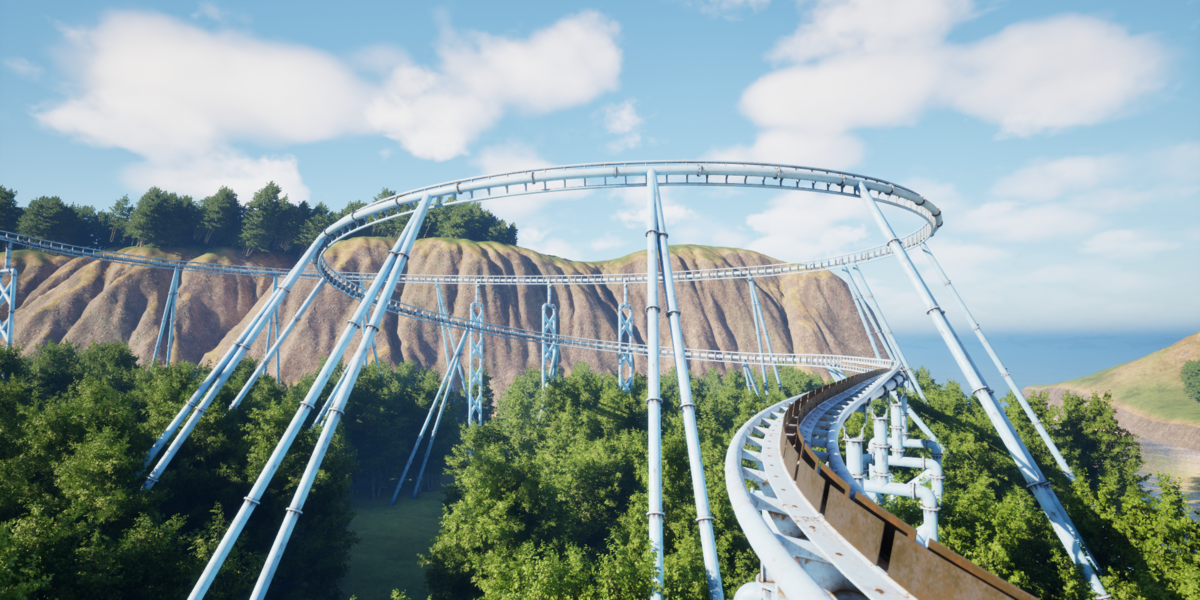
Coaster Forge is a procedural roller coaster system for Blender, driven by
Geometry Nodes and for Unreal Engine, driven by Construction Scripts. Add the modifier to a curve and it builds the track,
ground-anchored supports and a train that runs the ride.
Procedural trackProcedural supportsModular platformsAdjustable train lengthSpeed and brake zonesPhysics-based movementNew and Aged texturesColor masks
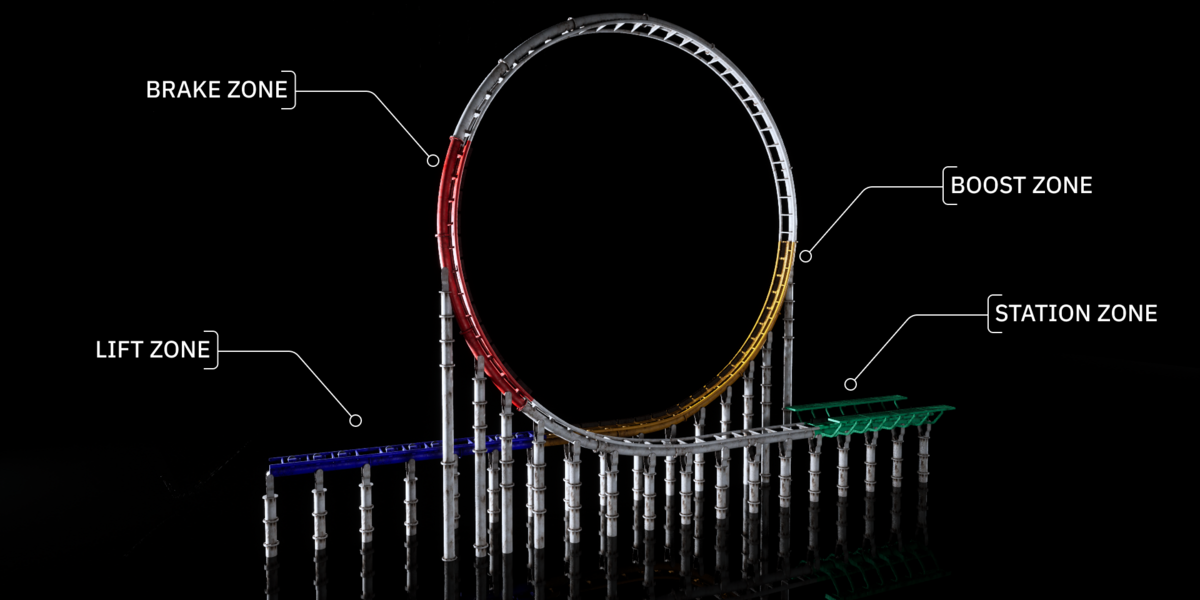
Program the ride with zones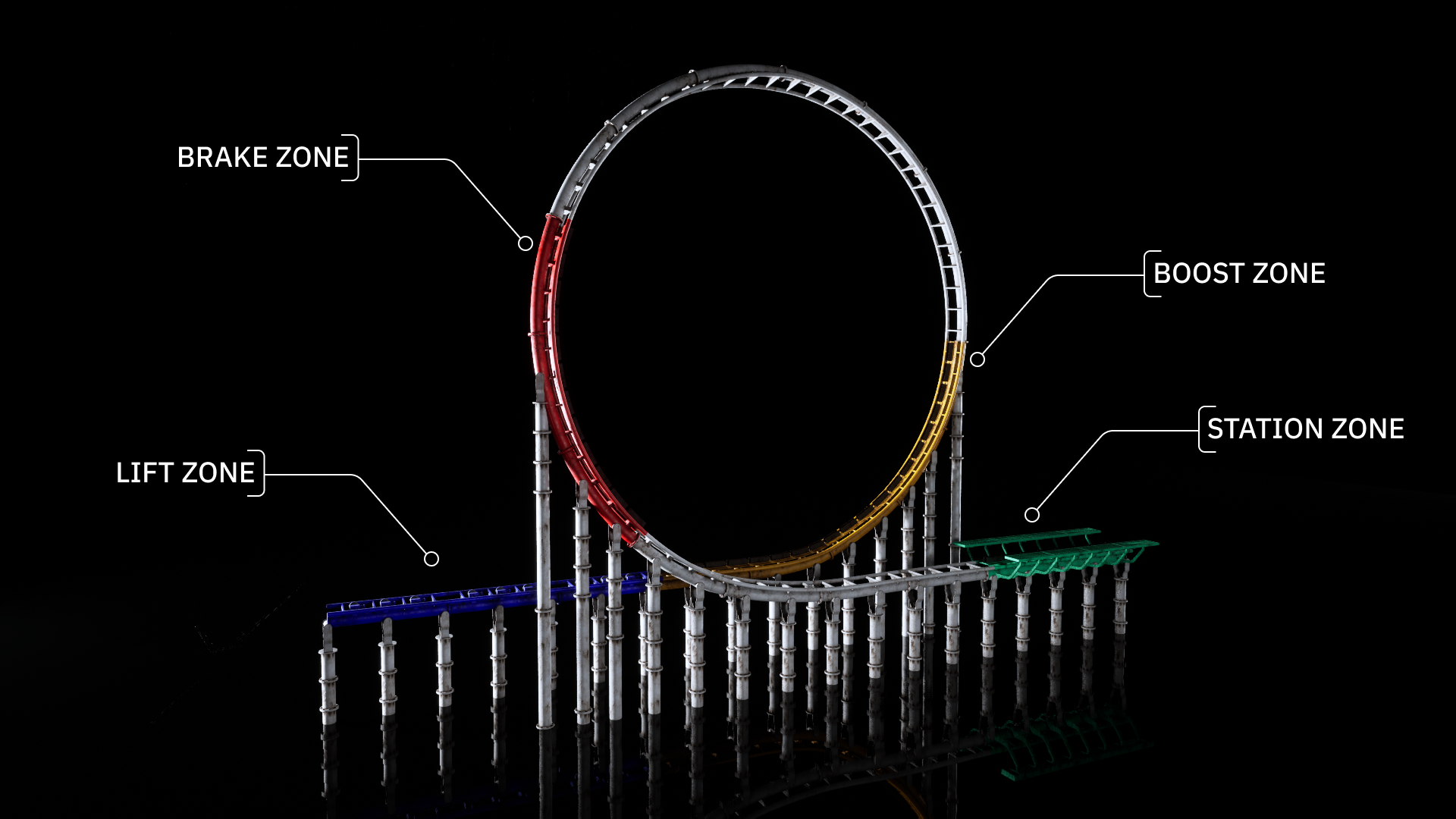
Zone controllers are meshes with a modifier. Each marks a stretch of your
curve by start and end factor, so a lift, brake or station can go anywhere
on the track.
Lift
Set a target velocity the train reaches at the end of the zone.
Brake
Velocity becomes current velocity times the brake multiplier at the
end of the zone.
Station
Dispatch and arrive stations stop the train and hold it for the
station hold time.
Tip: use both an arrive and a dispatch station, set the arrive target
velocity to zero and leave a little space between them so the train stops
precisely.
What is in the pack
Everything is Geometry Nodes, so each part stays adjustable.
Track
Procedural trackAdd the modifier to a curve and the track builds itself along it.
Speed and brake zonesZone controllers set where the train lifts, brakes and stops, each
with its own target velocity.
Physics-based movementThe train follows the curve using friction and rolling resistance.
Simplified trackA plane-mesh track for fast prototyping. Editor use only.
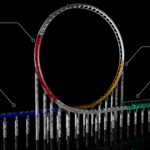
Debug viewColour-coded zones drawn over the track so you can check your
setup.
Supports
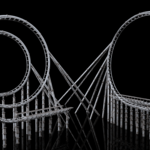
Ground-anchoredSupports are generated from the track down to the ground.
Supports countChoose how many points along the curve get a support.
Double columnsAbove a height you set, supports switch to double columns.
Angled supportsAdjust the angled supports with a factor and a separation angle.
Stacked pillarsSet how many support meshes stack on each pillar.
Train
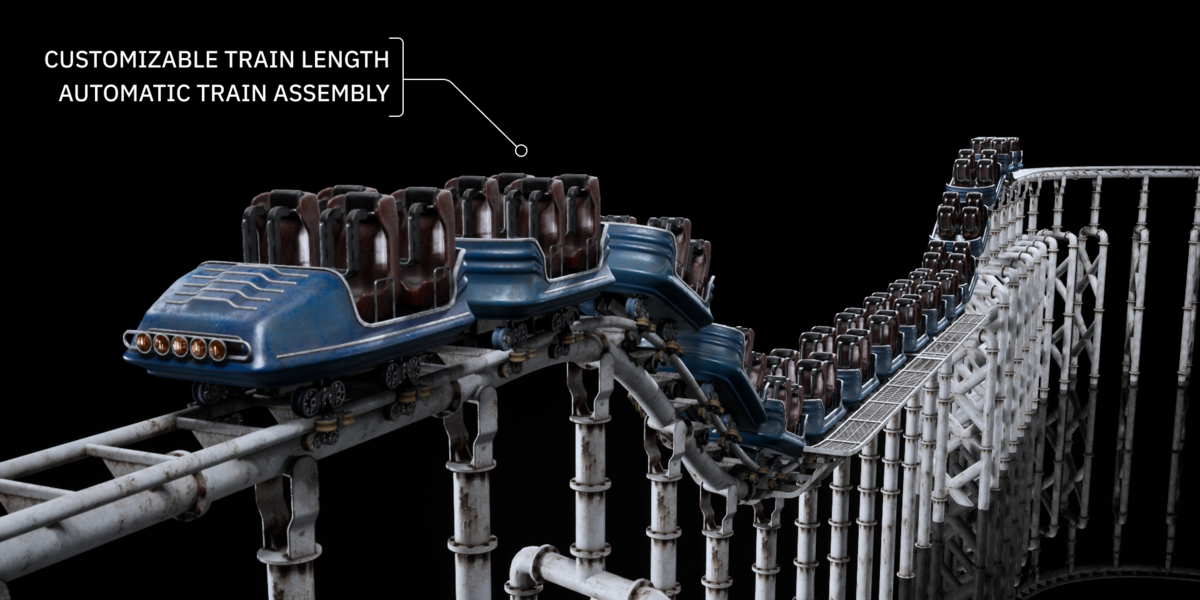
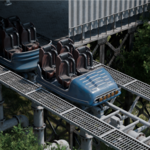
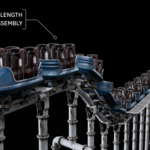
Train lengthSet the number of cars and the train assembles automatically.
Dispatch and stopSet the dispatch velocity, the stop velocity and how long the train
holds at a station.
FrictionFriction coefficient and rolling resistance shape how the train
slows when nothing drives it.
Platforms
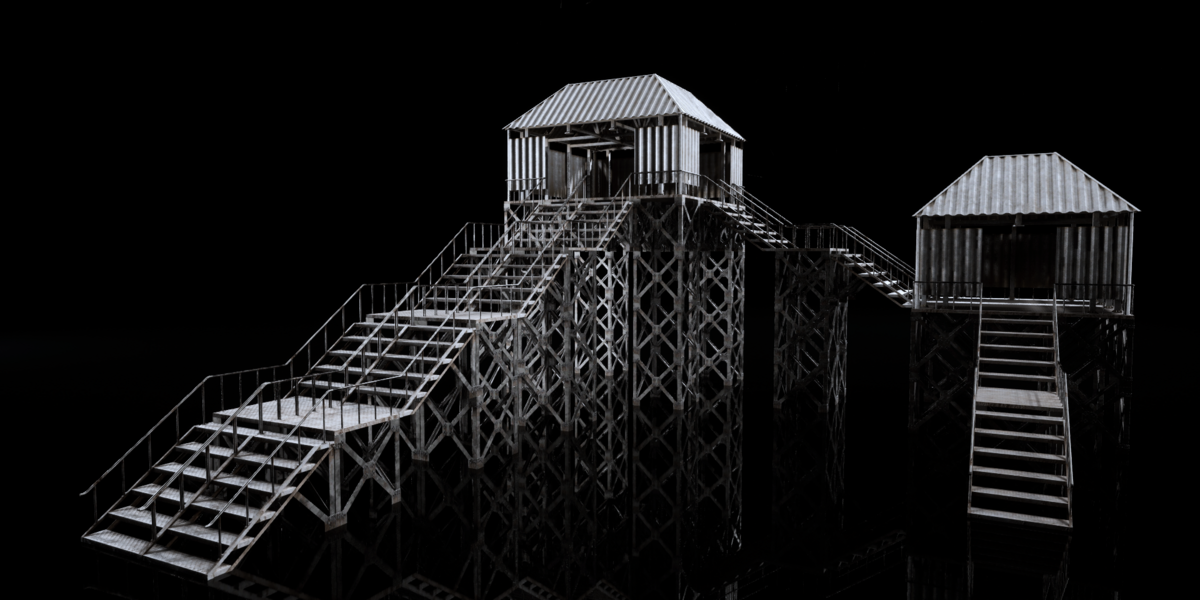
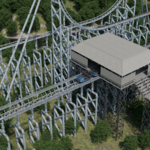
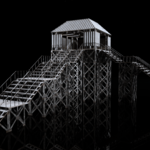
Modular platformsInstanced modular pieces, sized by span in X, Y and Z.
OpeningCut a gap through the middle so the coaster can pass through.
RoofsSwitch roofs on or off.
Stair controllersPlace stair controllers at the platform edges to add stairs at the
level you choose.
Realize instancesMerge everything into one mesh to apply the modifier and export.
Look
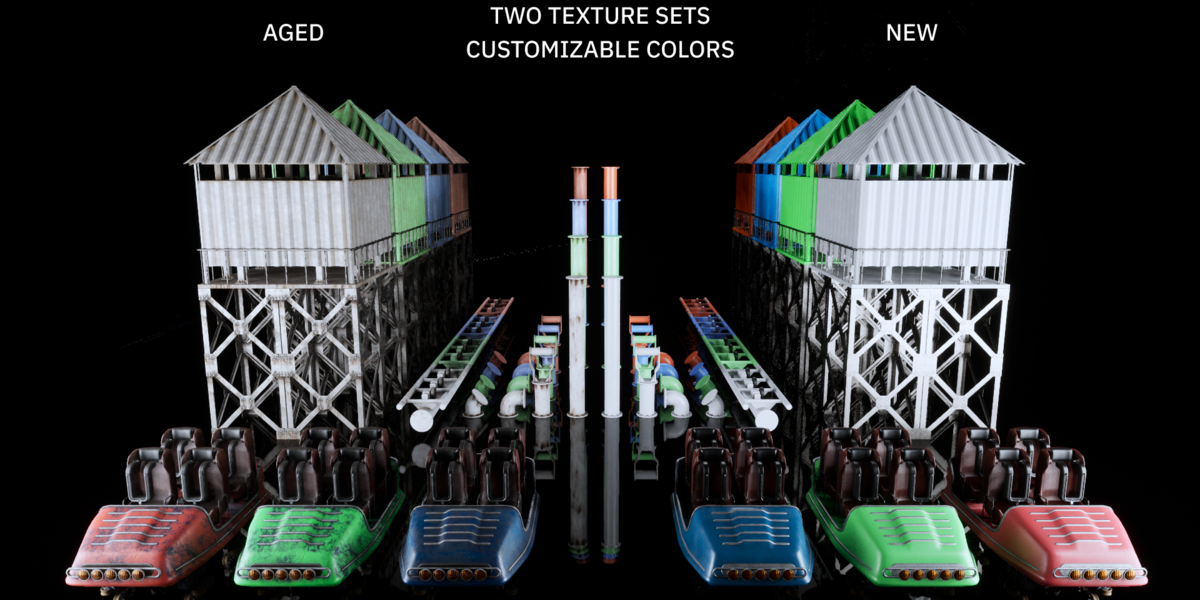
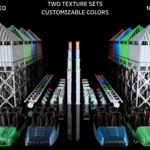
New and AgedTwo texture sets, each in 4K and 8K.
Color masksRecolour parts of the coaster with masks.
Material slotsAssign a material to each part of the coaster or platforms, such as
the New variant or your own custom colored.
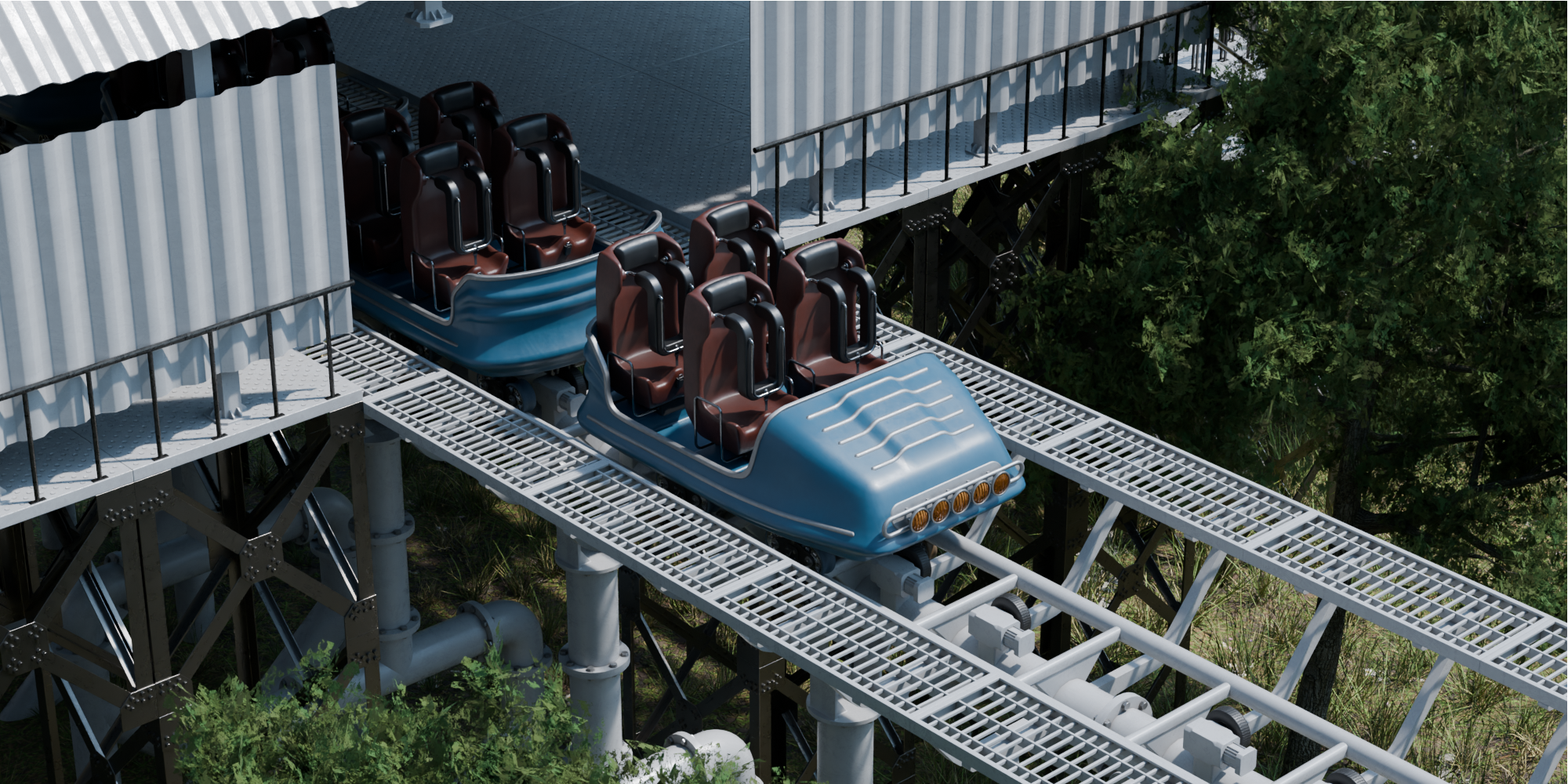
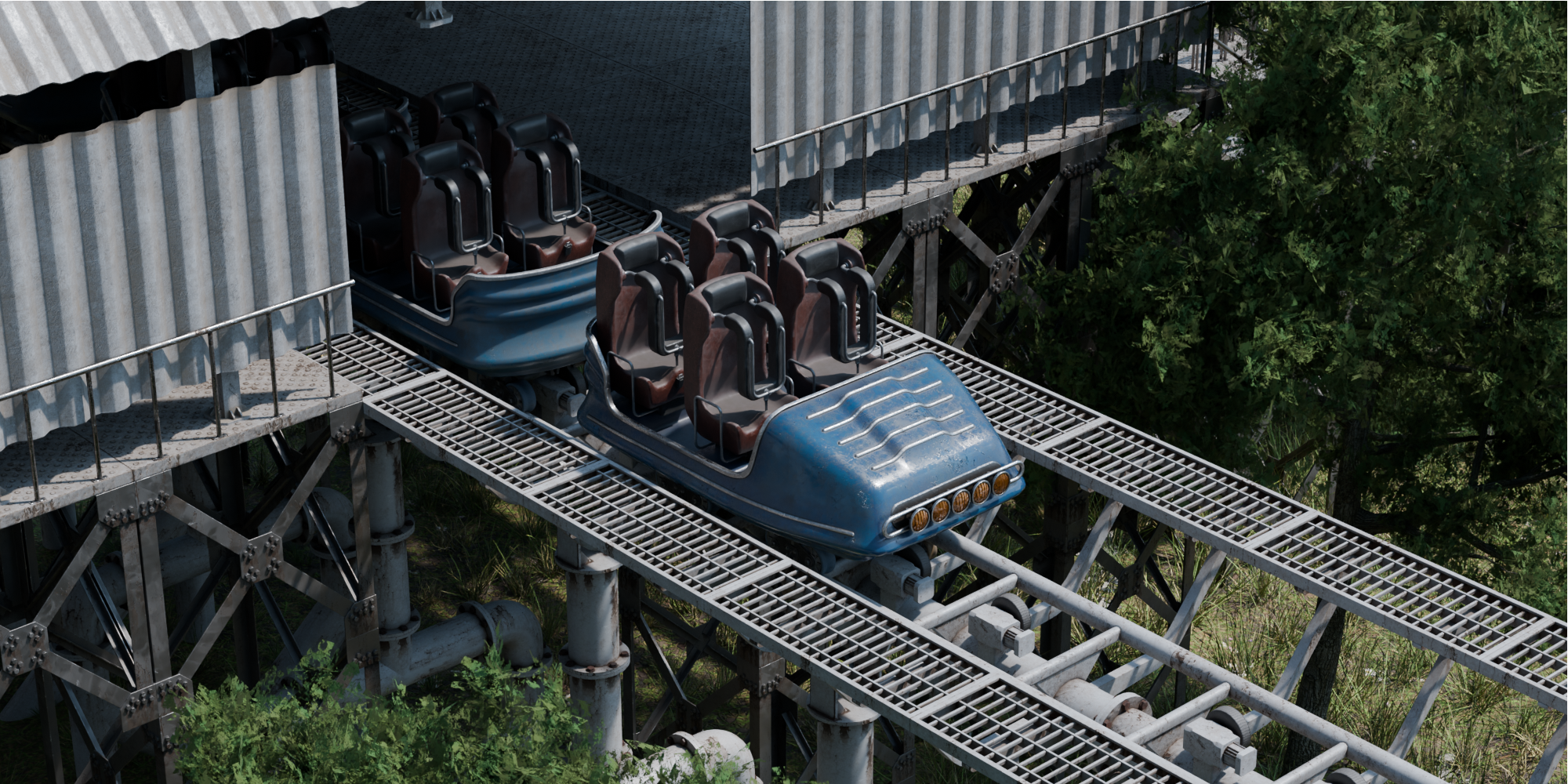
New and Aged
Two texture sets ship with the pack, each in 4K and 8K. Color masks let
you recolour either one.
New
Aged
Set up a ride in six steps
The pack includes a demo .blend with a working ride you can open and run.
1
Draw the track
Make a curve, then duplicate it at the world origin as the
reference curve.
2
Add the coaster modifier
Put
GN_CF_Roller_Coaster
on the track curve. Track, supports and train appear.
3
Set the ride
Train length, supports count, dispatch and stop velocity, station
hold time and materials.
4
Add zone controllers
Any mesh with
GN_CF_Track_Zone_Control, pointed at the reference curve. Set zone type, start and end
factor, target velocity.
5
Build platforms
Add meshes with the platform modifier, set their span, then place
stair controllers at the edges.
6
Press Spacebar
Watch the train run your track.
Technical details
Blender Version
4.5+
Geometry Nodes
4
Static Meshes
29
Materials
29
Textures
4K/8K
Vertices Per Mesh
152 to 215,000
Total Vertices
730,000
Author
Dualstate Games
Questions or support:
[email protected]
or
@_dualstate_games_
on Instagram.
