ColorDoc - A Complete Color Workflow for Blender
 abcg.studio
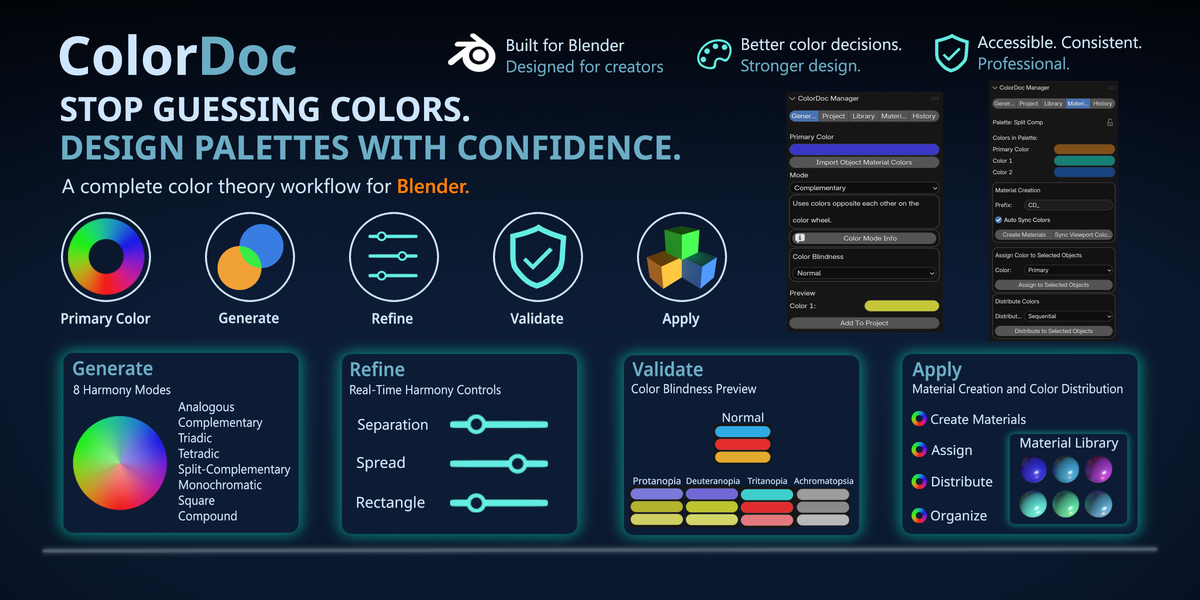
Getting Started
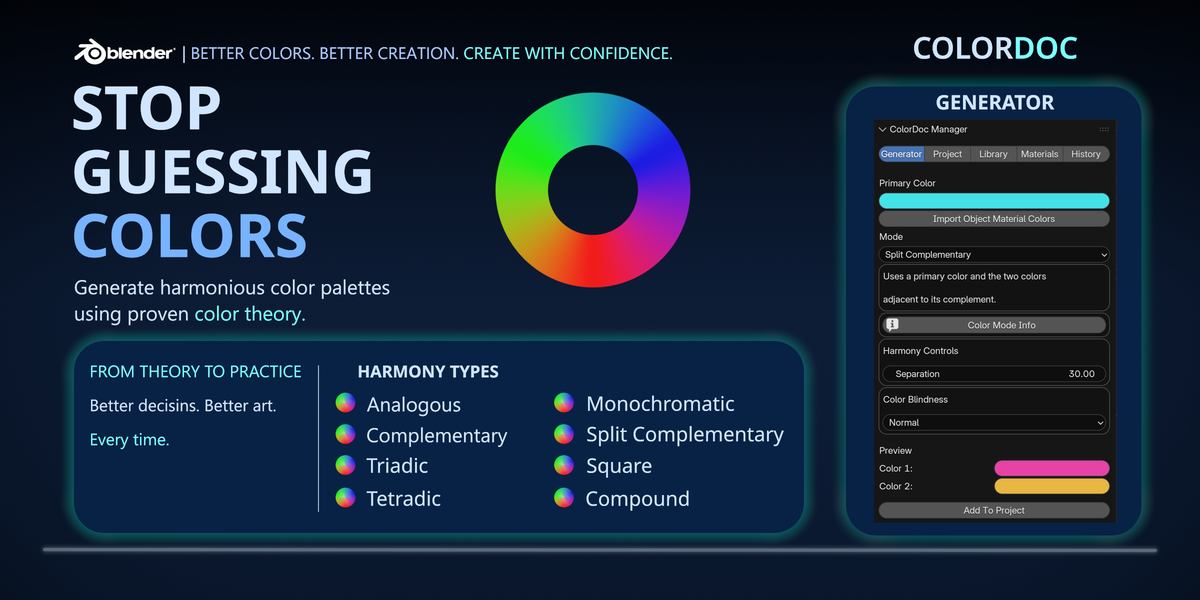
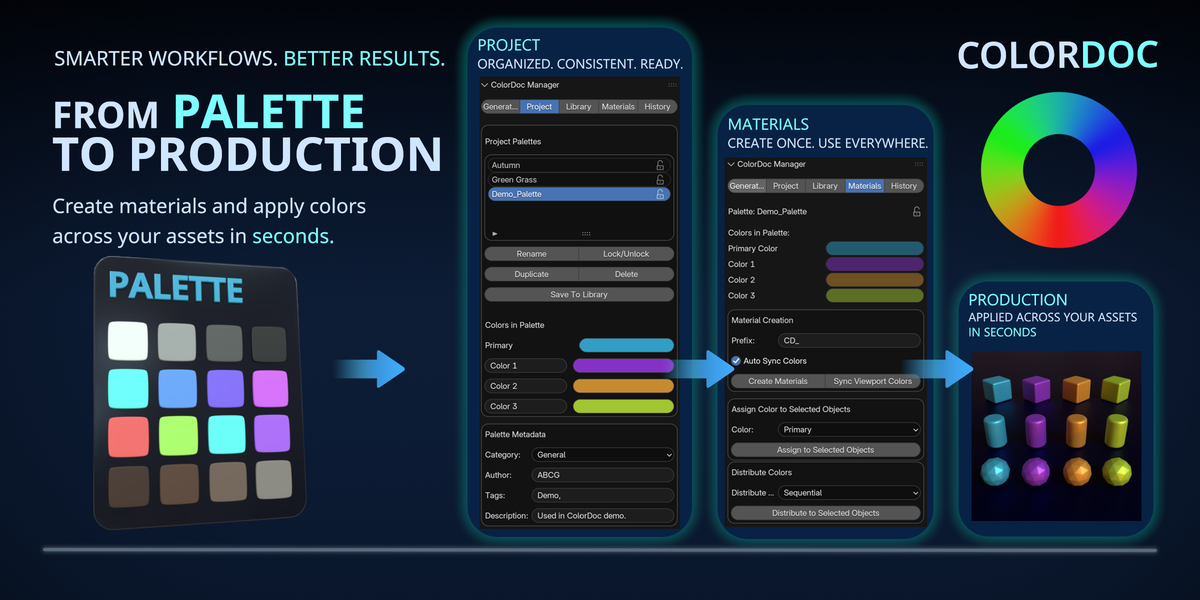
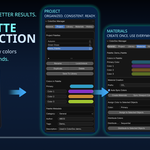
Creating a Palette
- Open the Generator tab.
- Choose a Primary Color.
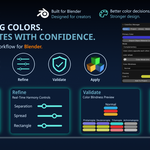
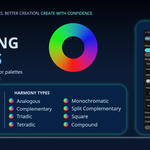
- Select a Harmony Mode.
- Adjust Harmony Controls where available.
- Review the generated colors in the Preview section.
- Click Add To Project to save the palette.
Saving Palettes
Project palettes are stored inside the current Blender file.
Use the Project tab to:
- Review saved palettes
- Rename palettes
- Compare variations
- Duplicate palettes
- Delete palettes
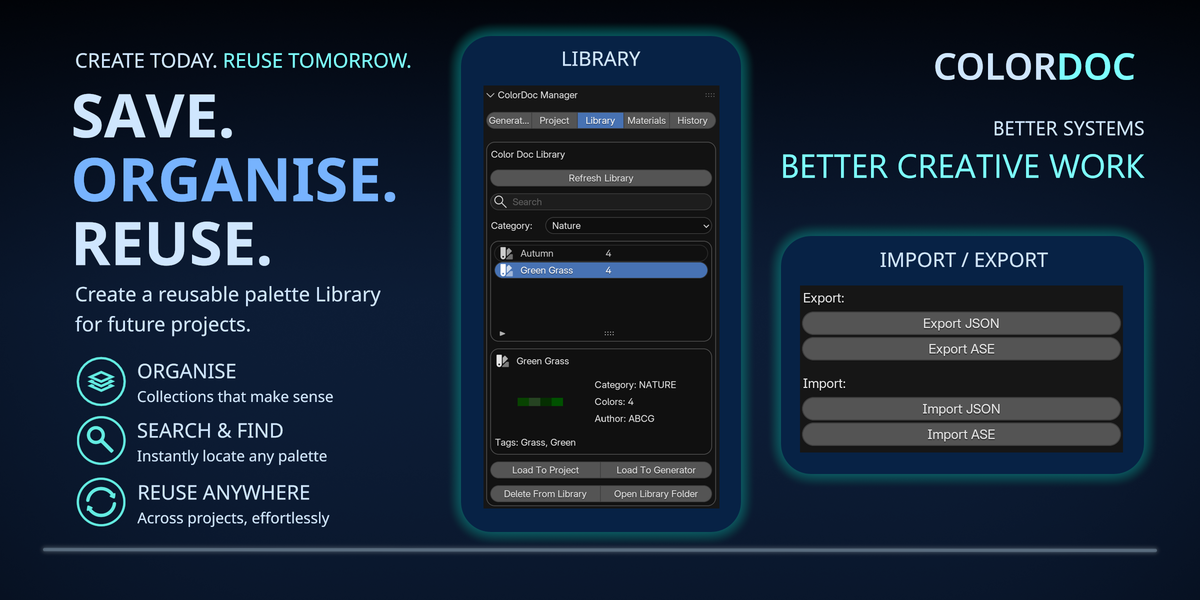
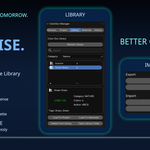
Building a Library
ColorDoc includes a persistent library that can be reused across Blender projects.
To save a palette:
- Select a palette in the Project tab.
- Click Save To Library.
- Enter optional metadata:
- Category
- Author
- Description
- Tags
Library palettes include thumbnail previews, search, filtering and metadata support.
Creating Materials
Select a Project Palette and open the Materials tab.
Click Create Materials.
ColorDoc automatically creates Blender materials for the Primary color and all generated colors.
Assigning Colors
Choose a color from the selected palette.
Click Assign To Selected Objects.
The Selected material is assigned to all selected mesh objects.
Distributing Colors
ColorDoc can distribute palette colors across multiple objects automatically.
Sequential
- Object 1 -> Primary
- Object 2 -> Color 1
- Object 3 -> Color 2
- Object 4 -> Color 3
Random
Objects receive random palette colors
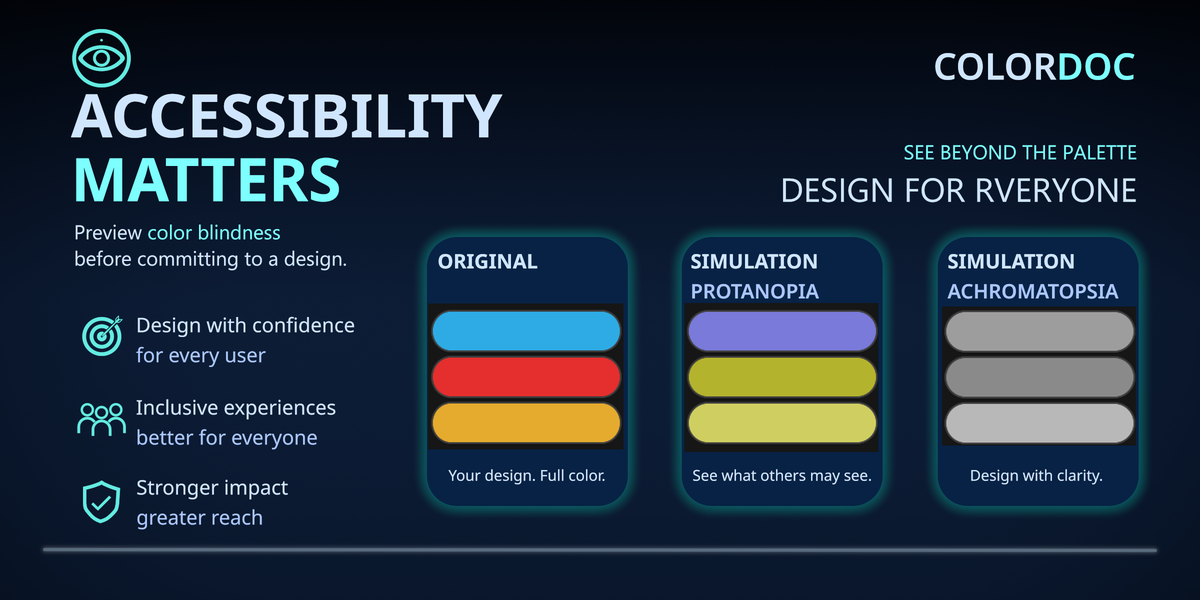
Color Blindness Preview
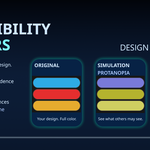
ColorDoc can simulate several common forms of color blindness.
- Protanopia
- Deuteranopia
- Tritanopia
- Achromatopsia
Use the Vision Mode selector in the Generator tab to preview how a palette may appear to different users.
The original palette is never modified.
 Included
Includes 12 months of
- Support from abcg.studio
- Product updates
Extend this product’s Support Period +12 months: 25% of product price
Have questions before purchasing?
Login to message
| Blender Extension Compatible | Yes |
| Dev Fund Contributor | |
| Published | 1 day ago |
| Blender Version | 4.5 - 5.3 |
| Extension Type | Add-on |
| License | GPL |
Discover more products like this
color-palette blender materials color Workflow Palette color theory addon harmony accessibility design artist