Color Motion
 Animation Store


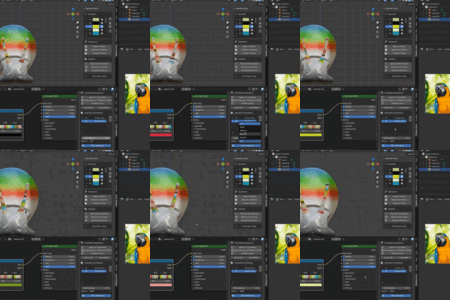
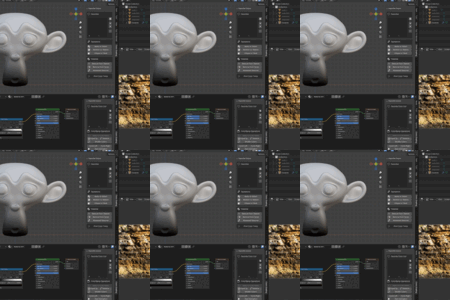
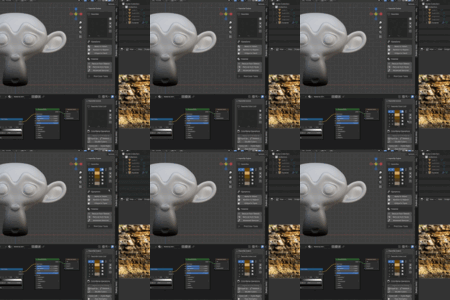
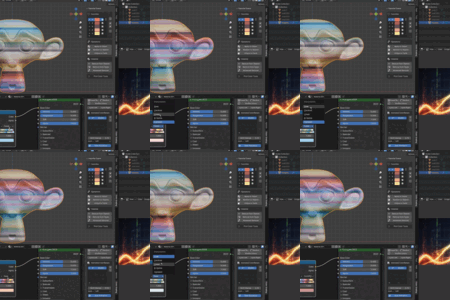
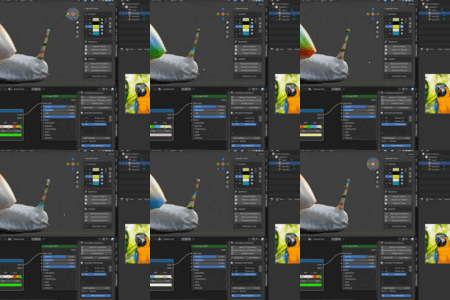
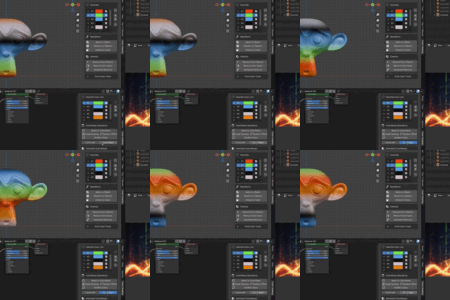
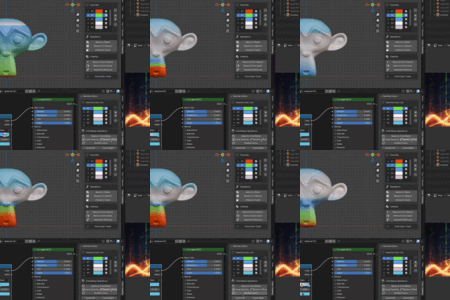
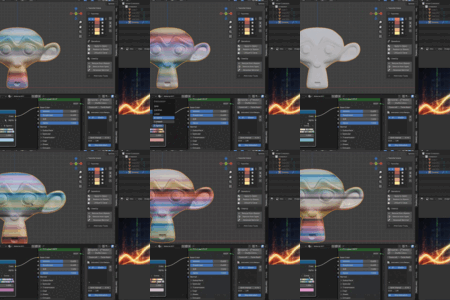

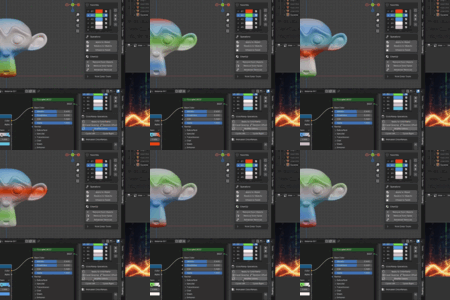
Color Motion Addon
Extract, organize, and animate colors with ease.
Divided into four main sections:
1. Color Extractor (image editor window)
Extract all unique colors from images and organize them in a user-friendly list.
Remove duplicate or similar colors using a threshold-based filtering system.
Control how many colors to extract using the Smart Extractor operator.
Move selected colors to the Favorites list for use across different windows.
2. Color Motion (Shader editor window)
Apply extracted colors to Color Ramp nodes with Add, Insert, or Replace options.
Automatically shift colors using five transition effects.
Manually shift colors with six customizable transitions.
Apply transitions to multiple Color Ramp nodes, even across different objects.
Control the speed of each transition individually.
Change colors directly from the list or from the node.
And more.
3. Color Apply (viewport window)
Apply extracted colors to single or multiple selected objects.
Apply colors to single or multiple selected faces.
Combine colors from the list to create a unique color.
Apply random colors from the Favorite colors list.
Clean materials using three different cleanup options.
And more.
4. Adobe-Style Color (viewport window)
Supports RGB (digital) and CMYK (print) color models.
Ensures consistent color matching between Blender assets and Adobe tools.
Ideal for artists working with Adobe print or digital workflows.
Have questions about this product?
Login to message
| Blender Extension Compatible | Yes |
| Dev Fund Contributor | |
| Published | 11 months ago |
| Blender Version | 3.0 - 5.2 |
| Extension Type | Add-on |
| Render Engine Used | Cycles, Eevee |
| License | GPL |
Discover more products like this
color-ramp Shader Adobe Material animation extractor color gradient color