 monkibizniz




INTRODUCING COLORIST PRO:
COLORGRADING, NOW DIRECTLY INSIDE
YOUR BLENDER VIEWPORT
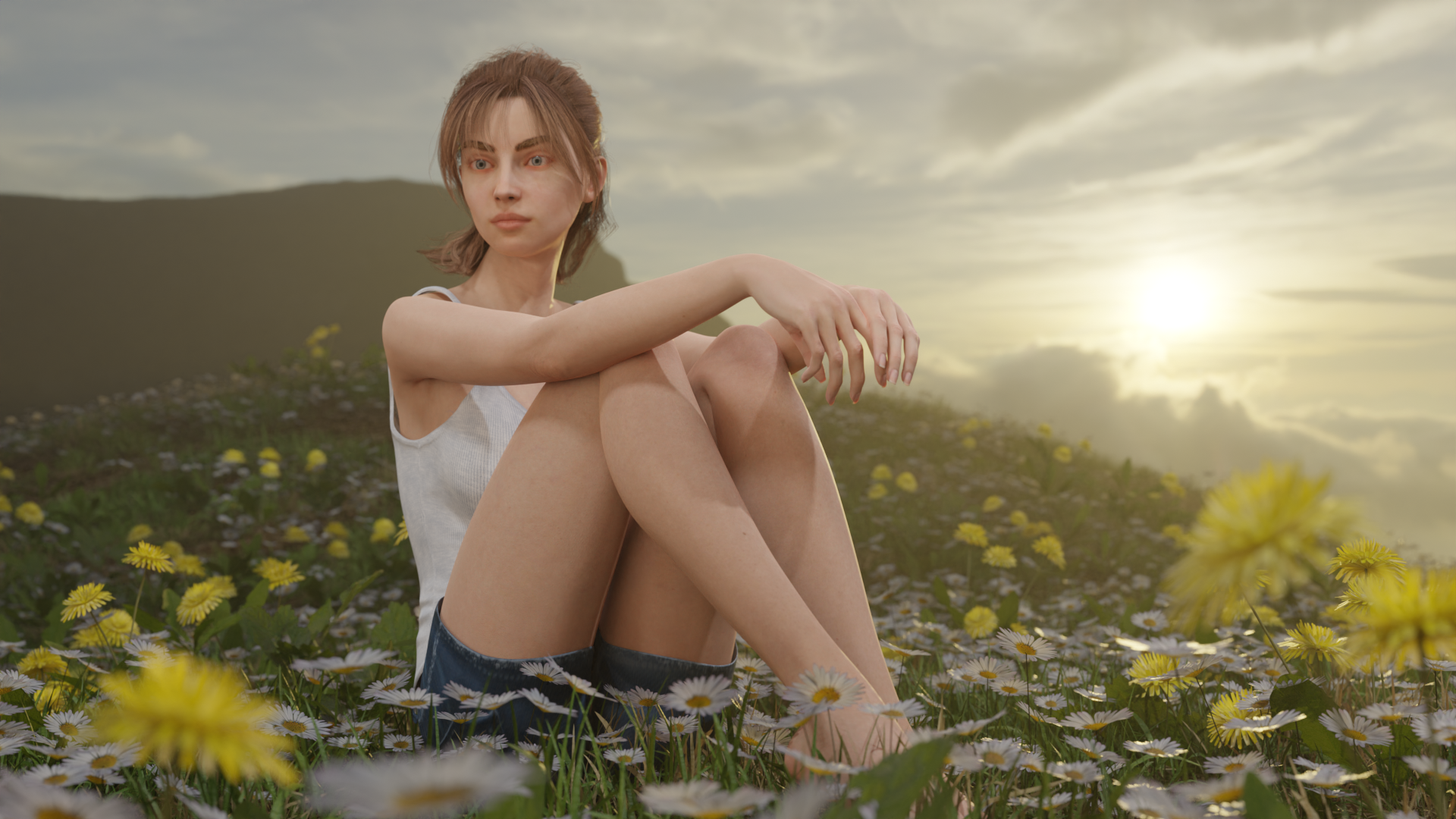
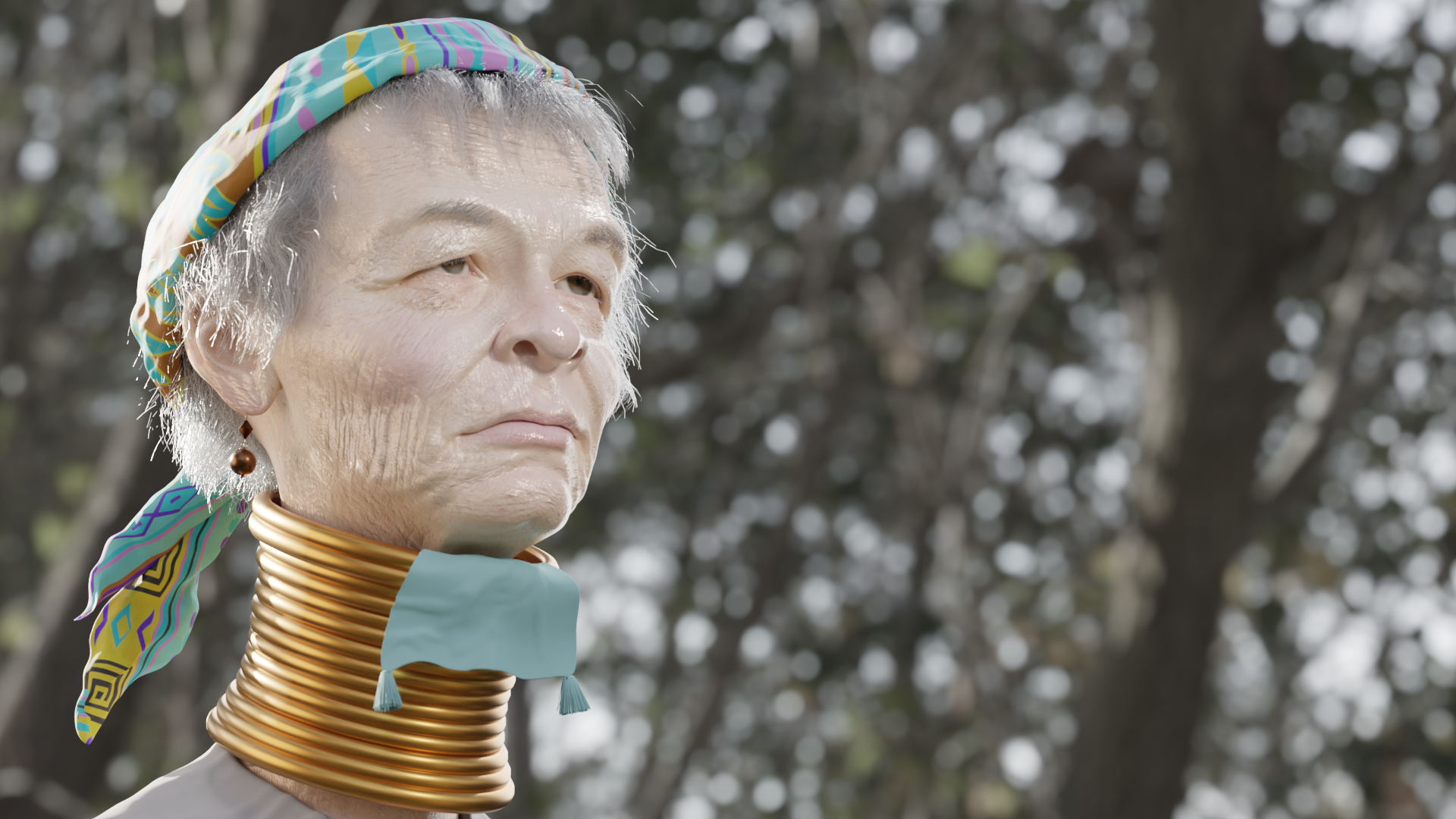
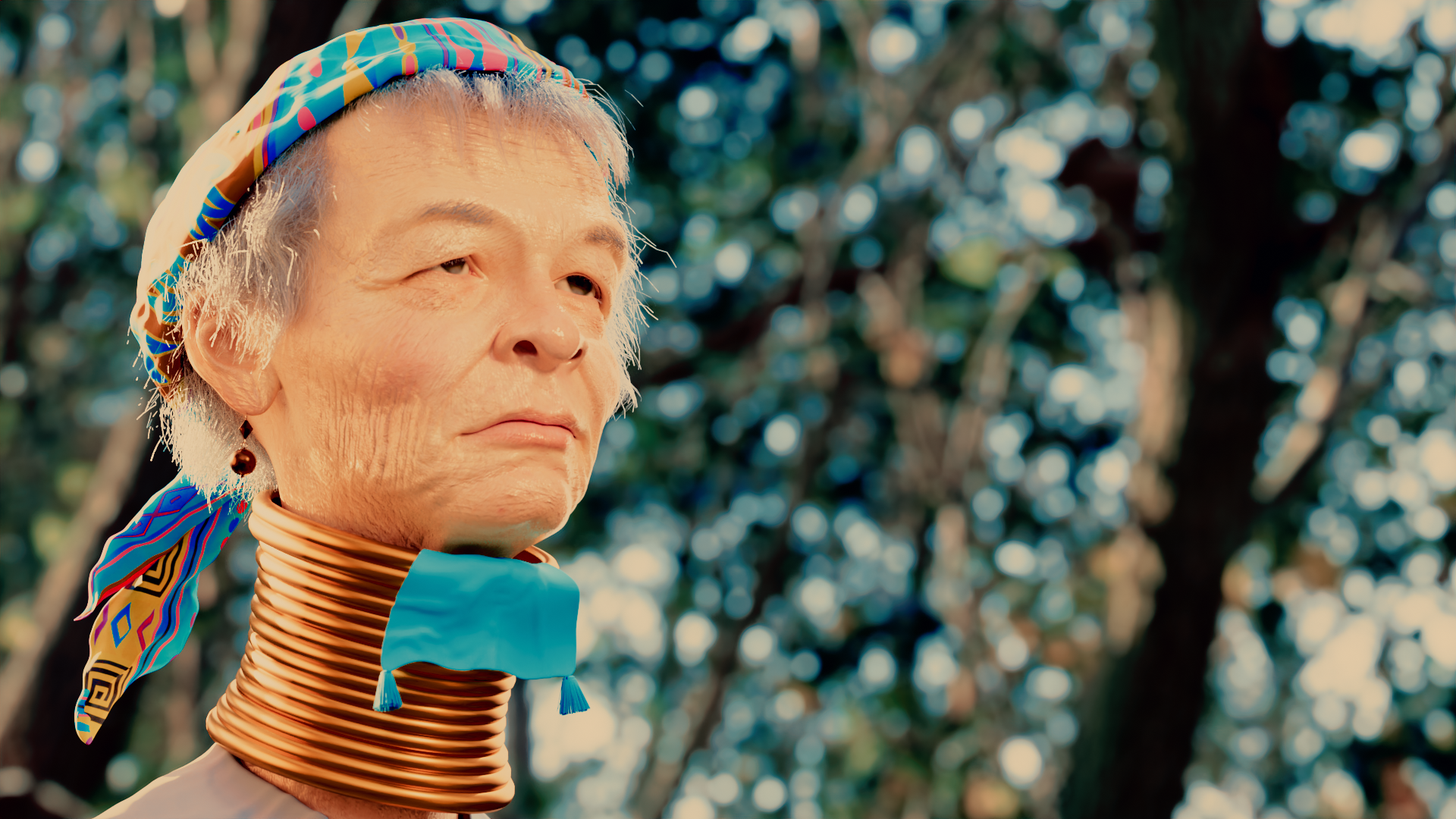
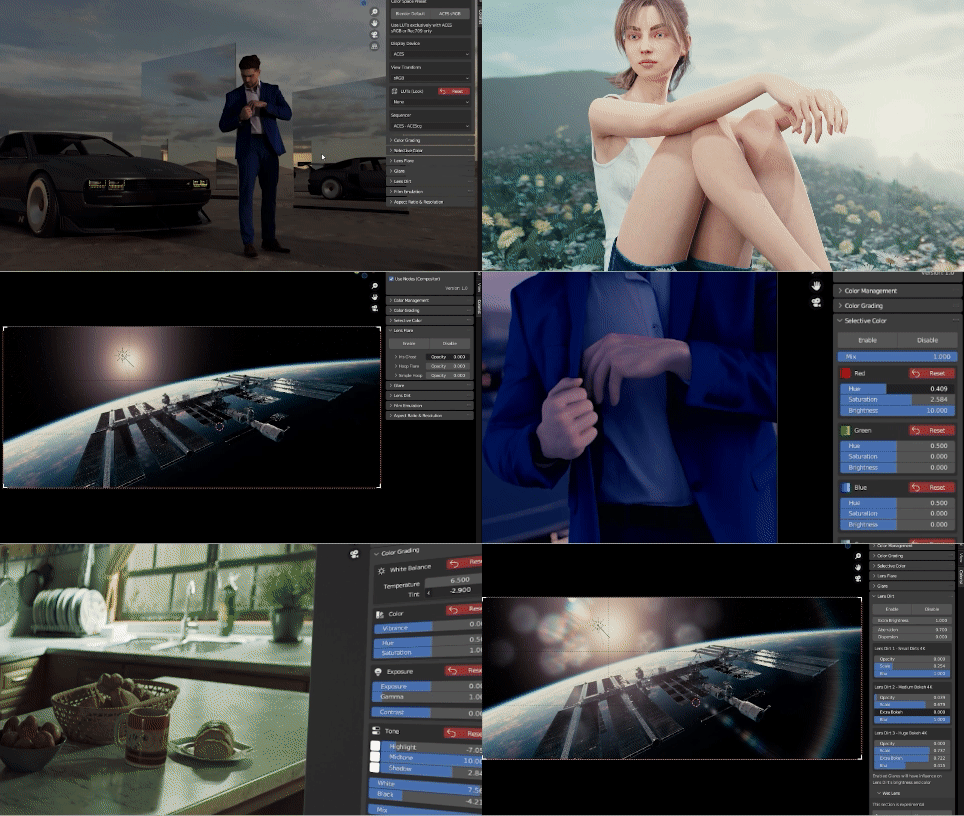
"Kayan Tribe Woman" 3D model by George Siskas — Sketchfab profile.
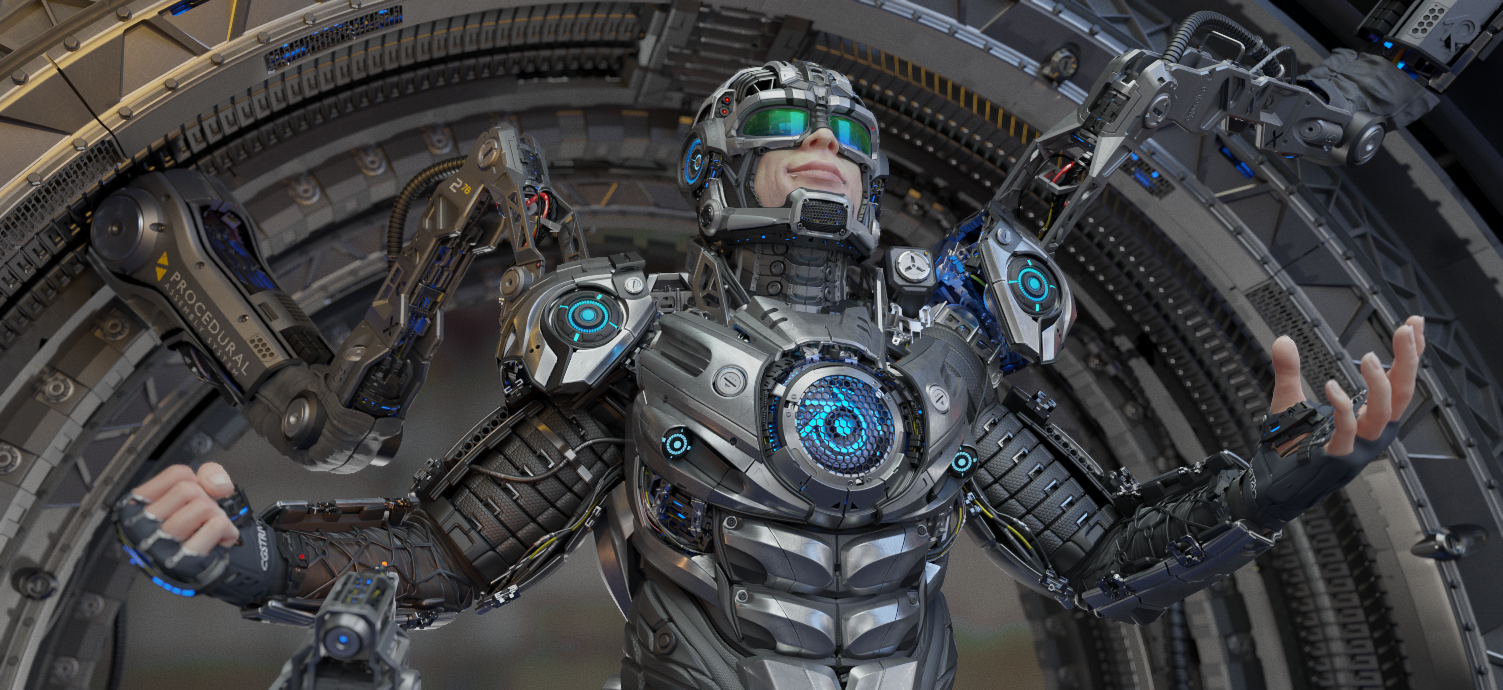
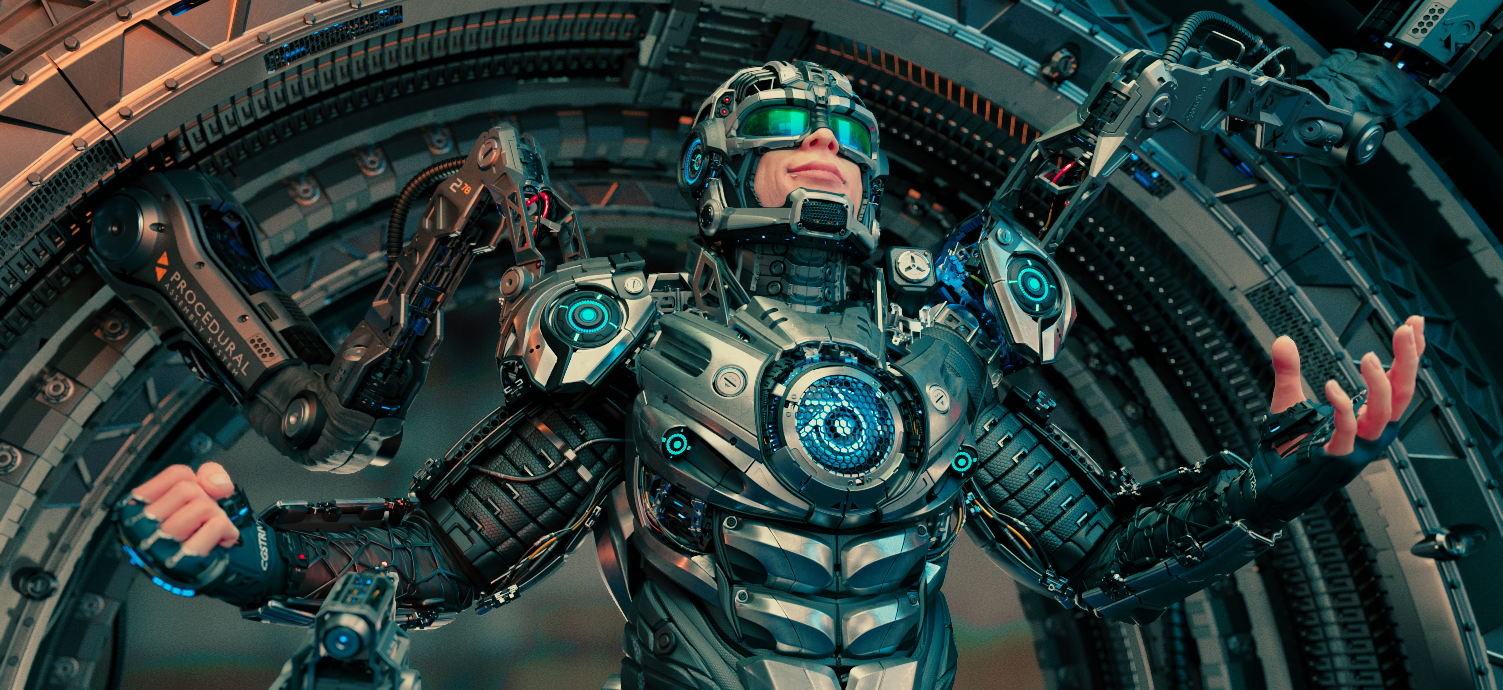
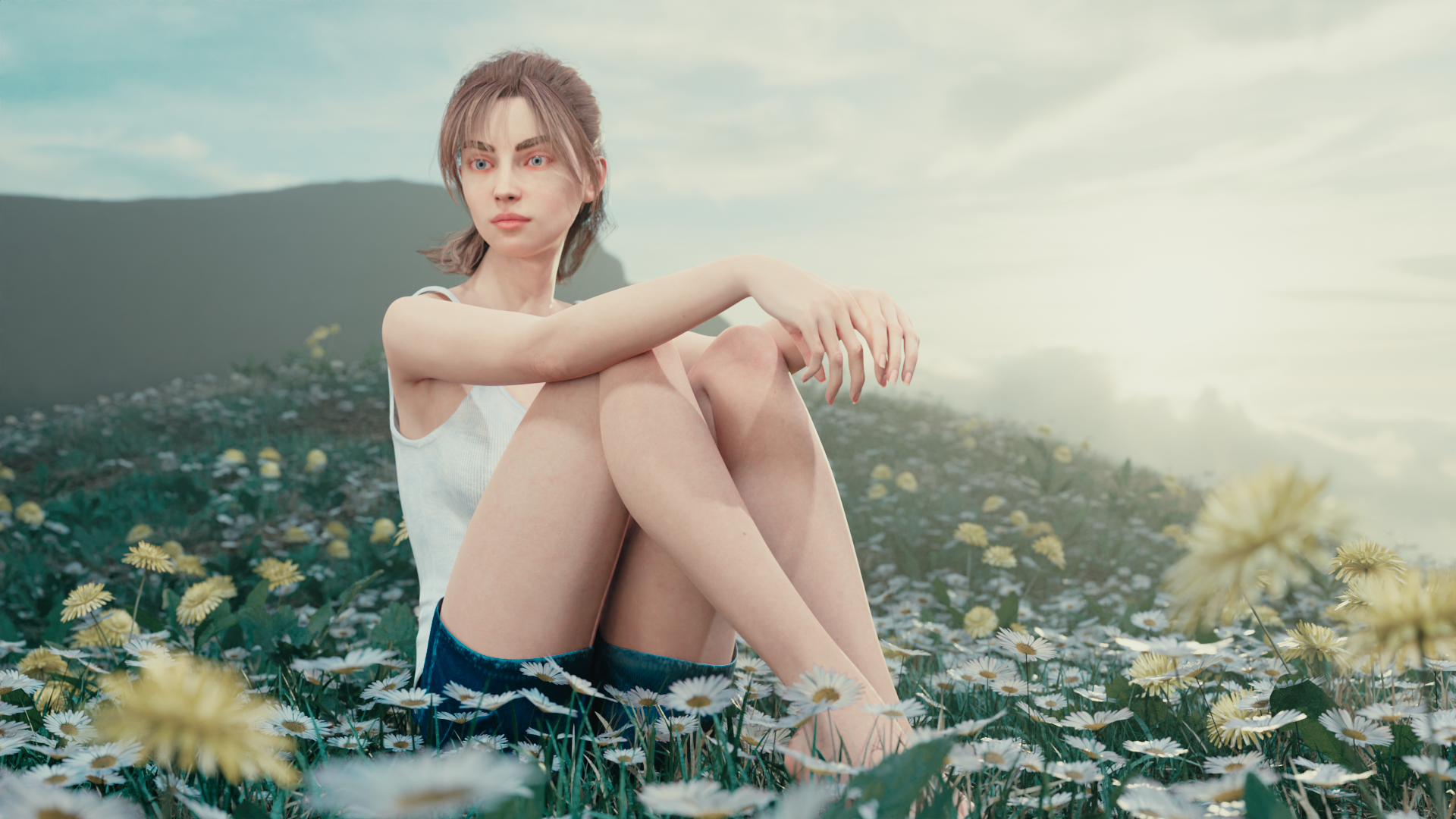
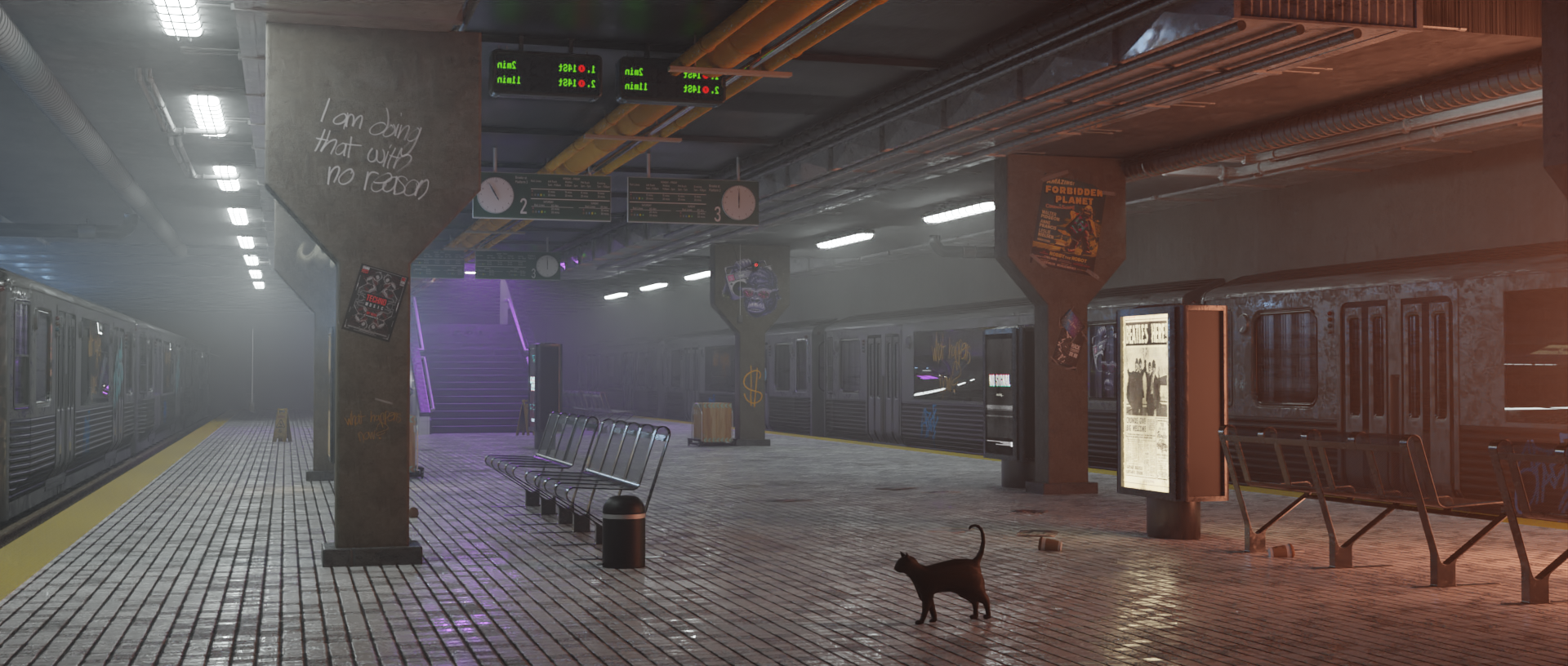
Experience the magic of real-time color grading. Our addon and LUT pack bring the power of professional color grading directly to your Blender viewport, simplifying the process and breathing life into your renders with Colorist Pro.
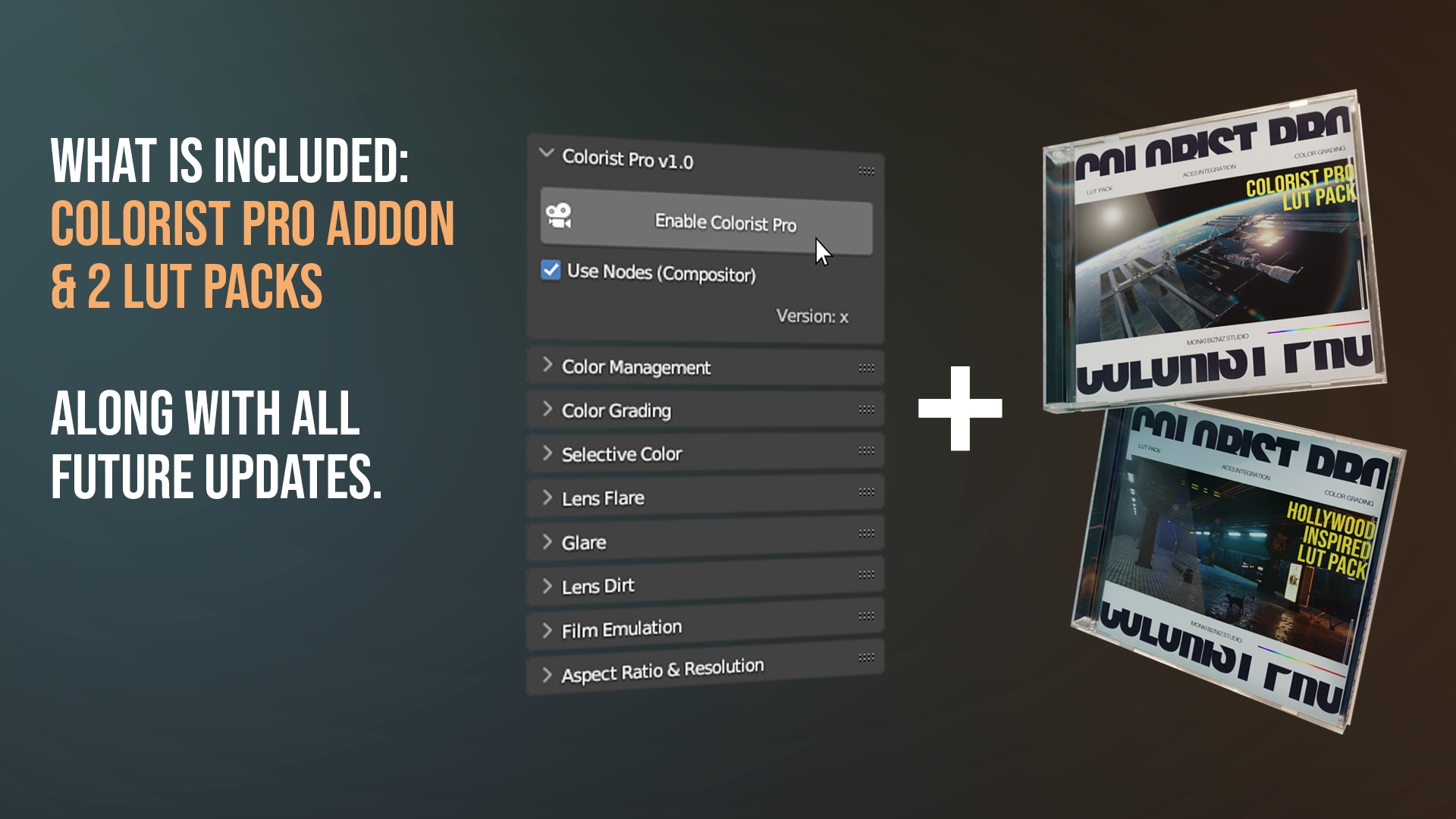
WHAT IS INCLUDED:
COLORIST PRO ADDON & 2 LUT PACK
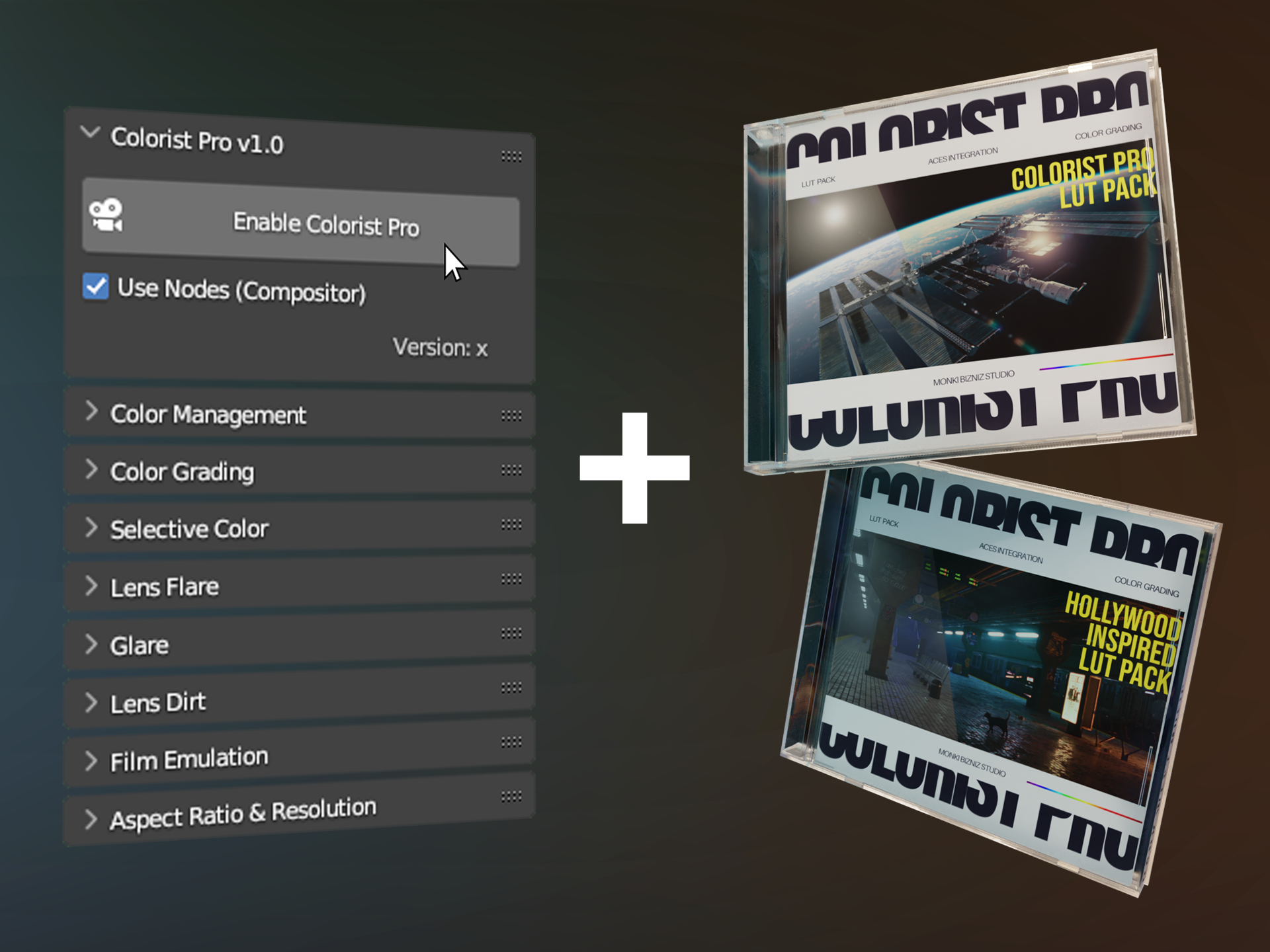
With your purchase, not only you'll receive
the Colorist Pro addon but also two exceptional LUT packs:
Colorist Pro Pack & Hollywood Inspired Pack,
along with all future updates.
The Colorist Pro LUT pack consists of 7 LUTs created specifically for Blender, while the Hollywood Inspired pack comprises 9 movie-inspired LUTs, inspired by movies like "The Joker," "Fallen Angels," "Blade Runner 2049," and many more.
Optional AI Assistance:
CLAUDE AI INTEGRATION
___________
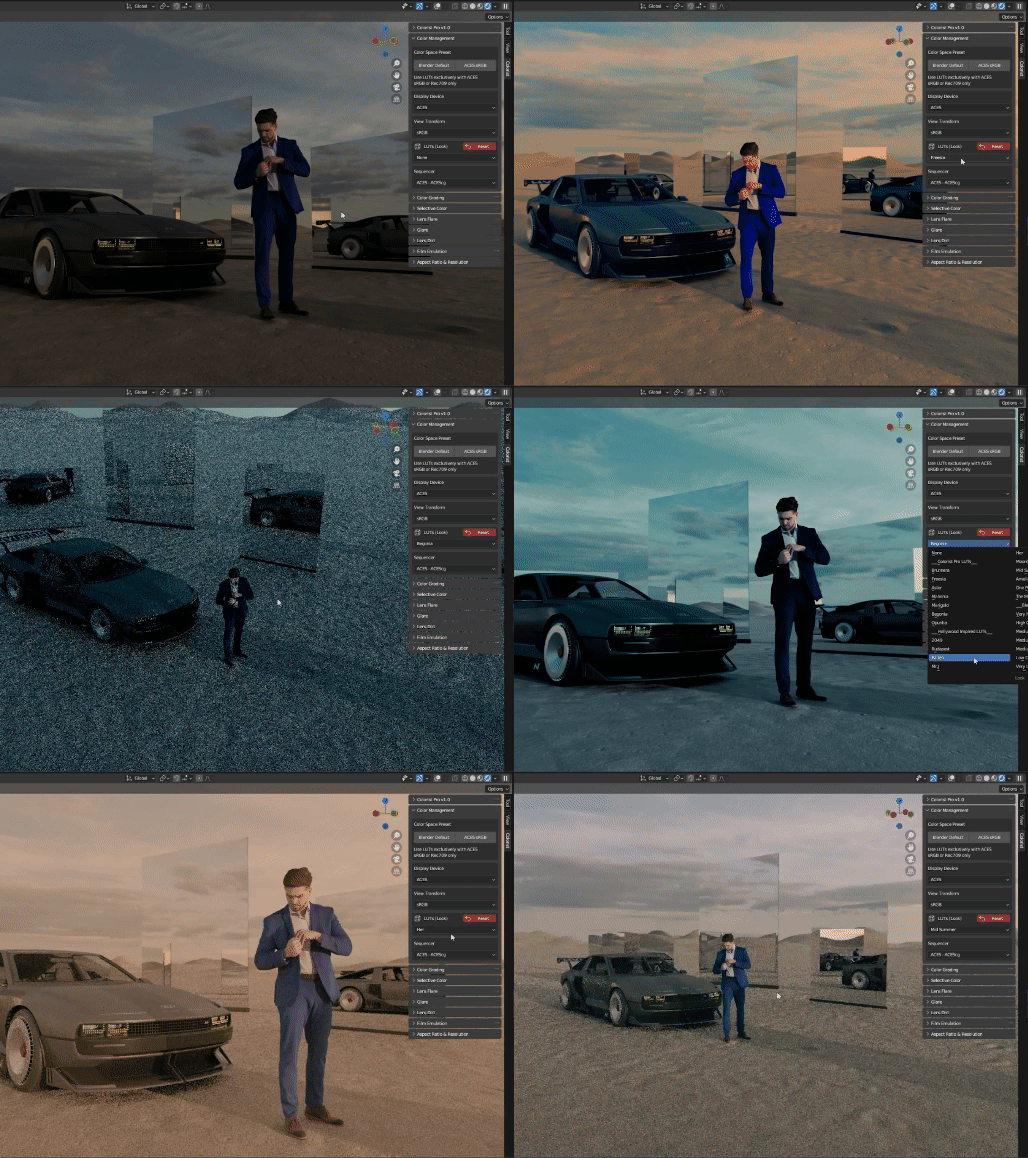
 Use professional LUTs directly in your viewport and instantly transform your scene's look and feel.
___________
 Each wheel includes color adjustment, exposure, RGB channel balance, saturation, and contrast sliders. Giving you complete creative control over offset, shadows, midtones, and highlights.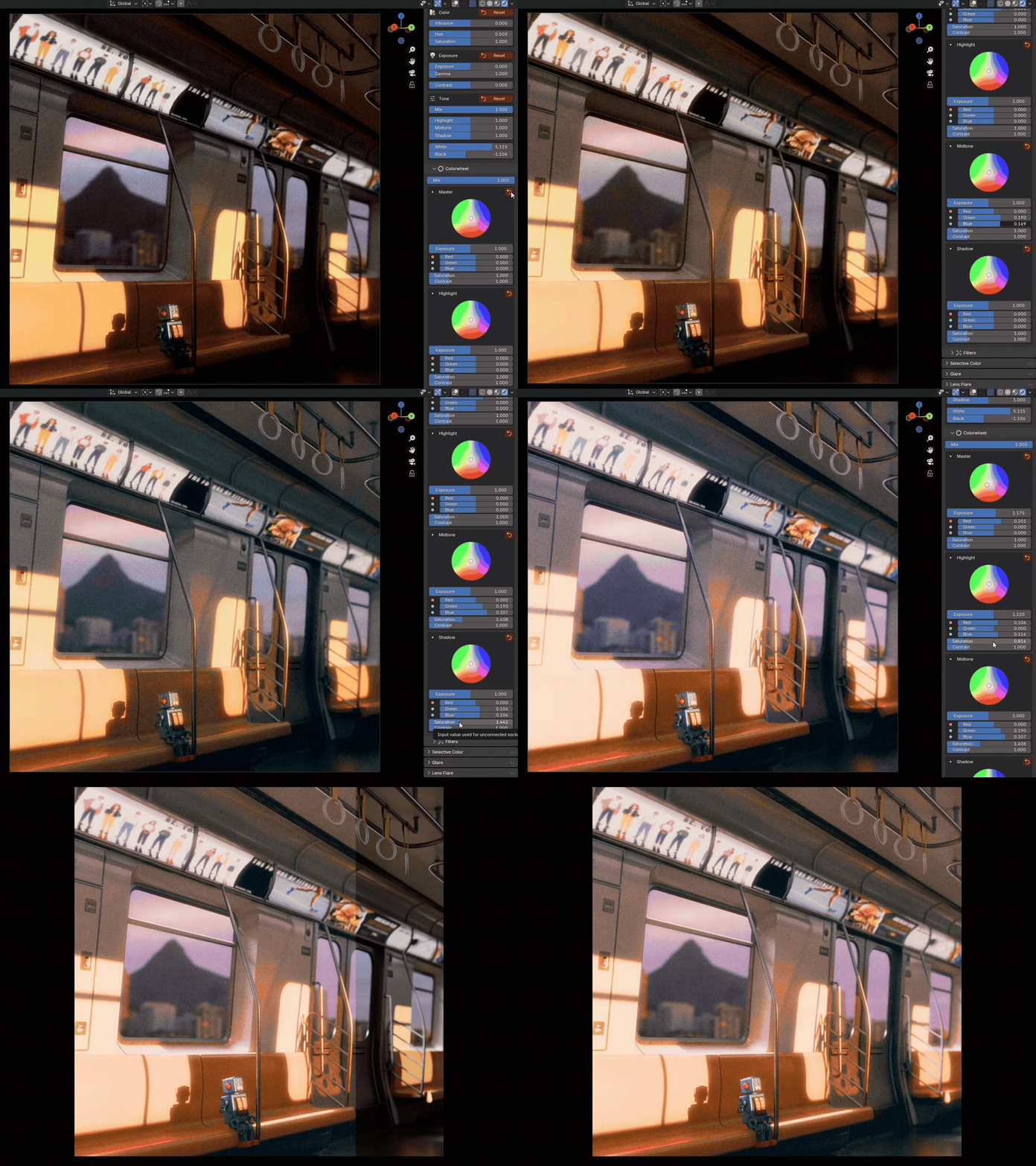
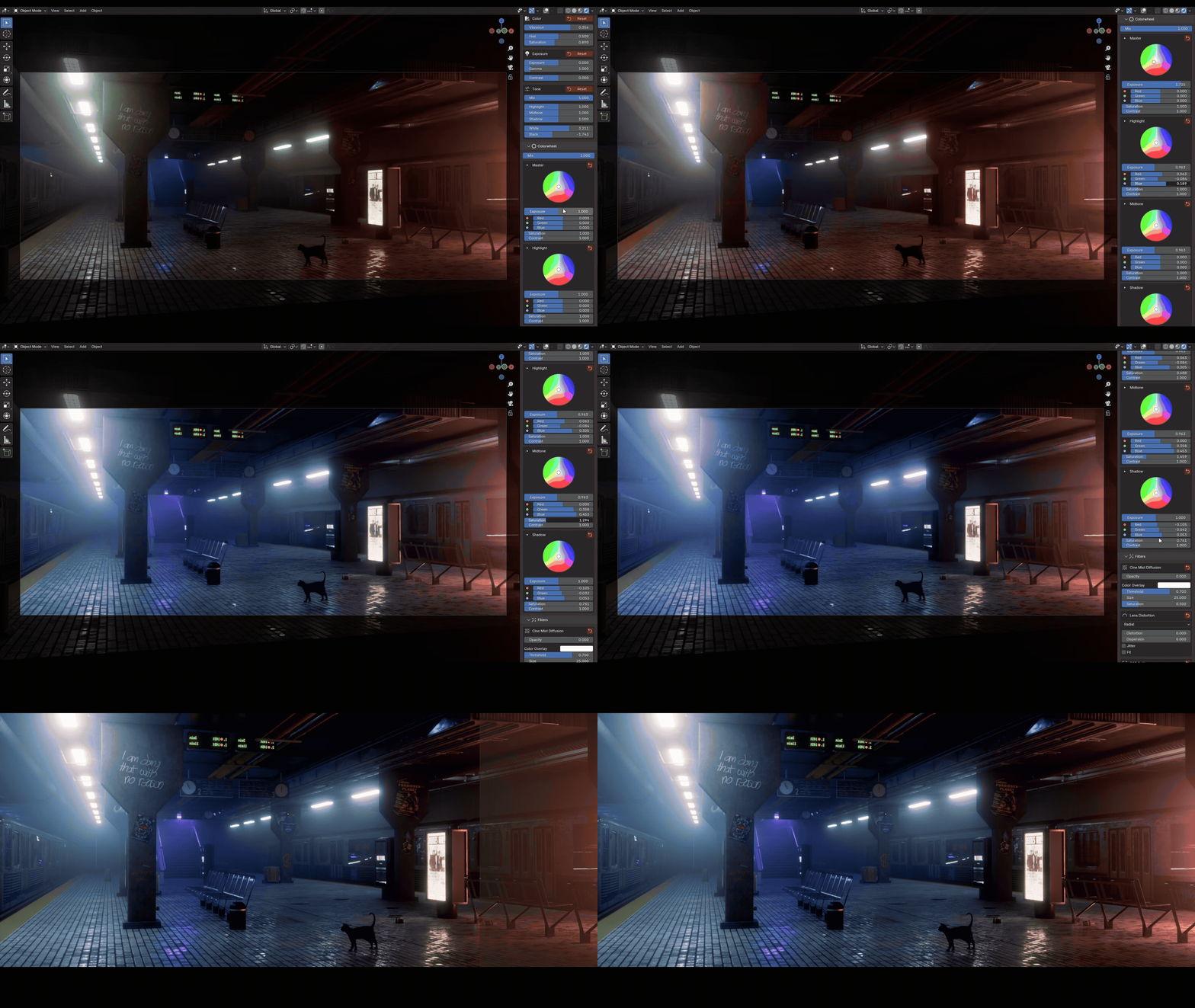

Watch the full Youtube video
___________
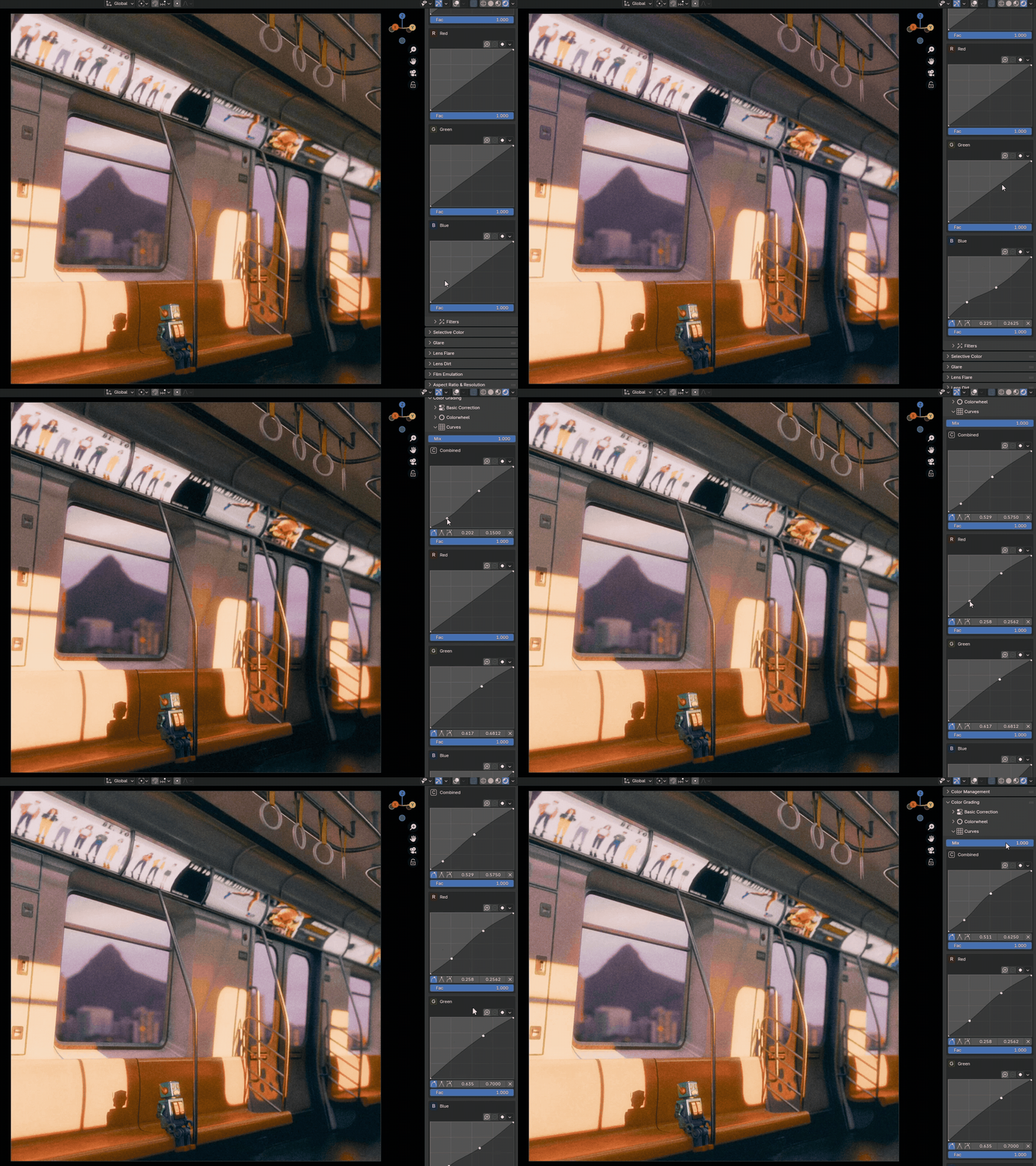
 Shape the contrast and color of your image with precision using RGB Curves. Fine tune individual Red, Green, Blue, and Combined channels to achieve perfect tonal balance and depth.
___________
 We bring Vibrance slider to Blender, giving you the same creative tool found in leading color grading software, along side the Saturation slider.
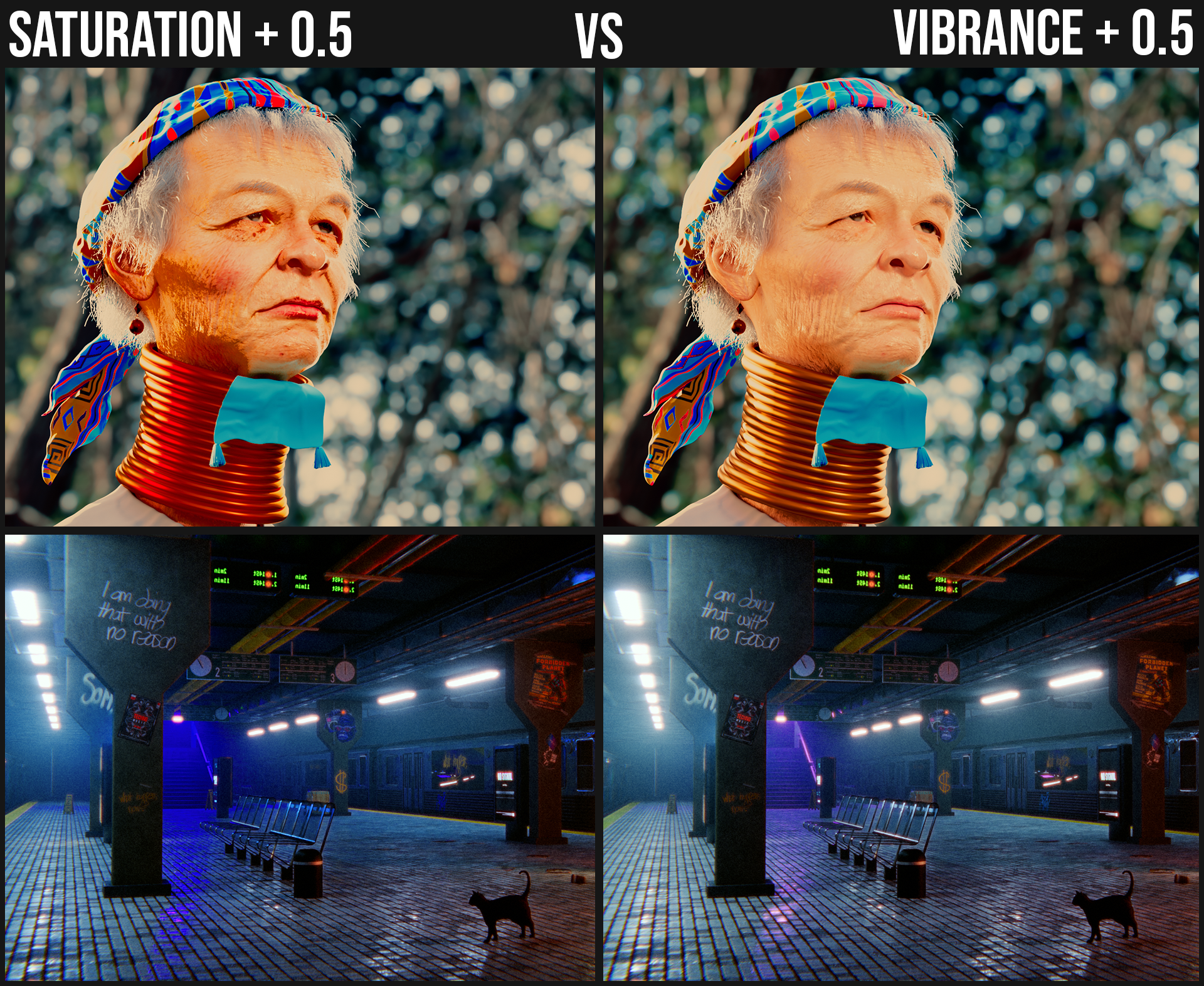
* While Saturation amplifies all colors equally, Vibrance intelligently boosts the intensity of muted or less-saturated colors while protecting the already vibrant ones. This results in a more natural and visually appealing image, with skin tones and highly saturated elements remaining balanced and lifelike.
___________
 Effortlessly fine-tune the highlights, midtones, shadows, whites and blacks of your image.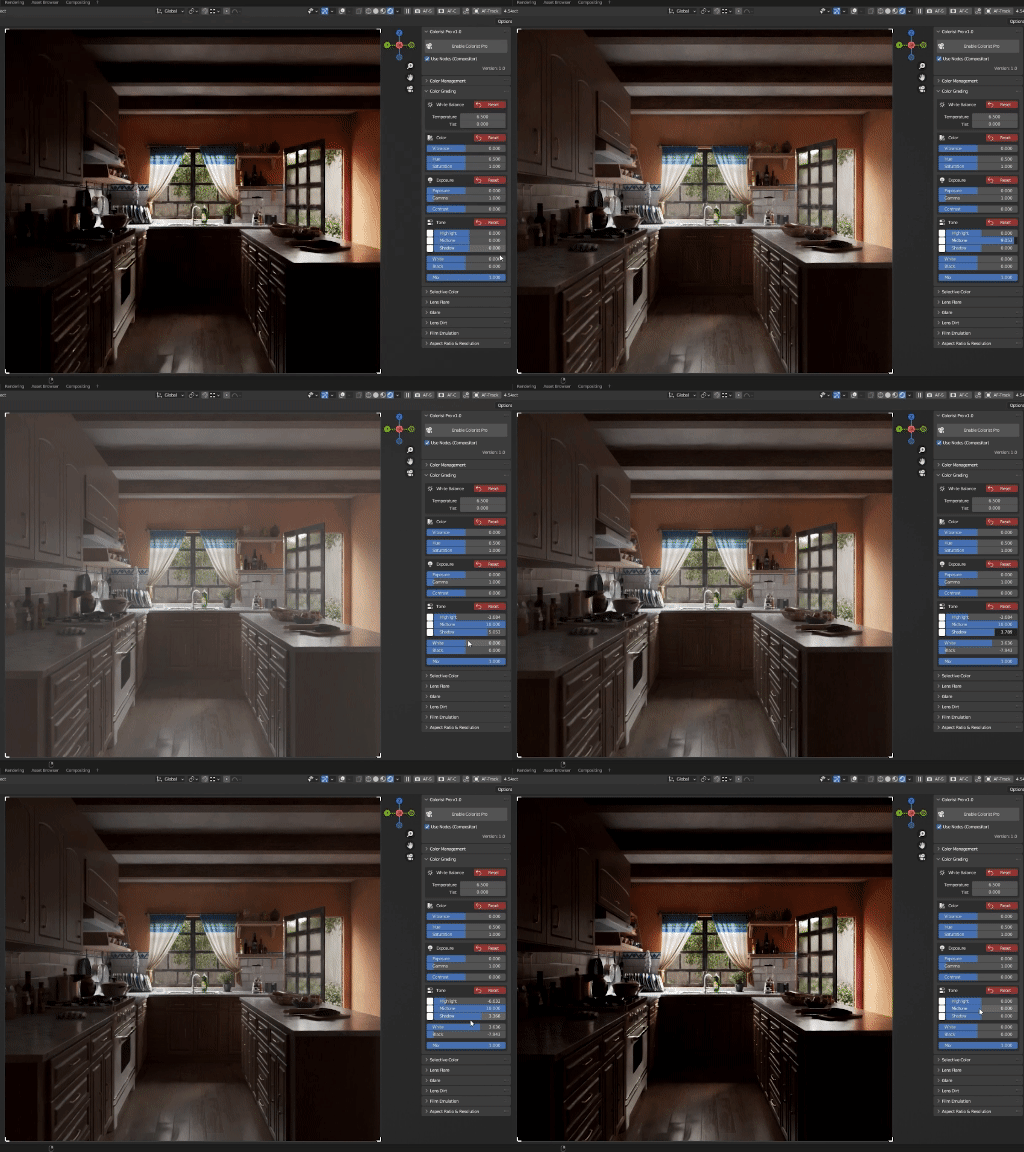
___________
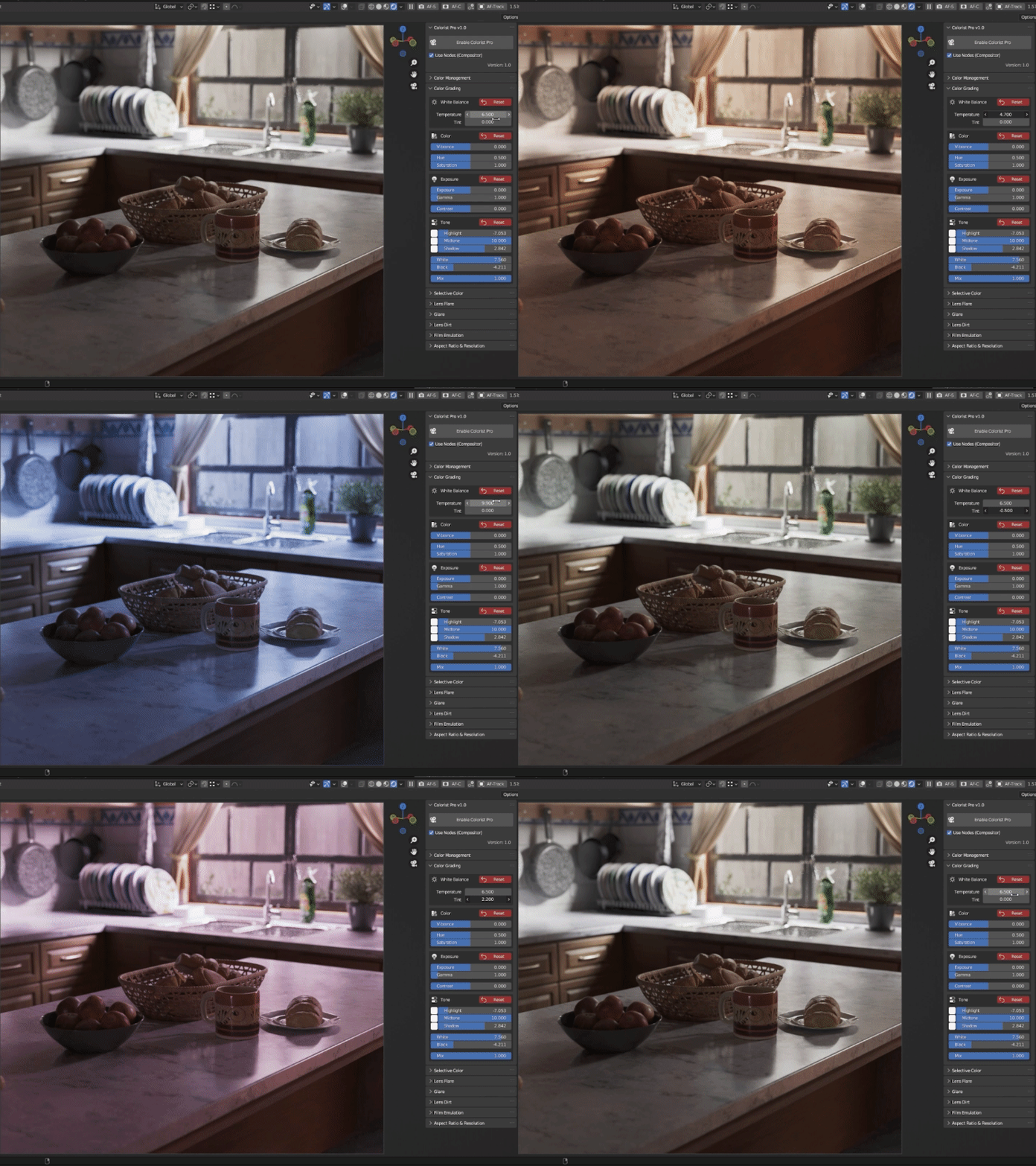
 Adjust temperature and tint for clean, balanced color in every shot.
___________
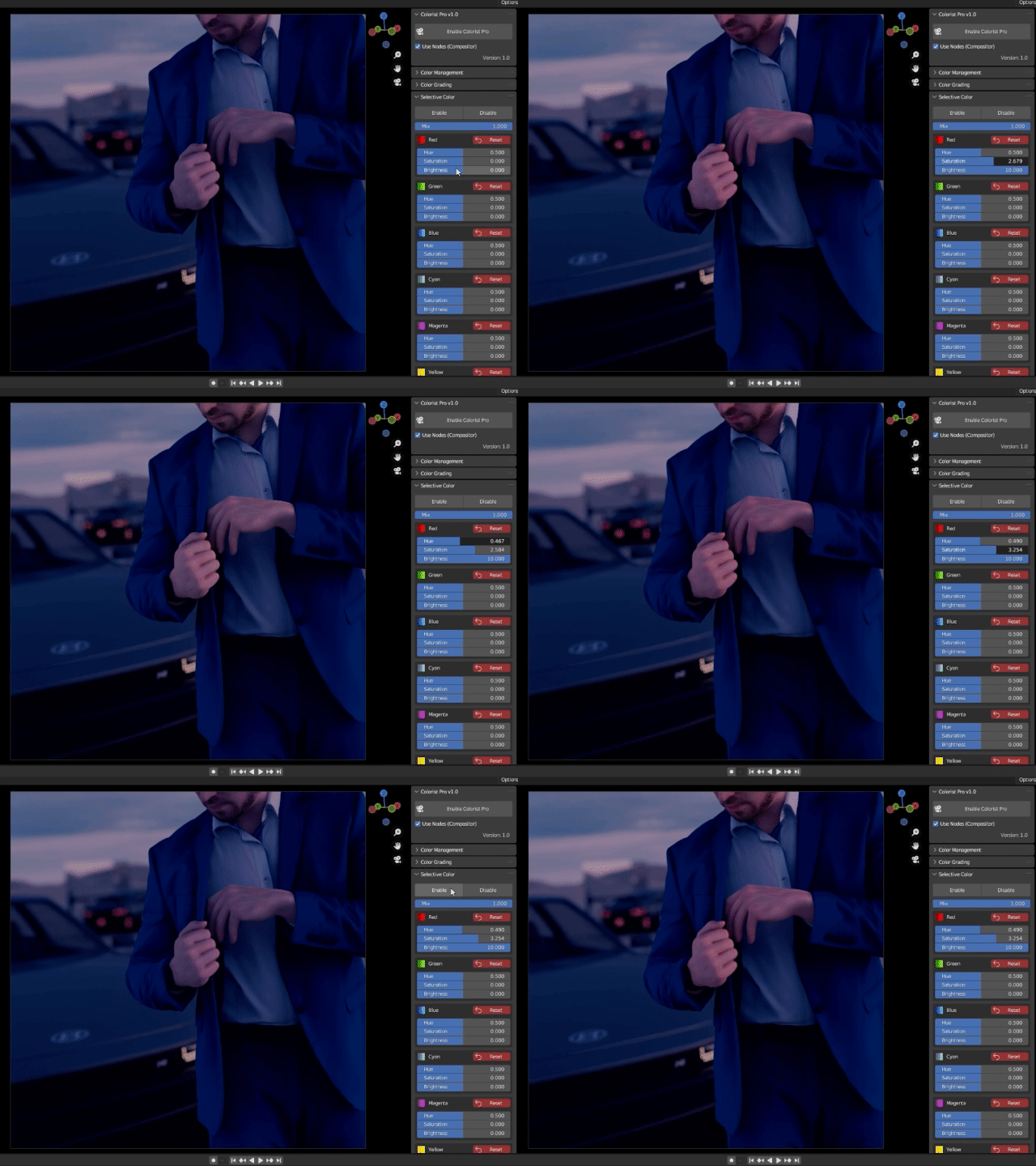
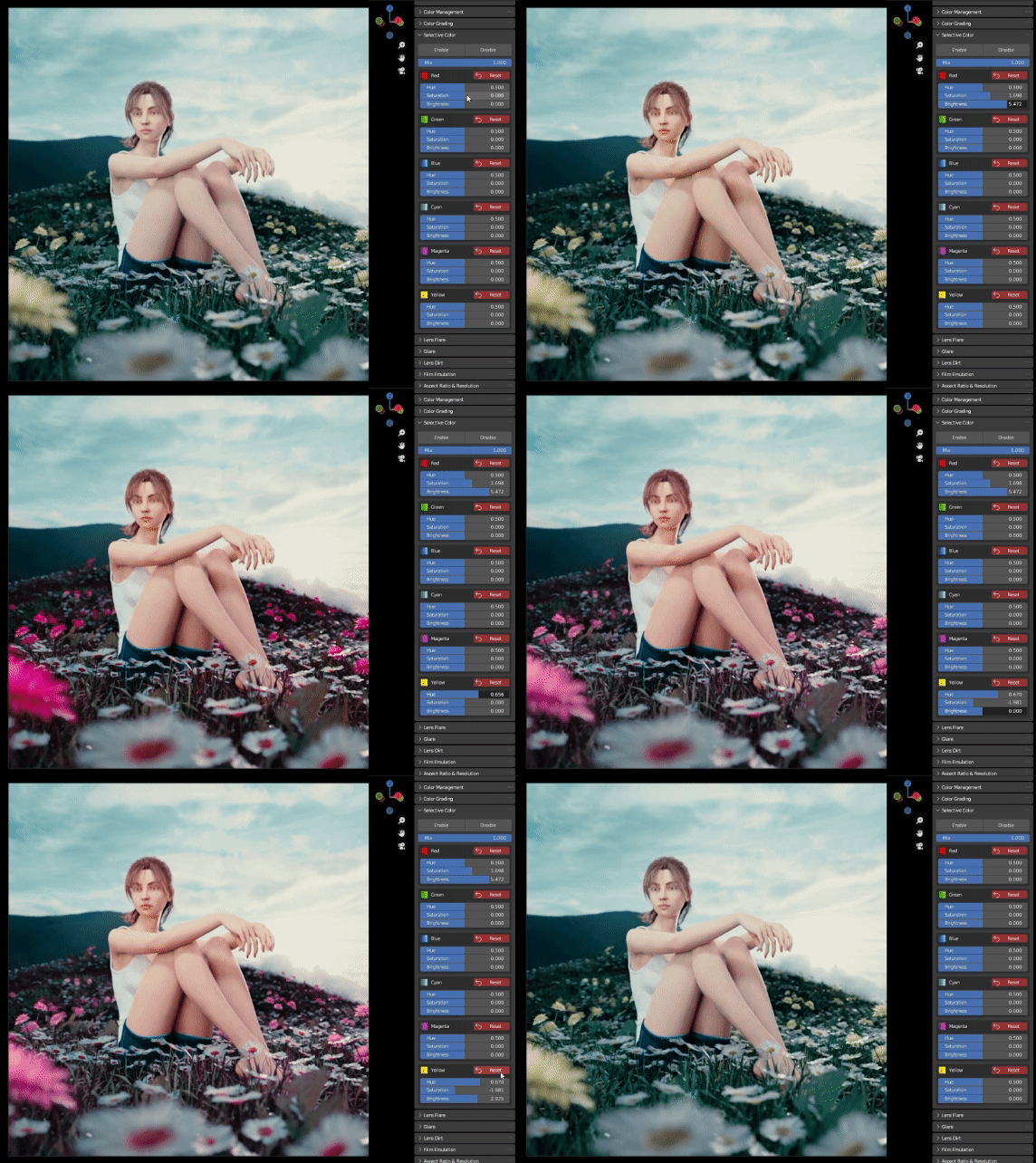
 Selective Color Grading allows you to target and manipulate specific colors in your image, offering more creative freedom and control.
___________
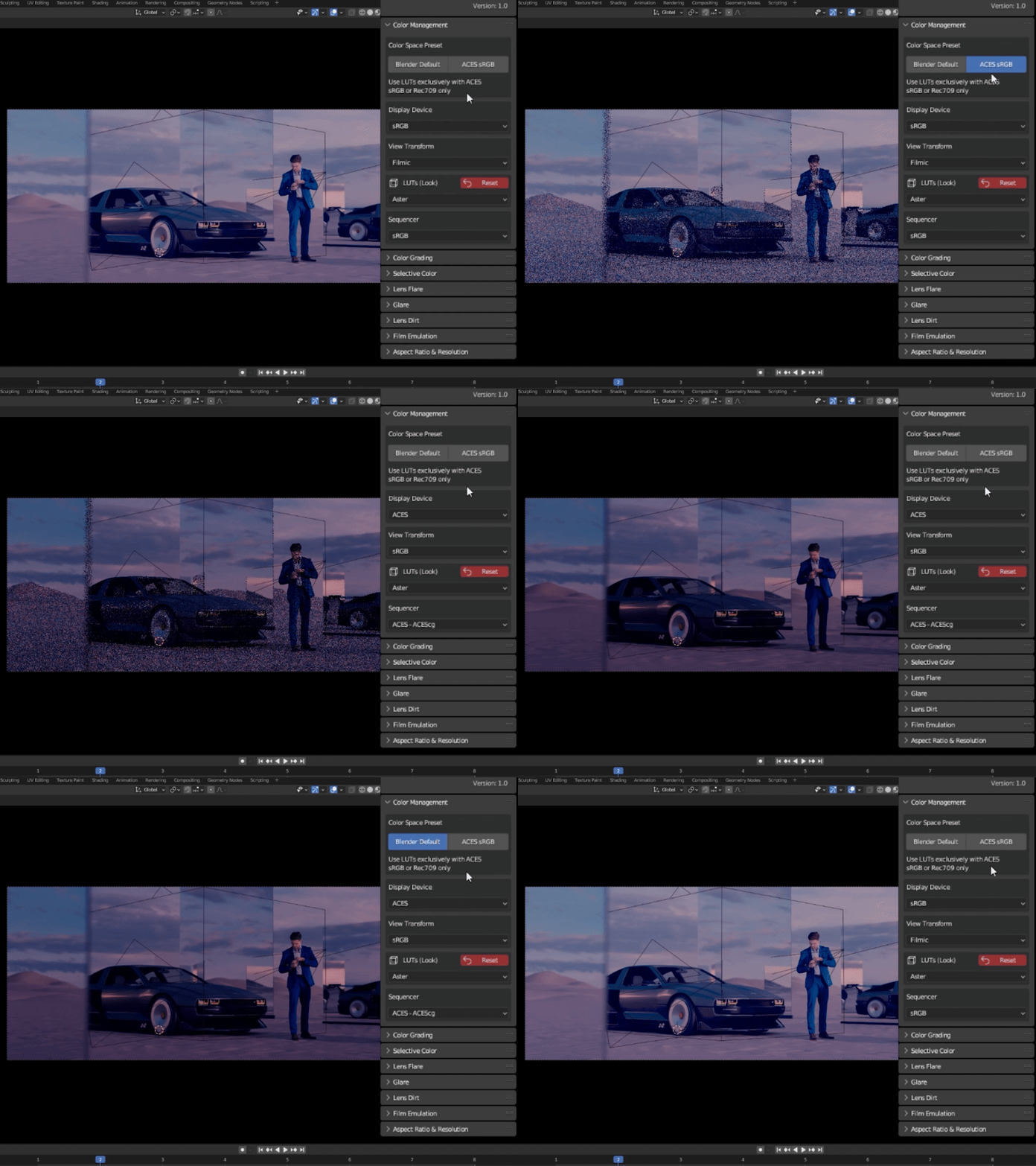
 Our addon simplifies your color space setup by incorporating a custom OCIO config, complete with ACES support. With just a single click, you can effortlessly transition from Blender's default color space to ACES correctly.
For more information about ACES :
https://www.oscars.org/science-technology/sci-tech-projects/aces
___________
 Film Emulation brings the warmth and character of analog film to your digital renders. Generate film grain and halations with just a few clicks.
___________
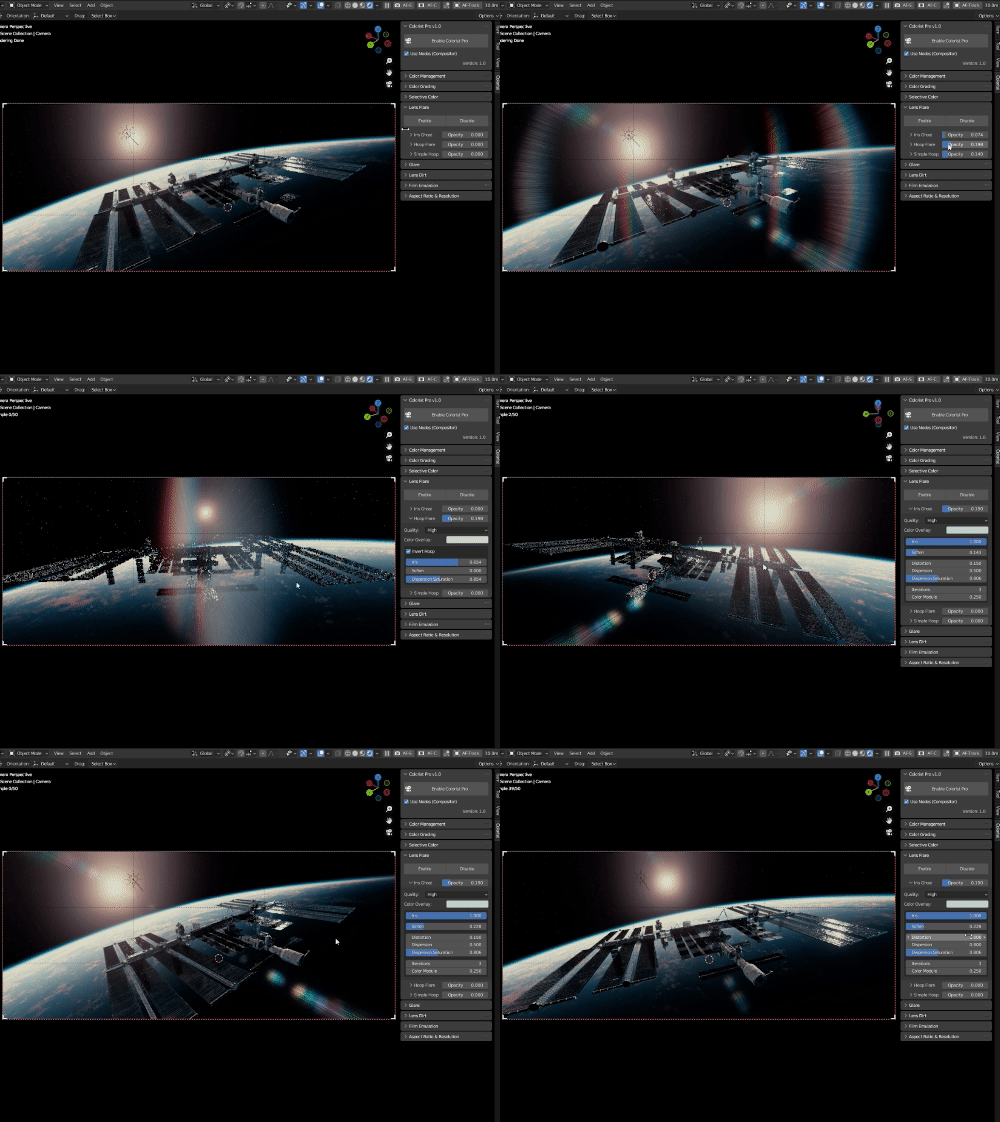
 Create breathtaking real-time lens flares that dynamically interact with your scene's light sources replicating the nuances of professional camera optics through user-friendly sliders and buttons.
___________
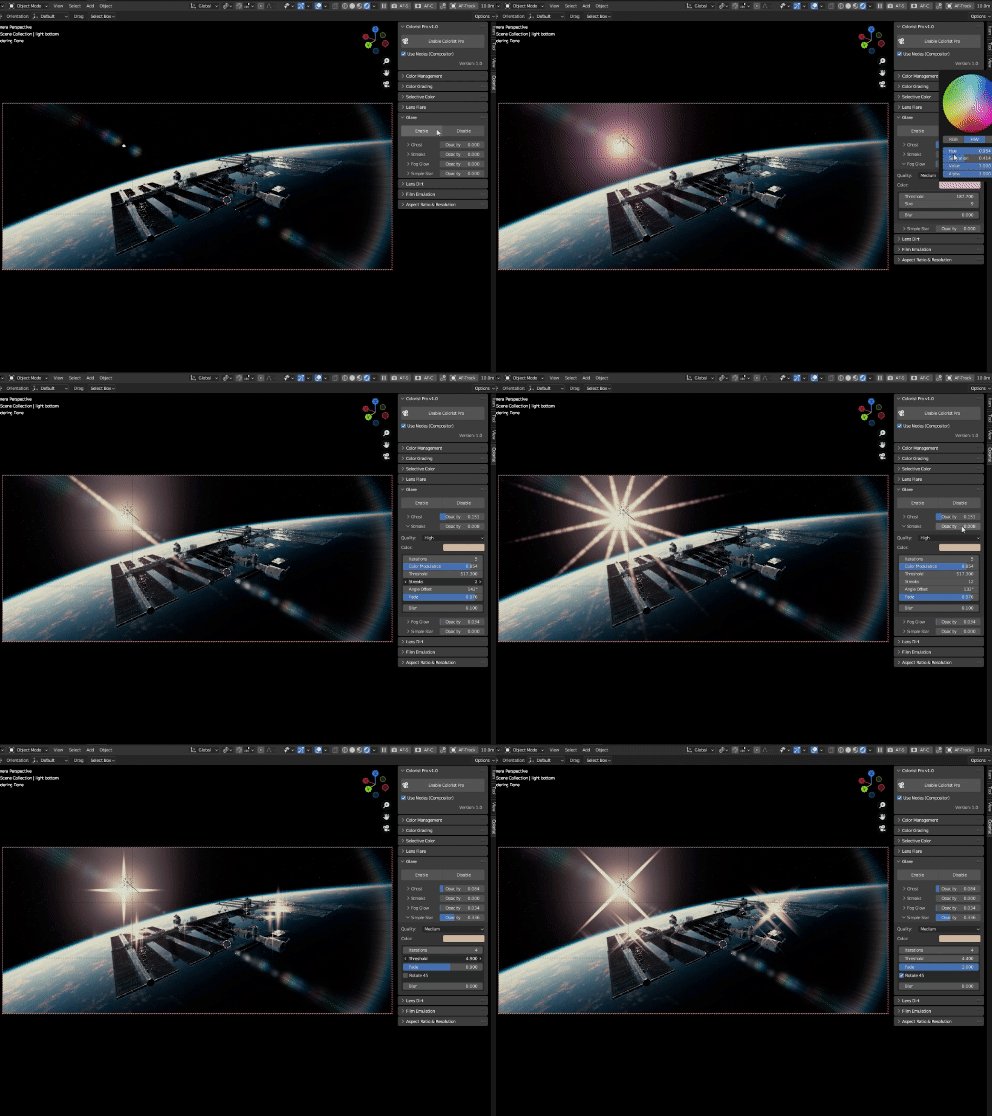
 Glares setup is now streamlined, just use sliders to create and customize glares effortlessly.
___________
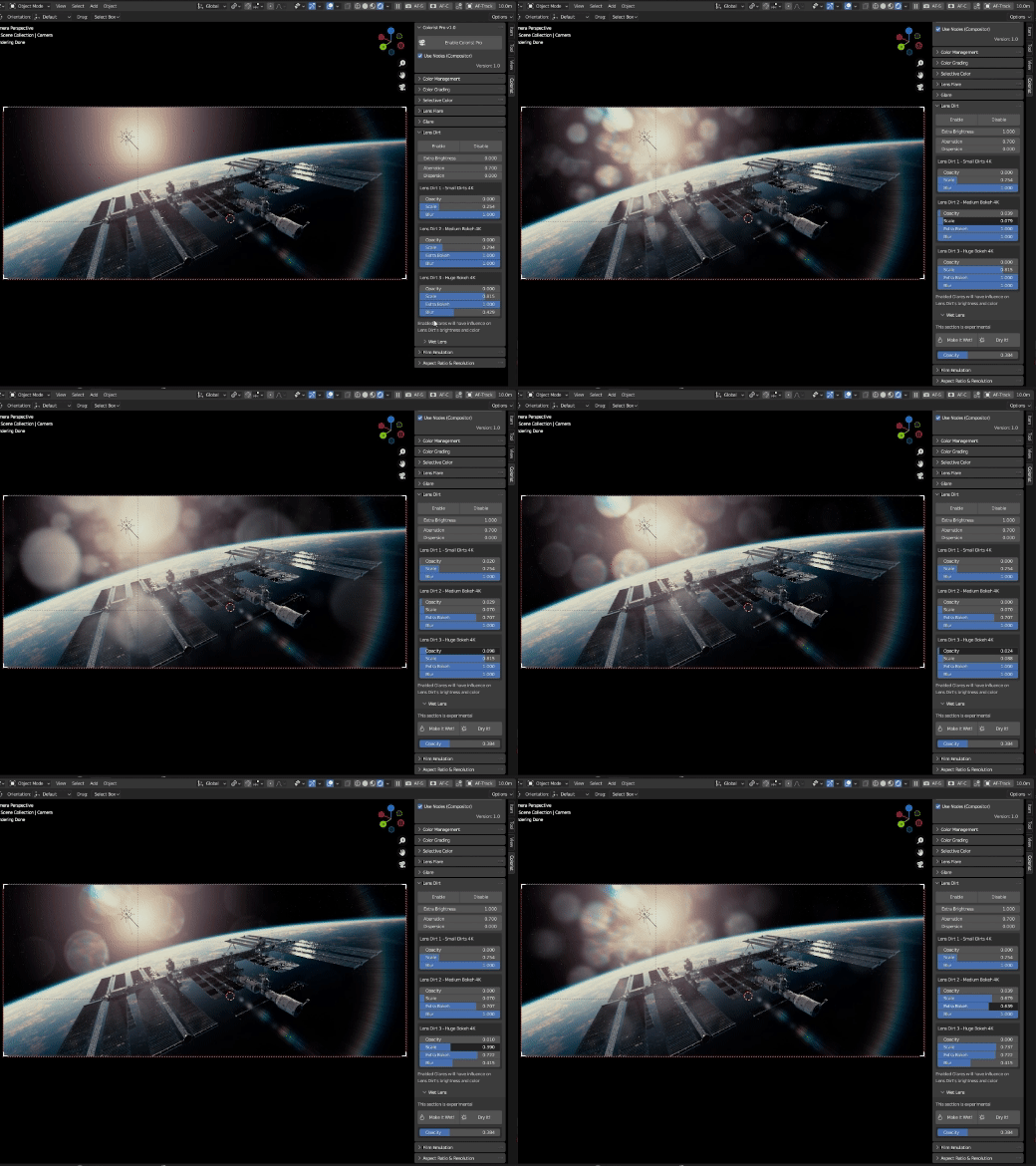
 This feature lets you add natural lens dirt and imperfections to your scenes for a touch of authenticity, achieving a more lifelike look with ease.
___________
 Crafting your visual narrative is not just about color and effects, it's also about choosing the right frame, this feature empowers you to instantly switch your camera's aspect ratio with a single click.
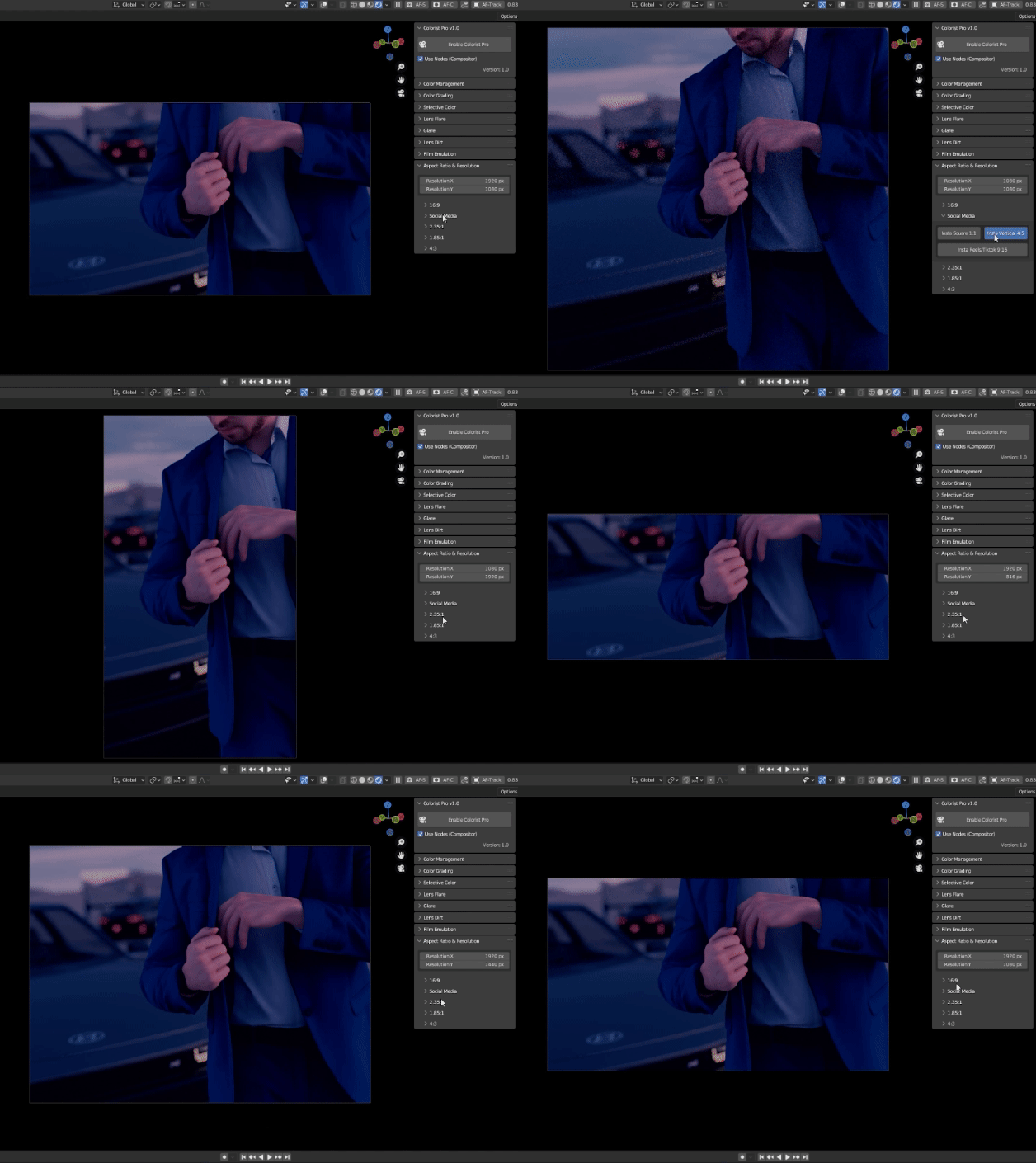
Aspect Ratio Presets:
Standard Widescreen 16:9, Instagram Square (1:1), Instagram Vertical (4:5), Instagram Reels/TikTok (9:16), Cinematic 2.35:1, 1.85:1, and Classic 4:3. Each aspect ratio comes with three resolution options, offering you the flexibility to create in stunning 4K, Full HD (1080p), and HD (720p) quality – except for the Social Media aspect ratios, designed for online sharing.
___________
LIMITATION
Due to the current limitations in Blender's Viewport Compositing, there are accuracy issues with glare nodes and blur nodes. As a result, some of the following features may need fine-tuning in the compositor, as the effects can appear either stronger or weaker in the Viewport:
- Lens Flare : Opacity & Softness
- Glare: Opacity & Bluriness
- Film Grain: Bluriness & Softness
- Halation: Opacity & Glow
___________

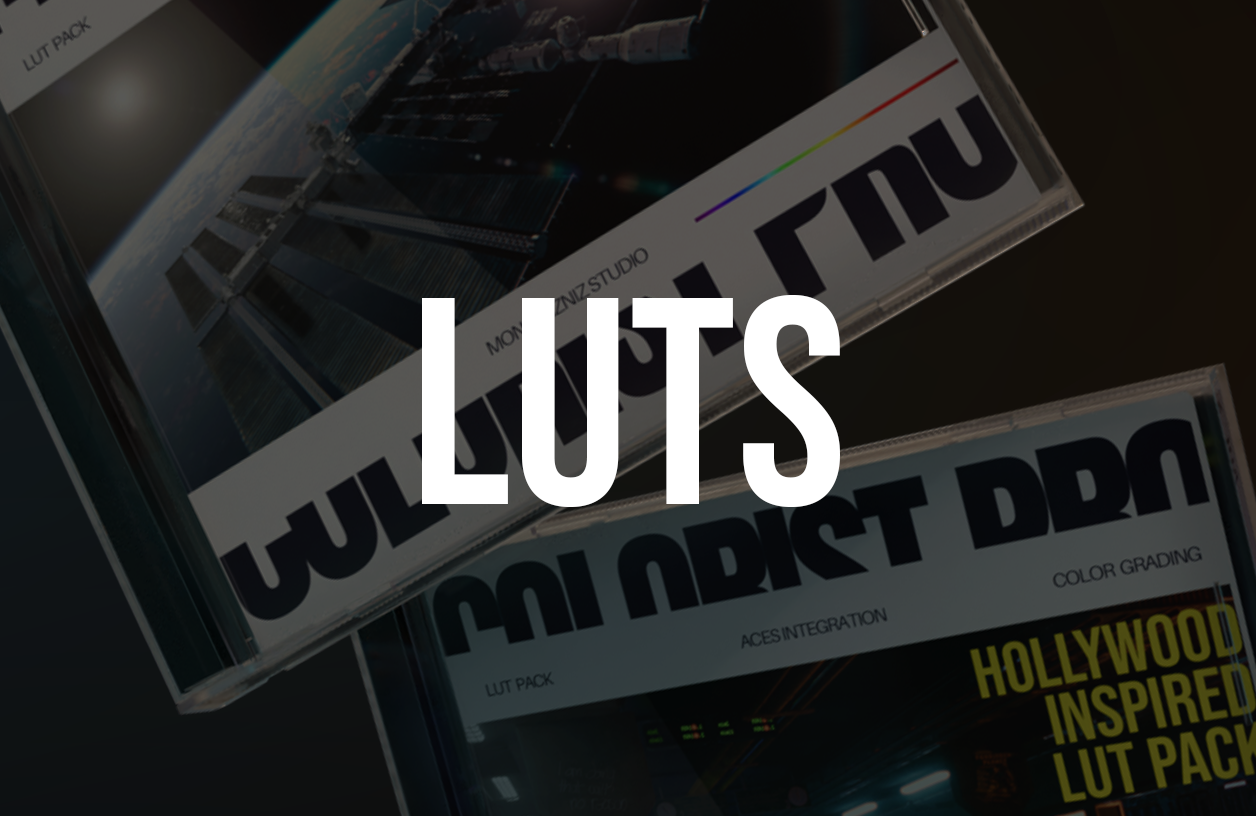
COLORIST PRO LUT PACK
BRUNNERA
FREESIA
ASTER
MAHONIA
MARIGOLD
BEGONIA
OPUNTIA
HOLLYWOOD INSPIRED PACK
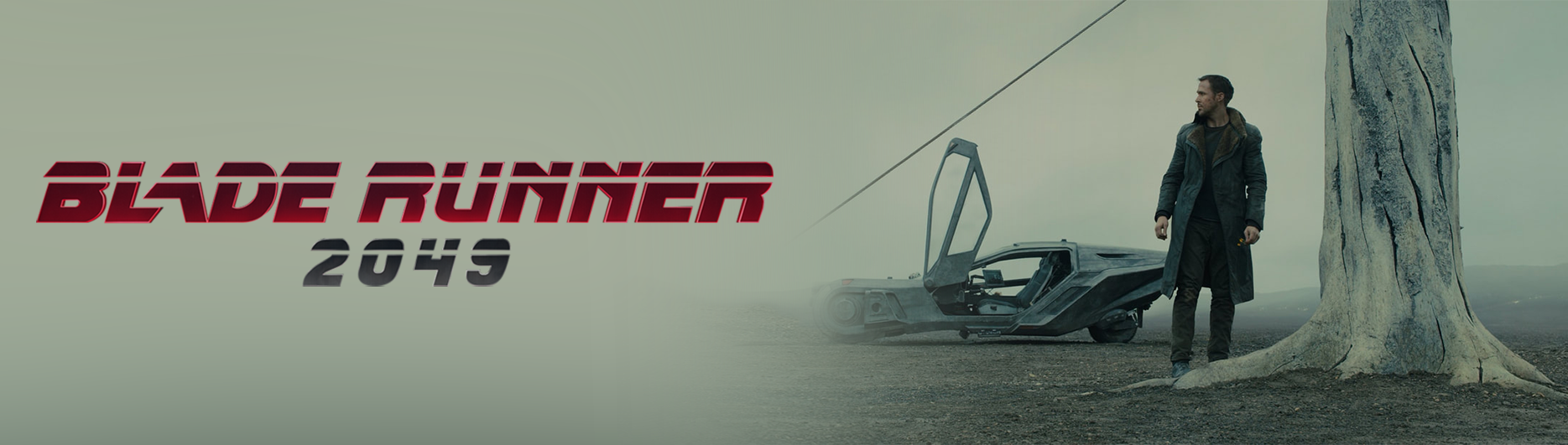
2049
Inspired by Blade Runner 2049 (2017)
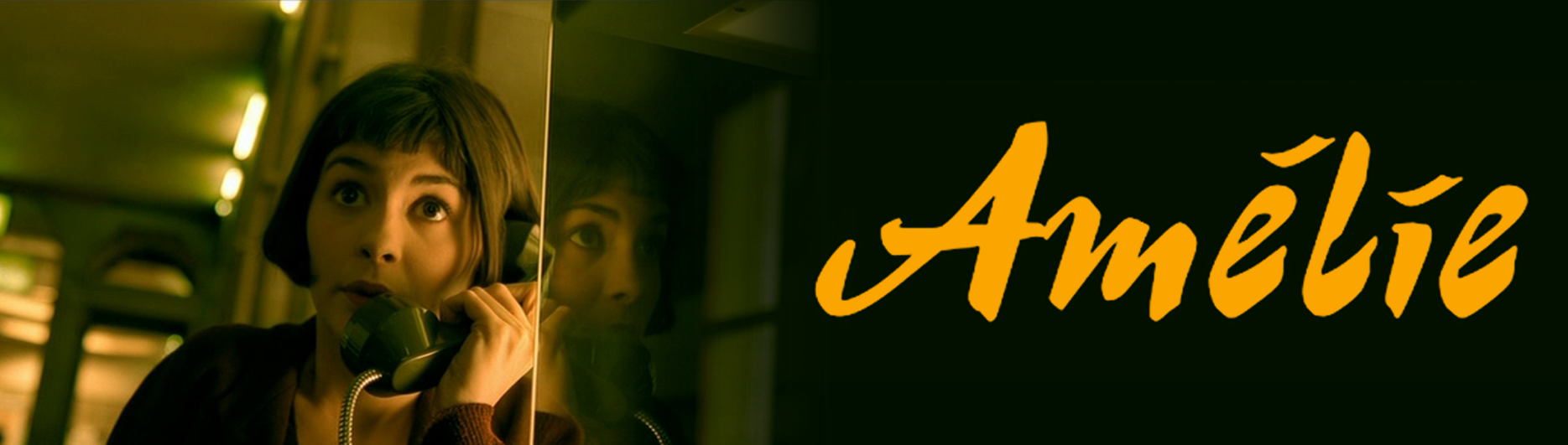
Amelie
Inspired by Amélie (2001)
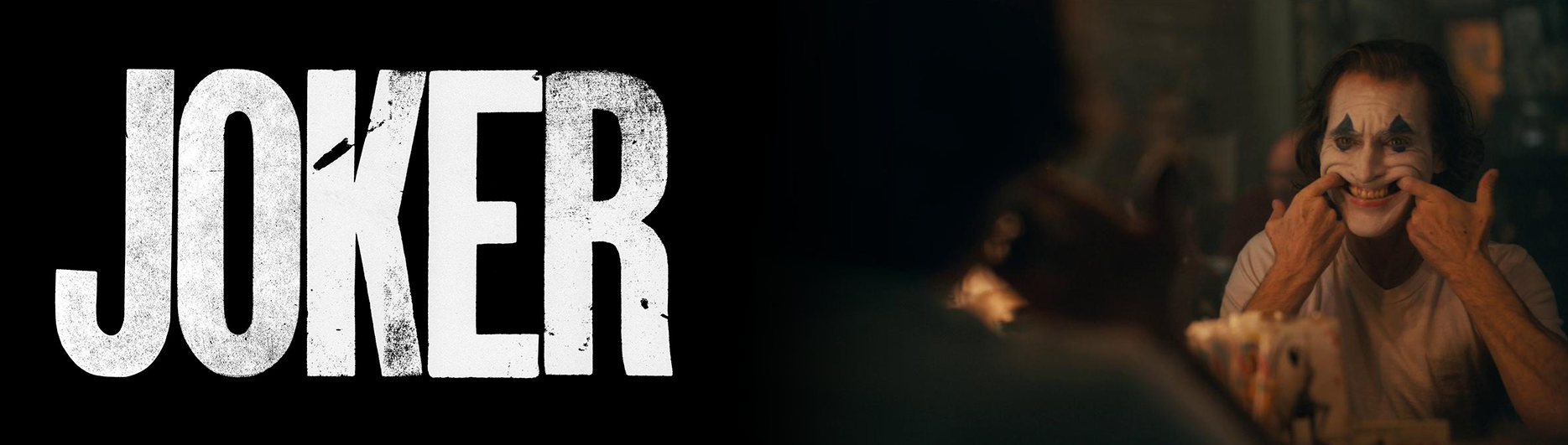
Mr. J
Inspired by Joker (2019)
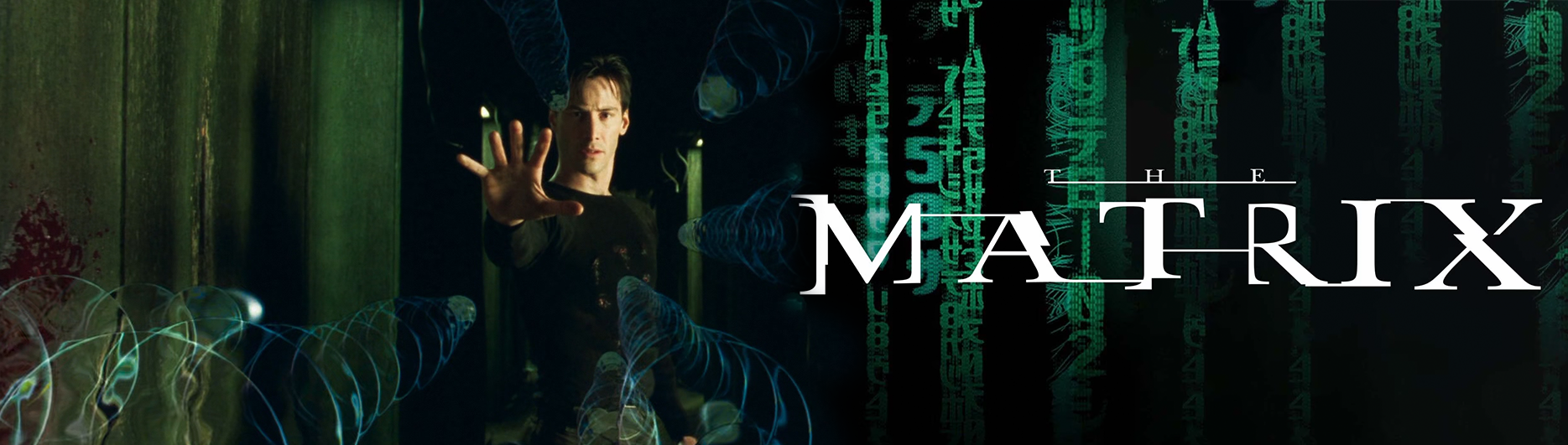
Neo
Inspired by The Matrix (1999)
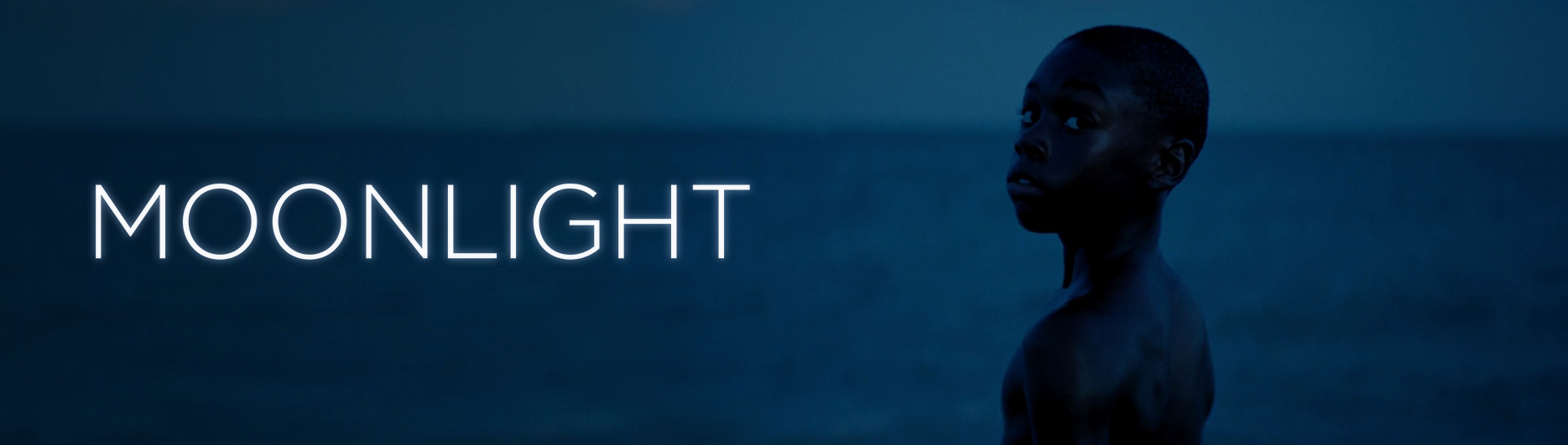
Moonlight
Inspired by Moonlight (2016)
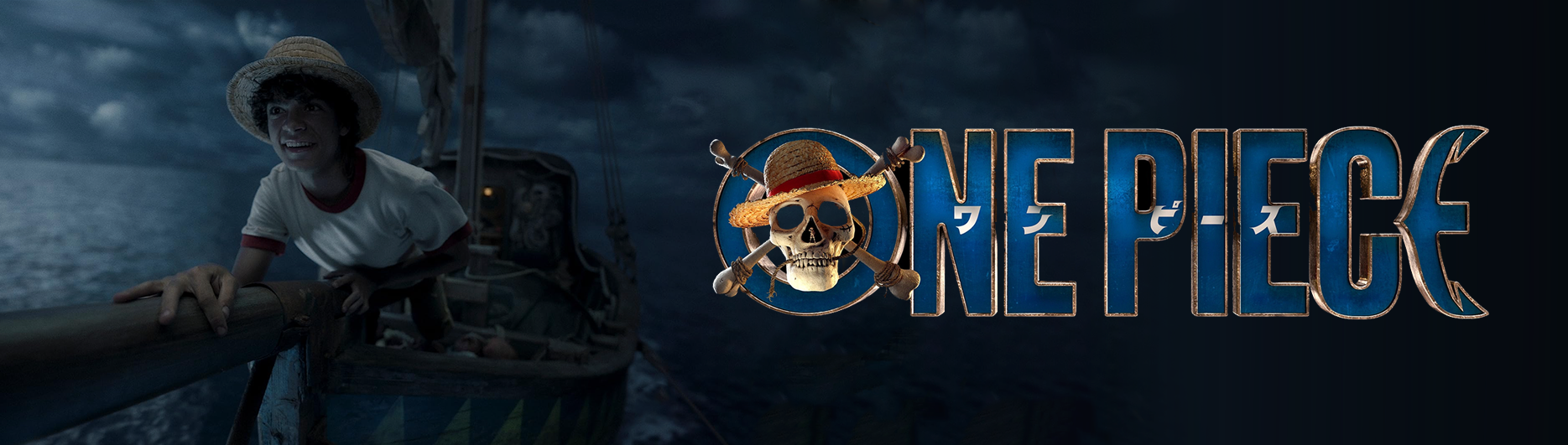
Straw Hat
Inspired by One Piece Live Action Series
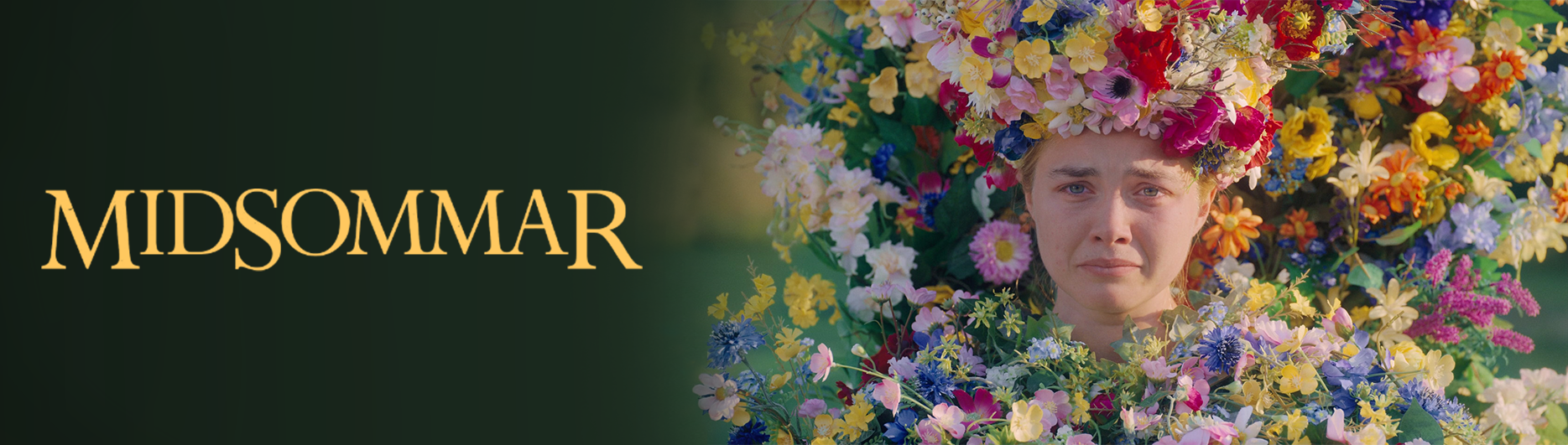
Mid Summer
Inspired by Midsommar (2019)
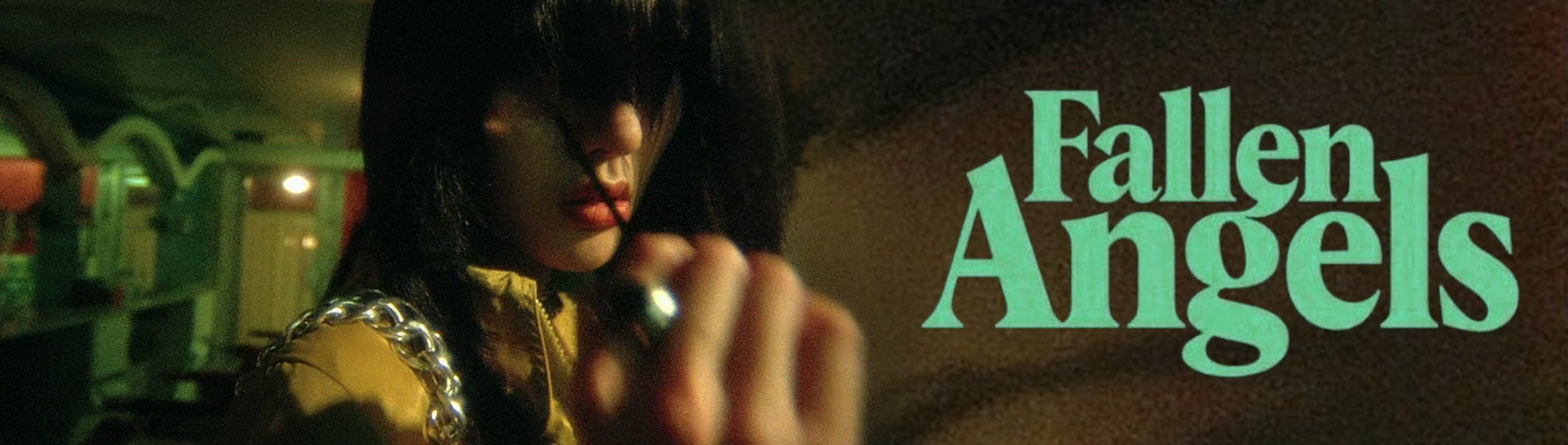
Fallen
Inspired by Fallen Angels (1995)
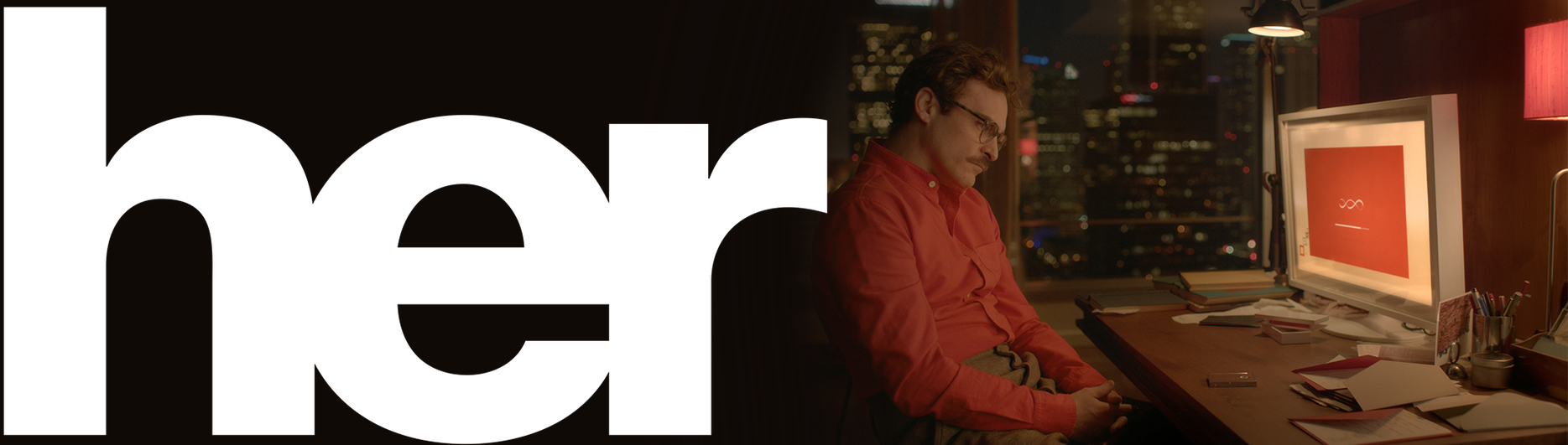
Her
Inspired by Her (2013)
___