Colorize Objects
 Azerilo


Installation
After installing the add-on, restart Blender.
You can find the add-on panel in the 3D Viewport Sidebar, under the "Colorize" tab.
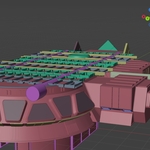
This add-on assigns viewport colors — not materials.
These colors are only visible in the viewport and do not appear in final renders.
To see the colors correctly:
-
Go to the Viewport Shading drop-down menu.
-
Set the Color mode to "Object".
-
Make sure you're in Solid shading mode.
Quick Start
-
Select some objects in your scene.
-
Click the "Assign Colors" button in the Colorize panel.
-
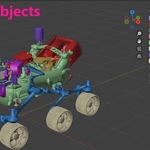
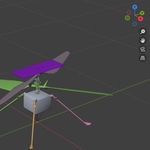
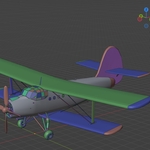
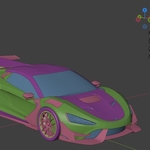
Each object will receive a color from the current color palette.
Color Palette Controls
-
The panel starts with a few default colors.
-
Click "Randomize Colors" to generate new random colors.
-
You can manually pick any color by clicking the color swatch.
-
Use "Add Color" to add a new color to the palette.
-
Use "Remove Last Color" to delete the most recently added color.
Custom Features
Need more features?
Feel free to email me with your requests — I’m happy to add features for free based on your needs!Email: azerilodeveloper{@gmail.com}
-
-
Have questions about this product?
Login to message
| Published | over 1 year ago |
| Blender Version | 3.6 - 5.0 |
| Extension Type | N/A |
| Render Engine Used | Cycles |
| License | GPL |