Columnar Cactus Generator
 Valeriia Orlova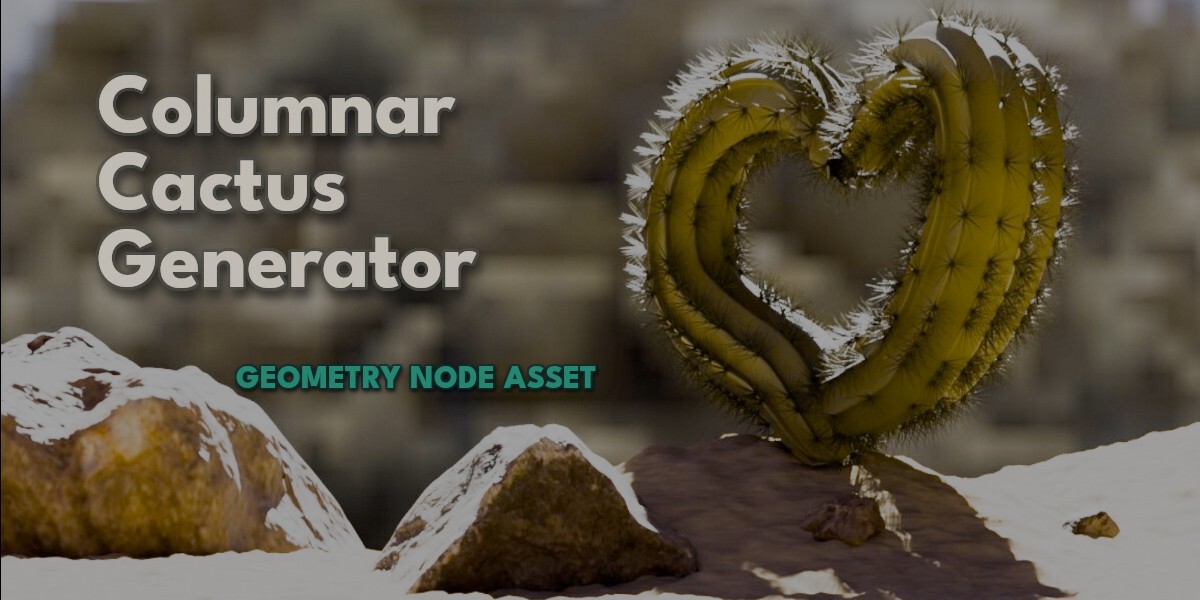
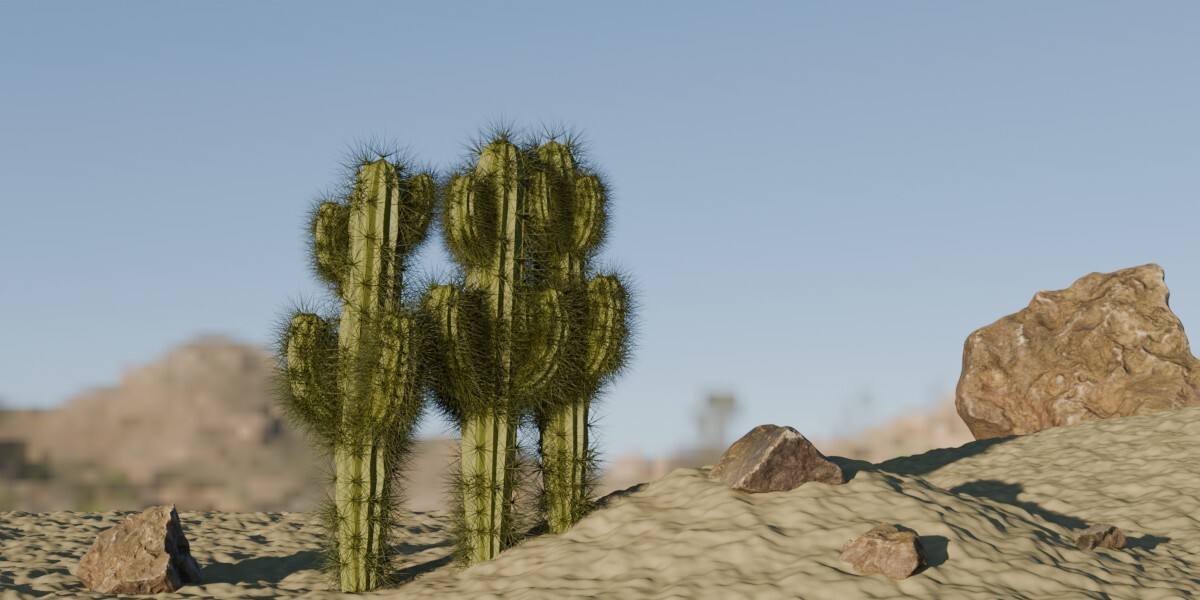
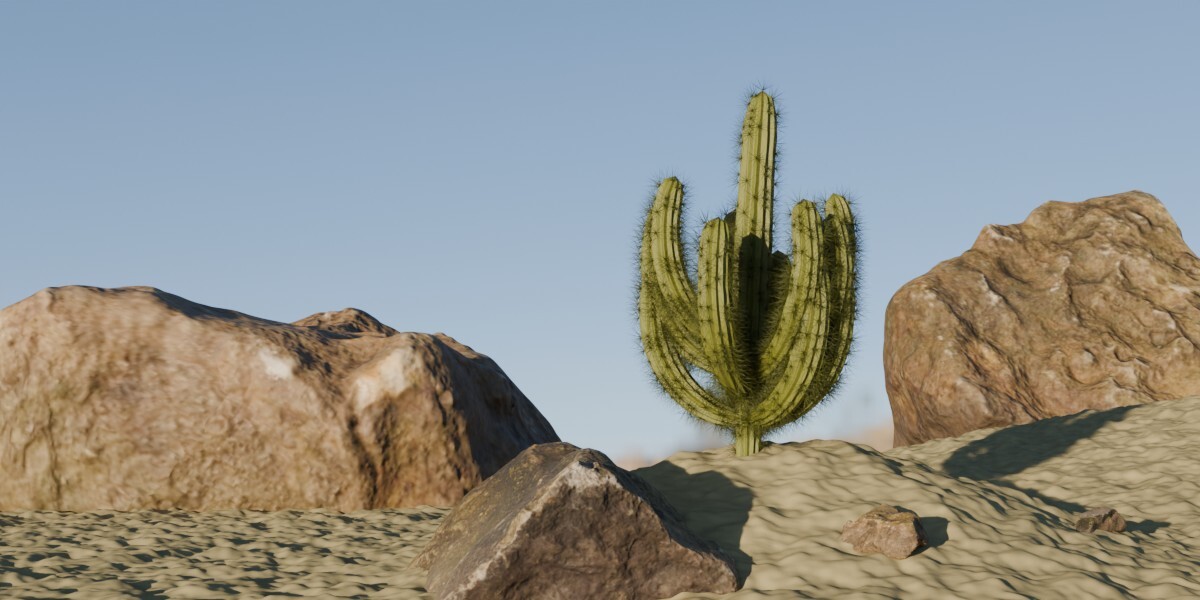
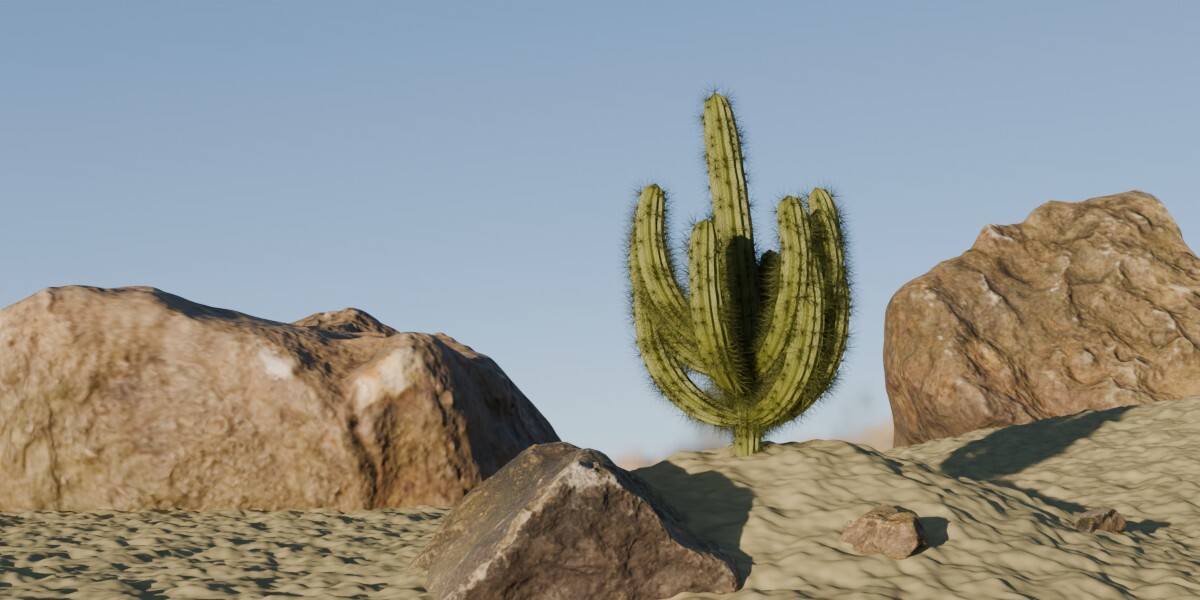
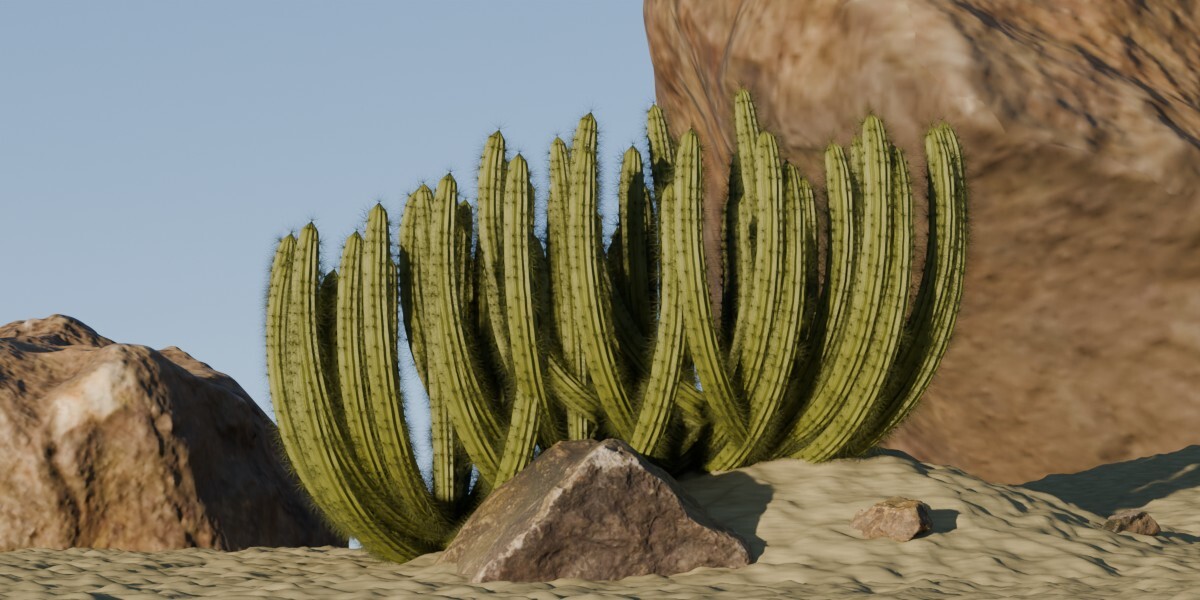
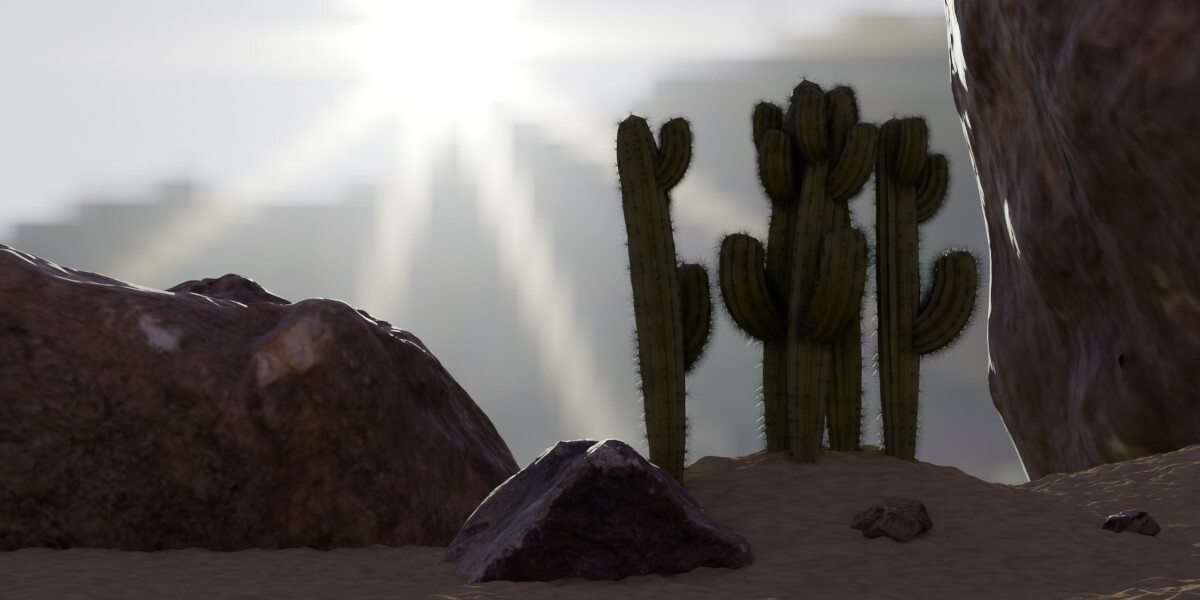
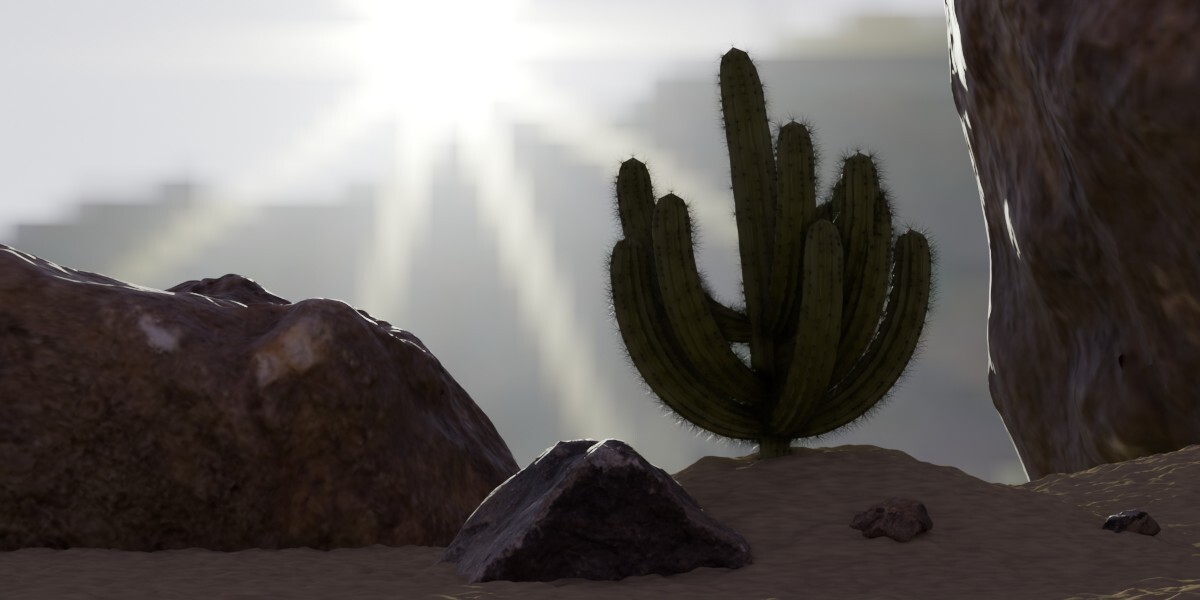
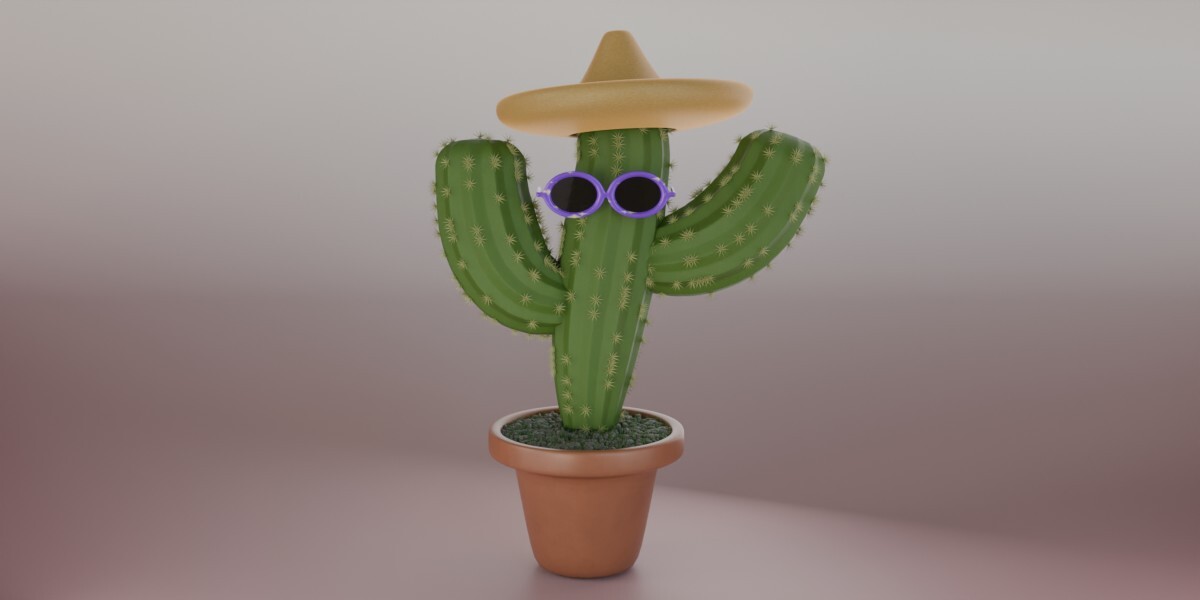
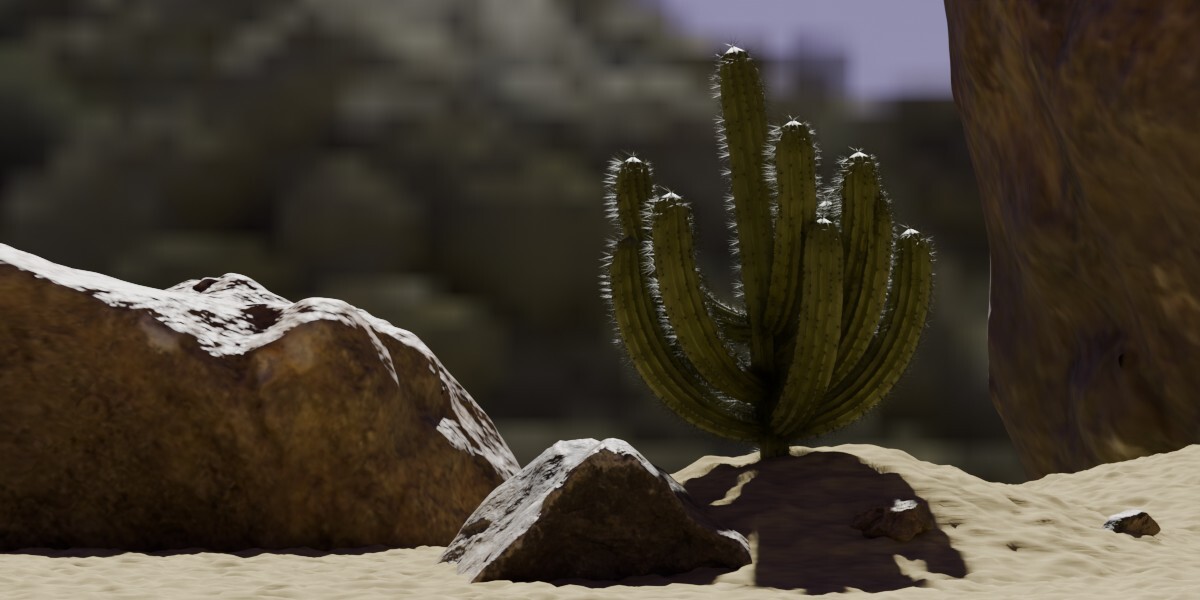
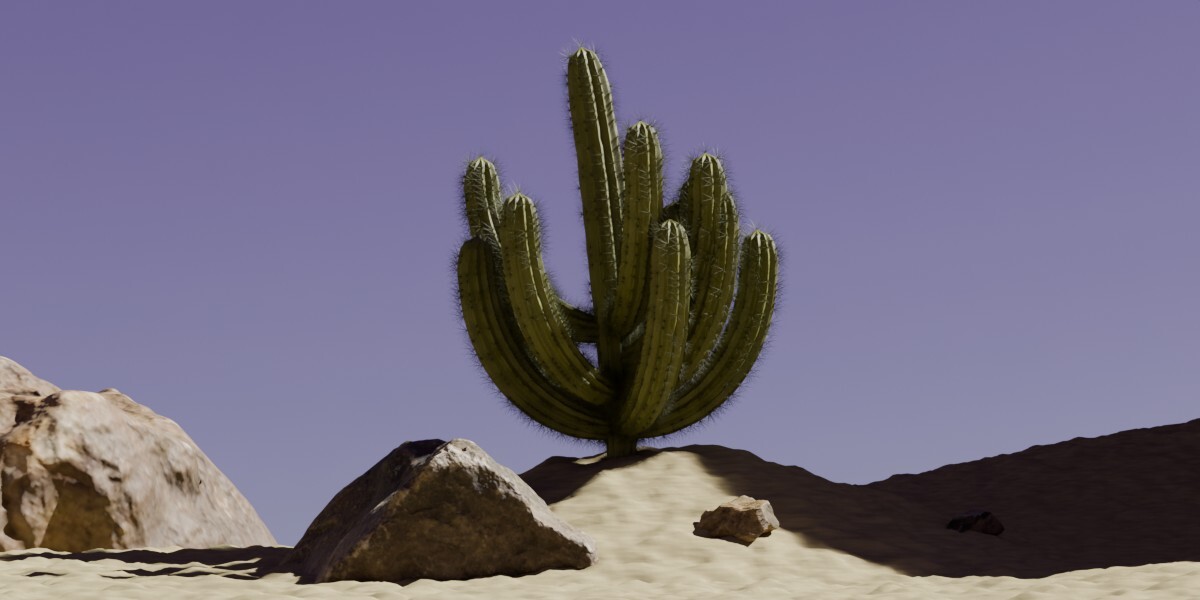
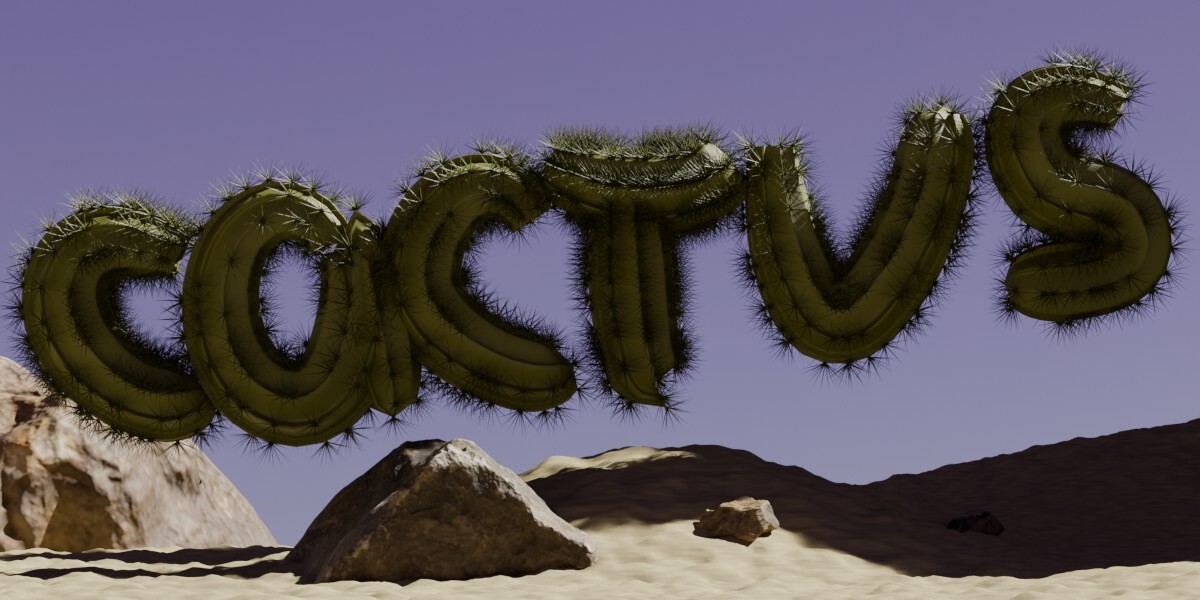
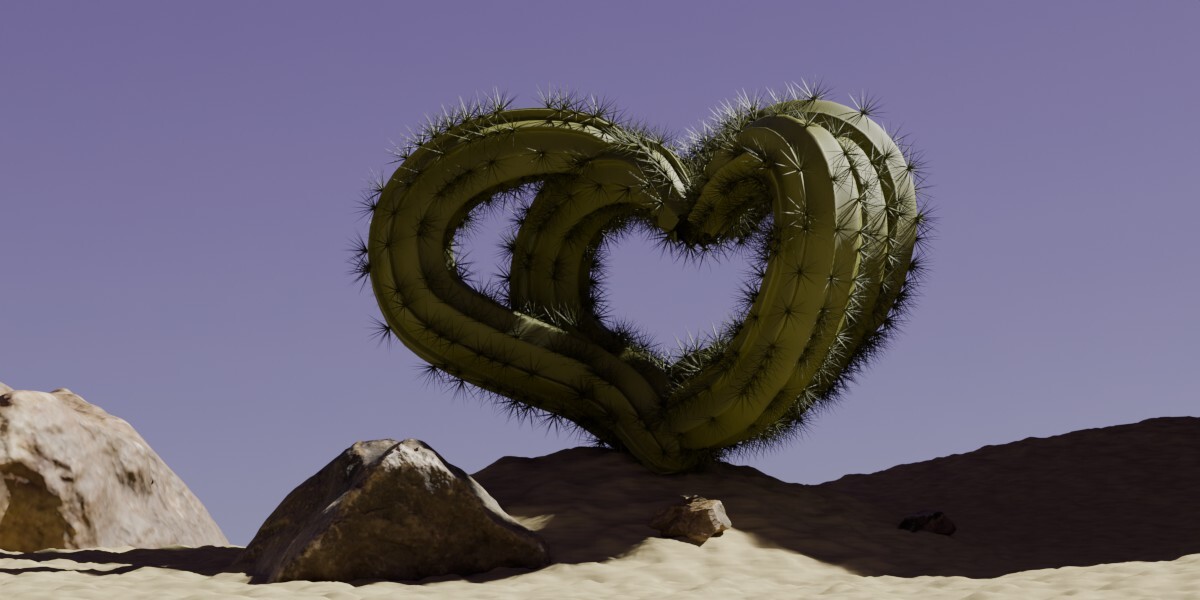
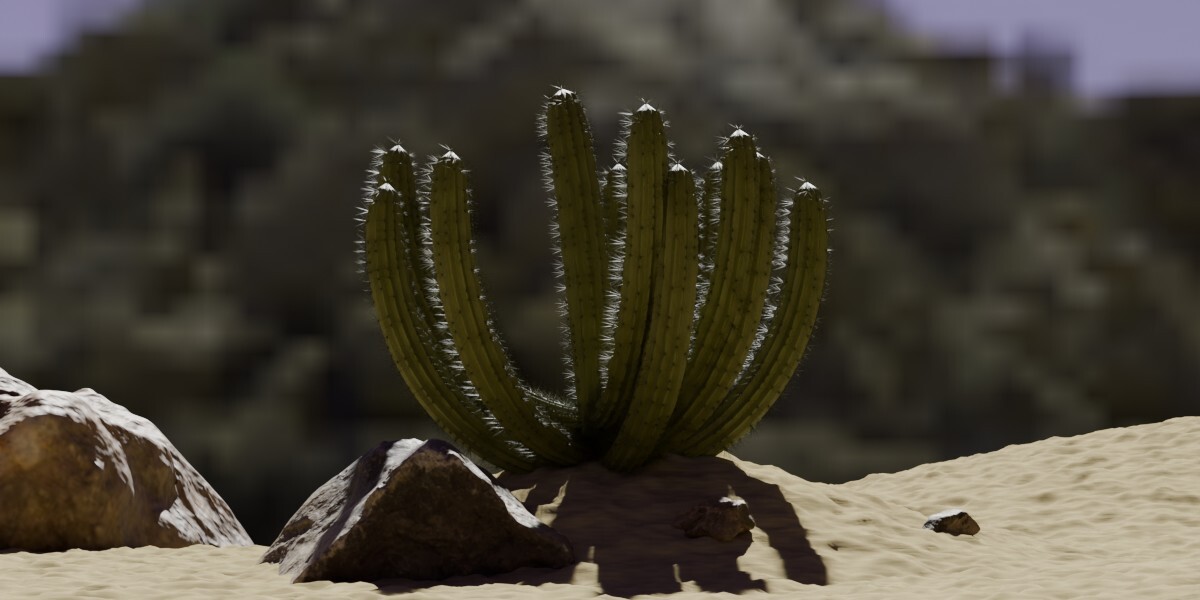
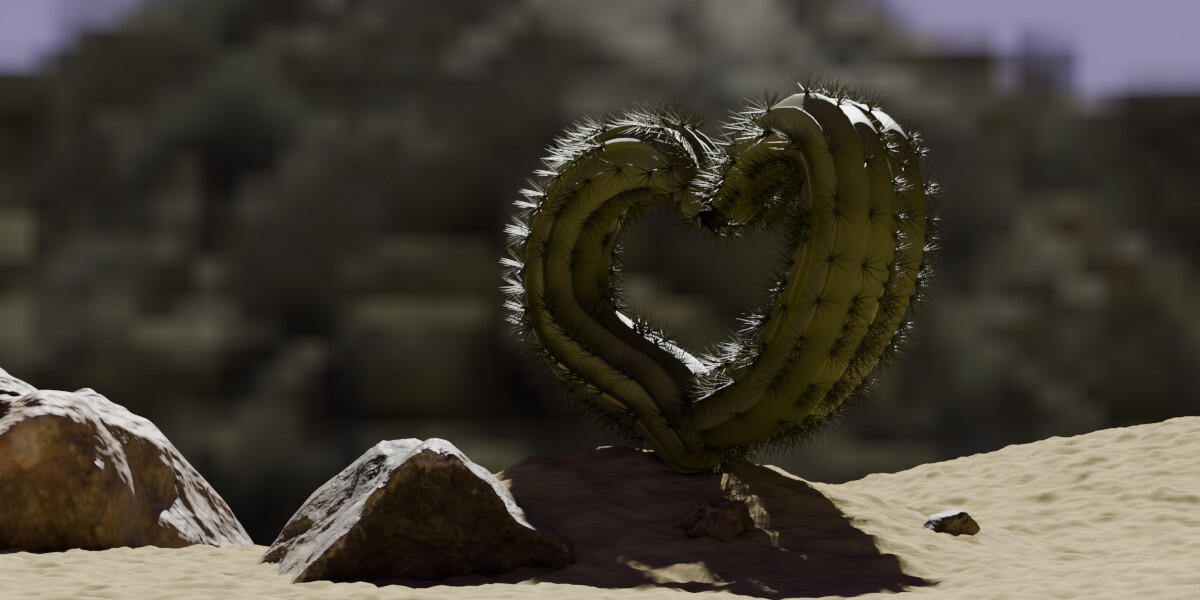
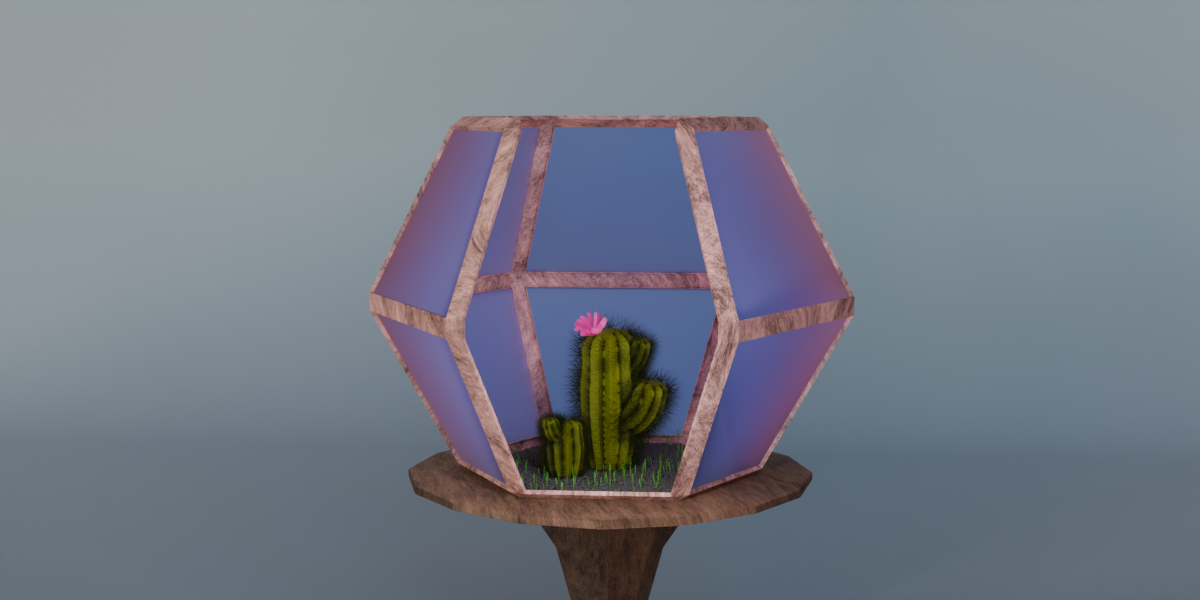
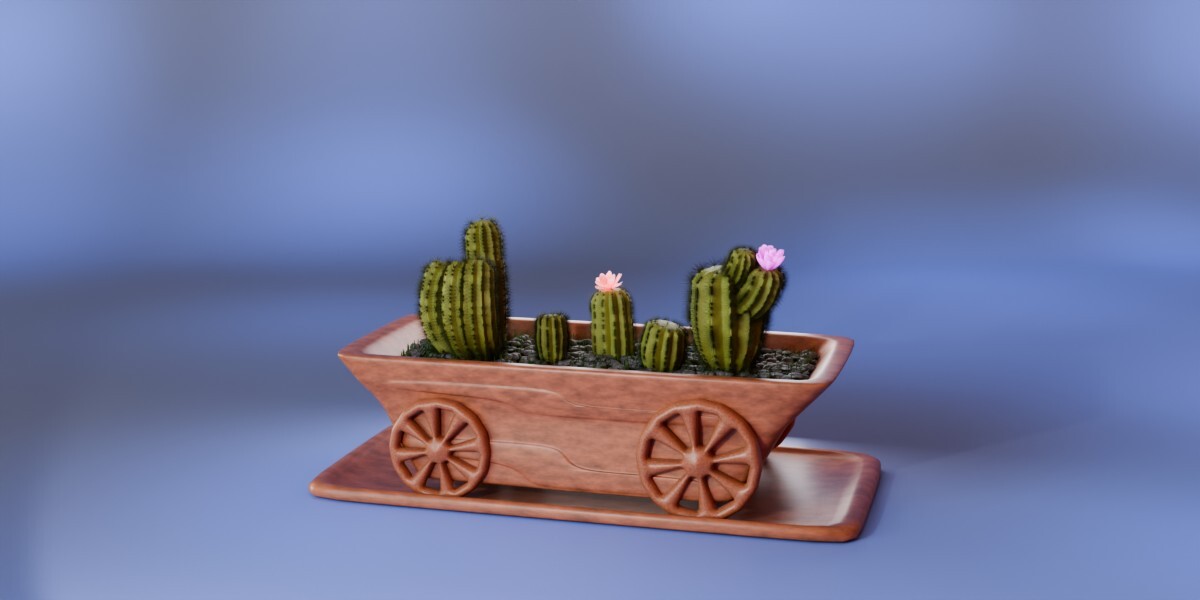
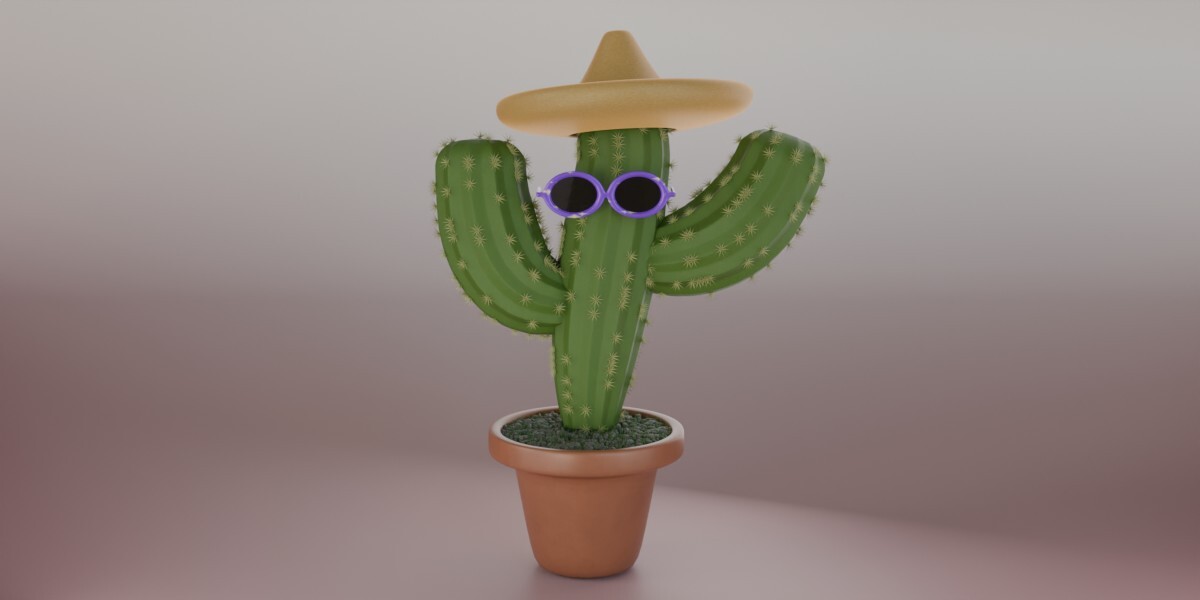

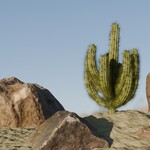
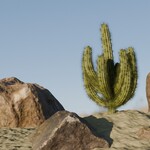
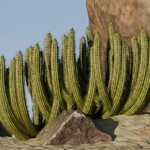



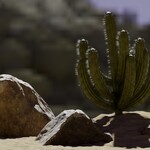
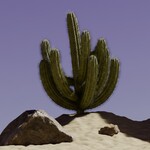


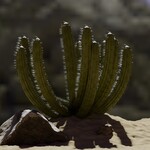

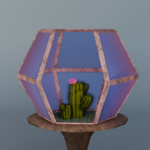


🌵 Columnar Cactus Generator — easily create and customize realistic columnar cacti to perfectly fit your scene. ⭐
🧩 Requirements
Blender 4.2 - 5.2
Created with the LTS releases of Blender 4.2, 4.5, and 5.2
No external add-ons required
Works with Cycles and Eevee
⚙️ Installation & Usage (Asset Library)
Add the asset to your Asset Library
Place the Columnar_Cactus_Generator.blend file into a folder registered as an Asset Library in Blender.
To register a folder:
- Go to Edit → Preferences → File Paths → Asset Libraries,
- Click +, choose the folder, and give it a name (e.g., My Assets).
Using the asset in your project
- Open your Blender project,
- Open the Asset Browser (Shift+F1 or from the sidebar),
- Navigate to the folder containing Columnar_Cactus_Generator,
- Drag and drop the generator into your scene — a new object will be created with all controls exposed.
Optional tips
Rename, tag, and categorize the asset for easier search,
Save custom presets by creating objects in your Asset Library.
🌵Parameters Overview (Controls)
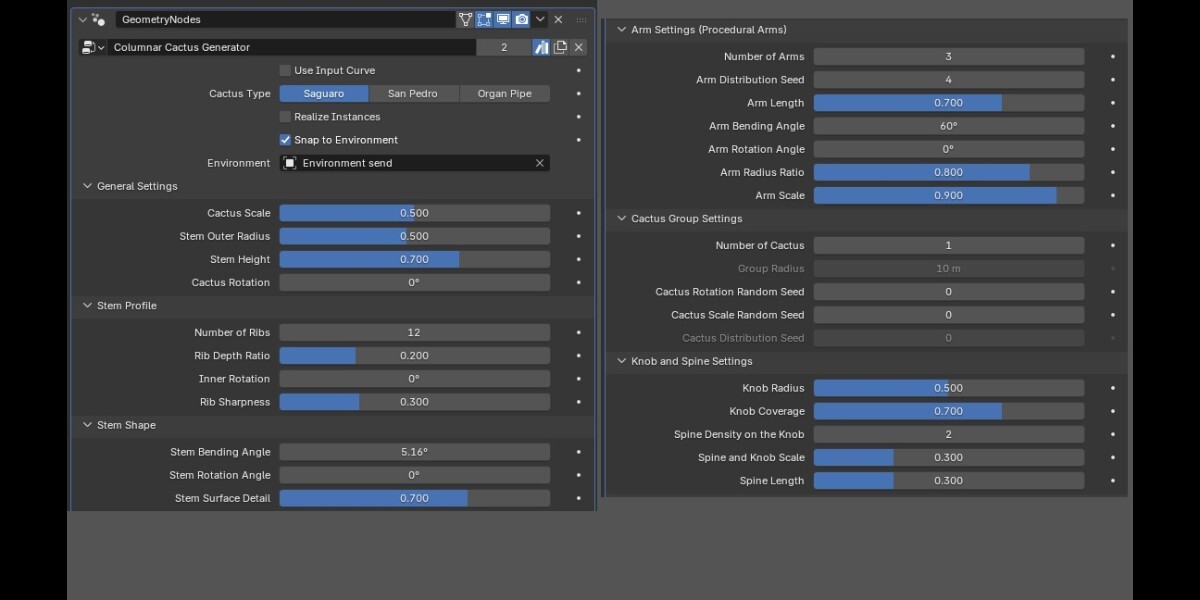
Use Input Curve - Use a curve to define the cactus shape and arm placement. Disable to generate the cactus procedurally using the provided settings
Cactus Type - Choose the cactus species to generate. Each type features unique growth characteristics and procedural controls
Realize Instances - Off — Optimized viewport performance, On — Export-ready geometry
Snap to Environment - Snap generated cacti to the nearest point on the environment surface using Sample Nearest Surface
Environment - Select the object used as the environment surface for snapping generated cacti
General Settings
Cactus Scale - Controls the overall size of the Cactus
Stem Outer Radius - Controls the overall thickness of the cactus stem
Stem Height - Controls the overall height of the cactus stem
Cactus Rotation - Controls the overall rotation of the cactus around its vertical axis
Stem Profile
Number of Ribs - Controls the number of ribs around the cactus stem
Rib Depth Ratio - Controls the depth of the grooves between ribs
Inner Rotation - Rotates the inner points of the rib profile relative to the outer points
Rib Sharpness - Controls how sharp or rounded the outer ribs of the cactus are
Stem Shape
Stem Bending Angle - Controls the angle by which the cactus stem bends away from its original growth direction
Stem Rotation Angle - Controls the direction of the stem bend around its growth axis
Stem Surface Detail - Controls the intensity of small-scale surface relief on the cactus stem. Higher values create a more pronounced and textured surface, while lower values produce a smoother appearance
Arm Settings (Procedural Arms)
Number of Arms - Controls how many procedural arms grow from the cactus stem
Arm Distribution Seed - Controls the random pattern of arm placement on the cactus stem
Arm Length - Controls the length of the cactus arms
Arm Bending Angle - Controls the angle by which the cactus arm bends away from its original growth direction
Arm Rotation Angle - Controls the direction of the arm bend around stem growth axis
Arm Radius Ratio - Controls the relative radius of the arms compared to the main stem
Arm Scale - Controls the overall size of the Arm
Cactus Group Settings
Number of Cactus - Controls the number of Cactus in Group
Group Radius - Controls the radius of the Cactus group distribution
Cactus Rotation Random Seed - Controls the random rotation of individual stems around their vertical (Z) axis within the organ pipe cactus cluster
Cactus Scale Random Seed - Controls the random size variation of individual stems within the organ pipe cactus cluster
Cactus Distribution Seed - Controls the random placement in the Group
Knob and Spine Settings
Knob Radius - Controls the size of individual knobs (tubercles)
Knob Coverage - Controls how much of the cactus surface is covered with knobs. Higher values produce denser coverage and fewer bare areas
Spine Density on the Knob - Controls the density of spine distribution on each knob
Spine and Knob Scale - Controls the overall scale of the knobs and their spines
Spine Length - Adjusts the length of the spines
🎨 Tips for Use
📜 License
Standard Royalty Free License
You may use this asset in personal, educational, or commercial projects.
Redistribution or resale of the original .blend file or any part of it is not allowed.
© 2026 Valeriia Orlova. All Rights Reserved.
💬 Author
Created by Valeriia Orlova
Contact: [email protected]
 Included
Includes 12 months of
- Support from Valeriia Orlova
- Product updates
Extend this product’s Support Period +12 months: 50% of product price
Have questions before purchasing?
Login to message
| Published | about 2 months ago |
| Blender Version | 4.2 - 5.2 |
| Render Engine Used | Cycles, Eevee |
| License | Royalty Free |
Discover more products like this
geometry nodes procedural San Pedro saguaro #desert #nature cactus curve-generator organ-pipe environment blender vegetation