Complete Procedural Christmas Tree Kit
 Oolie Studio
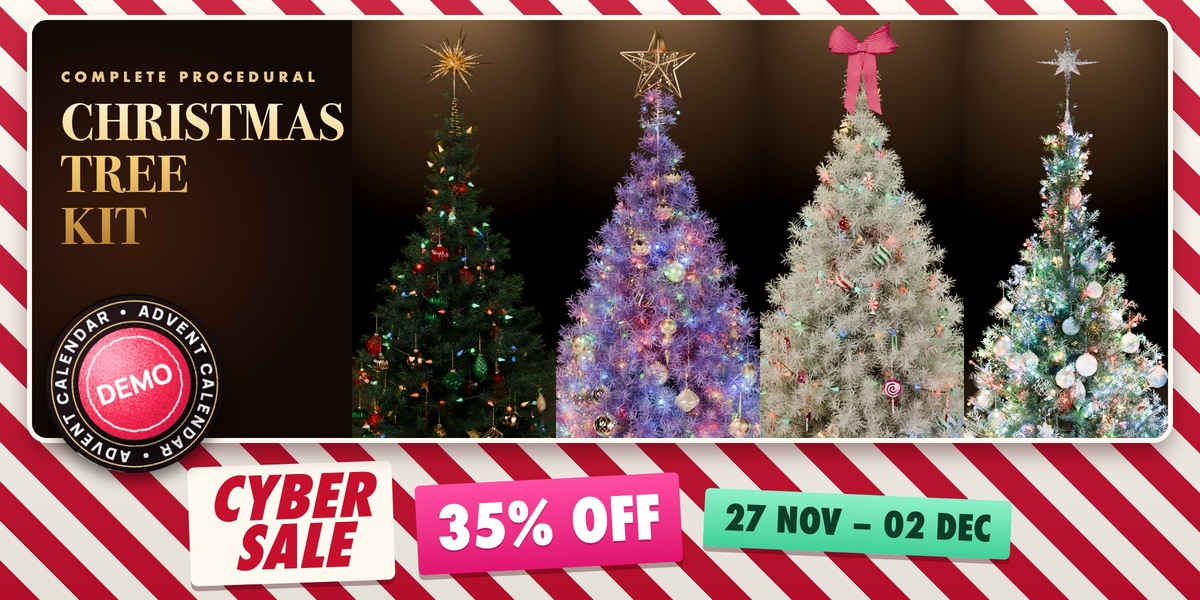
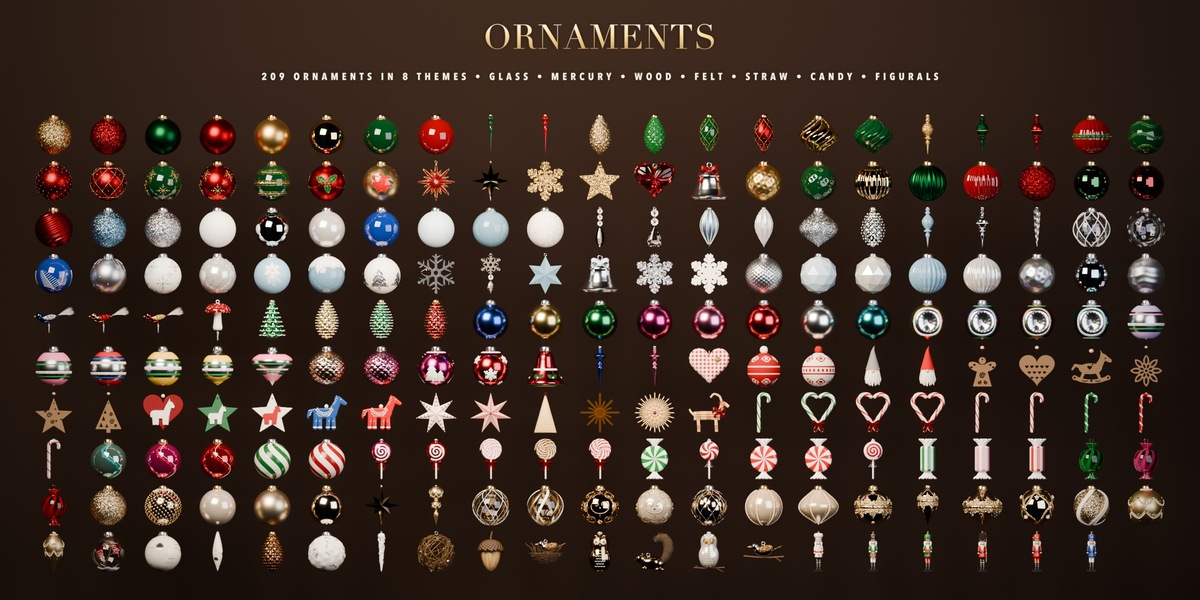
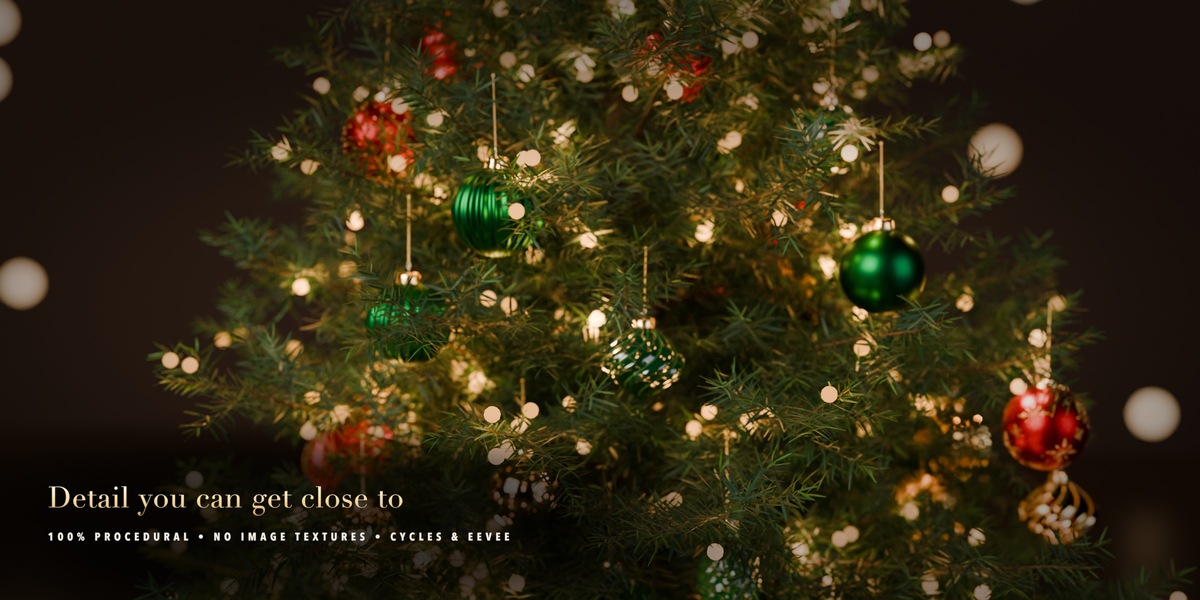
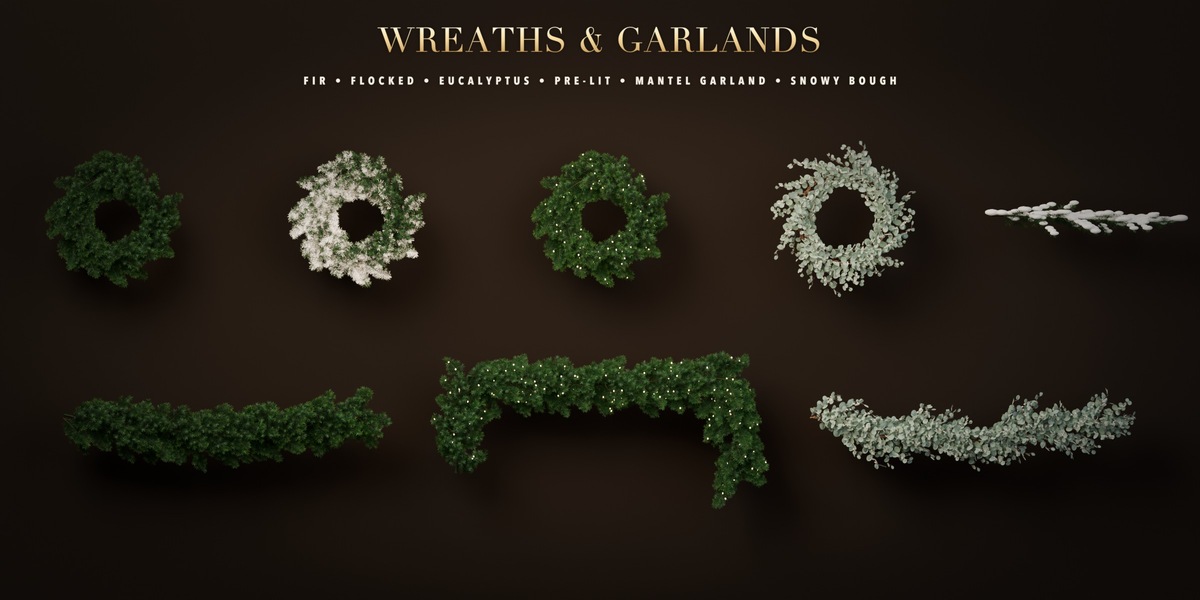
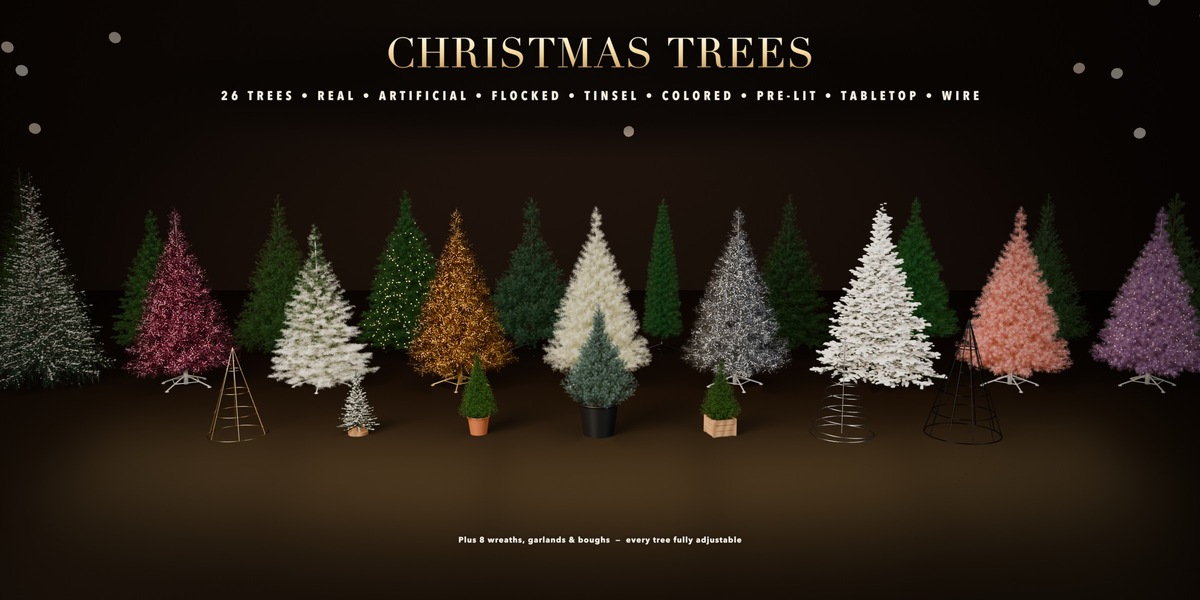


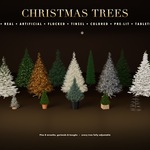

Blender 5.2 or newer. All materials are built for both Cycles and EEVEE.
No. The kit is a regular Blender asset library: no add-on to install, no image textures and no external files. Everything is Geometry Nodes and procedural materials, so there is nothing to relink.
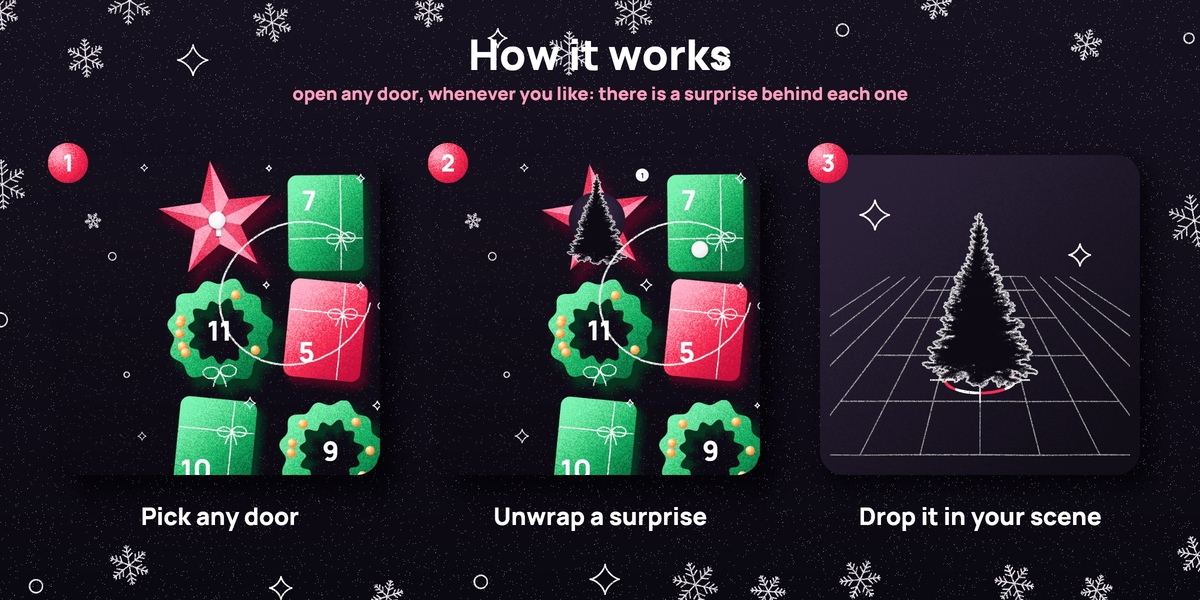
Unzip the download, then in Blender open Edit > Preferences > File Paths > Asset Libraries, click + and select the Asset Library folder. Set its Import Method to Append. Open the Asset Browser, choose Complete Procedural Christmas Tree Kit and drag any asset into your scene.
Every tree has two needle settings: Viewport Detail (what you see while working, Low by default) and Detail (used for the final render). Keep Viewport Detail low while you work. Ornaments, lights and gifts stay in exactly the same place at every detail level. For very large scenes, lower Needles Per CM on background trees.
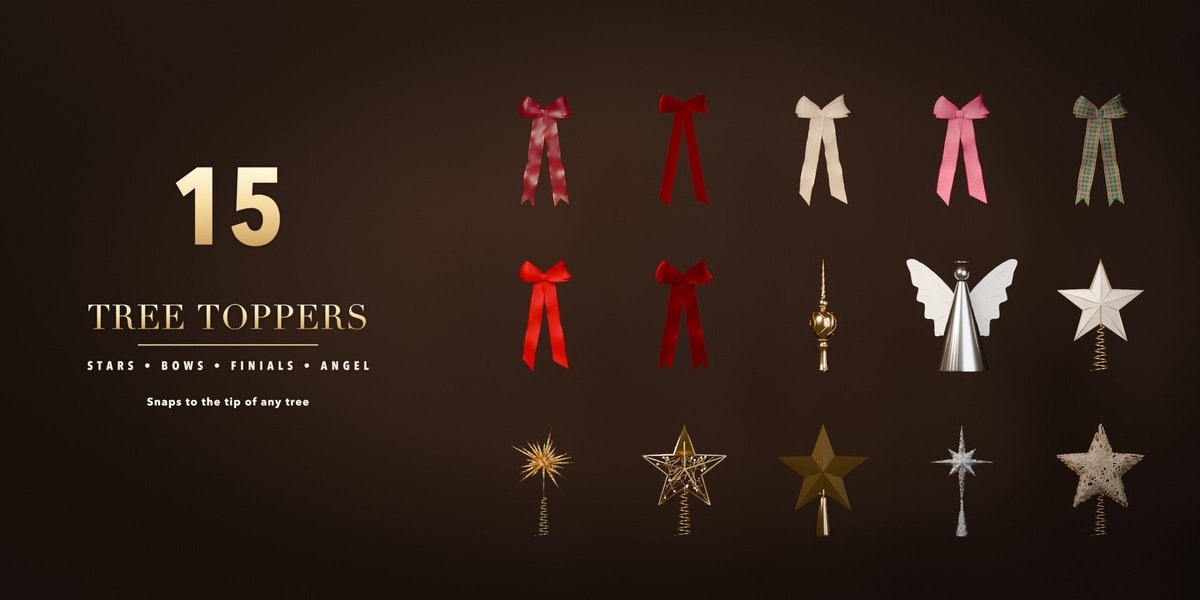
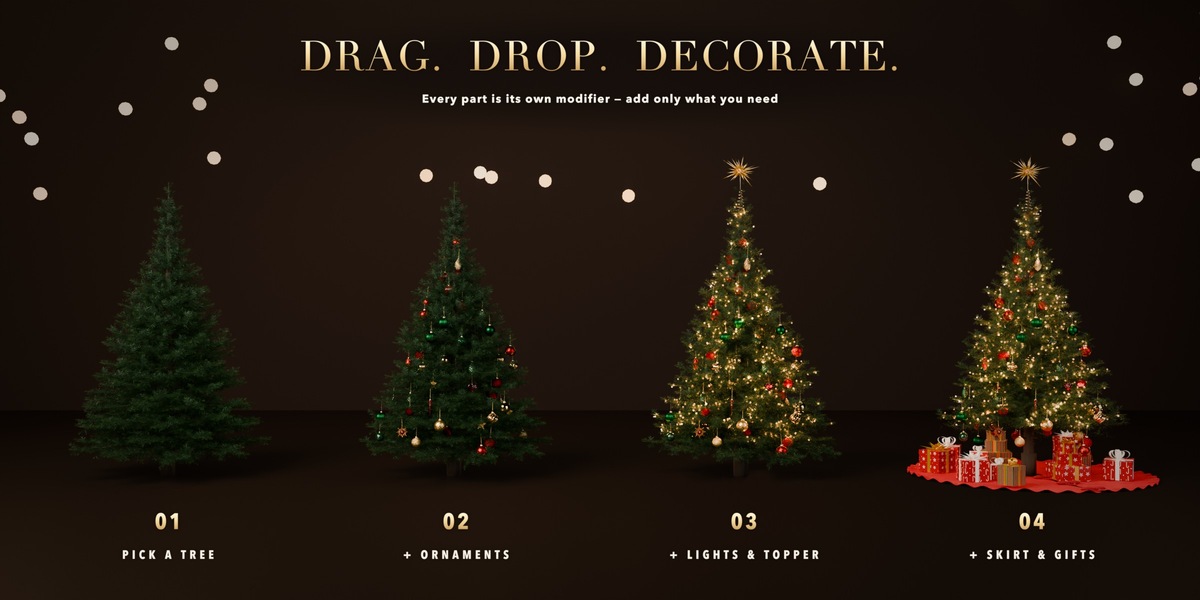
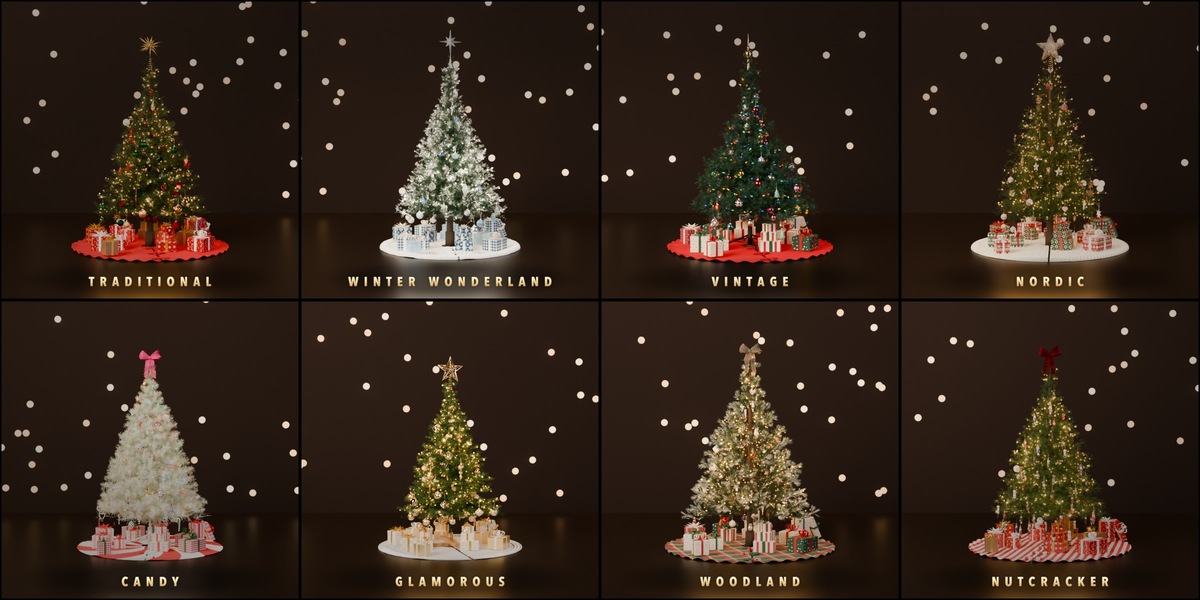
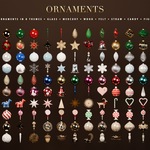
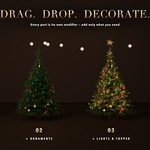
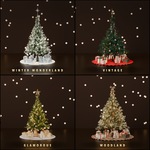
Yes. Every decoration is its own modifier, and every modifier works on every Christmas tree in the kit. Stack only the ones you need: for example a Vintage ornament scatter with Fairy Lights, a Gold Starburst topper and a Peppermint skirt.
Fairy Lights and String Lights twinkle with the timeline. Press play or render an image sequence to see it. String Lights has 5 animation styles: Steady, Twinkle, Sparkle, Chase and Fade.
 Included
Includes 12 months of
- Support from Oolie Studio
- Product updates
Extend this product’s Support Period +12 months: 50% of product price
Have questions before purchasing?
Login to message
Includes Blender Assets
280 drag-and-drop assets for Blender’s Asset Browser.
Browse included assets| Rating | 1 ratings |
| Published | 4 days ago |
| Blender Version | 5.2 |
| Render Engine Used | Cycles, Eevee |
| Misc Data | Animated, Low-High-Resolution |
| License | Royalty Free |
Discover more products like this
gifts asset library decoration holiday winter christmas tree procedural xmas ornaments geometry nodes lights Christmas